

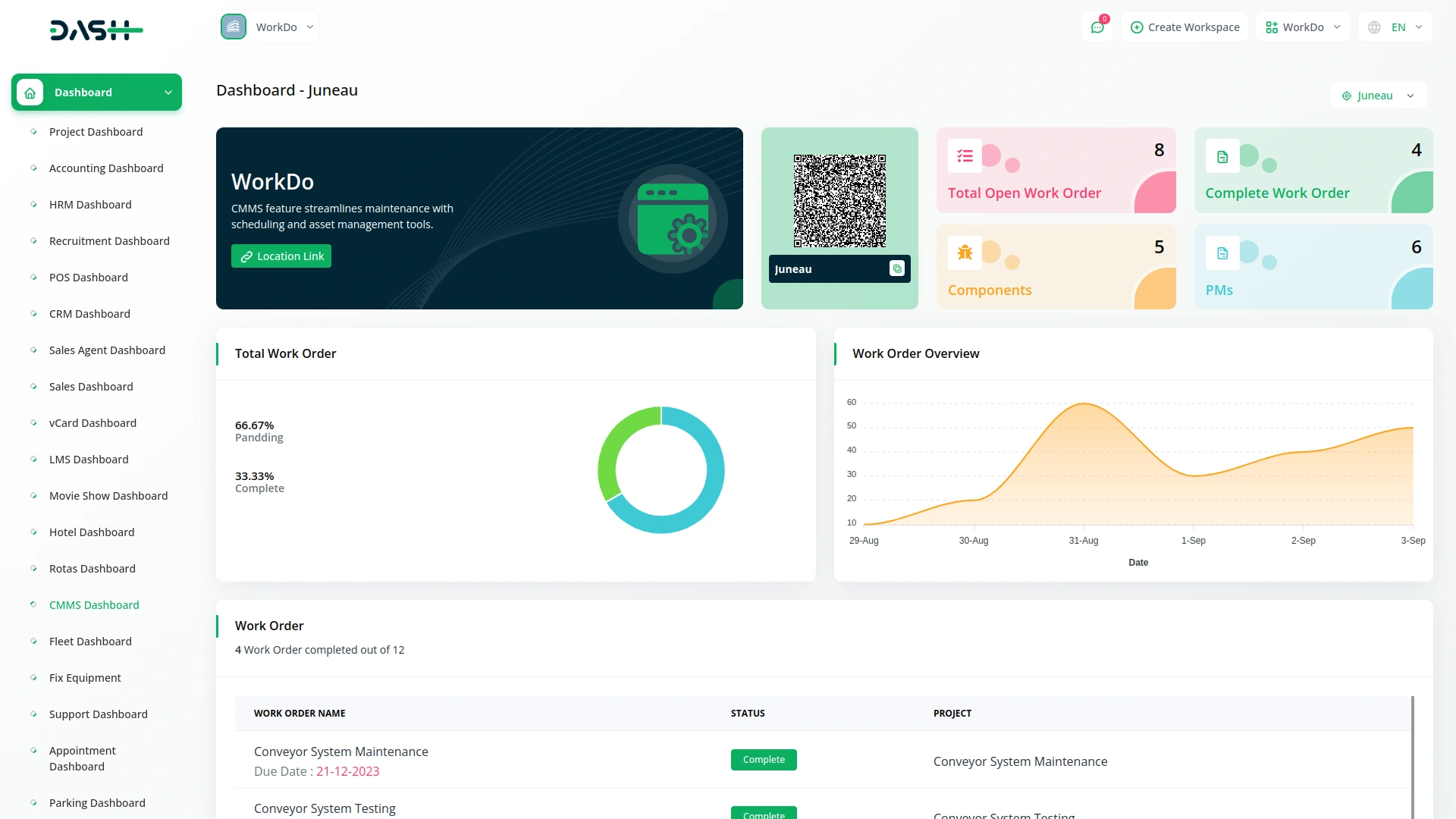
This CMMS Add-On streamlines maintenance management by offering efficient work order tracking, preventive maintenance scheduling, and real-time status updates. It enables businesses to manage components, suppliers, and locations while ensuring seamless asset monitoring. The Add-On also supports customizable work instructions, ensuring standardized maintenance processes and reducing equipment downtime.
Streamlined Maintenance Management with Real-Time Tracking
- Work Order Management
- Preventive Maintenance Scheduling
- Component Tracking
- Supplier Management
- Location-Based Asset Monitoring
- Real-Time Status Updates
Work Order Management
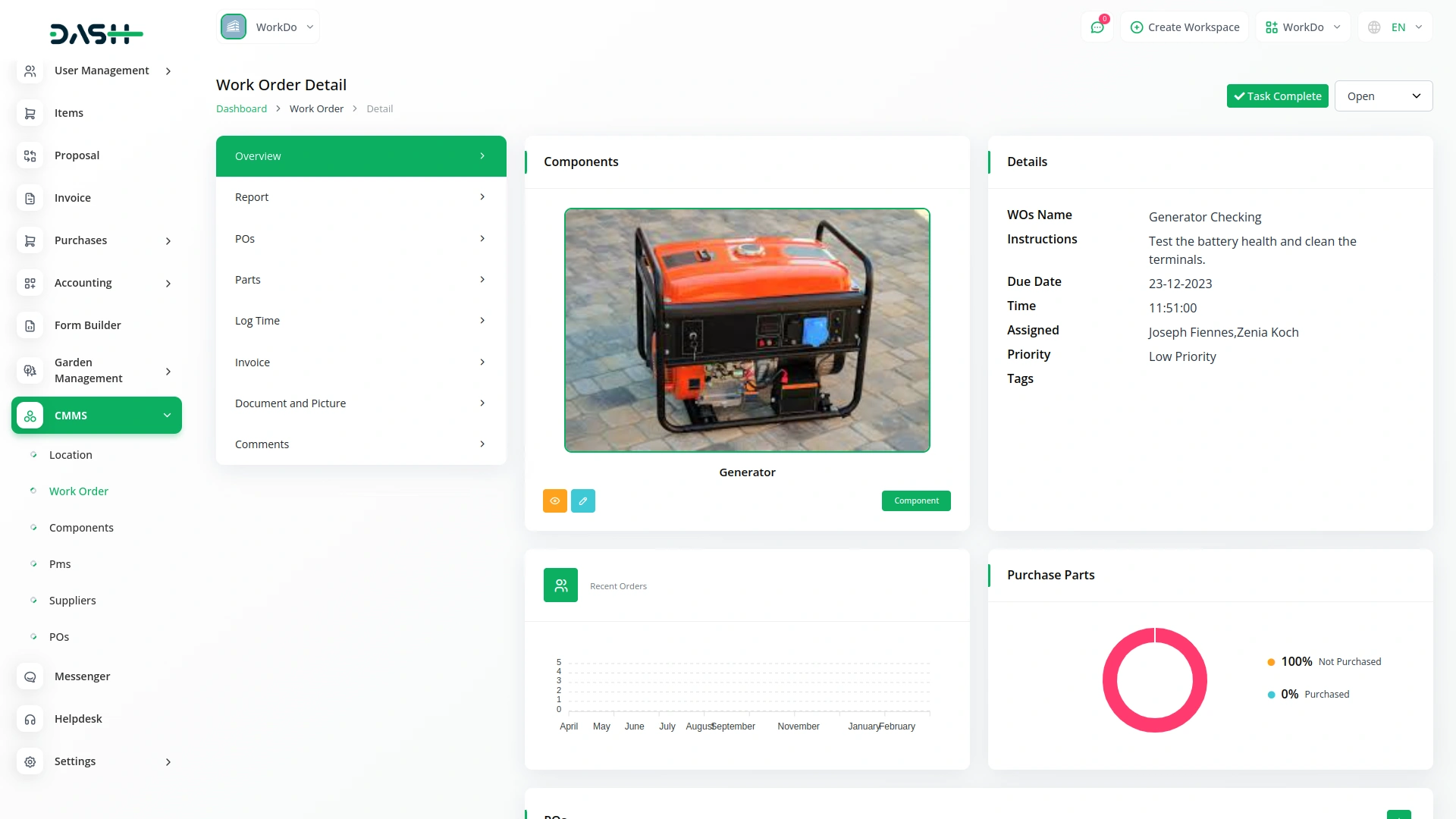
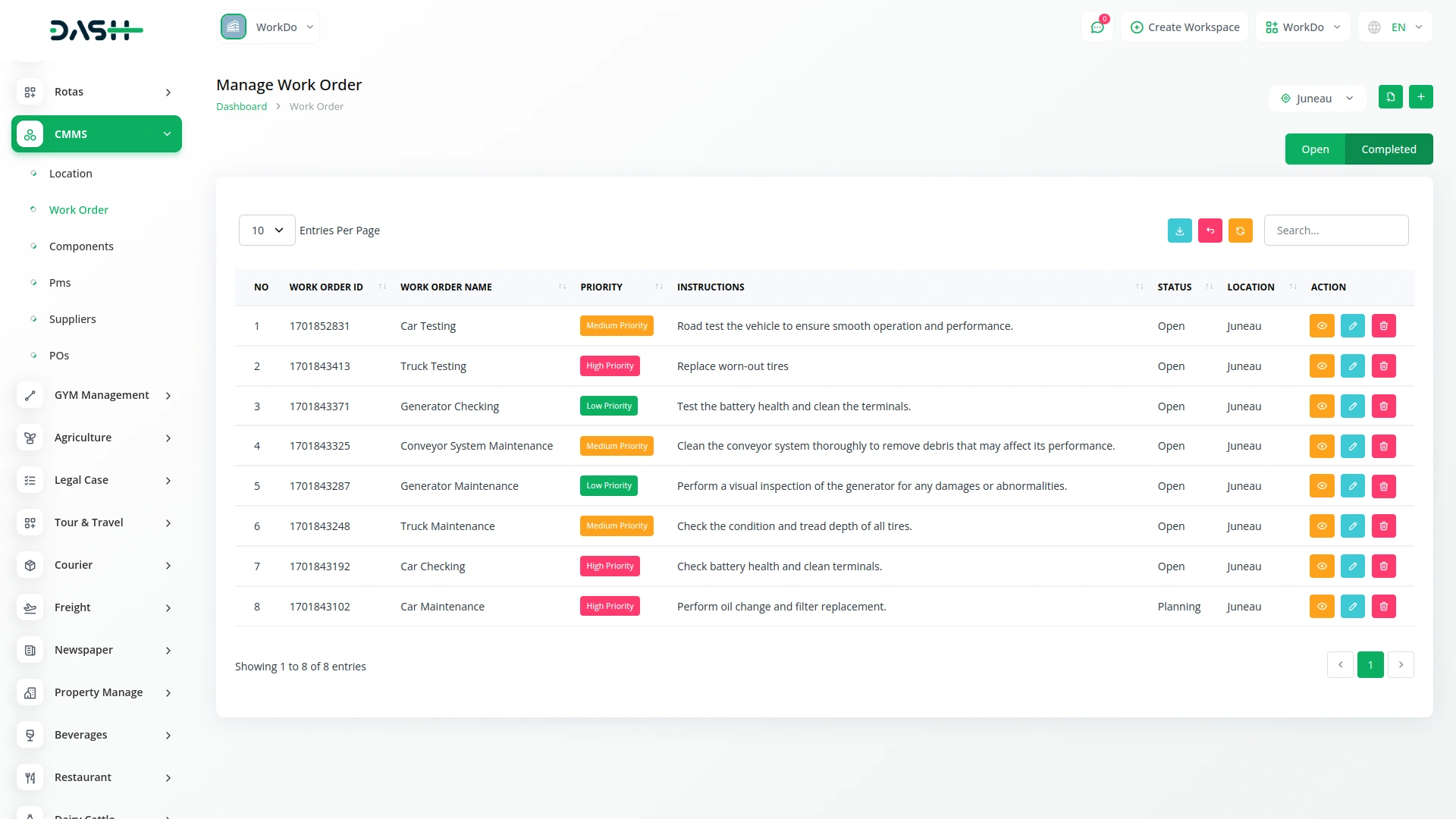
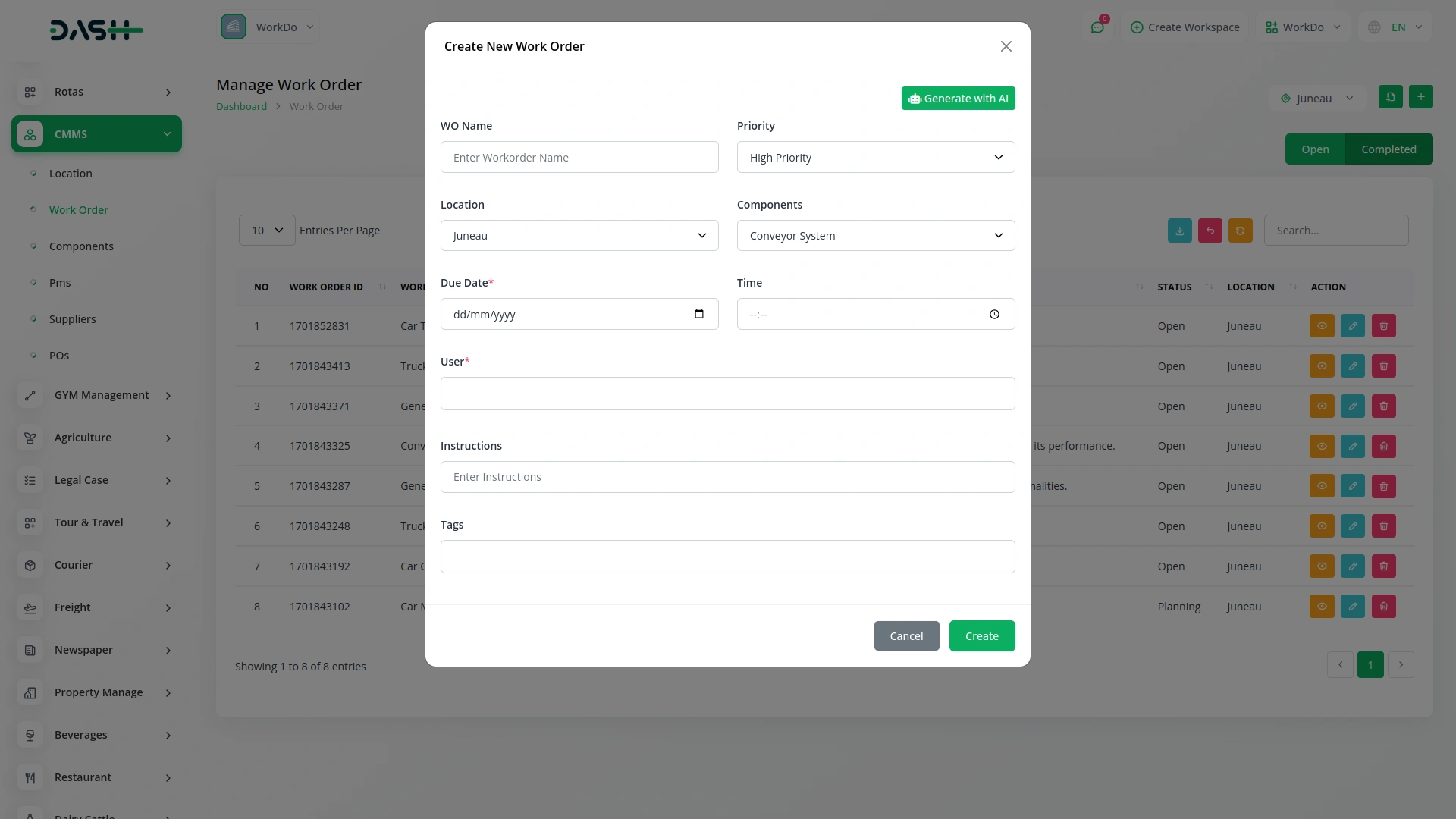
The work order management feature allows you to create, track, and manage work orders efficiently. You can define detailed instructions, assign tags, set priorities, and link specific components and parts to each work order. The status of work orders can be updated, ensuring clear communication between team members and management.
- Assign components and parts for each work order
- Set priorities levels and track status in real time
- Manage work instructions and tags for organization
Location-Based Monitoring
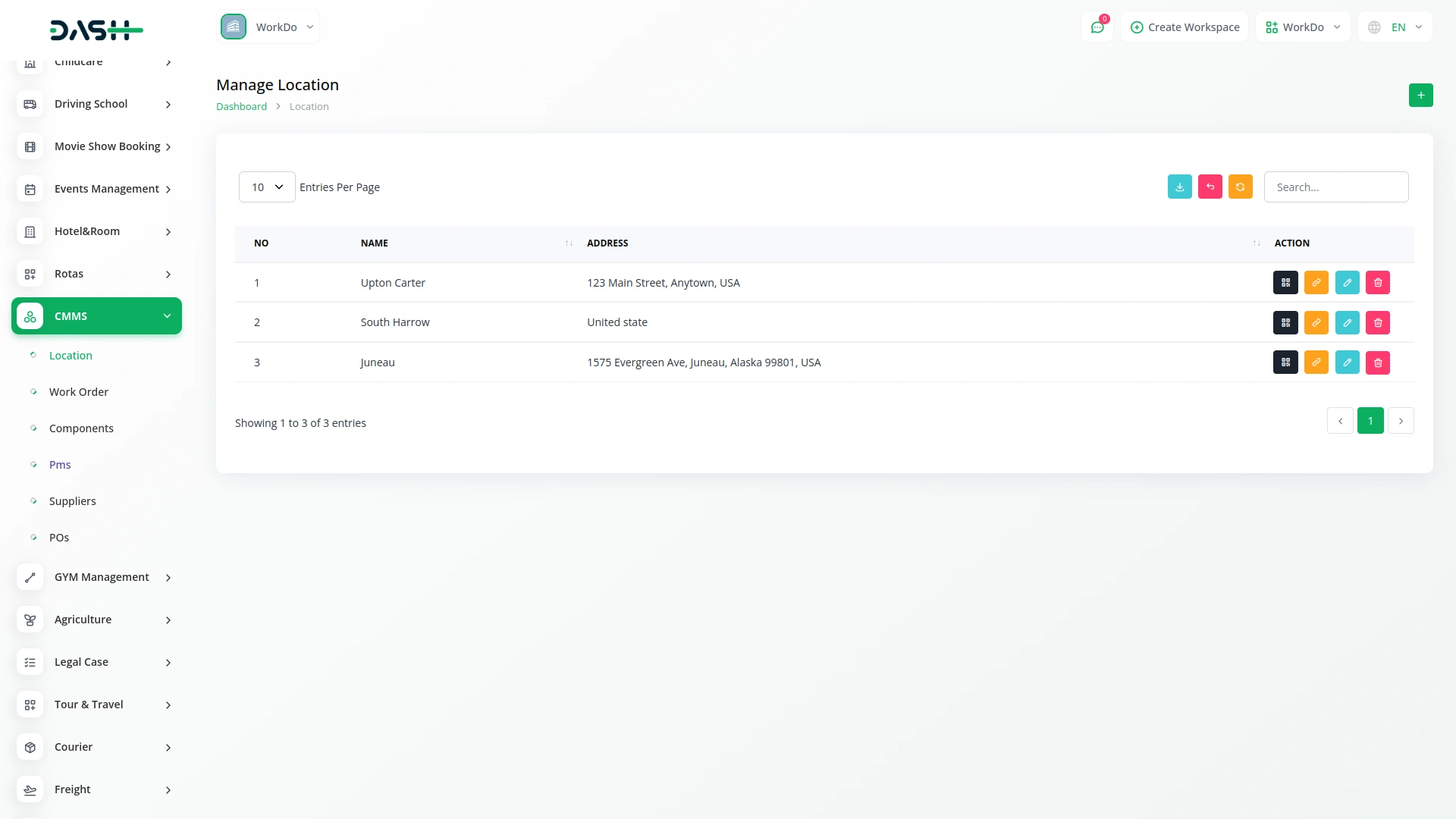
The location management functionality helps track and organize all your maintenance operations based on specific locations. You can manage multiple locations, store their contact details, and monitor the particular maintenance needs at each location. This ensures that your maintenance tasks are assigned to the correct location.
- Assign work orders and components to locations
- Organize locations with custom names and addresses
- Track location-based asset performance in different locations
Preventive Maintenance Scheduling
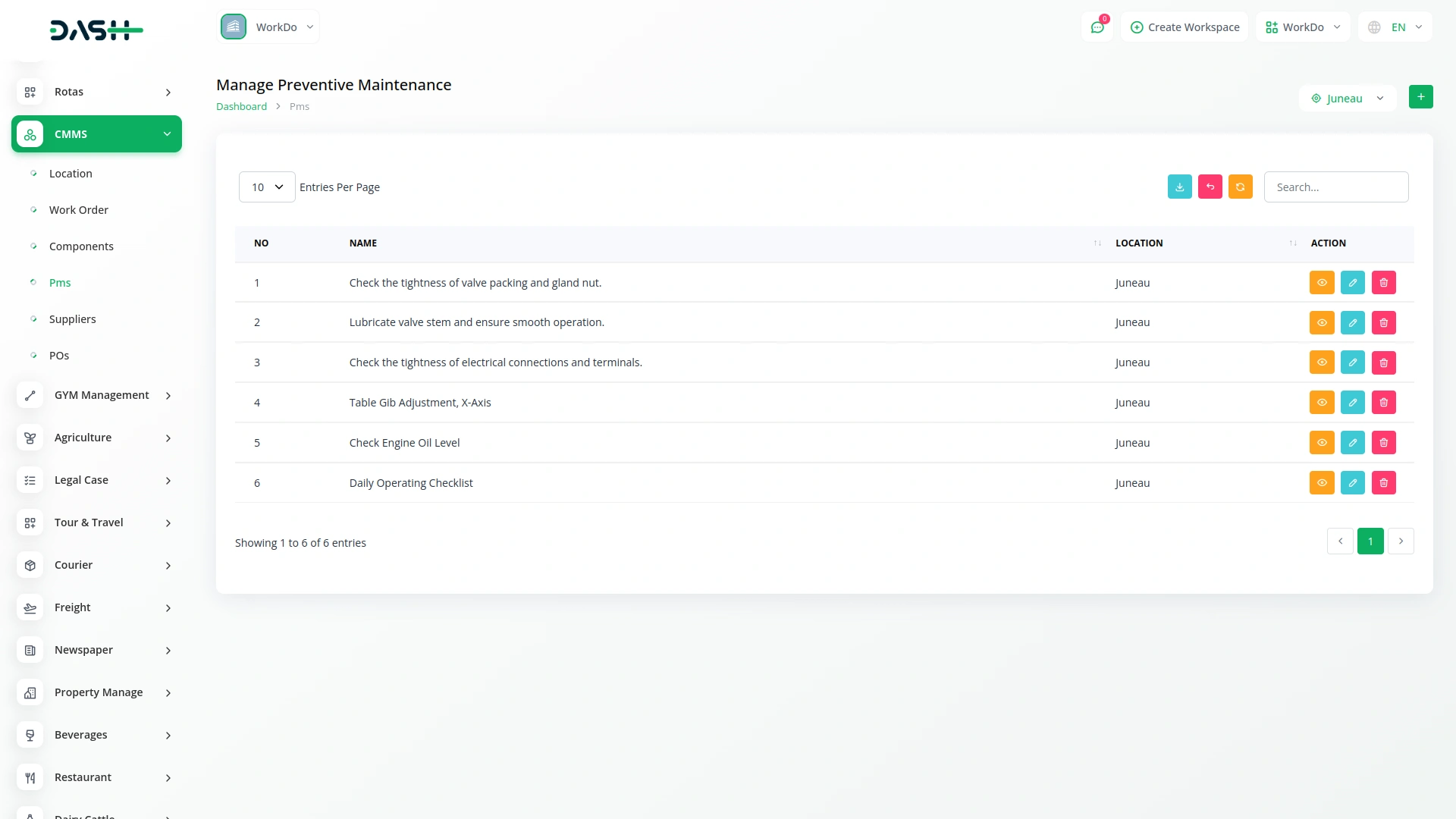
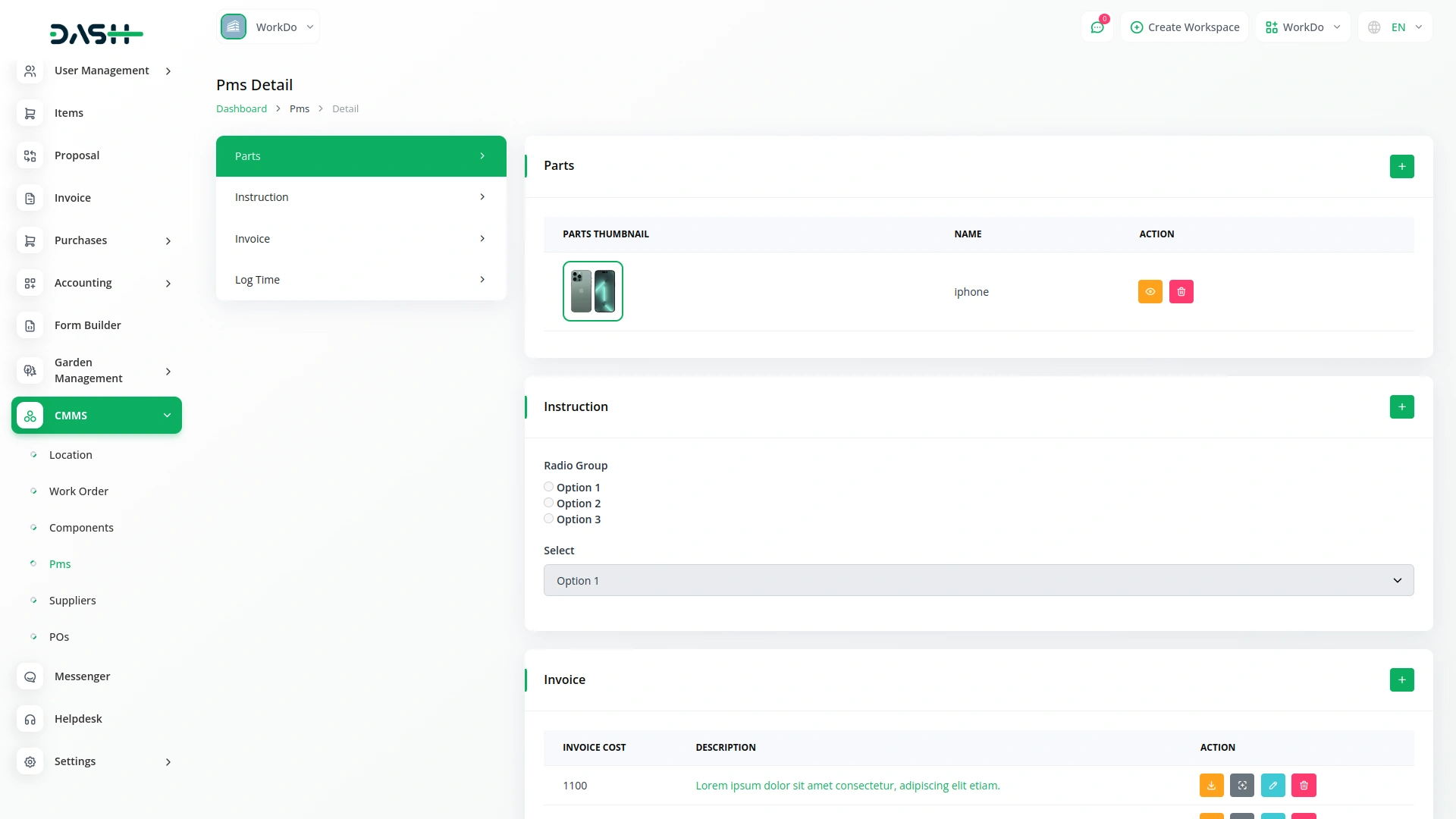
Keep your equipment running efficiently with preventive maintenance scheduling. Assign routine maintenance tasks to specific locations and track maintenance history. This feature helps prevent unexpected failures and extends asset lifespan.You can easily assign parts, components, and work orders to each scheduled PM task.
- Schedule and track recurring maintenance tasks
- Assign tasks to locations and users for each PM task
- Maintain a complete history of maintenance actions
Component Tracking
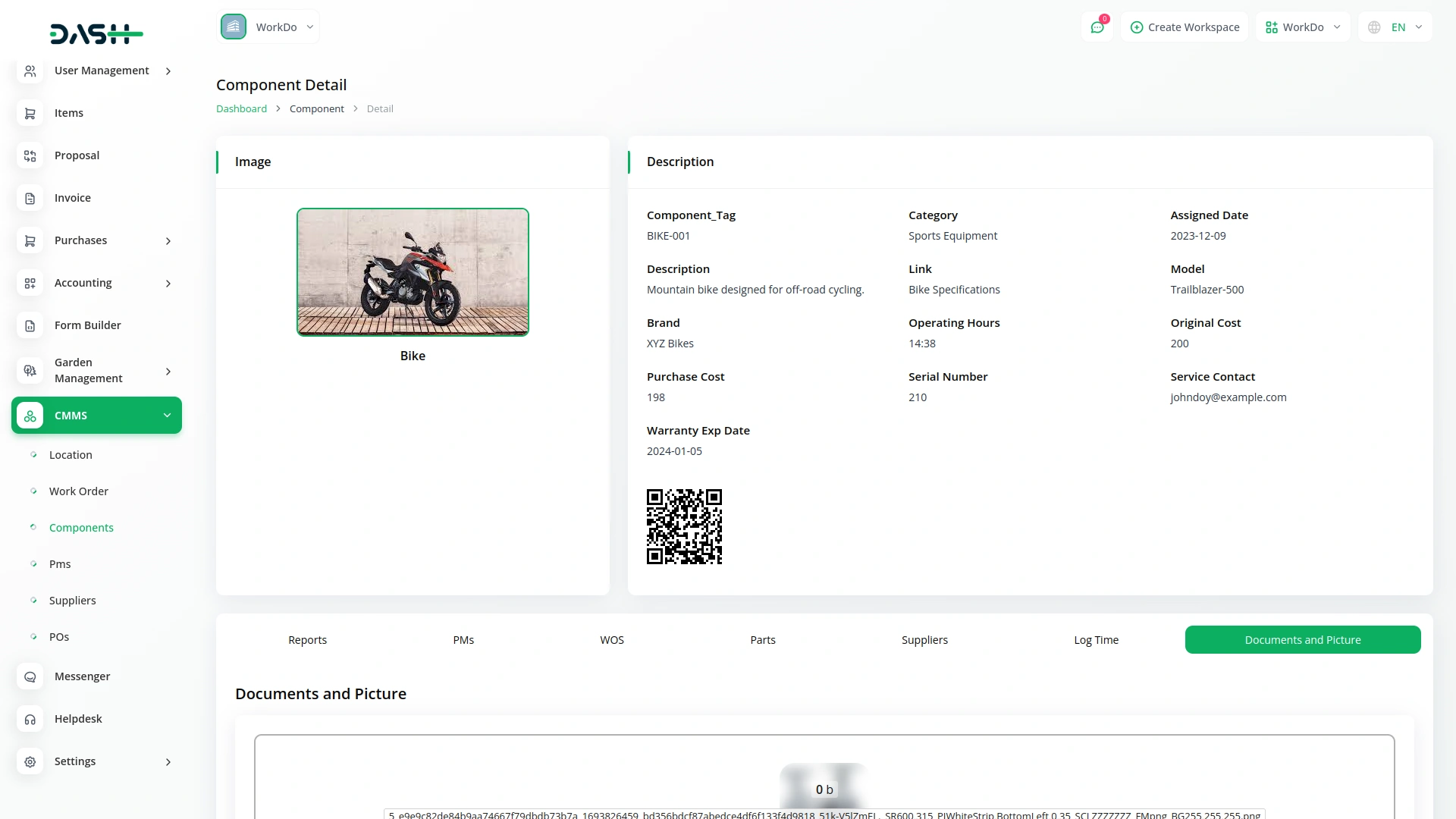
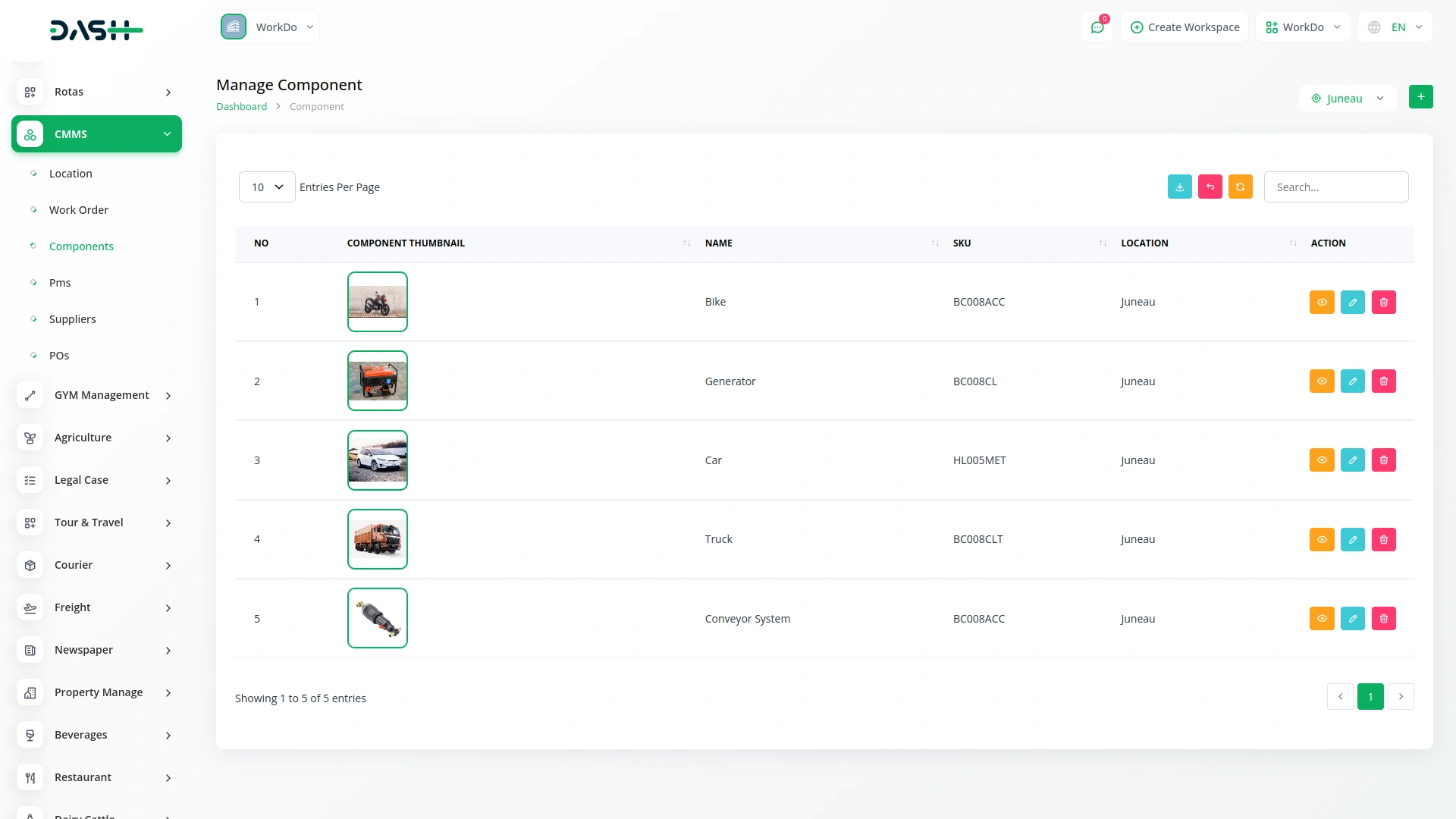
Monitor the status and details of critical components within your organization. Each component is linked to locations, work orders, and suppliers, providing a complete overview of asset movement and usage, ensuring complete visibility and control. This feature makes it easy to track component usage and maintain an inventory of parts.
- Maintain an updated list of components at locations
- Track components linked to work orders and maintenance
- Manage supplier details for each component and tasks
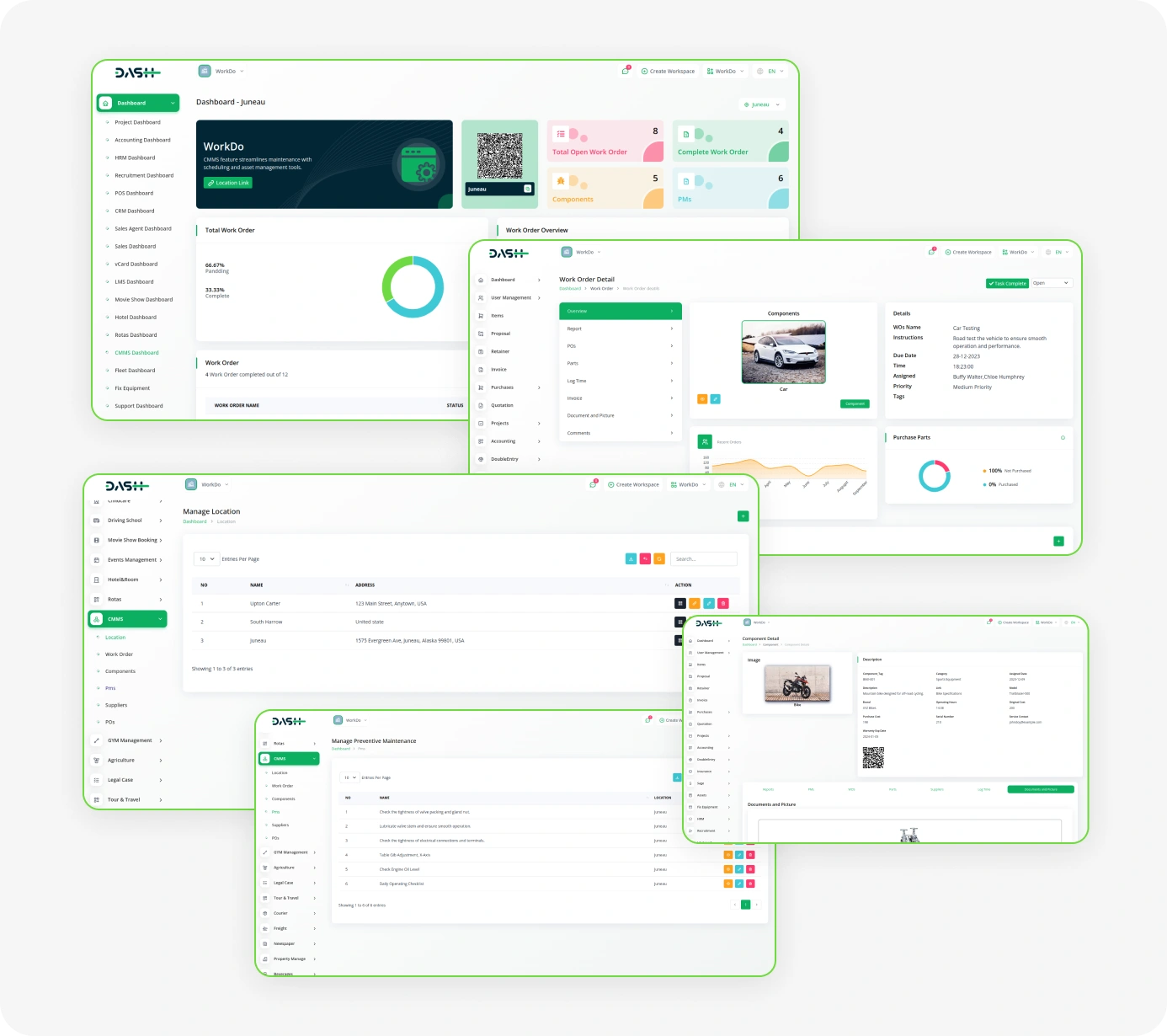
Screenshots from our system
To explore the functionality and usage of these Add-Ons, refer to the accompanying screenshots for step-by-step instructions on how to maximize their features.
Discover More Add-Ons
Unlock even more functionality with additional Add-Ons, providing enhanced networking and customization options for your Dash SaaS experience.


Quiz Management
Quiz Management is a system for creating, organizing, and evaluating quizzes efficiently. It allows administrators to manage questions, participants, and results while tracking performance seamlessly.

BitPay
The API Key Settings Page for BitPay Integration allows you to securely connect your application or website with the BitPay payment gateway. By configuring your API keys on this page, you enable your platform to interact with BitPay services, providing seamless payment processing and transaction management.
Custom options improve user control
Clear screenshots in documentation
The system’s scalability makes it adaptable to growing needs
the Team deserve 5 Star for following reason; 1- Customer Support2- Feature Availability3- Design Quality 4- Documentation Quality
This product is fantastic! The team behind it is excellent, and the support they provide is outstanding.