
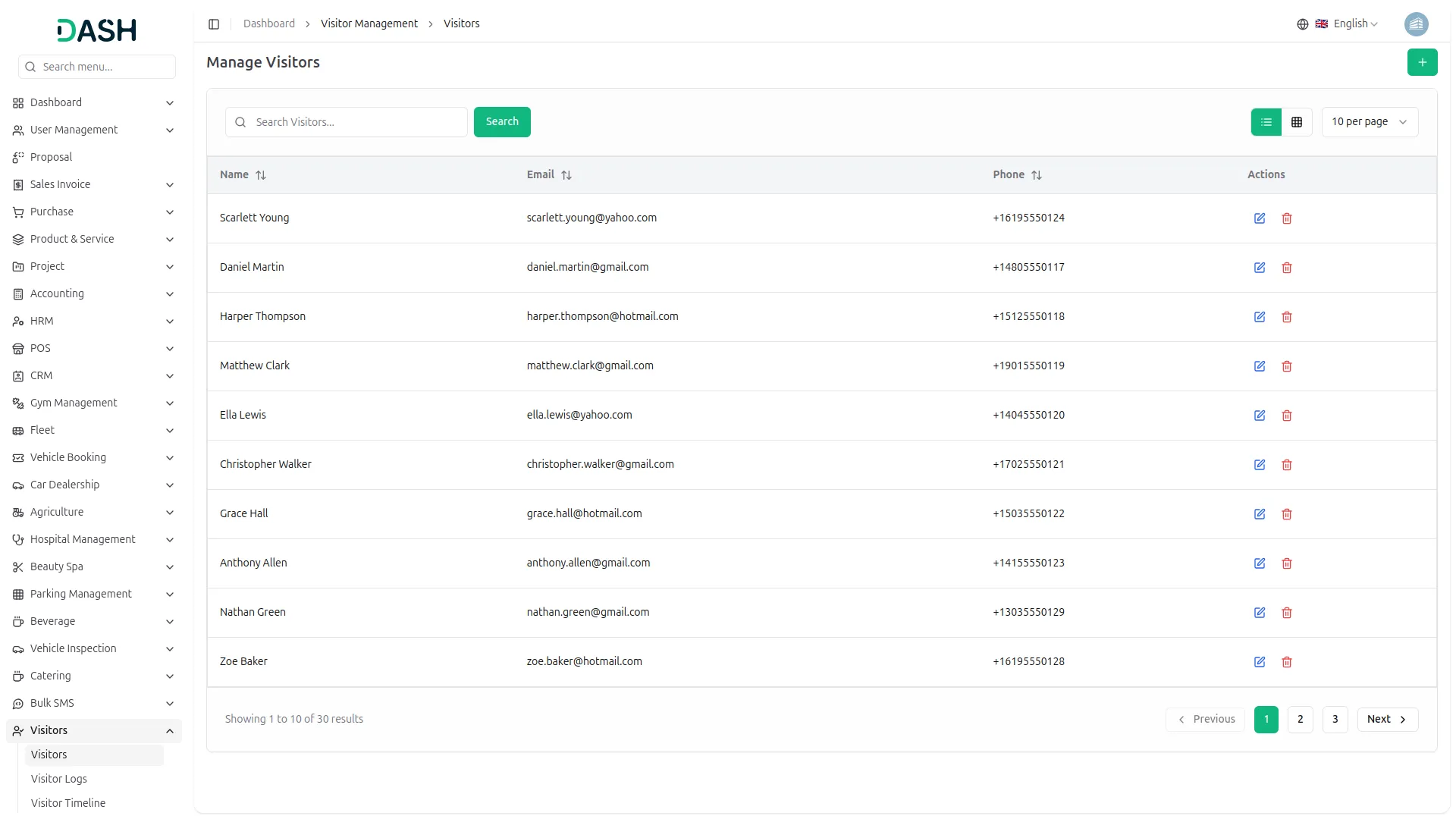
The Visitor Management Add-On offers a complete solution for tracking, verifying, and managing every visitor entering your premises. From pre-registration and check-ins to document compliance, badge assignments, and incident logging every step is organized and secure. With real-time detailed reporting, this system enhances safety, saves time, and improves the visitor experience for any organization.
Essential Features for Managing Visitors Efficiently
- Visitor Check-in/Check-out
- Appointment Pre-registration
- Visit Reason Tracking
- Visitor Badge Assignment
- Compliance Management
- Visitor Incident Logs
- Document Verification
- Custom Document Types
Visitor Logging & Auto Generation
Every time a new person arrives, the system logs their visit and auto-generates a unique visitor profile. Returning visitors are identified automatically and their records reused to avoid duplication, ensuring consistency and faster check-ins. You can define visit reasons in advance through system setup, which helps categorize and analyze visitor intentions accurately.
- Auto-generate visitor profiles on first-time visit
- Reuse same visitor records for multiple visit logs
- Use predefined visit reasons from setup in each visit log
Visitor Timeline Overview
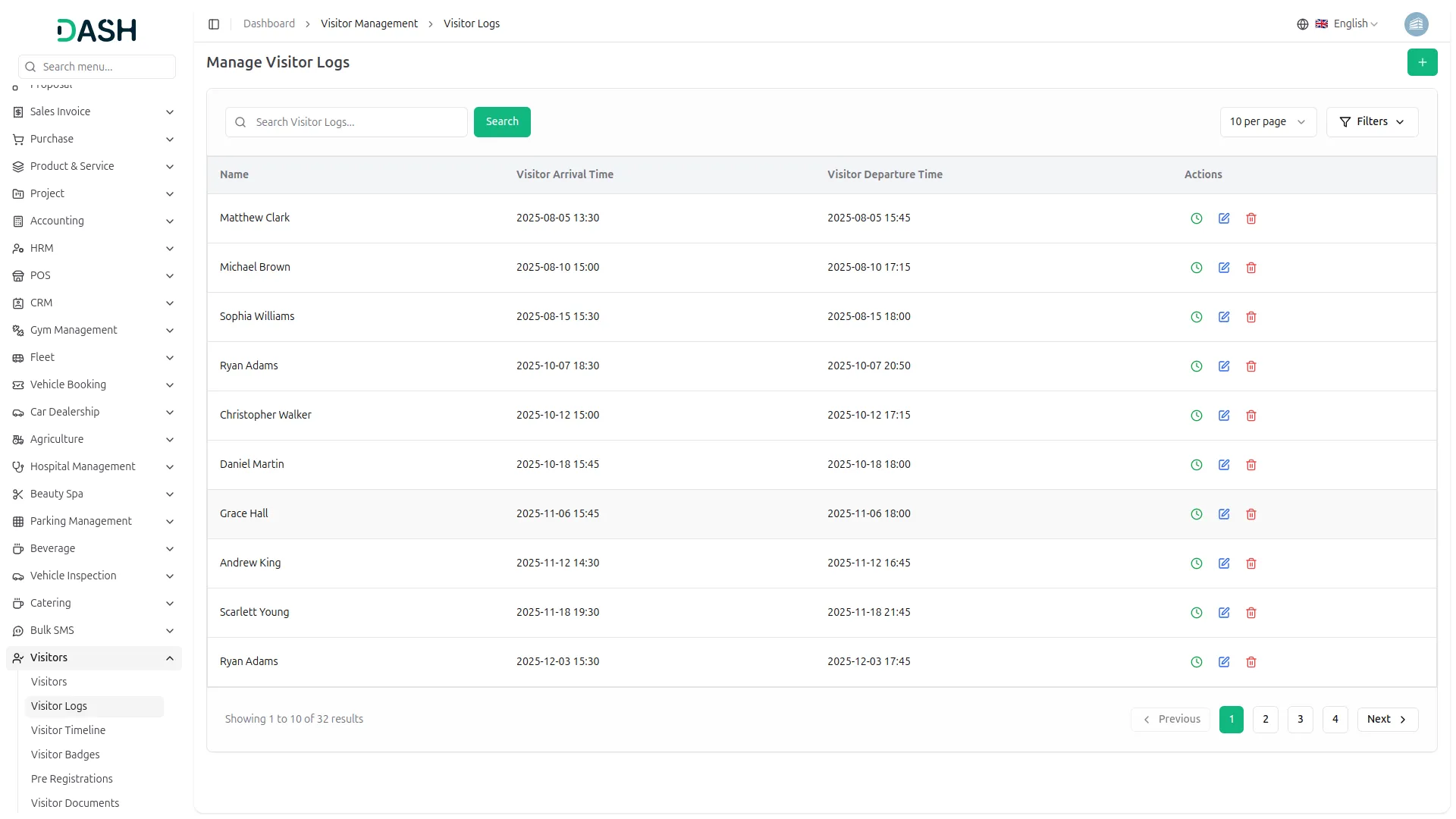
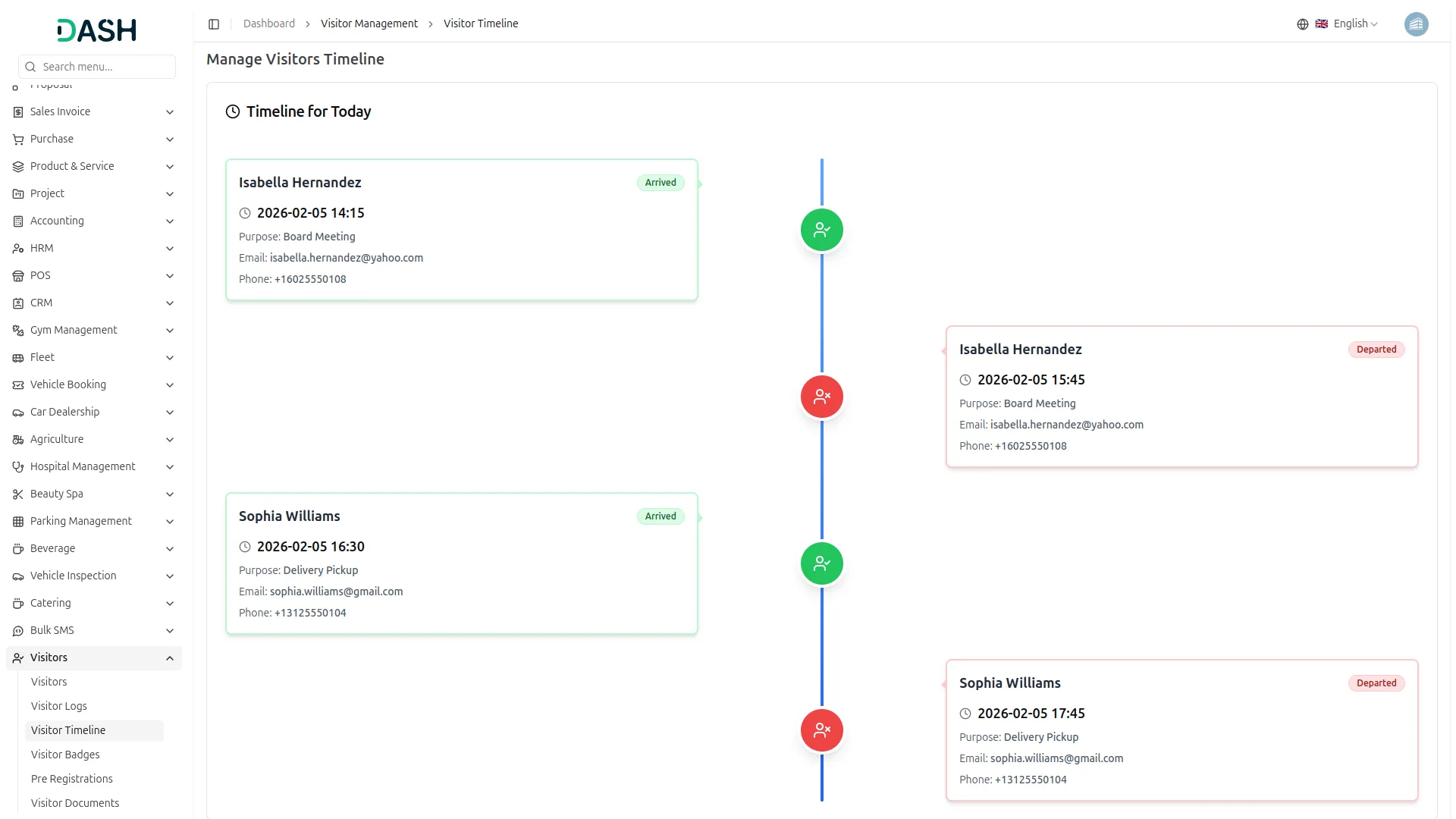
Monitor all visitor activity for the current day through a live timeline view that displays accurate check-in and check-out times. This real-time visual helps reception and security staff stay aware of who is currently inside the premises. The timeline format ensures quick scanning of activity and status at a glance. To make these logs meaningful, predefined visit reasons from the system setup can be linked to each entry for better reporting and filtering.
- Real-time timeline shows check-in and check-out
- Only current day visitors are visible on chart
- Visit reasons from setup improve timeline context
Badges & Pre-Registrations
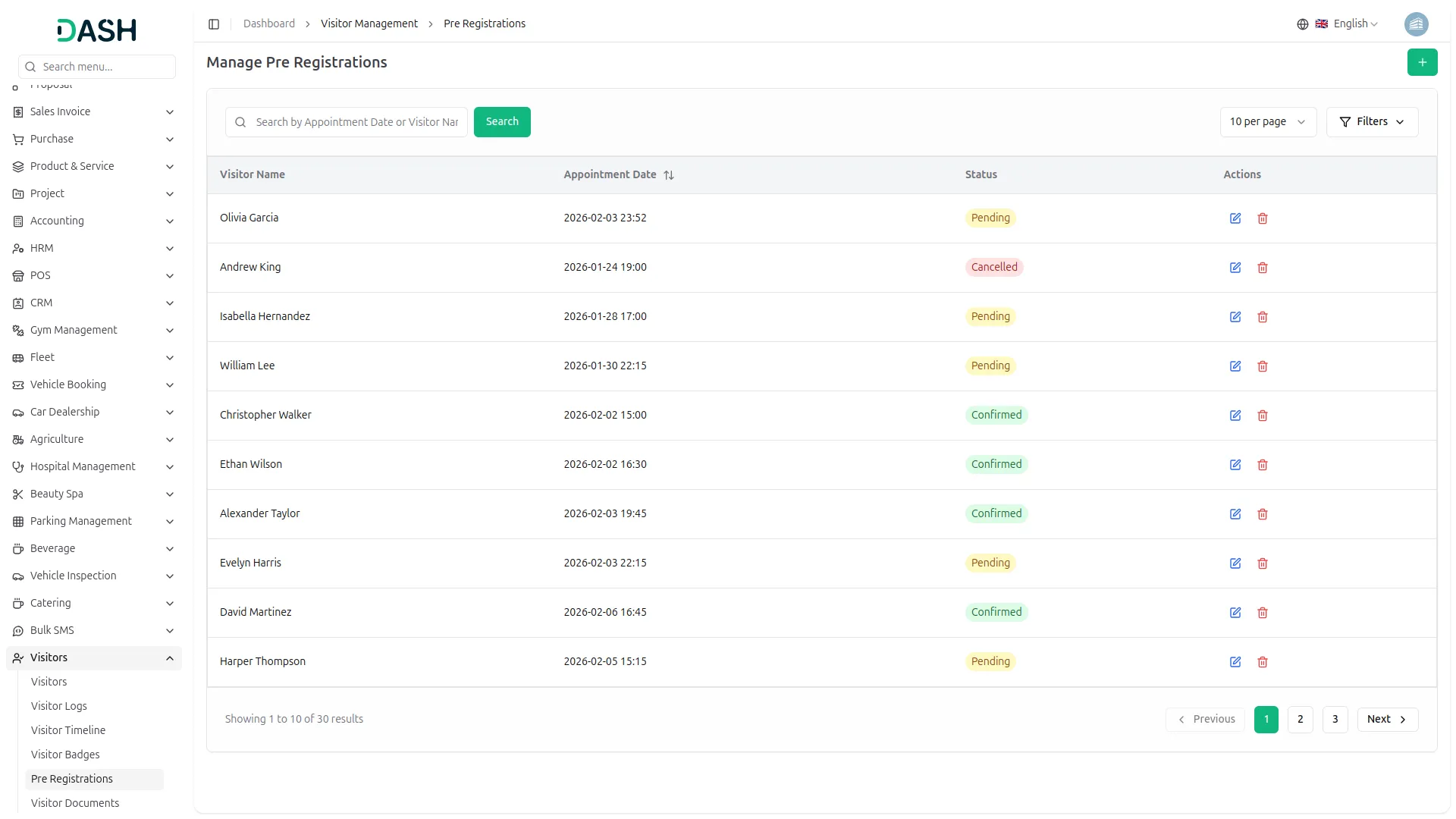
Each visitor can be issued a badge number upon check-in, helping with identity verification and movement tracking. Pre-registration allows future visitors to submit their details in advance, streamlining entry and reducing congestion at reception. This is especially helpful during busy hours when quick processing is needed. During pre-registration, the system ensures that each visitor complies with entry requirements by applying compliance types defined in setup.
- Assign and track badge numbers for each visitor
- Allow future visit bookings with registration status
- Enforce compliance types from setup during pre-registration
Documents & Compliance Tracking
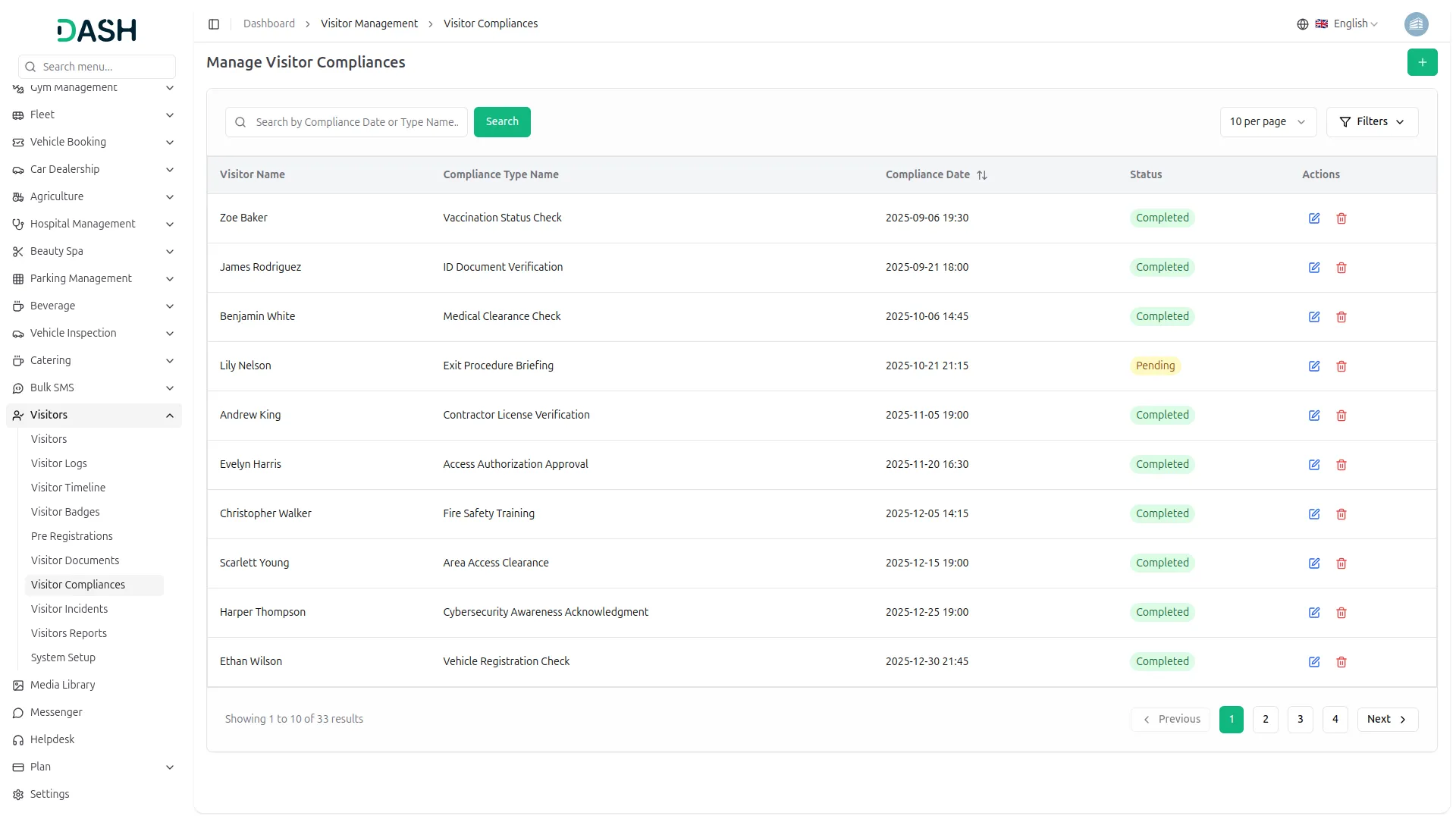
Visitor documents can be securely stored along with status and timestamps for verification purposes. Each visitor’s compliance status is tracked against categories like health, safety, or access restrictions. Standardizing document types through system setup ensures consistent data entry and retrieval for all visitors.
- Save document numbers with status and timestamp info
- Assign compliance categories with individual visitor status
- Use predefined document types from setup for visitor uploads
Incidents & Visitor Reports
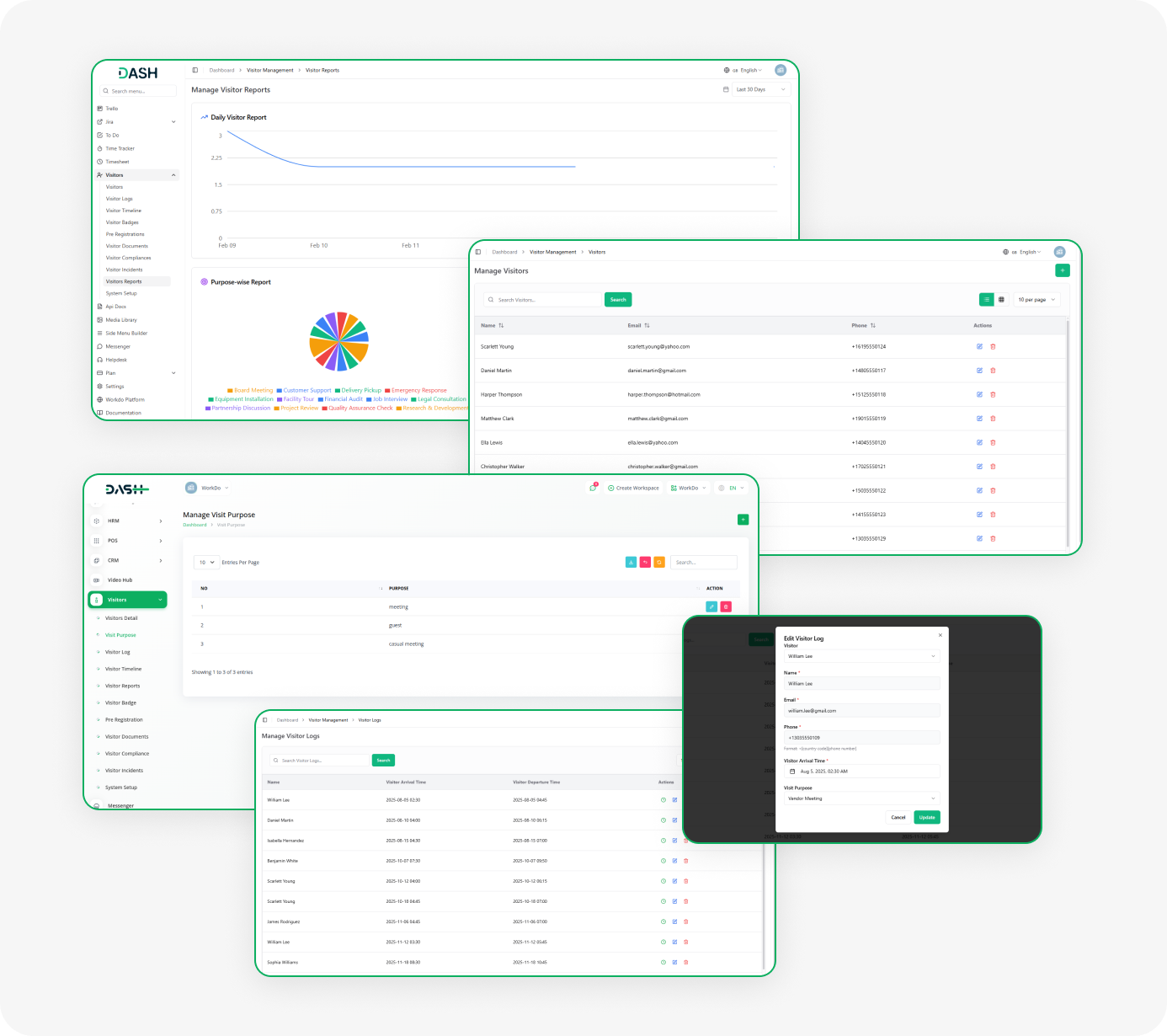
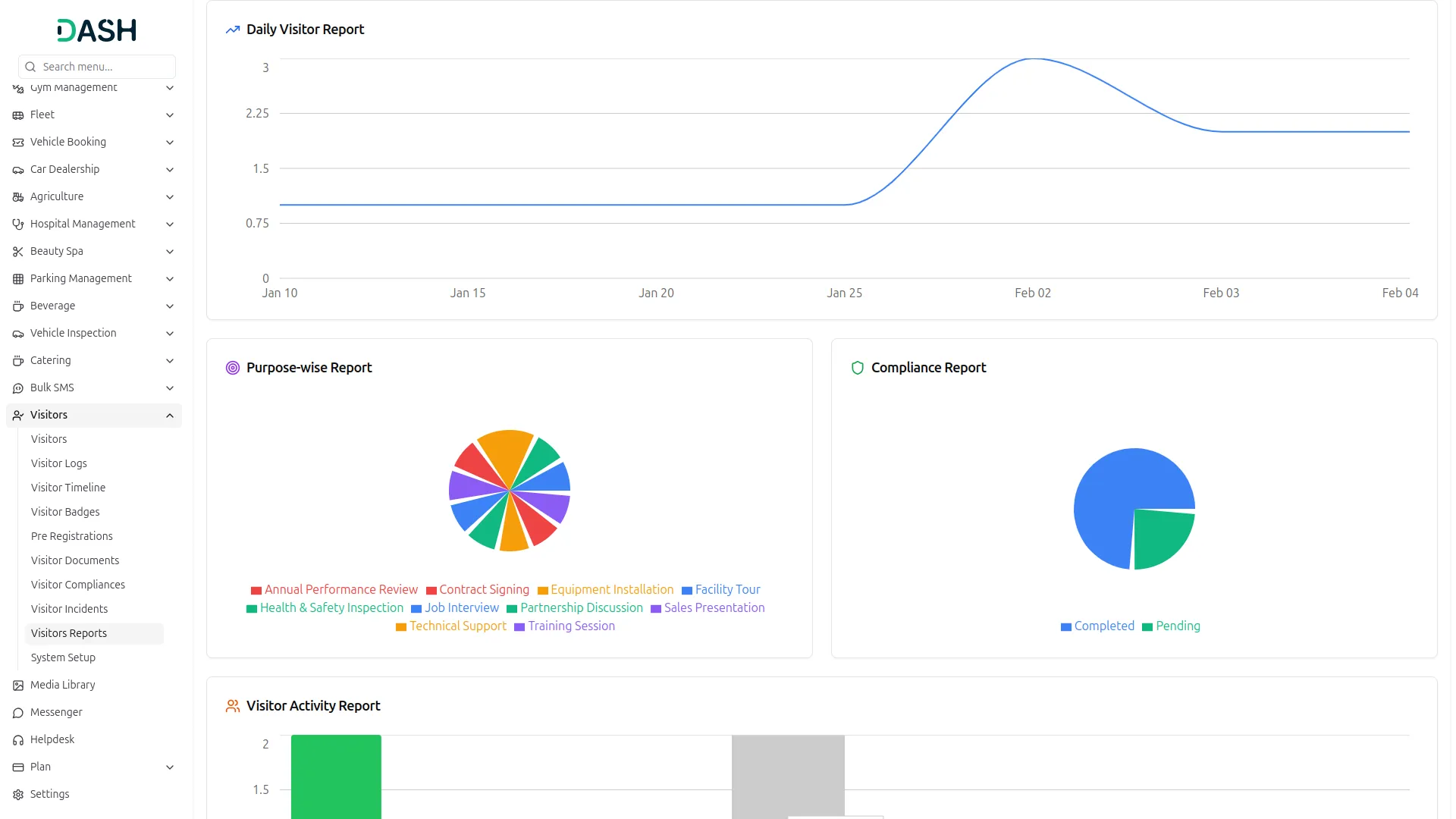
Incidents involving visitors can be logged with full details including date, description, and actions taken. These records help maintain safety and accountability across all departments. Visual reports like bar charts (for volume) and pie charts (for visit reasons) provide quick insights for administrators. By associating each visit with a setup-defined reason, reporting becomes standardized and more meaningful.
- Log visitor incidents with date and action taken
- Track total visitors through bar graph chart
- Use setup-defined visit purposes for pie chart reports
Screenshots from our system
To explore the functionality and usage of these Add-Ons, refer to the accompanying screenshots for step-by-step instructions on how to maximize their features.
Discover More Add-Ons
Unlock even more functionality with additional Add-Ons, providing enhanced networking and customization options for your Dash SaaS experience.

OneDrive
Discover the freedom of accessing your OneDrive files directly from Workdo-dash. No more switching between applications or dealing with cumbersome downloads. With this integration, your OneDrive documents, files, and folders are at your fingertips, effortlessly accessible within the Workdo-dash interface. Edit and view a wide range of file types – from Word documents to Excel spreadsheets, text files, and images – using the Viewer/Editor, all without the need to save files locally.

Recurring Invoice/Bill
Managing recurring invoices/bills can be a cumbersome task for businesses, often requiring manual intervention and meticulous attention to detail. However, with the introduction of the Recurring Invoice/Bills Integration feature in Dash SaaS.

Google Analytics
Track and analyze real-time user engagement from across the globe with the Google Analytics Add-On, giving you detailed insights into user activity from over 290+ active users spread across various countries—helping you understand regional trends, audience behavior, and overall performance in one unified dashboard.

Financial Goal
The Financial Goal Add-On enables users to set, manage, and track personalized financial objectives with flexible timeframes and target amounts.
Very flexible plugin structure
Code is clean
Customization works easily
This add-on simplifies the entire visitor check-in process, allowing us to track guest arrivals, manage registrations, and enhance security effortlessly.