
CRM Benefits: The Business Case for Growing Businesses
Understand how CRM improves sales, customer relationships, productivity, and business growth with real-world benefits and use cases.

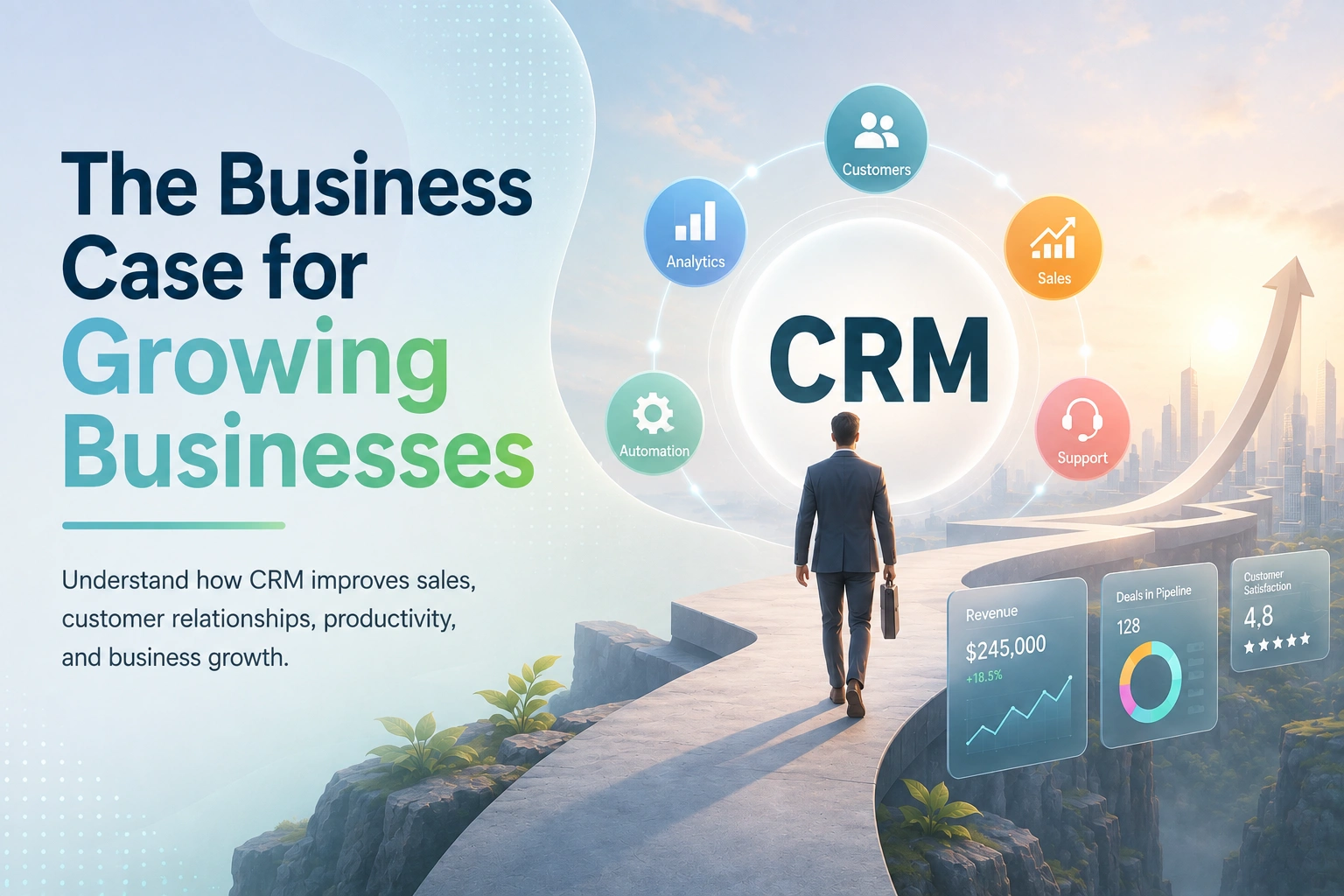
What is customer relationship management?
At root, what we see in customer relationship management (CRM) is a strategy which businesses put in play to interact with and improve upon every touch point customers have with the company, from that first point of contact through to many years of repeat business. We see how companies go about attracting leads, selling to them, supporting them post-sale, and getting them to return. Also, it is common practice to use “CRM” to mean the technology that makes this all happen.
CRM software is the tool that puts this all together by way of storing every customer’s info, conversation history, purchases, and support tickets in one place; thus, the team has access to the full picture as opposed to what may have been remembered or written in scattered notes.
Think of it as a business-wide open note which also happens to be a search engine, automated, and real-time. A sales rep who opens a customer’s record will see at a moment’s notice all calls, emails, and stages of a deal. The support agent will see what a customer bought and what they put forward. No one has to start from square one.
That one concept, which we have a full picture of the customer, which is available to anyone who needs it, is what makes CRM the base of almost everything we cover in this guide.
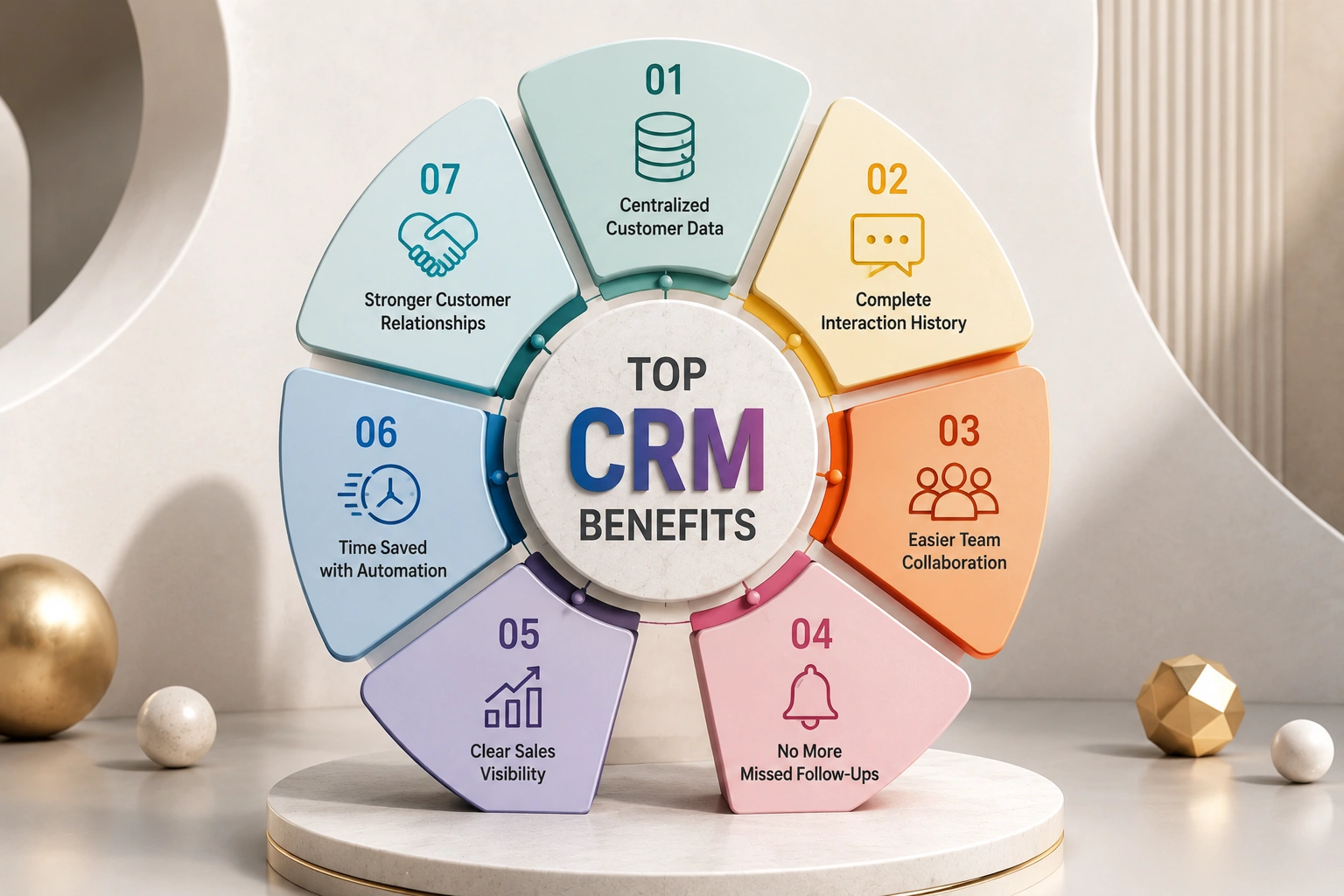
Top CRM Benefits for Businesses
Let’s get specific. Below are the most important customer relationship management benefits, and for each one we’ll follow the same simple structure: the business challenge, how a CRM solves it, and the business impact you can expect.
1. Centralized Customer Information
The challenge: Customer data is in separate spreadsheets, inboxes, and notebooks, which does not provide the full picture. What a CRM does is bring it all together into one place. When any team member looks at a customer profile, they see the full story, past purchases, open requests, and recent emails at the same time.
Business impact is improved response times, and we also see fewer gaffes. Your team stops searching for info and starts using what is there. We have research which shows that businesses do better with their customers when they centralize data, which in turn leads to about a 27% increase in customer retention for teams that do CRM well.
2. A Complete Interaction History
The challenge: Someone reports in, at which point the person who answers has no idea of what was discussed 3 weeks ago. The customer has to start from scratch, which is frustrating for them and also for us.
How a CRM fixes it: We log every interaction against the contact. Calls, emails, notes, support tickets- it’s all recorded in order, which is to say any issue was handled by whom it was handled by.
Business impact: Any team member may jump in the middle of a conversation and sound very informed. Continuity replaces guesswork, and customers feel very known.
3. Easier Team Collaboration
The challenge: Sales don’t have a clue what support is dealing with. Marketing has no info on which leads have gone through. We see lots of overlap, people doing the same thing at the same time.
What a CRM does to fix it: we all work off the same data, so handoffs are smooth. Sales can look at support issues before upping a sale; support can look at purchase info before a tech issue.
Result for the business: we get faster results, fewer mistakes, and a customer experience that feels like we are one company rather than three separate ones.
4. No More Missed Follow-Ups
The challenge: A report says to “check back next month”, and that which is next month does come and go. Also, note that 40% of sales teams still use spreadsheets and email for tracking, which is a place for easily lost reminders.
What a CRM does is turn follow-ups into scheduled tasks with reminders as opposed to mental notes. The system also brings up to you at the right time the right person.
Business impact: we see less leads fall through the cracks. Consistent follow-up is the easiest and highest-return habit in sales, and a CRM makes it a no-brainer.
5. Clear Sales Visibility
The challenge: A manager puts out what is closing this month, and the honest answer is a shrug. Without a pipeline view, forecasting is guesswork.
How a CRM does it: We put deals into visual pipeline stages so you can see what is in play, what is stuck, and what is about to land.
Business impact: Better decisions, better forecasting. Companies that implement CRM report that they see improved results in sales forecast accuracy; Salesforce data reports at 42%, which we see because the pipeline finally reflects reality.
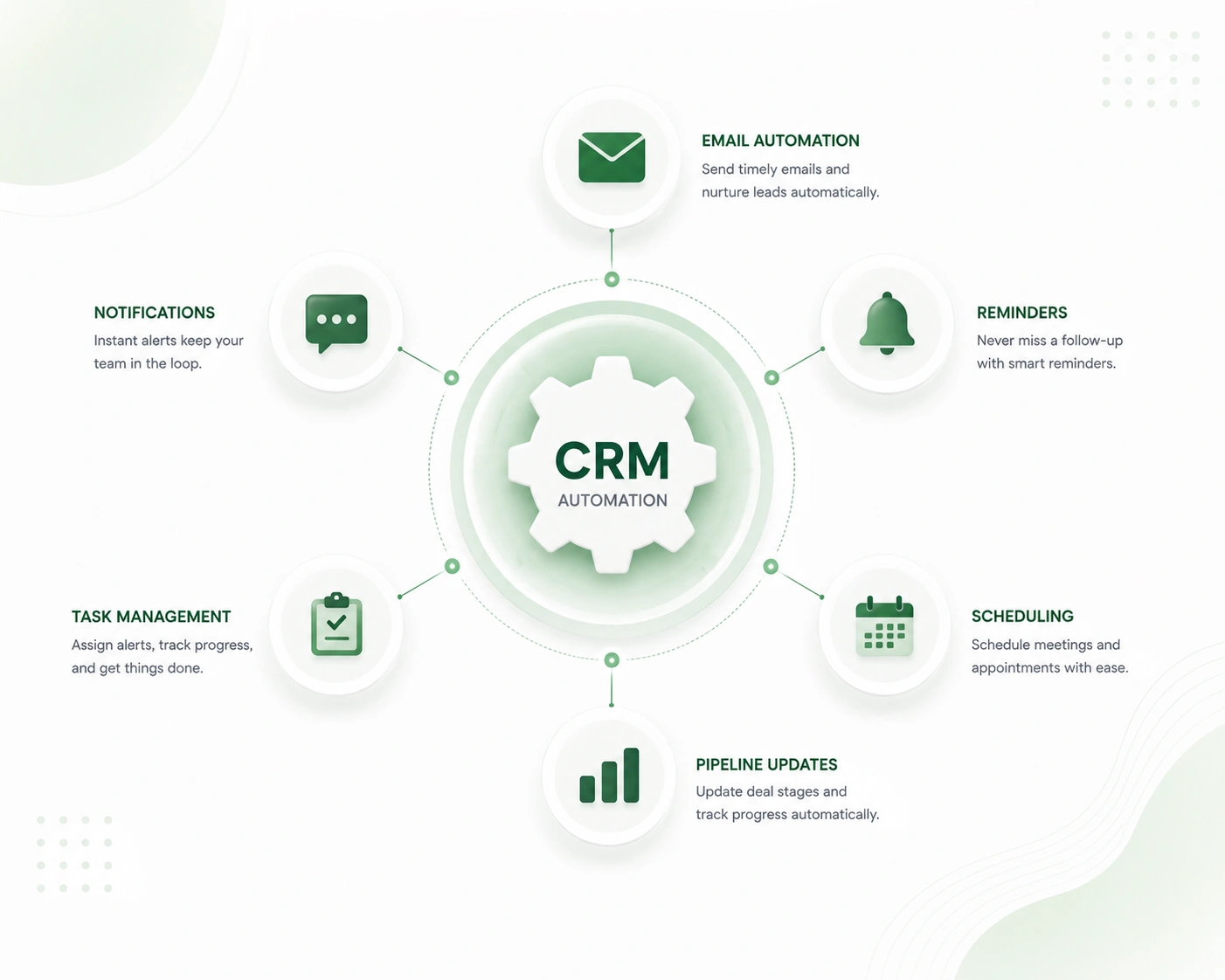
6. Time Saved Through Automation
The challenge: Reps spend a lot of time on data entry, copying and pasting details, and sending the same routine emails, time which could be going to actual selling. What a CRM does is take care of that for you.
Business impact: We see most teams report saving 5 to 10 hours per week per person once automation is in place. That’s repaid, which goes back to actual selling time, week after week.
7. Stronger Customer Relationships
The challenge: Generic, one-size-fits-all communication doesn’t land anymore. Customers expect you to remember their preferences and history.
How a CRM solves it: With full context on every customer, your outreach gets personal: the right message to the right person at the right moment.
Business impact: Higher loyalty and repeat business. Returning customers are cheaper to keep than new ones are to win, and personalization is what keeps them coming back.
8. Better, Data-Driven Decisions
The challenge: You’re jumping to conclusions based on what your gut tells you, which is fine until you run out of that feeling.
What a CRM does: We put in the tools to make sense of your data so it doesn’t all just go in one ear and out the other. We look at conversion rates, deal stage trends, win/loss patterns, and top-performing reps.
Business impact: You identify issues before they blow up and do more of what is working. What we see is that, on average, for every $1 spent on a CRM, the return is $8.71, and that’s because of the clarity in the reporting.
In a nutshell: companies that implement CRM see up to 29% growth in sales and 34% in sales productivity. These are not magic numbers; they are the results of finally having your data in one place and your follow-ups as a priority.
How WorkDo’s Dash SaaS CRM Covers Every Essential CRM Requirement
Knowing why you need a CRM is one thing. Knowing what to check for is what stops you from buying the wrong one. Here’s the short list of must-haves – and how WorkDo’s Dash SaaS CRM measures up.
- Lead and contact management: You must put in place a system that is very organized and that allows easy access to all contact info. At Dash SaaS CRM, we give each lead and each contact a single record, which is shared among team members; that way, nothing falls through the cracks.
- Visual deal pipelines: See deals progress through very defined stages, which will give you a precise picture of what is closing. At Dash SaaS CRM, our pipeline view takes the vague “we have some deals” out of the picture and gives you a very clear picture of your revenue.
- Sales automation: Reduce the manual work. With WorkDo’s no-code Workflow Automation, you can have emails, reminders, and task assignments go out as soon as a deal changes stage or a new lead comes in.
- Customer communication in context: Maintain complete records of messages, notes, and history for each customer, which will keep all team members informed in the conversation.
- Performance analysis: We have dashboards and reports that show which deals are getting stuck, which team members are performing well, and which areas require focus going forward.
- Full customization: Most CRMs lock you into their fixed fields, modules, and workflows. Dash SaaS CRM is fully customizable. Since you have access to the source code, you can add custom fields, modules, or workflows and tailor the CRM to match your exact sales process instead of forcing your process to fit the software.
- Data ownership and control: Here’s a real differentiator: Dash SaaS is self-hosted, so your customer data lives on your own server, under your control, not locked inside someone else’s cloud or priced per seat.
Designed for growing businesses, WorkDo’s Dash SaaS CRM helps teams work faster, build stronger customer relationships, and scale with confidence, without the runaway per-user costs that come with most subscription CRMs.
CRM Benefits by Department
A CRM isn’t just a sales tool. Its value spreads across the whole organization; each team gets something different from the same shared data.
- Sales: A clean pipeline, automated follow-ups, and speedier deal cycles. Reps put in less time in admin and more in closing. (CRM we see to shortening sales cycles by 8-14%.
- Marketing: Better segmentation and which campaigns truly produce paying customers is made clear, so budget goes to what works.
- Customer Support: Full history of each customer for fast, accurate help, and we get back to you less.
- Management and Leadership: Dashboards that do the talking. Our leaders have a bird’s-eye view of performance, forecasts, and bottlenecks.
- In Finance and Operations: when the CRM integrates with invoicing and accounting (which it does in WorkDo’s Dash SaaS), we see quotes turn into invoices without reentry of data, which in turn reduces errors and delays.
The takeaway is we have one unified system that brings in many benefits because at last, all teams are working from the same accurate info.
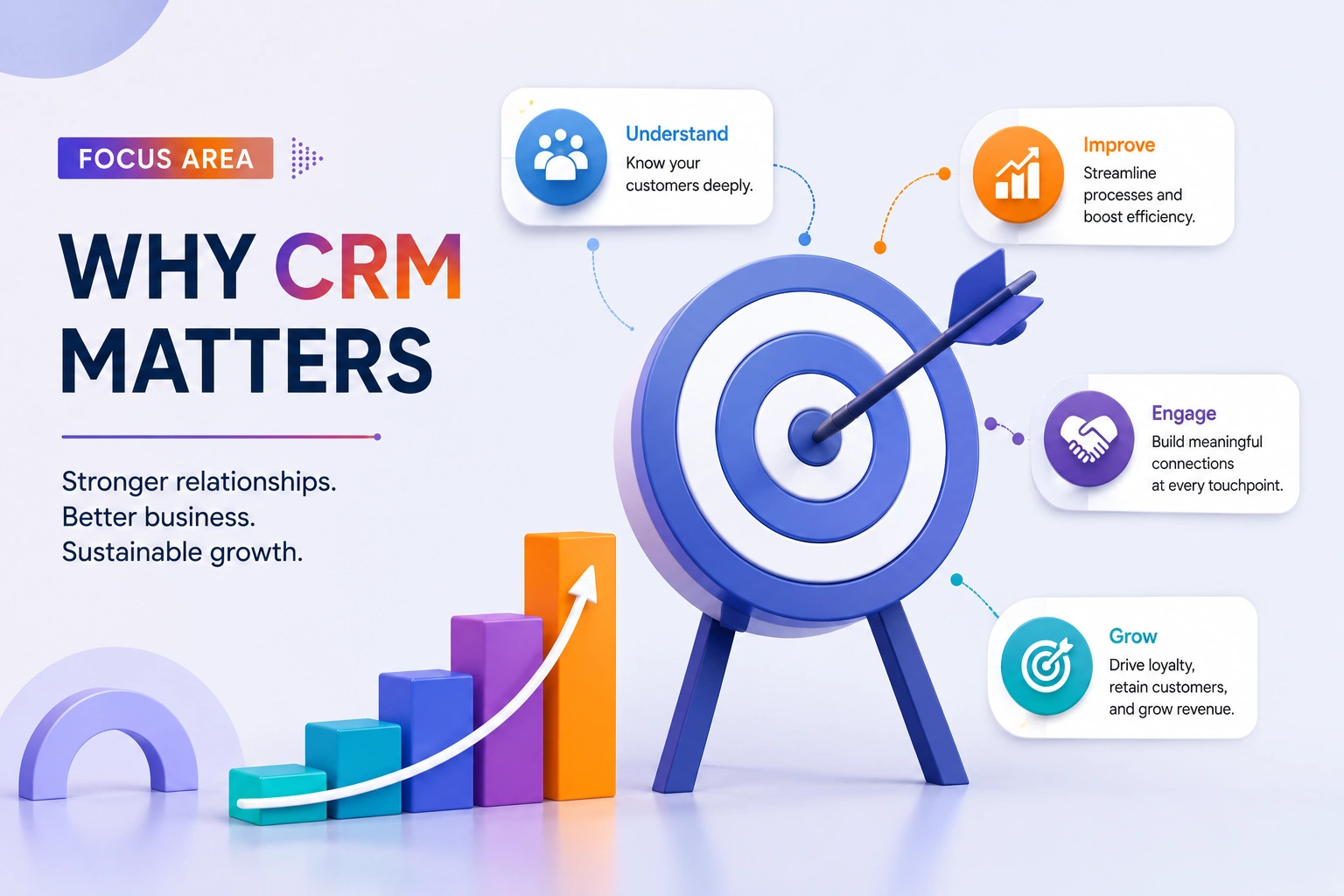
Running a Small Business? This Matters Even More
It is a widely held belief that CRM is only for large enterprises that have big budgets. In fact, small businesses see the greatest results; they put more value on time saved and lead recovery, which are precious resources when you have a small team.
With limited staff, a CRM does the heavy lifting, which used to require an additional hire; it tracks leads, sends out reminders, and keeps records in order. Also, it is a cost-effective solution in terms of the value it brings vs the cost of lost deals and inefficient processes.
Most CRM platforms we see scale their price for small teams, which means businesses pay for what they need.
And critically, it brings order. Instead of a founder trying to remember which lead said what, the whole team works from one organized, shared system, which matters even more as the team starts to grow.
Worth noting: around 71% of small businesses already use a CRM. It’s no longer an enterprise luxury — it’s how small teams stay competitive.
Want a deeper, small-team-specific walkthrough? Have a look at our CRM for Small Business guide for setup tips, feature priorities, and budget advice.
Business Without CRM vs. With CRM
| Before CRM | After CRM |
|---|---|
| Manual, easy-to-forget follow-ups | Automated reminders that never miss |
| Scattered customer data across tools | One centralized, searchable record |
| Limited or delayed reporting | Real-time dashboards |
| Missed sales opportunities | A structured, visible sales pipeline |
One important note from the data: CRM depends heavily on clean data and real adoption. A CRM full of outdated contacts and half-used features won’t deliver much value; the return comes from teams actually using it consistently, with accurate information inside.
Signs Your Business Needs a CRM
Not sure if you’re at that point yet? Here are some common signs it’s time:
- You’re still managing customers through spreadsheets
- Leads go cold because nobody followed up in time
- Your team has missed (or double-booked) follow-ups
- You can’t get a clear answer on “what does our pipeline look like right now?”
- Your team is growing, and informal tracking is starting to break down
- Customer inquiries are increasing faster than your ability to organize them
If two or more of these sound familiar, it’s a strong signal that the cost of not having a CRM is already higher than the cost of getting one.
Common CRM Challenges (and How to Overcome Them)
CRM isn’t magic; it comes with real challenges. Here’s how to handle the most common ones honestly.
- User adoption: Teams will push back on a new system, which they see as extra work. Fix: Get the team on board from the start, pick a CRM that aligns with what they are used to, and roll out features gradually instead of all at once.
- Data migration of years of spreadsheet info and contacts into a new system is daunting. Fix: Tidy up your data first, remove duplicates and out-of-date info, and do the migration in phases instead of all at once.
- Training is a must for a powerful CRM to be used. Fix: Put in for short role-based training sessions instead of one large general session; also name an internal “CRM champion” for ongoing issues.
- Cost: Budget is an issue for sure, in particular for small teams. Try this: Begin with what works for your present team size and scale from there as you grow. Also, we see that most CRMs were designed for just that.
- Customization: Out-of-the-box setups don’t always match your workflow. Fix: Prioritize customizing the few workflows that matter most first, rather than trying to perfectly configure everything on day one.
The Future Trends of CRM
CRM space is growing out of basic contact management into smart platforms that see businesses through to better results. AI in CRMs is performing routine tasks like data entry, follow-up emails, and reminders, which in turn gives teams more time for customers. Also, we see in today’s CRMs predictive analytics that identify which leads are the best, which sales will close, and which customers may leave us.
Another key trend is hyper-personalization, where businesses can deliver more relevant customer experiences based on individual behaviour. At the same time, CRM brings together conversations from email, phone, chat, and social media into one place, ensuring every interaction is connected. As AI continues to advance, businesses that choose CRM systems with automation, predictive insights, and flexible capabilities will be better prepared for future customer expectations.
Conclusion
The case for CRM isn’t really about software features; it’s about what those features make possible: stronger customer relationships, more productive teams, better collaboration across departments, smarter decisions backed by real data, and growth that doesn’t fall apart under its own weight.
That’s the real story behind CRM benefits; they don’t just make day-to-day work easier, they directly support the kind of sustainable growth every business is aiming for.
 Frequently Asked Questions (FAQs)
We're Here to Help - Let's Talk
Have questions about our solutions, customization services, or business tools? Our team is here to help you. let's talk.