
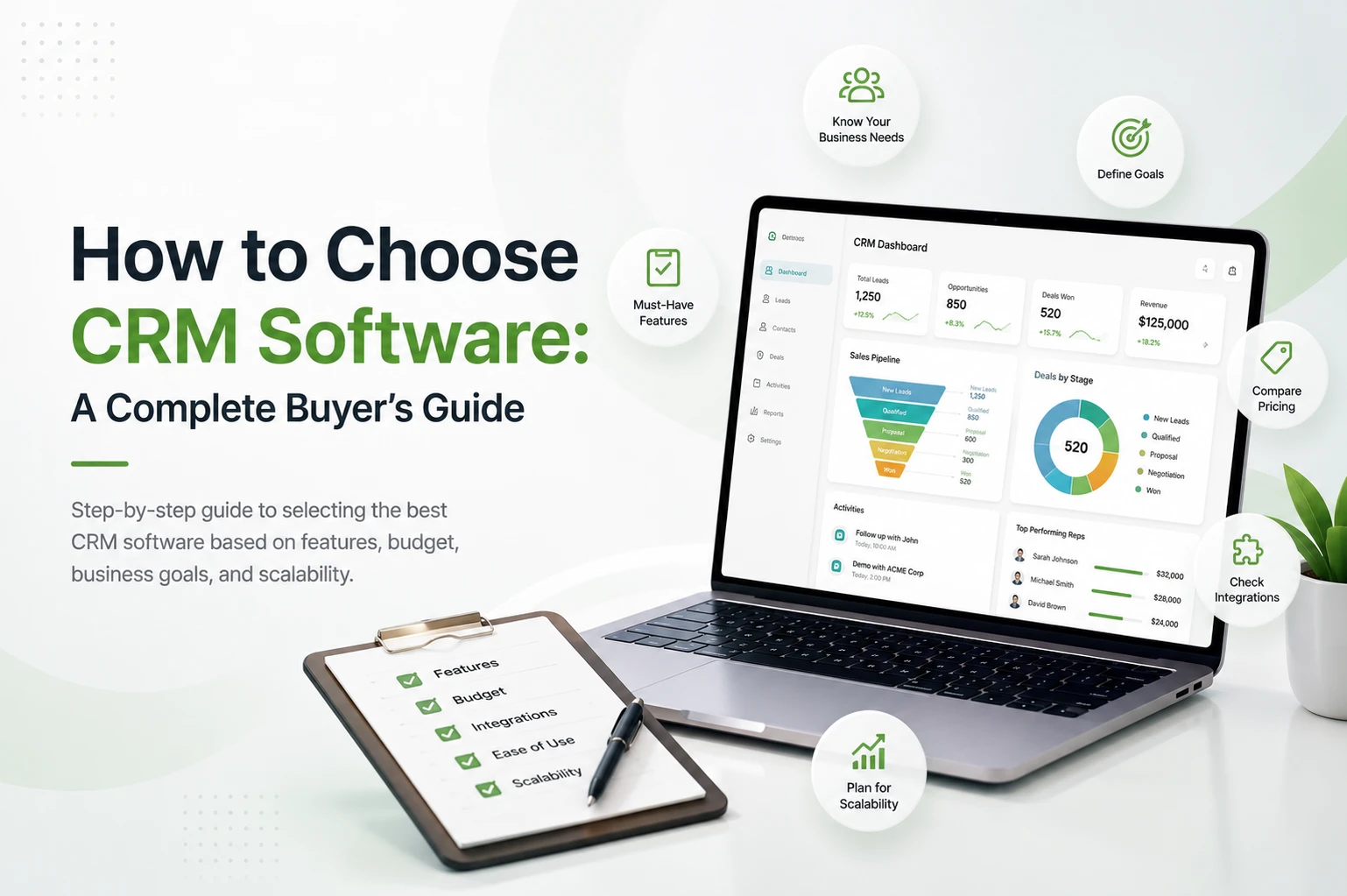
How to Choose CRM Software: A Complete Buyer’s Guide
Step-by-step guide to selecting the best CRM software based on features, budget, business goals, and scalability.

How to Choose the Best CRM Software in 2026
Picking a CRM feels like it should be simple. Compare a few tools, pick the one with the nicest dashboard, and sign up. But here’s the truth most vendors won’t tell you upfront: a large number of CRM implementations fail, not because the software is bad, but because businesses buy it without a clear plan.
We see that the results of this are not just wasted money. We see months of low adoption, a frustrated sales team, customer data in a tool that no one wants to use, and, in the end, a second migration to repair the first mistake.
That’s also true in the case of small businesses, which don’t really make a strategic decision when they choose CRM software. In this guide, we will take you through how to evaluate your needs, compare platforms, avoid common mistakes, and choose a CRM your team will use that is a proven choice.
Why Choosing the Right CRM Matters
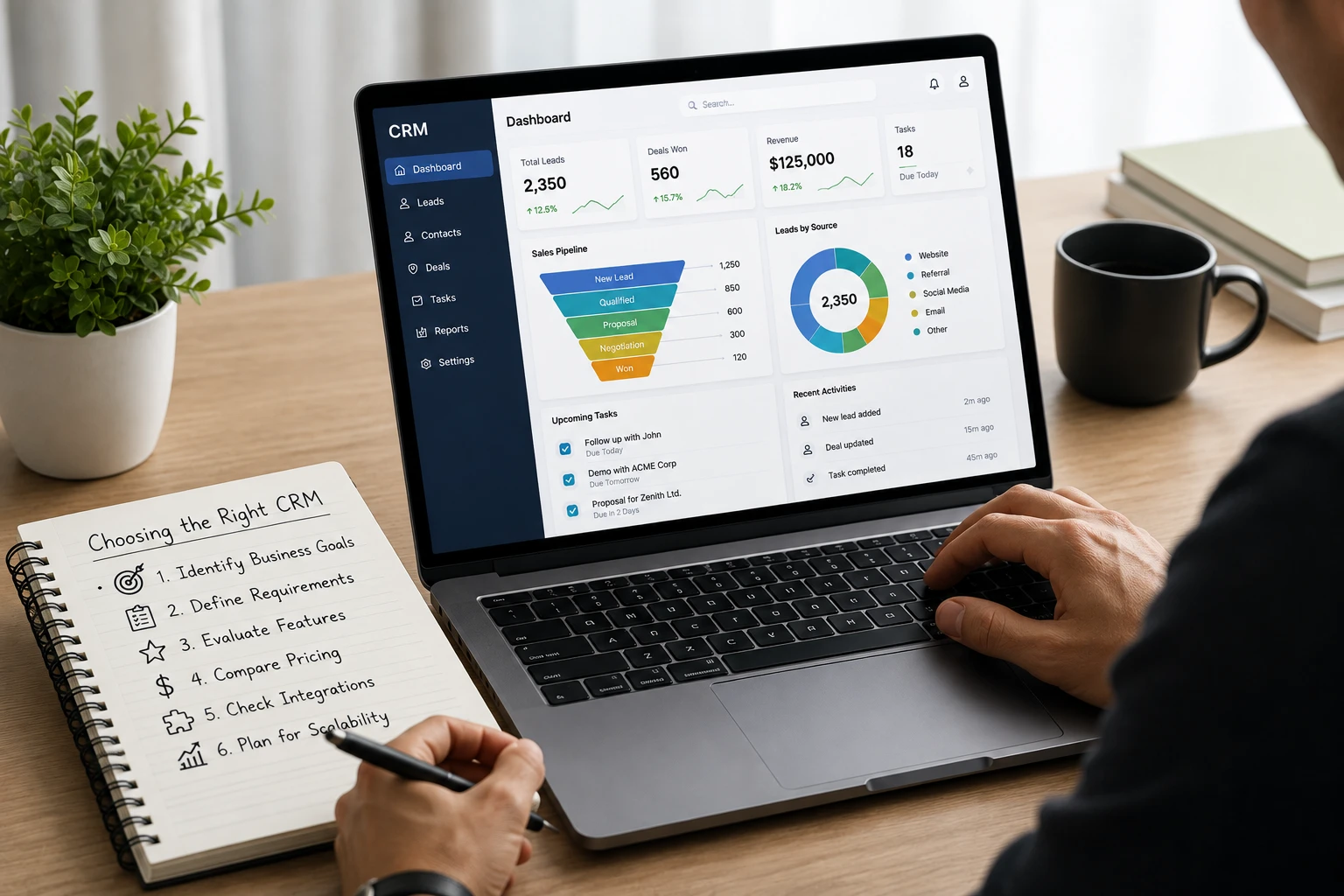
A CRM touches almost every part of how your business runs. Get it right, and the impact shows up everywhere:
- Business growth: Organized lead and customer info, which in turn sees more deals through to closure instead of falling through the cracks.
- Customer experience: we see quicker, more uniform responses from customers as your team has full access to all interactions.
- Team productivity: we have less time spent searching for info or updating spreadsheets by hand.
- Sales efficiency: reps spend more time selling and less time on admin work.
- Long-term scalability: the right platform scales with your team instead of becoming a burden.
Choosing the right CRM isn’t about buying “software”. It’s about picking the operating system your customer relationships will run on for years.
Step-by-Step: How to Choose the Right CRM
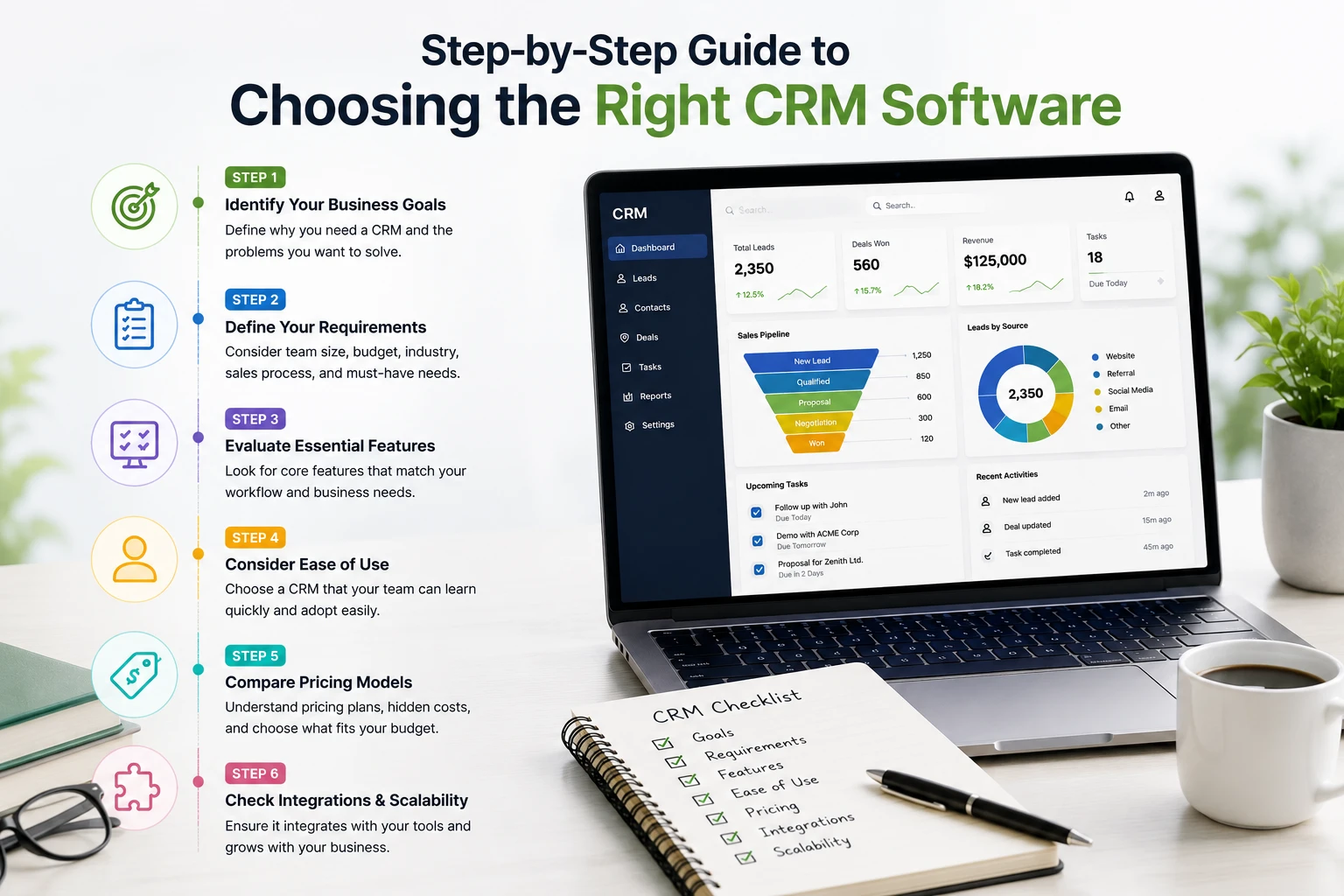
Before we go deep into each stage, here’s the complete process at a glance:
Step 1 – Identify Your Business Goals
Before comparing a single feature or price plan, get clear on why you need a CRM in the first place. Ask:
- Why do you need a CRM right now?
- What specific problems are you trying to solve?
- Which teams will actually use it: sales, support, marketing, or all three?
- What existing processes need improvement?
Common goals businesses start with include:
- Lead management: capturing and tracking leads from multiple sources in one place
- Sales tracking: visibility into where every deal stands in the pipeline
- Customer support: faster ticket resolution and better customer history tracking
- Marketing automation: nurturing leads automatically through email or campaigns
Write your goals down. This list becomes your filter for every CRM you evaluate next.
Step 2 – Define Your Business Requirements
Once your goals are clear, translate them into concrete requirements. This step keeps you from getting distracted by flashy features you don’t actually need.
- Team size: A 5-person team and a 50-person team will require very different CRM setups.
- Budget: determine what you can spend monthly or yearly before you begin.
- Industry: a real estate company and an e-commerce store have different fields, workflows, and integrations.
- Sales process: a short, simple sales process will require less of the platform’s features than a long, multi-stage enterprise sale.
- Customer support requirements: do you need a ticketing system, live chat, or a self-service knowledge base?
- Marketing needs: Will you use email campaigns, lead scoring, or landing pages in the platform?
The clearer you are here, the shorter and easier your shortlist becomes.
Step 3 – Evaluate Essential CRM Features
With your requirements defined, it’s time to compare actual CRM features against your needs. Focus on the essentials: contact management, lead management, a visual sales pipeline, and workflow automation for reminders and follow-ups.
Also, we look at reporting dashboards, email integration, and reliable mobile access. If it benefits your business, we also see to it that there is AI in the form of lead scoring or predictive analytics, also look into larger-scale integrations and what they can do for you, as far as strong security, role-based access, encryption, and data protection compliance.
Step 4 – Consider Ease of Use
The most feature-rich CRM in the world is useless if your team refuses to log into it. User adoption is the single biggest predictor of CRM success, more than any single feature.
When evaluating ease of use, look at the interface and whether it’s clean and intuitive or cluttered and confusing. Check the learning curve: can a new hire start using it productively within a day or two? Consider customisation, meaning whether you can adjust fields, stages, and views without needing a developer. And don’t skip the mobile experience. Is the mobile app a genuinely usable tool or just a stripped-down afterthought?
Step 5 – Compare Pricing Models
CRM pricing can get confusing fast, so know what you’re comparing. Refer to a detailed CRM pricing guide if you want a deeper breakdown, but here are the basics:
- Free CRM: good for solo users or very small teams, usually with limited contacts or features.
- Subscription pricing: a recurring monthly or annual fee for access to the platform.
- Per-user pricing: the most common model, where cost scales with the number of team members.
- Hidden costs: extra charges for storage, premium support, or advanced automation that aren’t obvious upfront.
- Implementation costs: one-time fees for setup, data migration, or custom configuration.
- Training costs: costs tied to onboarding your team properly, whether through the vendor or a third party.
Always calculate the total annual cost, not just the advertised monthly price, before comparing two platforms.
Step 6 – Evaluate Integrations
Your CRM shouldn’t operate as an island. Check how well it connects with the tools your business already depends on:
- Email: Gmail, Outlook, or your existing email provider
- Calendar: for scheduling meetings and syncing follow-ups
- Accounting software: to connect sales data with invoicing and billing
- Marketing tools: email marketing platforms, ad tools, or landing page builders
- Help desk: for unified customer support and ticketing
- ERP: for businesses managing inventory, operations, or supply chains
- Communication platforms: WhatsApp, Slack, or calling tools your team relies on daily
Strong integrations mean less manual data entry, fewer errors, and a team that isn’t constantly switching between five different tabs to get one job done.
Step 7 – Check Scalability
The CRM that fits your business today might not fit it in two years. Before committing, think ahead about growing teams: can you add users easily without a painful re-setup? Also, what about other customers, that is to say, will performance stay the same as your contact database grows into the thousands or millions? We also look at what advanced automation you may access as your processes mature, how pricing scales with each additional user as your headcount grows, and if different teams like sales, marketing, and support can all use the system at scale.
Step 8 – Assess Customer Support & Training
Even the best CRMs’ top performance will break down at some point. When it does, we see to it that we have in place solid support structures. That includes having at your disposal clear and searchable documentation and a knowledge base for self-service issue resolution. Also look for quick live chat and phone support for urgent issues and a system of onboarding that sets your team up right from the start.
Also, which is very helpful, are the training resources, the videos, the courses, the certifications, and the active community forums in which you can turn to see how others have dealt with the same issues.
Support isn’t nice to have; it is what will determine how quickly your team gets back on track and remains productive.
Step 9 – Test Before You Buy
Never go in blind when you choose a CRM. Before you sign any agreements, see what the free trials have to offer and make the most of them. At the product demo, ask about your specific use case, not a generic pitch. Also, if at all possible, do a pilot project that tests out the tool with a group of users before rolling it out company-wide. As you go through this process, get feedback from end users; they will see issues you may not.
Also get your sales, marketing, and support teams in on the testing in addition to leadership. The people who will be using the CRM daily should have a role in the choice.
Key Factors to Evaluate Before You Buy
1. Core Features vs. Nice-to-Haves
Every CRM claims to do everything. In practice, most small businesses only need a handful of features working really well:
- Contact and lead management: a single, searchable record for every customer interaction
- Pipeline visibility: a visual view of where every deal stands
- Follow-up automation: reminders and sequences so leads don’t go cold
- Basic reporting: win rates, deal velocity, and rep performance at a glance
Everything beyond this, AI scoring, advanced forecasting, call recording, is worth having eventually, but shouldn’t be the deciding factor for a first CRM.
2. Ease of Use and Adoption
The top CRM error isn’t in the price; it is purchasing a powerful tool that your team will not adopt. If your sales reps require a two-week training programme just to log a call, adoption will silently die within a month.
Before you buy, go for a trial and get your real sales team to test it out, not just management. Their pushback (or support) will tell you more than any sales pitch.
3. Integrations With Your Existing Tools
A CRM that doesn’t talk to your email, calendar, or accounting software becomes another silo instead of a solution. Check specifically for integrations with the tools you already depend on daily: Gmail or Outlook, WhatsApp or SMS, invoicing software, and any marketing platform you run campaigns from.
4. Pricing Structure and Hidden Costs
CRM pricing usually falls into two models: Per user based pricing (we charge monthly per seat, as your team grows so does the cost) or one time self hosted pricing (you buy the software and host it yourself which in the long run is more cost effective).
Per user option may seem cheap to start, but it scales quickly. A $25 CRM per user per month for a team of 15 is out to $4,500 a month before add ons. In the one-time purchase model, we see a big upfront investment, which, in turn for the long term is more savings and full data ownership.
Watch for the costs that don’t show up on the pricing page: implementation fees, premium support tiers, storage limits, and charges for “advanced” automation that most CRMs bundle for free. Check this guide for choosing the best CRM software for your business.
5. Scalability
Ask directly: what happens when we go from 10 users to 50? Some CRMs handle this gracefully with tiered plans; others force a painful migration once you outgrow the starter tier. If you’re planning to grow, this question alone can save you a re-implementation project a year from now.
6. Data Security and Ownership
Customer data is one of your most valuable business assets. Ask where your data physically lives, who can access it, and what happens to it if you cancel your subscription. Self-hosted CRMs give you full control over this by default, since the data never leaves your own server.
7. Support and Onboarding
Even the most intuitive CRM runs into questions in week one. Check whether support is included or an Add-On, what channels are available (chat, email, or phone), and how active the community or documentation is if you prefer solving things yourself.
Common CRM Buying Mistakes to Avoid
Buying for features you’ll never use. Advanced AI scoring sounds impressive in a demo, but if your team of five is still learning to log calls consistently, it’s wasted spend.
Ignoring the total cost over 24 months. A low sign-up price with high per-user fees can end up costing more than a one-time purchase within two years.
Skipping the trial with real users. Decision-makers often evaluate CRMs alone, then wonder why adoption fails once the whole team is forced to use it.
Underestimating migration effort. Moving years of customer data into a new system takes planning: don’t assume it’s a weekend task.
Choosing based on brand recognition alone. The most well-known CRM isn’t automatically the best fit for your process or budget.
Avoid the common mistake of buying the wrong CRM. Before making a decision, identify which type of CRM best fits your business to help it grow.
Cloud CRM vs. Self-Hosted CRM: Which Fits Your Business?
| Factor | Cloud/Subscription CRM | Self-Hosted CRM |
|---|---|---|
| Upfront cost | Low | Higher (one-time) |
| Long-term cost | Grows with team size | Fixed, no per-user fees |
| Data control | Vendor-hosted | Fully owned by you |
| Setup effort | Minimal | Requires server setup |
| Customization | Often limited | Typically more flexible |
| Best for | Teams wanting zero maintenance | Teams wanting ownership and control |
Neither model is universally “better”: it depends on whether you value convenience or long-term cost control and data ownership more.
Where WorkDo’s Dash SaaS CRM Fits In
If long-term cost and full data ownership matter more to you than convenience, it’s worth knowing that CRM doesn’t have to mean an endless per-user subscription. WorkDo’s Dash SaaS includes a built-in CRM module as part of a self-hosted, white-label business suite: you purchase it once, install it on your own server, and there are no recurring per-seat fees eating into your margins as your team grows.
Because it is a self-hosted solution, your customer data is fully under your control. And we see that we put CRMs, which also include Sales, HRM, and Project Management modules in the same platform, which means growing teams that outgrow “just a CRM” don’t have to use separate tools.
Final Thoughts
Choosing the right CRM is about what works best for your team’s sales process, not which has the longest feature list. Map out your process, get your team involved in the try-out phase, and do a total cost analysis over time, which includes the sign-up price.
Once you identify what is a must-have for your team, the choice between options for CRM software for small businesses becomes a much shorter, less stressful decision.
 Frequently Asked Questions (FAQs)
We're Here to Help - Let's Talk
Have questions about our solutions, customization services, or business tools? Our team is here to help you. let's talk.