
CRM Implementation Guide: Step-by-Step Setup Process
A complete guide to CRM implementation including planning, setup, data migration, training, and successful adoption strategies.

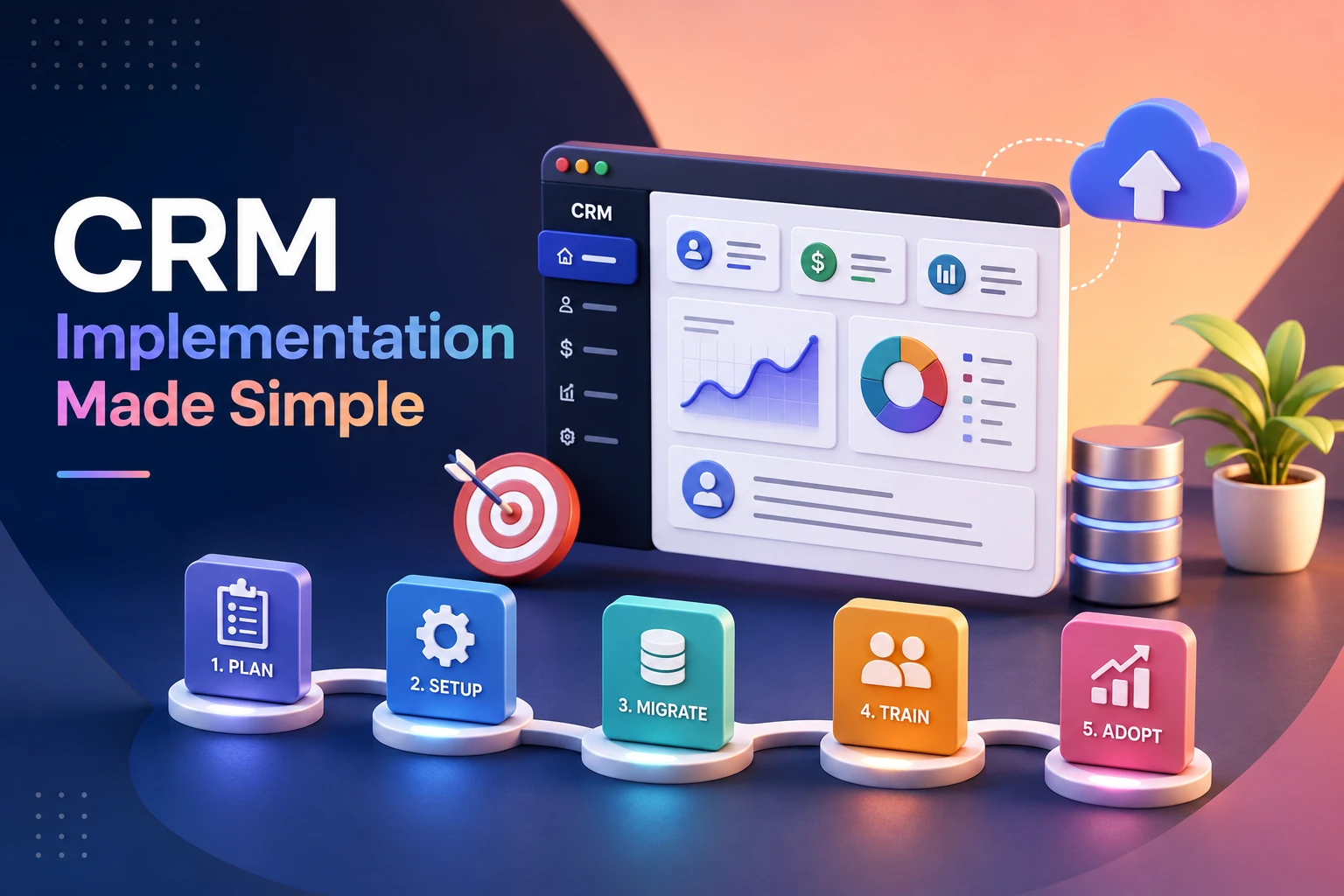
What Is CRM?
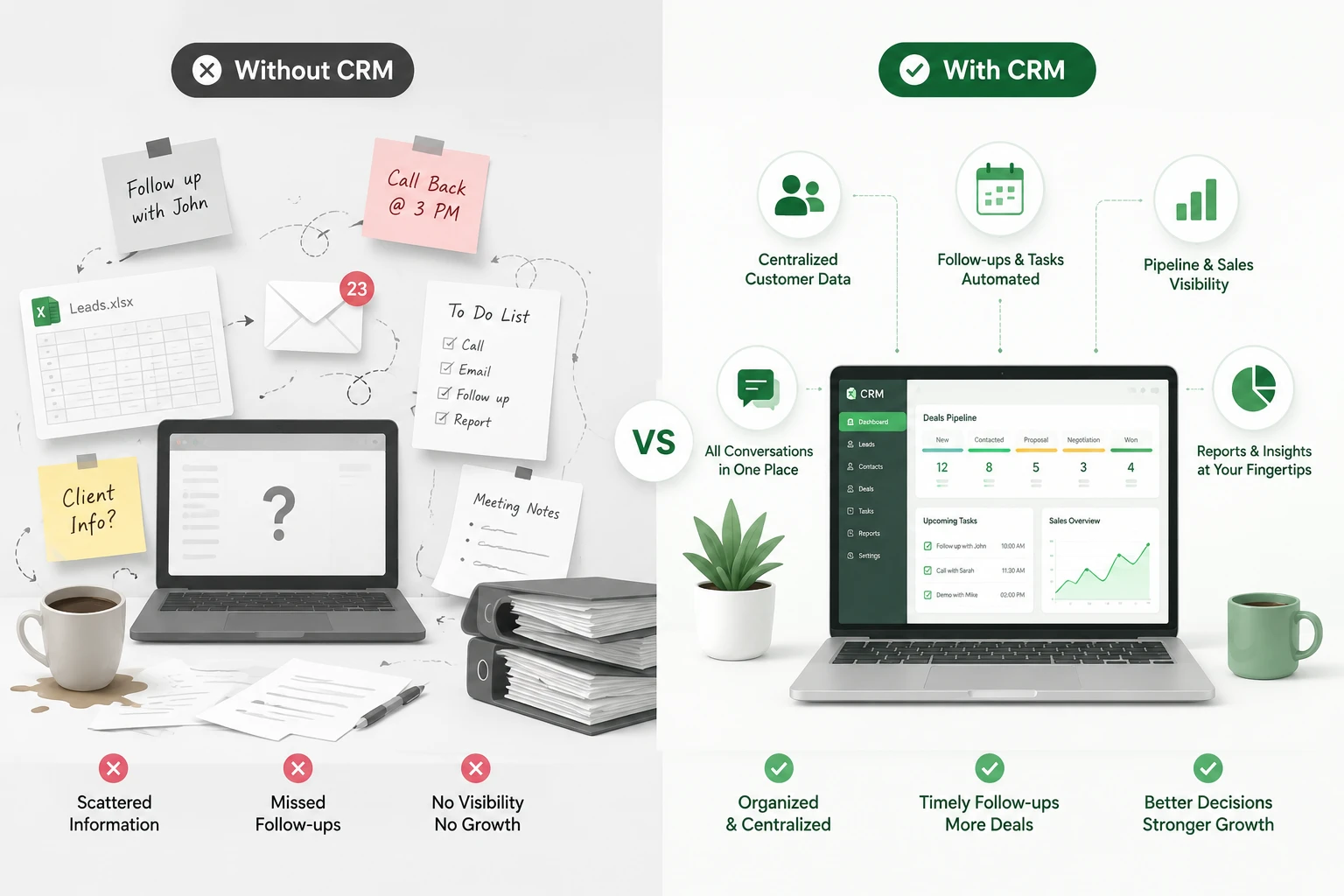
customer relationship management or CRM, is software that brings every touchpoint you have with a customer or prospect into one connected record: the emails, calls, deals, support tickets, and notes that would otherwise live scattered across inboxes and spreadsheets.
Its core job is to give every team, sales, marketing, support, and even finance, the same accurate picture of who a customer is and where things currently stand with them. That shared
Visibility of that which support teams can use to view a customer’s past purchases and sales teams to view open support tickets without having to go to three different people for that info.
What Is CRM Implementation?
CRM implementation is what we do to put in place a customer relationship management system in your business, to configure it, to move your data into it, train your team on the use of the system, and get them into the habit of using it daily.
It is not a one-time installation. Think of it more in terms of moving into a new home. You don’t just bring in the boxes and call it a day; you unpack the boxes, put things in their best place, and over time develop the routine of the new space. A CRM roll out does in the same way.
When done well, it gives your sales, marketing, and support teams a single source of customer info. When done poorly, it is an expensive piece of software that no one uses.
Why CRM Implementation Fails (And How to Avoid It)
Before getting into the steps, it helps to know where things typically go wrong. Understanding why CRM implementation fails is half the battle.
Here are the most common reasons:
- No clear goals. Teams buy a CRM because “everyone has one”, without deciding what problem it should solve.
- Messy data migration. Old spreadsheets get dumped in as-is, duplicates and all.
- Skipping training. Reps are handed login details and left to figure it out themselves.
- Too much customization, too early. Complex workflows are built before anyone has used the basic version.
- No internal champion. Nobody owns the rollout, so questions and issues pile up unanswered.
The good news? Every one of these is preventable with the right process, which is exactly what we’ll cover next.
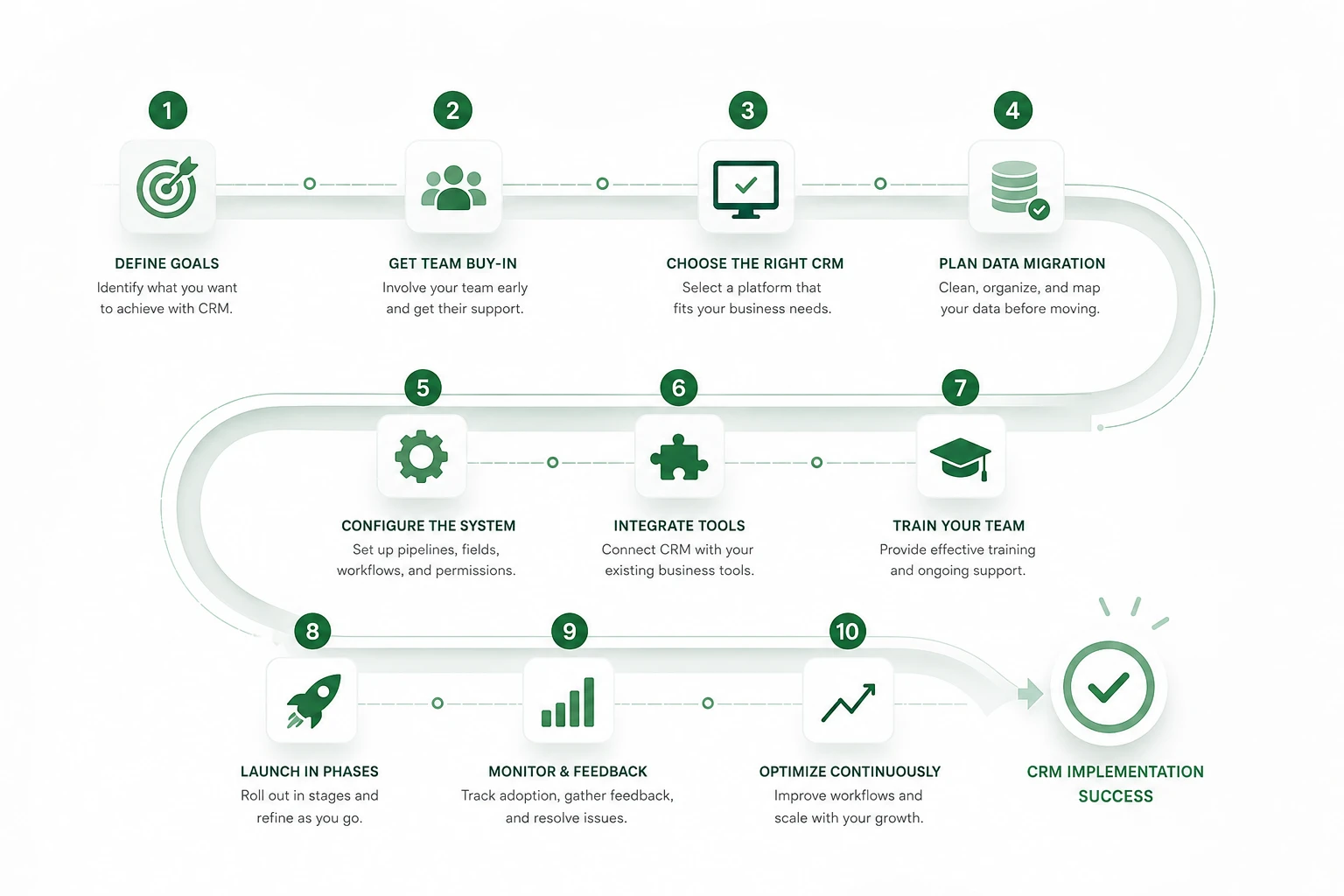
CRM Implementation Process: Step-by-Step
Here’s a clear CRM setup guide you can follow regardless of which platform you choose.
Step 1: Define Your Goals First
Before touching any software, get specific about what you want the CRM to do. Are you trying to:
- Shorten your sales cycle?
- Reduce lead leakage?
- Improve follow-up consistency?
- Get better reporting for leadership?
Write these goals down. They’ll guide every decision that follows, from which features you configure to how you measure success later.
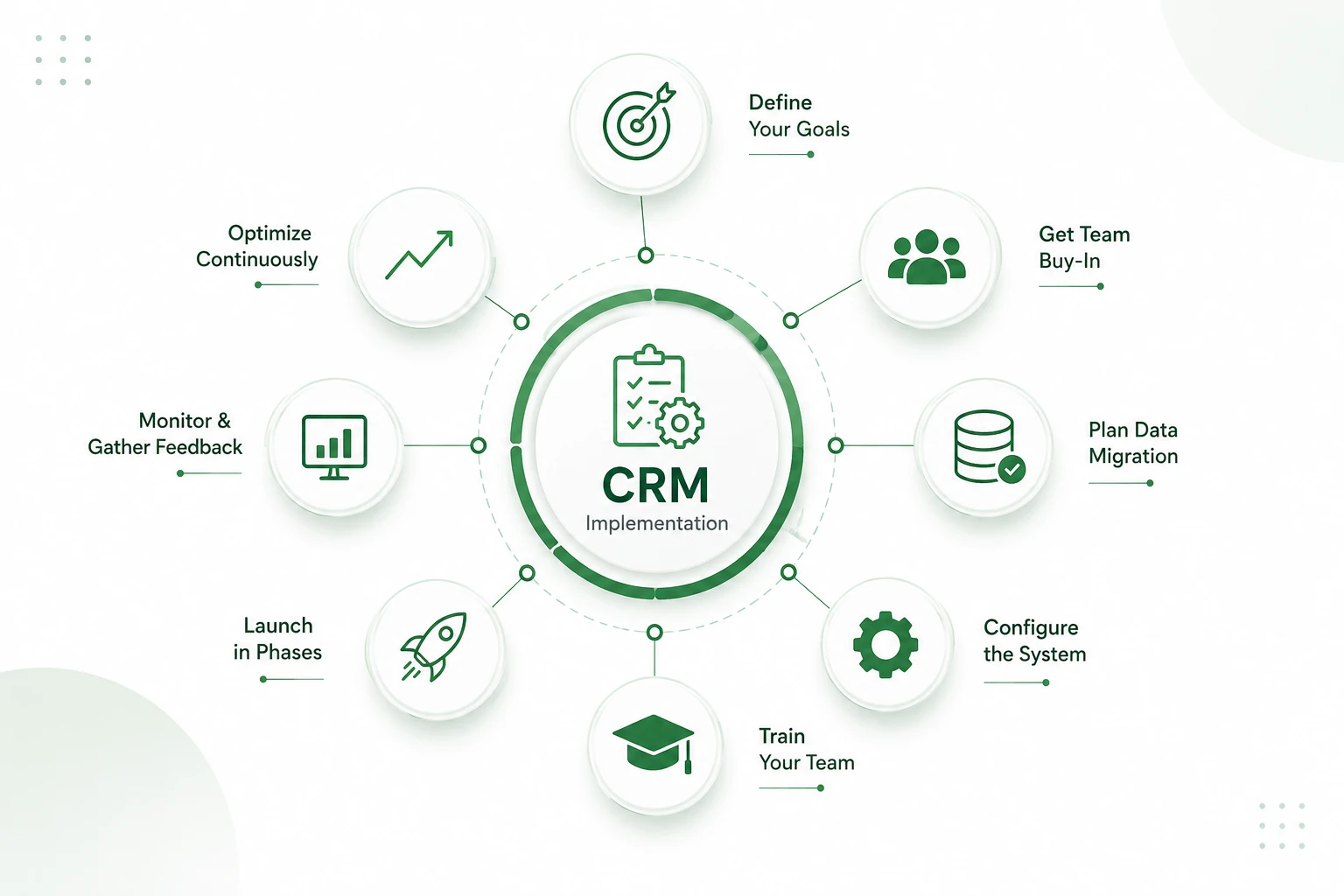
Step 2: Get Buy-In From Your Team
A CRM rollout will impact the people who use it the most. We should include sales and support reps from the start, not just leadership.
Ask them what they find frustrating with the present process. They may bring up practical issues that leadership doesn’t see, for example, a rep who spends 20 minutes a day on manual call logs, which the CRM could handle.
Step 3: Choose the Right CRM Platform
Match your tool to what your business does and which issues it has. A 10-person startup and a 500-person enterprise will present different issues.
In the case of enterprise CRM implementation, we see that issues are around custom permissions, integrations with other systems, and scaling, which in most cases don’t play as large a role for a just-starting-out team.
Step 4: Plan Your Data Migration
This step quietly makes or breaks most rollouts. Before moving anything:
- Audit your existing data. Remove duplicates, fix formatting inconsistencies, and archive anything outdated.
- Map your fields. Decide how old spreadsheet columns match up to new CRM fields.
- Test with a small batch first. Migrate a sample of records before doing the full transfer.
- Back everything up. Always keep a copy of your original data.
Clean data going in means fewer headaches coming out.
Step 5: Configure the System
Set up your pipelines, custom fields, user roles, and automation rules based on the goals you defined in Step 1.
Keep it simple at first. It’s tempting to build elaborate workflows on day one, but starting lean lets your team learn the basics before adding complexity.
Step 6: Integrate With Your Existing Tools
Most businesses run on more than one system: email, invoicing, marketing platforms, and support desks. Connect your CRM to these tools so data flows automatically instead of requiring manual updates in five different places.
Step 7: Train Your Team Properly
This is where many rollouts quietly fall apart. A single onboarding session isn’t enough.
A strong CRM onboarding process usually includes:
- Role-specific training (sales reps don’t need the same walkthrough as support staff)
- Short reference guides for common tasks
- A designated point person for questions
- Follow-up check-ins two to three weeks after launch
Step 8: Launch in Phases
Rather than switching everyone over at once, consider a phased rollout: start with one team or department, gather feedback, fix issues, and then expand.
This reduces disruption and gives you a chance to catch problems while the stakes are still low.
Step 9: Monitor Adoption and Gather Feedback
Track how actively your team is using the system. Are they logging activities? Updating deal stages? Skipping certain features entirely?
Low usage numbers point to friction somewhere: bad workflow design, unclear training, or a feature that doesn’t match how people actually work.
Step 10: Optimize Continuously
CRM implementation isn’t a one-and-done project. Revisit your setup every few months. Retire unused fields, refine automations, and adjust workflows as your business grows.
Choosing the right platform is just as important as implementing it correctly. Read our detailed guide, How to Choose CRM, to compare features, evaluate your business needs, and make a confident decision.
Advantages of CRM Implementation
Implementing a CRM system brings clear, practical benefits to any business:
- Centralized customer data: All customer information, transactions, and history are together in one place.
- Improved customer service: Faster and better-informed responses to customer queries.
- Higher sales efficiency: Improved lead tracking and follow-up management.
- Increased conversion rates: Transparent view of all sales pipeline stages.
- Stronger customer retention: Timely personal interaction, which brings customers back.
- Accurate sales forecasting: Data-based predictions instead of guesswork.
- Process automation: Reduces manual effort in data entry and follow-ups.
- Better team collaboration: Sales, which is also true of marketing and support teams, works with the same data.
- Targeted marketing campaigns: Based on actual customer behaviour.
- Reduced errors: Automated collection of data reduces human error.
- Data-driven decision-making: Real-time reports and dashboards inform strategy.
- Scalability: CRM systems grow with your business without major overhauls.
Want to explore any of these CRM benefits in more depth? Click here to read the full breakdown of CRM benefits →
CRM Adoption Strategy: Getting Your Team to Actually Use It
Technology alone doesn’t drive adoption; habits do. Here’s a practical CRM adoption strategy that works across most teams:
- Make it better than before. If in the CRM a call doesn’t get logged as fast as in a spreadsheet, people will avoid it.
- Celebrate early wins. Share a short story of how the CRM played a role in closing a deal or in bringing up a follow-up that would’ve been left out.
- Tie it into performance talks. When managers bring up CRM data in rep one-on-ones, it adds weight to it.
- Keep support accessible. A “help” channel or point person removes the excuse of “I didn’t know who to ask.
CRM Implementation Cost: What to Expect
CRM implementation cost varies widely depending on team size, data complexity, and how much customization you need. Broadly, expect costs across these categories:
| Cost Factor | What It Covers |
|---|---|
| Software licensing | Monthly or annual per-user fees |
| Data migration | Cleaning and transferring existing records |
| Customization | Custom fields, workflows, dashboards |
| Integrations | Connecting email, invoicing, or support tools |
| Training | Onboarding sessions and materials |
| Ongoing support | Maintenance and troubleshooting |
Smaller teams with simple needs can often get started for a modest monthly fee, while enterprise rollouts with heavy customization and integration work naturally cost more. Budget with all six categories in mind, not just the licence price.
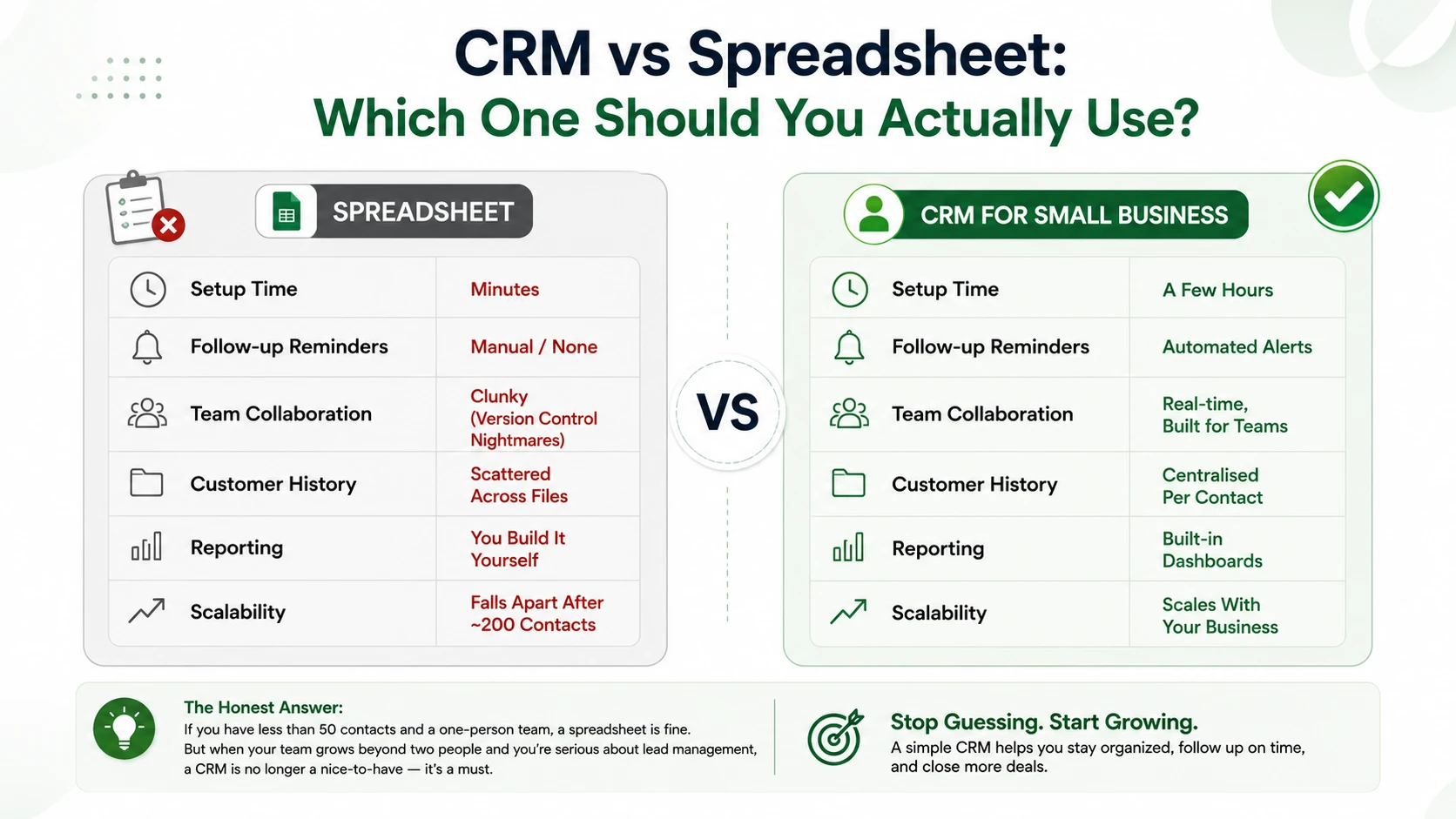
If you’re just starting out, focus on the basics: contact management, deal pipelines, and simple automation like follow-up reminders. Don’t overbuild.
If you’re scaling upr, look into advanced features like lead scoring, multi-team permissions, custom reporting dashboards, and API integrations with your broader tech stack.
Final Thoughts
A successful CRM implementation isn’t about picking the fanciest software; it’s about planning carefully, migrating clean data, training your team properly, and building habits that stick. Follow the steps in this guide, and you’ll avoid the common traps that derail most CRM rollouts.
Start small, stay consistent, and let your CRM grow with your business.
Remember, this is all about you and your business. Find the best CRM that works for you. Customise and deploy a solution that fits your business. For small businesses or those just starting out, consider Workdo’s CRM demo — try it.
 Frequently Asked Questions (FAQs)
We're Here to Help - Let's Talk
Have questions about our solutions, customization services, or business tools? Our team is here to help you. let's talk.