
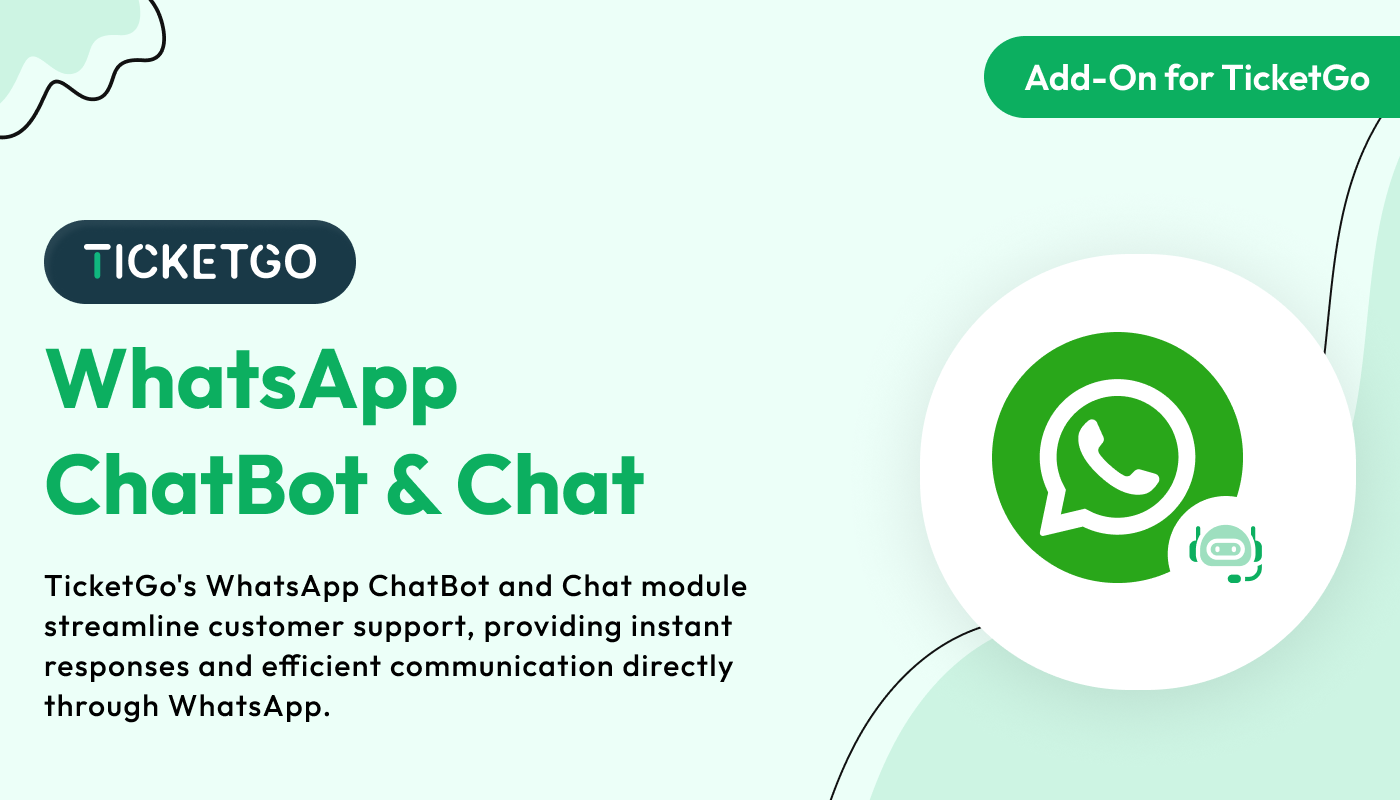
Real-Time Updates and Notifications
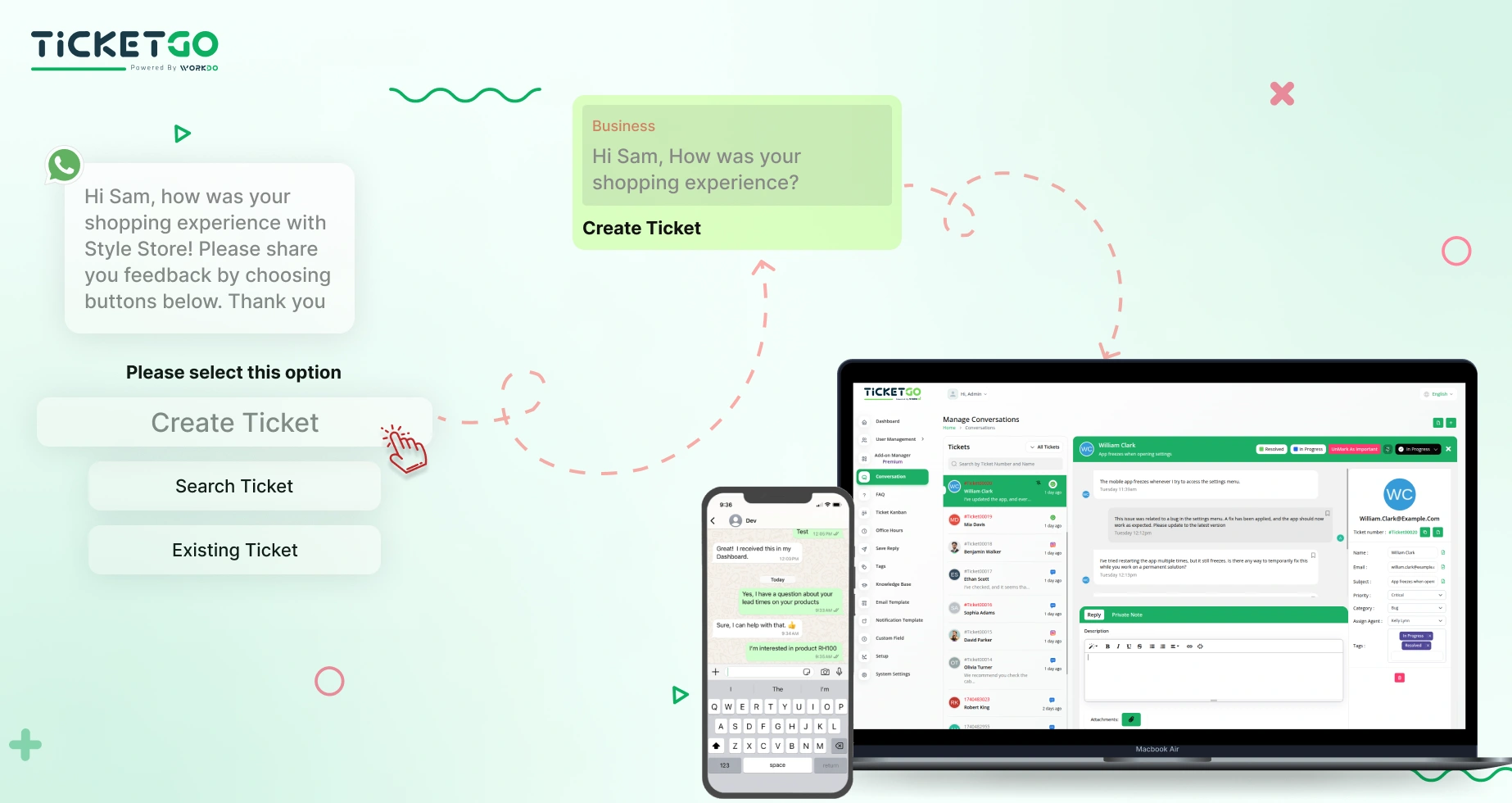
Keeping track of support tickets has never been easier. Once a ticket is created, customers receive real-time updates through WhatsApp, including responses from support agents, ticket status changes, and resolutions. This ensures that customers are always informed without needing to check emails or log into separate portals. The chatbot provides a smooth communication channel that enhances transparency and customer satisfaction.
Managing Credentials and Secure Integration
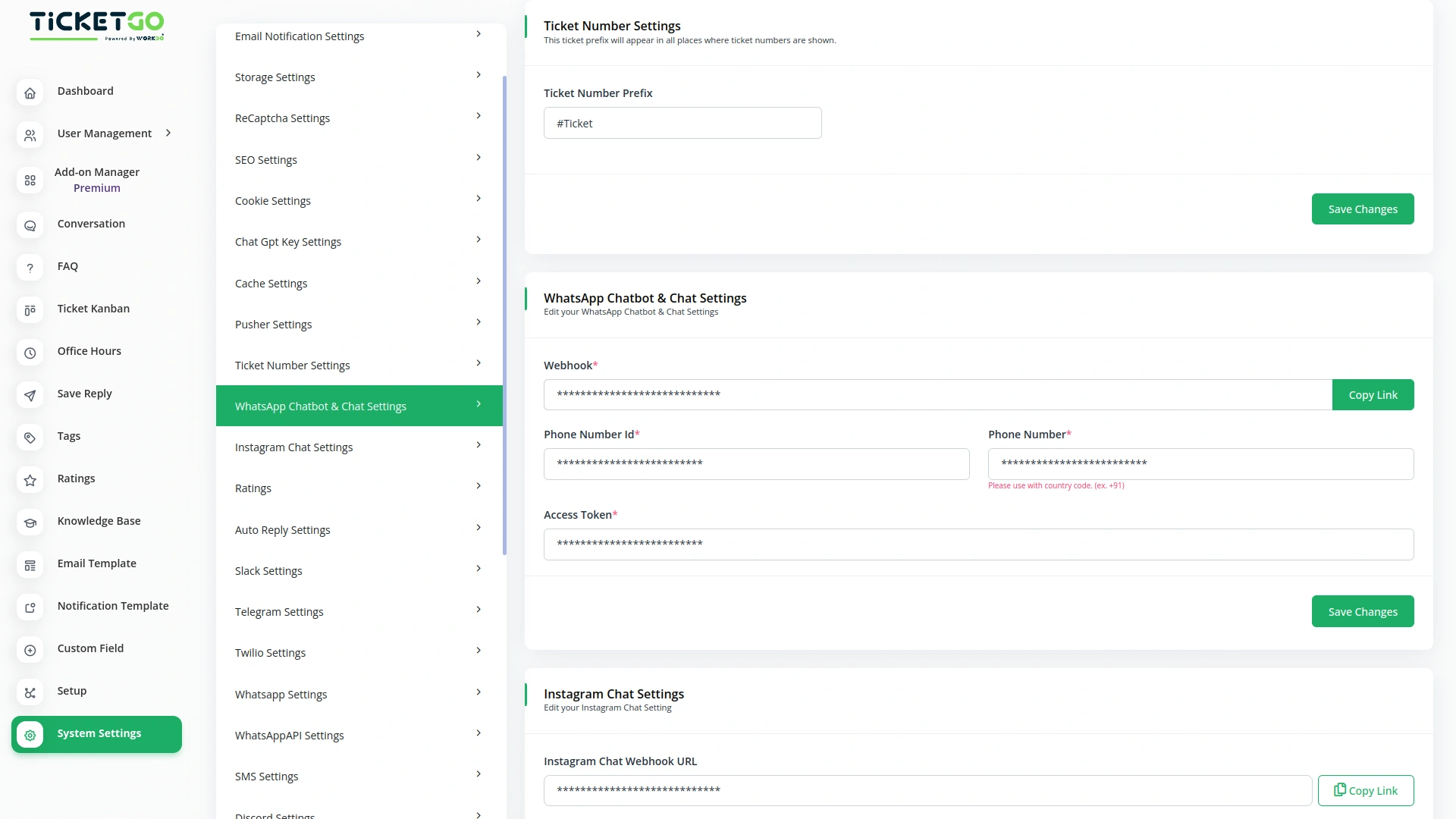
To enable WhatsApp chatbot functionality, TicketGo requires specific credentials, including a Webhook URL, Phone Number ID, Access Token, and registered Phone Number. The Webhook URL connects the chatbot to WhatsApp, ensuring real-time communication. The Phone Number ID uniquely identifies the WhatsApp business account, while the Access Token acts as a secure authentication key, allowing the system to send and receive messages on behalf of the business. It is crucial to keep these credentials confidential to prevent unauthorized access.
Screenshots from our system
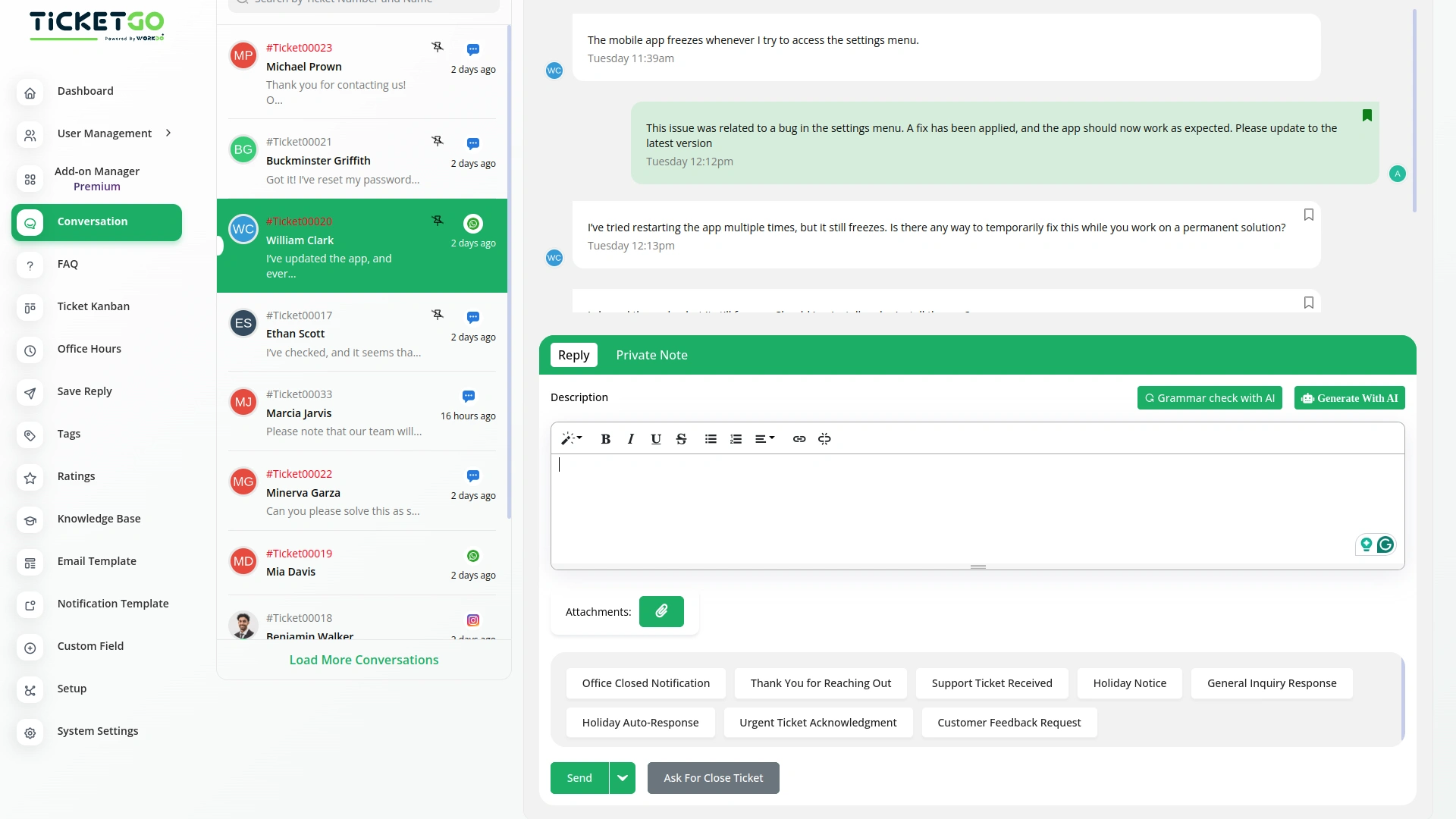
To explore the functionality and usage of these Add-Ons, refer to the accompanying screenshots for step-by-step instructions on how to maximize their features.
Discover More Add-Ons
Unlock even more functionality with additional Add-Ons, providing enhanced networking and customization options for your TicketGo Add-Ons experience.

Mark As Important
The Mark as Important feature in TicketGo helps you easily prioritize conversations that matter the most. With just one click, you can ensure critical tickets stand out, allowing you to focus on urgent issues without getting lost in the noise. This functionality is perfect for businesses that need to handle high-priority inquiries efficiently.

Plivo
The Plivo integration within TicketGo allows businesses to receive and send SMS notifications for crucial ticket events, ensuring real-time updates across agents, admins, and customers. By leveraging Plivo’s messaging API, you can keep everyone in the loop, whether it's notifying agents about incoming tickets or informing customers about ticket status changes. The integration enhances customer service efficiency by automating notifications and improving communication flow without needing additional tools.

Out Of Office
The Out of Office module in TicketGo allows agents to update their availability with a simple toggle. If an agent is unavailable, they can disable the Out of Office button, making it clear to both customers and admins that they are not currently active. This helps in ensuring a smooth ticket assignment process.

RocketChat
The Rocket.Chat integration in TicketGo provides real-time notifications for key ticketing events, ensuring your team stays informed and responsive. With this integration, TicketGo users can receive immediate updates within RocketChat channels about important ticket activities. This keeps all relevant stakeholders informed without having to leave the chat platform, making it easier to handle customer support and streamline communication.
The organized layout encourages our team to work more efficiently and consistently
The powerful automation tools helped us eliminate unnecessary manual tasks
The user experience is smooth enough to support continuous use without frustration
Flexible tools enhance productivity
Customizable notifications
Support team resolves everything fast
Works great, and support is excellent