
Configuring MSG91 Notifications
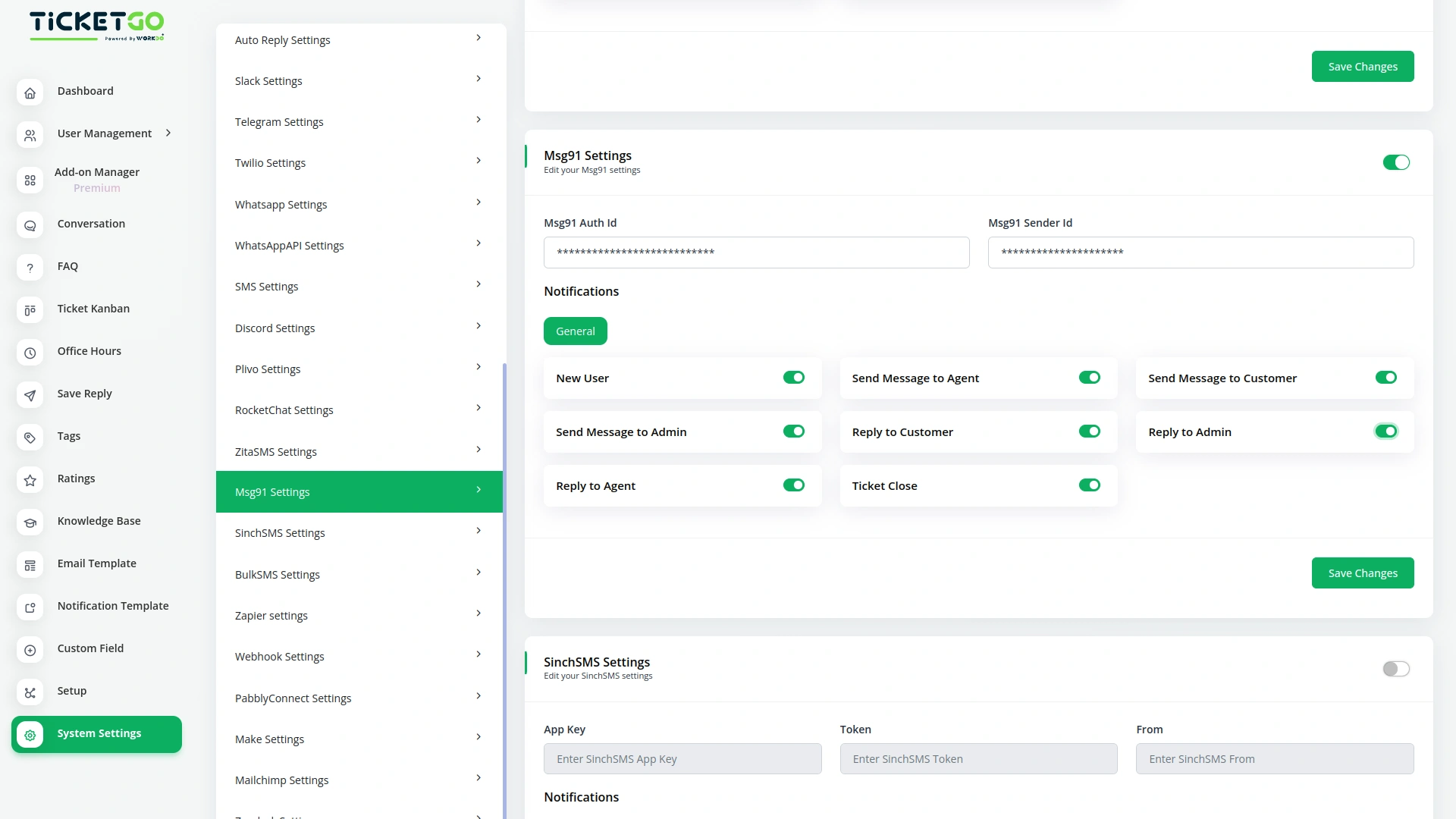
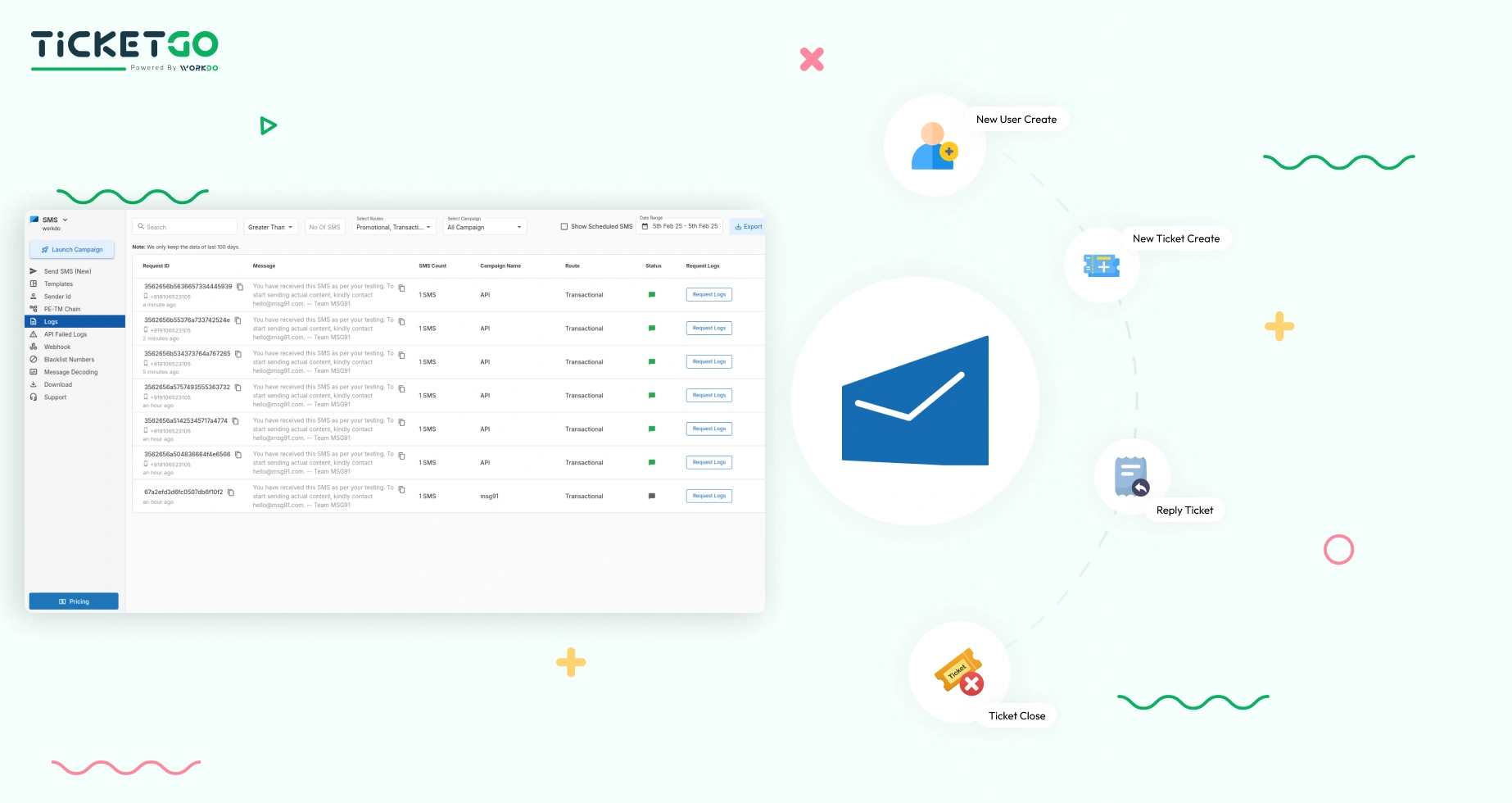
To set up MSG91 notifications in TicketGo, users need to configure the integration by providing their MSG91 API credentials and linking them with TicketGo. Once the credentials are linked, businesses can define which ticket events should trigger SMS notifications. The configuration allows businesses to send SMS alerts for a variety of ticket updates, ensuring that agents, customers, and admins stay informed. Setting up the system is simple and ensures that no important ticket updates are missed.
Best Practices for Managing MSG91 Notifications
To make the most out of MSG91 notifications, it’s important to configure them based on your team’s roles and priorities. Setting up dedicated notification groups for different user types (agents, customers, admins) will ensure that everyone receives only the updates relevant to their responsibilities. Additionally, consider prioritizing urgent tickets or time-sensitive updates to ensure that the most critical notifications are seen promptly. By customizing notification settings, businesses can reduce distractions and ensure efficient ticket management.
Screenshots from our system
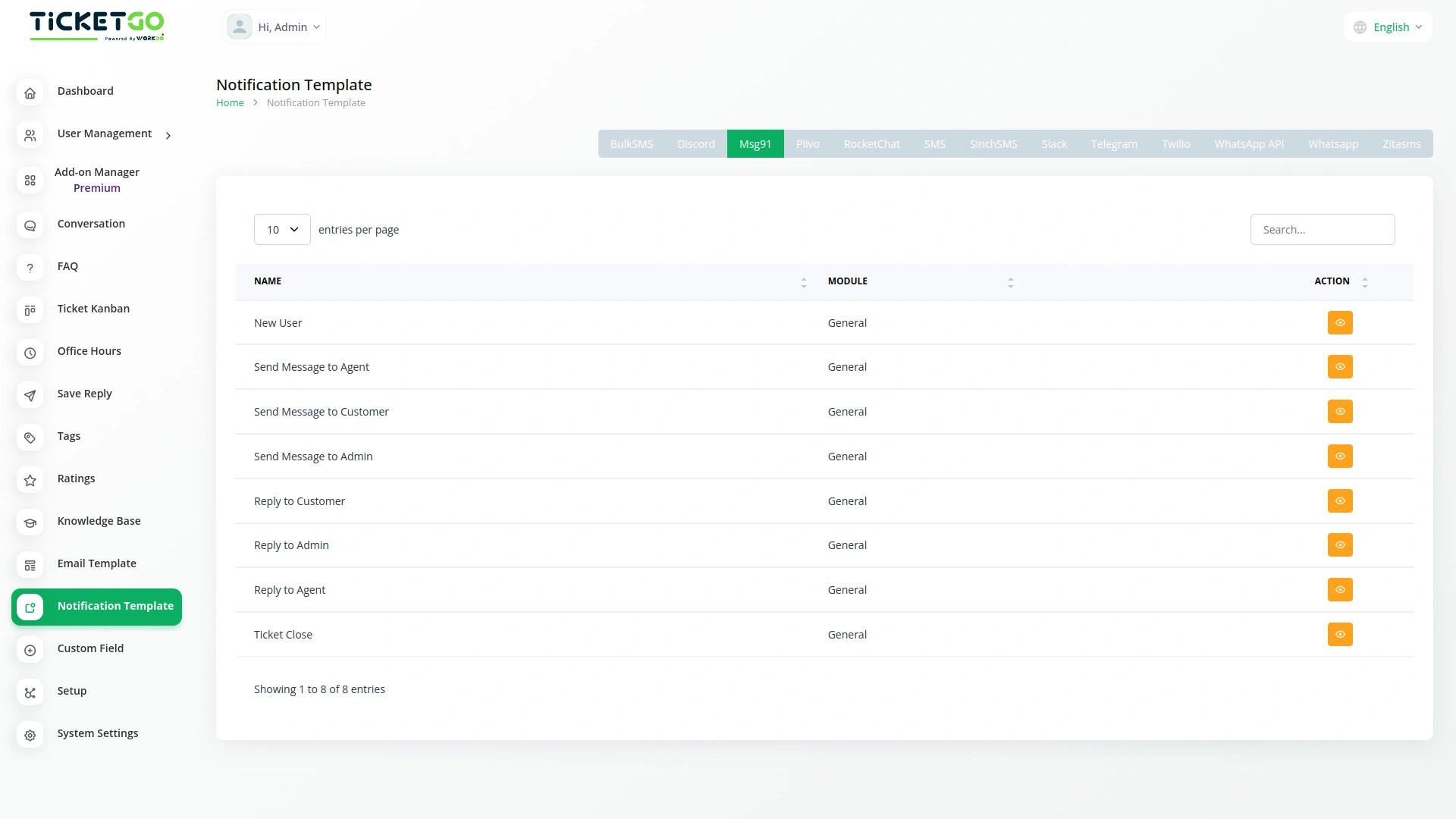
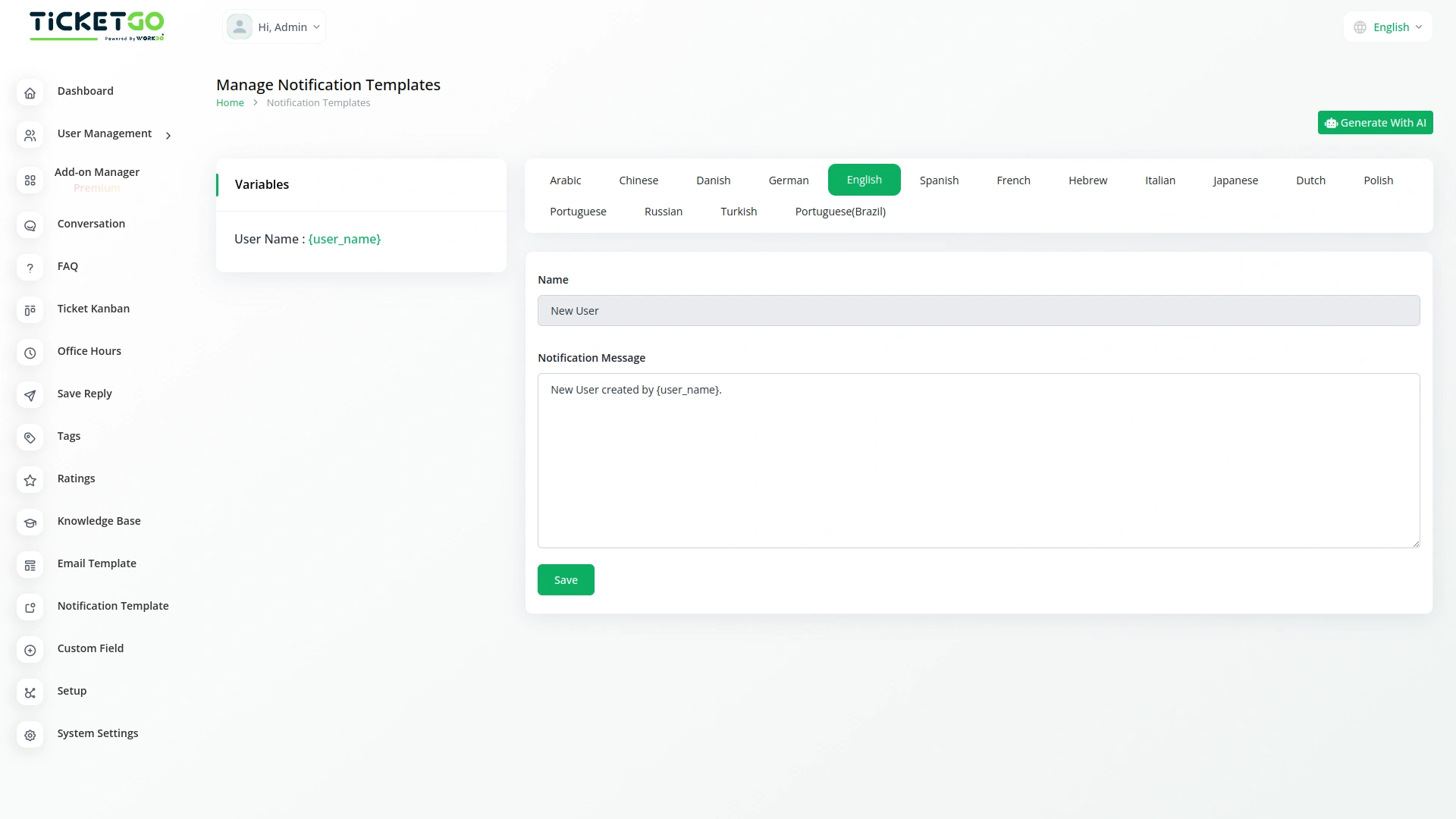
To explore the functionality and usage of these Add-Ons, refer to the accompanying screenshots for step-by-step instructions on how to maximize their features.

Discover More Add-Ons
Unlock even more functionality with additional Add-Ons, providing enhanced networking and customization options for your TicketGo Add-Ons experience.

Pabbly Connect
Pabbly Connect is a versatile automation platform seamlessly integrating 1000+ apps, from Google Sheets to Shopify. With its user-friendly interface, creating automated workflows becomes effortless. Boosting efficiency, Pabbly Connect enables scheduled workflows, advanced paths, and automated data extraction from emails. Imagine the potential for streamlined processes and real-time data synchronization, all achieved with this powerful, no-code automation solution.

WhatsApp Chatbot & Chat
The WhatsApp Chatbot Addon in TicketGo enables customers to create support tickets effortlessly through WhatsApp. Instead of navigating through a website or app, users can simply send a message detailing their issue, and the chatbot will capture the necessary information to generate a ticket. This eliminates long wait times and ensures that queries are logged into the system instantly, allowing for a quick and efficient resolution process.

Discord
Discord is a widely used communication platform that enables real-time messaging, voice calls, and community engagement. Integrating Discord with TicketGo allows businesses and support teams to receive ticket notifications directly within their Discord servers. This seamless connection ensures that teams stay updated without constantly checking the TicketGo dashboard.

Out Of Office
The Out of Office module in TicketGo allows agents to update their availability with a simple toggle. If an agent is unavailable, they can disable the Out of Office button, making it clear to both customers and admins that they are not currently active. This helps in ensuring a smooth ticket assignment process.
The quick response time and stable performance make everyday usage hassle-free