
Setting Up Discord in TicketGo
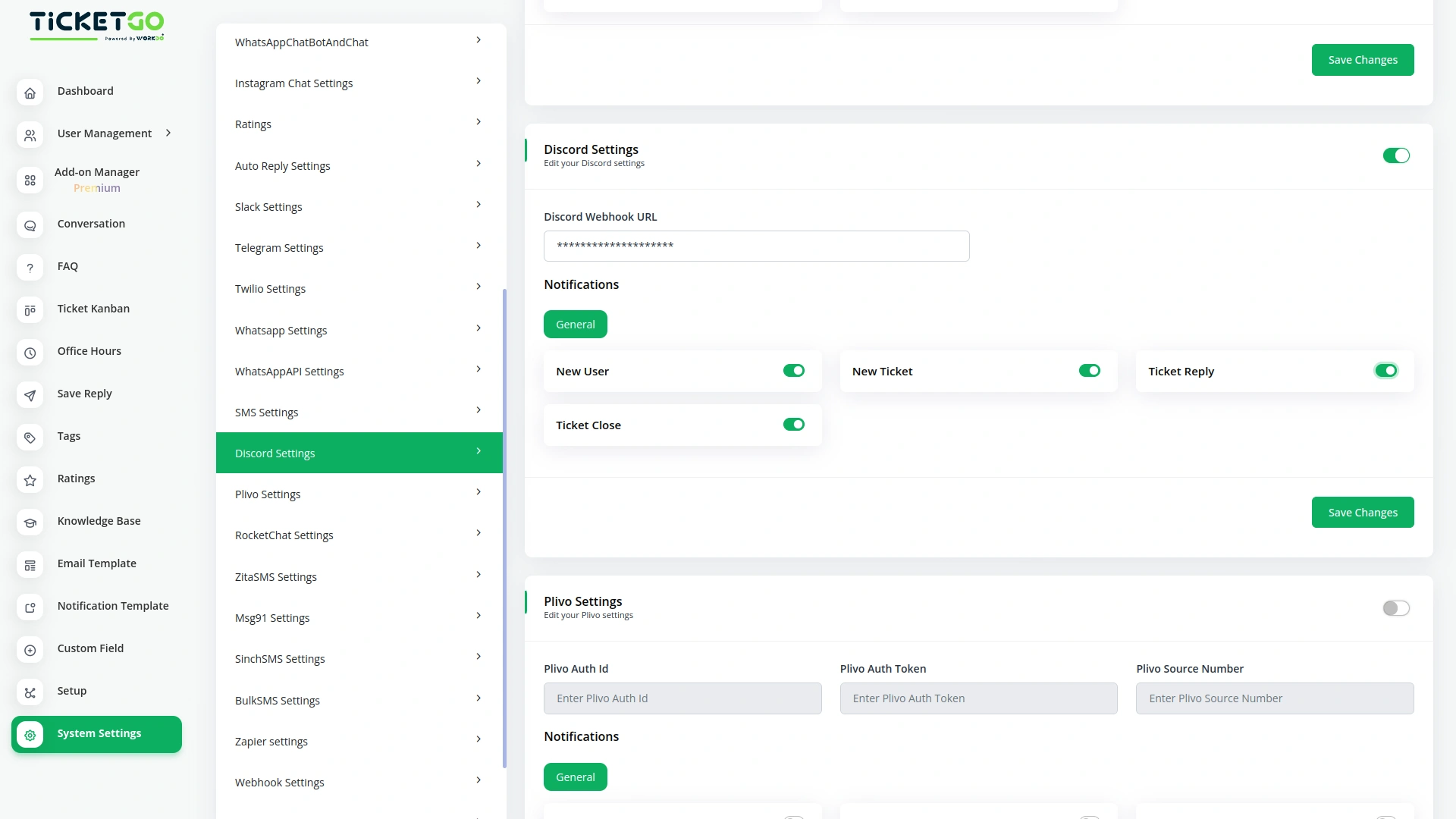
Integrating Discord with TicketGo is simple and requires generating a webhook URL from Discord. Users can enter this URL into the TicketGo settings to establish a secure connection. Once configured, TicketGo can send automated notifications about ticket creation, updates, and resolutions to a designated Discord channel, ensuring smooth communication.
Real-Time Ticket Notifications via Discord
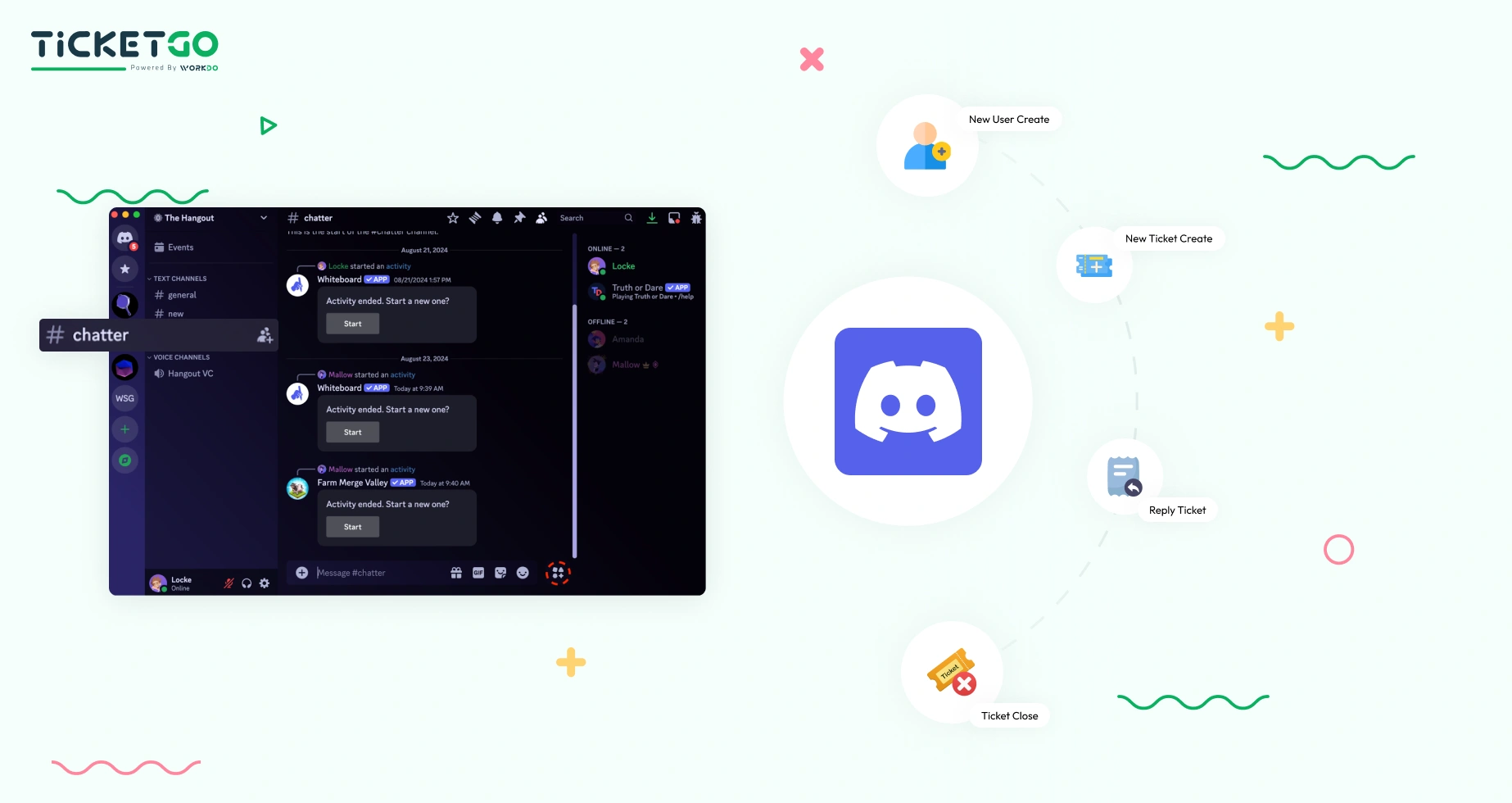
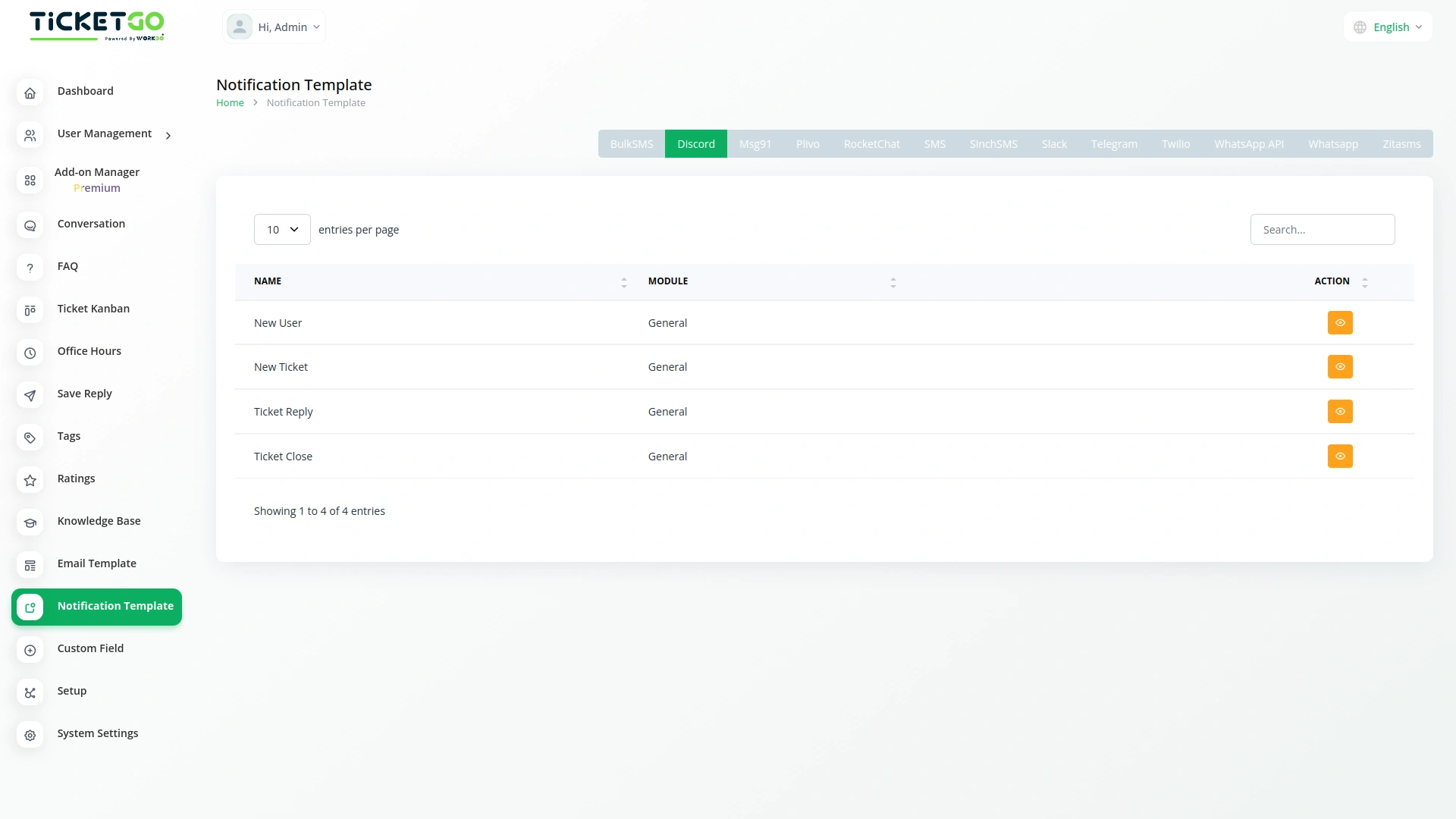
With Discord integration, TicketGo ensures that support teams receive instant notifications about ticket activities. Whether a new ticket is submitted, updated, or resolved, the system sends a message to the configured Discord channel. This real-time update helps teams respond quickly, improving efficiency and customer satisfaction.
Screenshots from our system
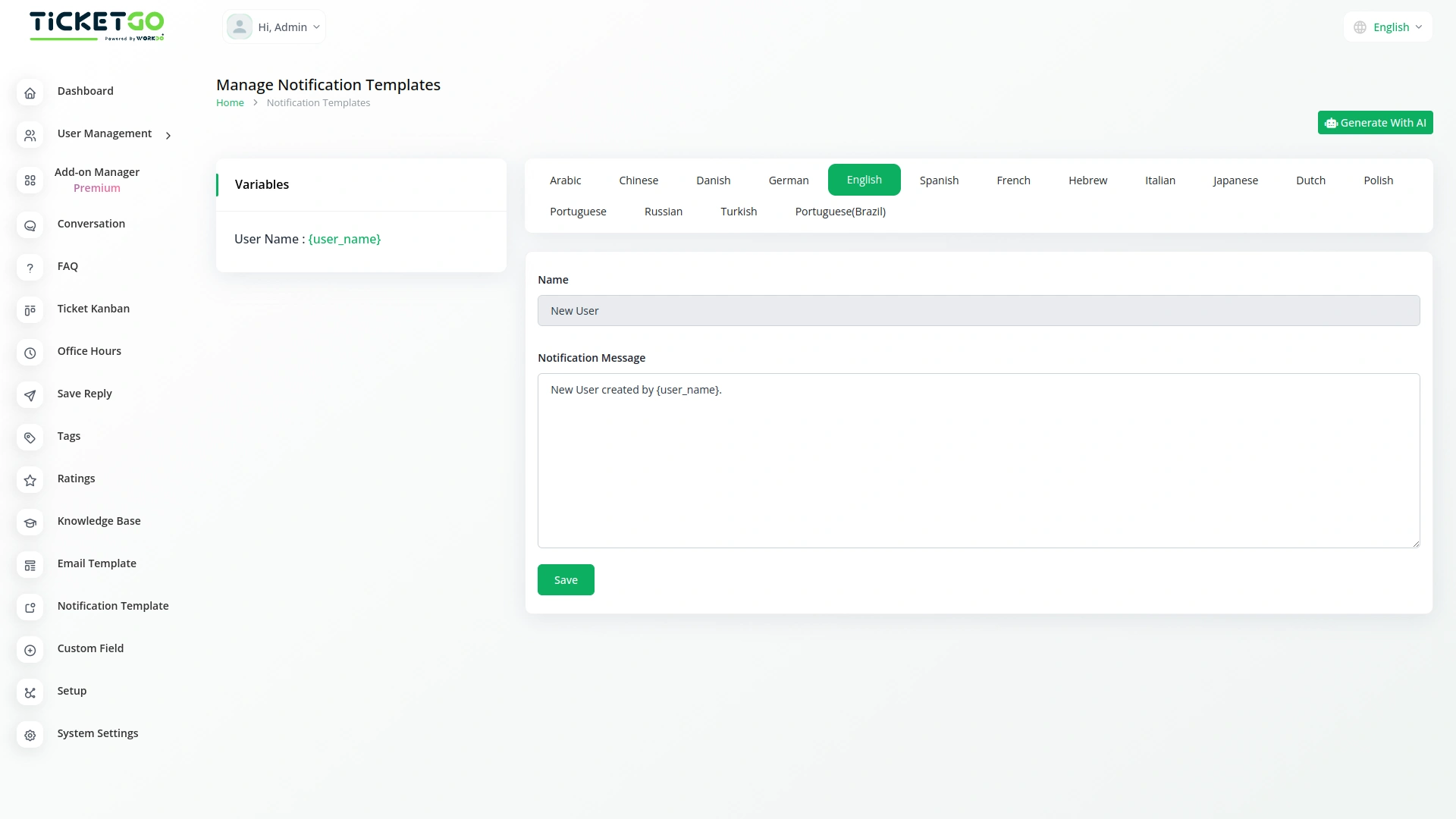
To explore the functionality and usage of these Add-Ons, refer to the accompanying screenshots for step-by-step instructions on how to maximize their features.

Discover More Add-Ons
Unlock even more functionality with additional Add-Ons, providing enhanced networking and customization options for your TicketGo Add-Ons experience.

Auto Reply
Customers often feel uncertain when they don’t receive an immediate response after submitting a query. The Auto Reply module addresses this concern by instantly sending a predefined message, confirming that the support team has received the request.

Ticket Kanban
The Ticket Kanban Add-On helps support teams work faster and more efficiently. By giving a clear view of ticket priorities and allowing quick updates, it ensures that urgent issues are handled first.

ZitaSMS
ZitaSMS is a robust SMS gateway that allows businesses to send transactional and promotional messages efficiently. Integrating ZitaSMS with TicketGo enhances communication by enabling automated notifications, ticket updates, and alerts via SMS. This integration ensures that users stay informed about their tickets in real time without relying solely on email or in-app notifications.

SMS
The SMS Notification Integration in TicketGo provides businesses with a reliable way to notify users about important ticket updates through SMS. This integration ensures that customers receive real-time notifications, even when they do not have access to email or other communication platforms. With the widespread use of mobile phones, SMS serves as a highly effective channel to keep customers informed about their ticket status, reducing the chances of missed updates and improving customer satisfaction.
The platform’s ease of use shortened our training time and improved staff confidence