
Supported Countries: Malaysia
Supported Currencies: MYR (Malaysian Ringgit)
senangPay is a trusted and locally focused payment gateway built specifically for businesses operating in Malaysia. It enables merchants to accept payments through a variety of methods, including credit and debit cards, online banking, and e-wallets, all within a secure and compliant payment environment. With its developer-friendly API, recurring billing support, and seamless platform integration, senangPay gives Malaysian businesses a reliable and efficient way to manage their payment operations and deliver a smooth checkout experience to every customer.
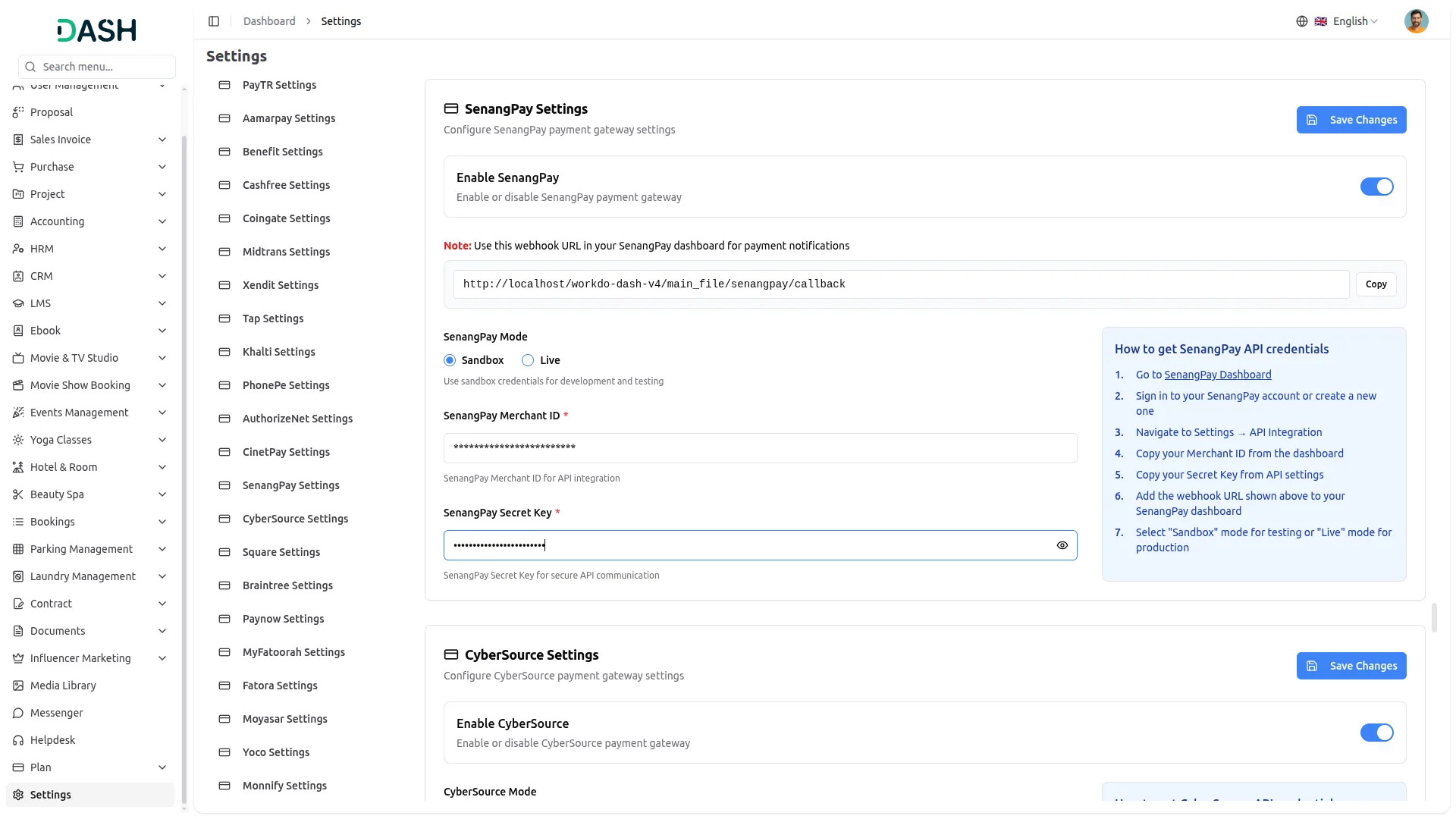
API Key Settings Page for senangPay Integration
The API Key Settings Page allows you to establish a secure and reliable connection between your platform and the senangPay payment gateway. By entering your credentials here, your system can interact directly with senangPay services to process payments, manage transactions, and maintain consistent financial operations. Superadmin and Company accounts use separate integration setups, but both are built on a unified structure to maintain consistency. The Superadmin and Company accounts use separate integration setups but follow a unified integration structure for consistency, with the Superadmin handling subscription-based plan payments and the Company managing customer-facing transactions and service payments.
Seamless Plan Payments
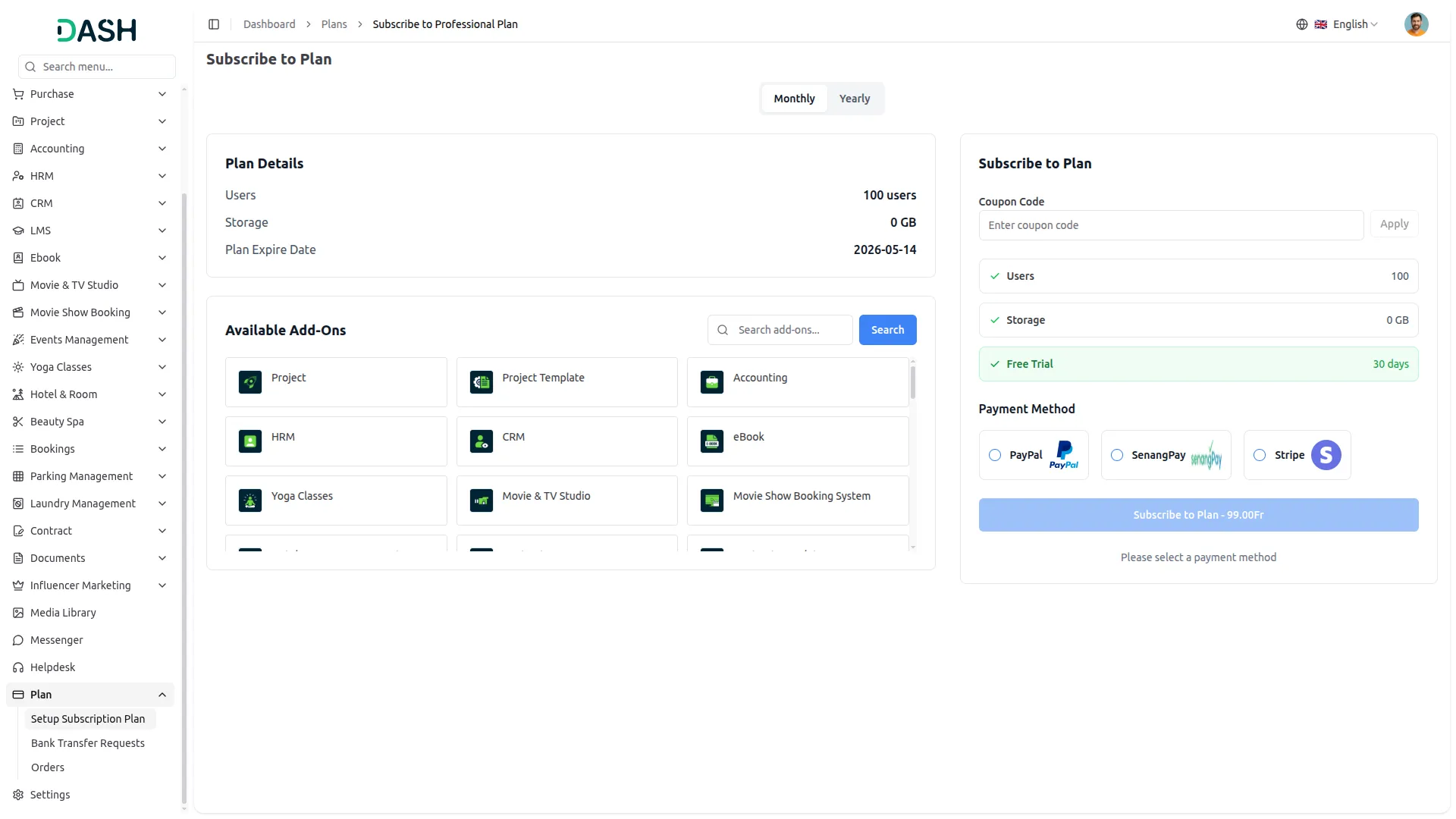
This payment method operates on the Superadmin side, allowing customers to purchase platform plans through a secure and hassle-free one-time payment process. All transactions are processed reliably through senangPay and updated in real time, ensuring complete accuracy and full financial visibility at every stage.
Payment Management
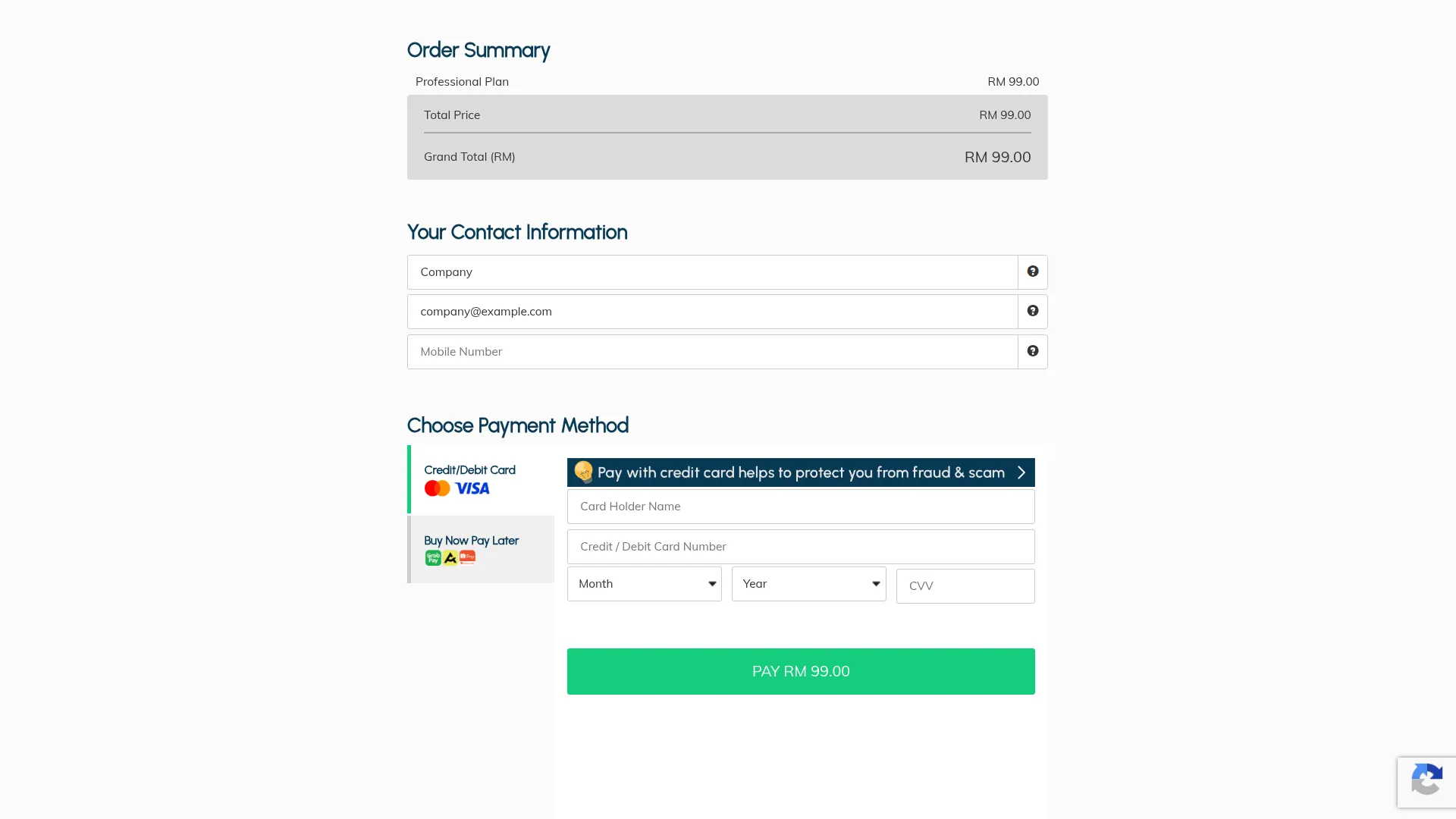
This payment method is used on the Company side to collect payments across a range of business services and customer transactions, including bookings, appointments, beauty spa services, course purchases (LMS), hotel and room reservations, and other similar services. Companies can accept payments from their customers through senangPay using cards, online banking, and e-wallets, all processed securely with real-time tracking and transparent transaction management.
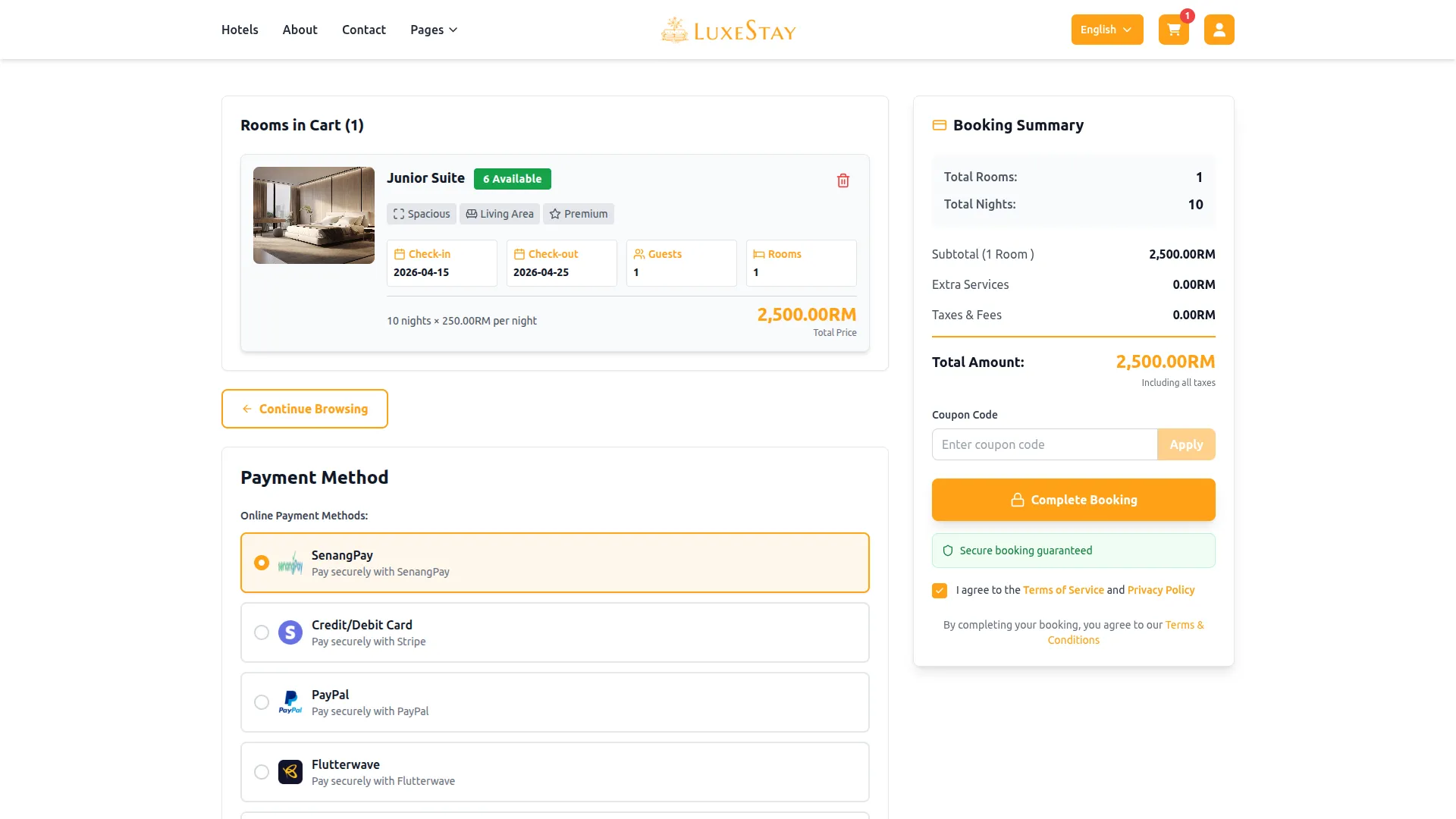
Screenshots from our system
To explore the functionality and usage of these Add-Ons, refer to the accompanying screenshots for step-by-step instructions on how to maximize their features.
Discover More Add-Ons
Unlock even more functionality with additional Add-Ons, providing enhanced networking and customization options for your Dash SaaS experience.


Procurement
Managing the procurement process can be a time-consuming and complex task. Dash SaaS simplifies this process by providing a central hub for all your procurement needs.

Shopify Sync
Streamline your operations and enhance customer experiences by simplifying the management of Shopify products, categories, customers, orders and coupons. Our integration solutions empower you to take your online sales to the next level.

EMail Box
EMail Box module is a powerful tool designed to streamline your email management process. It seamlessly integrates with your SMTP server, giving you unprecedented control over your email account's various folders, including Inbox, Drafts, Spam, Sent, Trash, and Archive. But that's not all; it also empowers you to interact with your emails in ways that were previously unimaginable.
Worked better than we expected