
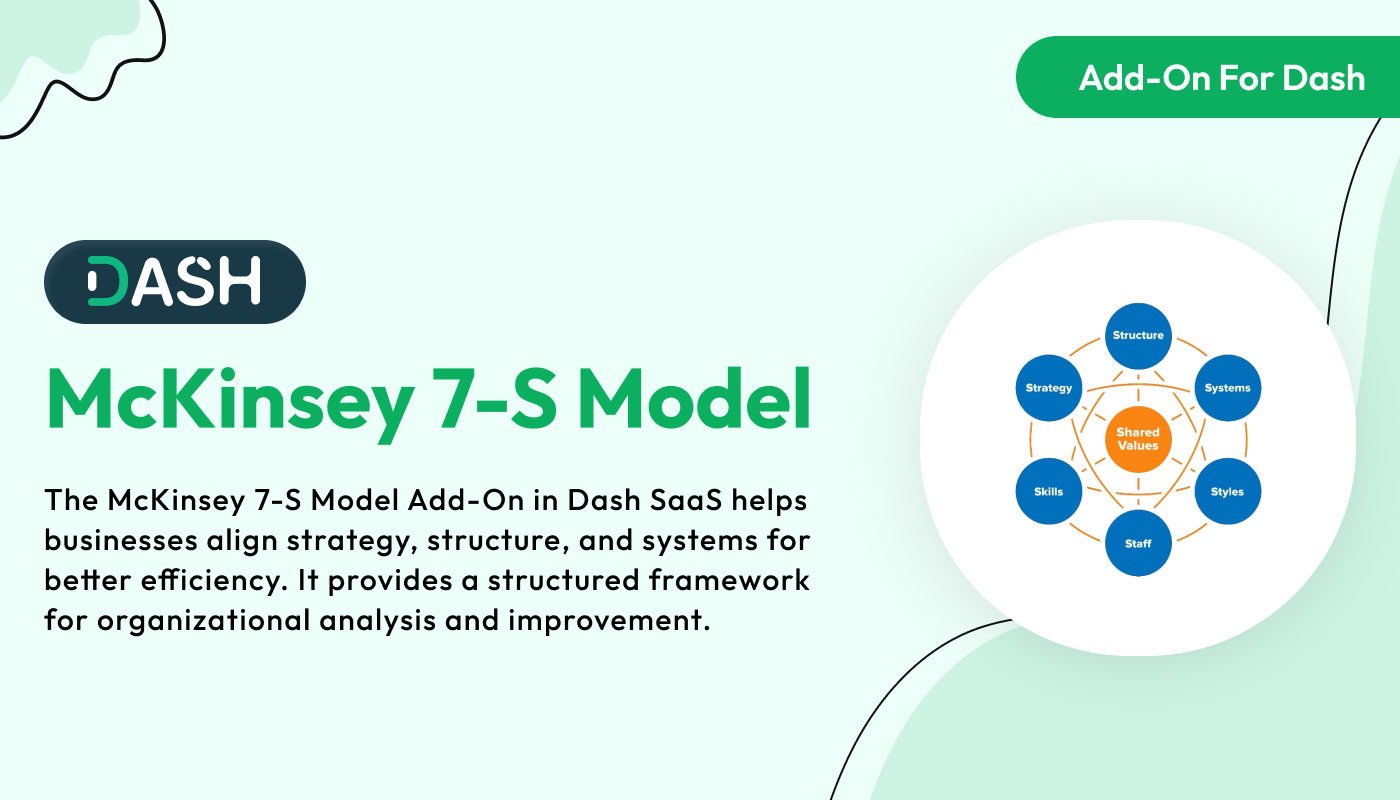
McKinsey 7-S Model Add-On offers a structured framework to assess and align critical elements of your organization including strategy, structure, systems, staff, skills, style, and shared values. Create and manage detailed models tailored to your business challenges, view them in dynamic formats like grid, kanban, or tree view, and gather feedback through built-in review and print features. This holistic tool empowers you to diagnose misalignments and drive continuous improvement with clarity and precision.
Dependency Notice: This Add-On depends on the Planning Add-On, so you must purchase and activate it first to access the McKinsey 7-S Model features.
Comprehensive Model Overview
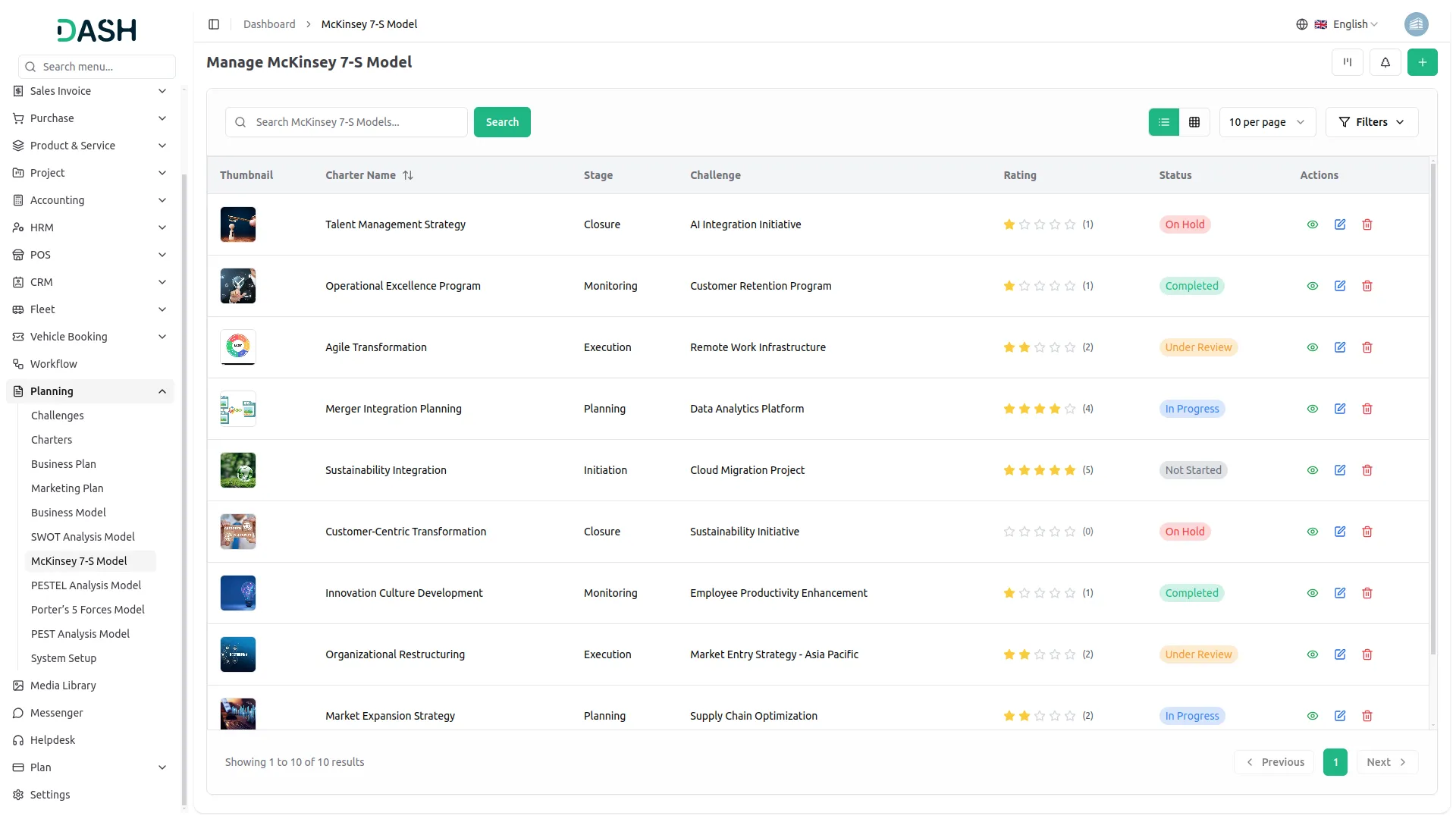
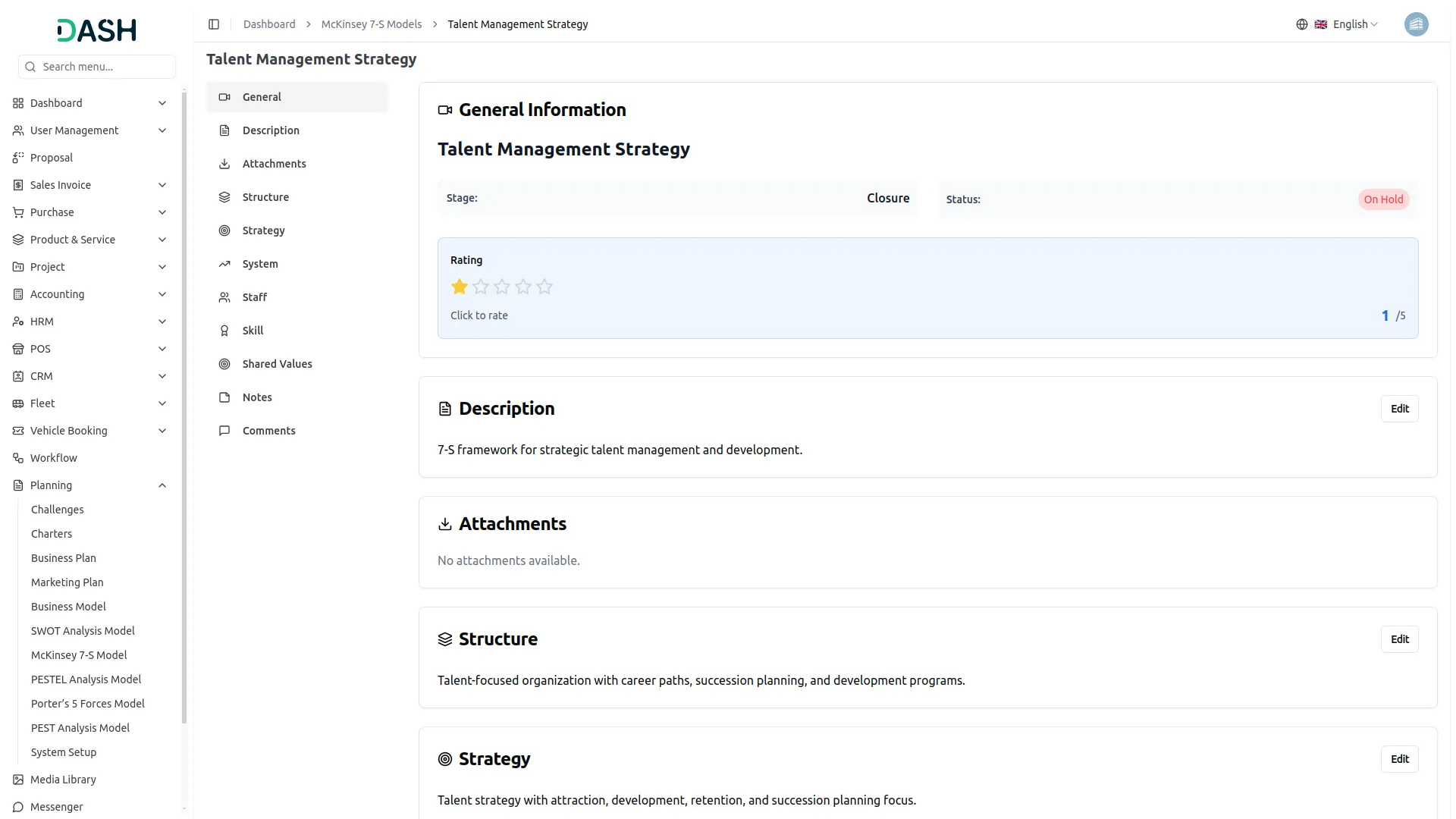
Gain a holistic understanding of your organization's dynamics with the McKinsey 7-S Model Add-On. This feature-rich interface allows you to document and analyze all seven elements Structure, Strategy, Systems, Staff, Skills, Style, and Shared Values alongside descriptions, attachments, notes, and comments. Collaborate effectively by adding ratings and feedback, ensuring that every aspect of your organizational analysis is thorough and actionable.
Strategic Overview At A Glance
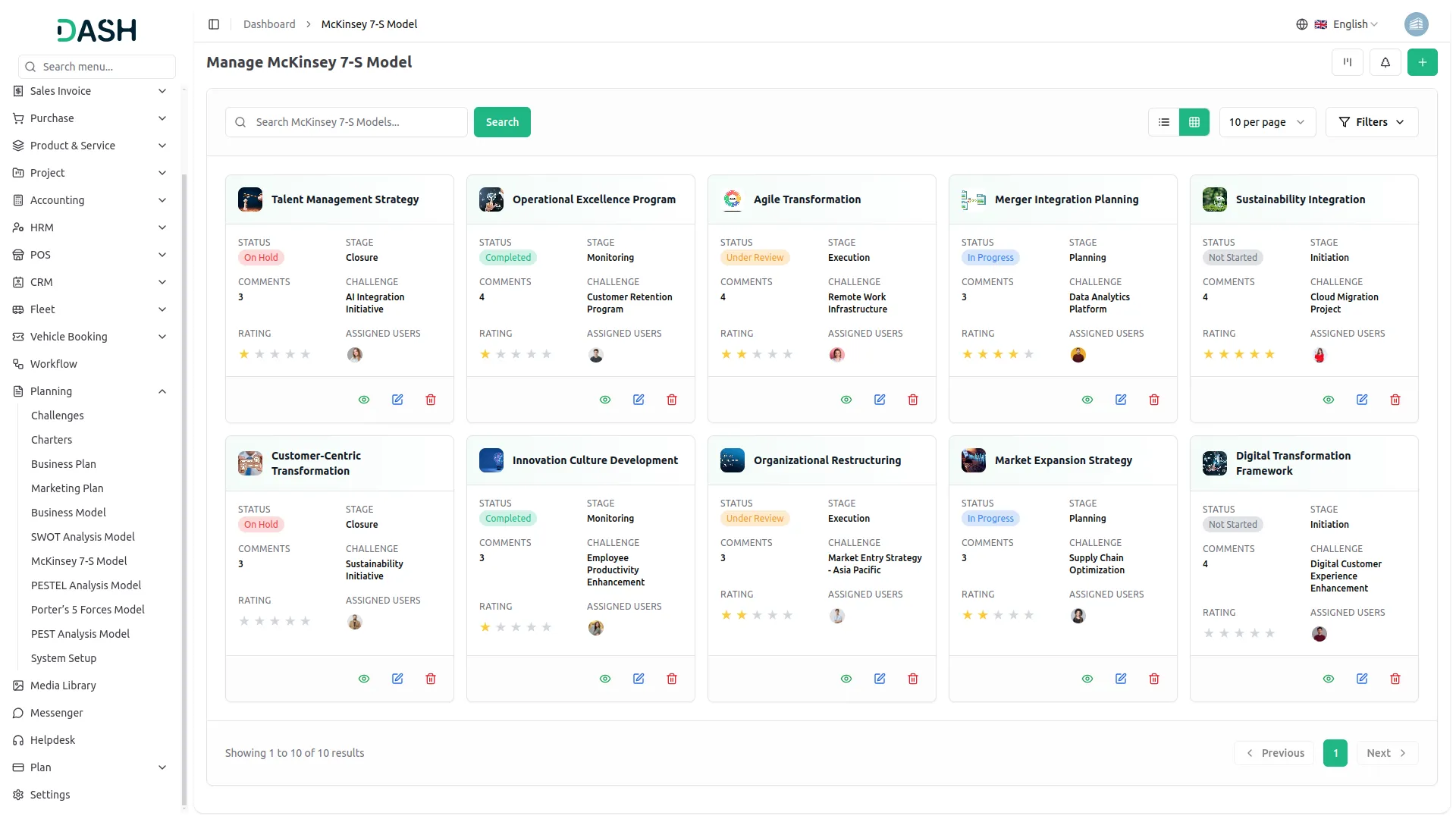
Get a clear and organized view of all your McKinsey 7-S models in an intuitive grid layout. Instantly access key details like assigned users, total comments, attachments, and challenge deadlines with real-time countdowns. This snapshot-style overview makes it easy to monitor progress, collaborate efficiently, and keep your strategic initiatives aligned and on track.
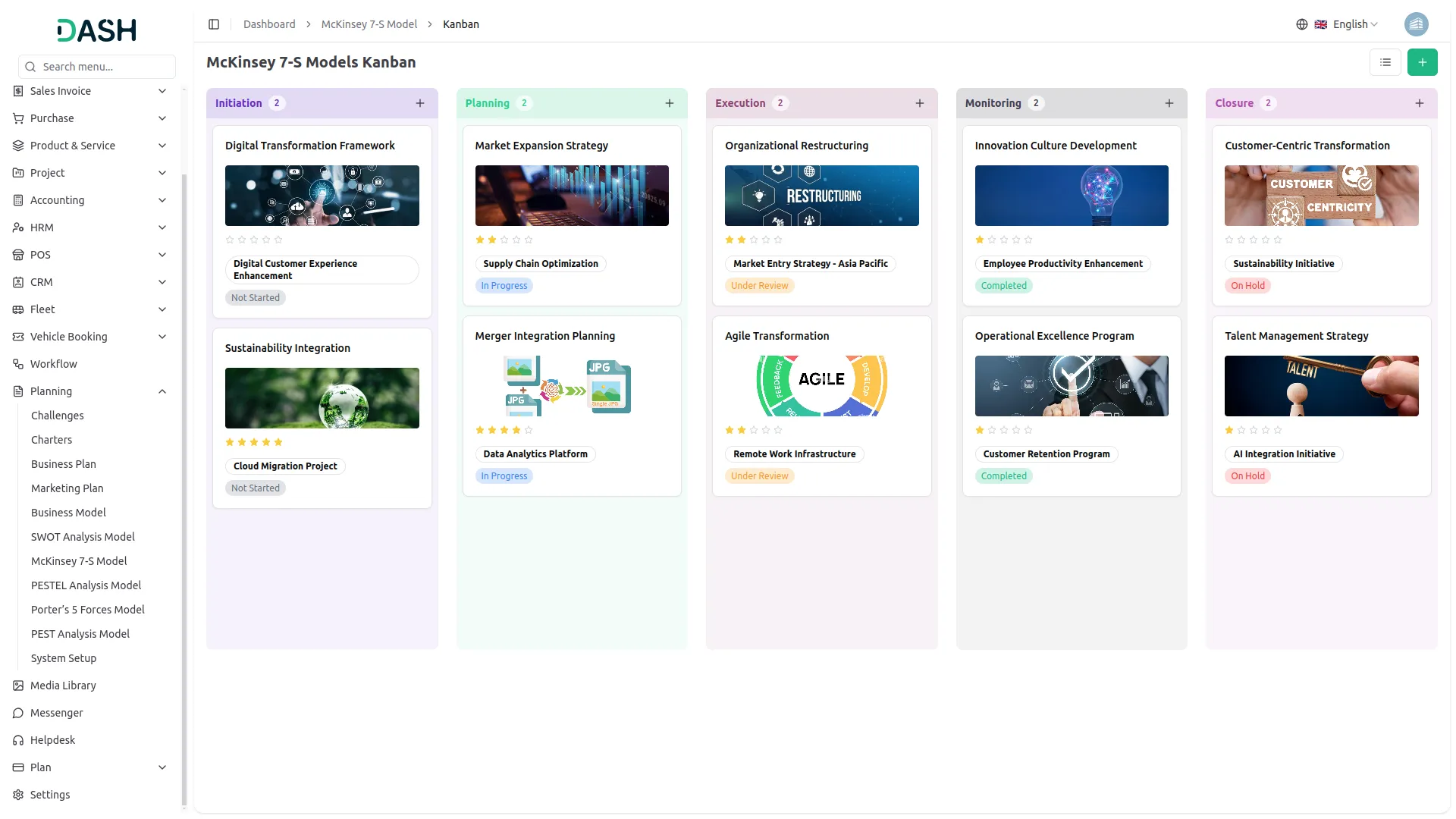
Organize & Align With Kanban
Visualize and manage your McKinsey 7-S models effortlessly using an interactive Kanban board. Organize models by stages, track progress with real-time counts, and quickly adjust strategies with drag-and-drop functionality. With the ability to view, print, and edit each model on the fly, That Empowers teams to keep structure and systems aligned with strategic goals all in one streamlined view.
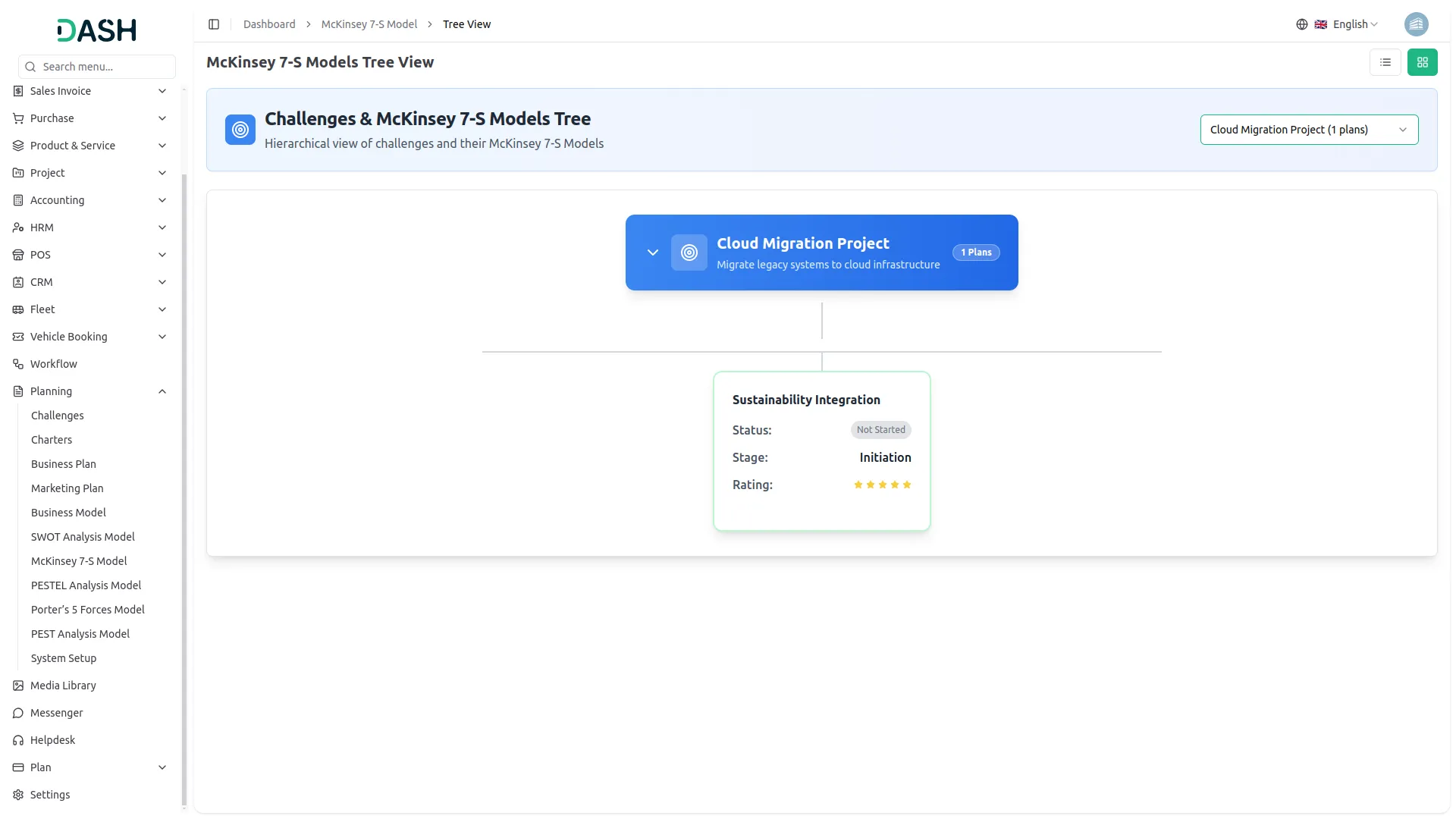
Challenge-Based 7-S Mapping
Visualize the McKinsey 7-S Model like never before using our dynamic tree view. Simply select a challenge from the dropdown, and instantly see a structured breakdown of models tied to that specific challenge. This hierarchical layout helps teams connect shared values and skills across the organization, fostering clarity, alignment, and focused strategic action.
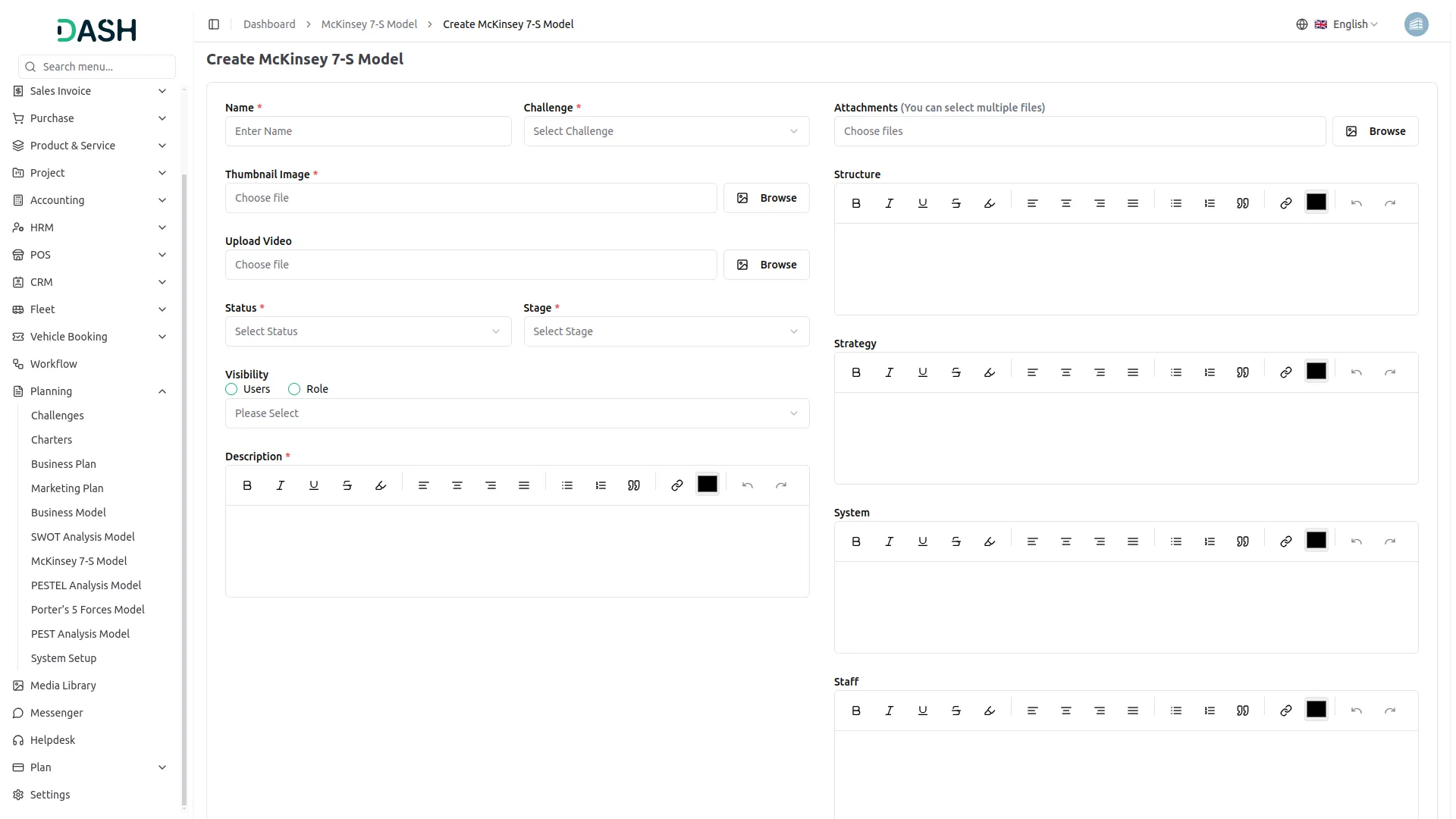
Screenshots from our system
To explore the functionality and usage of these Add-Ons, refer to the accompanying screenshots for step-by-step instructions on how to maximize their features.
Discover More Add-Ons
Unlock even more functionality with additional Add-Ons, providing enhanced networking and customization options for your Dash SaaS experience.

Google Analytics
Track and analyze real-time user engagement from across the globe with the Google Analytics Add-On, giving you detailed insights into user activity from over 290+ active users spread across various countries—helping you understand regional trends, audience behavior, and overall performance in one unified dashboard.

CoinGate
Connect your platform to CoinGate and start accepting Bitcoin, Ethereum, and 70+ cryptocurrencies securely. With a single API setup for both Superadmin and Company roles, you can manage invoices and subscription payments with ease, offering global customers a seamless crypto payment experience.


Sales Agent
Utilise a comprehensive Sales Agent Add-on to enhance your sales team's management of sales activities, customer relationships, and achieve performance goals
Features cover multiple industries
Flexible and dynamic workflows
Highly customizable UI
Support is reliable