
Livestorm Meeting
- Easy event and session creation
- High-quality video and audio
- Interactive tools like screen sharing, chat, and polls
- Secure, password-protected meetings
- Session scheduling with start times
- Full user and owner management
Power Your Events with Livestorm
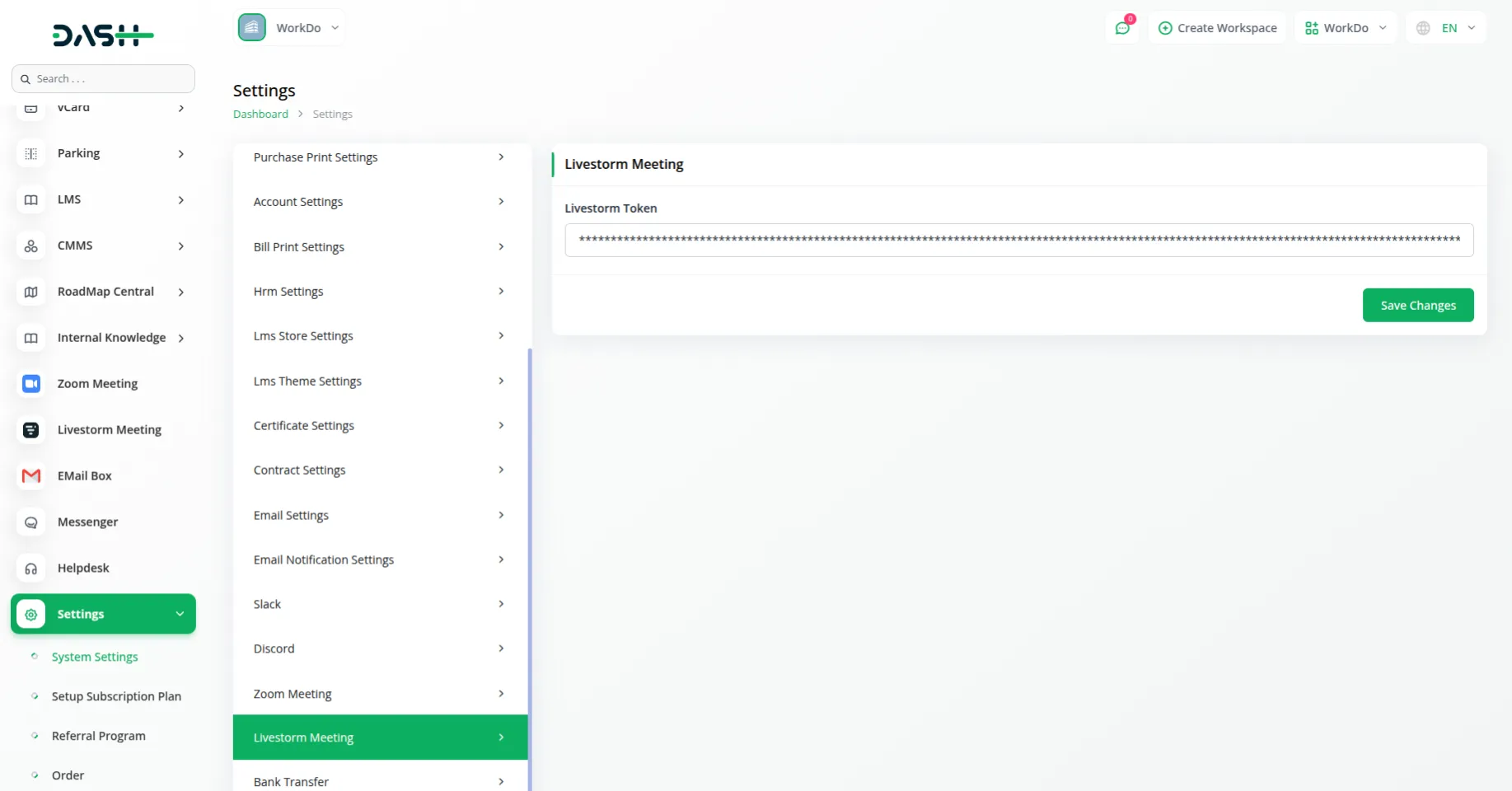
The Livestorm Meeting Add-On integrates Livestorm's video conferencing capabilities directly into your system. Set up the connection using your Livestorm API token through the system settings, and enable seamless video meeting management without switching between multiple platforms. This integration allows you to handle all your online events from within your existing workspace.
Smarter Online Events with Livestorm
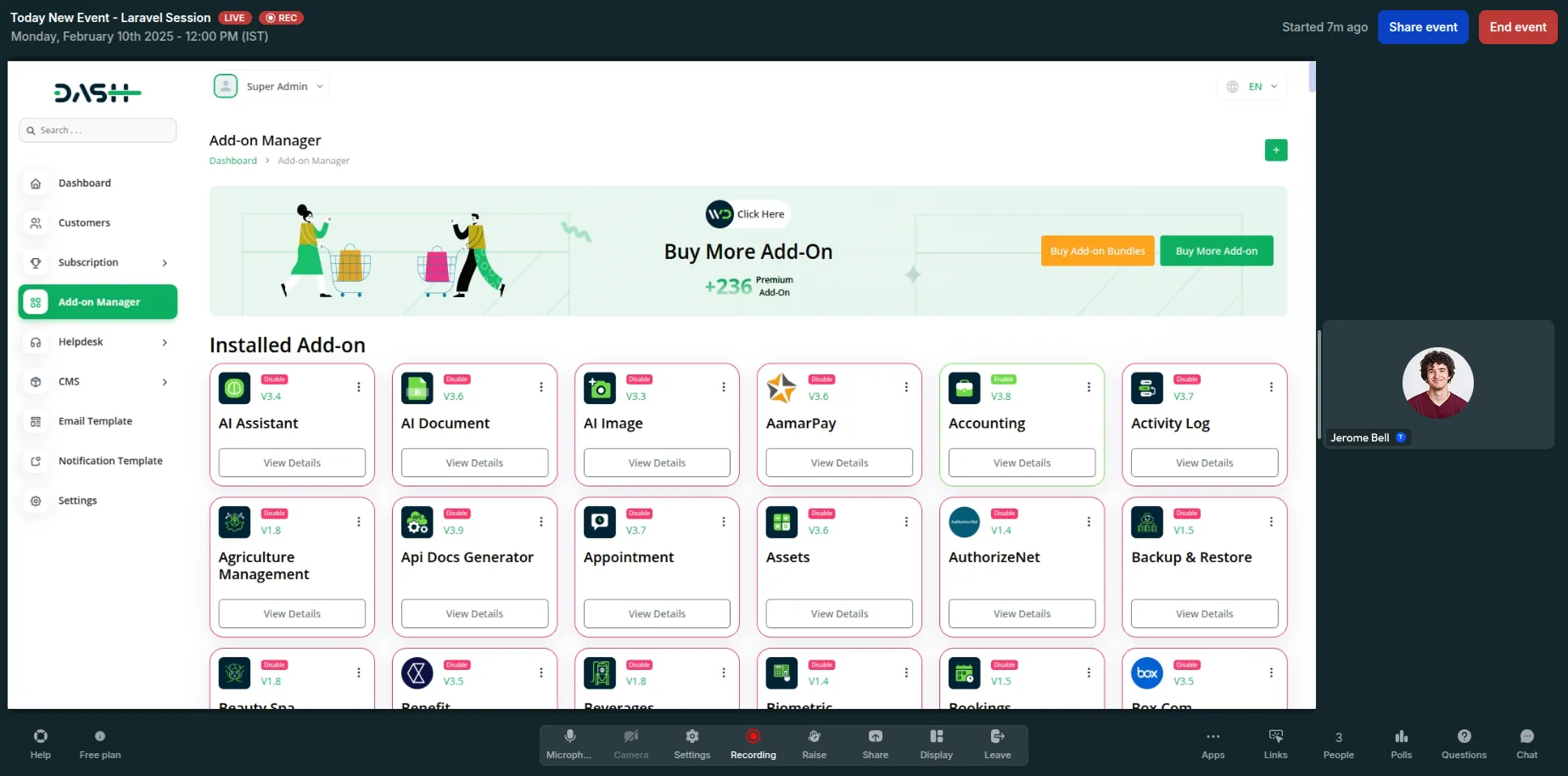
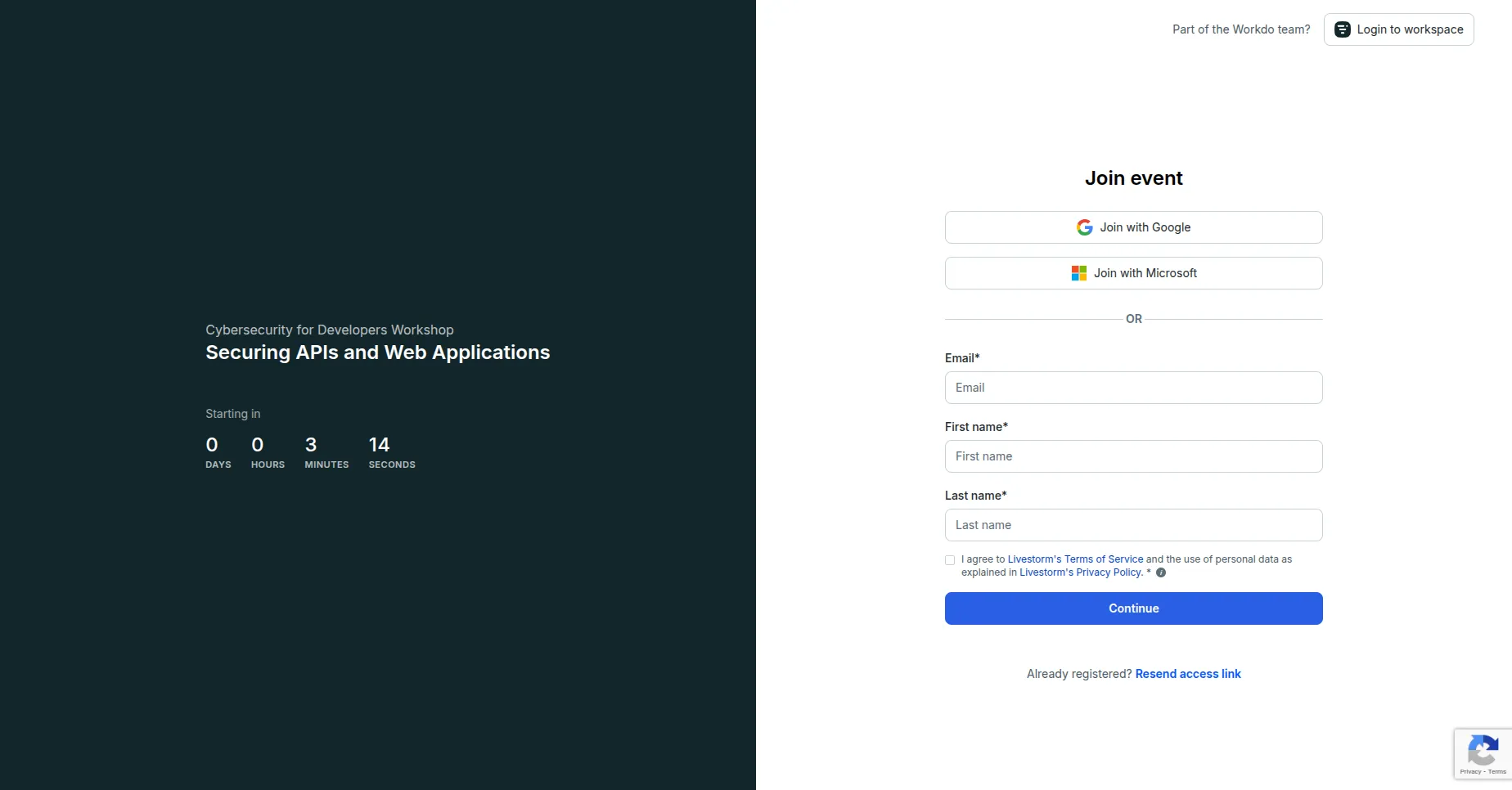
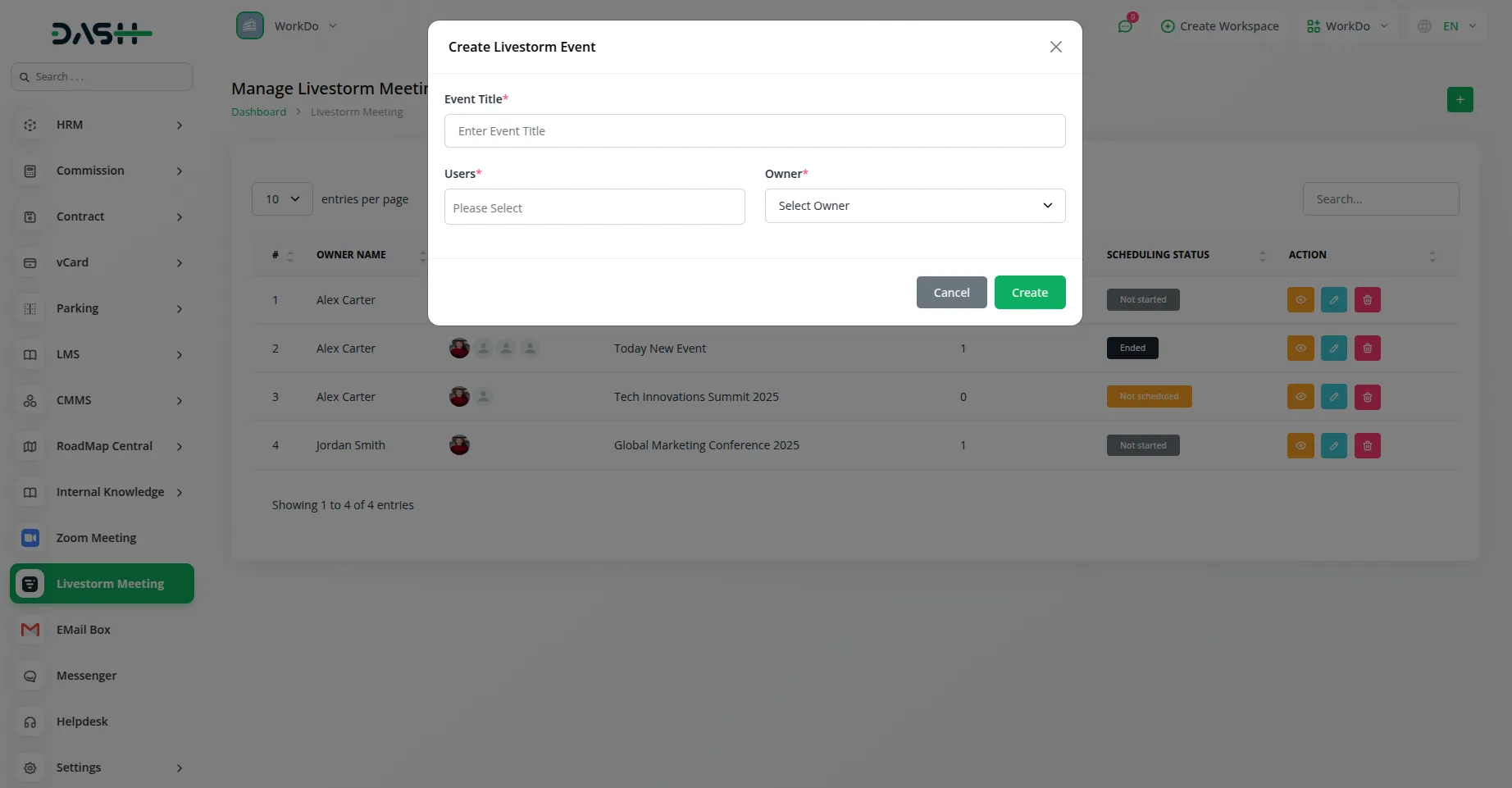
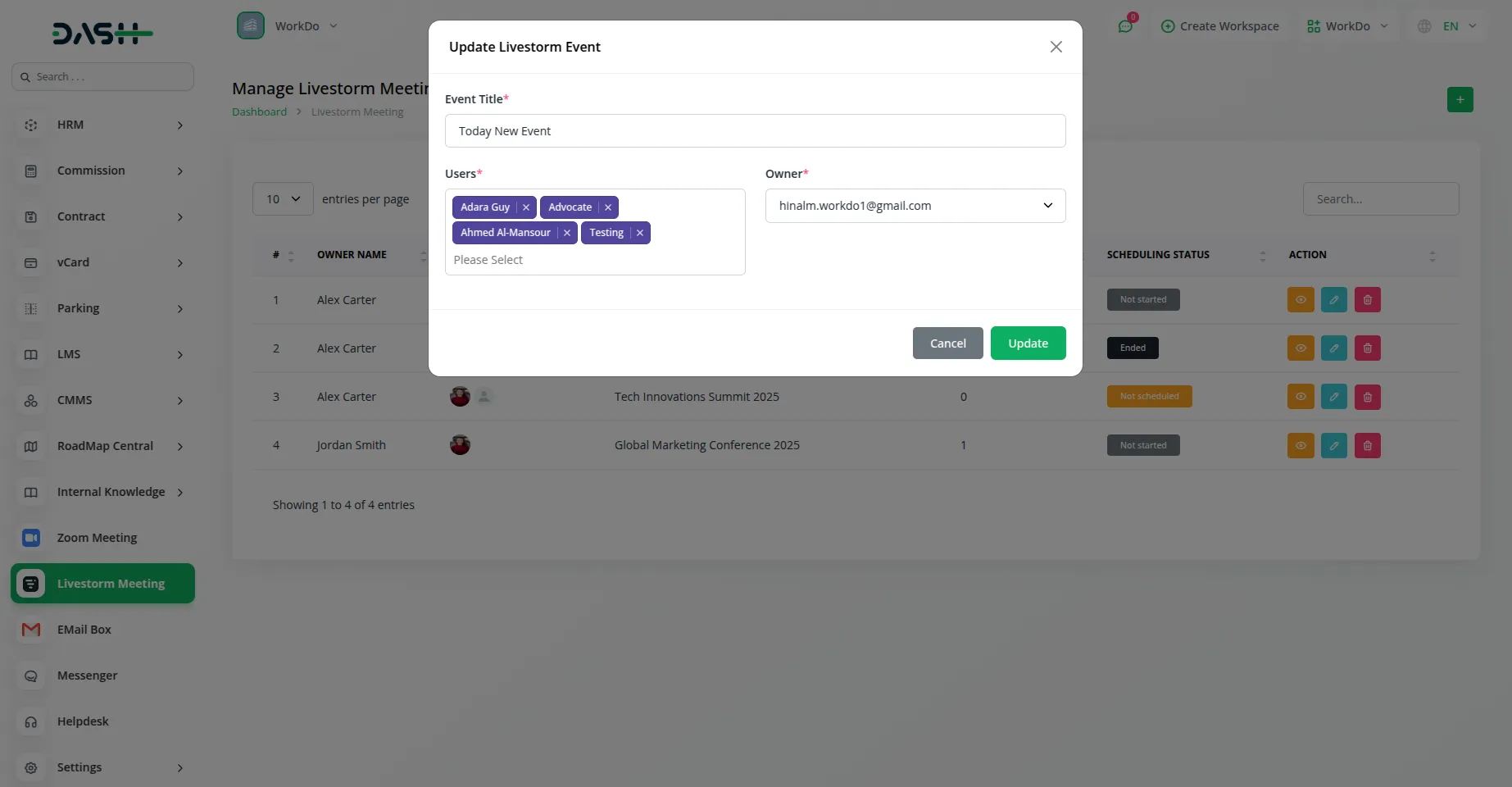
Schedule and manage your Livestorm events efficiently by creating meetings with titles, inviting participants, and assigning event owners. The add-on keeps track of all your event details, including participant invites, session information, and scheduling status. Whether you're hosting team meetings, webinars, or client presentations, everything stays organized in one central location.
Track and Filter Your Meetings
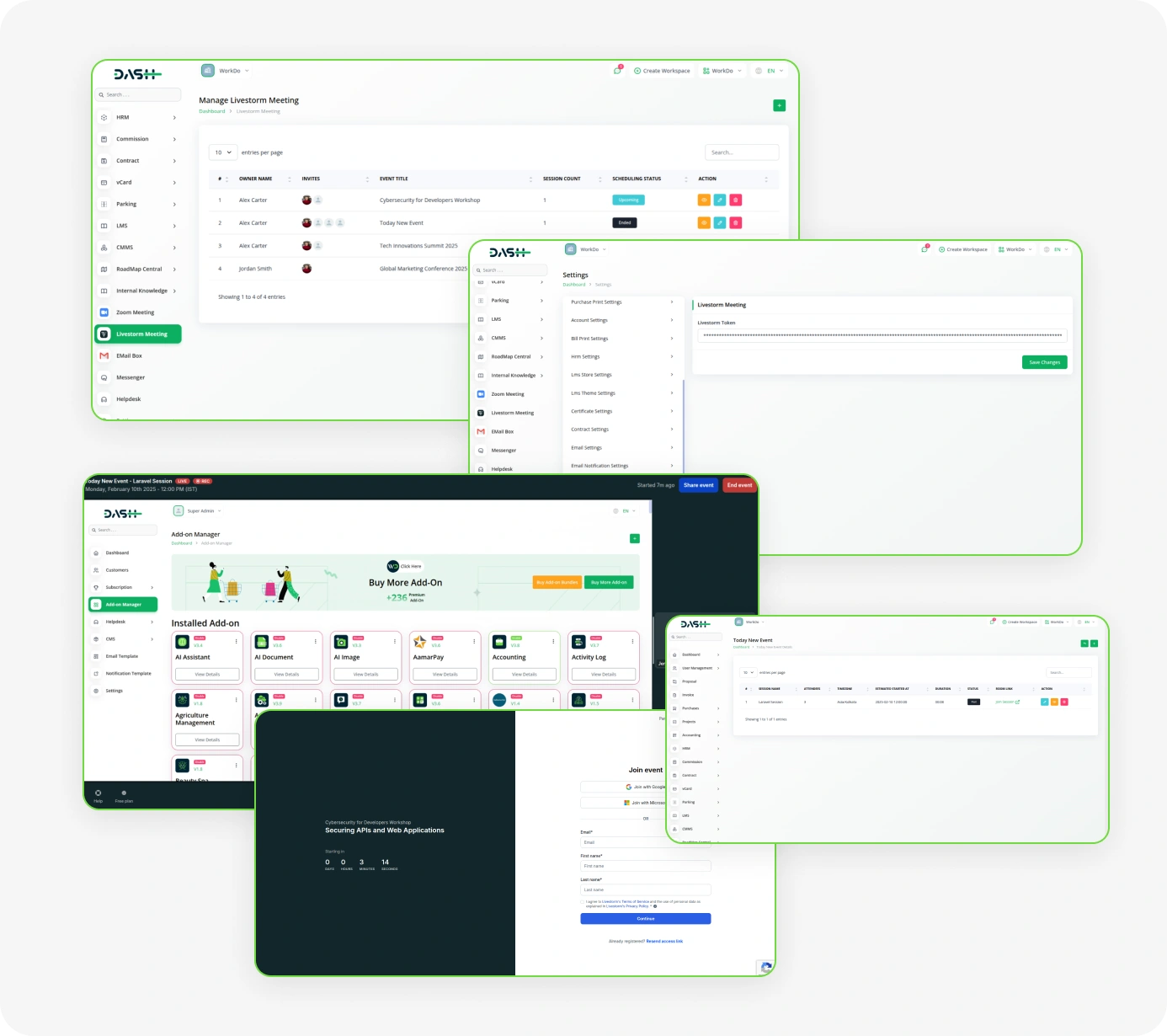
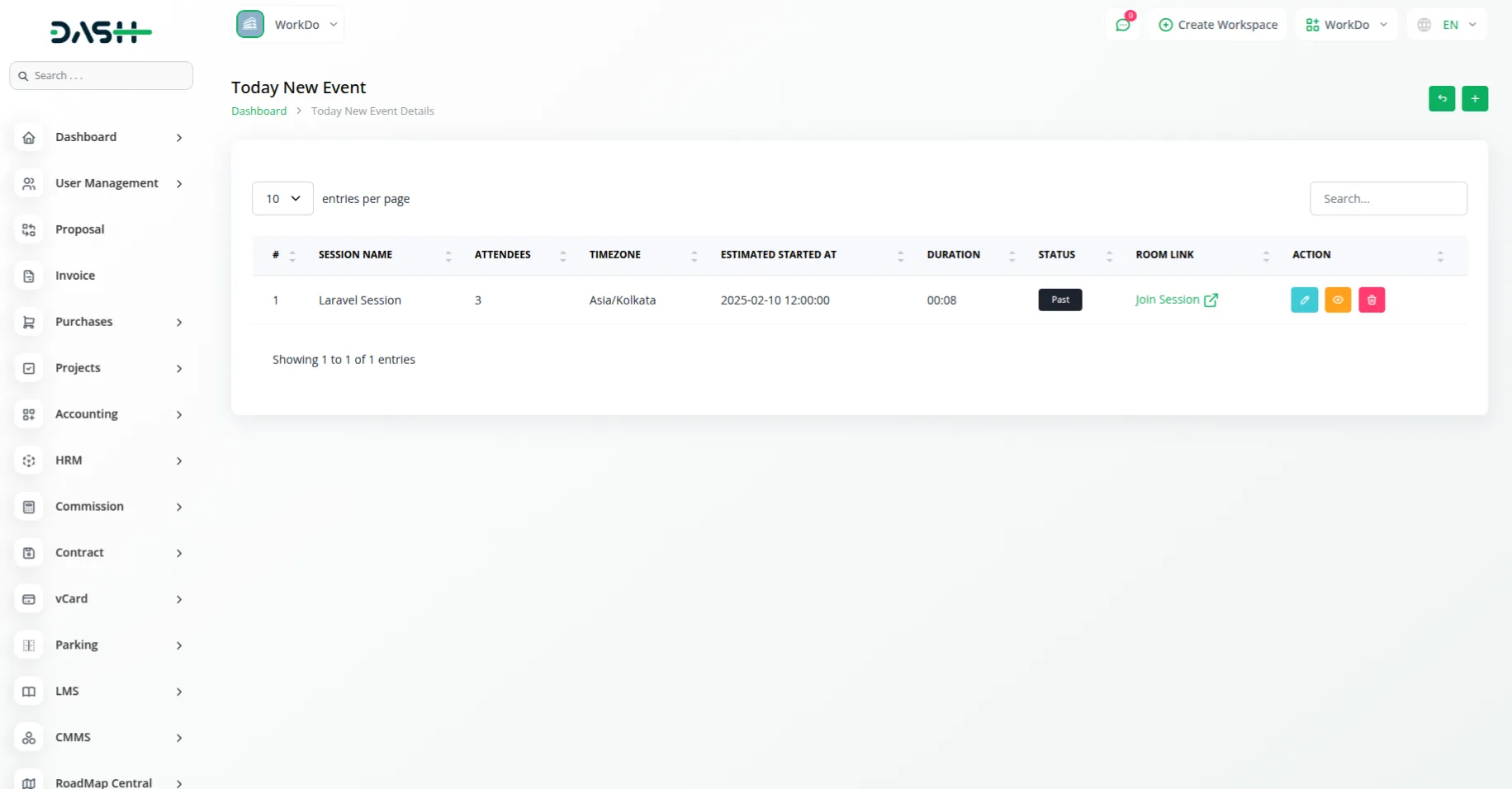
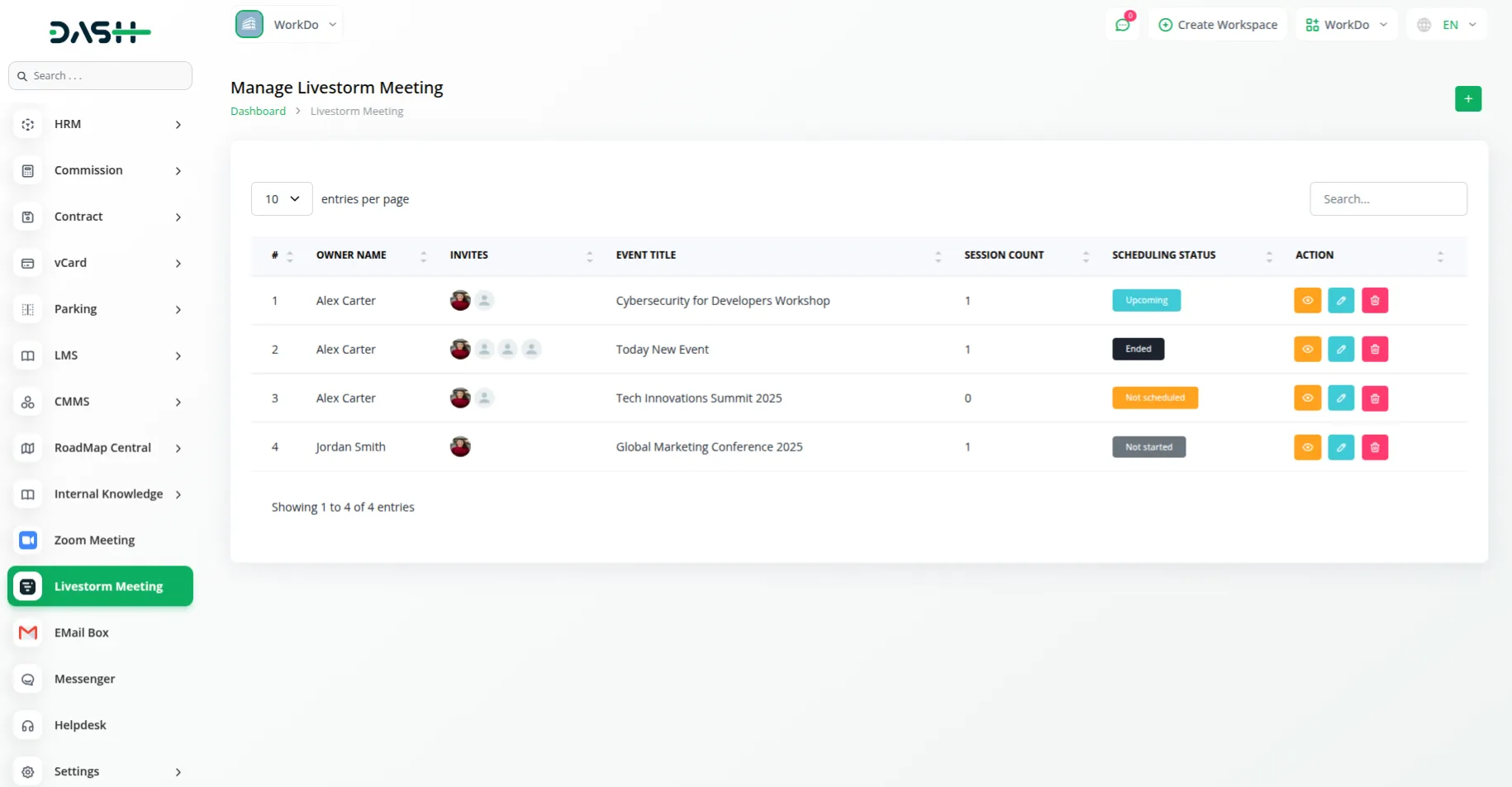
View all your Livestorm events in an organized list showing owner information, event titles, participant counts, and current status. Use search and filtering options to quickly locate specific events by status or owner. Monitor whether events are scheduled, live, or completed, and access event details whenever you need them for better meeting management.
Organize and Monitor Your Sessions
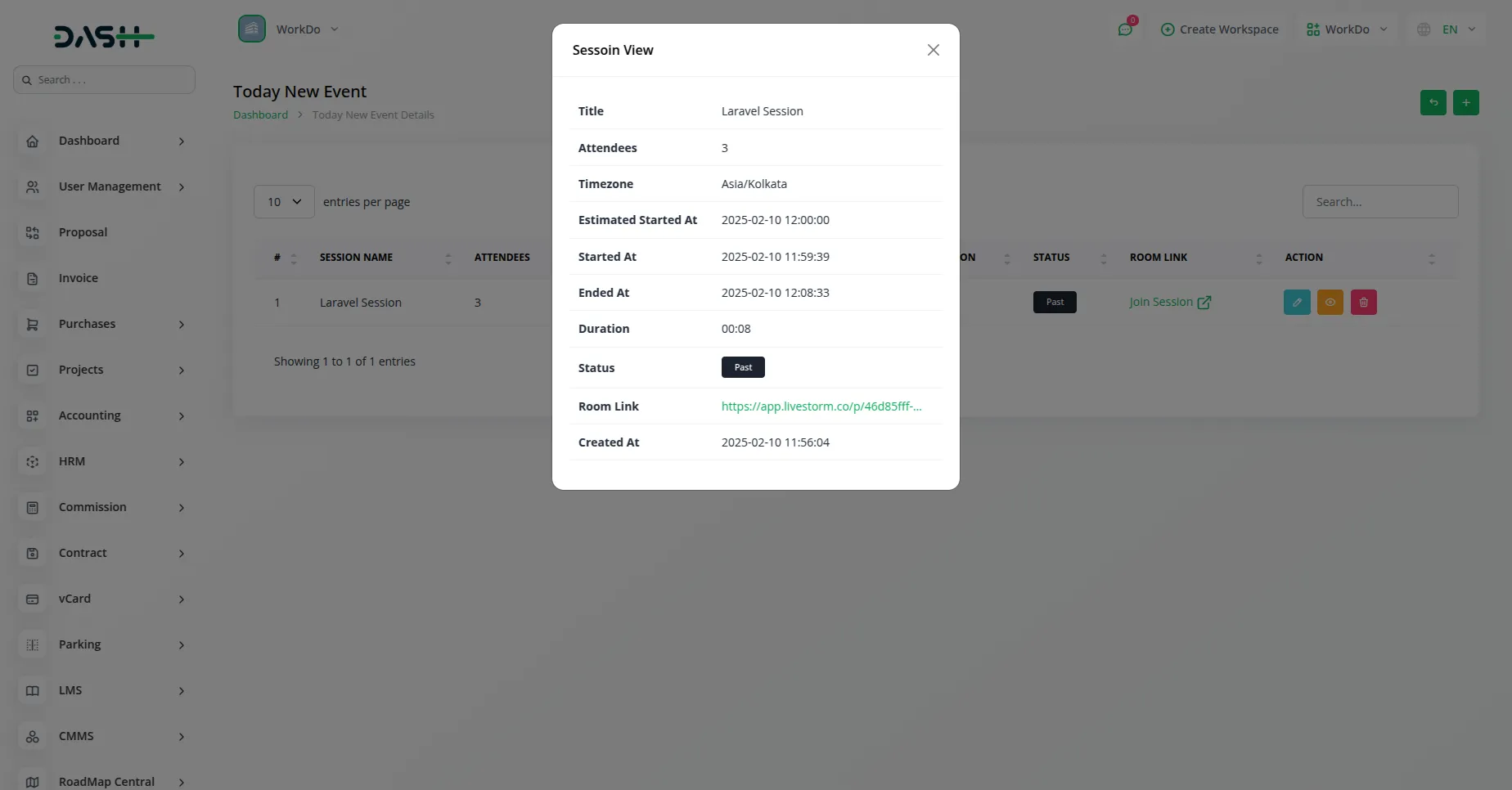
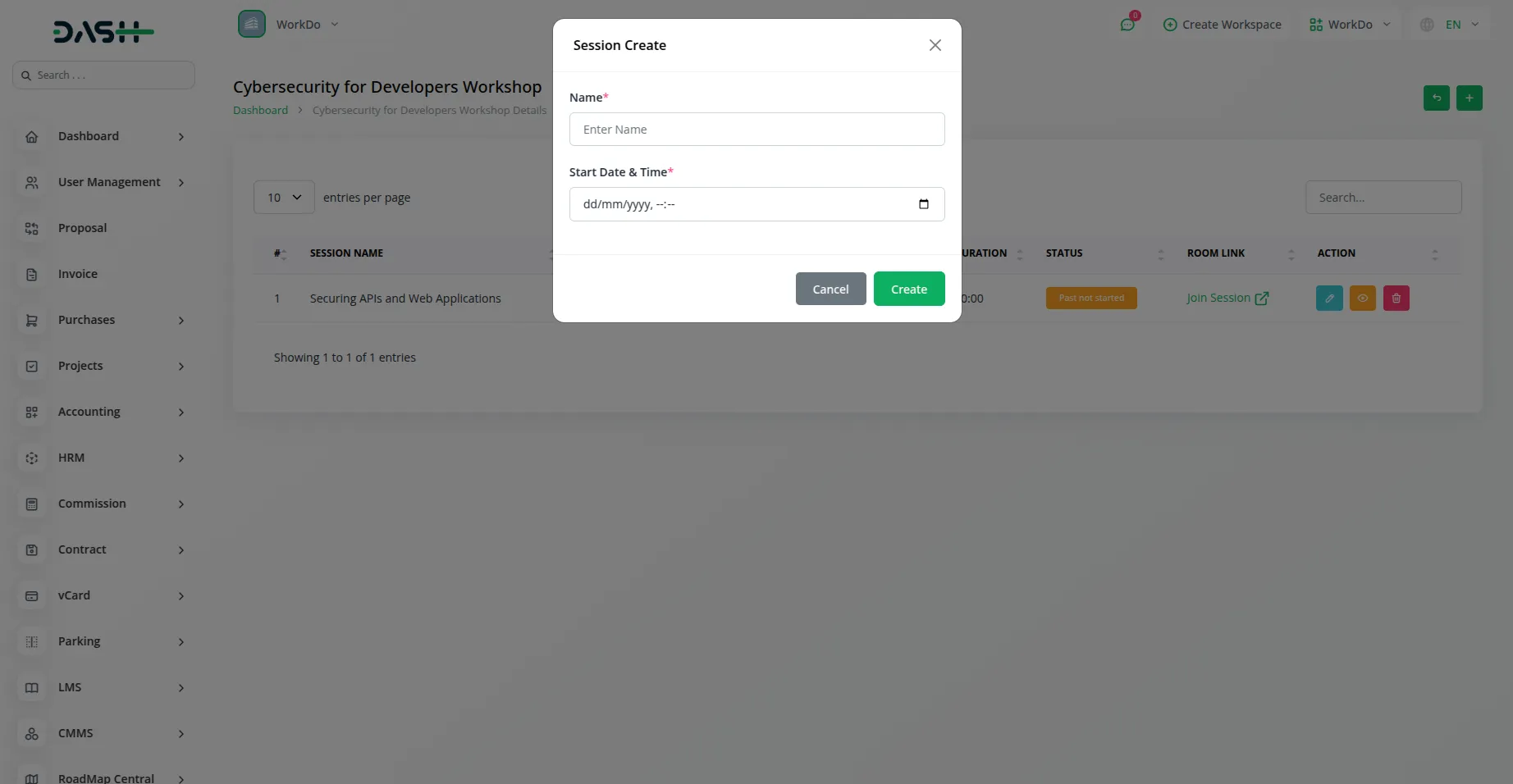
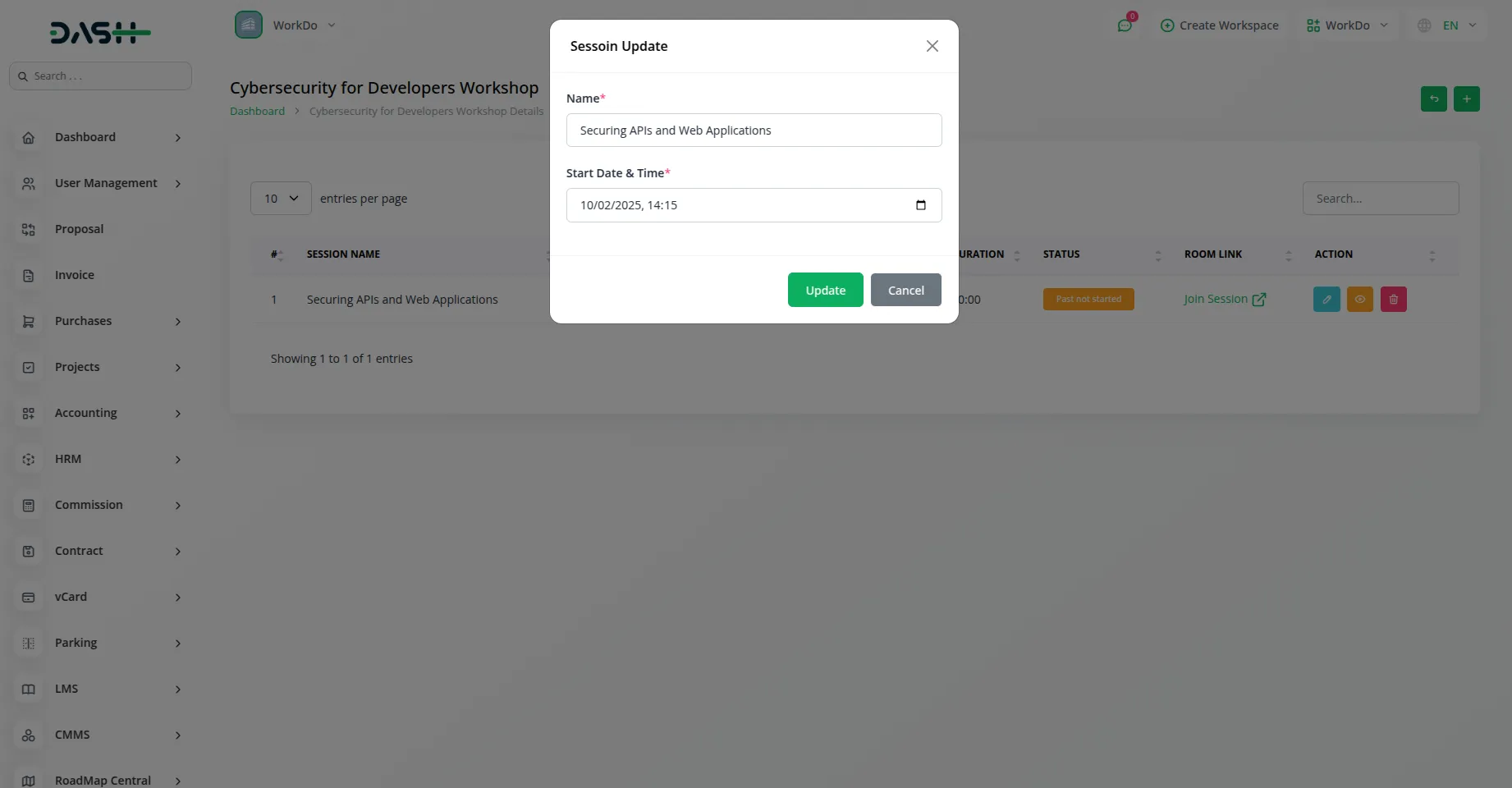
View all your Livestorm sessions in a structured table displaying session names, attendee counts, scheduled start times, duration, and current status. Use search and filtering capabilities to quickly find specific sessions by name or status. Track whether sessions are upcoming, live, or ended, and access session details or join active meetings directly from the list for streamlined session management.
Screenshots from our system
To explore the functionality and usage of these Add-Ons, refer to the accompanying screenshots for step-by-step instructions on how to maximize their features.
Discover More Add-Ons
Unlock even more functionality with additional Add-Ons, providing enhanced networking and customization options for your Dash SaaS experience.

RoadMap Central
RoadMap Central, the place where your ideas turn into reality. Here at Dash SaaS, we're committed to providing you with a platform that meets your needs, and RoadMap Central is an essential part of that commitment.

Queue Management
Introducing the all-new Queue Management Integration in Dash SaaS, designed to revolutionize the way you handle customer flow and streamline your operations

Plaid
Plaid is a financial technology company that provides a platform for connecting various financial institutions with applications and services. It offers a set of tools and APIs (Application Programming Interfaces) that enable developers to securely access and use financial data from different banks and credit cards.

Business Plan
Integrating business plan functionality into Dash SaaS represents a significant advancement in strategic planning.
Superb design and functionality