
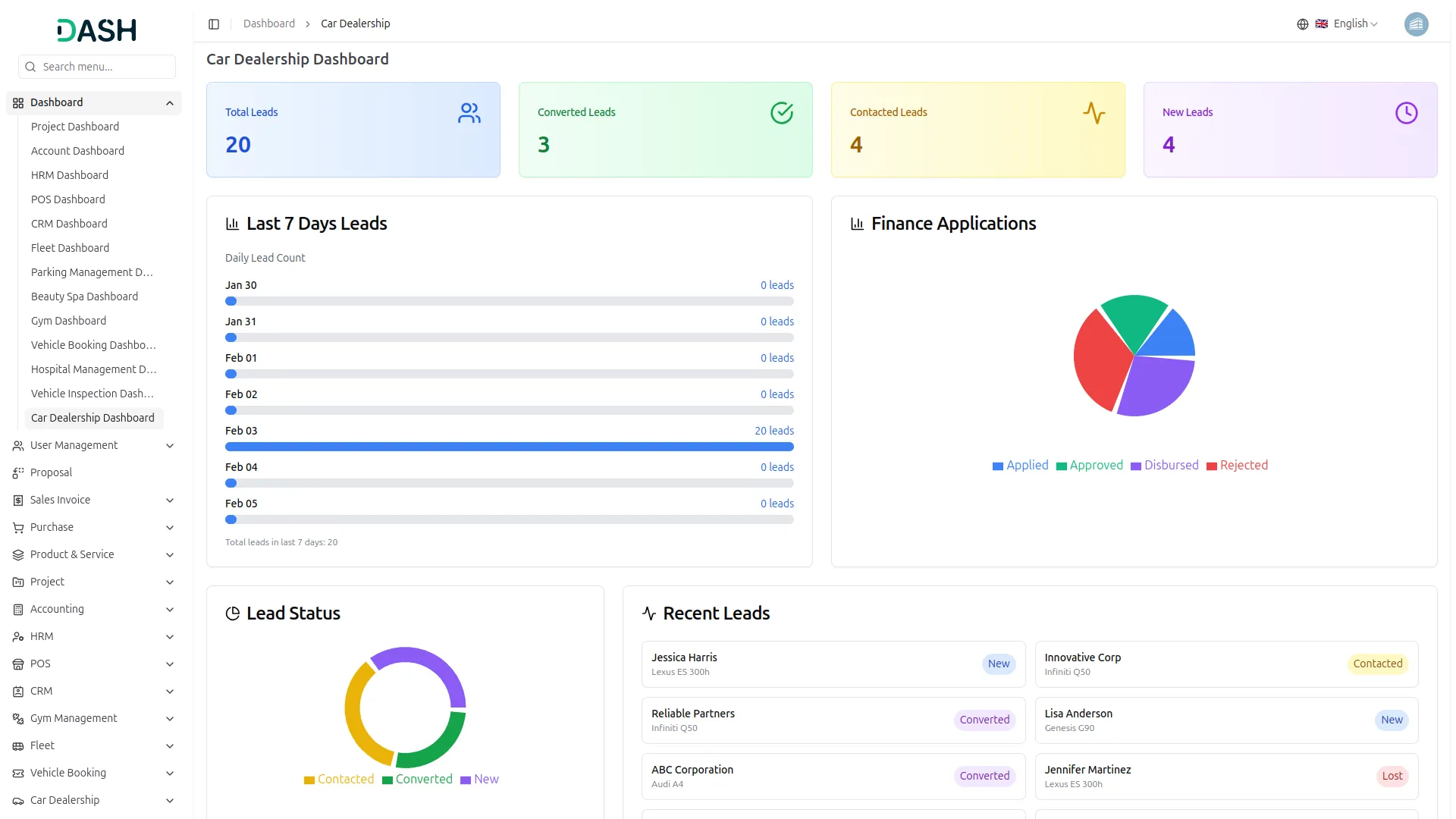
The Car Dealership Add-On is a complete solution designed to simplify dealership operations, from managing cars and inventory to handling leads, test drives, and after-sales services and warranties. With powerful tools for system setup, insurance, and financial monitoring, it ensures smooth workflows and accurate record-keeping. This Add-On helps dealerships operate efficiently, deliver better customer service, and maintain full control over every aspect of their business.
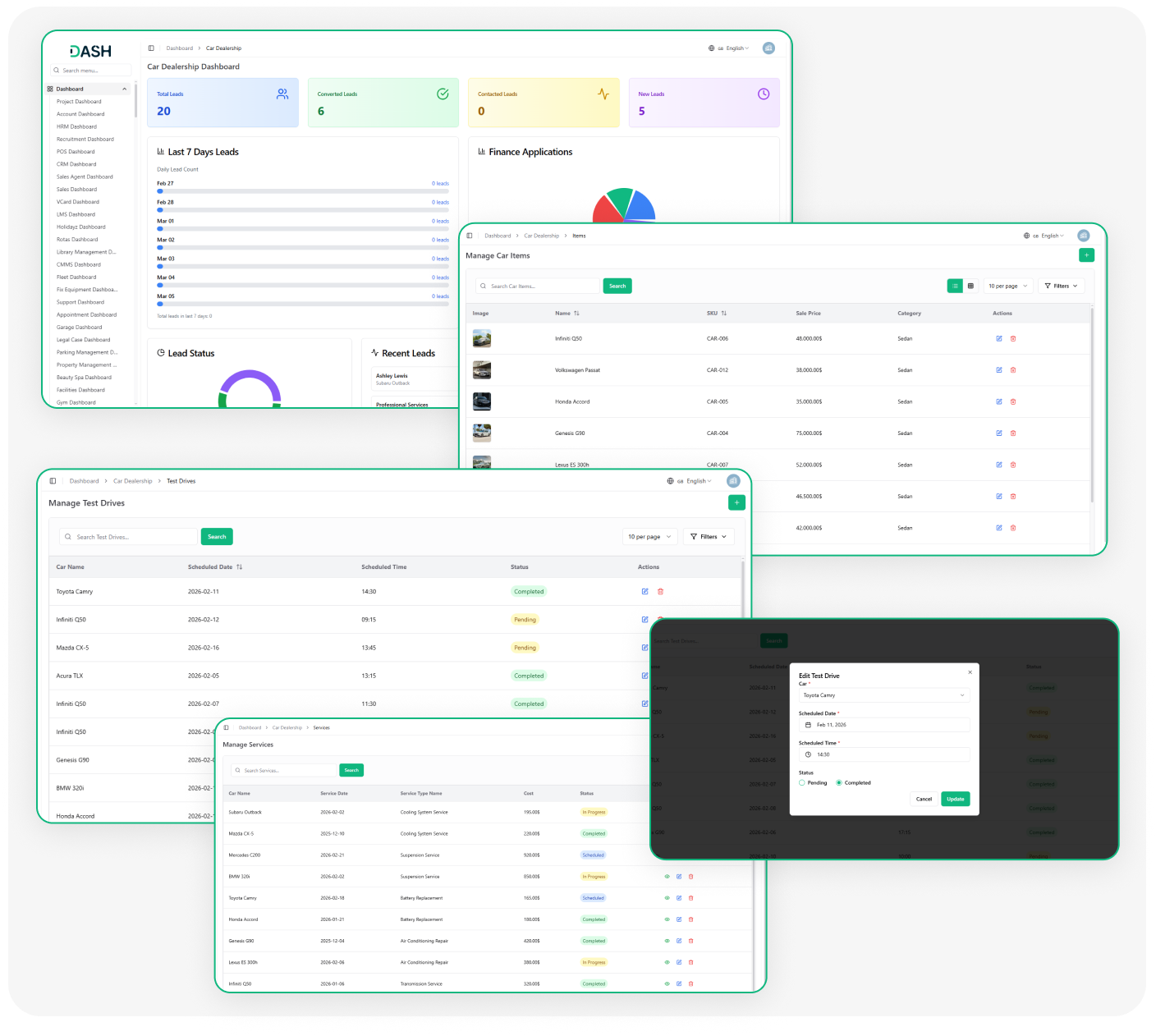
Powerful Features for Dealership Sales and Service
- Smart Dealership Dashboard
- Car & Variant Management
- Dealership Product Control
- Service Management
- Test Drive Scheduling
- Payment Recording System
- Warranty & Insurance Management
Car Items & Inventory Control
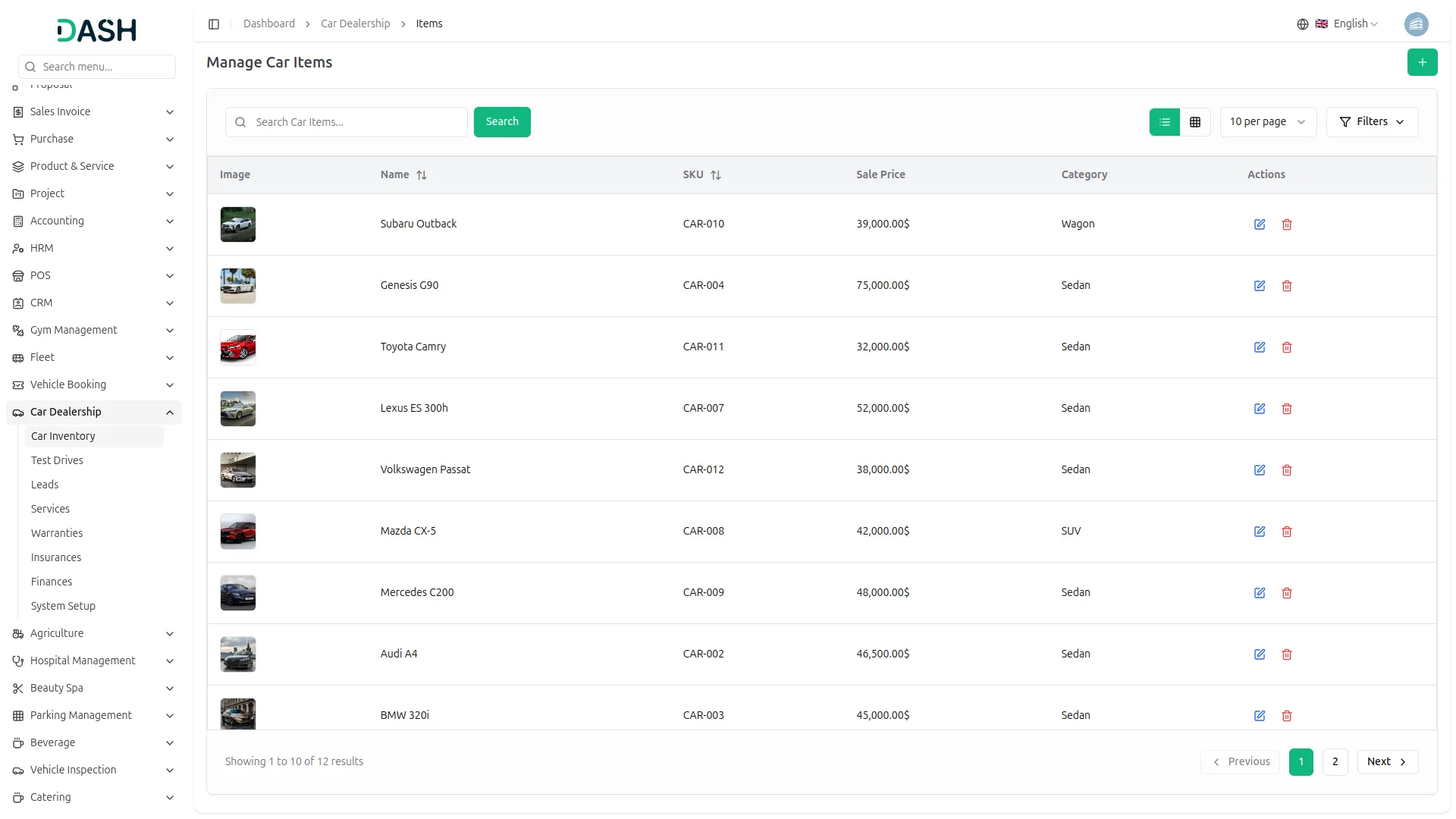
Dealership products are managed with detailed information, including SKU, description, tax assignments, and categories. Pricing sections allow administrators to define both purchase and sale values, along with available stock. Images can be uploaded to create a clear visual catalog of vehicles. Filtering and search options make it easy to locate specific items quickly. Alongside products, the system maintains full car inventory records covering brand, model, variant, year, stock quantity, and location. This ensures dealers always know exactly what is available for sale.
- Add product details with SKU, name, and description
- Assign multiple taxes and categories to each product
- Manage purchase price, sale price, and stock levels
- Upload car images for easier visual identification
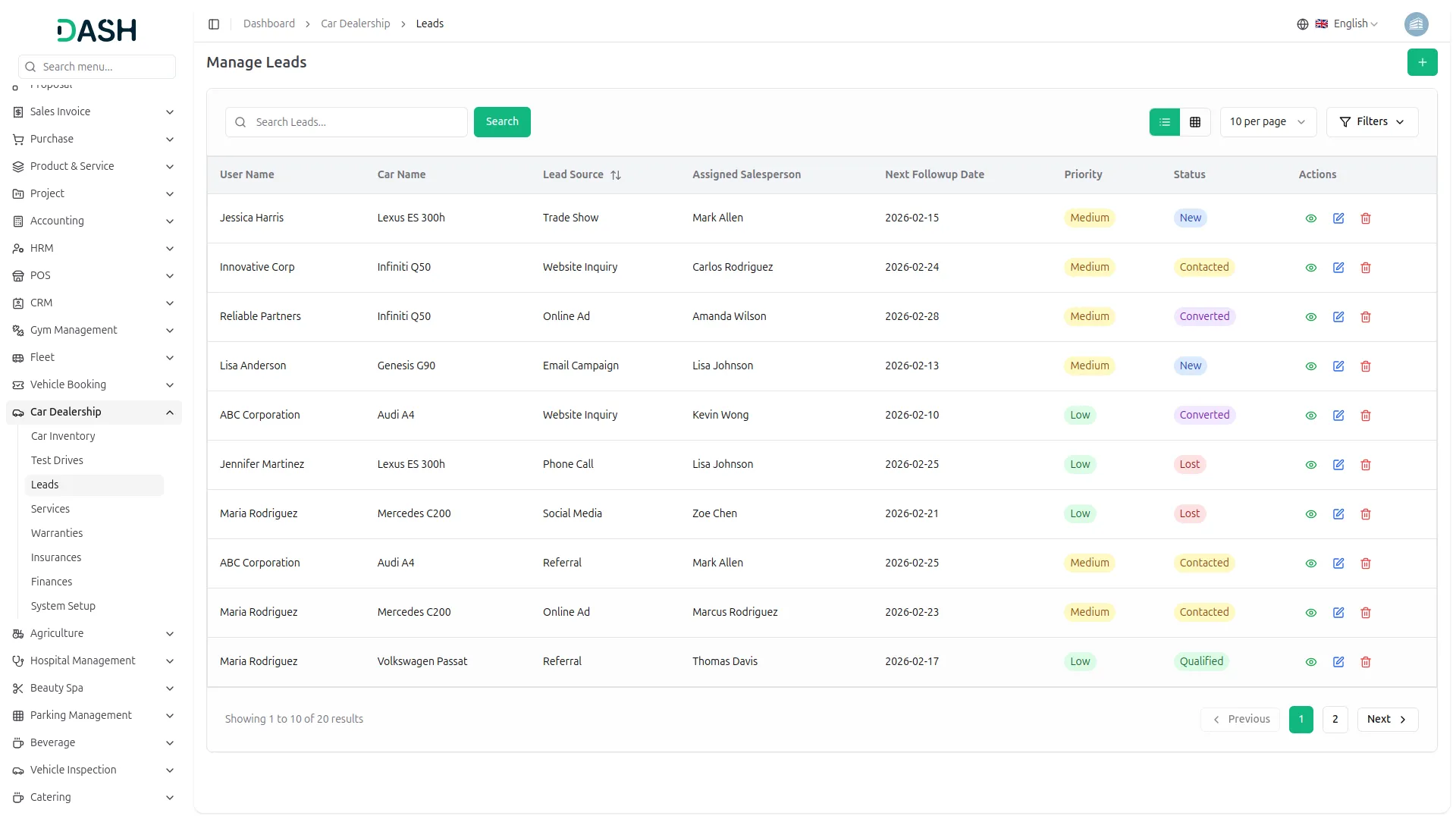
Lead Management & Tracking
The Lead Management module helps dealerships capture, organize, and track customer inquiries throughout the sales lifecycle. Each lead stores complete information, including customer details, interested vehicles, lead source, and assigned salesperson. Priority levels and status tracking allow sales teams to focus on high-value prospects and monitor progress effectively. Follow-up scheduling ensures timely communication, while notes and requirements provide context for every interaction. Advanced search and filtering make it easy to locate and manage leads efficiently.
- Capture complete lead details including customer information, interested car, and lead source
- Assign leads to sales staff with priority levels and status tracking from new to converted
- Schedule follow-up dates and add customer requirements and internal lead notes
- Use search and filter options to quickly manage and track leads efficiently
Services & Test Drive Management
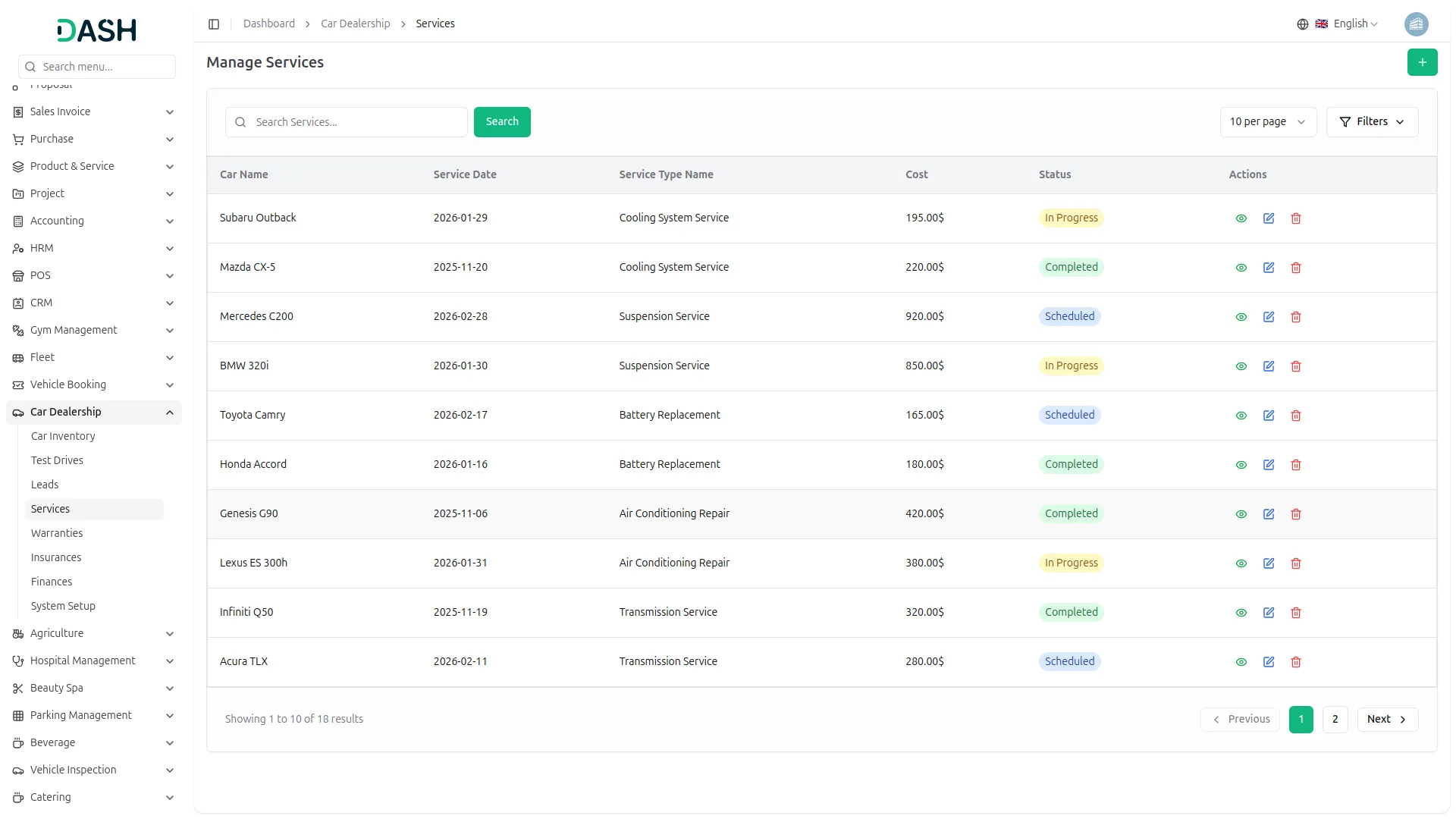
Dealerships can record car service history with cost and status updates, making after-sales support reliable. Test drives can be scheduled for customers, ensuring sales teams never miss opportunities. Pending and completed test drives are tracked within the system to improve customer engagement and sales conversion.
- Log car service history with cost and status details
- Schedule test drives for prospective buyers
- Monitor pending and completed test drives
- Improve customer satisfaction through better service
Warranties & Insurance Management
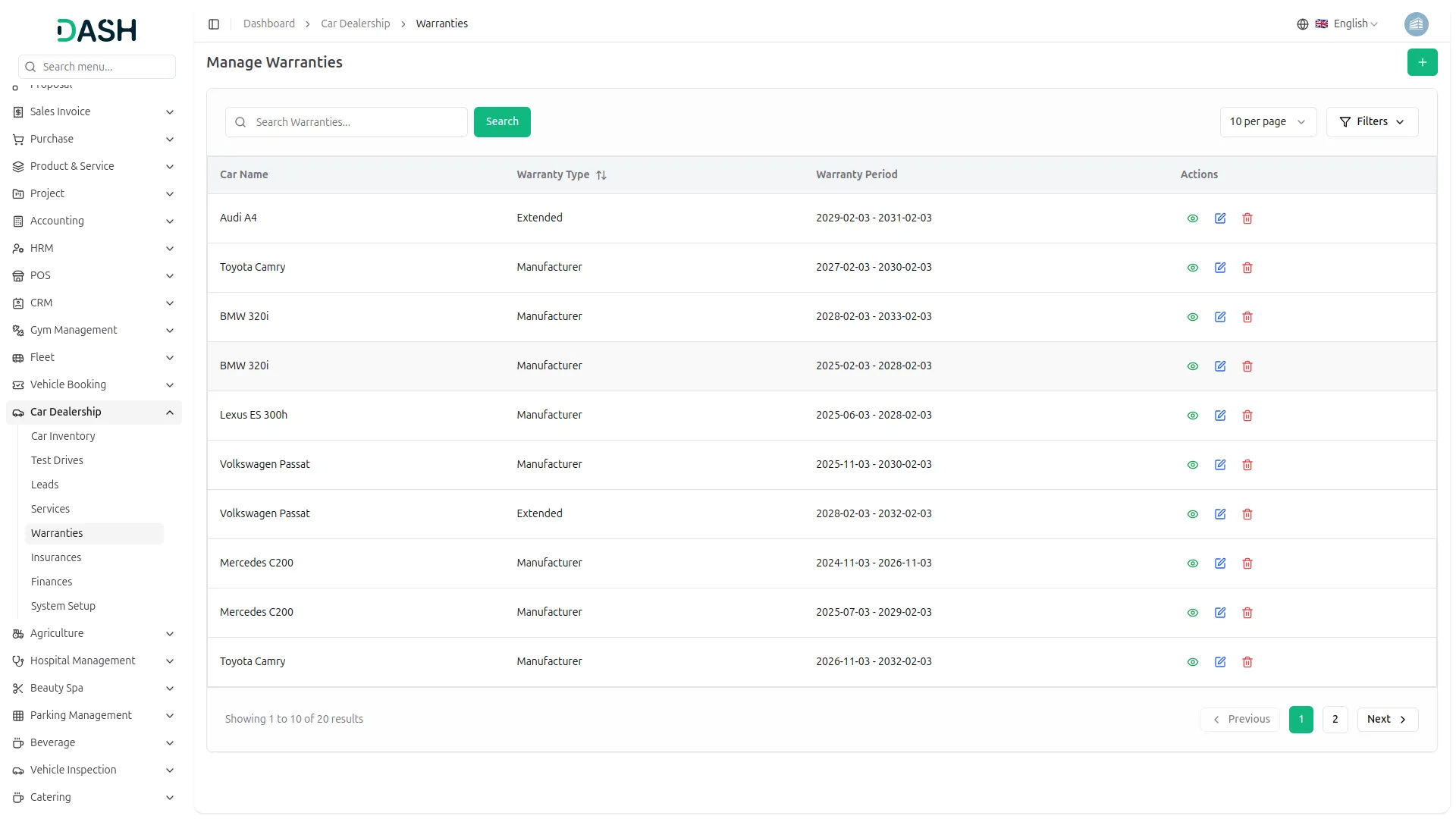
The system keeps a record of warranty and insurance details for each car. Dealers can store coverage provider information, start and end dates, and other key details. This allows both customers and dealerships to track validity periods and avoid lapses, increasing trust and transparency.
- Maintain warranty records with coverage details
- Store insurance data linked to cars
- Track validity periods to avoid expired coverage
- Strengthen trust with transparent records
Easy System Setup
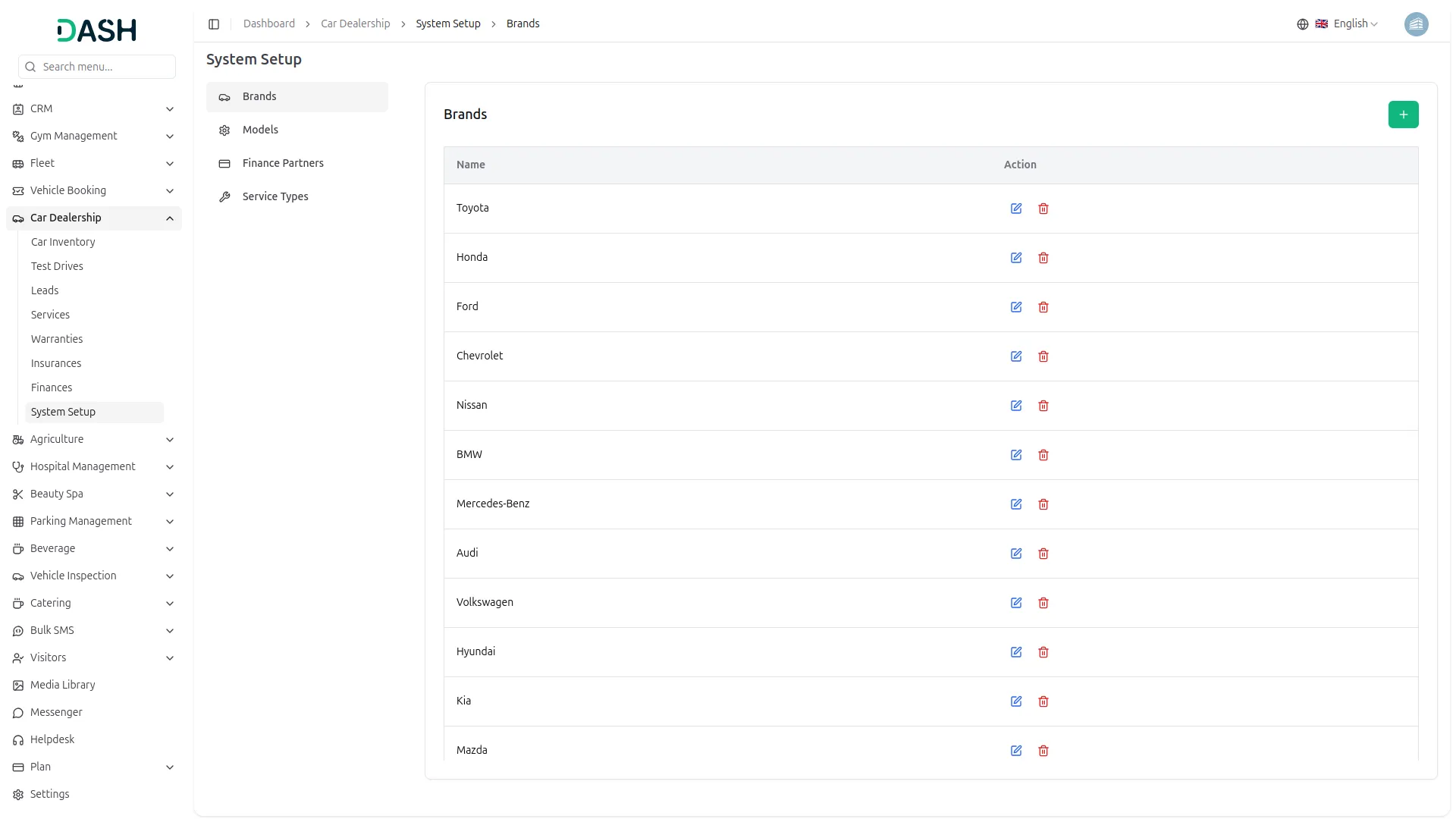
The system setup section allows dealerships to configure essential elements before beginning operations. Users can create custom car categories with color codes for easier identification. Tax rates can be defined to ensure accurate billing across different transactions. In addition, car brands and models can be added to maintain consistency in inventory and product listings. Each entry can be edited or deleted, keeping the data always up to date. With these foundational tools, the dealership system stays organized and aligned with business needs.
- Create car categories with custom color coding
- Add and manage tax rates for accurate billing
- Maintain a complete list of car brands and models
- Edit or delete existing records with quick actions
Screenshots from our system
To explore the functionality and usage of these Add-Ons, refer to the accompanying screenshots for step-by-step instructions on how to maximize their features.
Discover More Add-Ons
Unlock even more functionality with additional Add-Ons, providing enhanced networking and customization options for your Dash SaaS experience.


Workflow Automation
In today's dynamic business landscape, the ability to optimize task efficiency is paramount for success. Our Custom Workflow Automation feature offers a seamless solution to alleviate the burden of manual labor and enhance productivity. By tailoring actions to specific event triggers, such as automatic email notifications for bill settlements or project milestones, businesses can streamline operations and eliminate the need for tedious manual interventions. This automation not only saves time but also reduces the risk of errors, ensuring that tasks are completed accurately and on time.

Hospital Management
Our user-friendly Hospital management system simplifies hospital management. It features a doctor manage, patient manage, Appointment manage, Medicine manage, Bed manage, Medical Record and System Setup for easy form submission.

WhatsApp Messenger
In today’s fast-paced communication landscape, users seek convenience and familiarity. The WhatsApp Messenger Add-On makes it easy to meet them where they are by integrating WhatsApp directly into your platform.
Debugging tools are integrated and helpful
Customization fits different niches
Code is precise and clear
Features roll out regularly with updates