
Managing files across multiple tools can slow your team down and create unnecessary gaps in your workflow. The Box.com Add-On bridges that gap by bringing your Box.com cloud storage directly into your platform, so your team can upload, organize, and access files without ever switching applications. With quick authentication, a simple settings page, and module-level file controls, everything you need is in one place. Watch this video to see how the Box.com Add-On keeps your team organized and productive every day.
Effortless Box Integration
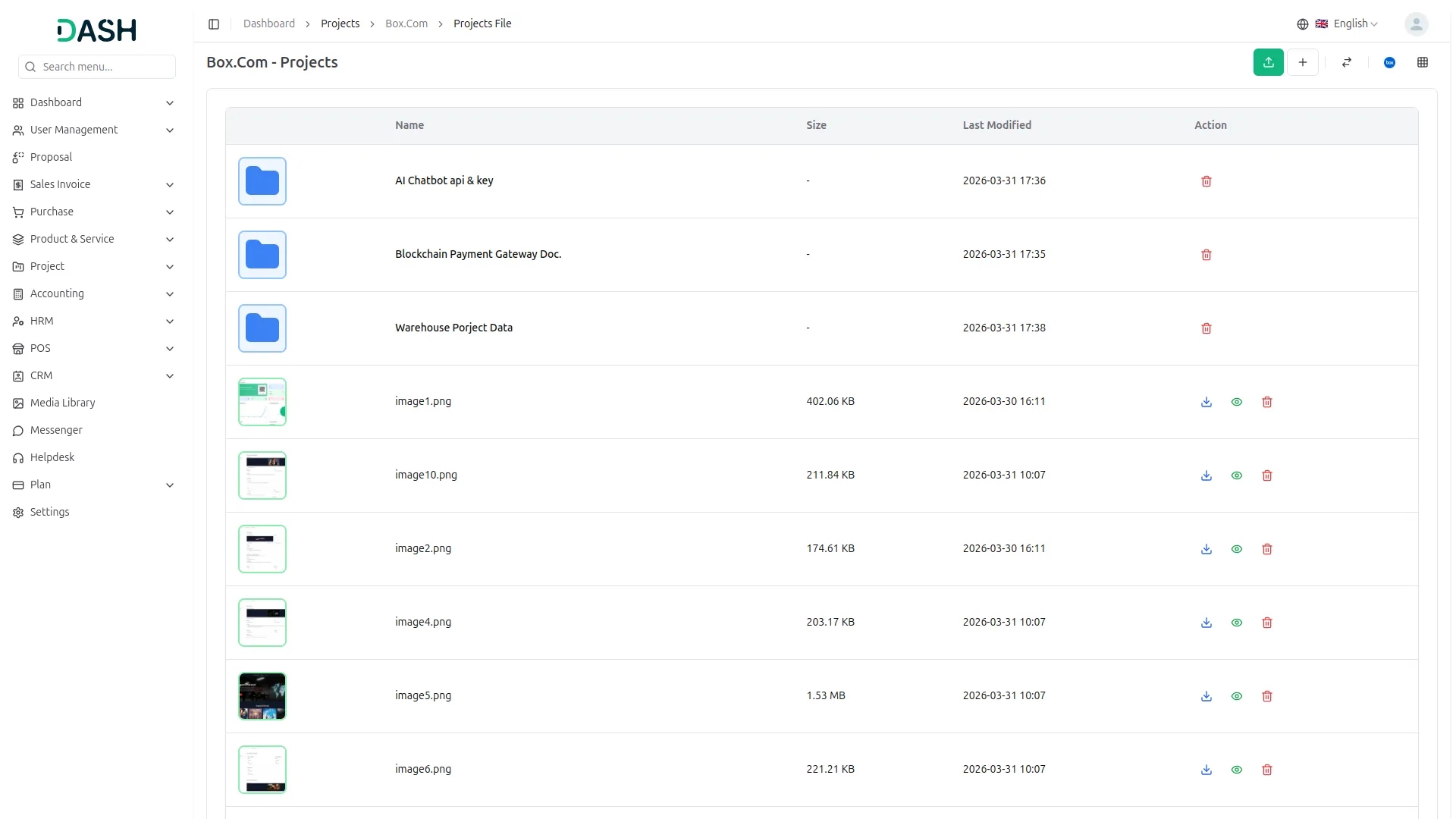
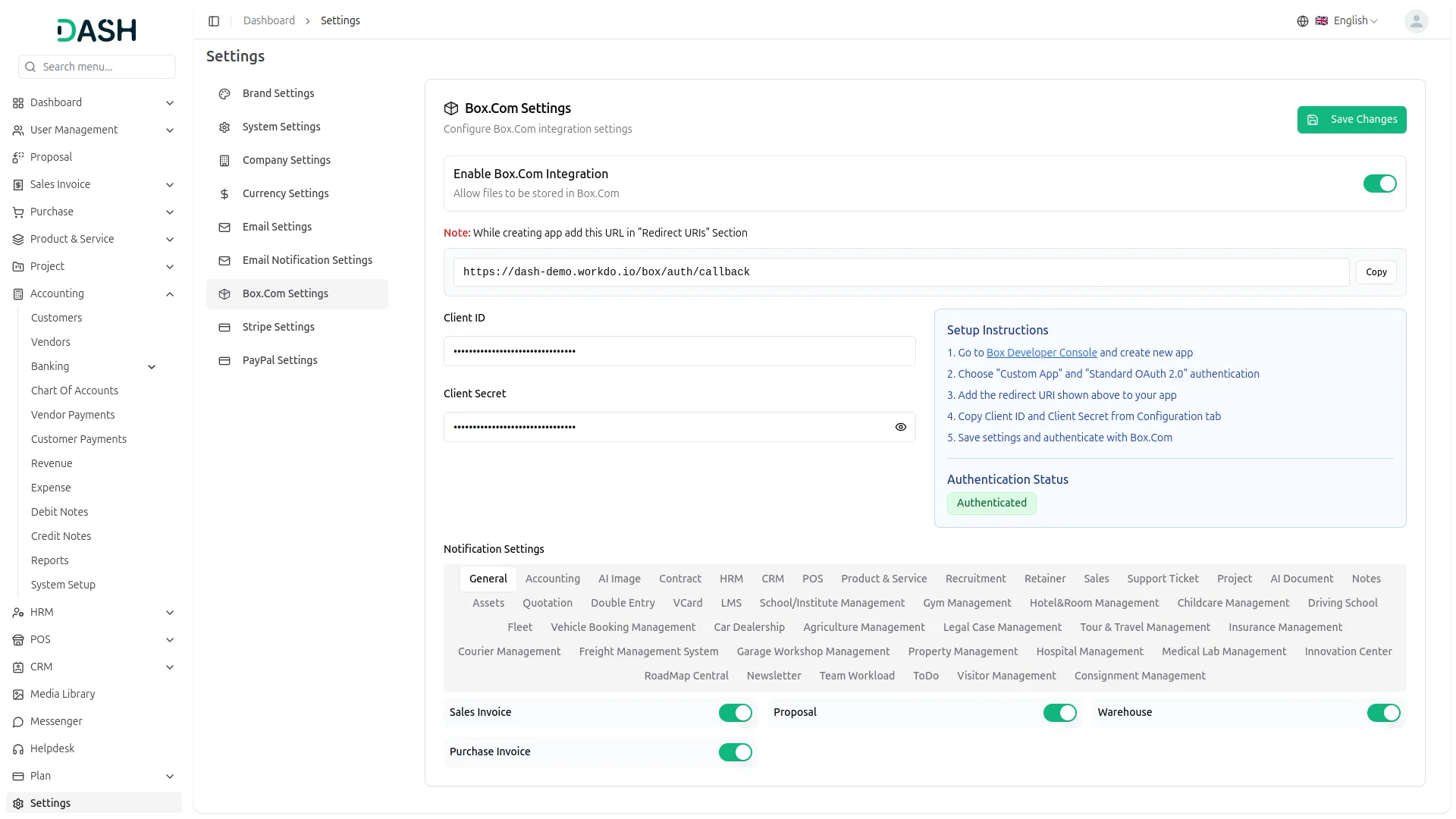
The Box.com Add-On connects your Box.com cloud storage directly with your platform, so you never have to switch between applications to manage your files. Once the integration is set up and authenticated using your Box.com credentials, a dedicated Box.com button appears across all activated modules. This gives your team instant access to cloud-stored documents right from their workflow. Everything stays connected, organized, and accessible in one place.
- General
- Account
- HRM
- POS
- ProductService
- Sales
- Taskly
- AI Image
- Contract
- SupportTicket
- AIDocument
- To-Do
- More+
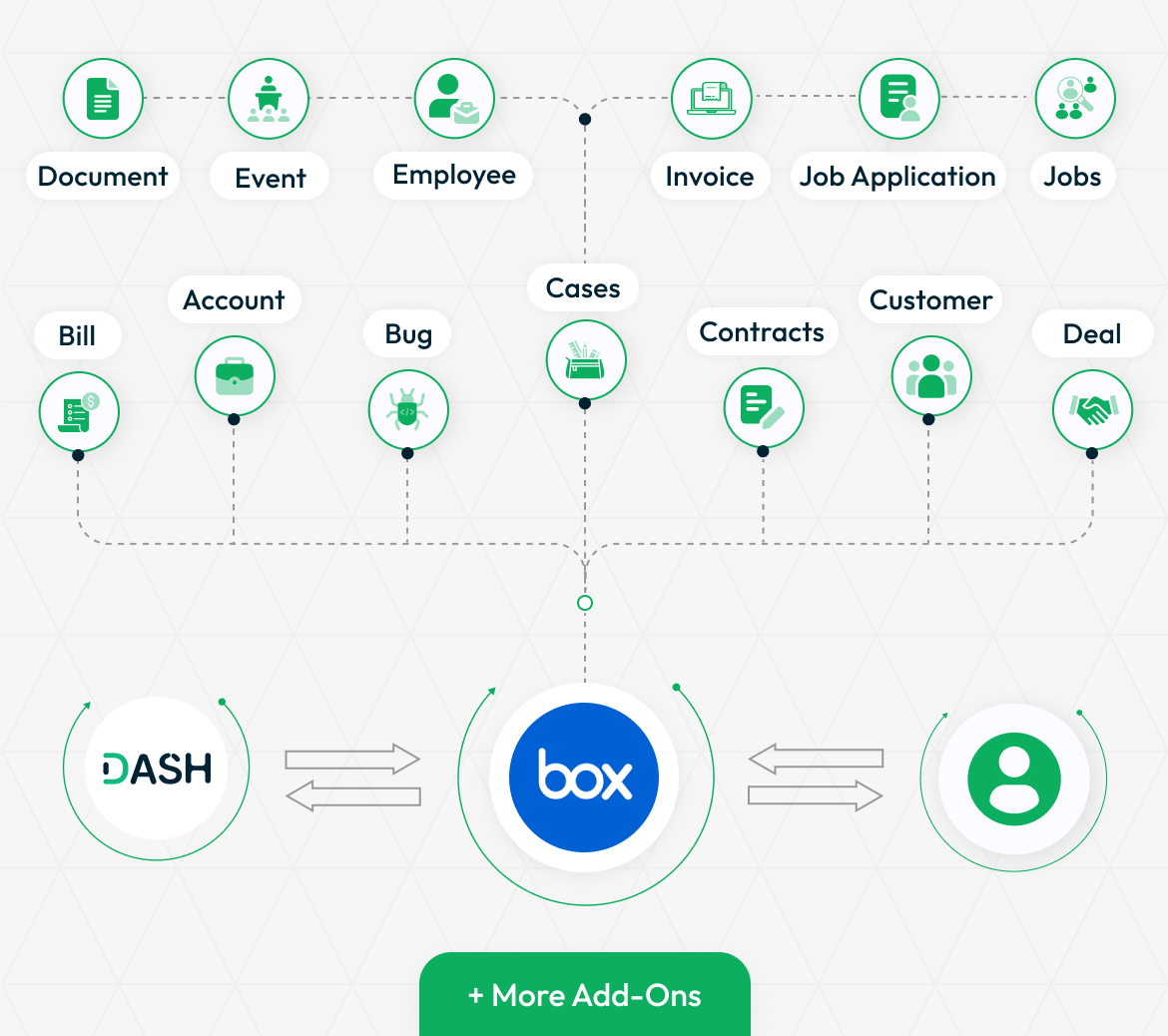
Settings Page for Box Integration
Setting up the Box.com Add-On is handled through a straightforward settings page within your dashboard. Administrators can enable the integration, enter the required credentials, and authenticate with Box.com in just a few steps. The integration supports a wide variety of modules, making it adaptable to teams of all sizes and structures. Once configured, the Box.com button becomes available across all relevant module pages, ready to use without any additional setup.
- Enable the integration from a single settings page
- Supports configuration across dozens of available modules
- Works with both small teams and large multi-module deployments
- Box.com button auto-appears on activated modules after setup
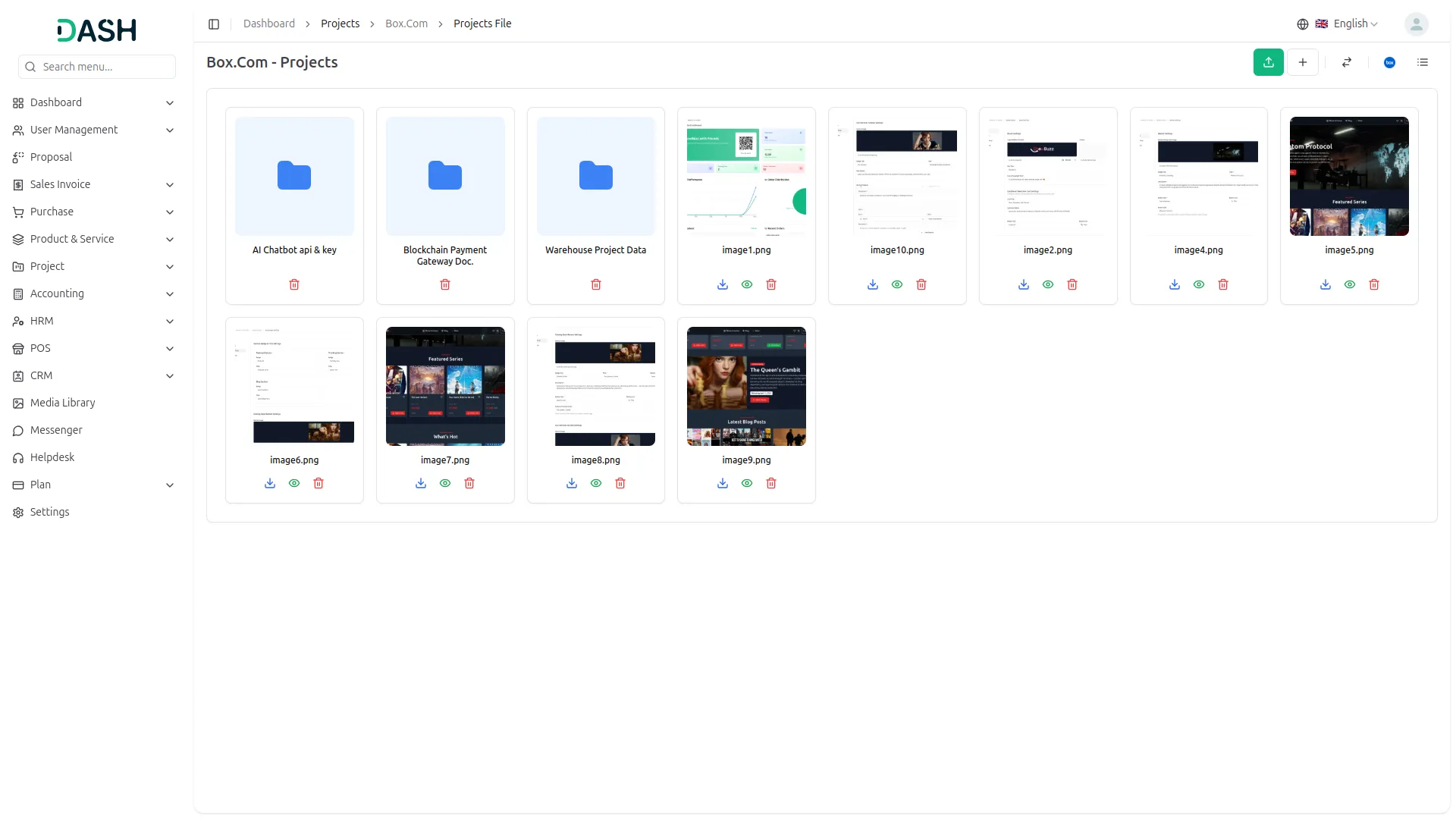
Elevate Your Box Experience
The Box.com Add-On goes beyond basic file storage by bringing your cloud workspace directly into your daily operations. With module-level access, smart folder controls, and real-time file management, your team can do more without ever leaving the platform. Whether you are uploading reports, organizing project folders, or tracking document activity, every interaction is designed to save time and reduce friction. It is a smarter way to work with Box.com, built right into the tools your team already uses.
- Access and manage Box.com files from within any active module
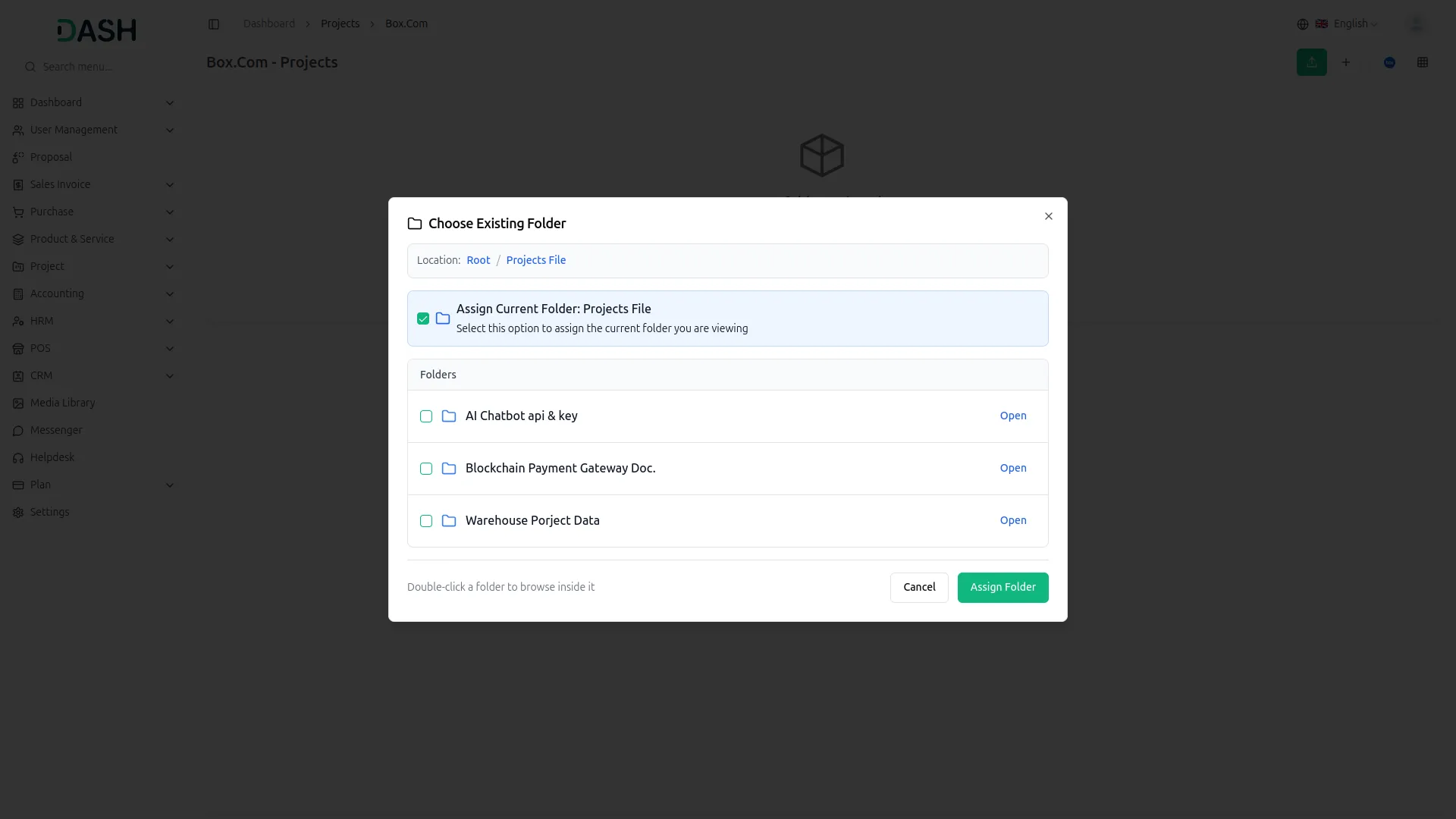
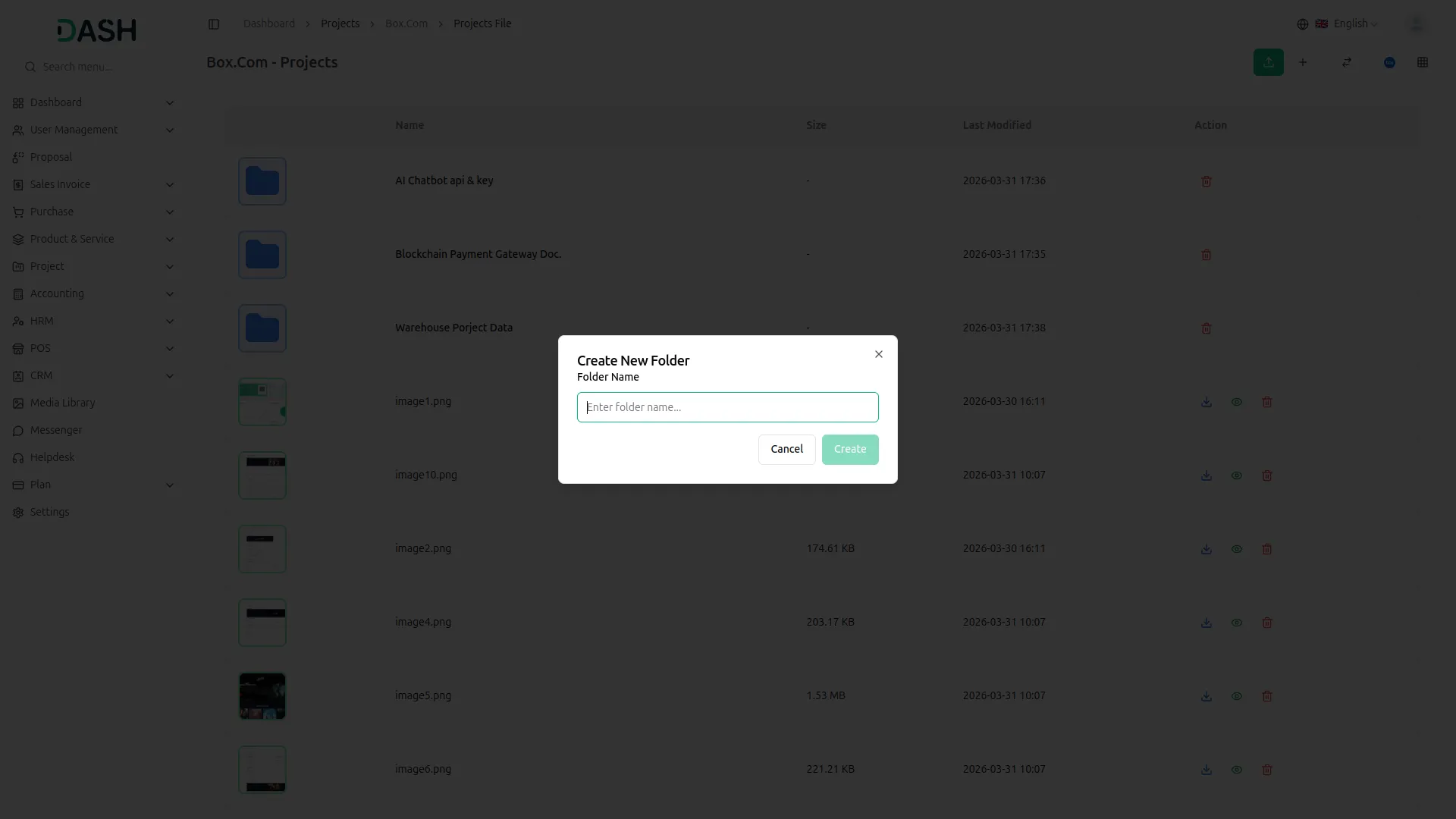
- Organize, upload, and assign folders without switching applications
- Enable or disable Box.com access per module as needed
- A connected file experience built for teams at every scale
Screenshots from our system
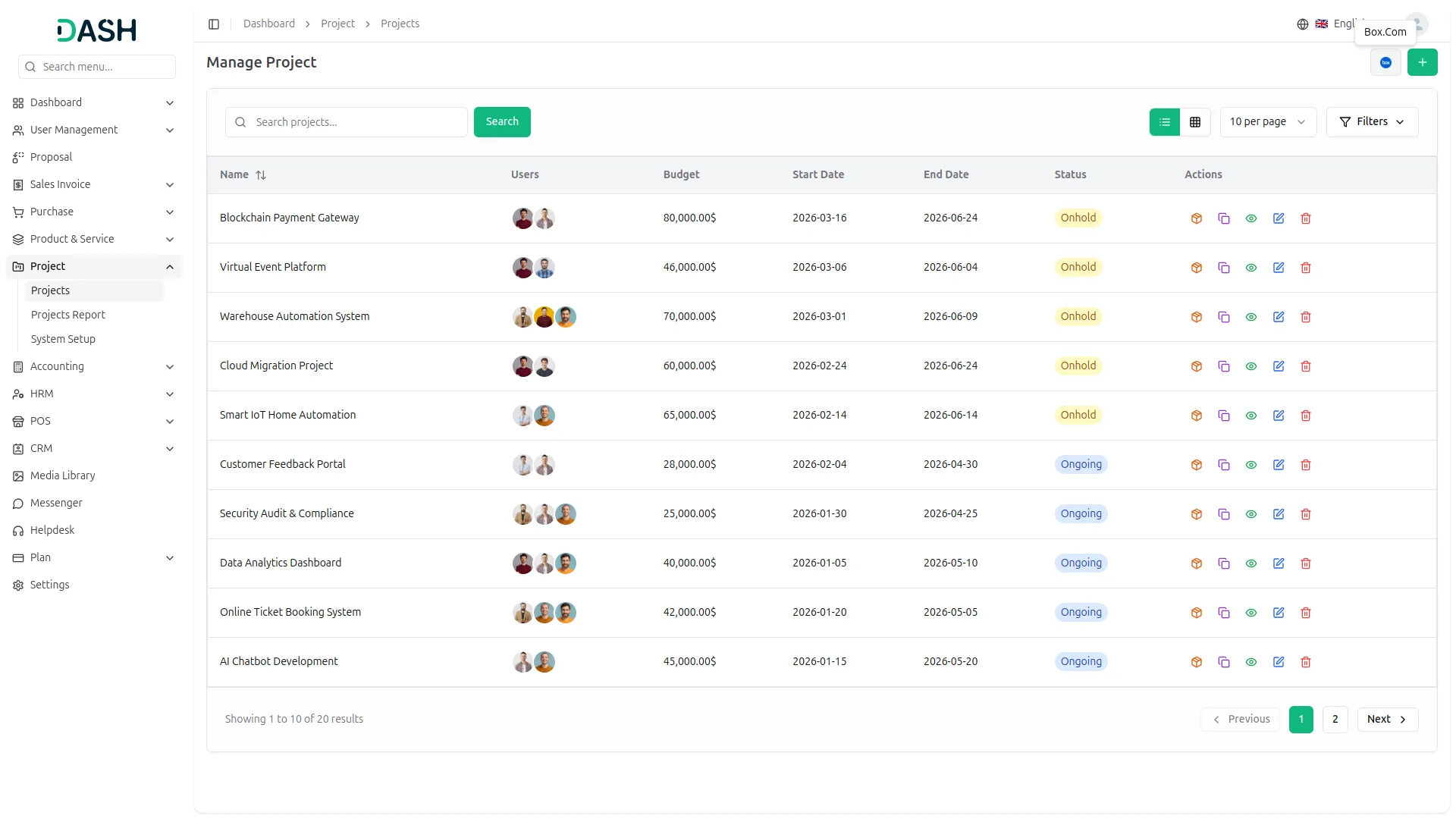
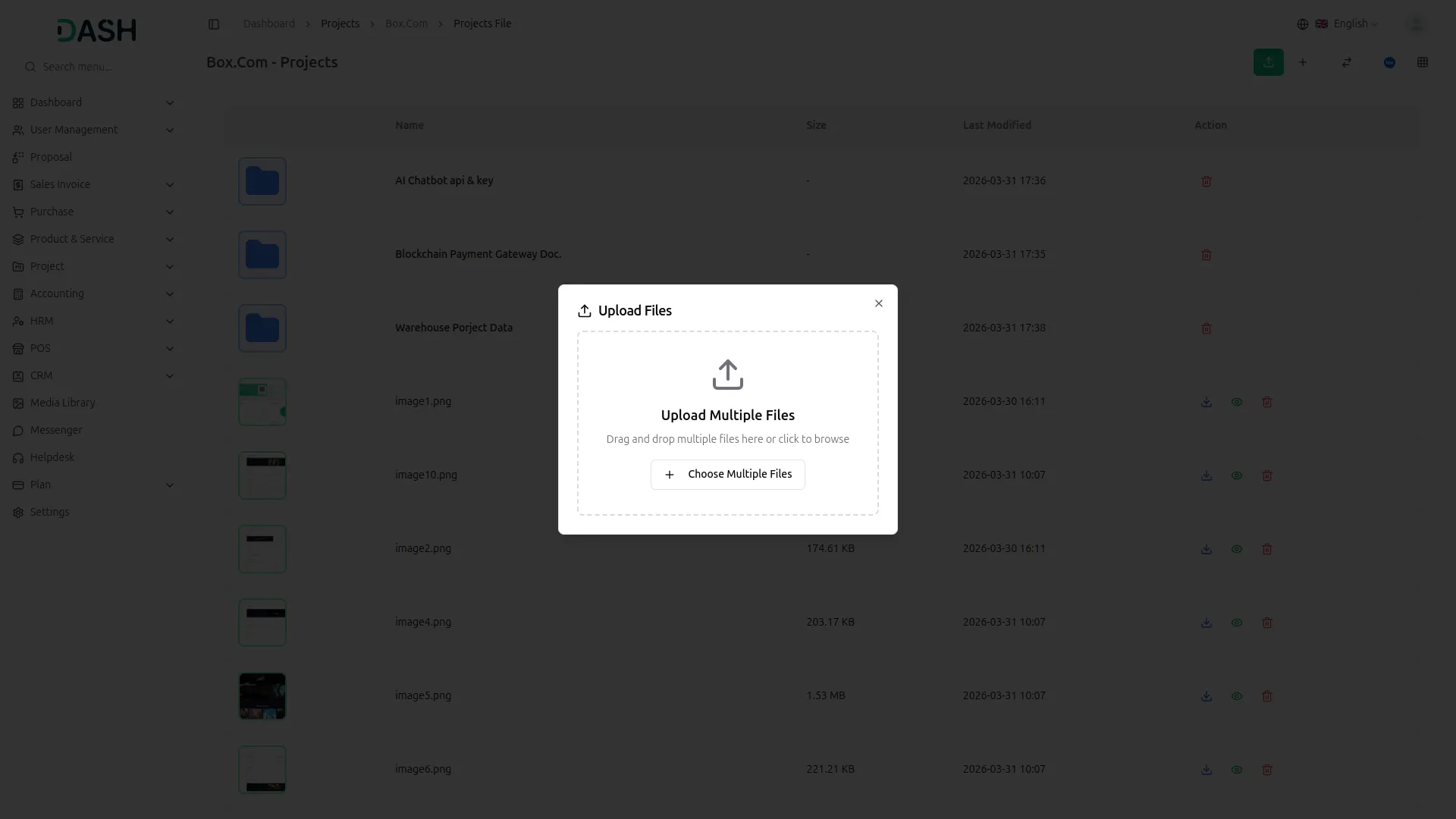
To explore the functionality and usage of these Add-Ons, refer to the accompanying screenshots for step-by-step instructions on how to maximize their features.
Discover More Add-Ons
Unlock even more functionality with additional Add-Ons, providing enhanced networking and customization options for your Dash SaaS experience.

Fatora
The Fatora payment gateway integration in Dash SaaS revolutionizes your payment processing, allowing you to handle transactions with ease and efficiency. Whether you're managing online sales, service payments, or subscriptions, Fatora's intuitive interface ensures that all payments are processed swiftly and securely.

Workflow Automation
In today's dynamic business landscape, the ability to optimize task efficiency is paramount for success. Our Custom Workflow Automation feature offers a seamless solution to alleviate the burden of manual labor and enhance productivity. By tailoring actions to specific event triggers, such as automatic email notifications for bill settlements or project milestones, businesses can streamline operations and eliminate the need for tedious manual interventions. This automation not only saves time but also reduces the risk of errors, ensuring that tasks are completed accurately and on time.


Marketing Plan
Integrating marketing plan functionality into Dash SaaS represents a significant advancement in campaign management.
Good module
the Team deserve 5 Star for following reason; 1- Customer Support2- Feature Availability3- Design Quality 4- Documentation Quality