
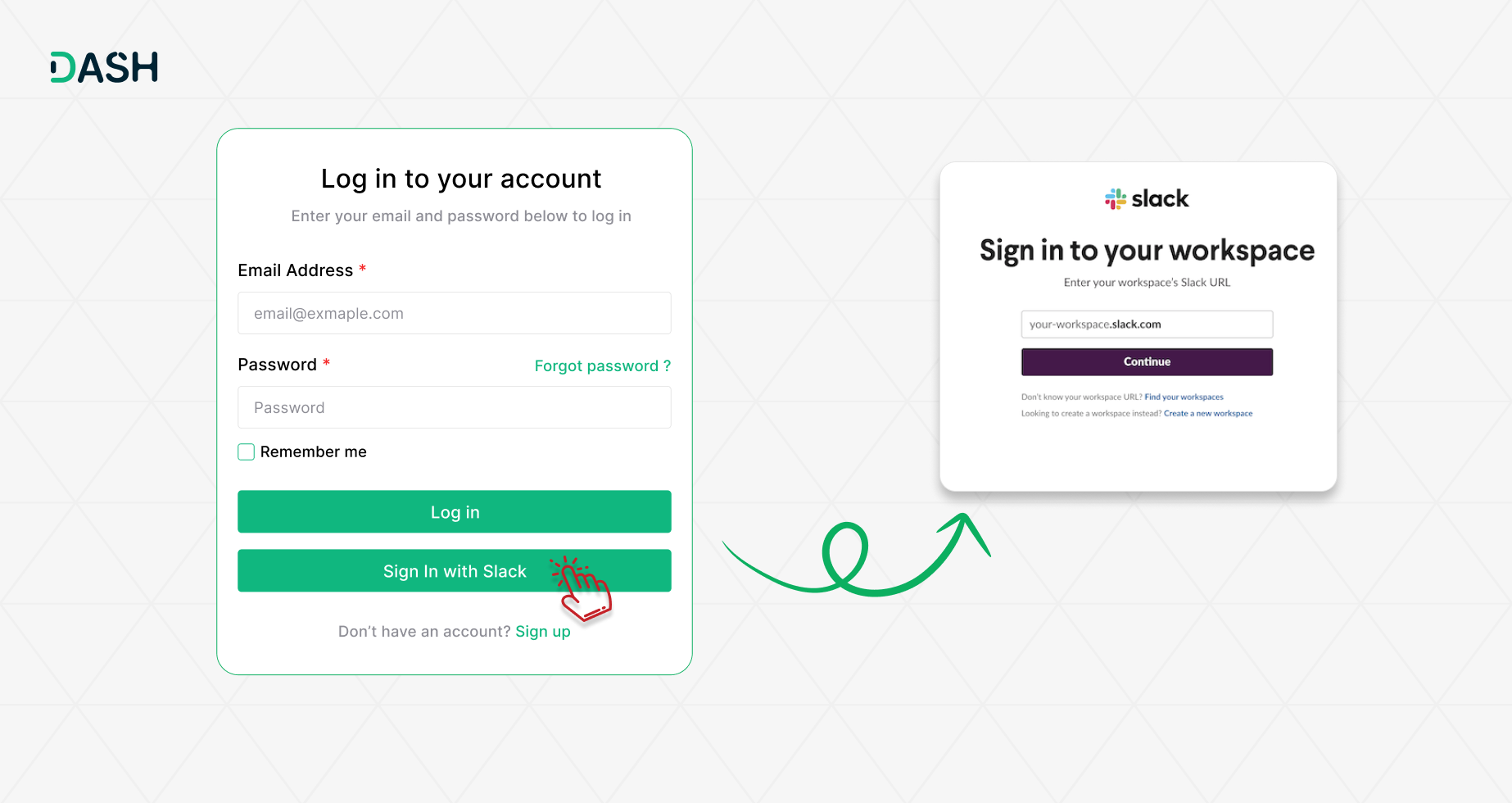
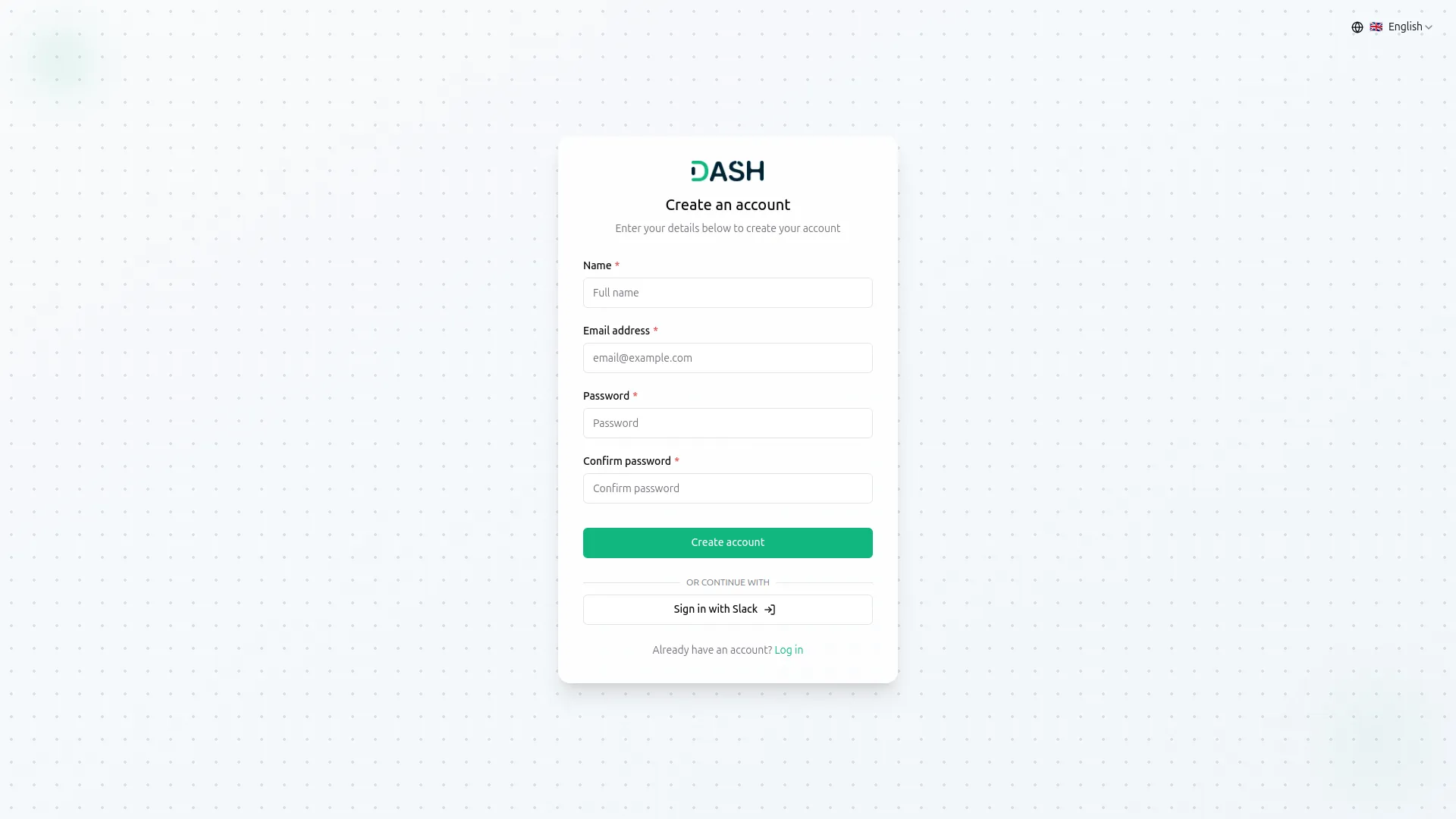
The "Sign In with Slack" Add-On enables users to log in using their Slack accounts, offering a quick and secure authentication method. Administrators can configure Slack credentials and choose whether to display the Slack login button. This Add-On helps reduce password fatigue, speeds up user onboarding, and is especially useful for organizations already using Slack.
Slack Login Settings for Super Admin
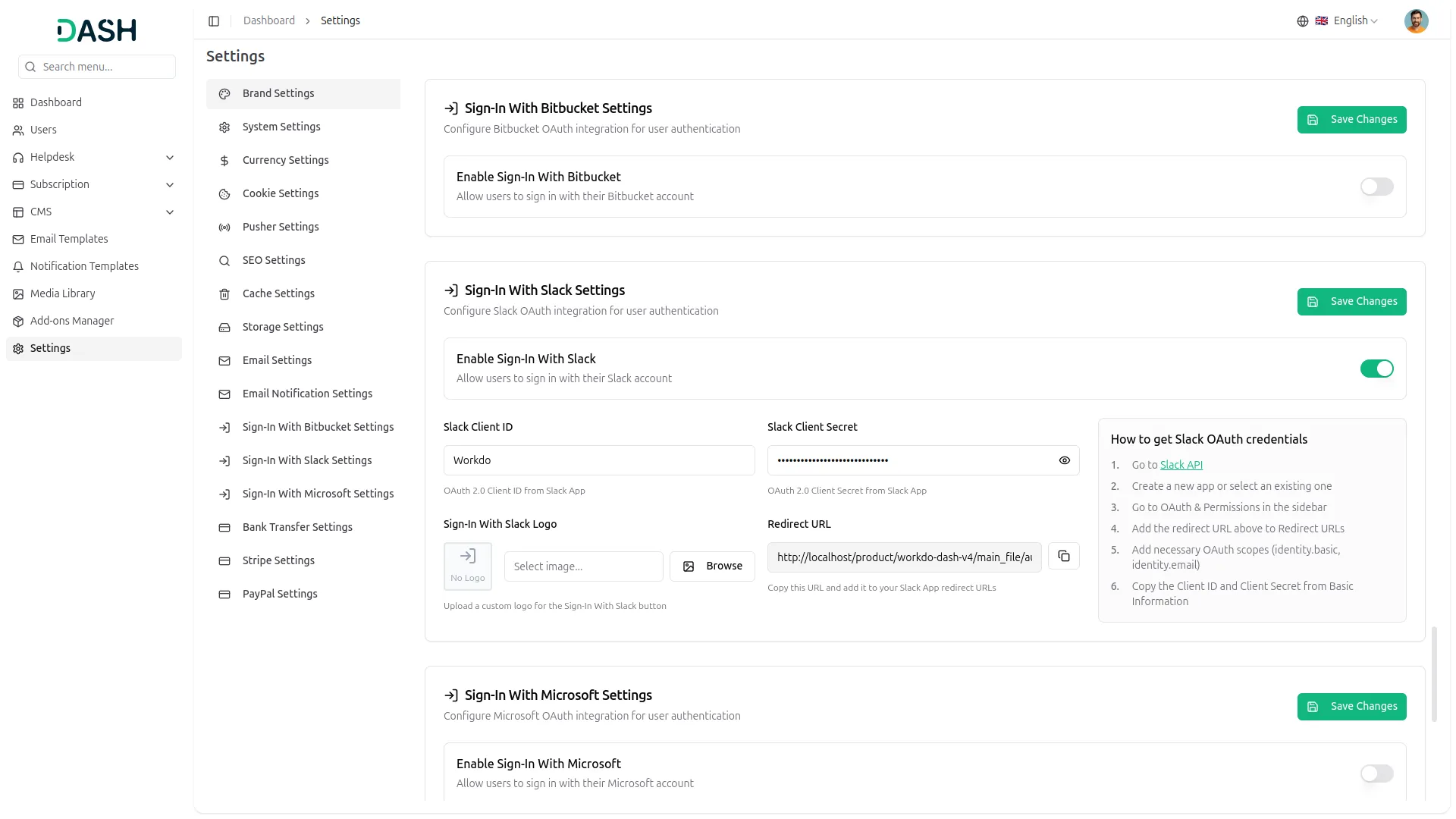
Super Admins can configure Slack login integration with ease. In the Slack Login settings section, enter the Slack Client ID, Client Secret, and upload a logo. Additionally, a toggle option is available to enable or disable on the super admin side. The Slack login button on the login and register pages gives you full control over its visibility and user access.
Slack Integration
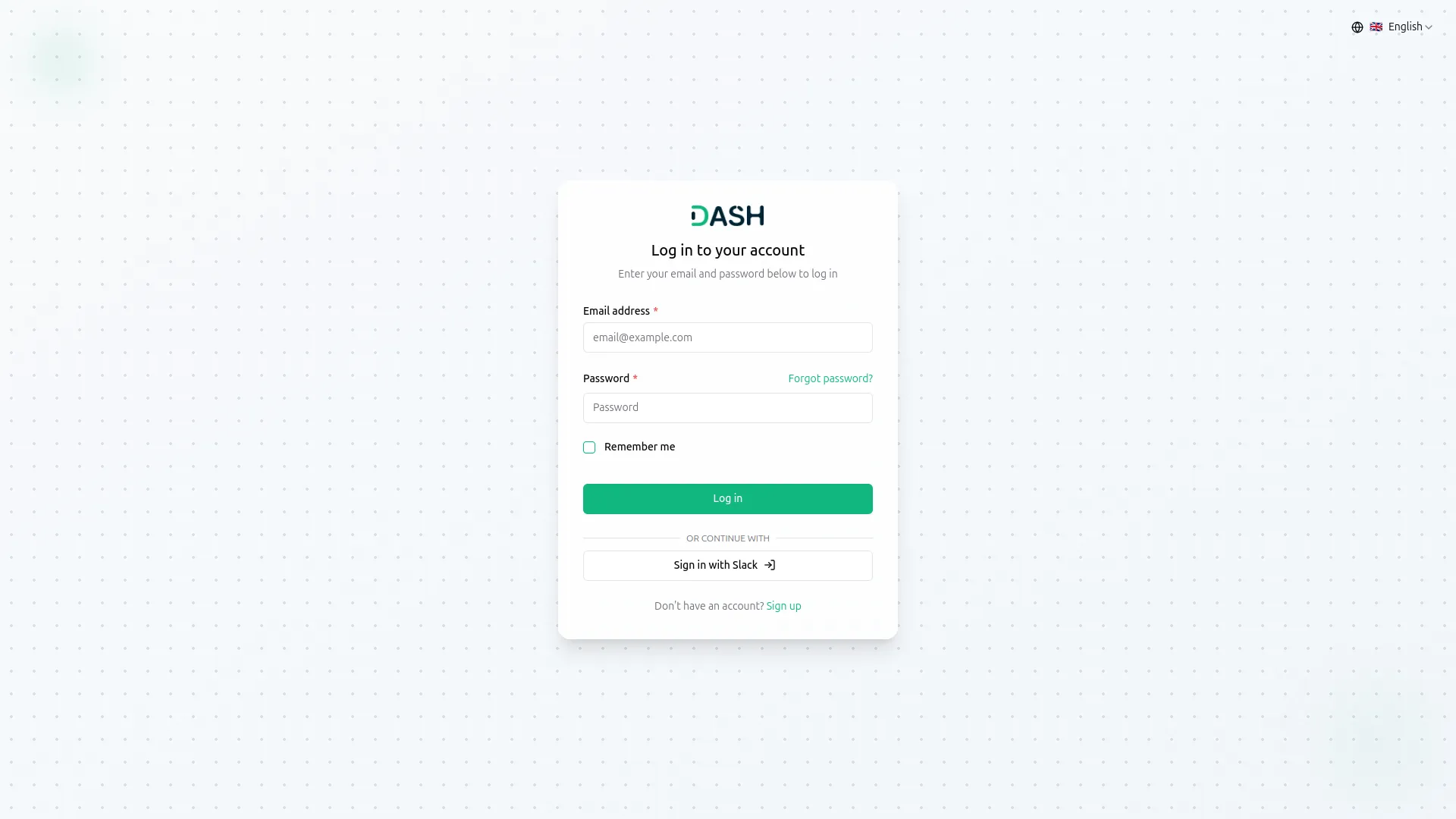
Slack Integration enables users to log in with their Slack accounts after configuring the Client ID and Secret in Super Admin settings. It supports secure single sign-on (SSO), offering a seamless, password-free login experience. This simplifies access and enhances security. Organizations also benefit from consistent identity management across Slack-connected tools.
Screenshots from our system
To explore the functionality and usage of these Add-Ons, refer to the accompanying screenshots for step-by-step instructions on how to maximize their features.
Discover More Add-Ons
Unlock even more functionality with additional Add-Ons, providing enhanced networking and customization options for your Dash SaaS experience.

MSG91
The MSG91 Add-On in Workdo Dash enables businesses to send instant and reliable SMS notifications. Whether it's order updates, appointment reminders, payment confirmations, or promotional messages, MSG91 ensures quick and secure communication. With its smooth integration into Workdo Dash, businesses can enhance customer engagement, improve response times, and maintain seamless interactions with minimal effort.


Flutterwave
Flutterwave is one of the leading payment gateways in Nigeria and Africa. If you have a business that requires secure online payment from customers, then I suggest you try them out. You can collect payments in USD, GBP, EUR, NGN and a host of other African currencies.
The integration process was seamless