

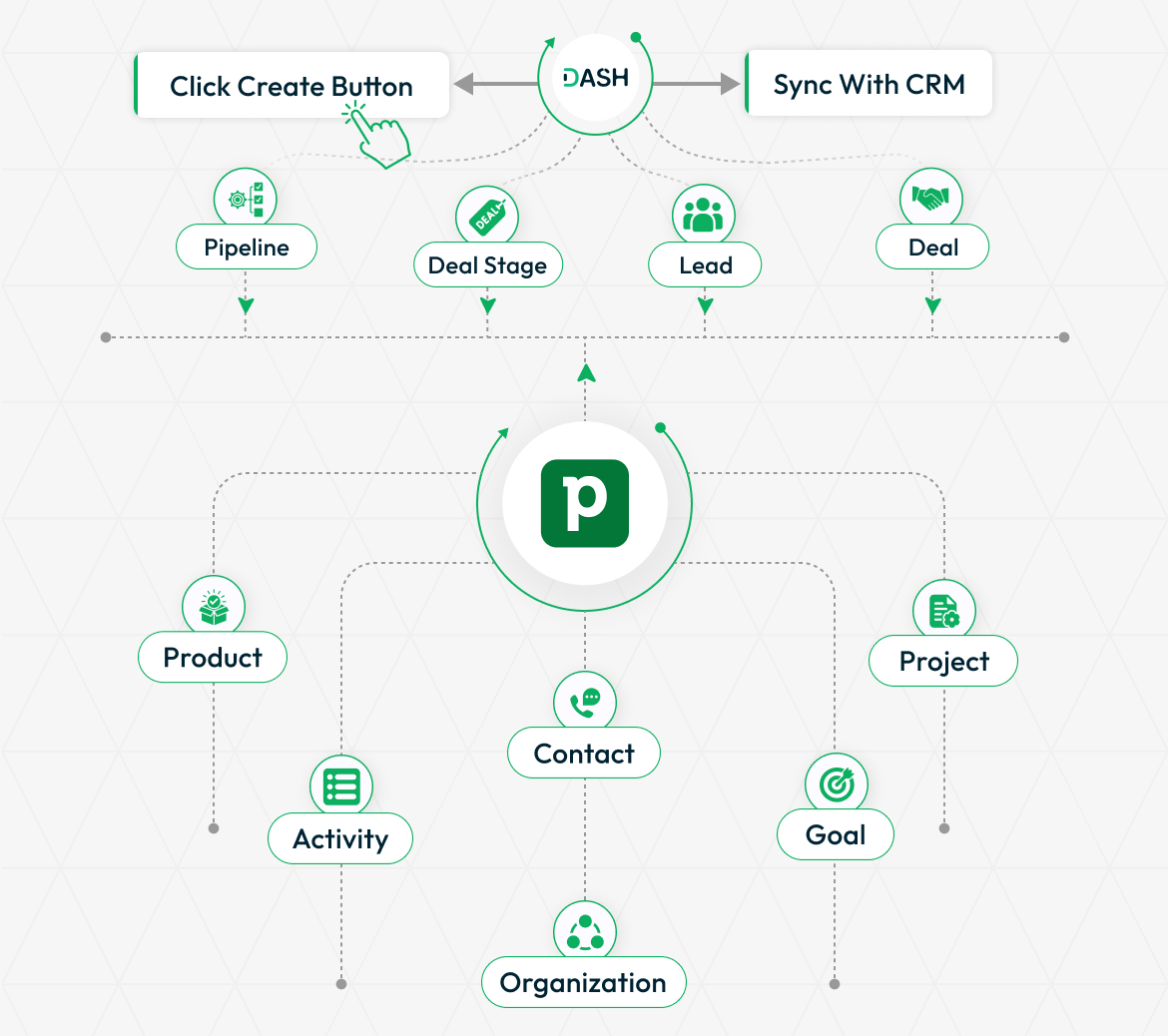
The Pipedrive Add-On connects your Pipedrive account with your internal system, bringing your leads, deals, pipelines, stages, and goals into one centralized place. It eliminates platform switching, reduces manual data entry, and gives your team complete visibility into every sales opportunity. With a single click, you can pull your Pipedrive data directly into the CRM module and manage everything without ever leaving the system.
Pipedrive Integration for a Centralized Sales Workflow
Bring your entire Pipedrive sales setup into one organized workspace without the hassle of jumping between platforms. Manage pipelines, stages, lead labels, leads, deals, and products all from within the system. For teams using the CRM Module, pipeline and deal data can be pulled directly from Pipedrive into your CRM with a single sync action. Goals configured in Pipedrive are also visible with live progress tracking so your team always knows where performance stands.
Unified Data Management
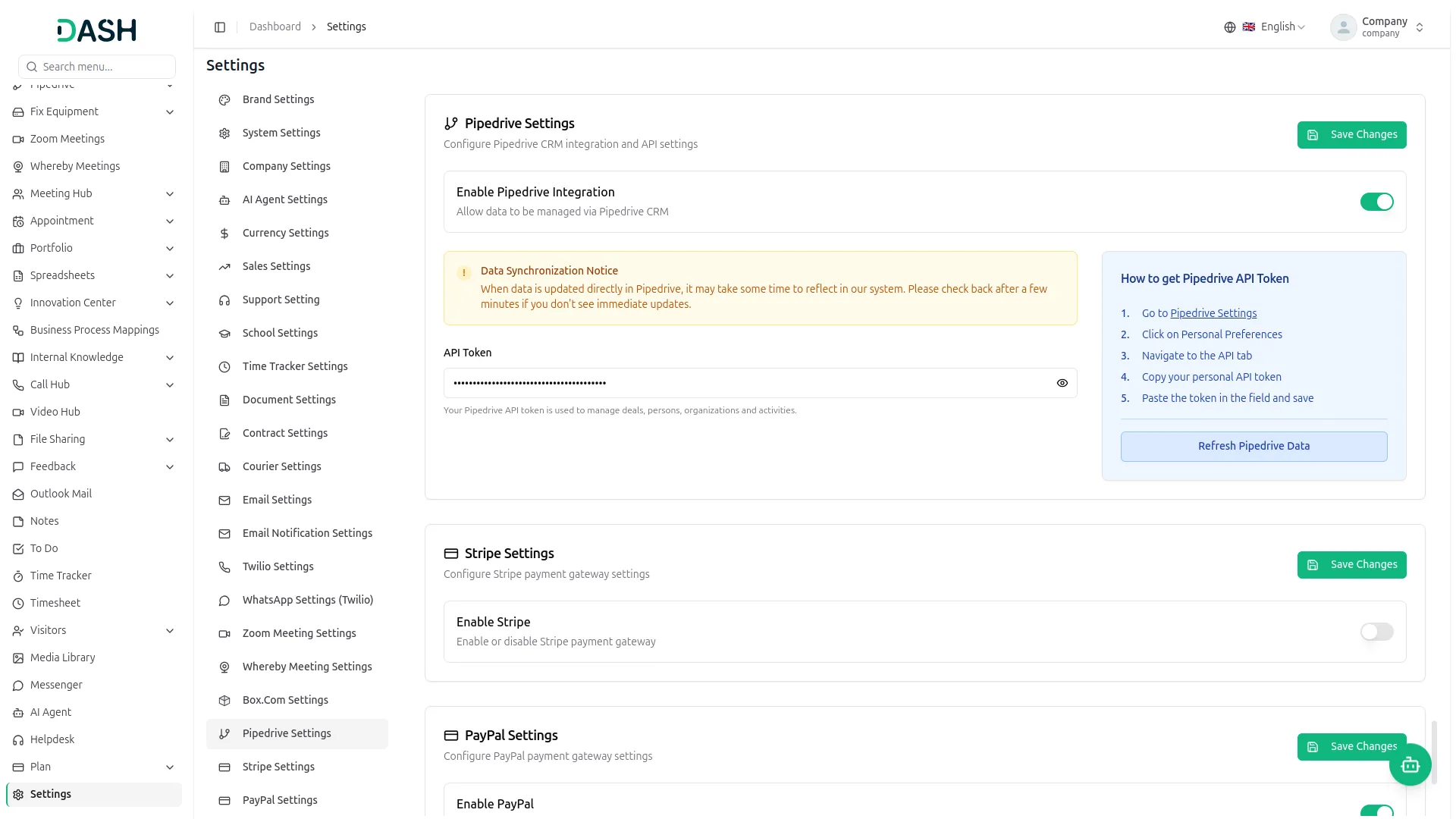
The Pipedrive Add-On connects your Pipedrive account with your internal system so your sales data lives in one place. Leads, deals, pipelines, and stages can all be created and managed directly within the system. For CRM Module subscribers, the Sync feature pulls existing Pipedrive records into the CRM, keeping both systems aligned without manual re-entry.
- Manage leads, deals, pipelines, and stages from one place
- Pull Pipedrive records into the CRM module with a single sync
- Reduces duplicate data entry and outdated records
- Designed for teams already running their sales process through Pipedrive
Lead & Deal Oversight
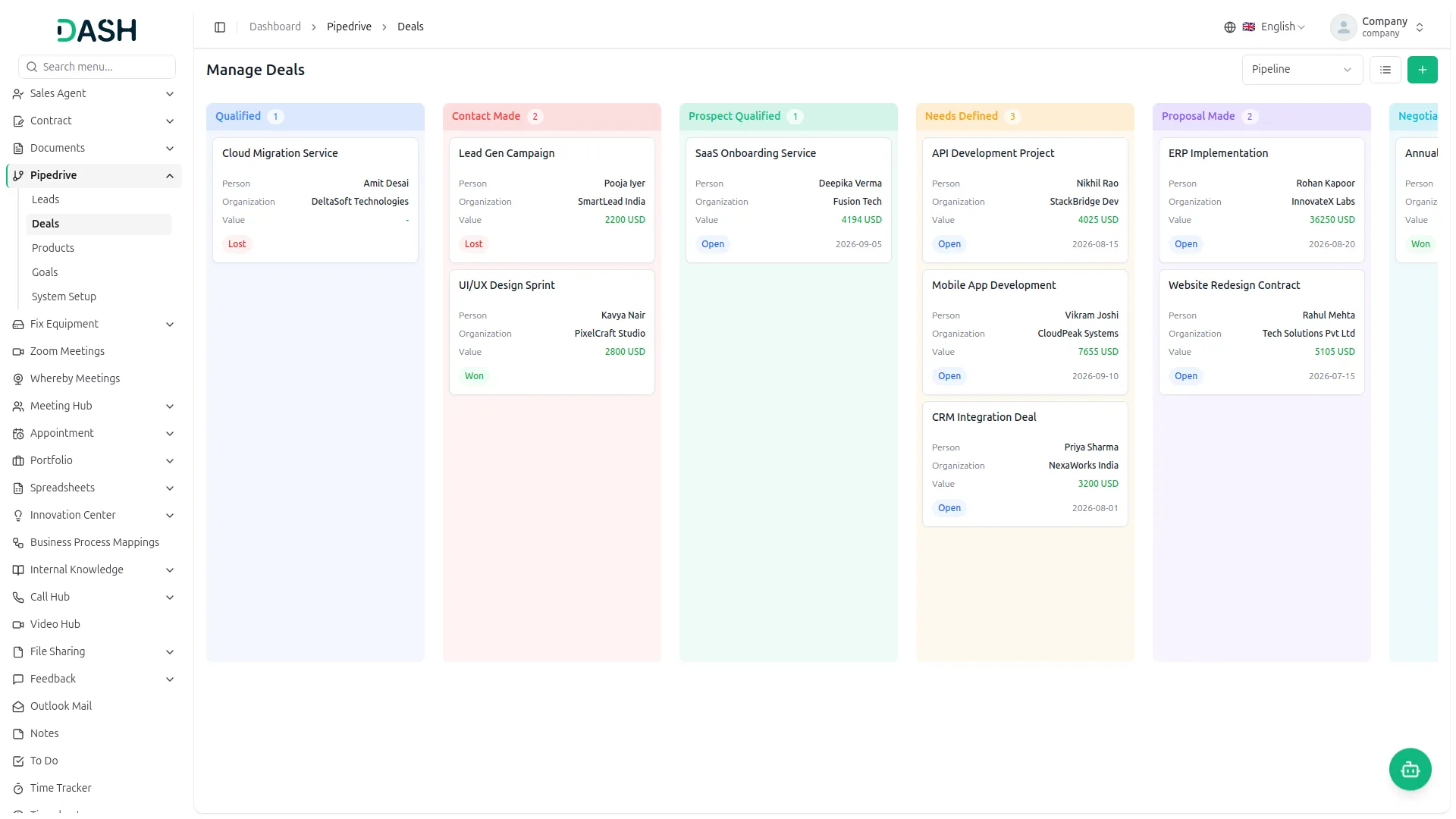
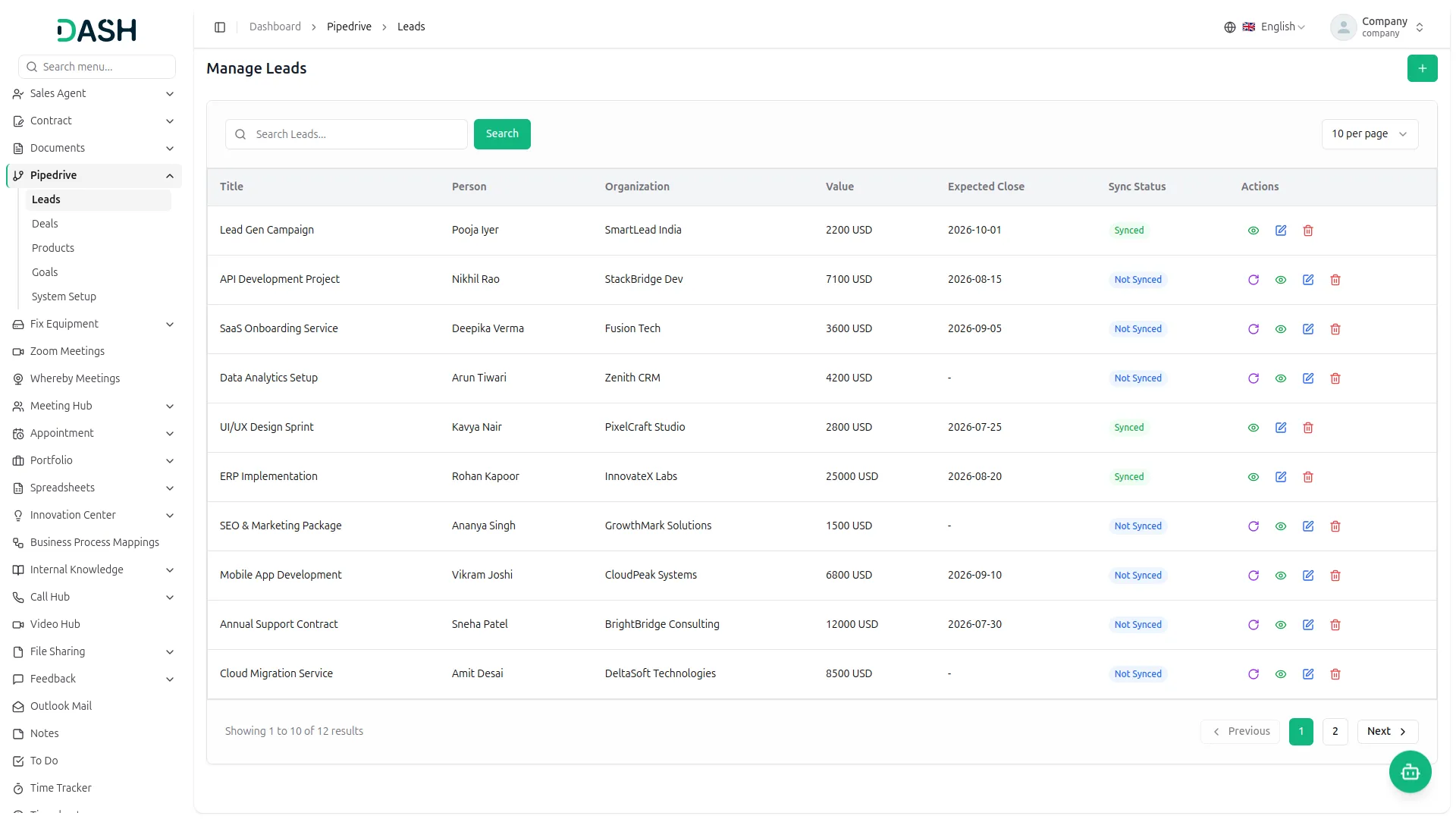
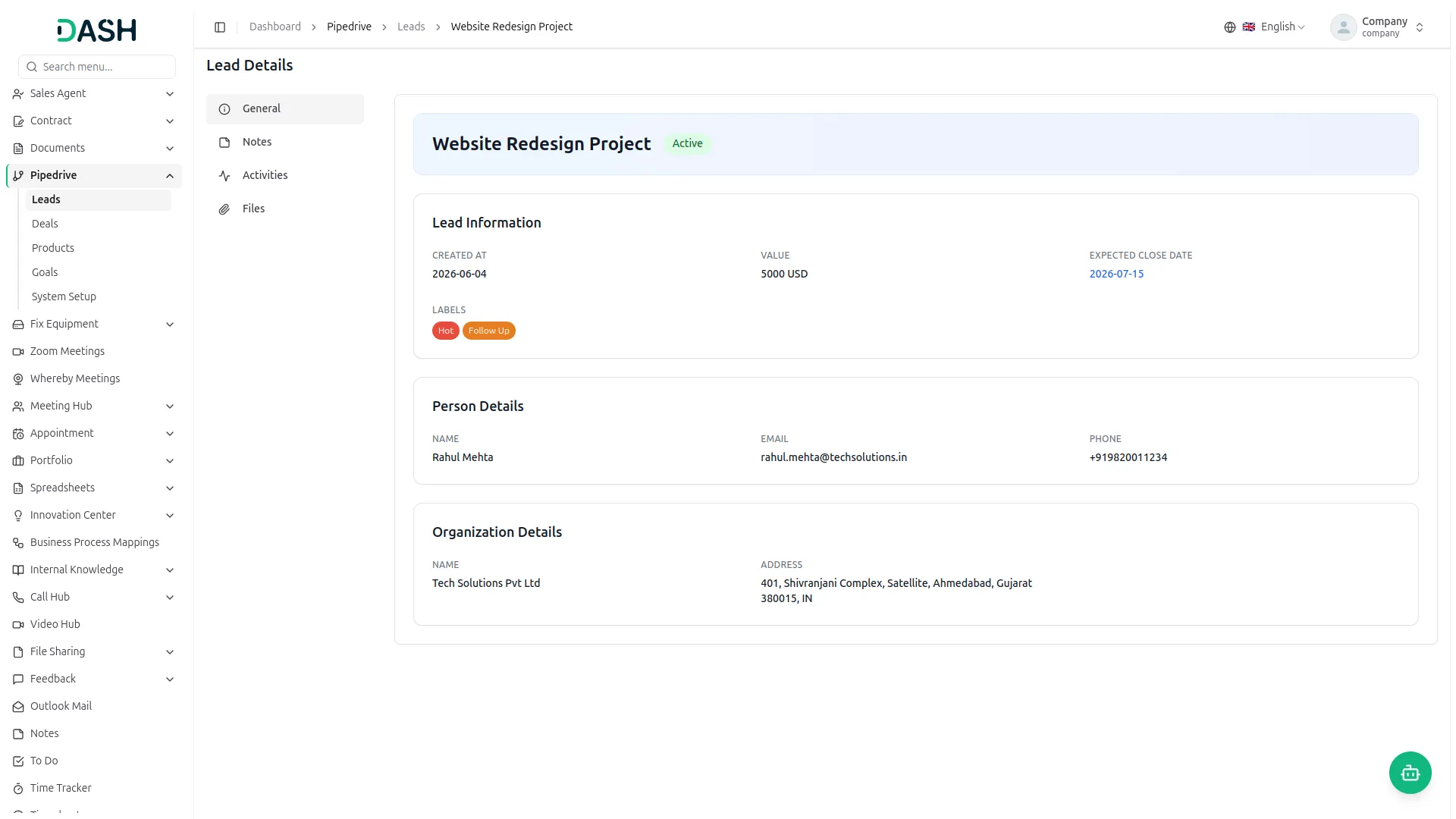
Every lead and deal is tracked in a clean, structured list that gives your team instant context on each opportunity. Key details like value, expected close date, assigned contact, organisation, and current stage are visible at a glance. Deals can also be viewed in a Kanban-style board for a more visual approach to pipeline management.
- Centralizes all leads and deals in one organized view
- Tracks stage, value, expected close date, and assigned contacts
- Supports both list view and visual Kanban board for deals
- Gives every team member immediate context on any opportunity
Structured Pipeline Control
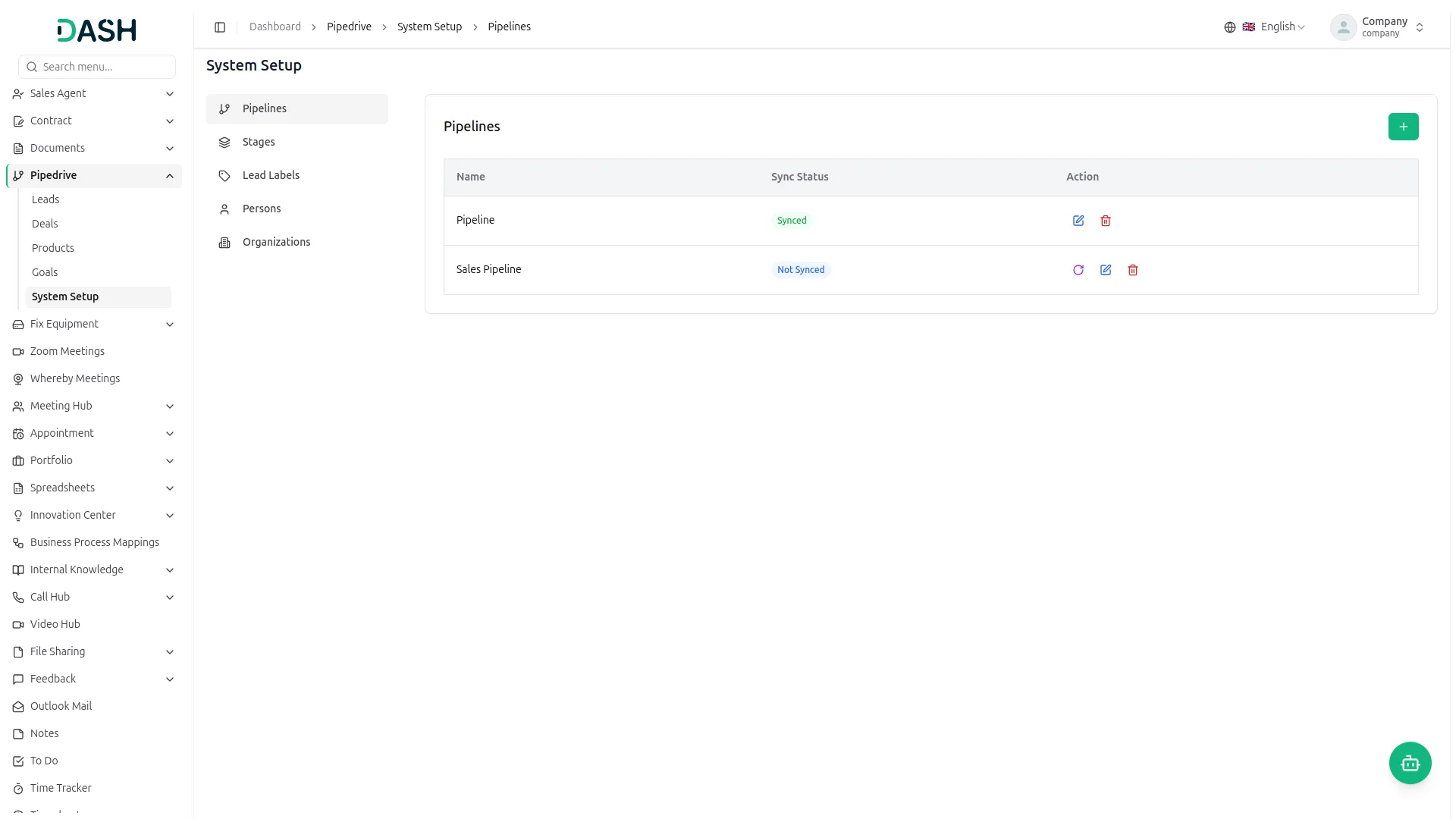
Build and manage the pipeline structure that mirrors your actual sales process. Create pipelines and define the stages within each one, keeping everything consistent across your team. Lead labels let you categorize and prioritize leads with colour-coded tags so your team always knows what needs attention first. For CRM Module subscribers, pipelines and stages can be synced in from Pipedrive to keep both systems aligned.
- Create and manage pipelines and stages within the system
- Colour-coded lead labels for easy categorization and prioritization
- Pipeline and stage structure stays consistent across the team
- CRM subscribers can sync pipeline and stage records in from Pipedrive
Activity, Notes & File Management
Closing deals requires more than tracking numbers — it requires full context. Log activities, record internal notes, and attach relevant files directly to any lead or deal. Whether it is a scheduled follow-up, a client observation, or a proposal document, everything is stored against the right record. Your team gets a complete history of every opportunity without searching through emails or shared folders.
- Log activities with subject, type, due date, and completion status
- Add internal notes to capture observations and conversations
- Attach and manage files directly against leads and deals
- Full activity and note history visible on every lead and deal record
Product, Goals & Performance Tracking
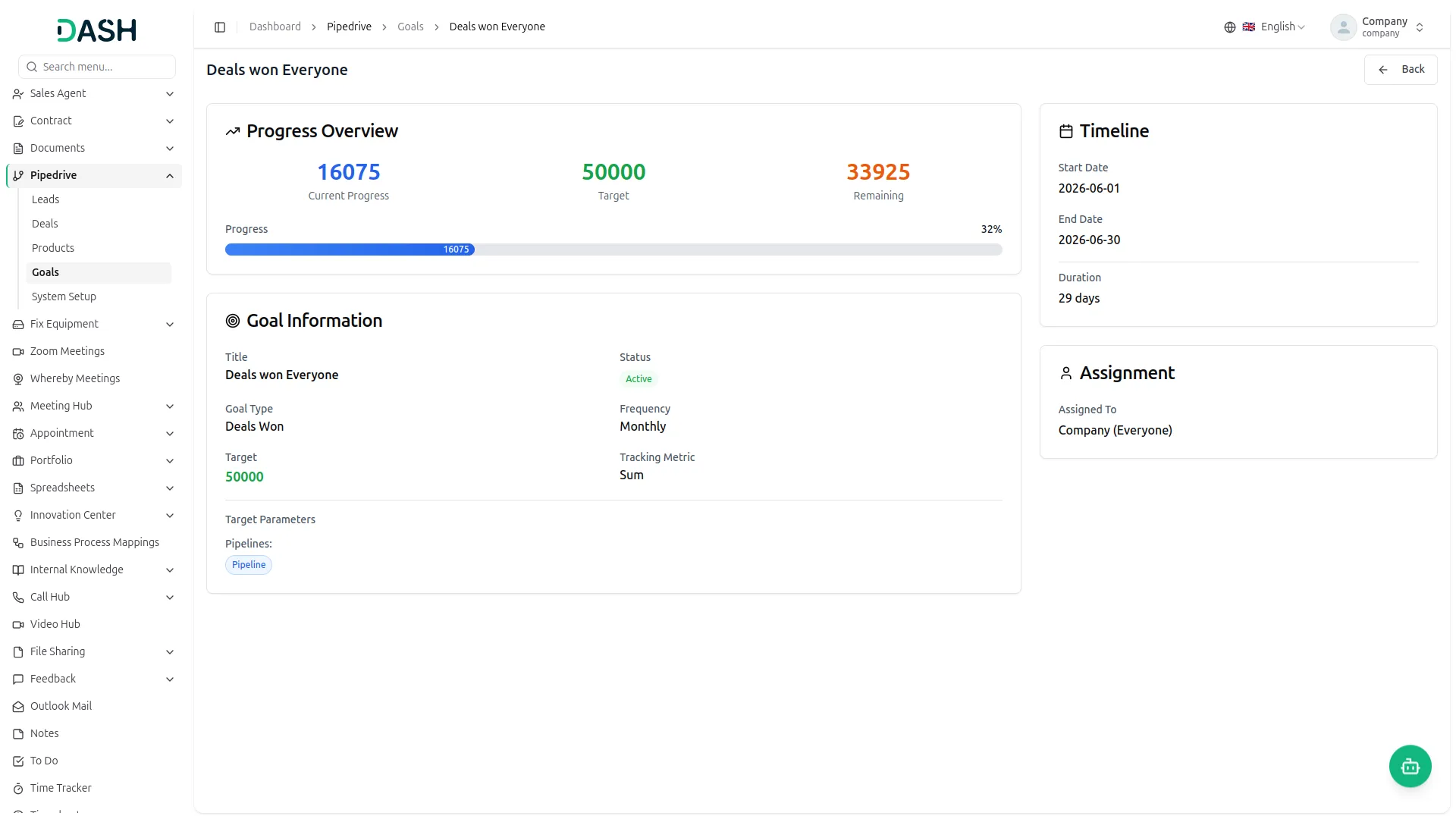
Link products directly to deals with quantity, unit price, discount, and tax details for a clear financial breakdown per deal. Sales goals configured in Pipedrive are pulled into the system and displayed with progress tracking, showing current progress, target, remaining count, and completion percentage. Team leaders get clear visibility into performance without needing to log in to Pipedrive separately.
- Link products to deals with full pricing, discount, and tax breakdown
- Subtotal, net amount, tax, and total calculated automatically per deal
- Goals from Pipedrive displayed with live progress and status tracking
- Timeline, assignment, and tracking metrics visible per goal
Screenshots from our system
To explore the functionality and usage of these Add-Ons, refer to the accompanying screenshots for step-by-step instructions on how to maximize their features.
Discover More Add-Ons
Unlock even more functionality with additional Add-Ons, providing enhanced networking and customization options for your Dash SaaS experience.


microsoft-to-do
This Add-On helps you manage tasks easily by connecting with Microsoft To Do using secure Azure integration.

Diagram
The Diagram Add-On is a versatile and user-friendly tool designed to help individuals and teams quickly create clear, professional diagrams such as flowcharts, mind maps, and project plans, enabling easy collaboration, real-time editing, and customizable design options to effectively visualize and communicate ideas across various roles and projects.

The platform is clearly built with real business challenges in mind which reflects in every detail