
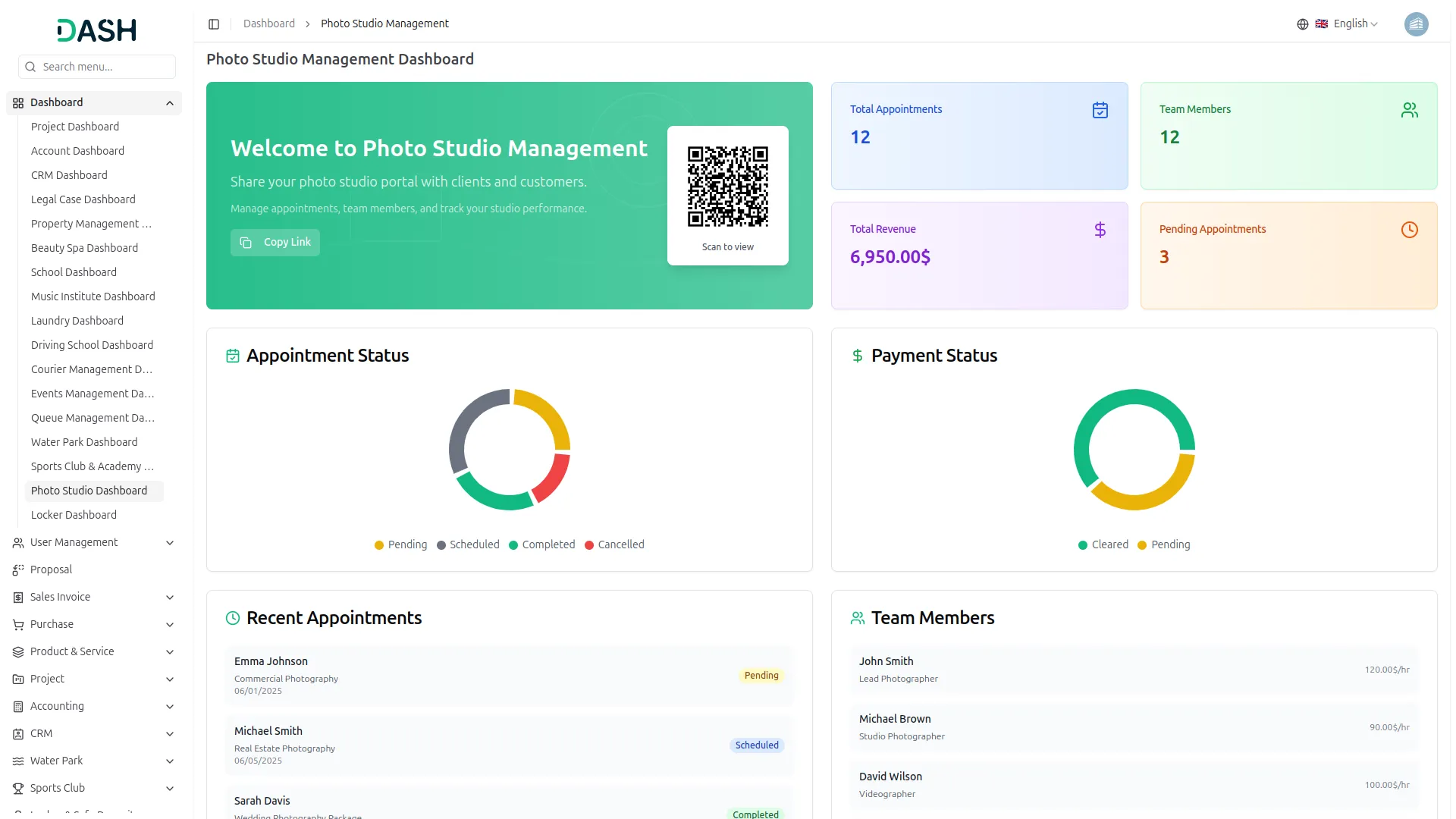
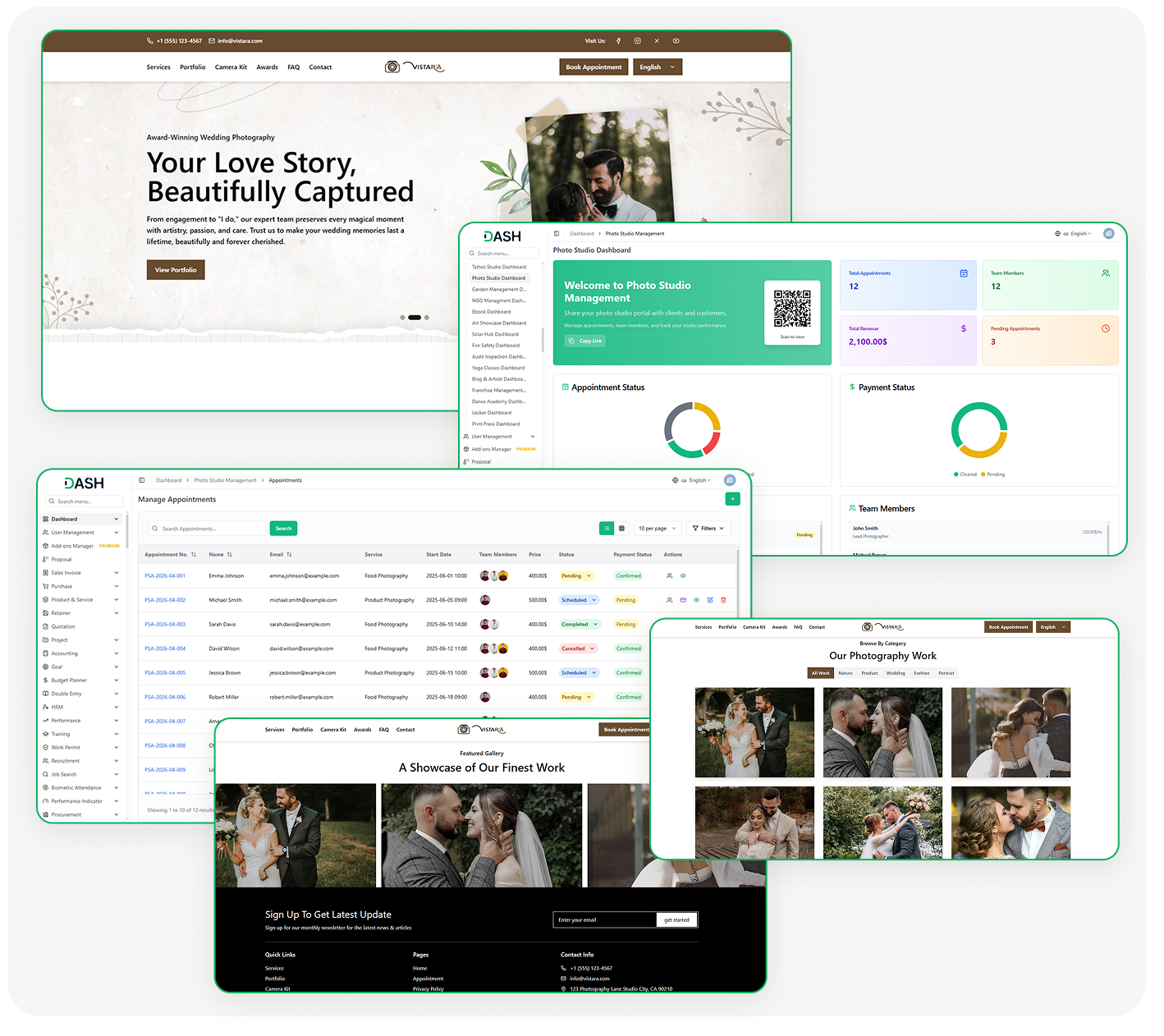
The Photo & Studio Management Add-On centralizes all aspects of running a studio, from appointments and payments to team and equipment management. It offers a complete studio dashboard, customizable website controls, and organized service listings for a seamless client experience. With tools for tracking clients, subscribers, and projects, studios can efficiently manage operations and maintain a professional online presence.
Essential Features for Studio Success:
- Studio Dashboard Overview
- Appointment Booking Management
- Payment Tracking System
- Camera Kit Management
- Service & Pricing Control
- Team Member Management
- Portfolio & Gallery Display
- Client Contact Management
- Newsletter Subscriber Tracking
- Customizable Website Content
Complete System Setup Control
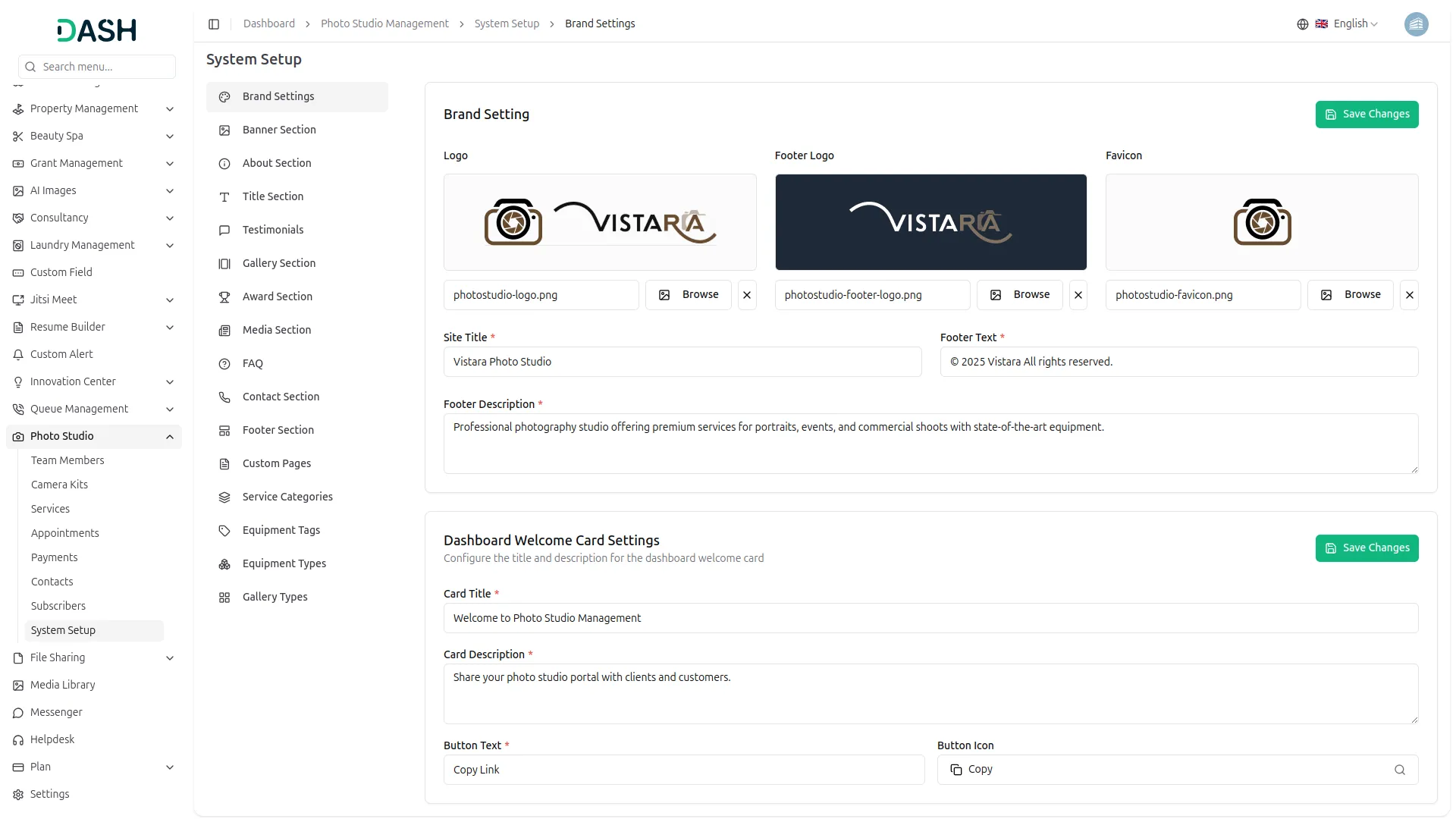
The System Setup module lets studio owners easily manage their website’s design and content from one place. It covers branding elements like logos, banners, and site identity, along with key sections such as about, gallery, and testimonials. Users can also create custom pages for policies or additional information without external tools. Footer details, social media links, and newsletter settings are fully customizable for a consistent brand experience.
- Manage all website branding content sections and settings
- Build publish custom pages with full text control
- Configure contact social links and footer information sitewide
- Control section titles labels and descriptions across page
Camera Kits & Team Members
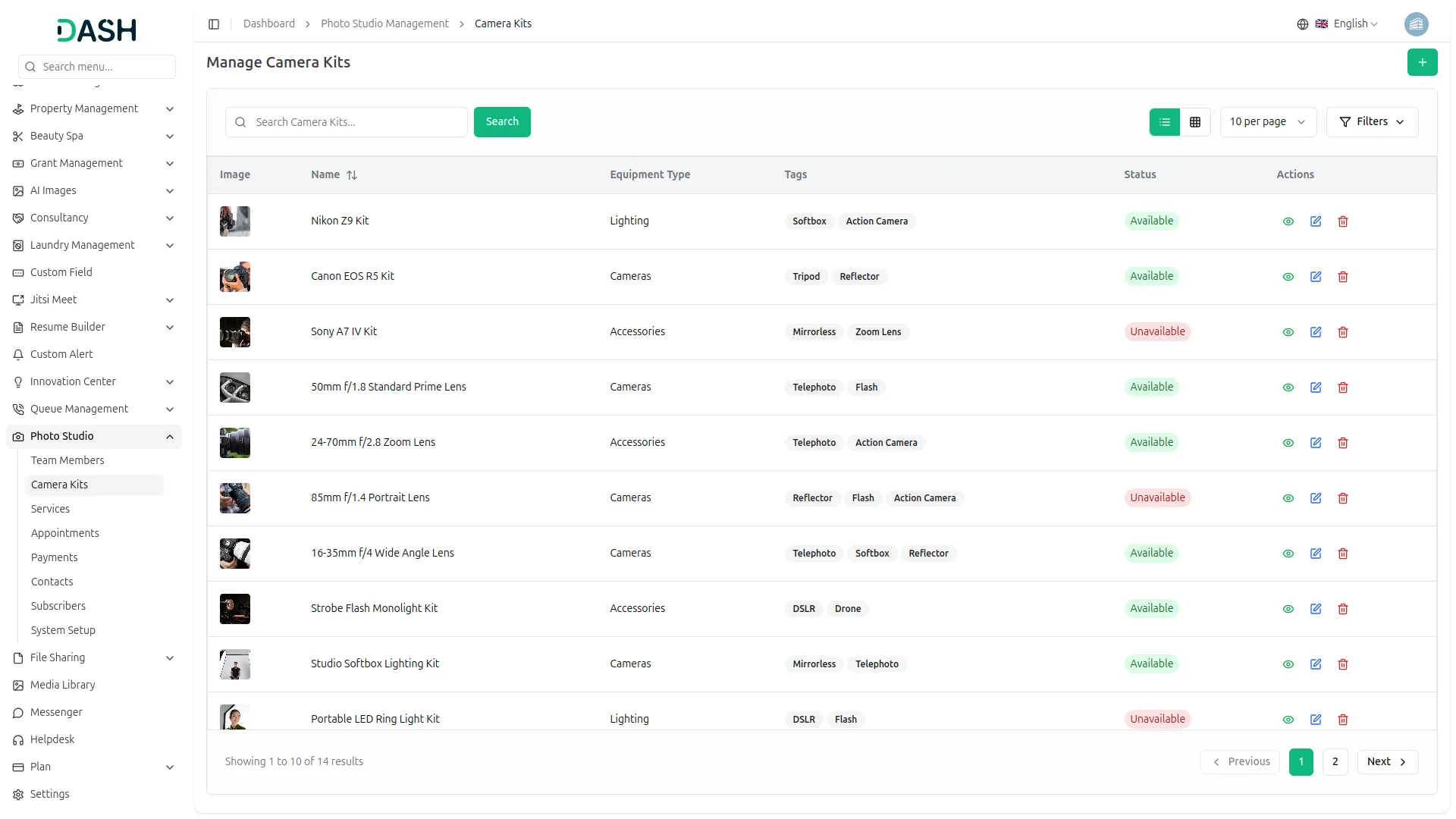
The Camera Kits module helps studios organize and showcase their equipment with detailed specifications and clear categorization. It ensures all gear, from cameras to accessories, is well-documented and easy to understand for both admins and visitors. The Team Members module manages staff details, including roles, skills, and experience. It also helps studio owners plan projects efficiently with clear insights into their team.
- Organize equipment inventory with types tags and specifications
- Present gear in structured format for tracking visibility
- Maintain detailed profiles for team members skills rates
- Align staff and equipment data for accurate planning
Services & Payments Management
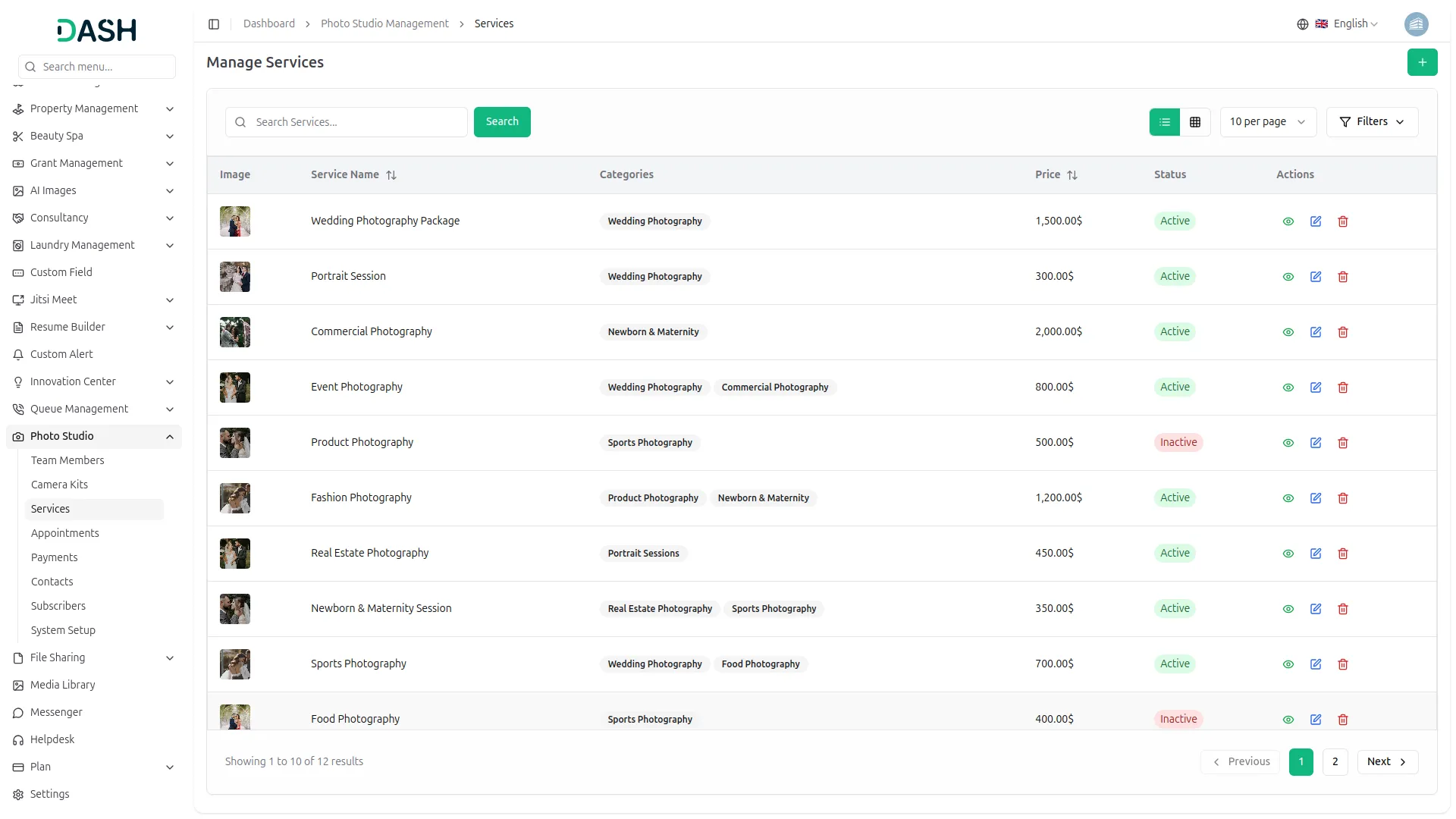
The Services module helps studios create a clear and organized list of their offerings with pricing and detailed descriptions. It allows clients to easily understand services before making a booking. The payment system tracks each transaction with real-time status updates. Together, they provide better financial clarity and a more professional client experience.
- Build detailed service catalog with pricing descriptions equipment
- Categorize services for easier browsing and management
- Track payment status for every booking in realtime
- Monitor cleared revenue and outstanding balances centrally
Appointments Management
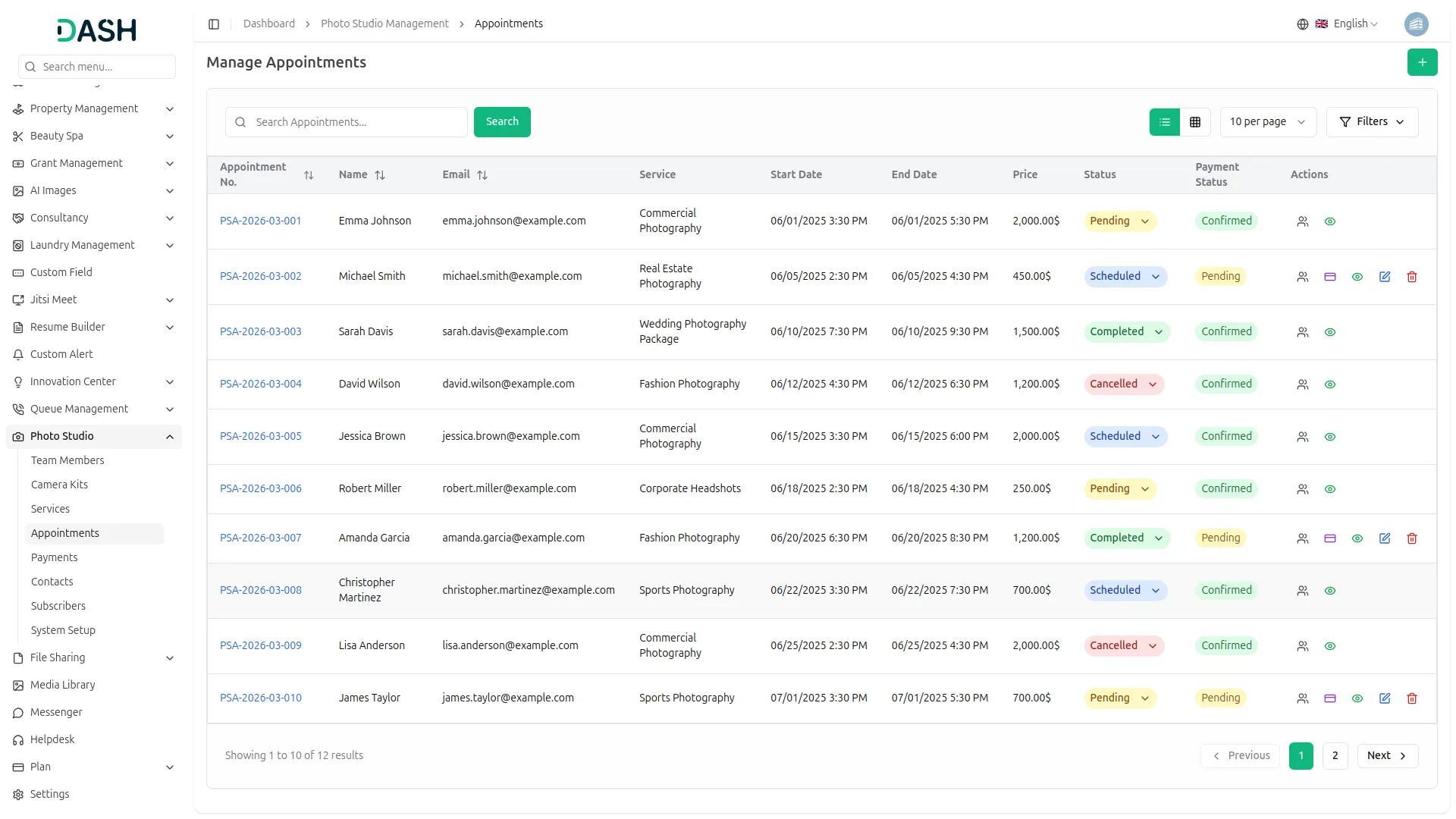
The Appointments module manages all bookings from creation to completion in one place. It captures key details like client information, services, dates, team assignments, and payment status. Both client-made and admin-created bookings are handled seamlessly. This helps studios stay organized and manage their workflow without relying on multiple tools.
- Manage client bookings with service dates pricing assignments
- Track appointments lifecycle from pending through completed status
- Assign team members to bookings for coordination
- Link payments directly to appointments for financial records
Contacts & Subscribers Management
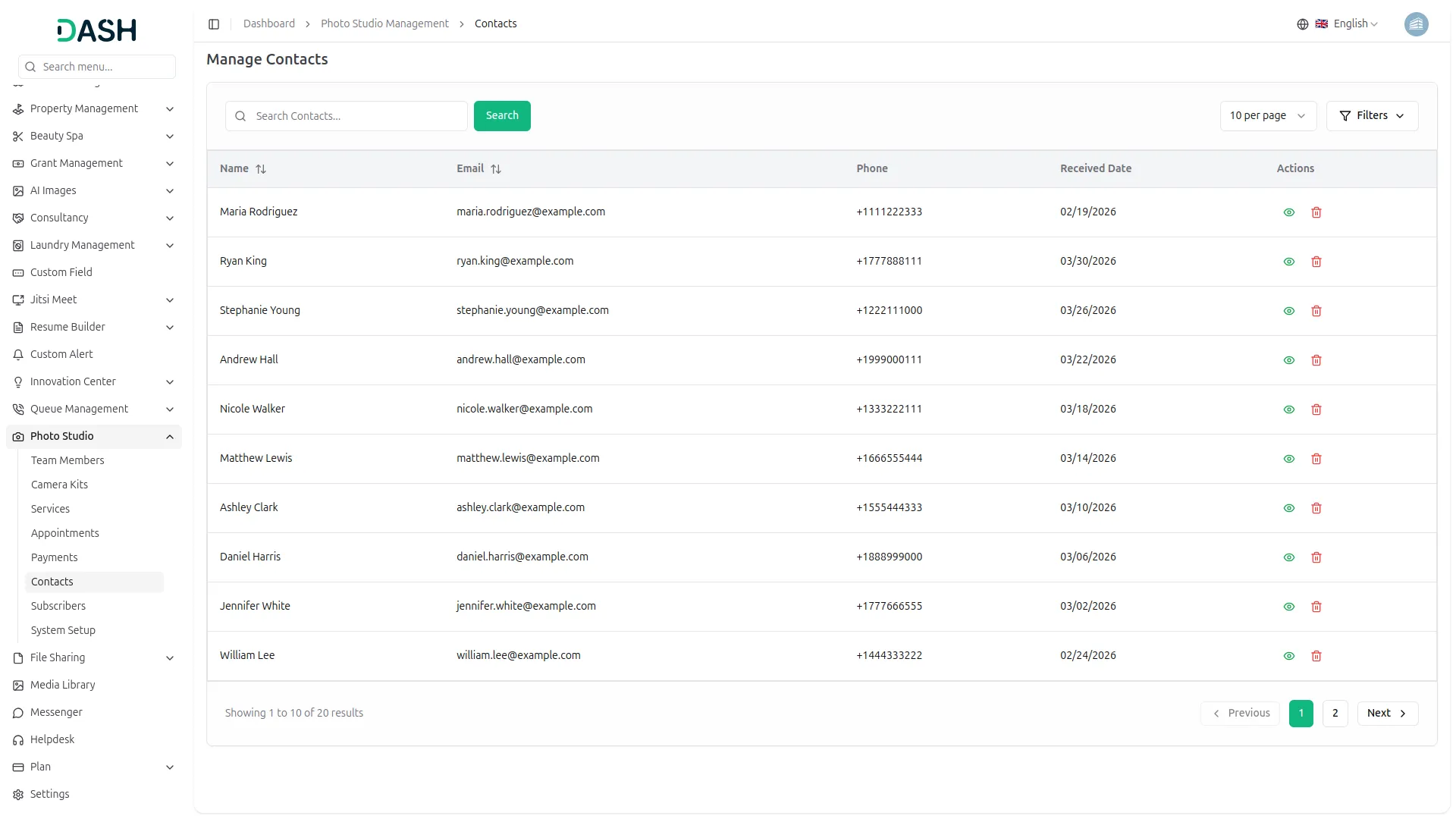
All client inquiries from the contact form are automatically recorded, making it easy for studios to track and respond. Newsletter sign-ups are also stored with email and subscription details, helping build a list of potential leads. This ensures no inquiry is missed and all communication stays organized. Together, these modules help maintain a clear and up-to-date view of the studio’s audience.
- Capture and store client inquiries from contact page
- Filter and search entries by name or date
- Track newsletter subscribers with email and signup date
- Maintain organized record of leads and client communications
Screenshots from our system
To explore the functionality and usage of these Add-Ons, refer to the accompanying screenshots for step-by-step instructions on how to maximize their features.
Discover More Add-Ons
Unlock even more functionality with additional Add-Ons, providing enhanced networking and customization options for your Dash SaaS experience.

Garage/Workshop Management System
Garage/workshop management is an integrated technology platform designed specifically for automotive service businesses.

RoadMap Central
RoadMap Central, the place where your ideas turn into reality. Here at Dash SaaS, we're committed to providing you with a platform that meets your needs, and RoadMap Central is an essential part of that commitment.

Midtrans
In today's fast-paced digital world, the ability to securely and efficiently process payments is paramount, and Midtrans has emerged as a trusted partner in this endeavor. With its user-friendly interface, robust security features, and seamless integration options, Midtrans has become a go-to choice for businesses of all sizes, from startups to established enterprises.

Smart Dashboard Analytics
Visualize business performance with Smart Dashboard Analytics. Track key metrics, monitor trends, and gain real-time insights to make faster, data-driven decisions confidently.
Features roll out regularly
Flexibility is perfect for startups