
Effortless Ticket Synchronization
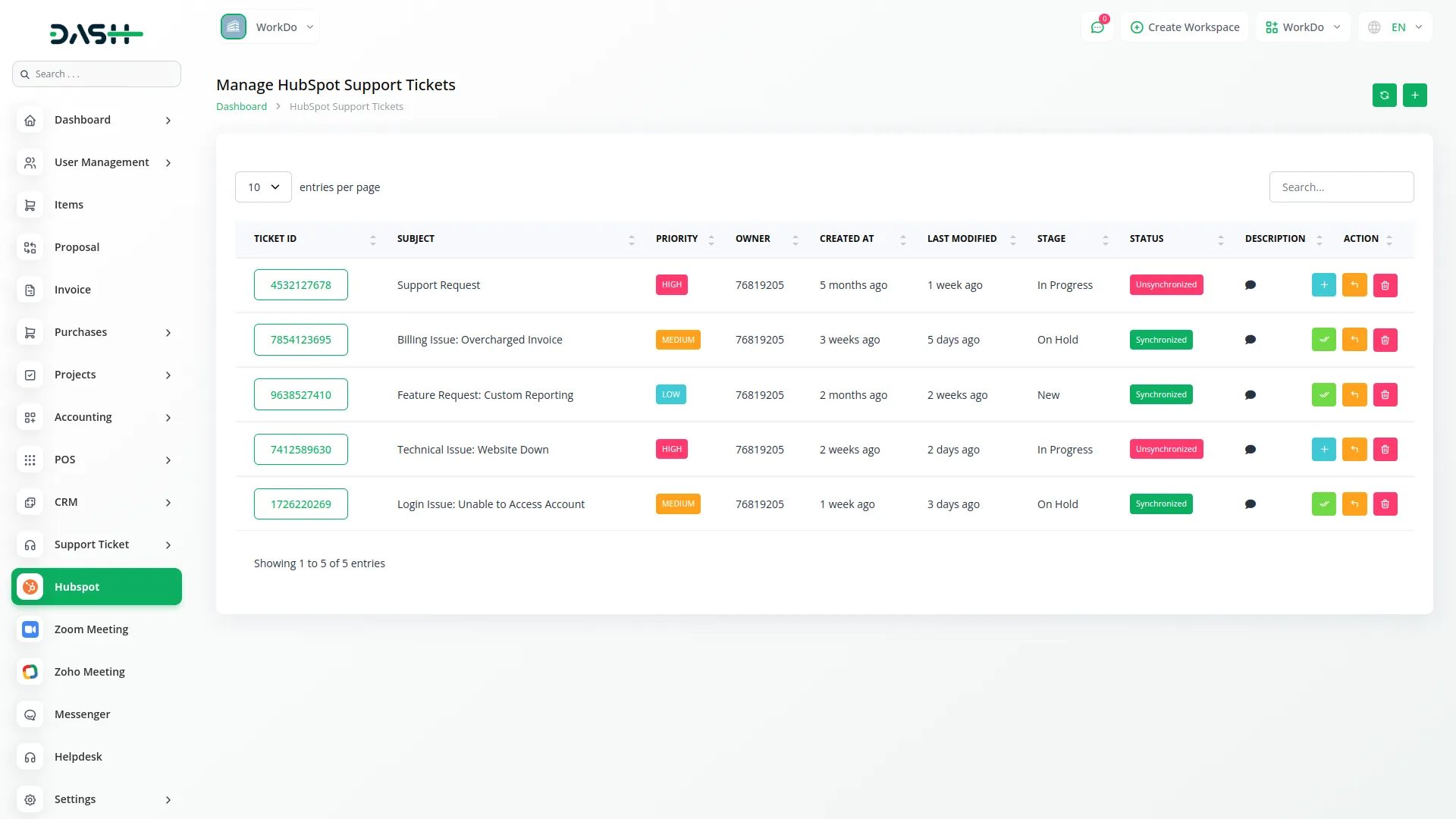
Managing support tickets across multiple platforms can be challenging, but this module eliminates the hassle by automatically syncing all customer support tickets with HubSpot. Any new ticket created in Dash SaaS is instantly reflected in HubSpot, allowing support teams to track, update, and resolve issues without switching between systems. This ensures a more efficient workflow and reduces the chances of missed or delayed responses.
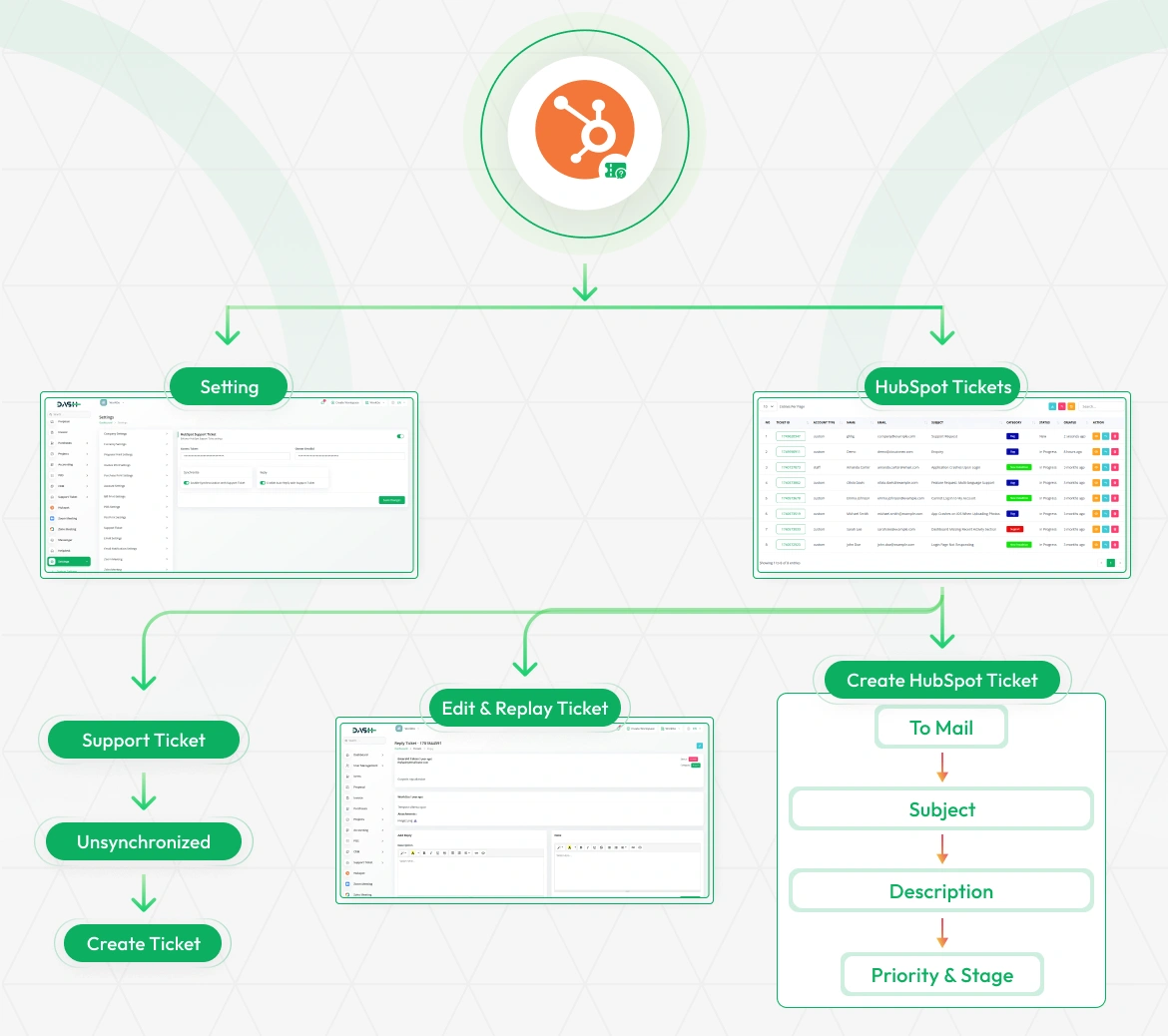
Enhanced Customer Support Management
With all support tickets centralized in HubSpot, businesses gain better visibility into customer issues, response times, and resolution statuses. Support agents can access complete customer histories, ensuring personalized interactions and faster issue resolution. This integration also helps in analyzing common customer concerns, allowing businesses to improve their products and services based on real-time feedback.
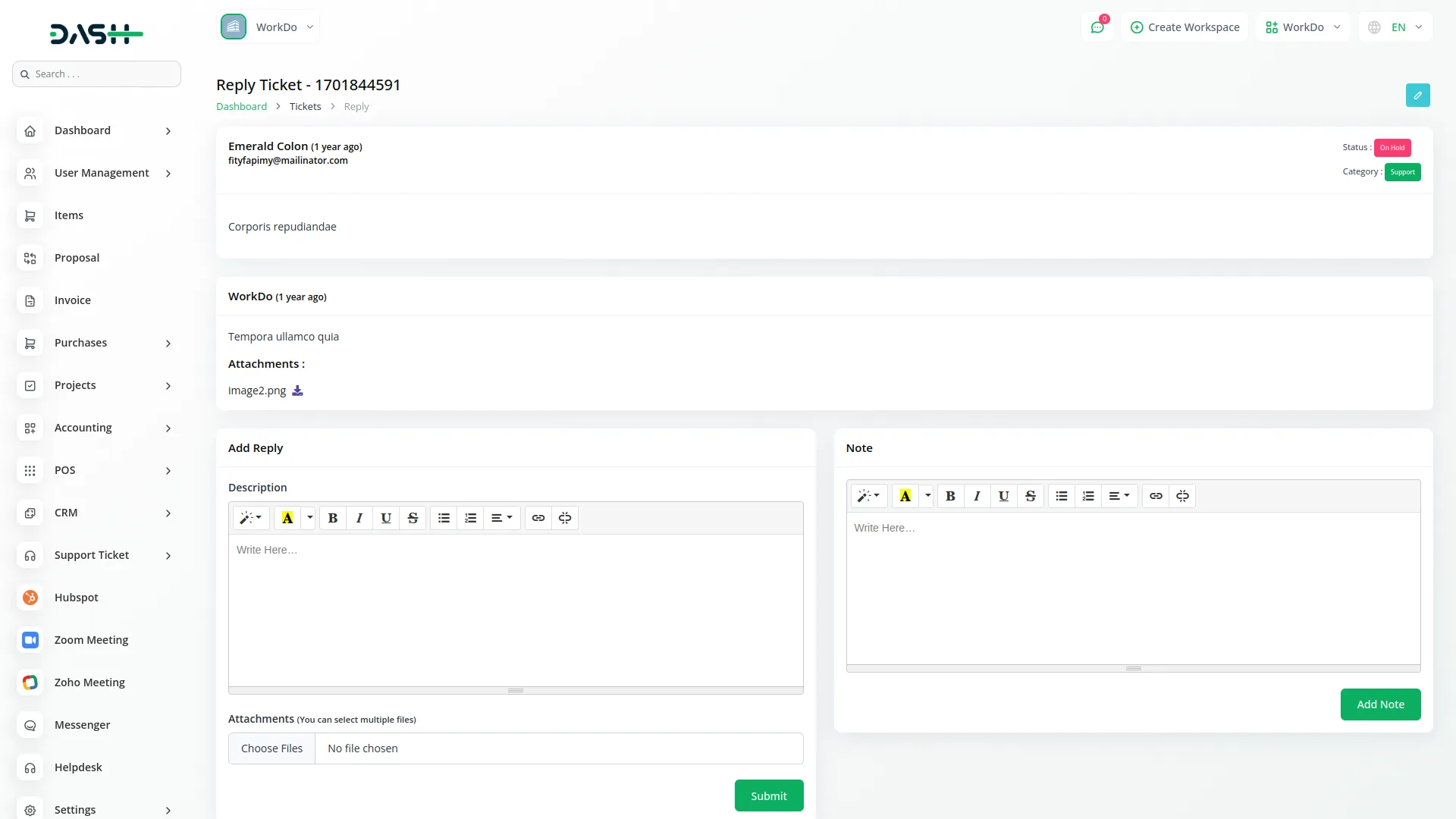
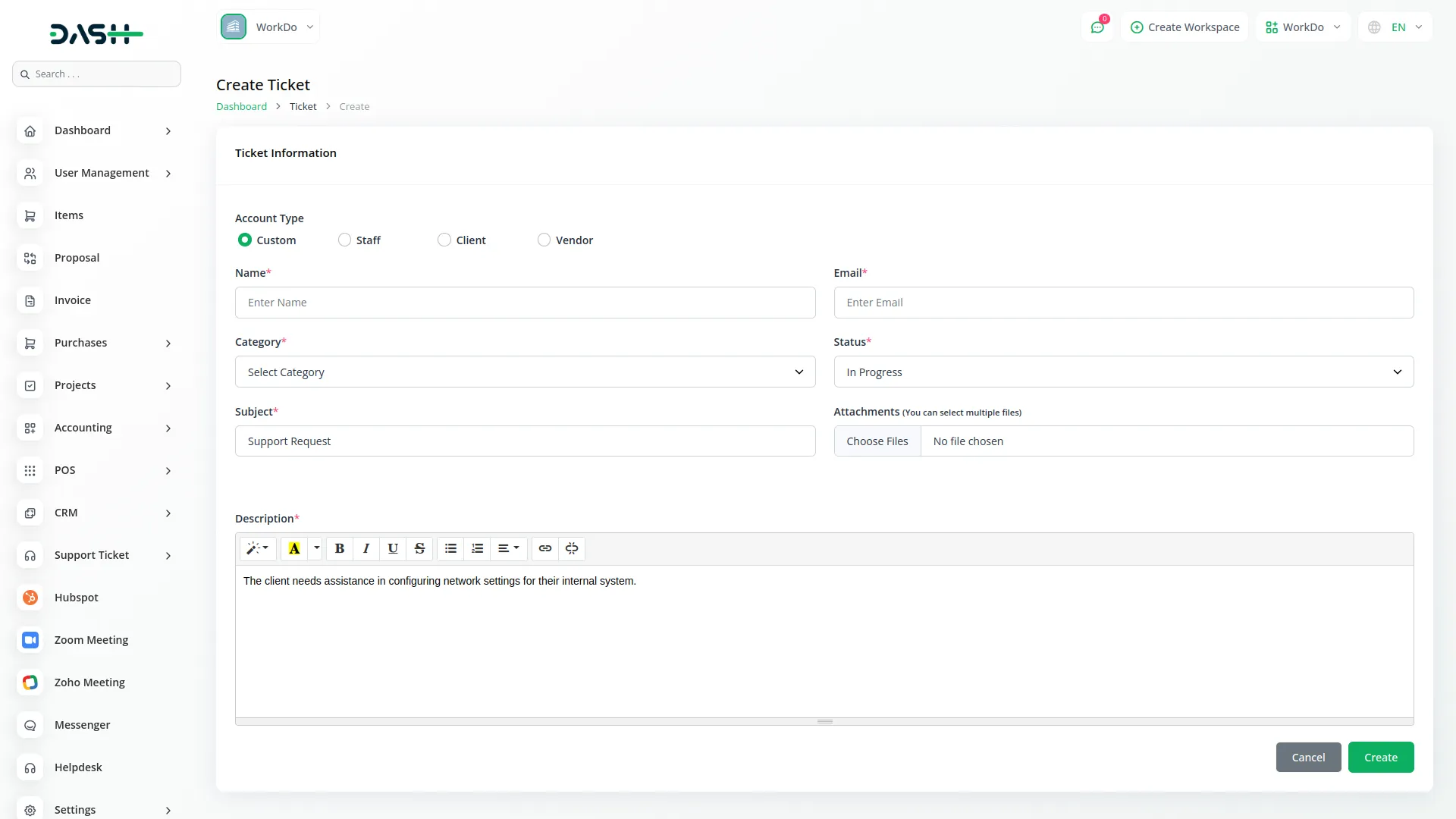
Automated Workflows and Notifications
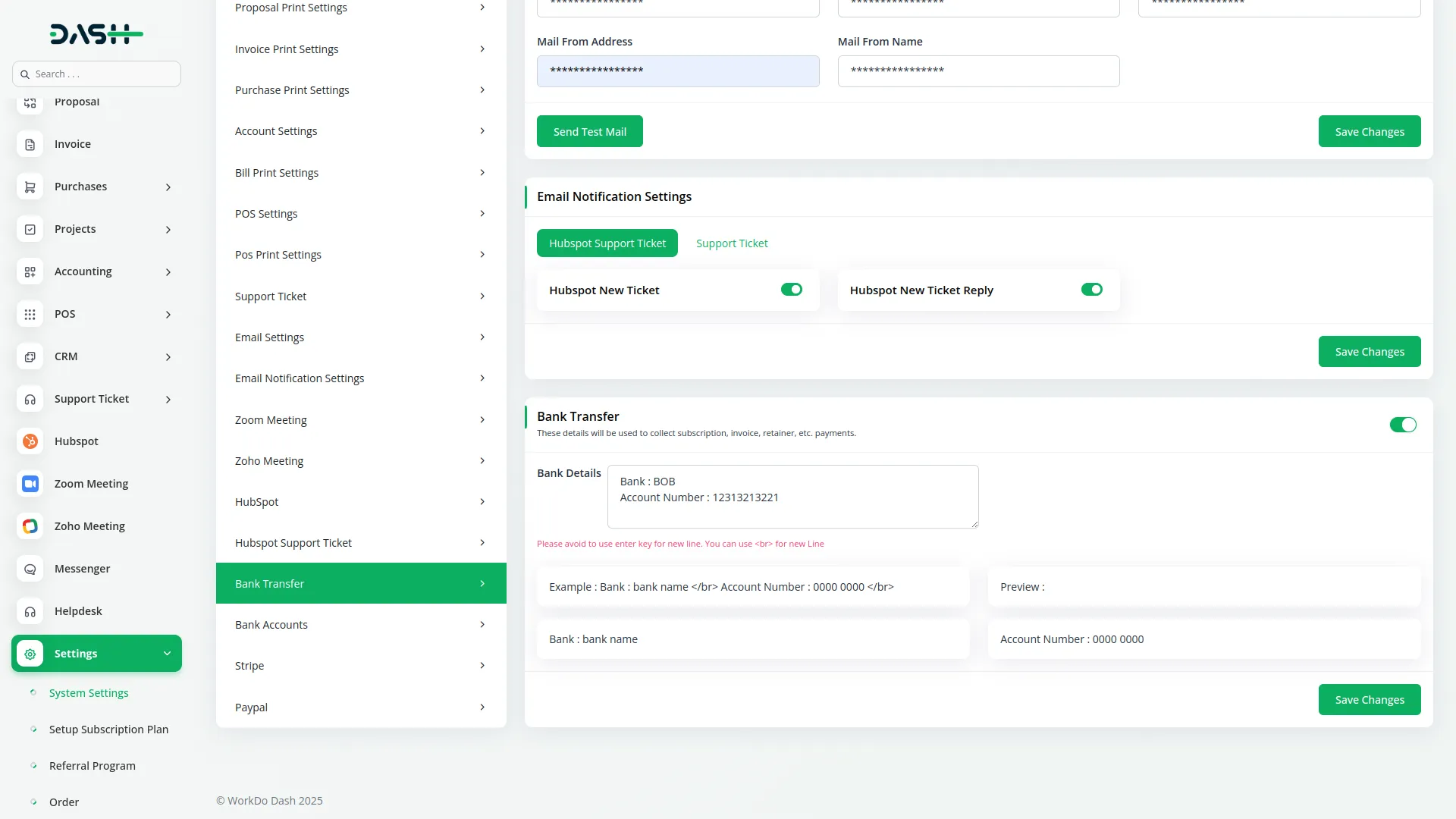
The module enables businesses to set up automated workflows within HubSpot, ensuring tickets are assigned to the right support agents and categorized correctly. Automated notifications keep customers updated on the progress of their tickets, enhancing transparency and customer satisfaction. Additionally, support managers can track team performance and response times, ensuring service quality remains high.
Smooth Integration for Better Productivity
By integrating the HubSpot Support Ticket Module with Dash SaaS, businesses can streamline their support operations without disrupting their existing workflows. The module eliminates the need for manual data entry, reducing errors and saving valuable time. Whether you run a small business or a large enterprise, this integration ensures that customer support remains smooth, efficient, and responsive.
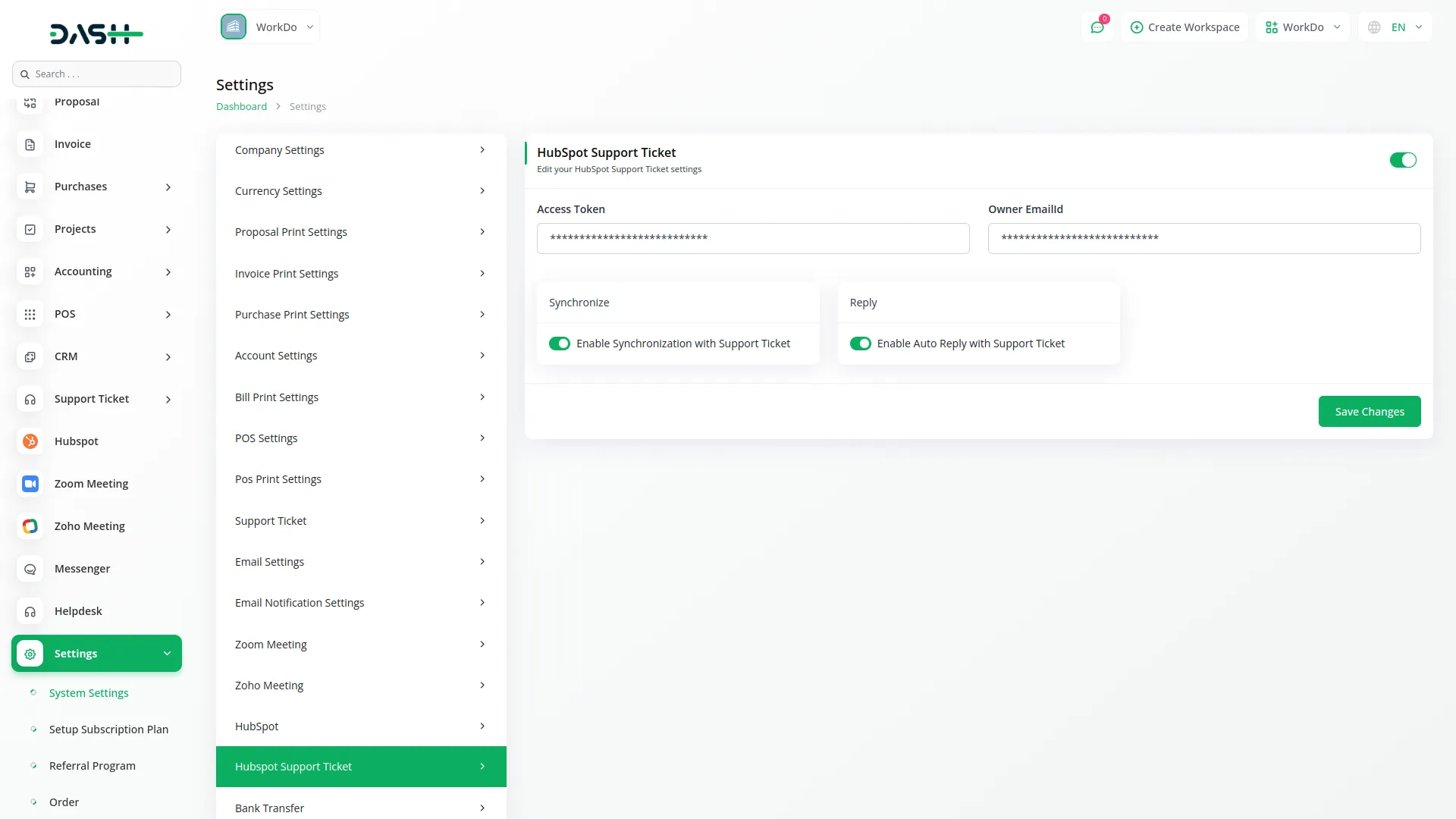
Screenshots from our system
To explore the functionality and usage of these Add-Ons, refer to the accompanying screenshots for step-by-step instructions on how to maximize their features.
Discover More Add-Ons
Unlock even more functionality with additional Add-Ons, providing enhanced networking and customization options for your Dash SaaS experience.

AI Assistant
Generating text, writing a variety of creative content and answering your questions in an informative manner.
View More
Google Forms
A powerful form management solution that integrates with Google services to create, customize, and manage forms efficiently.
View More

1 review for Hubspot Support Ticket – Dash SaaS Add-On
| 5 star | 100% | |
| 4 star | 0% | |
| 3 star | 0% | |
| 2 star | 0% | |
| 1 star | 0% |
Comments
You must be logged in to post a comment.
There are no comment yet.
Contact Us for Support :
-
You will get immediate support from our support desk. Please visit here https://support.workdo.io/
Item support includes:
- Answer pre-sale questions or query
- Answering technical questions about item's features
- Assistance with reported bugs and issues
- Help with included 3rd party assets
- Free Installation services in some cases
However, item support does not include:
- Customization services
Check Documents & Tutorials
Customer support was quick and very helpful