
The Google Docs Integration brings the power of cloud-based document creation and collaboration directly into your platform. With this integration, you can manage all your Google Docs without switching between apps. Whether you're working solo or collaborating with your team, everything stays organized and accessible from one place.
Google Docs Integration in Dash Saas
Connect your Google account to seamlessly manage documents within the platform. Create, edit, and delete Google Docs without switching tabs or leaving your workspace. Enjoy real-time syncing, simplified workflows, and centralized access to all your documents.
1. Setup and Authorization
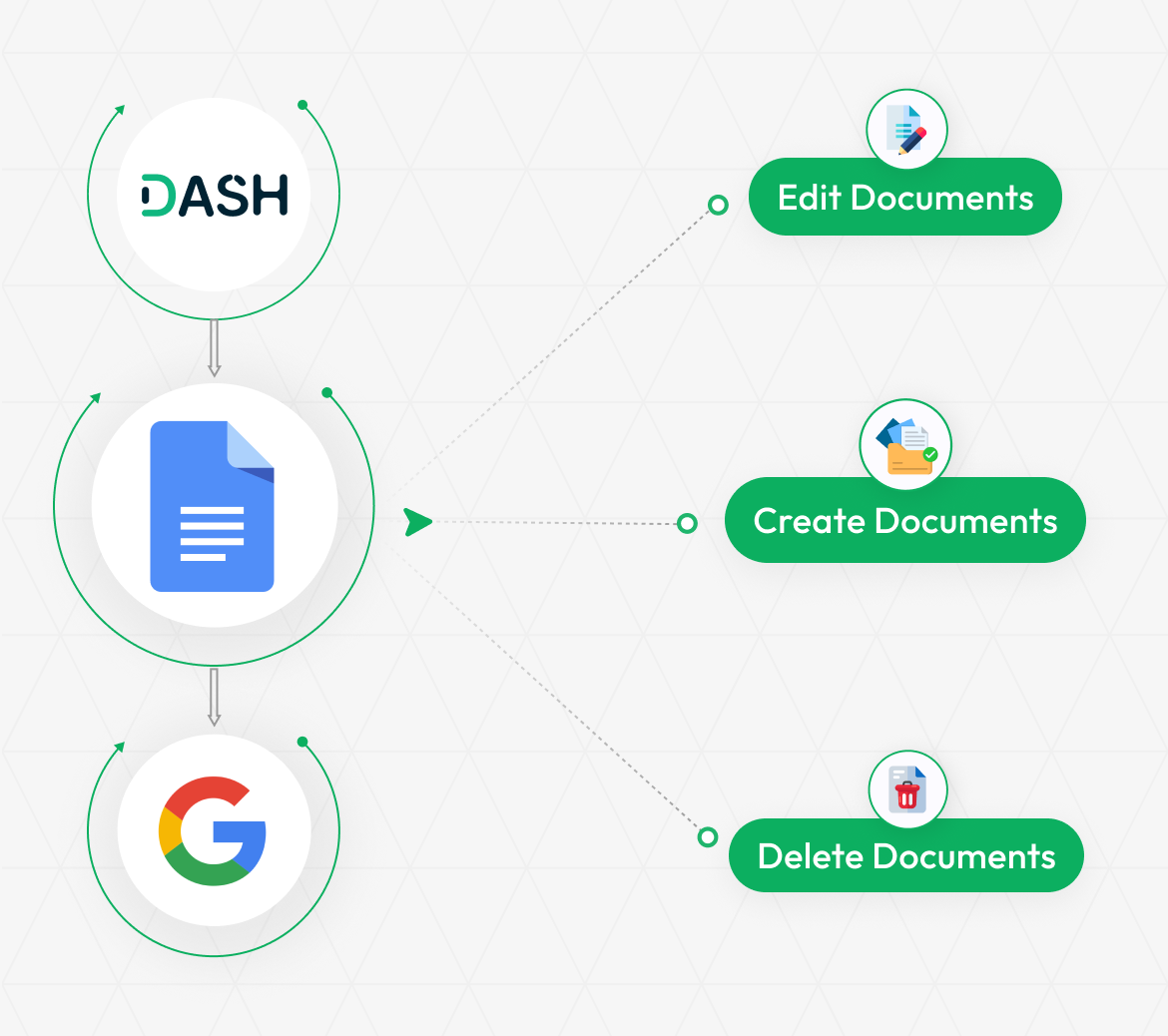
To begin, you’ll need to enter your Google Docs Client ID and Client Secret under the system settings. This allows your platform to securely connect to your Google account. Once the Client ID and Client Secret are added and saved, you must authorize your Google account to grant access, which completes the authentication process. This ensures that the integration is both secure and personalized to your Google workspace.
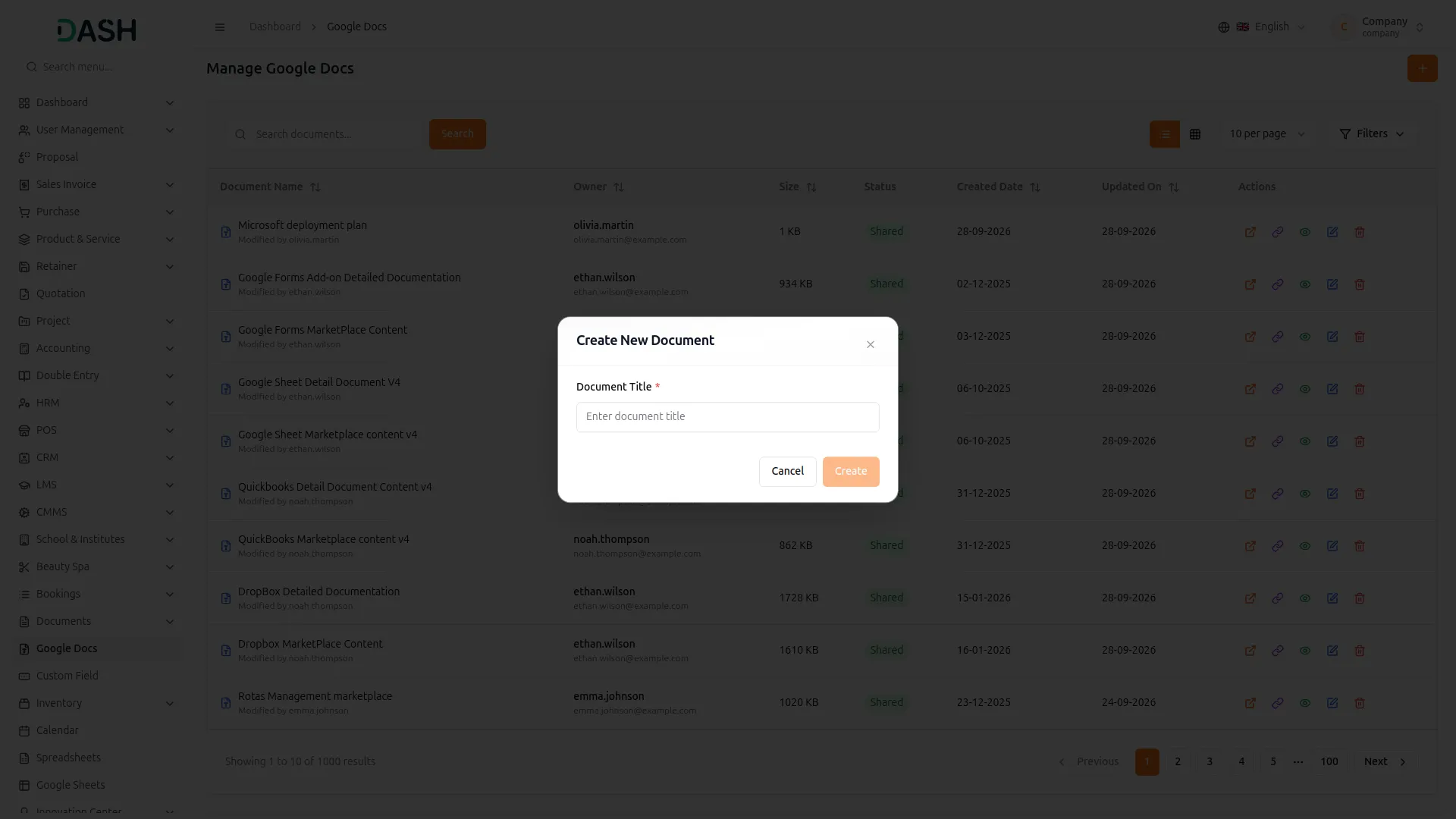
2. Managing and Accessing Google Docs
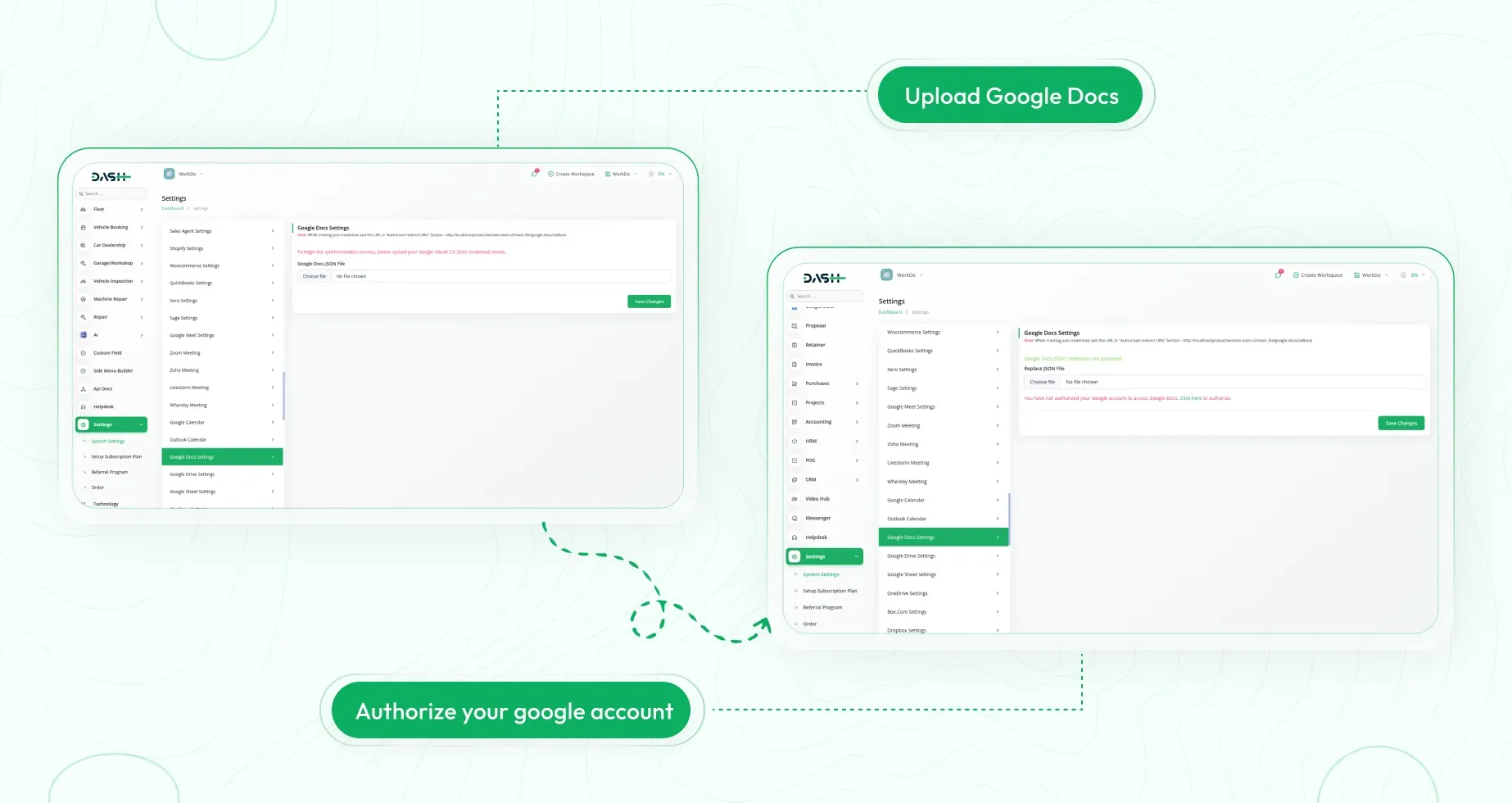
After authorization, a dedicated Google Docs section appears in the sidebar for easy navigation. You can create new documents instantly using the Create button. The interface lists all your Google Docs—both those you've created and documents shared with you—for seamless access. Everything is displayed in a clean, user-friendly layout.
3. Edit, View, and Delete with Ease
Each document title is clickable and opens directly in Google Docs, making it easy to view or edit in a new tab. The platform also provides Edit and Delete options beside each document, allowing quick changes or removal as needed. This streamlined setup enhances productivity and simplifies navigation across your Google Docs.
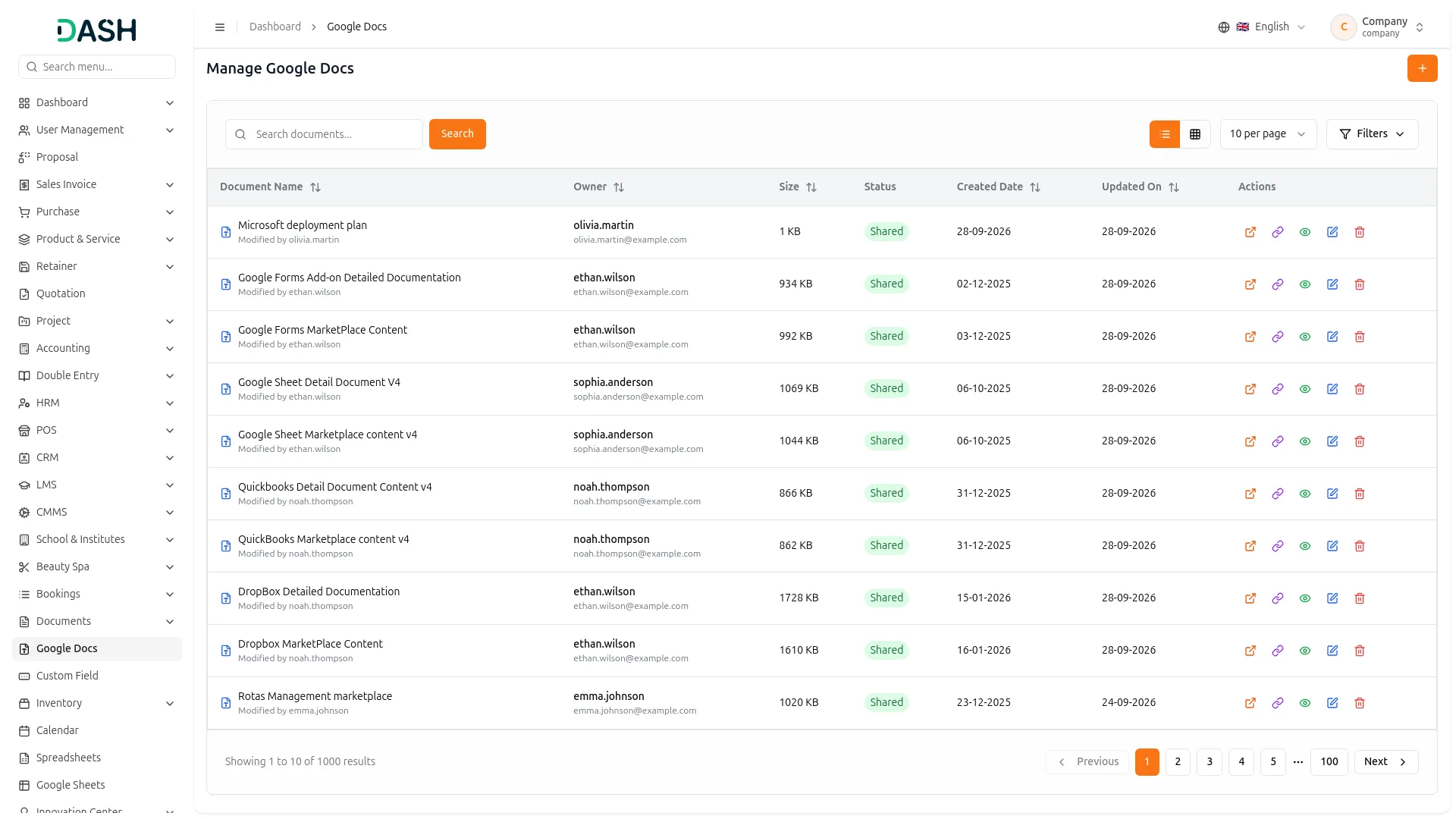
Screenshots from our system
To explore the functionality and usage of these Add-Ons, refer to the accompanying screenshots for step-by-step instructions on how to maximize their features.
Discover More Add-Ons
Unlock even more functionality with additional Add-Ons, providing enhanced networking and customization options for your Dash SaaS experience.

Agriculture Management
Effortlessly oversee your agricultural operations with Dash SaaS Agriculture Fleet Management, ensuring peak performance and productivity.

Pharmacy Management
Experience the convenience and efficiency of pharmacy management with Dash SaaS. From inventory management to billing and system setup, our comprehensive module has everything you need to streamline your pharmacy operations and provide exceptional service to your customers.

Facebook Post
The Facebook Post Add-on in Dash SaaS allows users to create, schedule, and manage Facebook posts directly from the platform.

Business Model
Building a successful business requires a clear and well-defined strategy. Dash SaaS's Business Model module empowers you to do just that. This powerful tool provides a comprehensive framework to map out your value proposition, target customers, revenue streams, and cost structure.
User-friendly interface improves productivity and navigation
Strong and reusable code components
Step by step documentation makes setup easy