

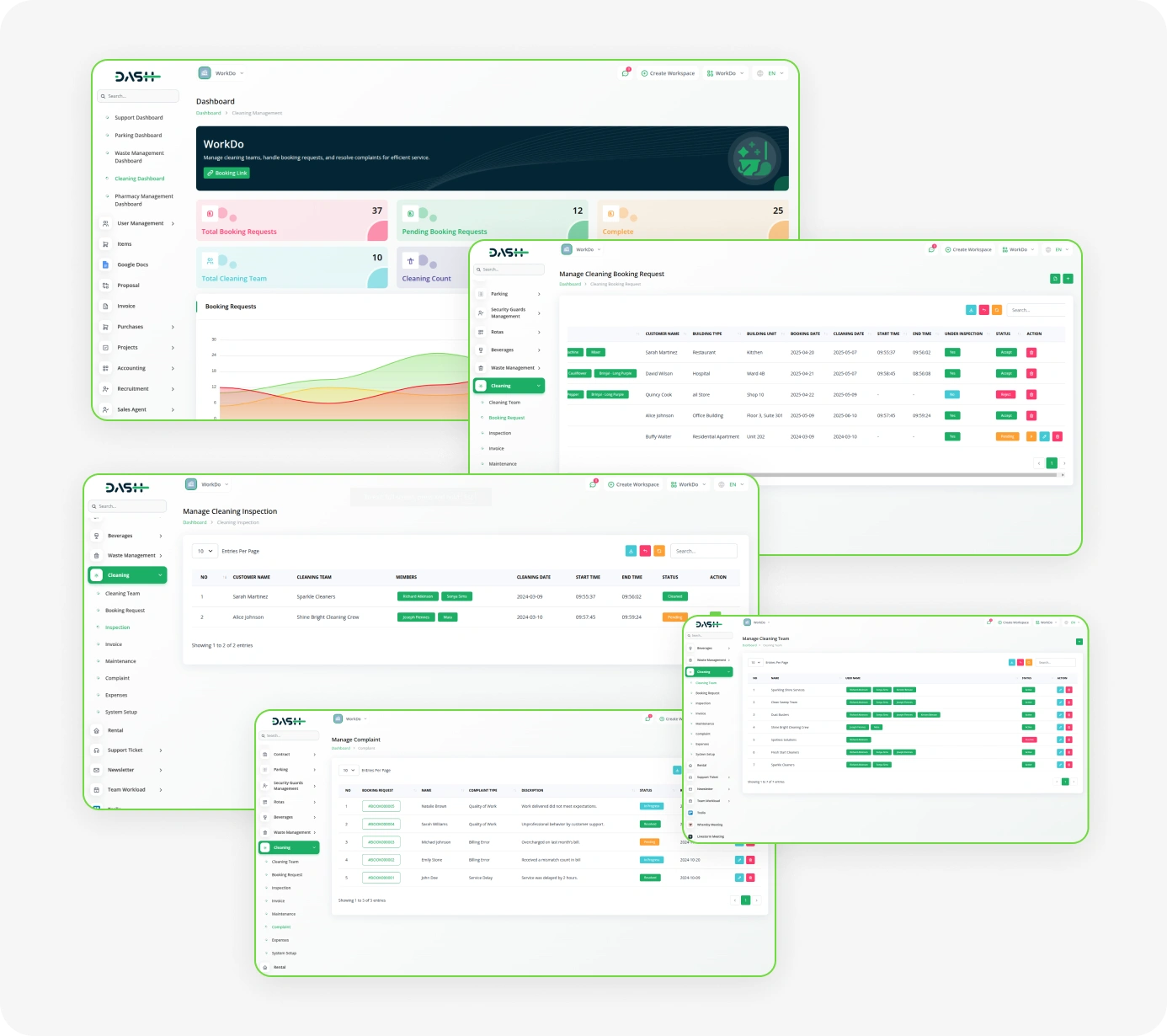
The Cleaning Management System simplifies the entire workflow for cleaning service providers. It supports client and walk-in bookings, team assignments, and service scheduling. The system includes modules for inspections, invoicing, complaints, maintenance, and expenses. Designed for operational efficiency and enhanced service quality, it also offers detailed reporting to streamline operations and improve customer satisfaction.
Cleaning Management
- Efficient Team Management
- Streamlined Booking Requests
- Detailed Inspection Tracking
- Smart Complaint Handling
- Comprehensive Expense Management
- Flexible Service Activation
- Automated Invoice Generation
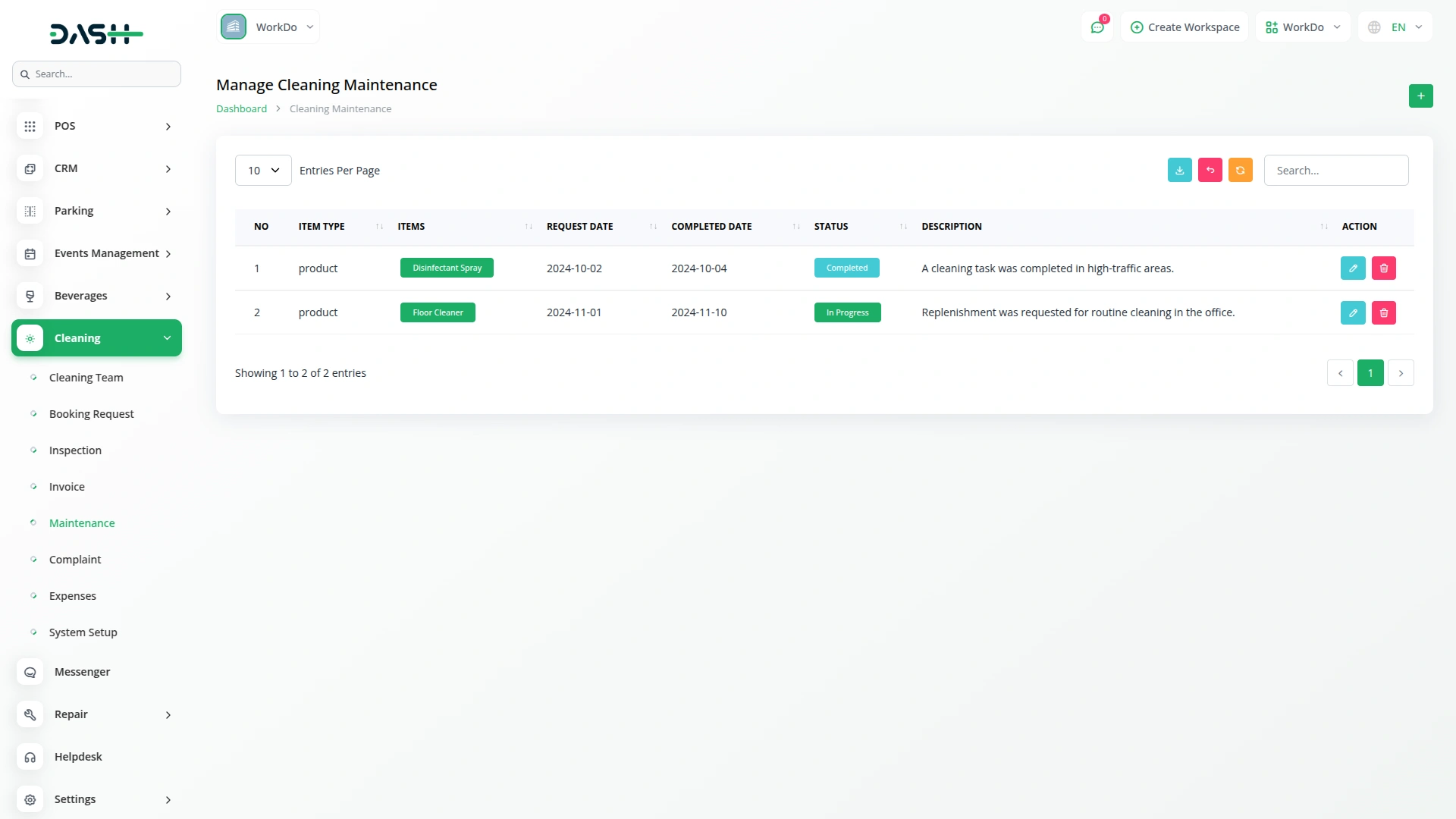
- Organized Maintenance Records
- Complete Customer Details
Team Coordination
Manage multiple cleaning teams efficiently with complete visibility into operations. Assign users to teams, monitor availability, and activate or deactivate teams as needed. Simplify workforce management to ensure timely service delivery. Quickly view team status, responsibilities, and workload. Improve communication between managers and staff. Maintain a history of team activities for future reference.
- Assign users to specific cleaning teams efficiently
- Monitor team availability, workload, and performance
- Activate or deactivate teams as needs change
- Maintain visibility into team roles and activities
Booking Requests Management
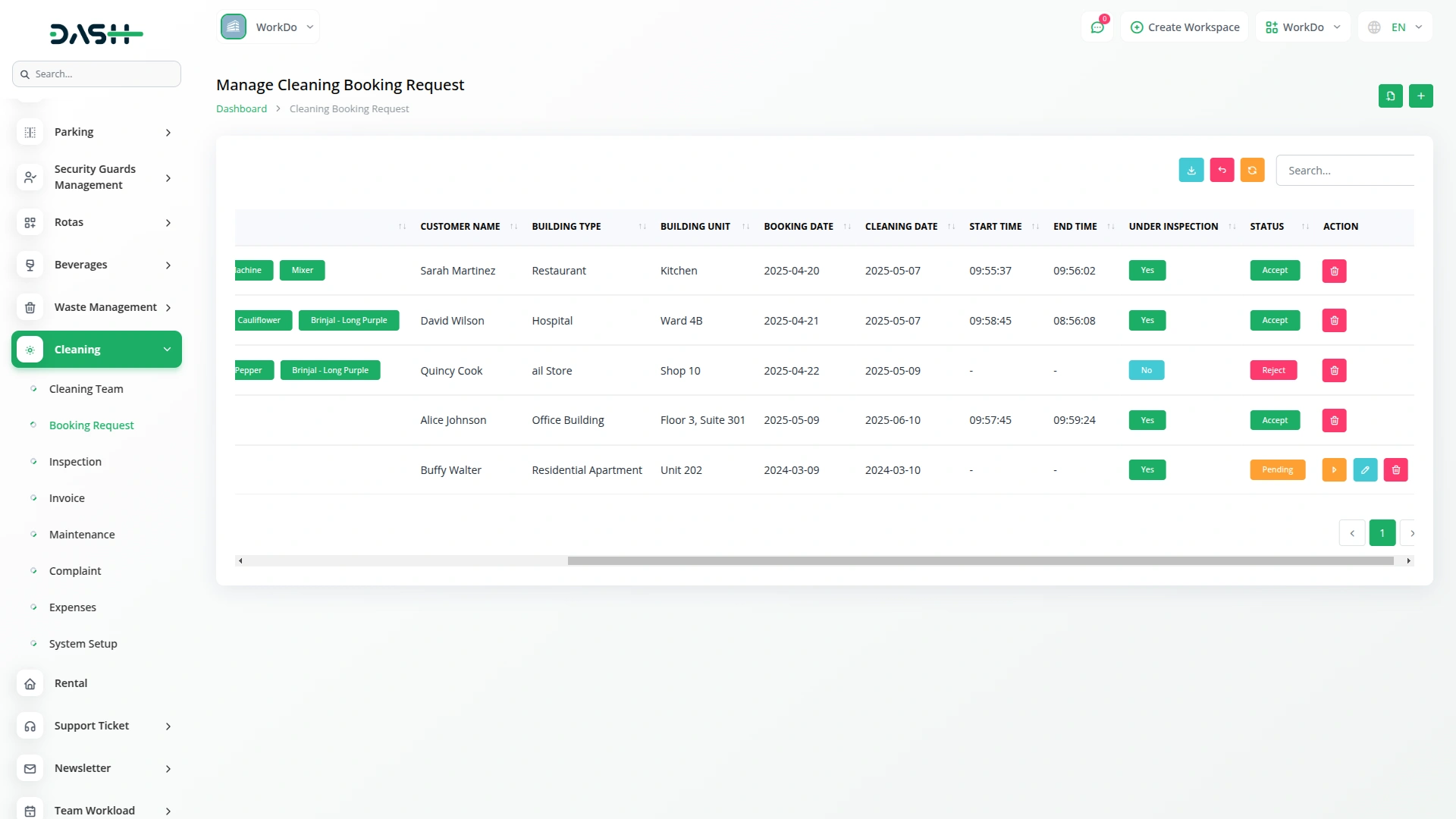
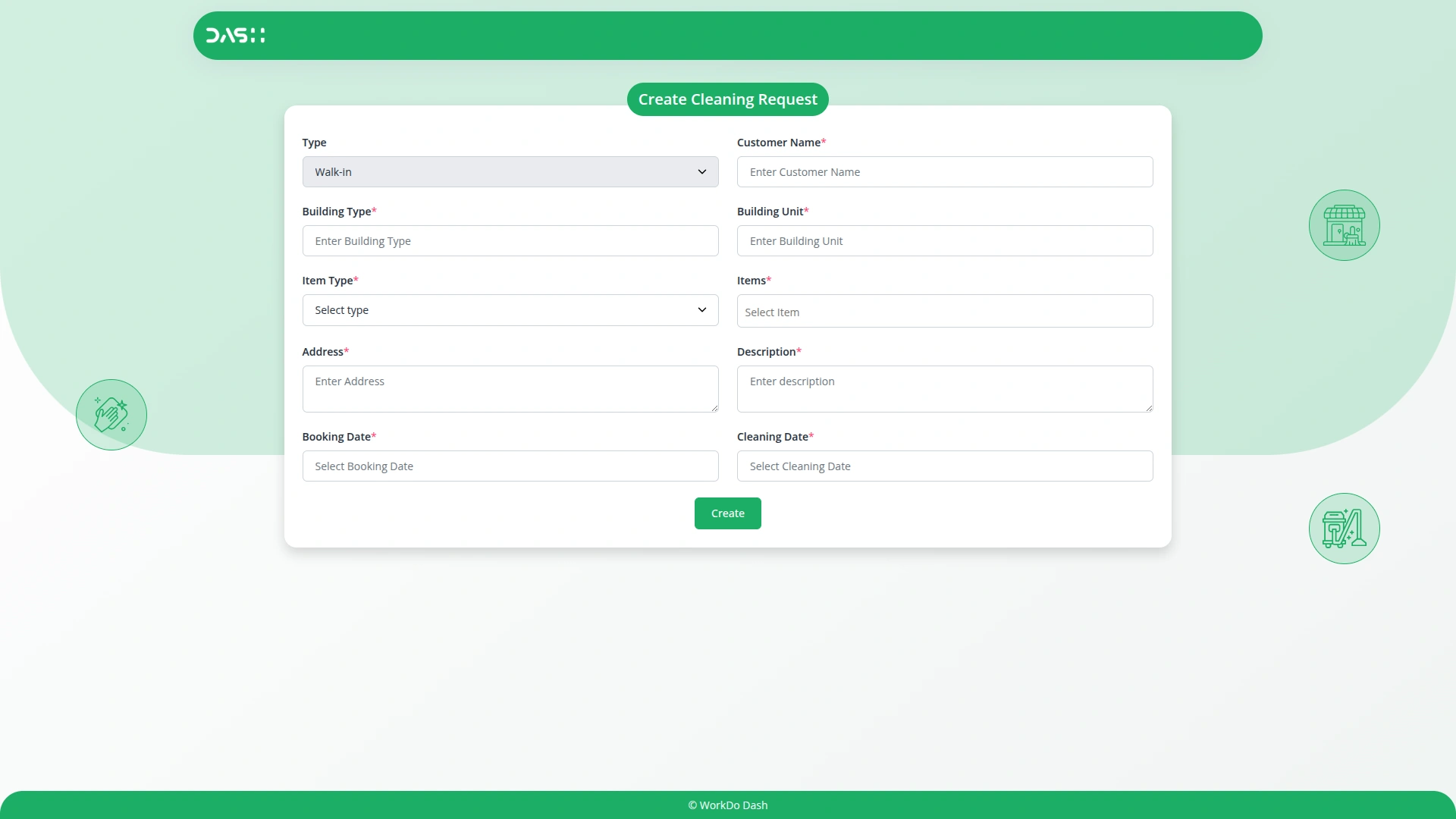
Handle all cleaning booking requests seamlessly. Capture detailed customer information, building type, building unit, Items, address, and Description. Schedule bookings and cleaning dates to reduce conflicts. Track requests under Accept, Pending, or Reject. Maintain a log of all bookings for accountability. Assign cleaning teams efficiently and monitor ongoing tasks. Ensure prompt communication with customers for better service.
- Manage customer information and team assignments effectively
- Track booking and cleaning schedules to prevent conflicts
- Handle requests under inspection or completed status
- Maintain a log of all bookings for accountability
Inspection Tracking
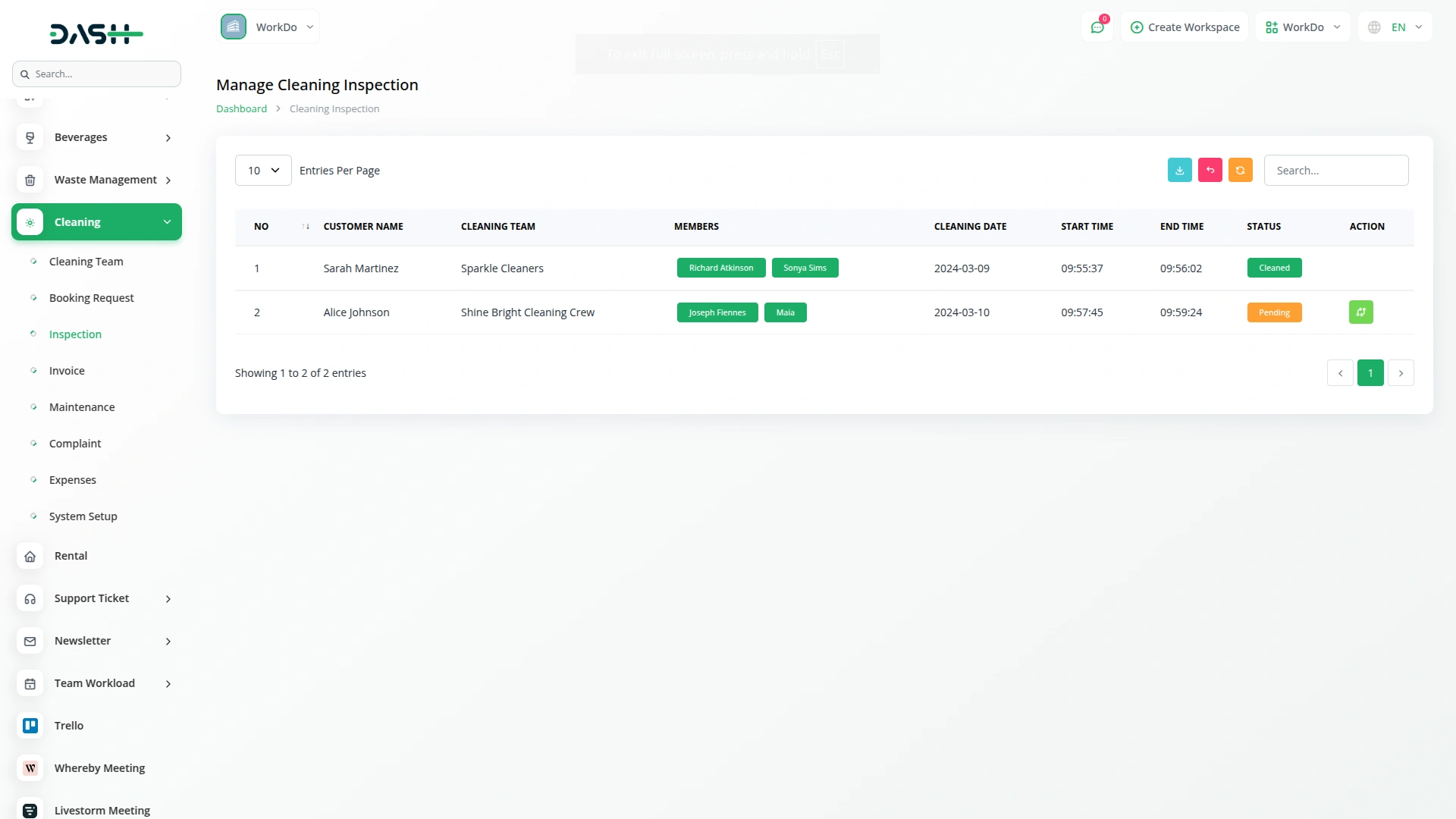
Monitor each cleaning task through a comprehensive inspection system. Ensure all cleaning activities meet quality standards before marking them complete. Track inspection progress and provide real-time updates to managers. Maintain consistent service quality across all teams. Record detailed inspection data for reports and audits. Streamline inspections for faster customer feedback and satisfaction.
- Review bookings currently under inspection status
- Update inspection status with real-time progress
- Record timestamps for task completion accurately
- Maintain consistent service quality across all teams
Invoice Generation
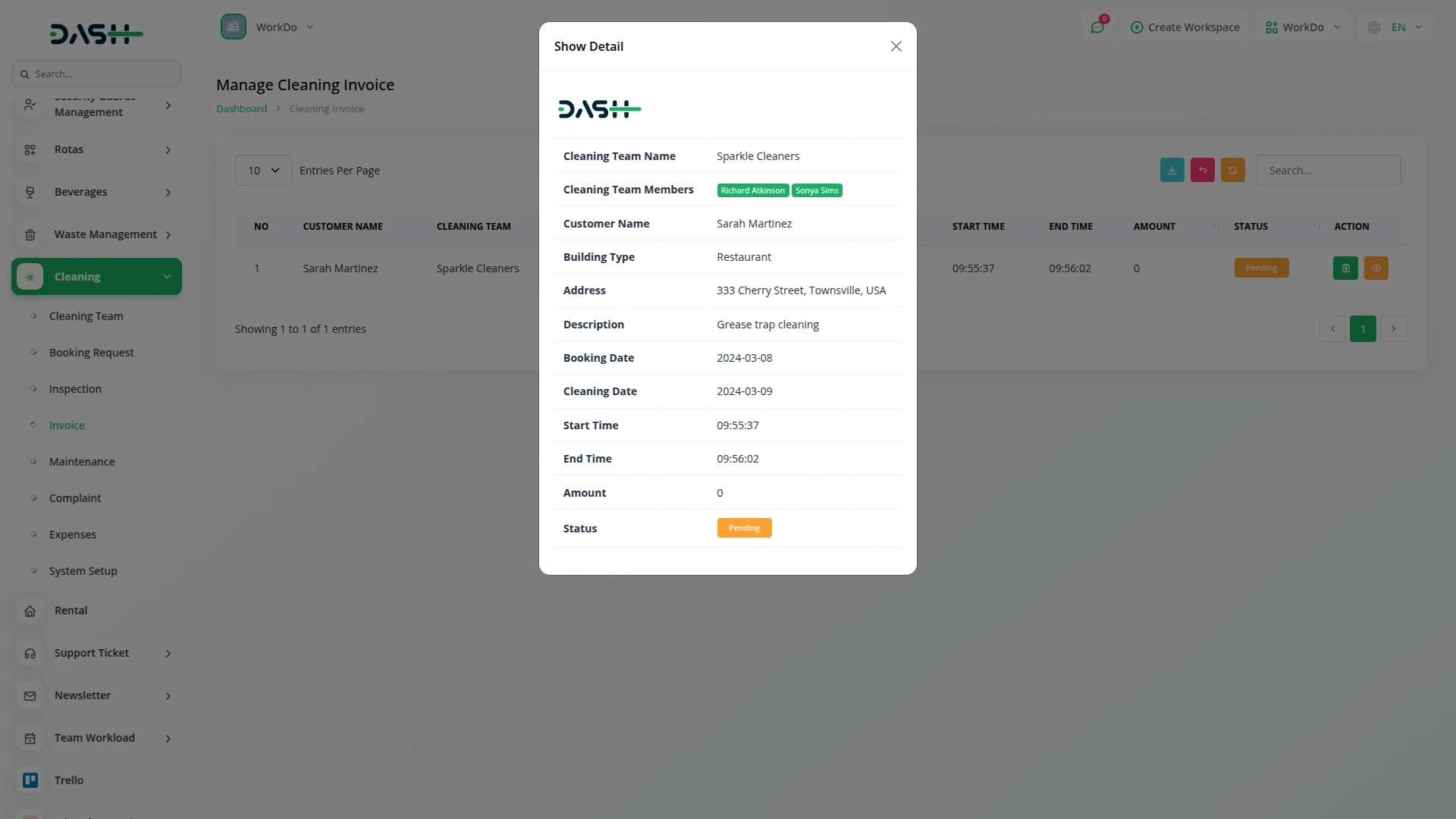
Billing for inspections is automated to reduce manual financial work. Invoices are generated with complete client details to ensure accurate record-keeping. Outstanding payments can be tracked easily. Transparent financial records are maintained for staff and management to prevent discrepancies and ensure accountability. The process supports efficient account reconciliation, reduces manual errors, and saves time in financial operations.
- Generate invoices automatically after completing inspections
- Record payment status and transaction details accurately
- Track invoice amounts and due dates efficiently
- Simplify financial management with automated billing processes
Expense Management
Track all cleaning-related expenses with full visibility and control. Categorize expenses for labor, materials, and other operational costs. Record detailed descriptions, dates, and amounts for accurate reporting. Monitor spending patterns to optimize budget allocation. Generate daily, weekly, and monthly reports for informed decisions. Analyze cost efficiency and identify areas to reduce expenses. Maintain a complete audit trail for transparency and accountability.
- Add and categorize expenses by type systematically
- Record transaction amounts and dates for accuracy
- Monitor daily, weekly, and monthly spending patterns
- Generate comprehensive expense reports for informed decisions
Screenshots from our system
To explore the functionality and usage of these Add-Ons, refer to the accompanying screenshots for step-by-step instructions on how to maximize their features.
Discover More Add-Ons
Unlock even more functionality with additional Add-Ons, providing enhanced networking and customization options for your Dash SaaS experience.

Time Tracker
The Time Tracker Module in Dash SaaS redefines the way businesses manage their workforce, offering a suite of tools designed to enhance productivity, transparency, and accountability.


Hubspot Support Ticket
The HubSpot Support Ticket Module in Dash SaaS is designed to simplify customer support by integrating with HubSpot. This module enables businesses to sync their support tickets directly with HubSpot, ensuring a centralized and organized system for managing customer queries and issues.

No performance lag even with multiple users
Support team is amazing
The support team has been quick to respond to our queries and provided clear, detailed solutions whenever we needed assistance.
The system is highly customizable, allowing us to tailor the features to suit the unique requirements of our cleaning operations.
We can efficiently manage cleaning tasks across multiple locations, making it ideal for businesses with various properties to maintain.