workdo sale image

Get 50% off all Add-Ons today! Need more? Check Bulk Discounts!

get 50% off
Construction Management Software

Benefits of Construction Project Management Software

Construction projects rarely fail because there is only one big problem. More often, costs, materials, permits, inspections, contracts, equipment, and team workloads become difficult to track at the same time. Construction project management software brings these moving parts into one organized system, helping teams see what is happening, control project costs, coordinate work, and act on issues earlier.

Instead of relying on scattered spreadsheets, messages, paper records, and manual updates, teams can manage sites, budgets, materials, procurement, safety, contracts, expenses, workloads, and reports from one place. The result is a more connected way to run construction operations from planning through handover.

Explore the full software for construction management overview to see how the platform supports the complete construction workflow.

Why

Why Construction Businesses Need Better Project Management

Every project has different sites, people, suppliers, materials, deadlines, and risks. As the number of projects grows, manual tracking becomes harder to maintain.

Too Many Moving Parts

Construction project management software gives a project manager one organized place to monitor site activity, materials, inspections, budgets, contractors, equipment, and workloads.

A project manager may need to check material deliveries while monitoring site progress, contractor costs, inspections, permits, equipment, and team capacity. When each activity lives in a different tool, information can become fragmented.

A centralized construction workflow gives teams one place to maintain project information and follow work from stage to stage.
Limited Visibility Across Projects

Construction project management software gives managers a clearer view of planned, active, and completed work.

Managers also need to know when stock is running low, inspections are due, or project spending is moving away from budget. A real-time construction dashboard can bring these signals together so managers spend less time collecting updates and more time responding to them.

Manual Tracking Slows Decisions

When construction project management software replaces scattered spreadsheets and disconnected records, teams can work with structured statuses, centralized information, automated reporting, and live dashboards.

Spreadsheets can record numbers, but they do not automatically turn every operational change into a useful management view. Construction teams benefit from systems that make current information easier to understand and act on.

Safety and Compliance Need Structured Processes

Construction project management software can support safety workflows that go beyond storing documents.

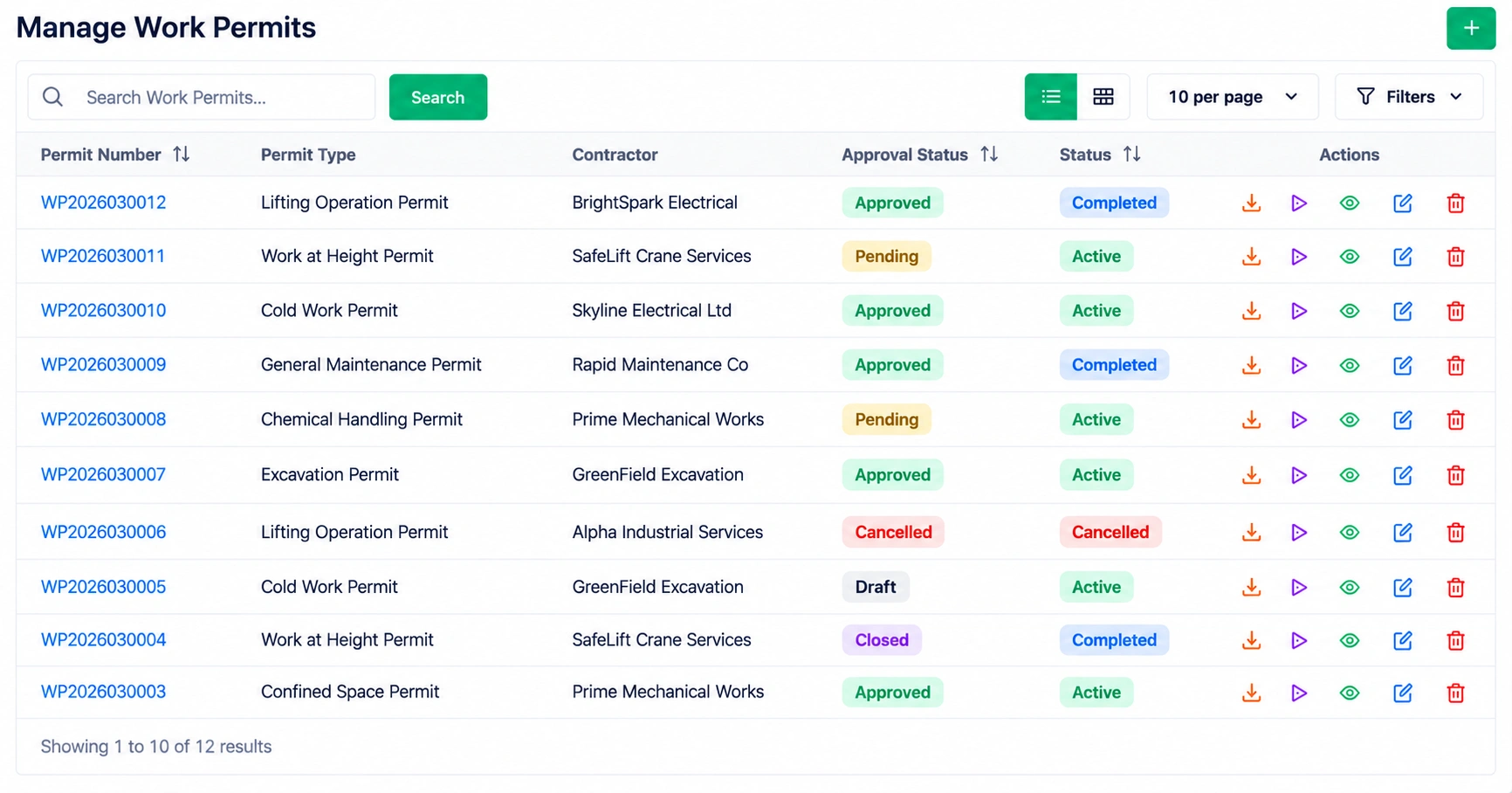
Teams need permits, inspections, findings, compliance records, approvals, and corrective actions that can be followed through to completion. OSHA guidance for construction employers also emphasizes frequent and regular jobsite, material, and equipment inspections as part of a safety and health program.

Key Benefits

Key Benefits of Construction Management Software

Get Complete Visibility Into Construction Projects

With construction project management software, one dashboard can provide a current view of project and site activity.

You can track:

  • Construction sites and their Planned, In Progress, or Completed status
  • Start and end dates
  • Construction partners
  • Material availability and quantities
  • Material pickings and delivery status
  • Internal transfers between sites
  • Material scraps
  • Inspection schedules and results
  • Compliance records
  • Site-level users and roles

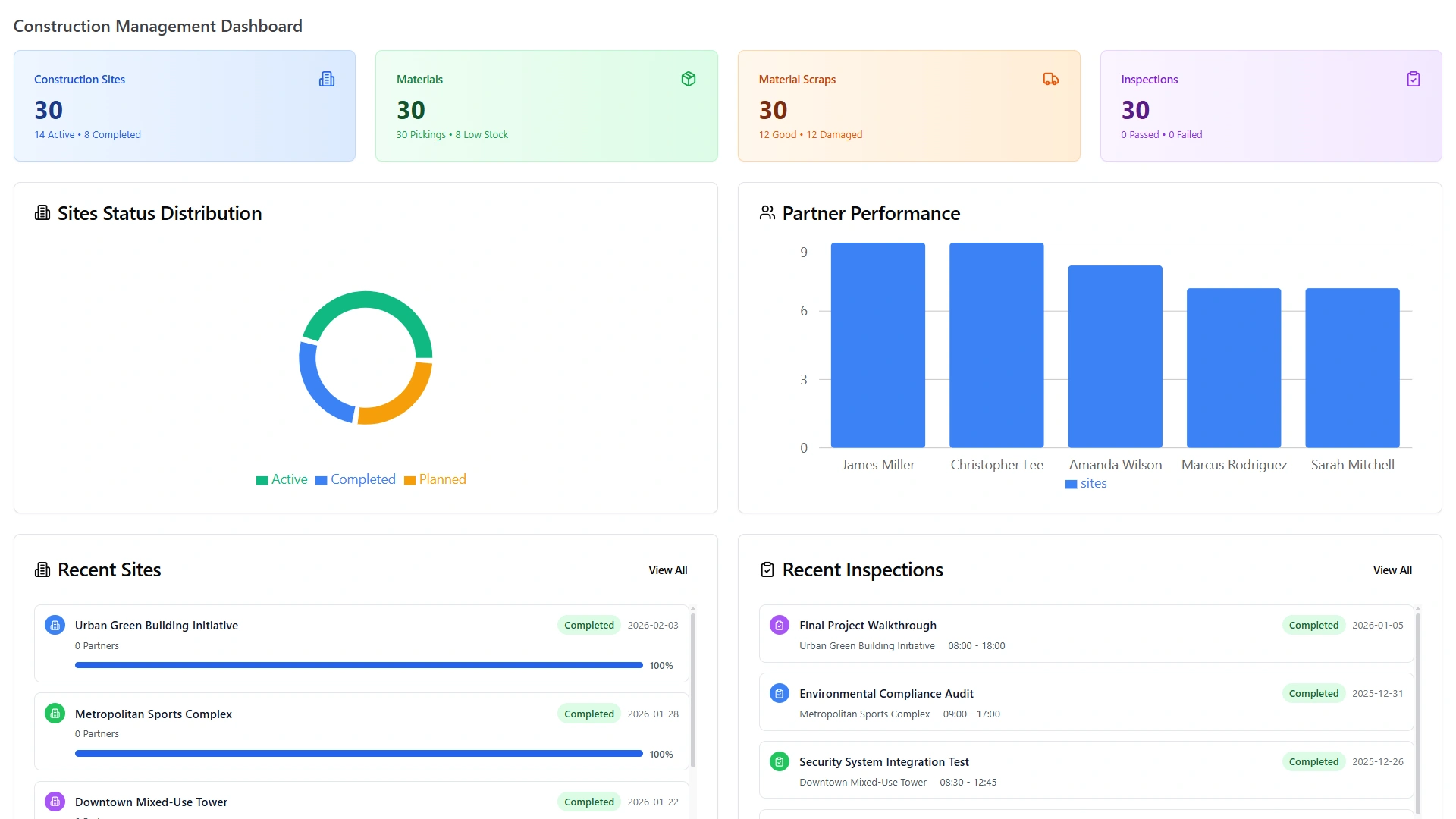
A construction project management software dashboard can also show site status distribution, partner performance, six-month trends, low-stock and scrap breakdowns, and inspection pass/fail counts.

Construction Management Dashboard with sites, materials, scraps, inspections and partner performance

This visibility from construction project management software helps project managers identify what needs attention without checking several separate records.

Examples

What These Benefits Look Like in Real Construction Projects

Example 1

A General Contractor Managing Multiple Sites

Imagine a general contractor running several active projects.

Before adopting a centralized system, the project manager may check separate spreadsheets for budgets, messages for material updates, and paper files for inspections.

With construction project management software, the workflow can be more structured:

  1. Review active site status.
  2. Check material availability and pending pickings.
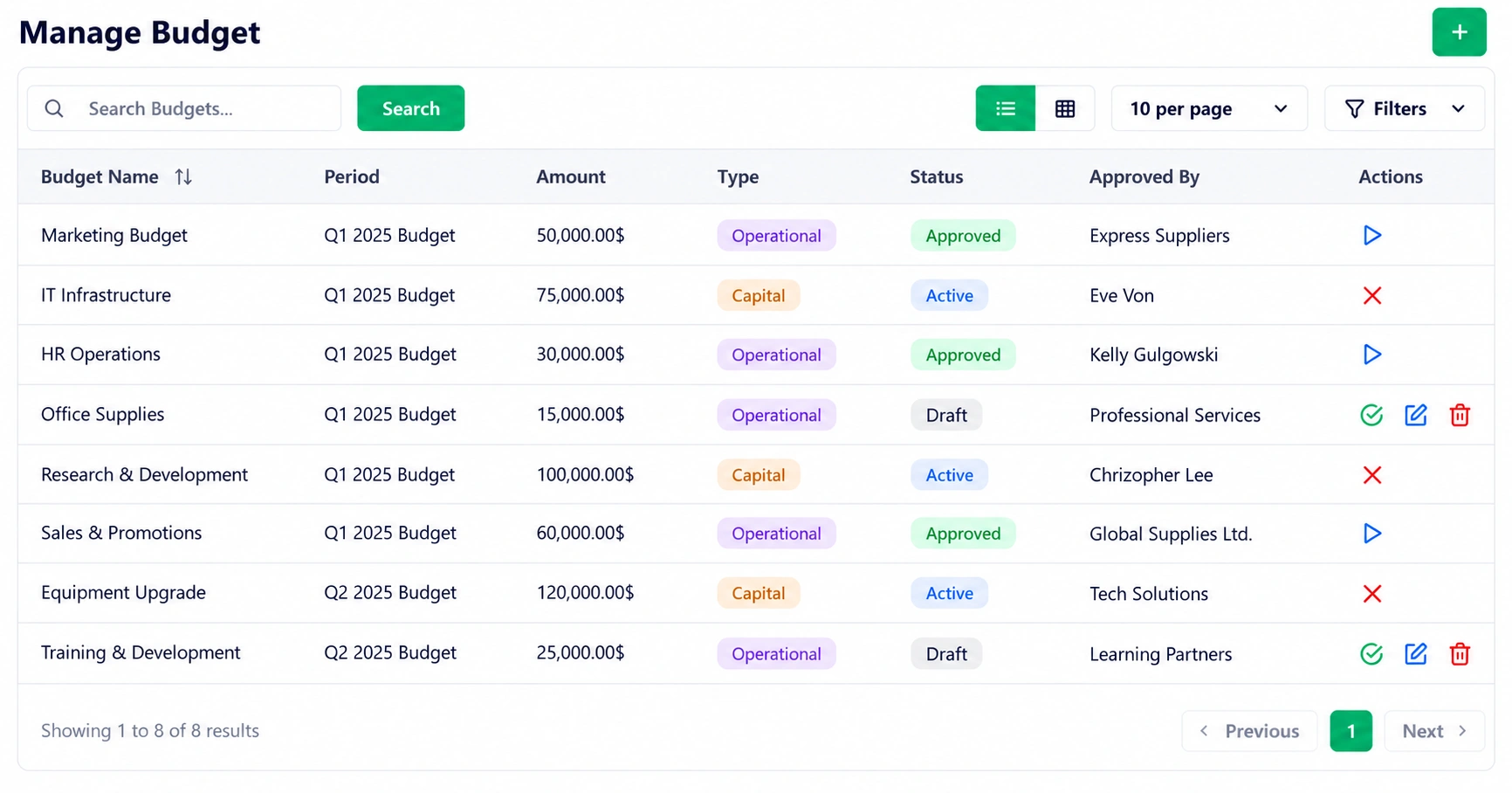
  3. Review budget and spending information.
  4. Check upcoming inspections and compliance items.
  5. Review workload and capacity.
  6. Act on exceptions shown in dashboards or reports.

The benefit of construction project management software is not simply having more data. It is having the right operational information organized around the work.

Example 2

A Builder Controlling Material Costs

A builder using construction project management software can use a simple material-control process:

  1. Create the material record with unit, quantity, cost, and site.
  2. Record a supplier picking with delivery information.
  3. Update the delivery status.
  4. Transfer materials between sites when required.
  5. Record material scraps.
  6. Compare spending and usage with the planned budget.

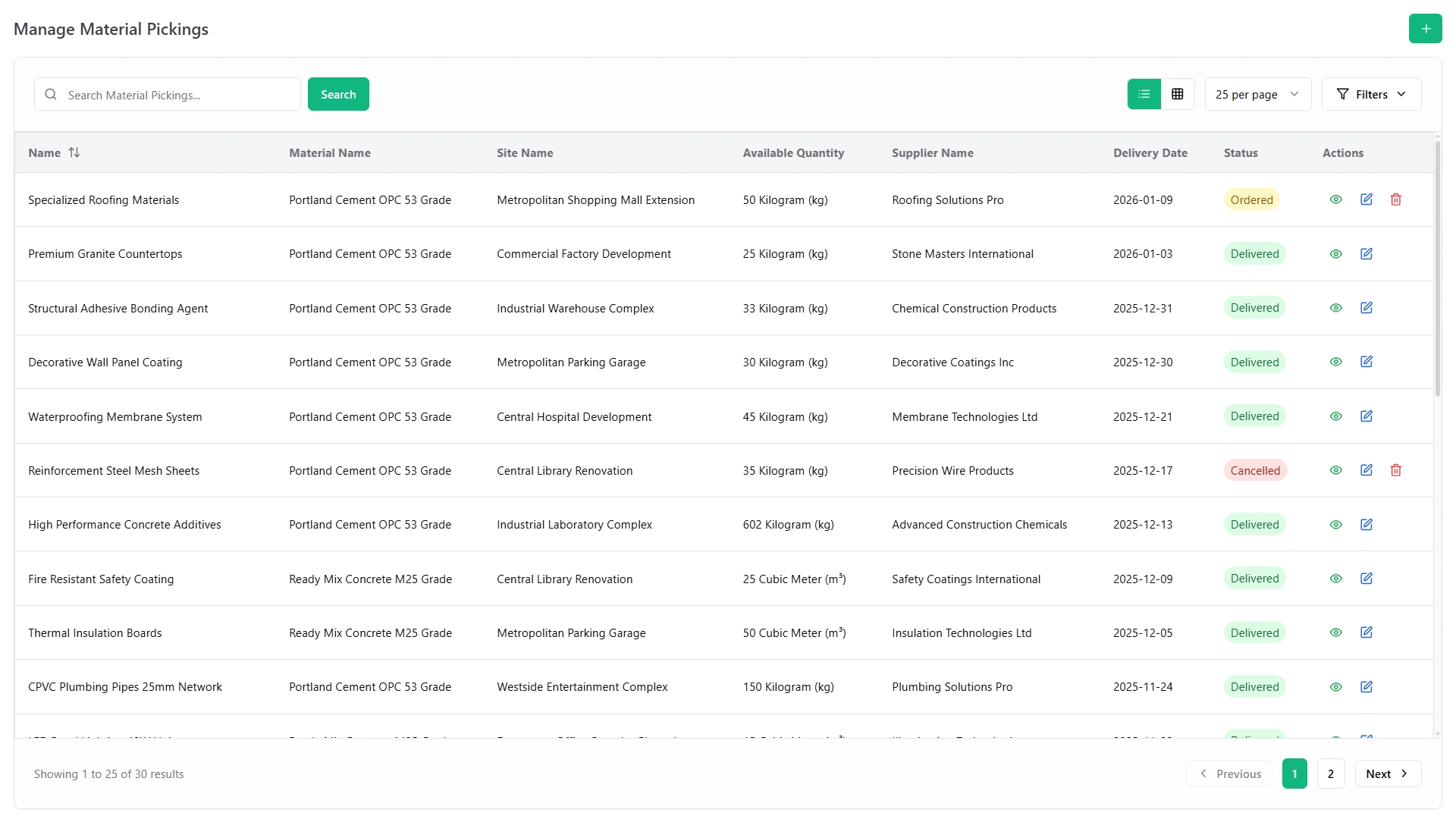
Because material pickings can reduce available quantities automatically, stock information can stay closer to actual site activity.

Manage Material Pickings screen with materials, sites, suppliers, delivery dates and status
Example 3

A Safety Team Managing Inspections

A safety workflow can follow a clear sequence:

  1. Checklist
  2. Audit
  3. Score
  4. Finding
  5. Corrective Action
  6. Completion

Each audit can capture the site, audit type, auditor, schedule, response scores, compliance result, and corrective-action assignments.

This makes safety activity easier to review and follow through.

Example 4

A Contractor Managing Equipment

Equipment-heavy businesses need visibility beyond a simple inventory count.

The equipment workflow supports bookings, daily or hourly rental pricing, warehouse inventory, payment status, returns, repair records, lost-item tracking, and insurance-claim or warranty-planning support.

A contractor can therefore see what equipment is available, booked, returned, under repair, or reported lost.

Business Goals

Construction Management Software Benefits by Business Goal

  • Reduce unnecessary costs Budget, procurement, expense, and spend tracking
  • Improve project visibility Site records, dashboards, status tracking, and reports
  • Strengthen safety processes Permits, inspections, compliance records, and corrective actions
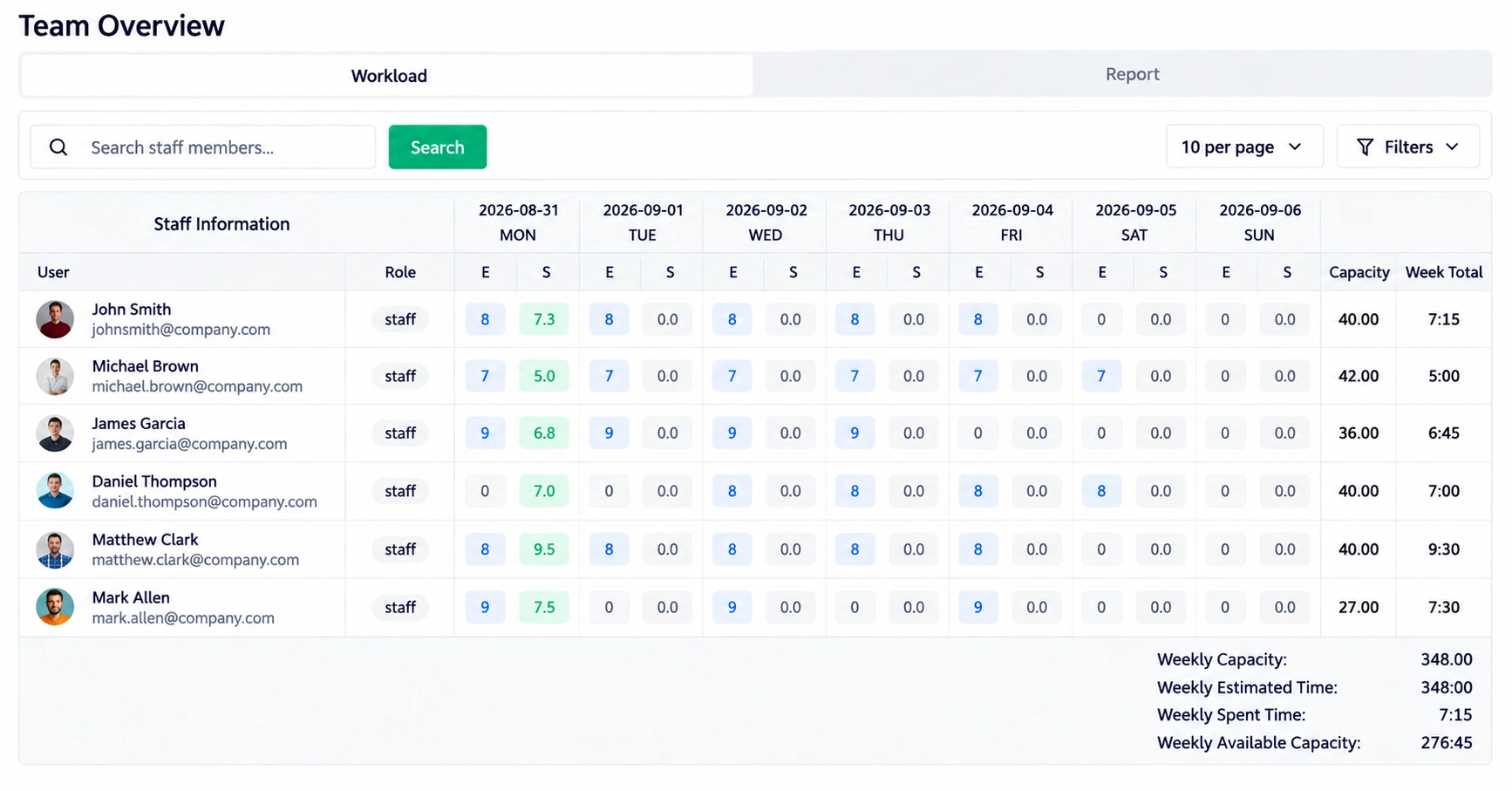
  • Improve resource utilization Team capacity and workload visibility
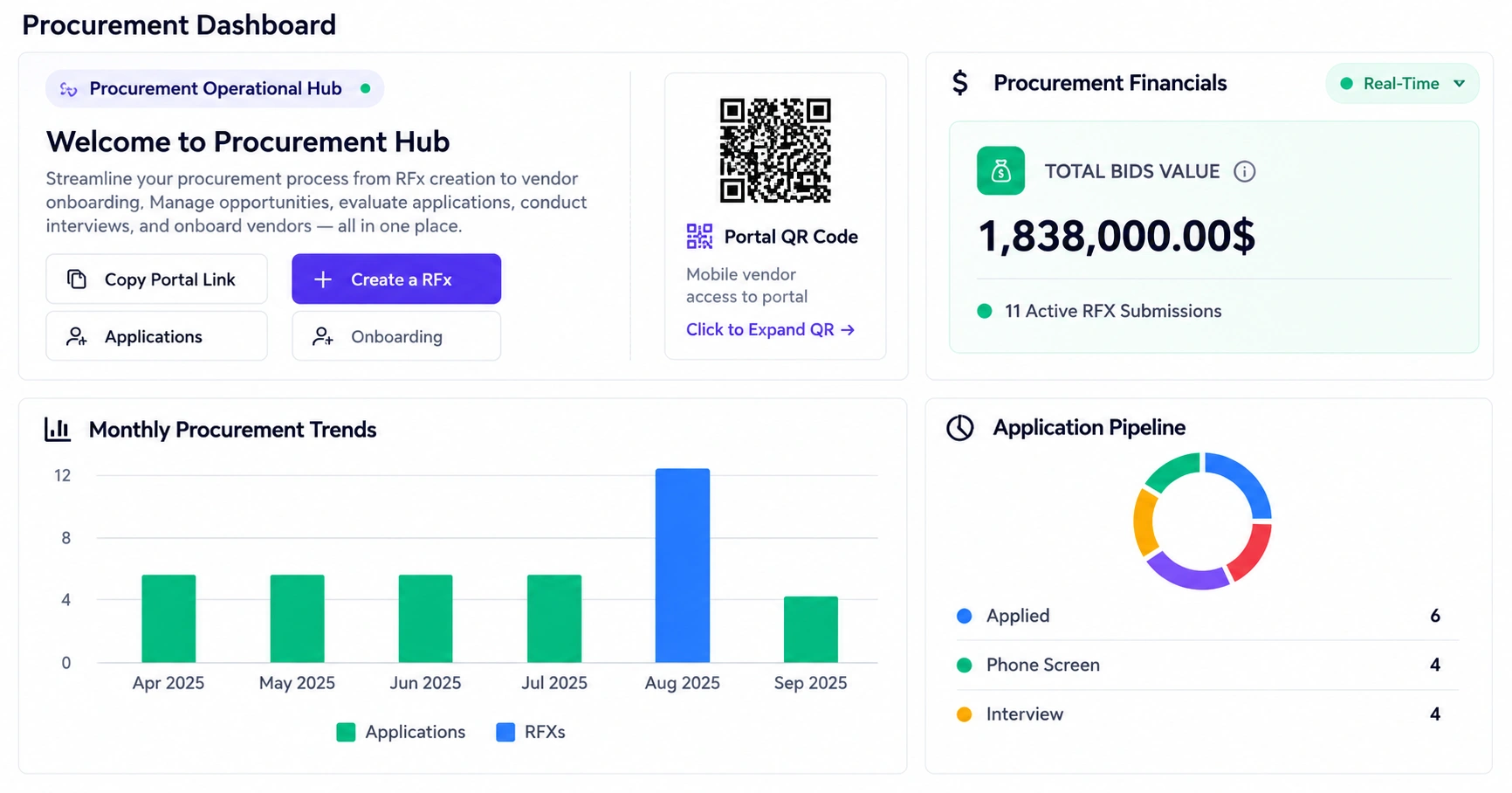
  • Improve purchasing RFx workflows, vendor management, quotations, and purchase orders
  • Improve decisions Real-time analytics and AI-generated business insights
  • Improve communication Notices, acknowledgements, and employee suggestions
  • Protect project margins Budget monitoring, actual spend, and subcontractor cost tracking
Business Types

Benefits for Different Construction Businesses

Construction project management software can support different operating models because the same project controls can be applied to different types of work.

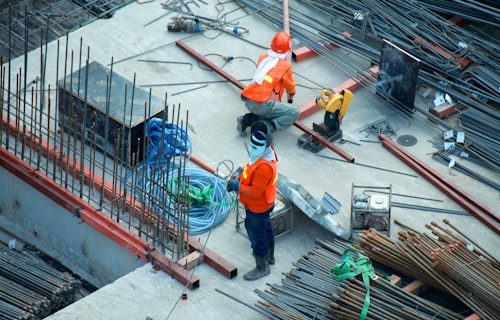
Workers on a concrete deck among rebar and materials

General Contractors

Coordinate sites, subcontractors, procurement, permits, inspections, budgets, and project records in one workflow.

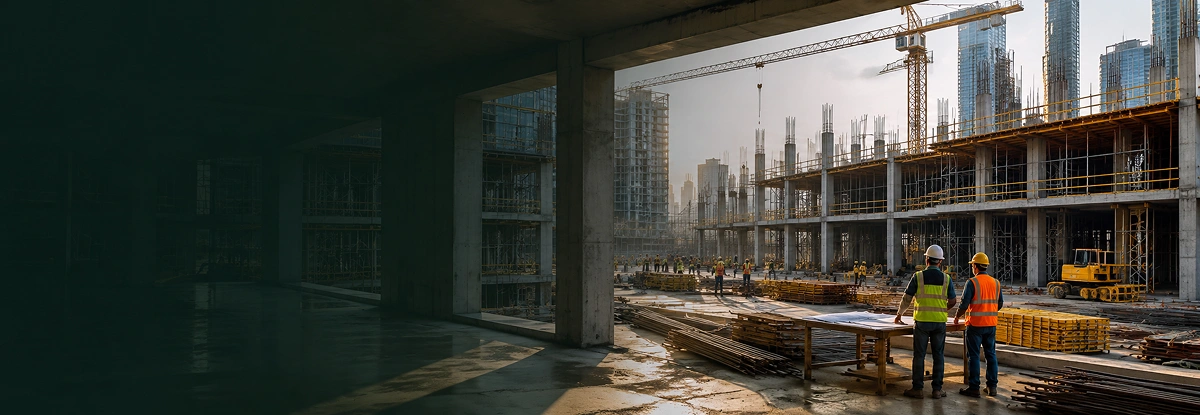
Builders reviewing plans inside a large building under construction

Commercial Builders

Manage larger project structures with stronger cost, procurement, contract, safety, and reporting visibility.

Finished modern home with lit windows at dusk

Residential Builders

Keep homes, sites, materials, inspections, expenses, and team activities organized as projects move toward completion.

Port cranes loading a container ship

Infrastructure Contractors

Track multiple sites, equipment, materials, safety processes, and operational costs across complex field operations.

Electrician in a hard hat working on a panel

Specialty Subcontractors

Manage permits, site activities, procurement, workforce capacity, equipment, and project-specific records.

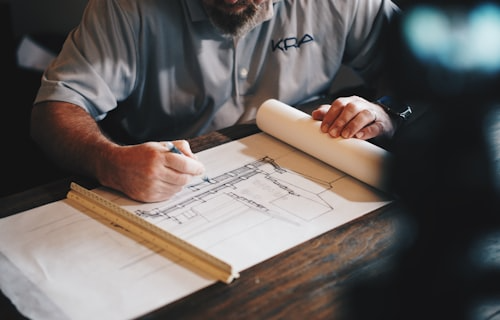
Designer drawing a building plan with a ruler

Design-Build & Engineering Firms

Connect project scopes, budgets, procurement, contracts, inspections, and team coordination.

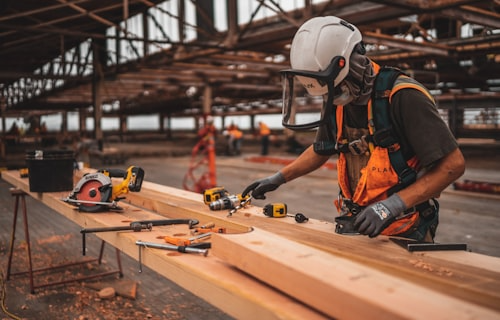
Carpenter cutting timber on a work site

Remodeling & Fit-Out Teams

Keep changing site activities, materials, contractors, inspections, and expenses organized in a single operational view.

Engineers checking machinery in a workshop

Equipment & Fleet Operators

Manage machinery bookings, availability, deployments, repairs, returns, and lost equipment.

For a deeper breakdown by business type, explore our construction project management software use cases
Pros & Considerations

Pros and Considerations

What You Gain

A unified construction management approach can help teams:

  • Replace scattered project records with structured information.
  • Improve visibility into costs, materials, inspections, and workloads.
  • Reduce repetitive reporting and manual status collection.
  • Create clearer accountability through defined statuses and workflows.
  • Give managers a faster path from operational data to decisions.

What to Consider Before Adopting Software

Technology does not fix an unclear process by itself. Before implementation, define who owns each workflow, what information must be updated, and which project metrics matter most. Teams also need a practical rollout plan so site staff, managers, and administrators know how to use the system consistently.

The goal is not to add more administration. The goal is to make existing construction processes easier to control, measure, and improve.

Comparison

Construction Project Management Software vs. Traditional Tools

The difference is less about replacing one spreadsheet and more about changing how information moves through the business.

Traditional Approach Unified Software Approach
Separate spreadsheets Centralized project information
Manual budget updates Structured budget and spend tracking
Paper-based site records Digital site records and status tracking
Manual report preparation Filterable reports with Excel/PDF export
Disconnected safety records Permit and inspection workflows
Guesswork around workload Capacity and utilization visibility
Delayed management updates Real-time dashboards and analytics

Traditional tools can still work for very small, simple processes. The challenge grows when a business manages more projects, locations, suppliers, people, assets, and compliance activities.

Worth It?

Is Construction Management Software Worth It?

Construction project management software becomes valuable when you see clear signs of growing operational complexity.

When Construction Project Management Software Becomes Valuable

Look for clear signs such as:

  • Teams maintain several spreadsheets for the same project.
  • Managers spend too much time collecting updates.
  • Budget issues are discovered late.
  • Material availability is difficult to confirm.
  • Safety findings are hard to follow through to completion.
  • Managers lack a clear view of team capacity.
  • Reports require repeated manual preparation.
  • Project information is spread across too many communication channels.

How to Measure the ROI of Construction Management Software

Construction project management software ROI should be measured using your own workflow. Instead of relying on a generic percentage, track practical changes such as:

  • Administrative hours saved each month
  • Time spent preparing reports
  • Time required to find project information
  • Budget variance visibility
  • Procurement cycle time
  • Unresolved inspection findings
  • Equipment utilization
  • Team capacity and workload balance
  • Delayed approvals or renewals

A useful ROI calculation compares the software investment with the measurable time, cost, control, and productivity improvements it creates.

One System

One Construction Management System, Multiple Business Benefits

The value becomes clearer when the capabilities work together around everyday construction operations.

The product brings 16 core modules into one construction management system, covering construction operations, property management, work permits and safety, site safety inspection, security guard management, equipment rental, procurement, budgeting, contracts, petty cash, workload management, analytics, AI business advice, reports, notices, and suggestions.

Instead of treating cost control, safety, procurement, people, equipment, and reporting as isolated tasks, teams can manage them as connected parts of the same business operation.

Explore the complete construction management software features to see what the platform can handle. For the broader product overview, visit our construction project management software page.
Take Control

Take Control of Every Construction Project

Construction becomes easier to manage when project information is organized, current, and accessible when decisions need to be made. From site tracking and budgets to procurement, safety, equipment, workloads, contracts, and reporting, construction project management software gives teams a structured way to manage the work from planning through completion.

Bring your projects, resources, costs, and operational workflows together with construction project management software built to give construction teams clearer visibility and greater control.

Site worker in safety gear on a building deck
Faq's

Frequently Asked Questions About Construction Management Software

The main benefits include stronger project visibility, better cost and budget control, easier procurement, structured safety workflows, improved team coordination, faster reporting, and more informed decision-making.
Yes. Small builders can use structured project, budget, material, expense, and reporting workflows to reduce manual administration and create a clearer view of active work.
It helps teams plan budgets, allocate funds, track spending, monitor variances, and review project-related costs. This makes it easier to identify financial issues while there is still time to respond.
It can organize work permits, inspections, compliance records, scoring, findings, and corrective actions into structured workflows. OSHA also recommends regular jobsite, material, and equipment inspections within construction safety programs.
It gives teams centralized site records, project information, dashboards, reports, material tracking, budget monitoring, and workload visibility so managers can review several projects without rebuilding information manually.
A centralized reporting system can reduce repeated manual preparation by providing filters, summary metrics, charts, tables, and Excel/PDF exports for common business and project reports.