
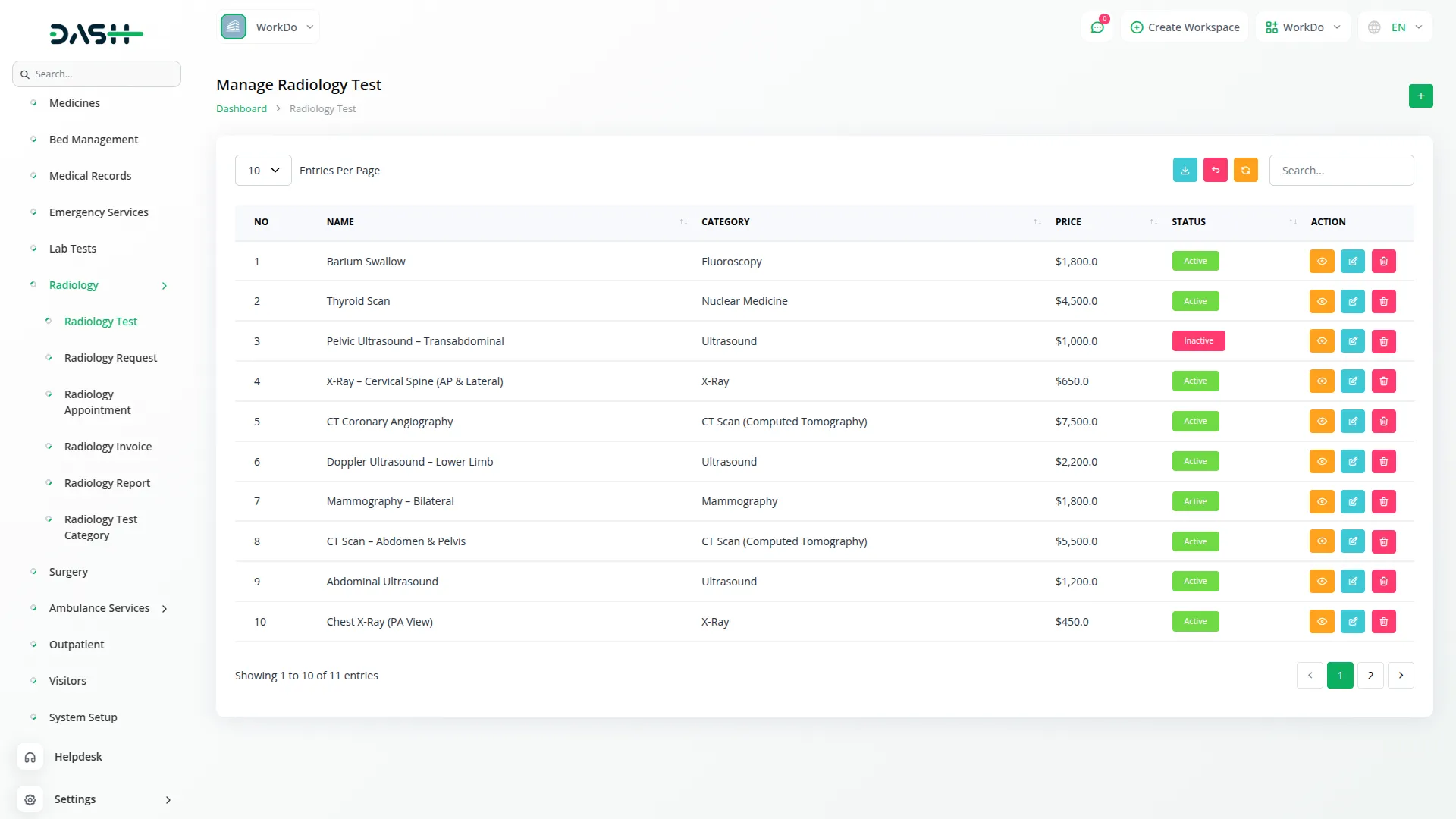
The Radiology Management Add-On streamlines diagnostic test workflows by organizing tests, managing requests, and tracking payments within a single system. It links patients and doctors, supports multi-test requests, and ensures accurate billing and reporting across the facility. Additionally, it offers PDF export, smart search, and category-based test management for efficient operations.
Dependency Notice: The Radiology Management Add-On is dependent on the Hospital Management Add-On. If the Hospital Management Add-On is disabled, the Radiology Management Add-On will not function. Ensure that the Hospital Management Add-On is activated to utilize the Radiology Management features.
Powerful Radiology Workflow Automation
- Diagnostic Test Management
- Test Category Organization
- Radiology Request Handling
- Multi-Test Per Request
- Payment Status Tracking
- Request Lifecycle Management
- PDF Export Capability
- Patient & Doctor Linking
- Smart Search & Filtering
Structured Test Management
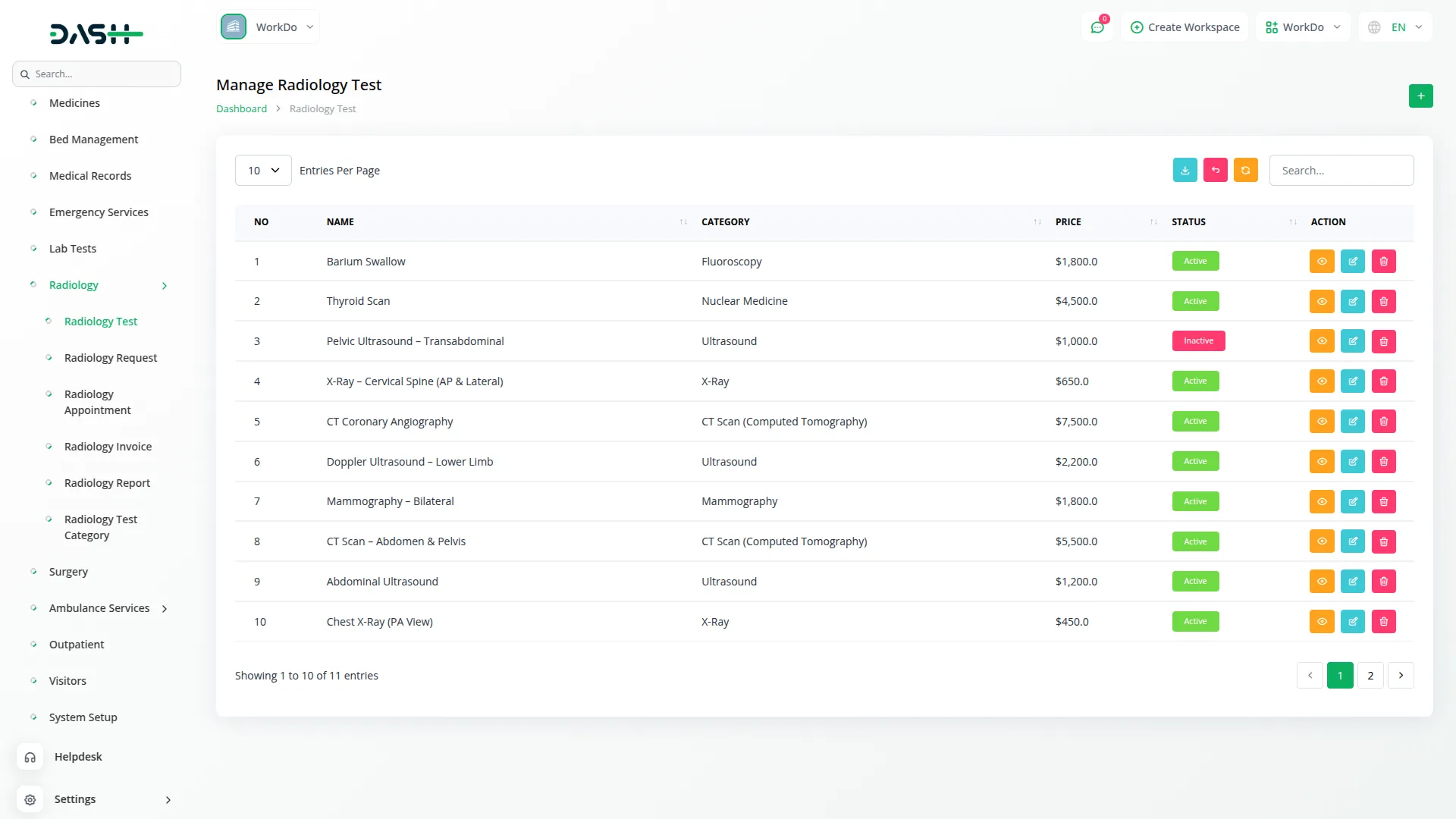
The Add-On provides healthcare facilities with a reliable way to maintain a clean and organized catalog of diagnostic tests. Each test is defined with a name, category, and price, ensuring consistency across departments. Categories can be set up independently and linked to relevant tests, creating a scalable structure as the facility grows. Staff no longer need to track test details manually across spreadsheets or disconnected records, as everything is centralized and always up to date.
- Tests are organized under defined categories for easy identification
- Each test carries its own pricing, reducing billing discrepancies
- The catalog can grow or be refined as services expand
- Inactive categories are automatically excluded from active workflows
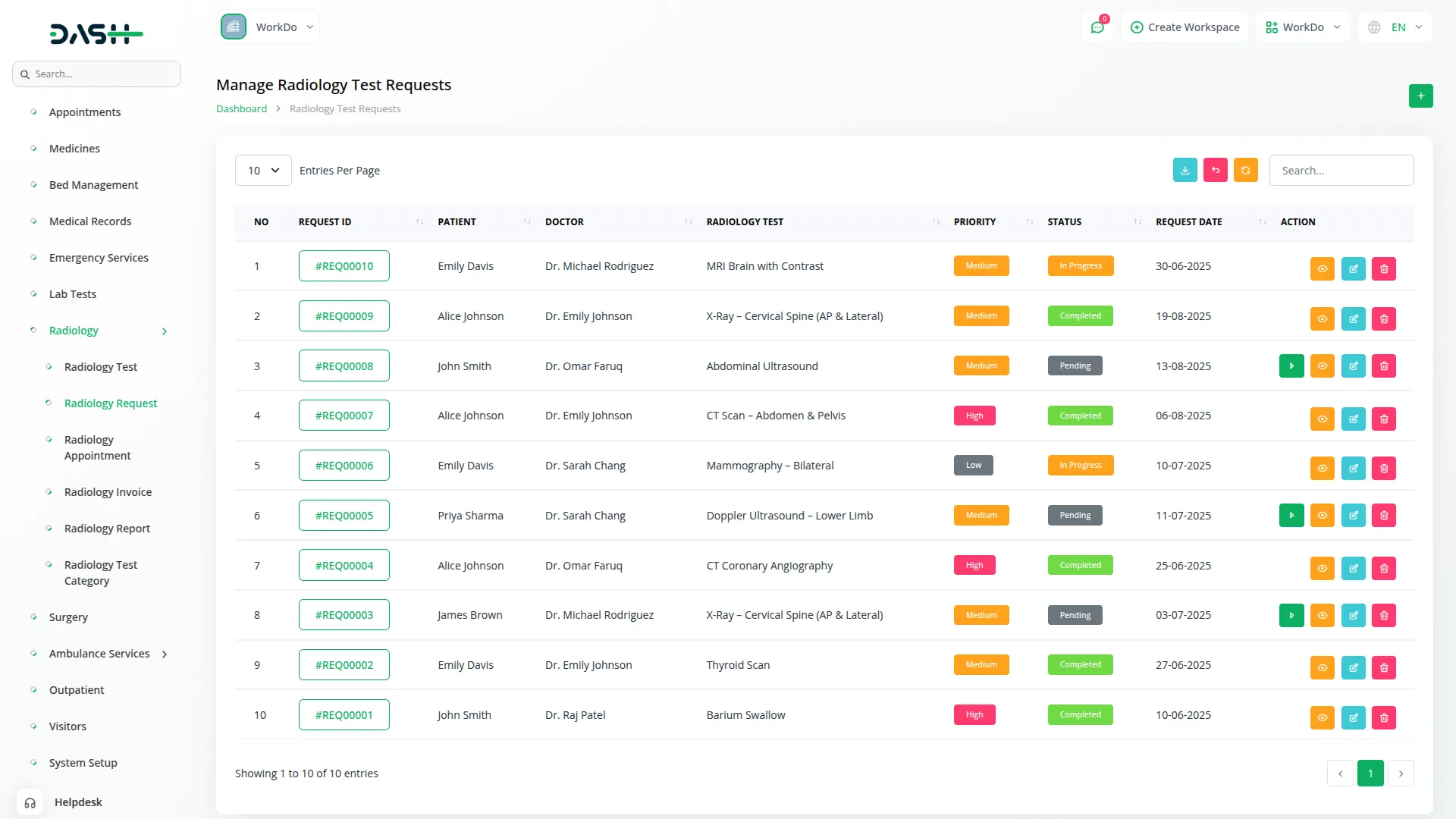
End-to-End Request Handling
From the moment a radiology request is raised until it is completed, the entire process is managed within a single workflow. Each request is linked to specific patients and doctors, providing clear accountability. Multiple tests can be grouped under one request, with pricing calculated automatically, including any discounts. This eliminates manual calculations and ensures request records remain accurate from start to finish.
- Each request is linked to a patient and the referring doctor
- Multiple tests can be included under a single request
- Discounts and totals are computed automatically in real time
- Notes can be attached to requests for additional clinical context
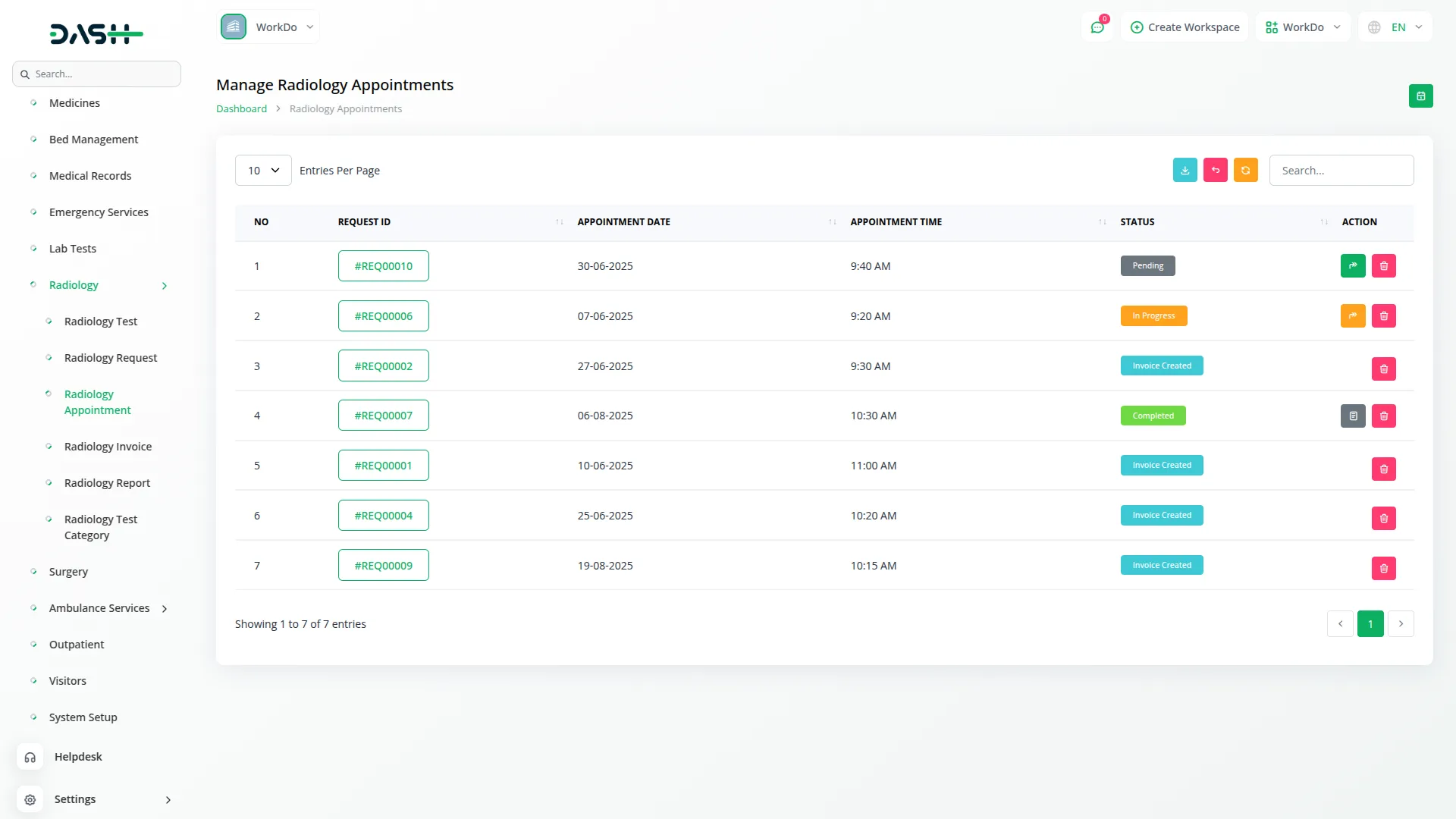
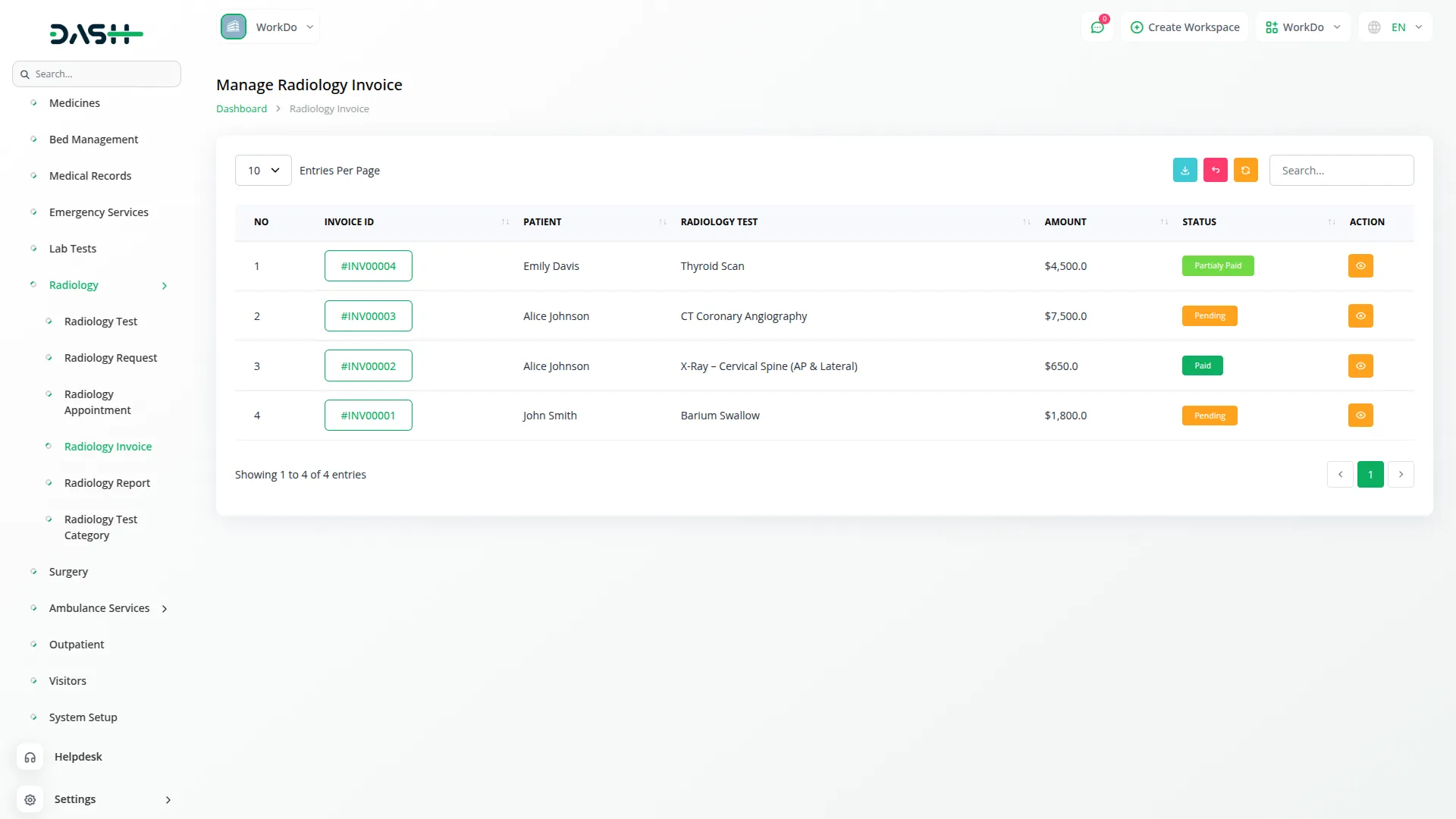
Payment Tracking & Management
The Add-On features a dedicated payment layer integrated with radiology requests, keeping billing and clinical operations connected. Payments are recorded with key transaction details and tracked by status, giving finance teams clear visibility. Managing payments within the same workflow reduces the risk of missed or mismatched transactions. This ensures all financial and clinical data stay synchronized and easy to access.
- Payments are recorded against specific radiology requests
- Each transaction captures date, reference, and account details
- Payment statuses, Cleared or Pending, are tracked independently
- Finance teams get a consolidated view of all payment activity
Report Management
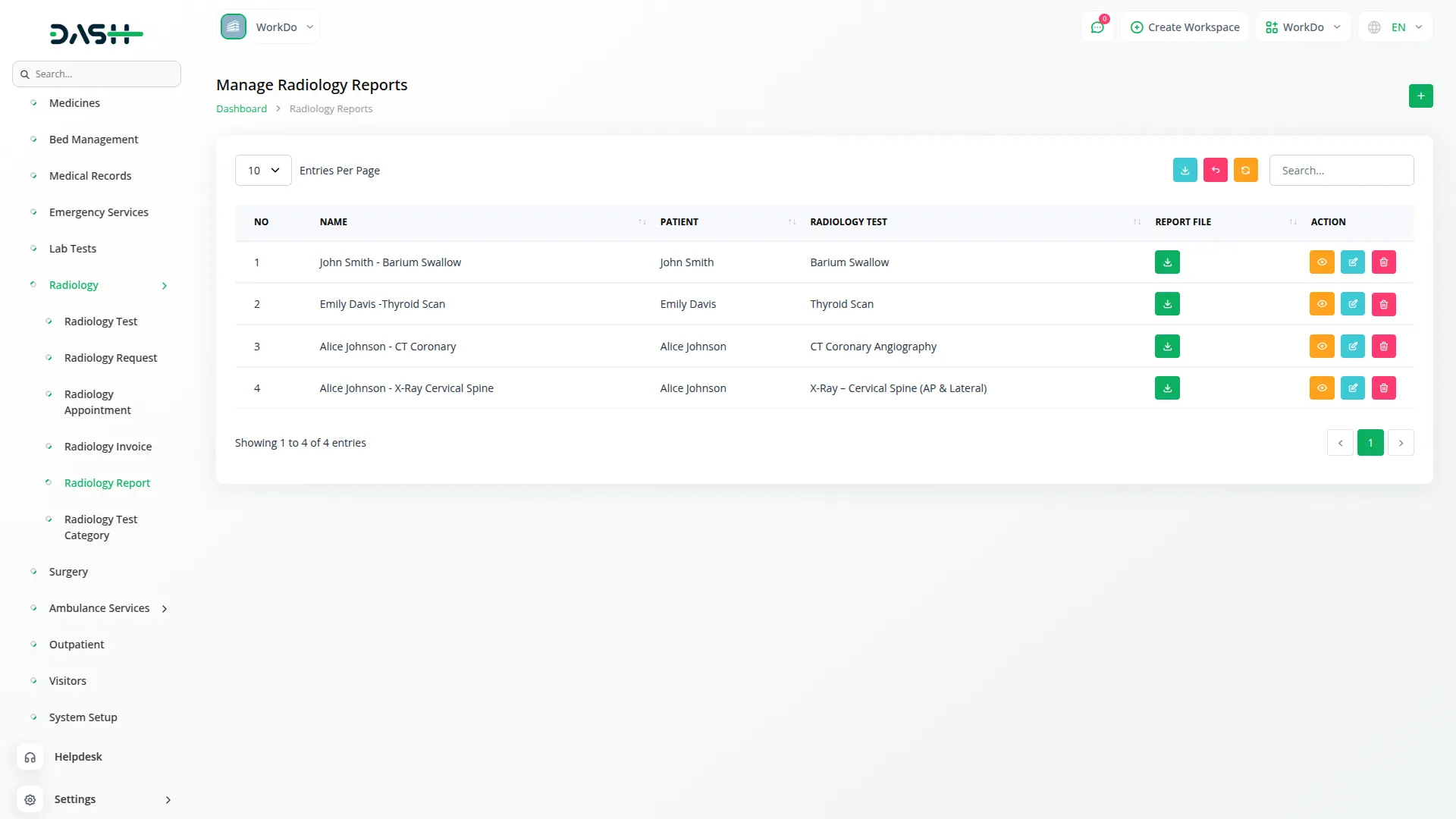
Once a radiology request is processed, teams can create detailed diagnostic reports directly linked to it. Each report includes test results and associated images, ensuring a complete and traceable record. Patient information is automatically populated, eliminating manual data entry. This provides radiologists and clinicians with a single, organized reference point for every patient’s diagnostic output.
- Reports link directly to originating radiology requests
- Multiple test images attach within a single report
- Patient details automatically carried over from request
- Reports previewed, downloaded, or reviewed per image
Test Category Control
Test categories form the organizational backbone for grouping and accessing diagnostic tests. Administrators can create categories with detailed descriptions and manage their active status at any time. As tests are added, retired, or reorganized, the system updates without affecting existing records. A well-maintained category structure ensures consistency across requests, billing, and reporting.
- Categories can be activated or deactivated for services.
- Descriptive labels help teams quickly understand each category.
- Inactive categories remain hidden to prevent selection errors.
- Category details can be updated anytime without affecting existing records.
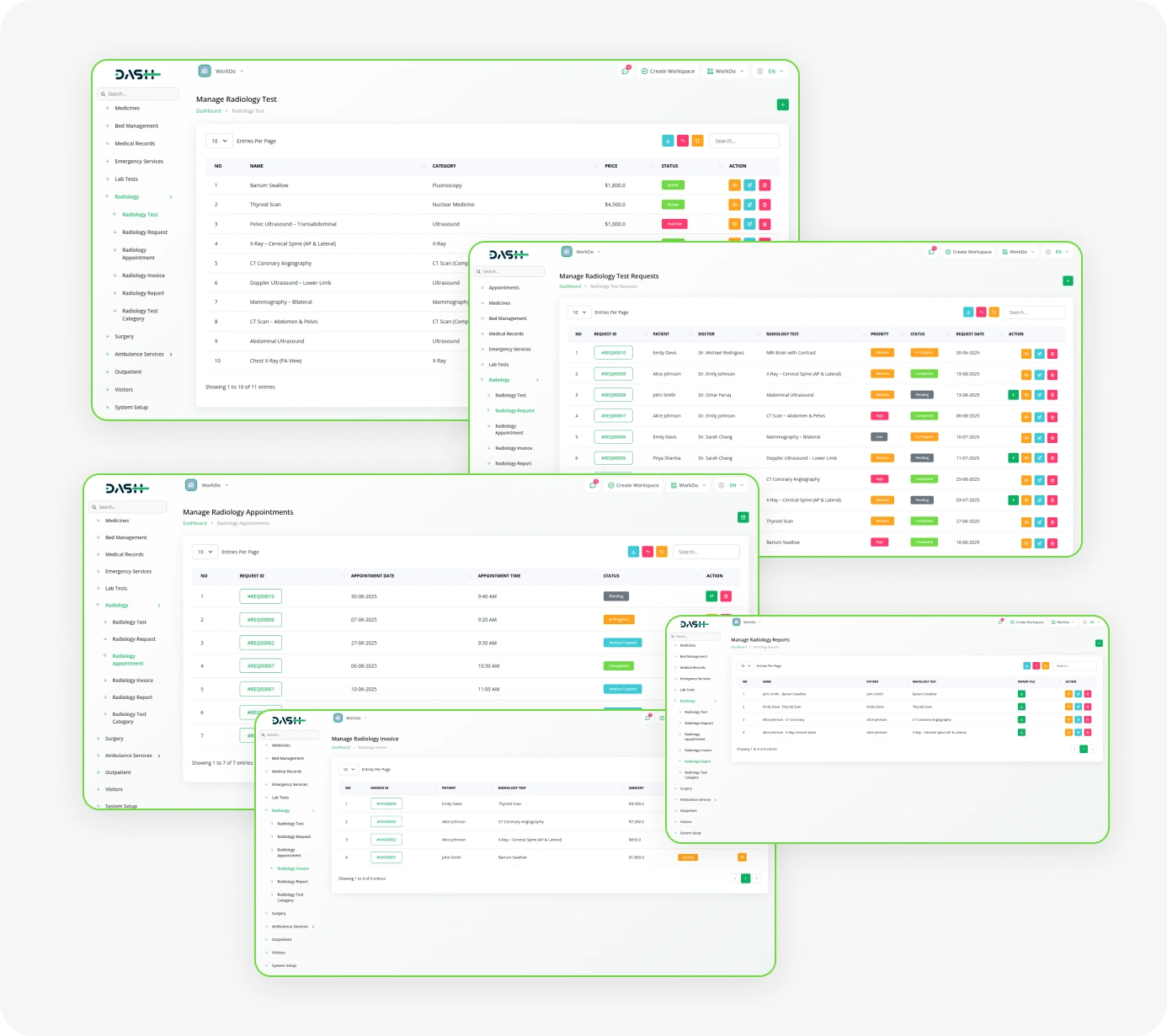
Screenshots from our system
To explore the functionality and usage of these Add-Ons, refer to the accompanying screenshots for step-by-step instructions on how to maximize their features.
Discover More Add-Ons
Unlock even more functionality with additional Add-Ons, providing enhanced networking and customization options for your Dash SaaS experience.

Google Analytics
Track and analyze real-time user engagement from across the globe with the Google Analytics Add-On, giving you detailed insights into user activity from over 290+ active users spread across various countries—helping you understand regional trends, audience behavior, and overall performance in one unified dashboard.

PESTEL Analysis Model
The PEST Analysis Module by Dash SaaS equips businesses with a robust framework to evaluate external factors influencing strategic decisions.

Sign-In With Slack
Streamline user registration with the Sign in with Slack module for Dash SaaS. This feature allows users to log in using their existing Slack credentials, eliminating the hassle of creating new accounts and managing additional passwords.

Modern dashboard organization improves navigation and accessibility
Fantastic documentation and guides