

How Workflow Automation Software Reduces Manual Work in Companies
WorkDo Dash SaaS Workflow Automation cuts repetitive tasks and reduces manual work fast.

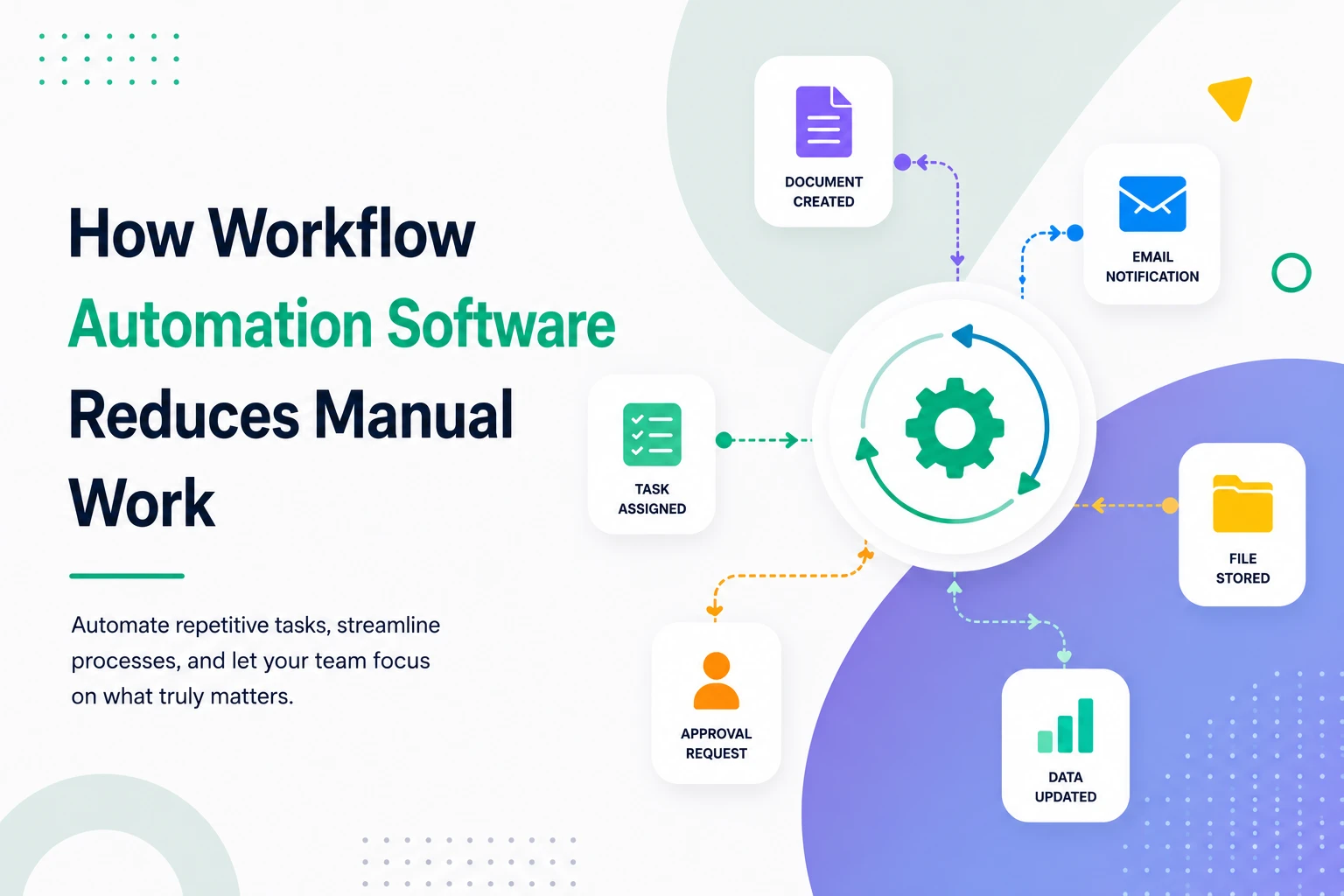
How Workflow Automation Software Reduces Manual Work in Companies
Ever sat through a team meeting where half the conversation was about who forgot to update which spreadsheet?
That’s manual work, hiding in plain sight. And it’s quietly draining most companies.
Workflow Automation Software is the practical fix. It removes the repetitive, error-prone, copy-paste tasks that eat hours every single day — and it helps reduce manual work in companies without replacing the people doing the real thinking.
I’ve worked with operations teams in startups and growing SaaS companies. The pattern is always the same: too many tabs open, too many handoffs, too many small things slipping through the cracks.
This guide walks through how automation actually works inside real businesses — with scenarios, comparisons, a step-by-step plan, and where platforms like WorkDo Dash SaaS quietly earn their place.
Why Are Companies Still Drowning in Manual Work?
This is the question I get asked the most. The answer is uncomfortable.
It’s not that automation doesn’t exist. It’s that most companies don’t see the manual work happening.
Think about your last week. How many times did someone:
- Copy data from a form into a CRM?
- Forward an invoice three times before approval?
- Update the same status across two different tools?
- Generate the same Monday report from scratch?
These tasks feel small individually. But they stack into hours, days, and entire job descriptions that exist only because automation is missing.
Here’s the real truth — most companies don’t have a “people problem.” They have a systems problem. Tools that don’t talk to each other always create humans who have to.
What Workflow Automation Software Actually Does
Most blogs get lazy here. They define workflow automation software as “software that automates workflows.” That tells you nothing useful.
So let me explain how it actually works inside a real business.
A workflow is any task that follows a repeatable pattern — a trigger, some logic, and an outcome. This is essentially structured task management layered with automated triggers and actions
Example: A new lead fills out a form → assign them to a sales rep → send a welcome email → create a CRM record → schedule a follow-up.
A solid business process automation tool wires those steps together. The trigger fires, and the rest runs without anyone touching a keyboard.
Modern SaaS automation platforms do four things consistently well:
- Listen for events (form submissions, status changes, scheduled times)
- Decide using conditional logic (if/then rules, filters, branches)
- Act through APIs or native integrations
- Log every action for transparency and audit trails
That last point matters more than people realize. If you can’t see what your automation did last Tuesday at 3 PM, you’re flying blind.
How Automation Reduces Manual Work — Real Scenarios
Let’s get specific. Here are three scenarios I’ve personally watched play out.
1: The Slow Sales Handoff
Before: A demo request lands. The marketing person checks email twice a day, copies the lead into the CRM system, pings sales on Slack, books a calendar slot.
After: The form submission triggers everything. CRM record created. Rep assigned by territory. Email sent. Calendar synced.
Response time drops from 4 hours to 90 seconds.
2: The Invoice Approval Loop
Before: Invoice arrives → accountant downloads PDF → emails the manager → waits → forwards to finance → manually updates the books inside their accounting software.
After: The system extracts invoice data, routes to the right approver based on amount thresholds, gets one-click approval, books the entry.
Three days becomes 20 minutes.
3: Employee Onboarding Chaos
Before: HR creates accounts in five tools, emails IT, asks for a buddy, schedules training manually inside the HRMS.
After: A single “new hire” form fires the whole sequence — accounts created, IT ticket opened, buddy assigned, training booked, welcome message sent.
Sound familiar? Every operations lead I know has lived through some version of these.
Manual vs Automated Workflows: A Side-by-Side Look
Sometimes a comparison clears things up faster than paragraphs.
| Aspect | Manual Workflow | Automated Workflow |
|---|---|---|
| Speed | Hours to days | Seconds to minutes |
| Error rate | High (typos, missed steps) | Low (rule-based) |
| Cost at scale | Grows with headcount | Mostly flat |
| Visibility | In someone’s head | Logged, auditable |
| Documentation | Tribal knowledge | The system IS the doc |
| After hours | Stops | Keeps running |
| Onboarding | Months of training | Process is encoded |
The honest catch? Automation needs upfront thinking. Enterprise workflow solutions force you to map your process before encoding it.
That’s a feature, not a bug. Companies that skip the design step end up with “automated chaos” — fast wrong answers instead of slow ones.
Why SaaS-Based Automation Wins for Modern Teams
A decade ago, automation meant hiring developers or buying enterprise software with year-long implementation cycles.
That world is gone.
SaaS automation platforms changed the math entirely. Today, an operations lead can configure a workflow before lunch and ship it before coffee — on top of a modern SaaS platform architecture that handles scaling for you.
Here’s why SaaS-based productivity automation tools work so well:
- No servers to maintain — vendor handles uptime, patches, scaling
- Pre-built integrations — popular tools already connect
- Browser access — your team works from anywhere
- Fast iteration — change a workflow in minutes
- Predictable pricing — subscription or one-time, no surprise capex
This is the era of no-code automation tools. Operations leads, marketers, HR managers — they all build automation now without writing a single line of code.
But there’s a catch most blogs won’t tell you. Generic SaaS automation tools have a ceiling. They’re great for connecting external apps, but they don’t replace the systems where your real business data lives.
That’s where consolidated, ERP-style automation steps in.
The Role of SaaS Marketplaces in Scaling Automation Software
Worth zooming out for a moment. The broader automation software ecosystem has changed dramatically over the past five years, especially as more buyers come to understand what SaaS actually means for procurement and scaling.
SaaS marketplaces — CodeCanyon, Envato, AppSumo, G2, Capterra — are now the main distribution channel for task automation software, especially for startups and small teams.
Why does this matter for buyers?
- Discovery starts here — most teams find their automation stack through marketplace listings
- Trust signals are visible — verified reviews, sales counts, and seller ratings reduce procurement risk
- Pricing transparency wins — lifetime deals, one-time licenses, and trial versions all coexist
This is the new startup scaling channel. You evaluate, buy, and deploy automation software in the same afternoon — no enterprise sales calls required.
WorkDo Dash SaaS, for instance, distributes through CodeCanyon with full source code and a one-time license. That model is hard to match through traditional SaaS distribution.
For deeper context, McKinsey’s operations research, Zapier’s automation playbook, and HubSpot’s workflow guides are all worth bookmarking.
How WorkDo Dash SaaS Approaches Workflow Automation
So where does WorkDo Dash SaaS fit in this story?
Dash SaaS is an open-source enterprise resource planning (ERP) platform with 300+ add-ons. It bundles CRM, HRM, accounting, sales, support, project management, eCommerce, and fleet — all in one dashboard, organized as connected ERP modules.
For workflow automation specifically, here’s what makes it relevant: Multi-workspace architecture — agencies and startups running multiple brands isolate workflows per workspace without buying separate accounts
- 45+ pre-built integrations — Slack, Telegram, Twilio, Google Drive, WhatsApp, ChatGPT, and more, so internal workflows trigger external actions
- 300+ add-ons — niche modules for industries like courier, hotel, beauty spa, agriculture, schools — so automation fits the way your business actually operates
- Mobile apps — for attendance, lead management, projects, and support, which matters when manual work happens in the field
- White-label and one-time payment — full source code, no recurring SaaS lock-in
What’s the practical win? A small operations team runs their entire back office — lead capture, invoicing, attendance, projects — without juggling five SaaS subscriptions or writing custom code.
For startups, this matters a lot. Cash flow, learning curves, and tool sprawl are real problems. Consolidation removes them.
Is it the right pick for every company? Honestly, no. If you only need one specific automation, a niche tool moves faster. But if you’re running multiple business functions and tired of the integration tax, a platform like Dash SaaS earns its place quickly.
Step-by-Step: How to Implement Workflow Automation in Your Company
Ready to start? Here’s the playbook I recommend.
Step 1 — Audit your current work. Sit with each team for a day. Write down every task they do more than three times a week.
Step 2 — Score the candidates. Use frequency × pain × consistency. High frequency, high pain, low variability is your gold list.
Step 3 — Pick one process. Don’t try to automate ten things at once. One full workflow beats ten half-done ones.
Step 4 — Map it on paper. Triggers, conditions, actions, edge cases. If you can’t draw it, you can’t automate it.
Step 5 — Choose your tool layer.
- ERP-level (like Dash SaaS) for core operations
- Point solutions for niche needs
- Integration platforms (Zapier, Make) for the gaps, supported by solid software integration practices
Step 6 — Plan for failure. What happens if the API breaks? If data arrives malformed? Real task automation software handles these gracefully — don’t skip error paths.
Step 7 — Test with real data. Run it on last month’s actual records. Edge cases surface fast.
Step 8 — Document it. Six months from now, someone will ask “what does this do?” Future-you will thank present-you.
Step 9 — Measure impact. Hours saved. Errors reduced. Response times. If you can’t measure it, you can’t defend the budget.
Step 10 — Iterate. Your first version will be wrong in small ways. Tune it monthly.
Pros and Cons of Workflow Automation Software
Let’s be honest. Not a marketing checklist.
Pros:
- Frees teams from repetitive tasks
- Reduces human error in data entry and routing
- Faster response times to customers
- Auditable, compliant processes
- Built-in process documentation
- Scales without proportional headcount
Cons:
- Requires upfront process design
- Bad processes get faster, not better
- Tool sprawl without consolidation
- Integration breakage when APIs change
- Some team resistance to change
- ROI takes weeks, not days
Automation isn’t free. The payoff is real, but you pay in design time, change management, and ongoing maintenance.
Advanced Insights for Companies Scaling Automation
Once you’ve automated the basics, what comes next?
A few directions worth exploring:
- AI workflow automation — combining deterministic rules with LLM-based classification and extraction
- Cross-workspace orchestration — digital transformation tools that handle multi-entity or multi-brand setups
- Self-healing workflows — automation that detects failures and retries intelligently
- Predictive triggers — using analytics to fire workflows before a problem appears
For companies hitting the ceiling of off-the-shelf tools, this is the stage where custom software development starts to make sense — building automation tailored to workflows generic SaaS can’t reach.
This is where Dash SaaS and similar enterprise workflow solutions start flexing their real muscles — they’re built to scale beyond simple automation, not just replace manual tasks.
Final Thoughts: Stop Paying People to Be the Integration Layer
Manual work isn’t really a productivity problem. It’s a design problem.
Every hour your team spends moving data between tools is an hour they’re not building, selling, or supporting customers.
The right Workflow Automation Software doesn’t just speed things up. It removes the work that shouldn’t exist in the first place.
Starting from scratch? Pick one process. Map it. Automate it end-to-end. Measure the impact. Then repeat.
Scaling and tired of stitching SaaS subscriptions together? Consider a consolidated platform like WorkDo Dash SaaS — open-source, white-label, multi-workspace, and built for teams that want automation living where their data already lives.
Modern Software Solutions like Dash SaaS are quietly reshaping how startups and growing companies handle workflow automation. Whether you’re a founder, an operations lead, or a CTO trying to cut tool sprawl, the message stays the same — stop paying people to be the integration layer. That’s exactly what Workflow Automation Software was built for.
Ready to take the next step? Explore WorkDo’s Dash SaaS platform, browse the full library of WorkDo blogs and resources, and discover the right SaaS products for your stack.
 Frequently Asked Questions (FAQs)
We're Here to Help - Let's Talk
Have questions about our solutions, customization services, or business tools? Our team is here to help you. let's talk.