
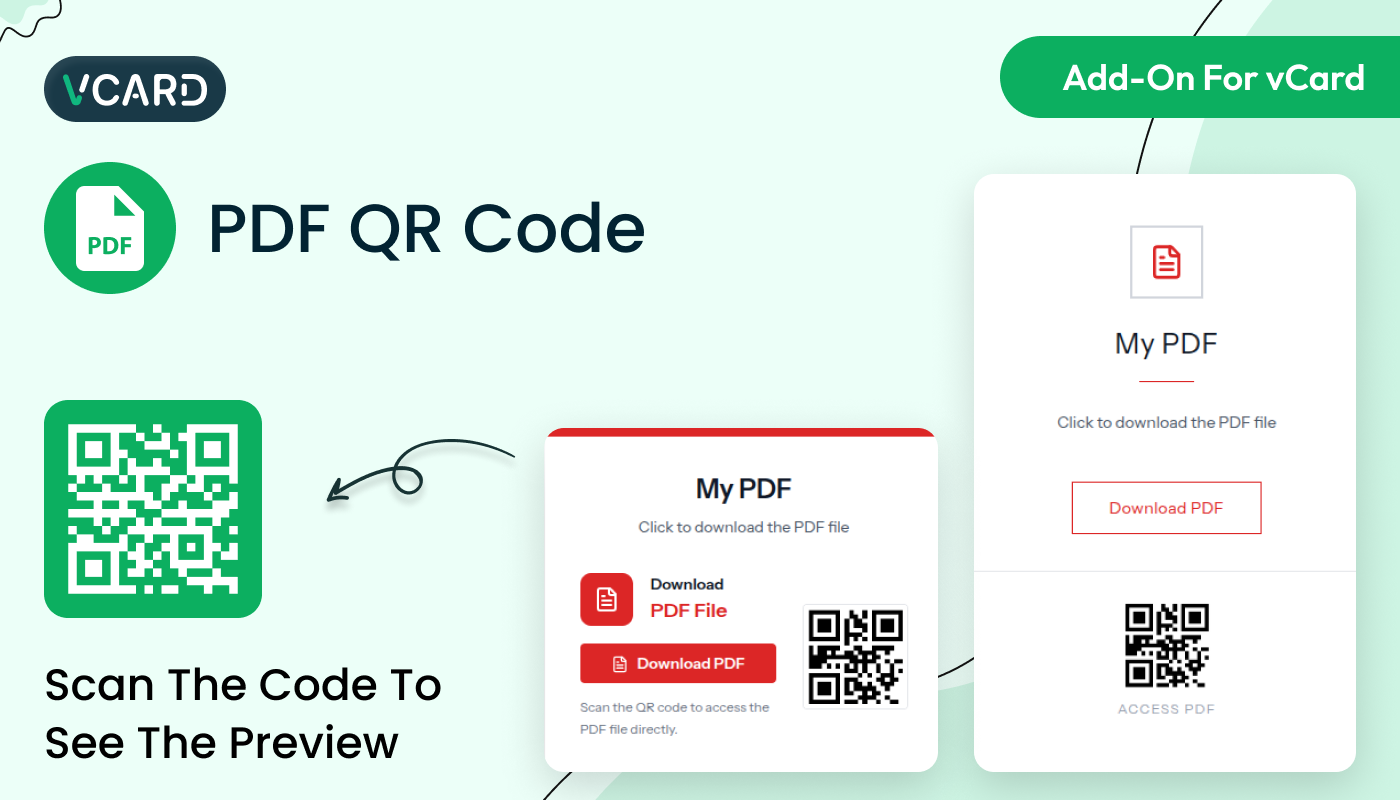
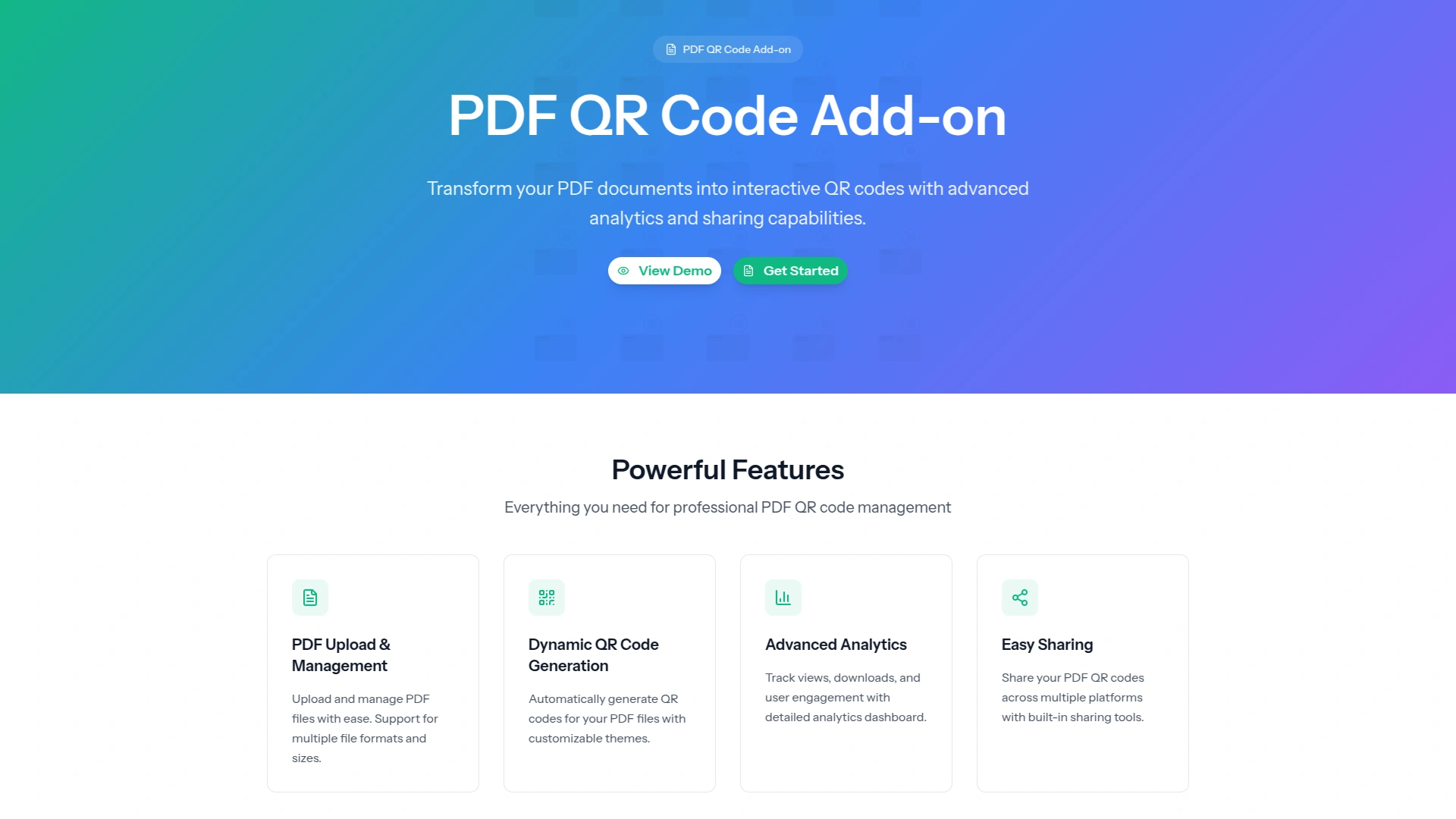
Transform your PDF documents into interactive QR code experiences with professional themes and comprehensive analytics. Create branded PDF sharing pages with customizable designs, real-time tracking, and seamless mobile access. Perfect for businesses, educators, and professionals who want to modernize their document sharing process.
Powerful Features of the PDF QR Code
The PDF QR Code is designed to simplify document sharing and enhance accessibility. It allows you to instantly link and share PDF files through a scannable QR code, eliminating the need for attachments or lengthy download links.
PDF Upload & Management
Upload PDF files up to 10MB with automatic file handling and secure storage
Custom QR Code Generation
Generate branded QR codes that link directly to your PDF viewing page
Advanced Customization
Customize colors, gradients, backgrounds, and content with live preview
Real-time Analytics
Track PDF views, unique visitors, and engagement with detailed dashboard
Professional Themes
Choose from Classic, Modern Card, Professional, and Minimal design themes
PDF Sharing
Share PDFs through QR codes with controlled access and tracking
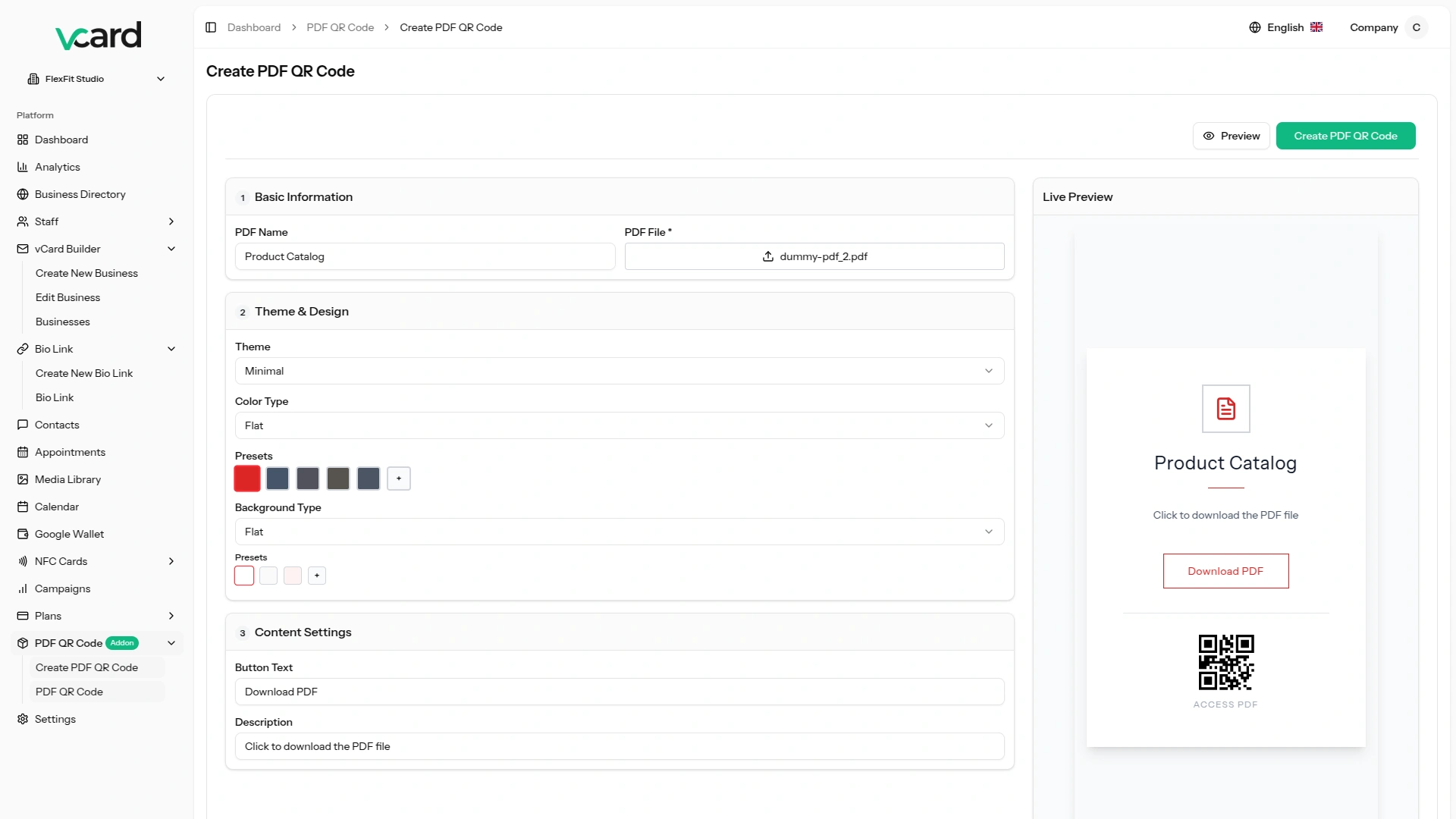
PDF QR Code Creation Form
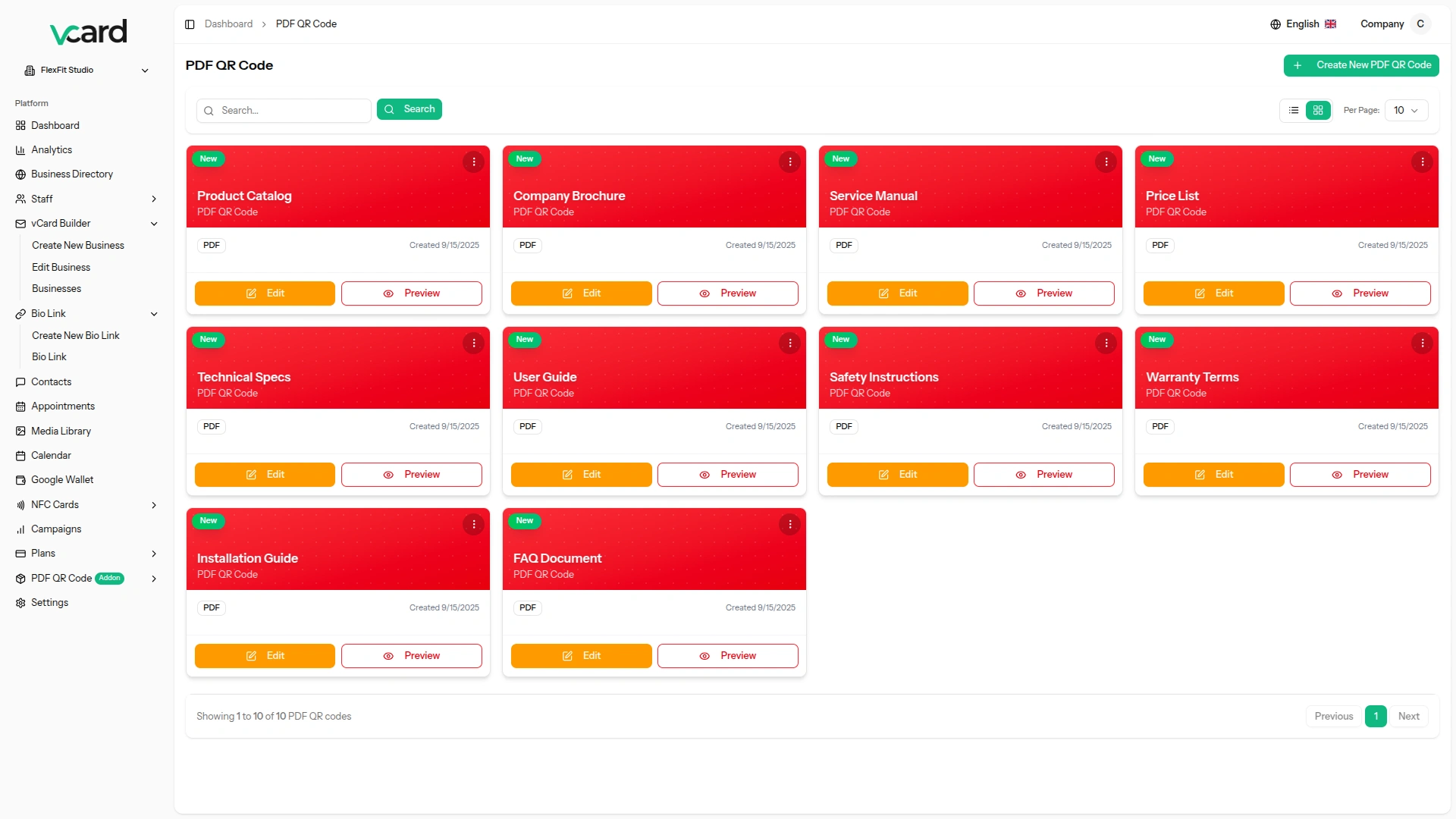
Create professional PDF QR codes using our intuitive three-step form builder. Upload your PDF file, select from multiple professional themes, and customize colors, gradients, and backgrounds. The form includes basic information setup, theme and design customization, and content settings with real-time preview functionality. Choose from Classic, Modern Card, Professional, or Minimal themes, each with unique color presets and styling options.
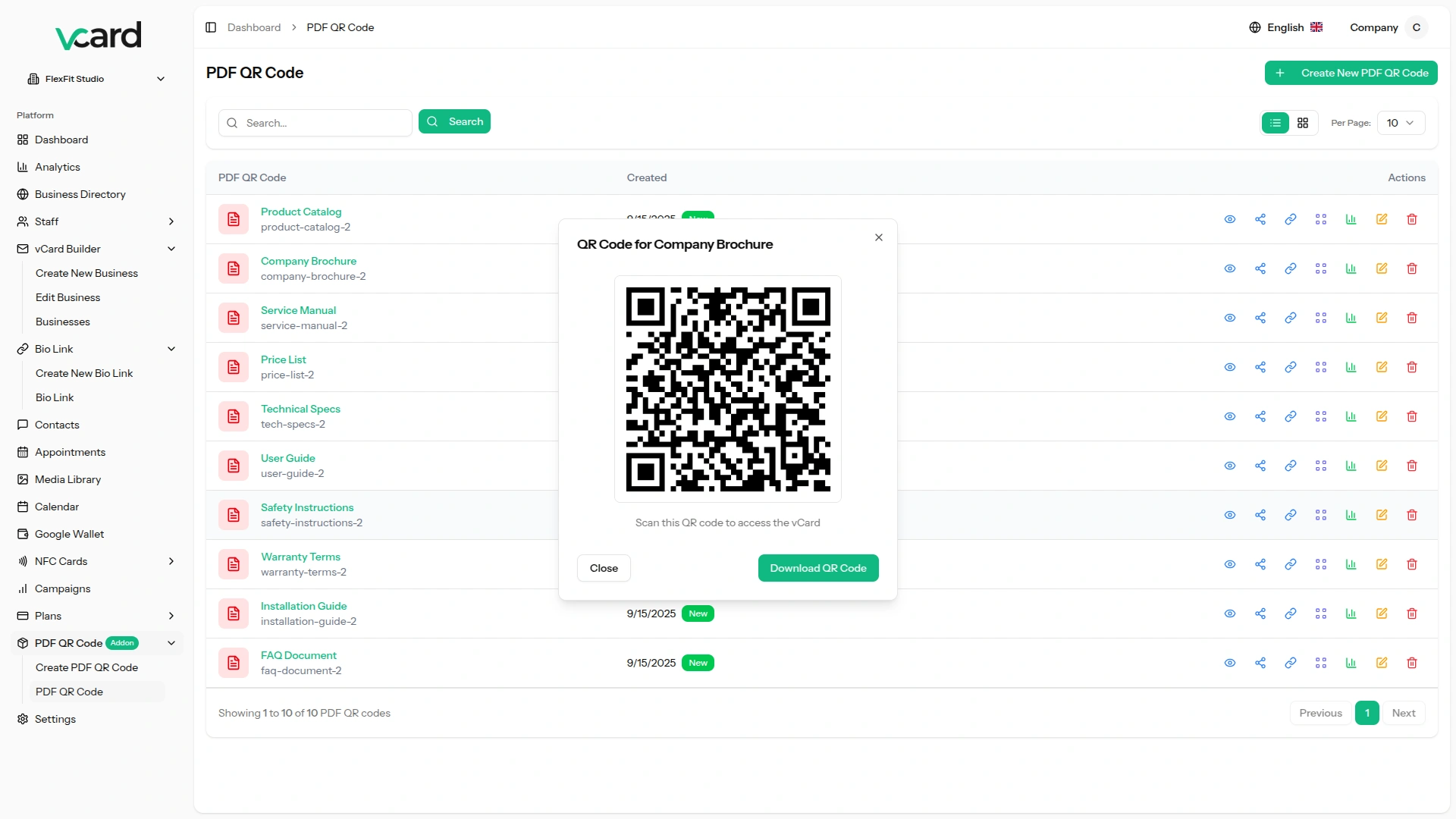
QR Code Generation
Demonstrate automatic QR code generation with custom styling and branding options. The system creates high-quality QR codes using Google Charts API with 300x300 pixel resolution. QR codes are automatically generated when PDF QR codes are created or updated. Users can download QR codes for printing or digital sharing across multiple platforms.
Analytics Dashboard
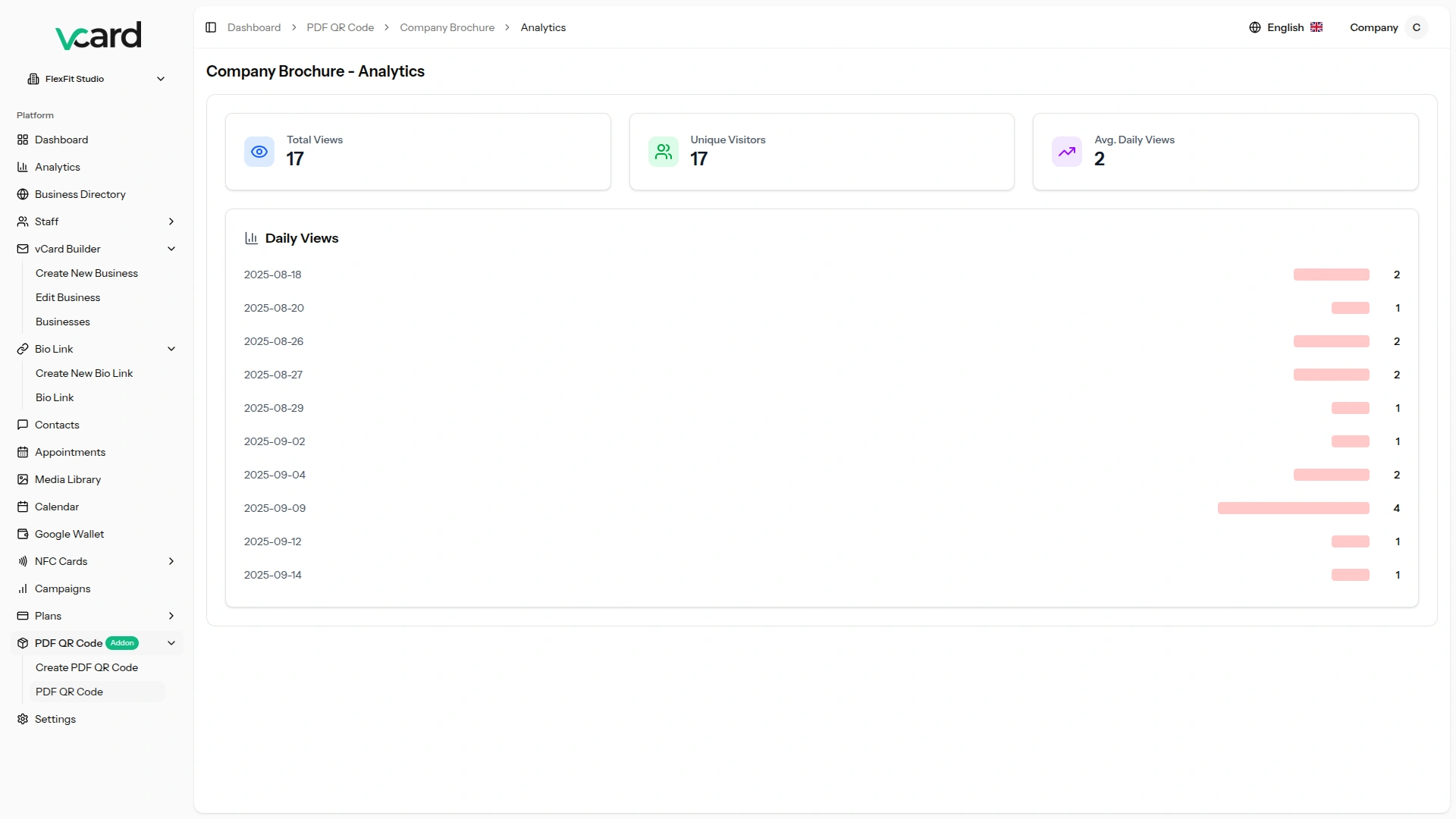
Track comprehensive PDF performance with detailed analytics including total page views, unique visitors, and daily view trends. Monitor visitor engagement patterns with visual charts and graphs showing PDF access over time. Export analytics data for further analysis and track the success of your PDF sharing campaigns. Real-time updates provide current information about PDF performance.
Marketplace Configuration
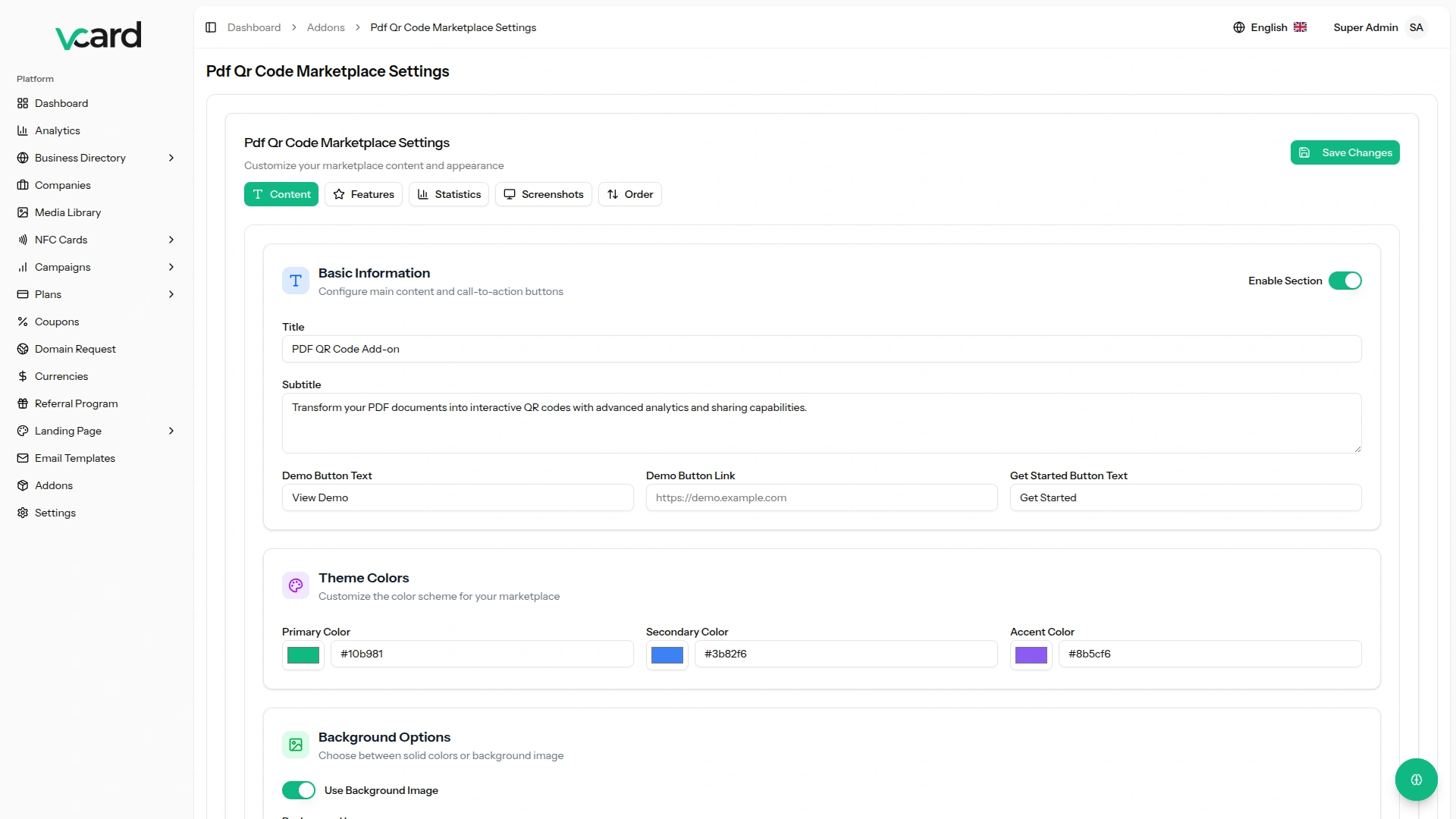
Configure marketplace settings including titles, descriptions, button text, colors, features, and screenshots. The marketplace configuration panel allows complete customization of the add-on presentation including hero sections, feature highlights, statistics, and screenshot galleries. Administrators can customize section visibility, ordering, and styling to match their brand requirements.
Screenshots from our system
To explore the functionality and usage of these Add-Ons, refer to the accompanying screenshots for step-by-step instructions on how to maximize their features.
Discover More Add-Ons
Unlock even more functionality with additional Add-Ons, providing enhanced networking and customization options for your vCard Add-Ons experience.


pdf-qr-code
Transform your PDF documents into interactive QR code experiences with professional themes and comprehensive analytics.

app-download
This comprehensive addon transforms app promotion into a seamless experience by creating professional app download landing pages with integrated QR codes.

facebook-link-page
This powerful add-on transforms simple Facebook URLs into compelling marketing tools that bridge the gap between offline and online marketing campaigns.
Efficient module synchronization improves overall productivity management
Stable system operations maintain dependable daily performance
No glitches or downtime noticed