
Save Time by Automating Your Work
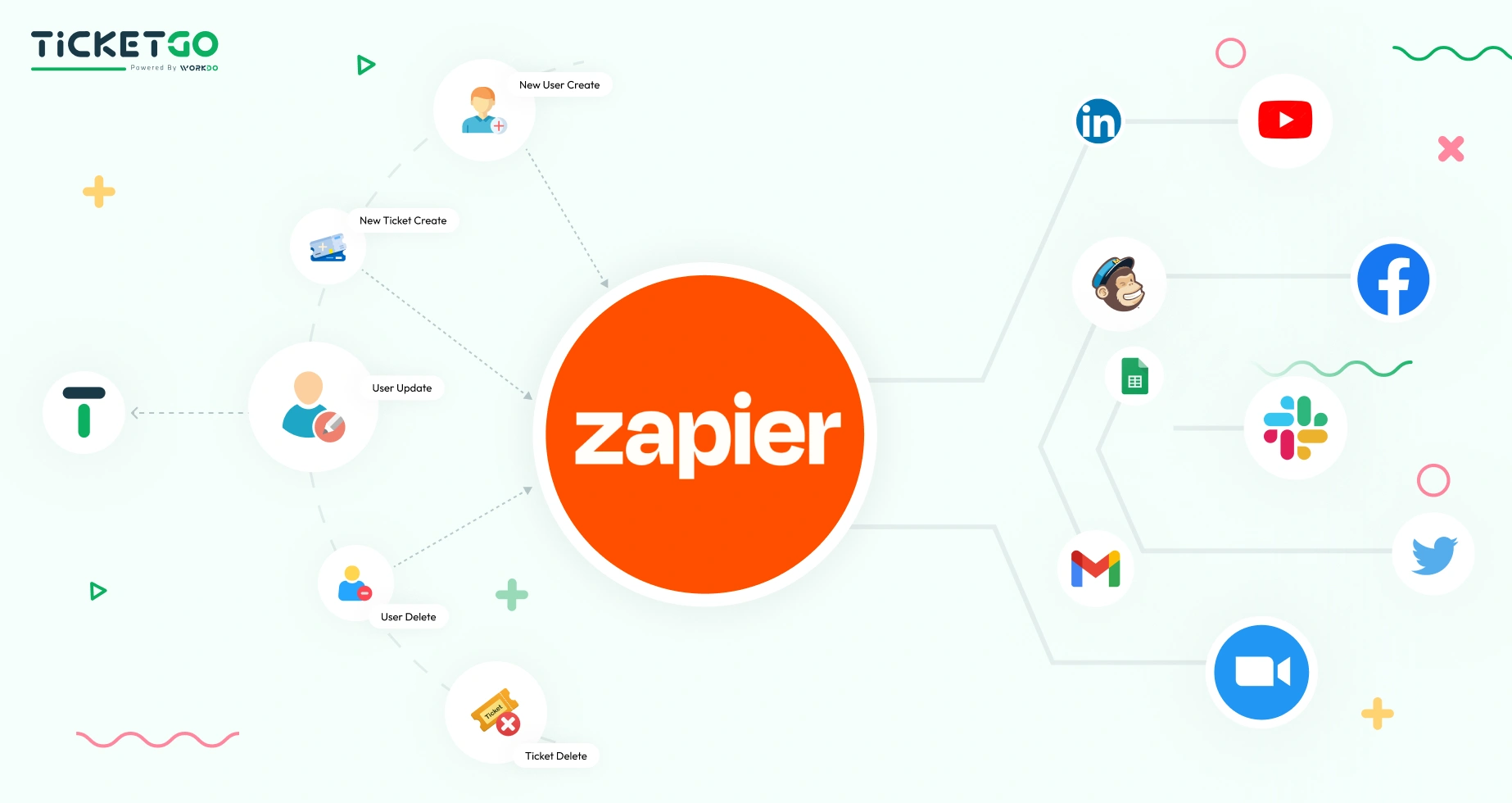
Zapier enables seamless automation of web applications, acting as a bridge between APIs to improve productivity. By reducing manual work, it allows teams to focus on high-priority tasks, ensuring faster ticket resolution and an improved customer experience.
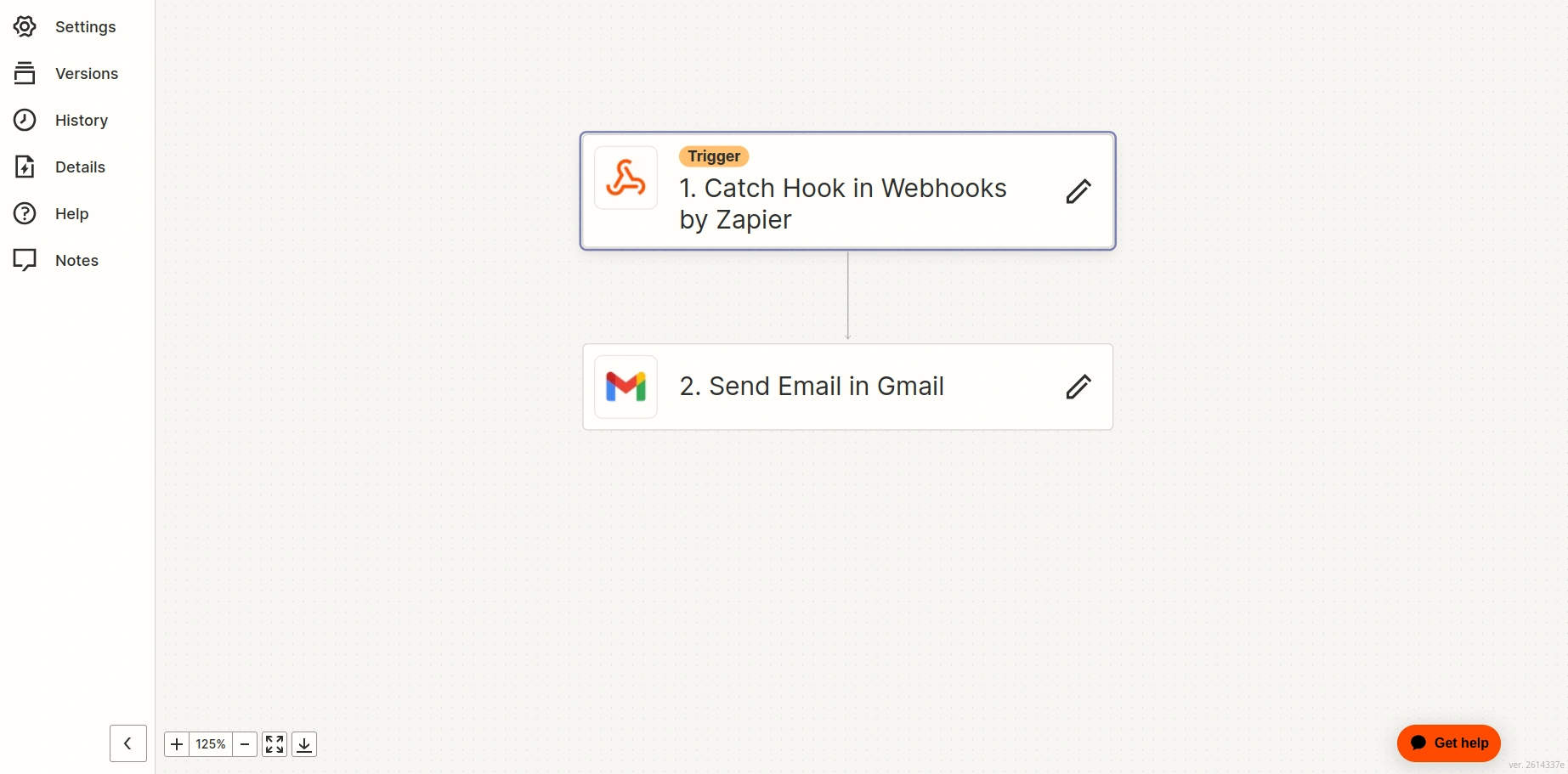
- A Trigger Where Automation Begins A trigger is an event that starts an automation. For example, if you want to receive a Slack notification whenever a new ticket is created in TicketGo, the trigger would be “New Ticket Created.”
- Performance of the Event Automation Once a trigger is activated, an action follows. For instance, if a new ticket is received, Zapier can automatically create an entry in Google Sheets or notify a specific team member in Trello.
TicketGo Zapier Integration: Features & Benefits
-
Features
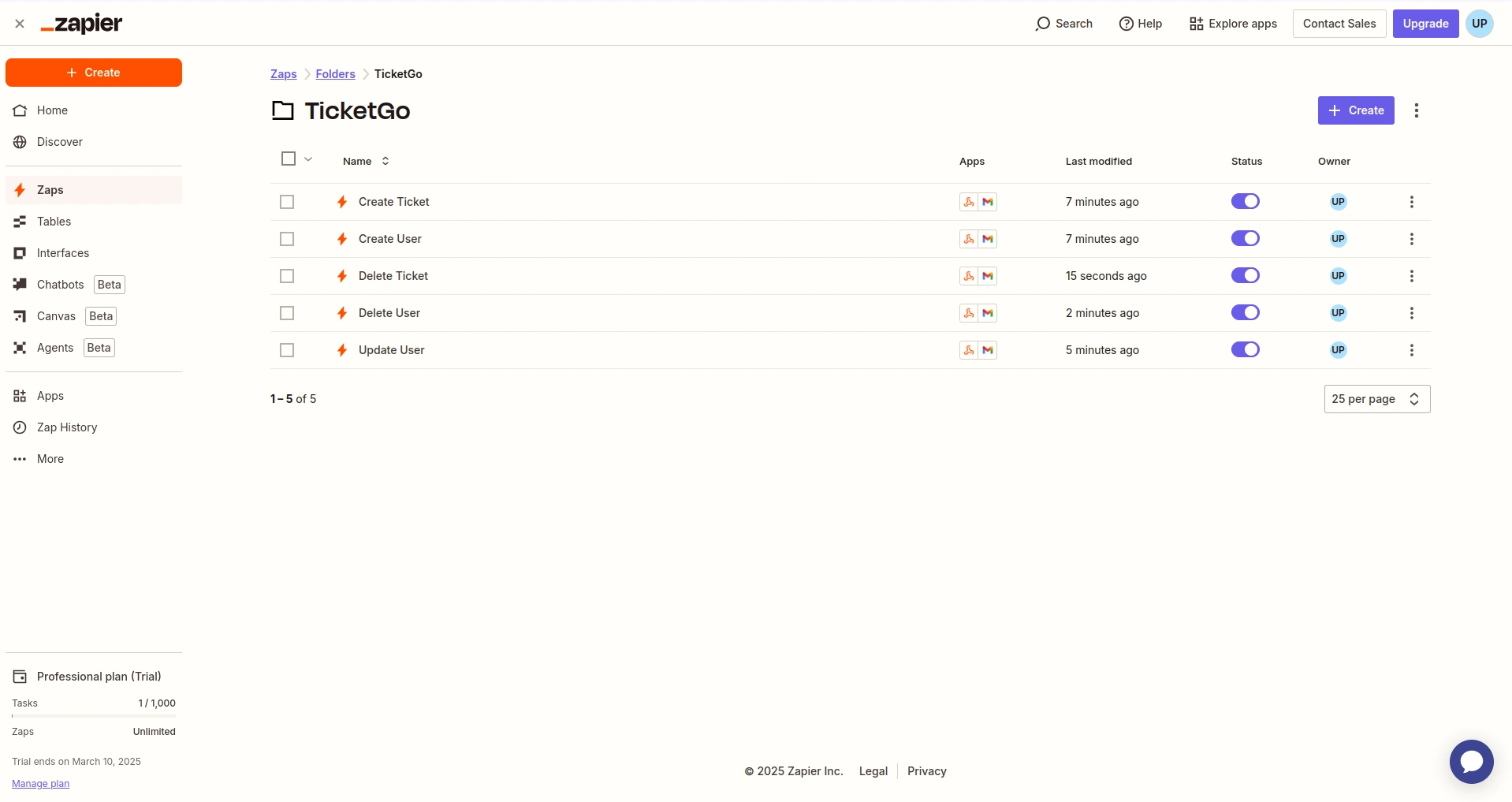
- Automate user creation, ticket creation, user updates, user delete, ticket delete, and data synchronization, saving time and reducing errors.
- Connect TicketGo with thousands of apps like Slack, HubSpot, Trello, and Google Sheets for streamlined workflows.
- Set up specific triggers and automated actions without coding, enabling real-time workflow management.
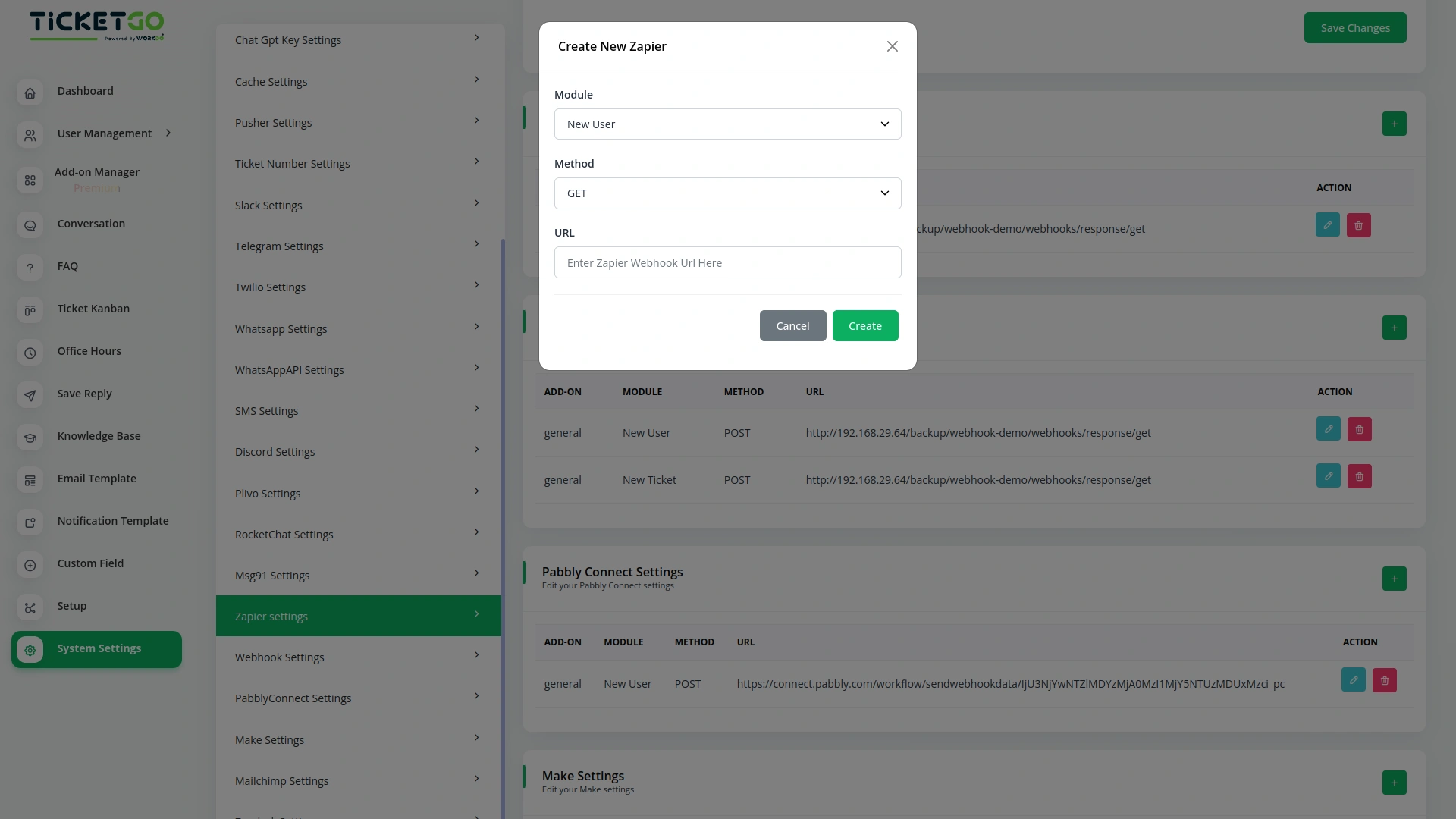
- Enter your Zapier webhook URL, select the request method (Get, Post, Put), and automate tasks instantly.
-
Benefits
- Reduce response times and enhance support quality by automating repetitive tasks.
- Minimize human errors by ensuring accurate data synchronization across platforms.
- Allow your support team to focus on critical customer interactions instead of manual updates.
- Expand automation across multiple departments, ensuring TicketGo scales with your business needs.
Flexible Features to Power Your Growth
With Zapier’s powerful automation, TicketGo users can build advanced workflows incorporating logic, conditions, and filters—without writing a single line of code. Say goodbye to inefficiencies and hello to automation-driven customer support excellence.
Screenshots from our system
To explore the functionality and usage of these Add-Ons, refer to the accompanying screenshots for step-by-step instructions on how to maximize their features.

Discover More Add-Ons
Unlock even more functionality with additional Add-Ons, providing enhanced networking and customization options for your TicketGo Add-Ons experience.

Bulk SMS
The Bulk SMS module in TicketGo helps businesses send quick updates to customers. Whether it’s ticket confirmations, status updates, or important announcements, automated SMS ensures that messages are sent on time. This reduces the need for manual follow-ups and keeps customers informed effortlessly.

Auto Reply
Customers often feel uncertain when they don’t receive an immediate response after submitting a query. The Auto Reply module addresses this concern by instantly sending a predefined message, confirming that the support team has received the request.

Webhook
In the fast-paced world of customer support, instant communication is the key to efficiency. With TicketGo’s powerful webhook integration, businesses can automate workflows, ensuring real-time data sharing between TicketGo and external applications. Whether it's updating CRMs, notifying teams on Slack, or synchronizing analytics tools, webhooks eliminate the need for manual intervention. The result? A faster, smarter, and more connected support system that helps businesses scale effortlessly.
Practical business-focused tools support operational efficiency
Clean UI components improve user interaction clarity