
Manage Support Tickets Easily with Ticket Kanban
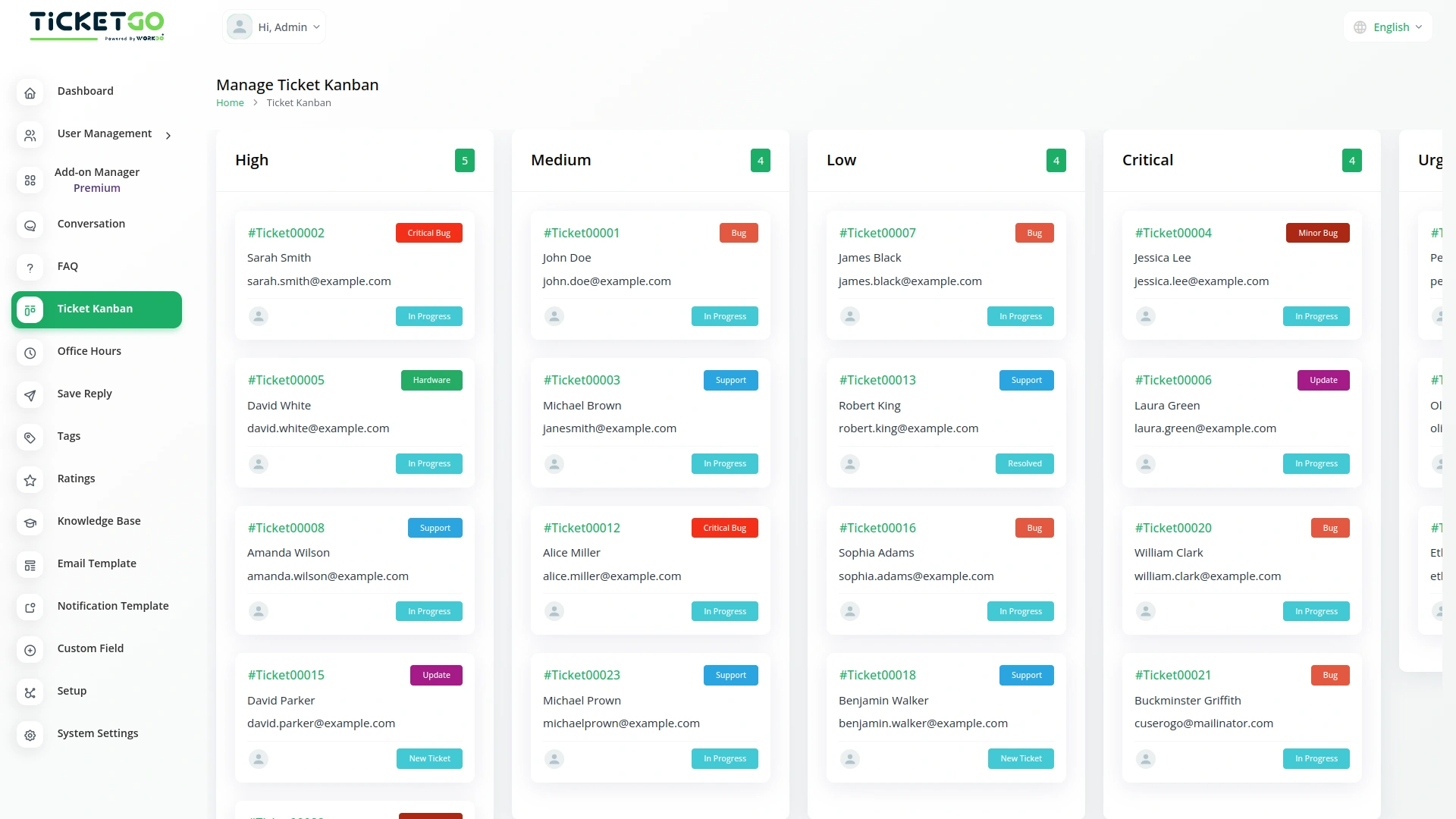
The Ticket Kanban Add-On for TicketGo helps you organize your support tickets in a simple and clear way. Instead of scrolling through long lists, you can see your tickets in a Kanban board based on their priority. This makes it easier to track and manage tickets without confusion.
Set Your Own Ticket Priorities
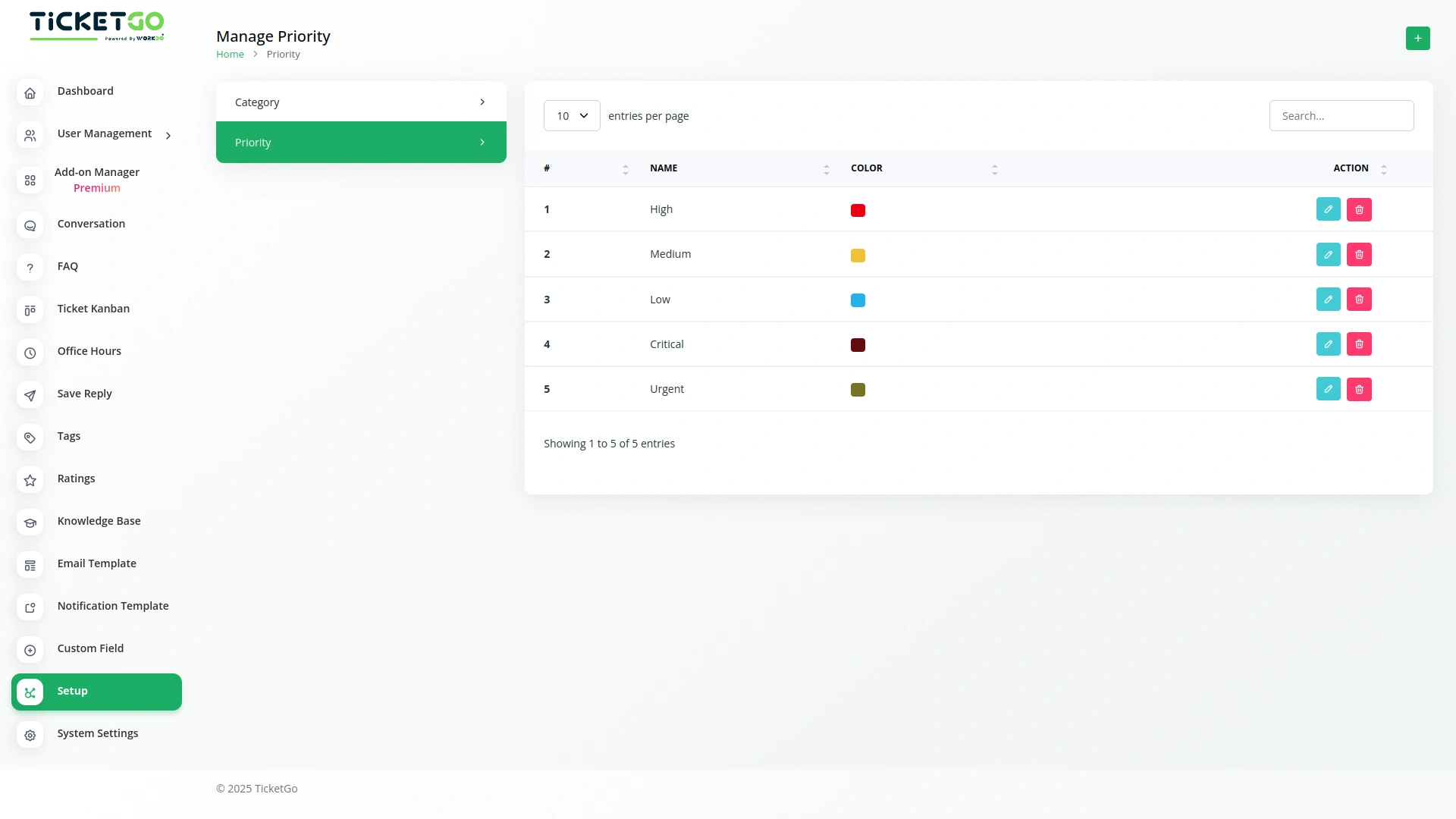
With the setup page, you can add new priority levels according to your needs. Whether you want to categorize tickets as High, Medium, or Low, you have the flexibility to create and customize priorities. This helps your team focus on the most important tickets first.
Drag and Drop Tickets Easily
Managing tickets is simple with the drag-and-drop feature. You can move tickets between different priority levels just by dragging them on the Kanban page. As soon as you move a ticket, its priority is automatically updated in the main Tickets page too.
Automatic Sync Between Kanban and Tickets Page
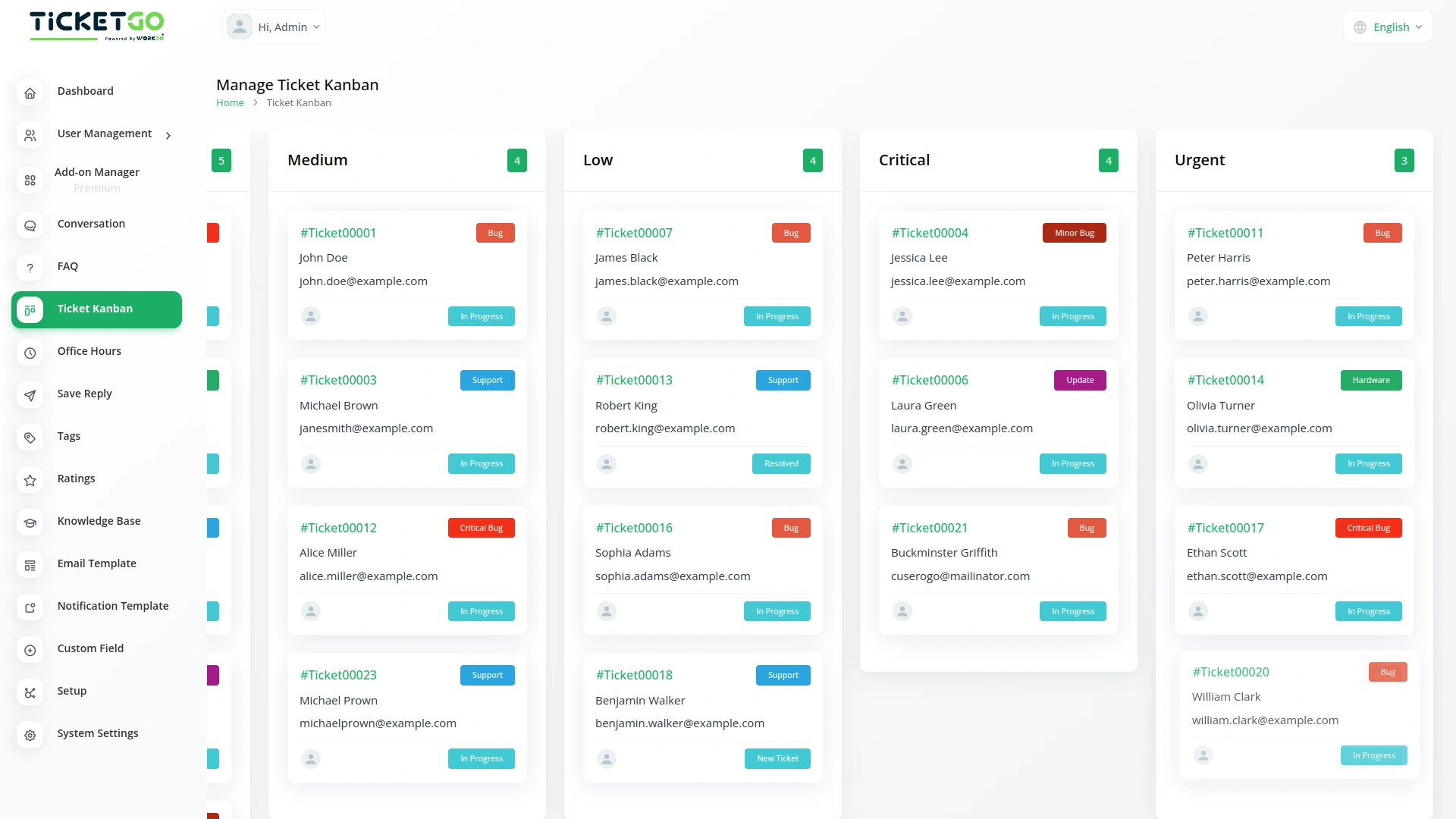
Any changes you make in the Ticket Kanban Add-On are automatically updated on the Tickets page, and vice versa. If you create a new ticket on the Tickets page, it will also appear on the Kanban board under the correct priority. This keeps everything updated without extra effort.
Screenshots from our system
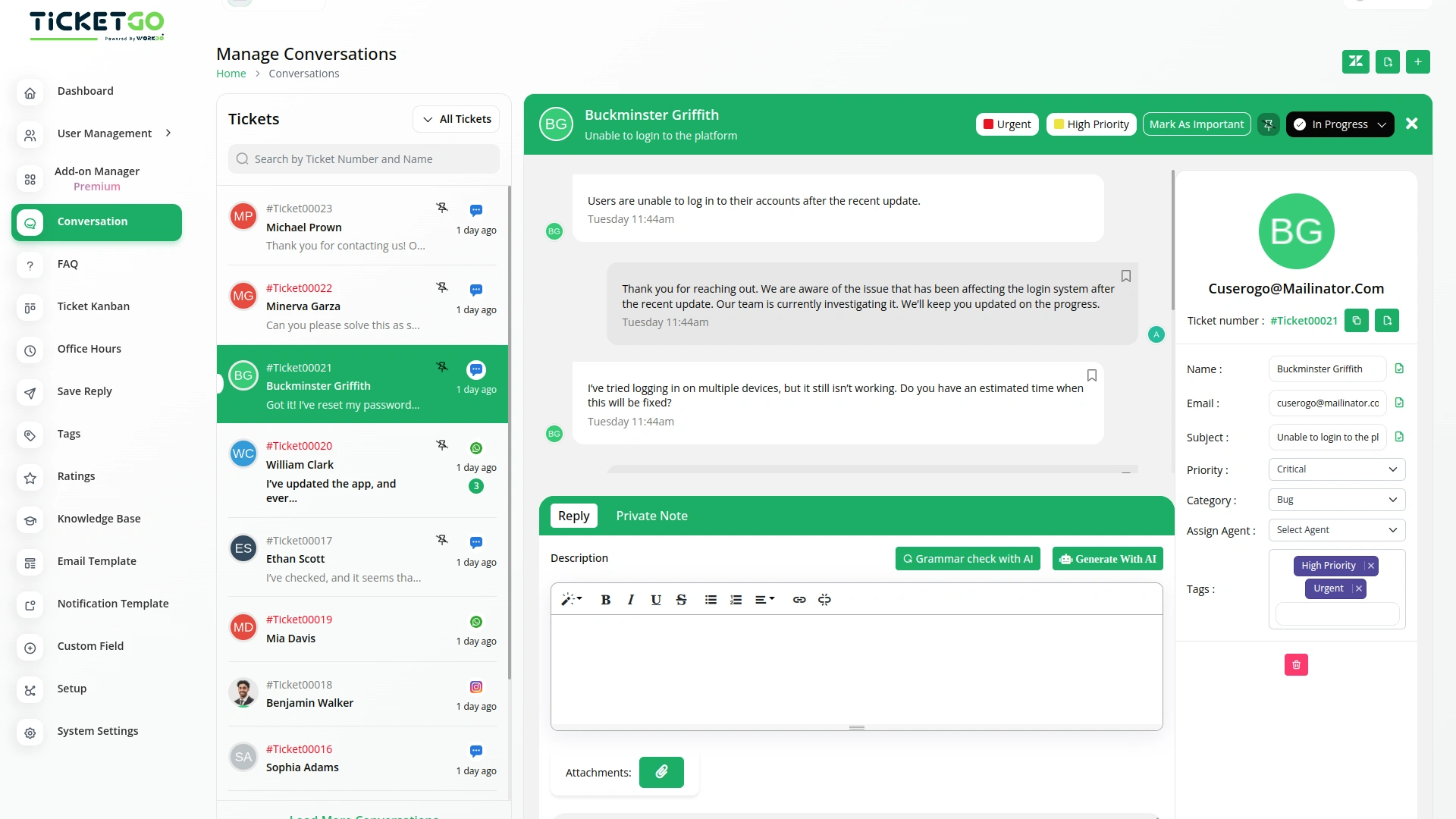
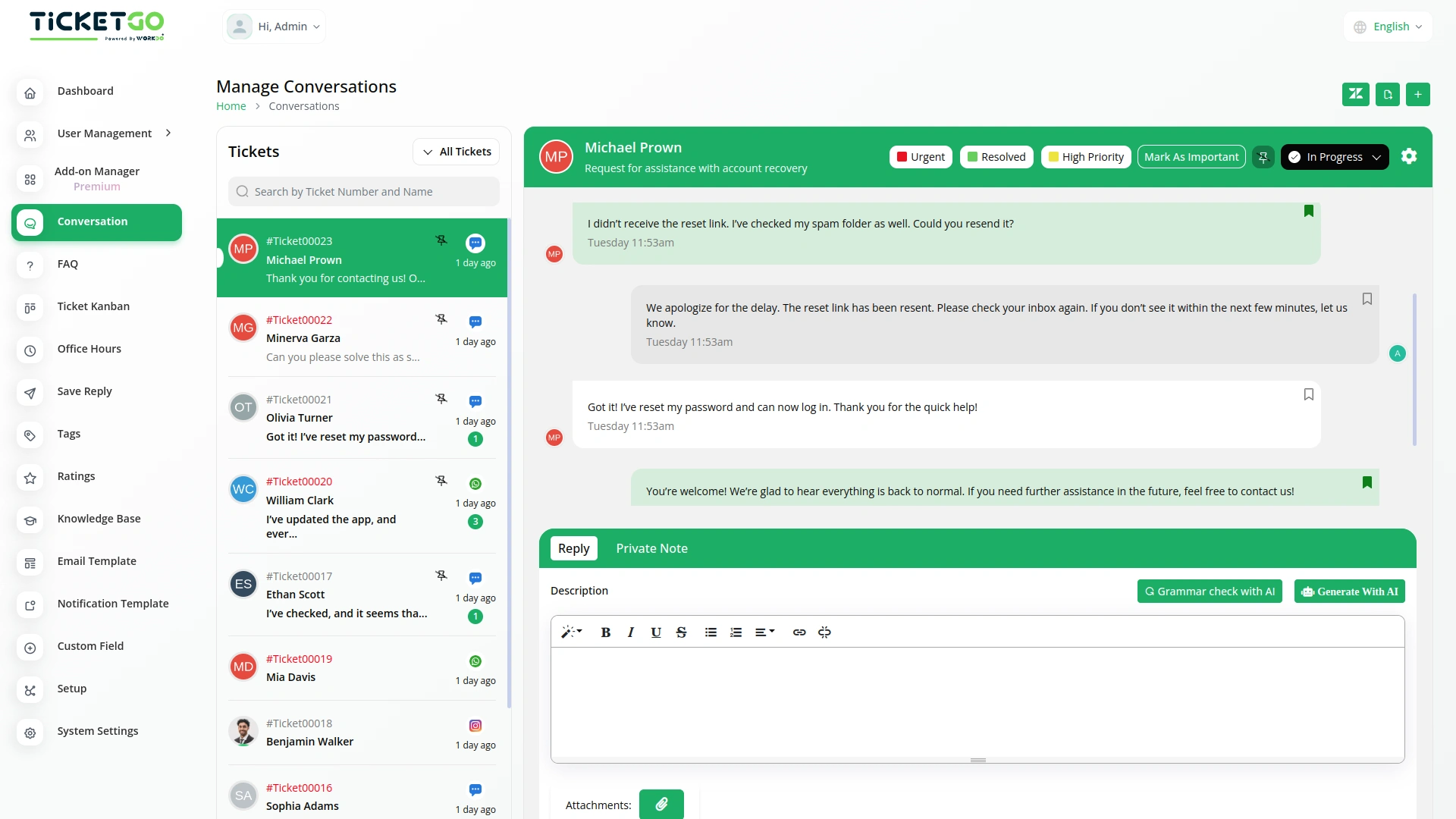
To explore the functionality and usage of these Add-Ons, refer to the accompanying screenshots for step-by-step instructions on how to maximize their features.
Discover More Add-Ons
Unlock even more functionality with additional Add-Ons, providing enhanced networking and customization options for your TicketGo Add-Ons experience.

Plivo
The Plivo integration within TicketGo allows businesses to receive and send SMS notifications for crucial ticket events, ensuring real-time updates across agents, admins, and customers. By leveraging Plivo’s messaging API, you can keep everyone in the loop, whether it's notifying agents about incoming tickets or informing customers about ticket status changes. The integration enhances customer service efficiency by automating notifications and improving communication flow without needing additional tools.

Out Of Office
The Out of Office module in TicketGo allows agents to update their availability with a simple toggle. If an agent is unavailable, they can disable the Out of Office button, making it clear to both customers and admins that they are not currently active. This helps in ensuring a smooth ticket assignment process.

Pabbly Connect
Pabbly Connect is a versatile automation platform seamlessly integrating 1000+ apps, from Google Sheets to Shopify. With its user-friendly interface, creating automated workflows becomes effortless. Boosting efficiency, Pabbly Connect enables scheduled workflows, advanced paths, and automated data extraction from emails. Imagine the potential for streamlined processes and real-time data synchronization, all achieved with this powerful, no-code automation solution.

Msg91
The MSG91 integration in TicketGo enables businesses to automate SMS notifications for various ticketing events, ensuring that all stakeholders—including customers, agents, and admins—receive timely updates. With this integration, businesses can enhance customer support efficiency, improve communication flow, and keep everyone informed in real time. By leveraging MSG91’s powerful messaging platform, TicketGo users can streamline their processes and offer superior customer service through SMS alerts, reducing response times and improving overall ticket management.
The solution has brought more control and visibility into our internal processes
The smooth transitions between sections make the entire workflow feel natural and intuitive
Support responds instantly
Clean and well-structured, making setup and updates smooth.
Features give us confidence