
Manage Support Tickets Easily with Ticket Kanban
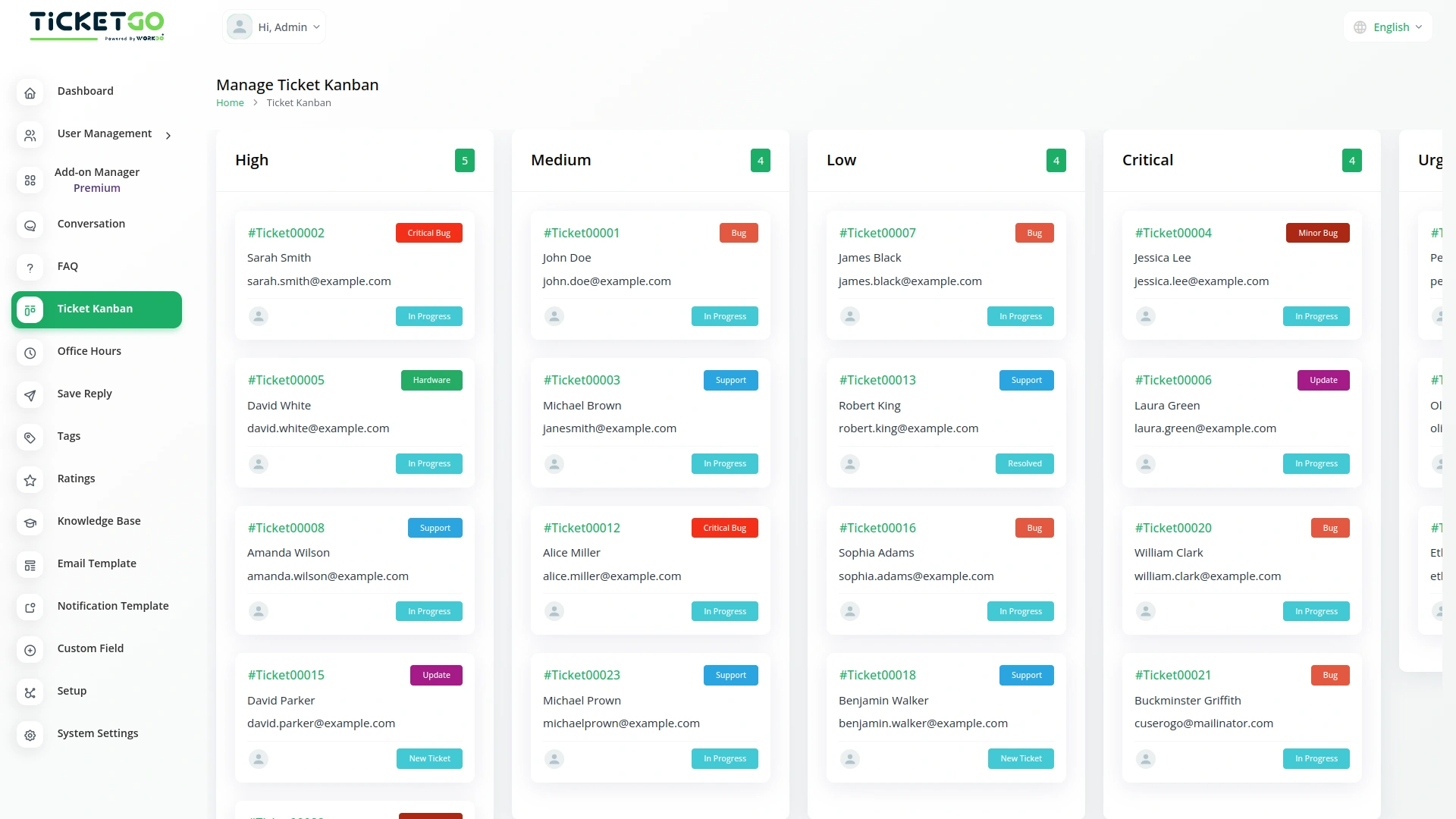
The Ticket Kanban Add-On for TicketGo helps you organize your support tickets in a simple and clear way. Instead of scrolling through long lists, you can see your tickets in a Kanban board based on their priority. This makes it easier to track and manage tickets without confusion.
Set Your Own Ticket Priorities
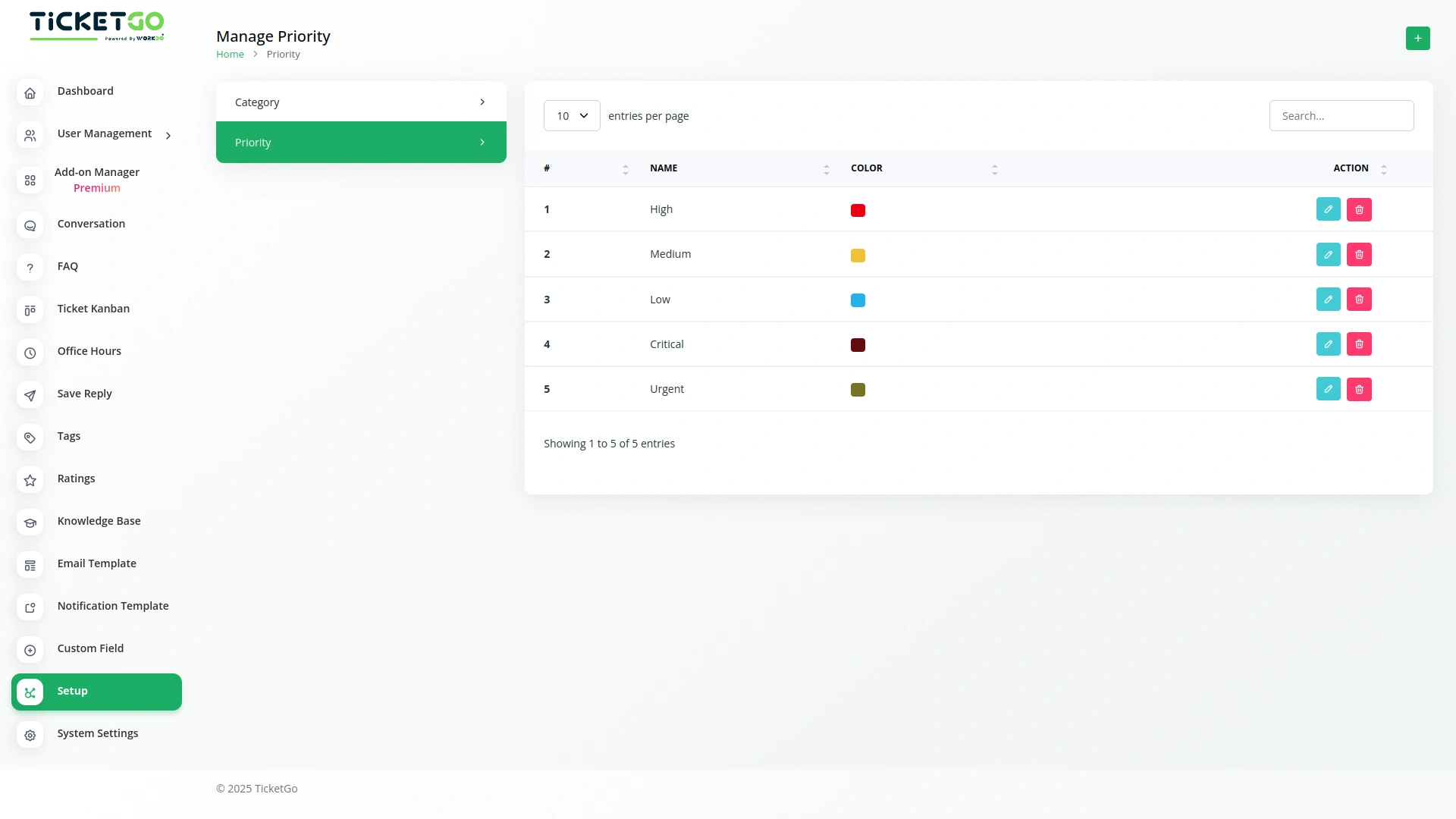
With the setup page, you can add new priority levels according to your needs. Whether you want to categorize tickets as High, Medium, or Low, you have the flexibility to create and customize priorities. This helps your team focus on the most important tickets first.
Drag and Drop Tickets Easily
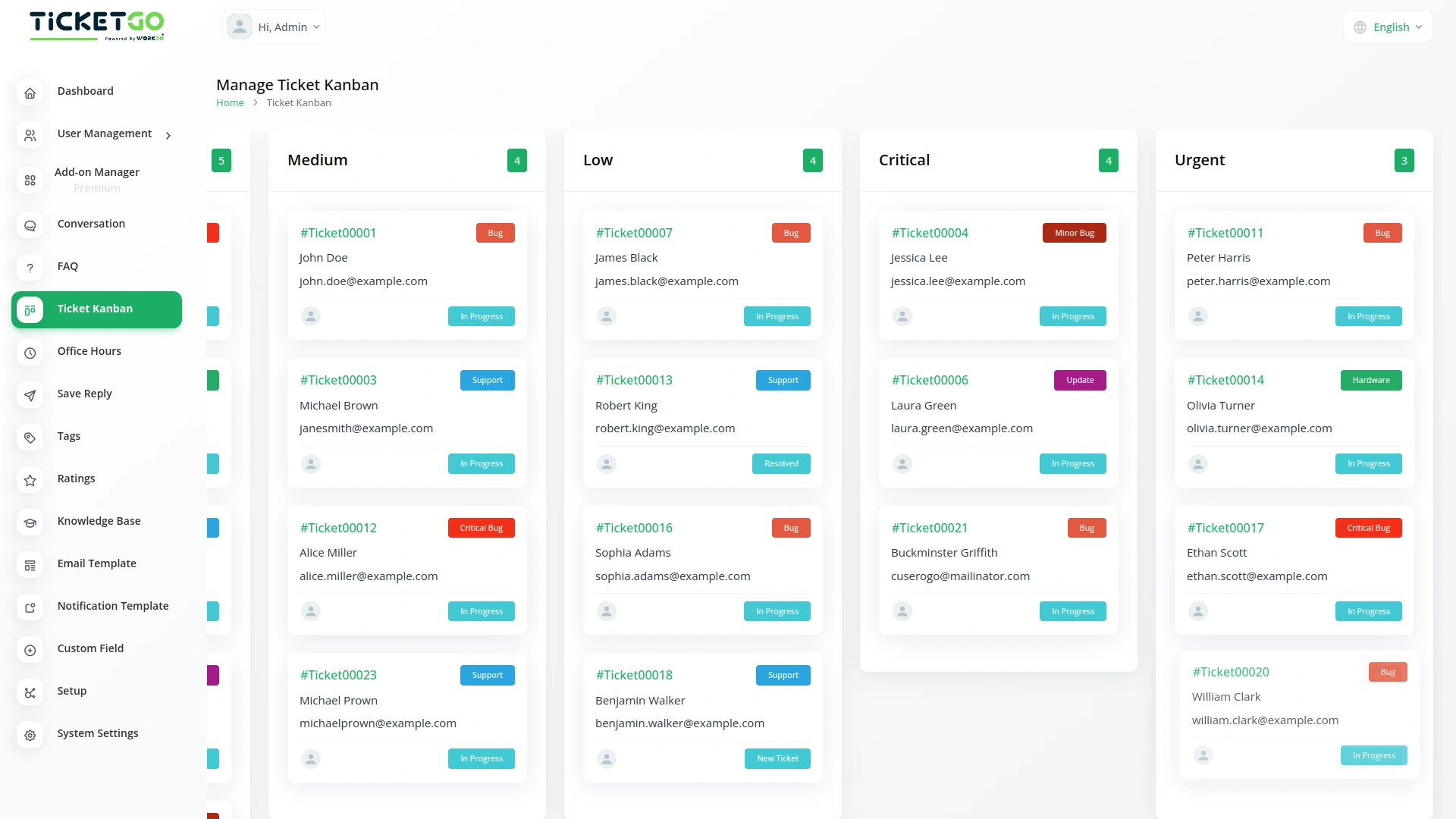
Managing tickets is simple with the drag-and-drop feature. You can move tickets between different priority levels just by dragging them on the Kanban page. As soon as you move a ticket, its priority is automatically updated in the main Tickets page too.
Automatic Sync Between Kanban and Tickets Page
Any changes you make in the Ticket Kanban Add-On are automatically updated on the Tickets page, and vice versa. If you create a new ticket on the Tickets page, it will also appear on the Kanban board under the correct priority. This keeps everything updated without extra effort.
Screenshots from our system
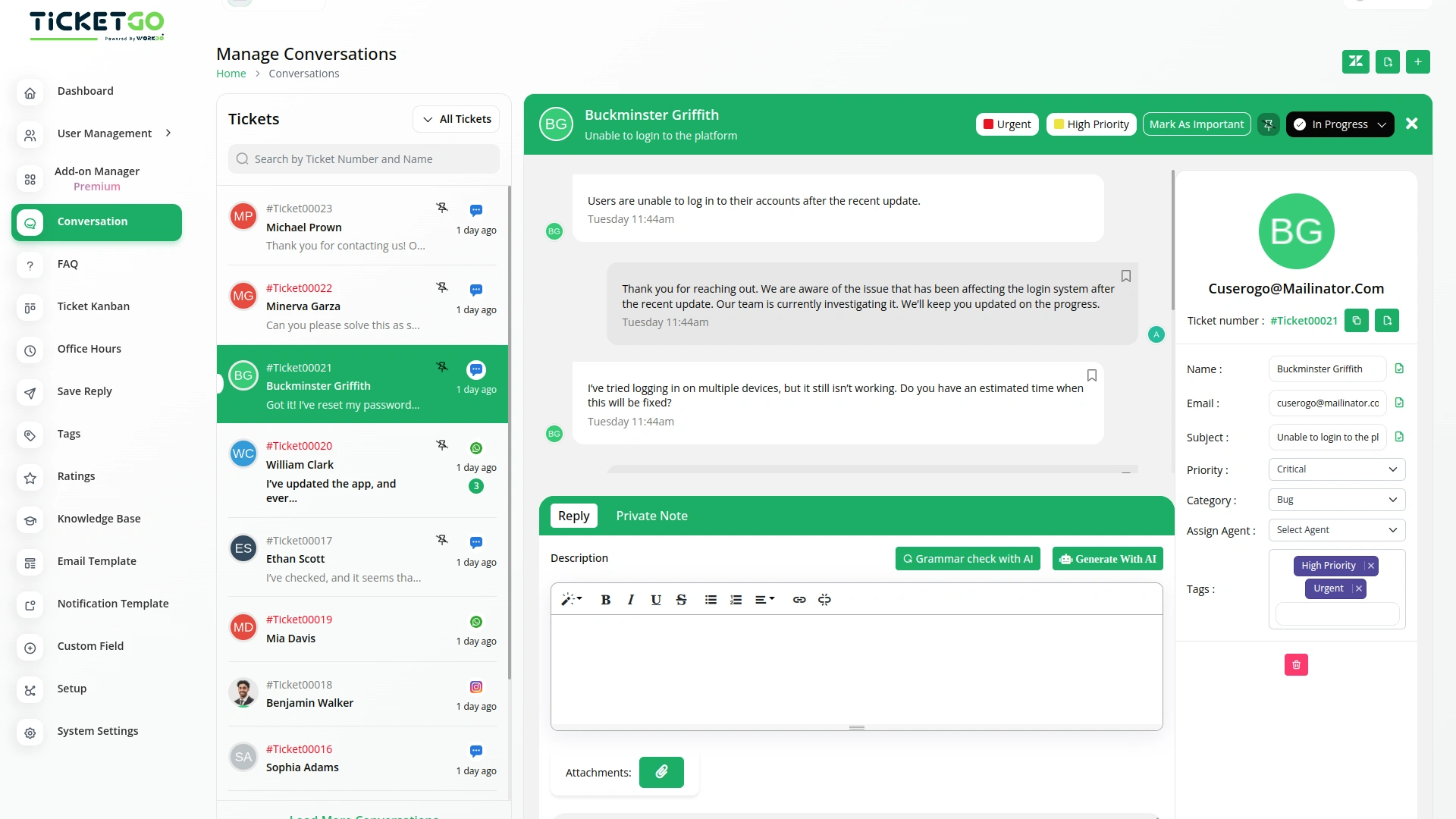
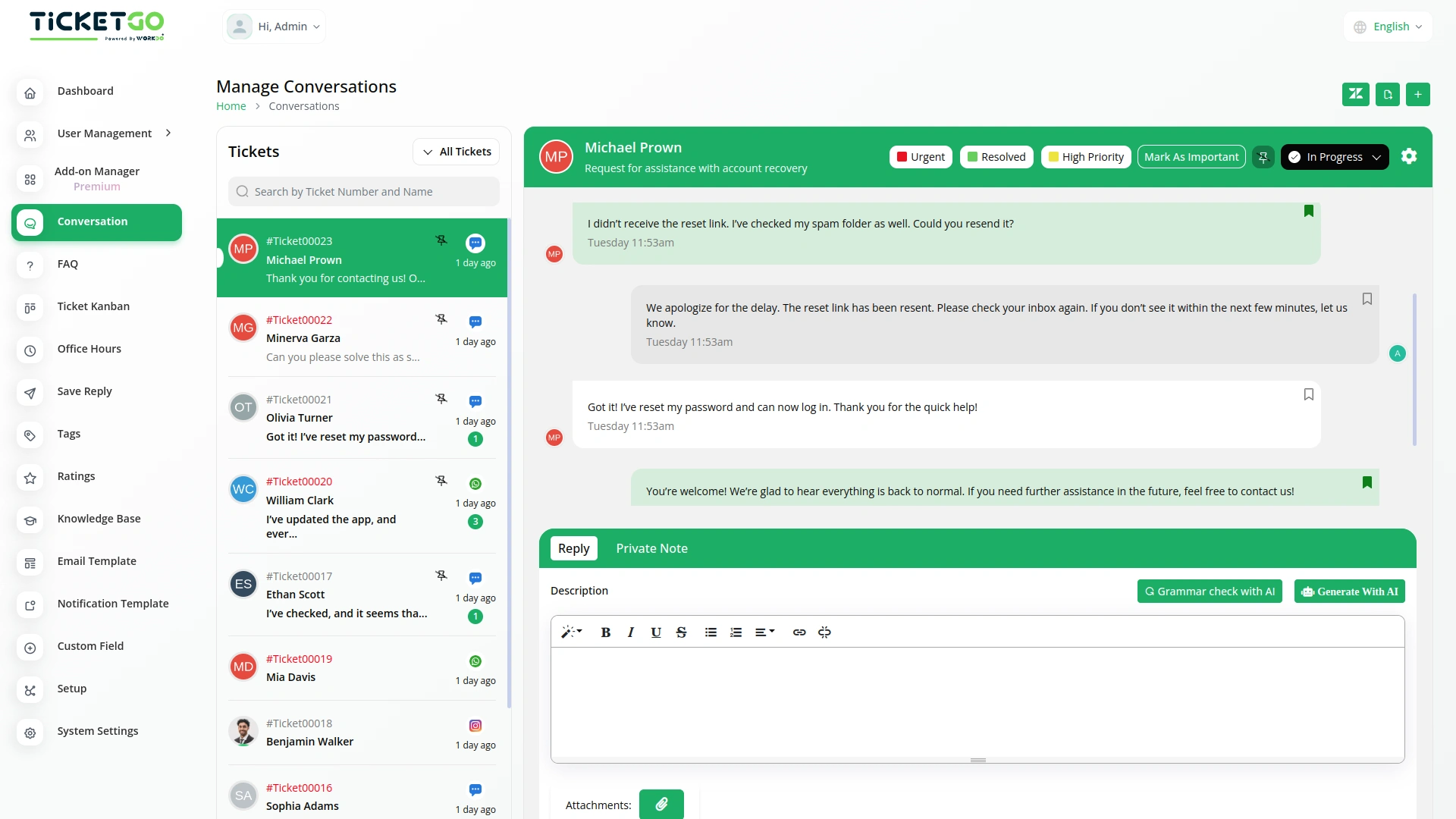
To explore the functionality and usage of these Add-Ons, refer to the accompanying screenshots for step-by-step instructions on how to maximize their features.
Discover More Add-Ons
Unlock even more functionality with additional Add-Ons, providing enhanced networking and customization options for your TicketGo Add-Ons experience.


WhatsApp Chatbot & Chat
The WhatsApp Chatbot Add-On in TicketGo enables customers to create support tickets effortlessly through WhatsApp. Instead of navigating through a website or app, users can simply send a message detailing their issue, and the chatbot will capture the necessary information to generate a ticket. This eliminates long wait times and ensures that queries are logged into the system instantly, allowing for a quick and efficient resolution process.

Ticket Number
Beyond functionality, the Ticket Number module offers an opportunity to enhance your brand identity. You can tailor the ticket numbering system to align with your business's style or terminology, further professionalizing the support experience.

Mark As Important
The Mark as Important feature in TicketGo helps you easily prioritize conversations that matter the most. With just one click, you can ensure critical tickets stand out, allowing you to focus on urgent issues without getting lost in the noise. This functionality is perfect for businesses that need to handle high-priority inquiries efficiently.
The solution has brought more control and visibility into our internal processes
The smooth transitions between sections make the entire workflow feel natural and intuitive
Support responds instantly
Clean and well-structured, making setup and updates smooth.
Features give us confidence