
Streamlined Notification Settings
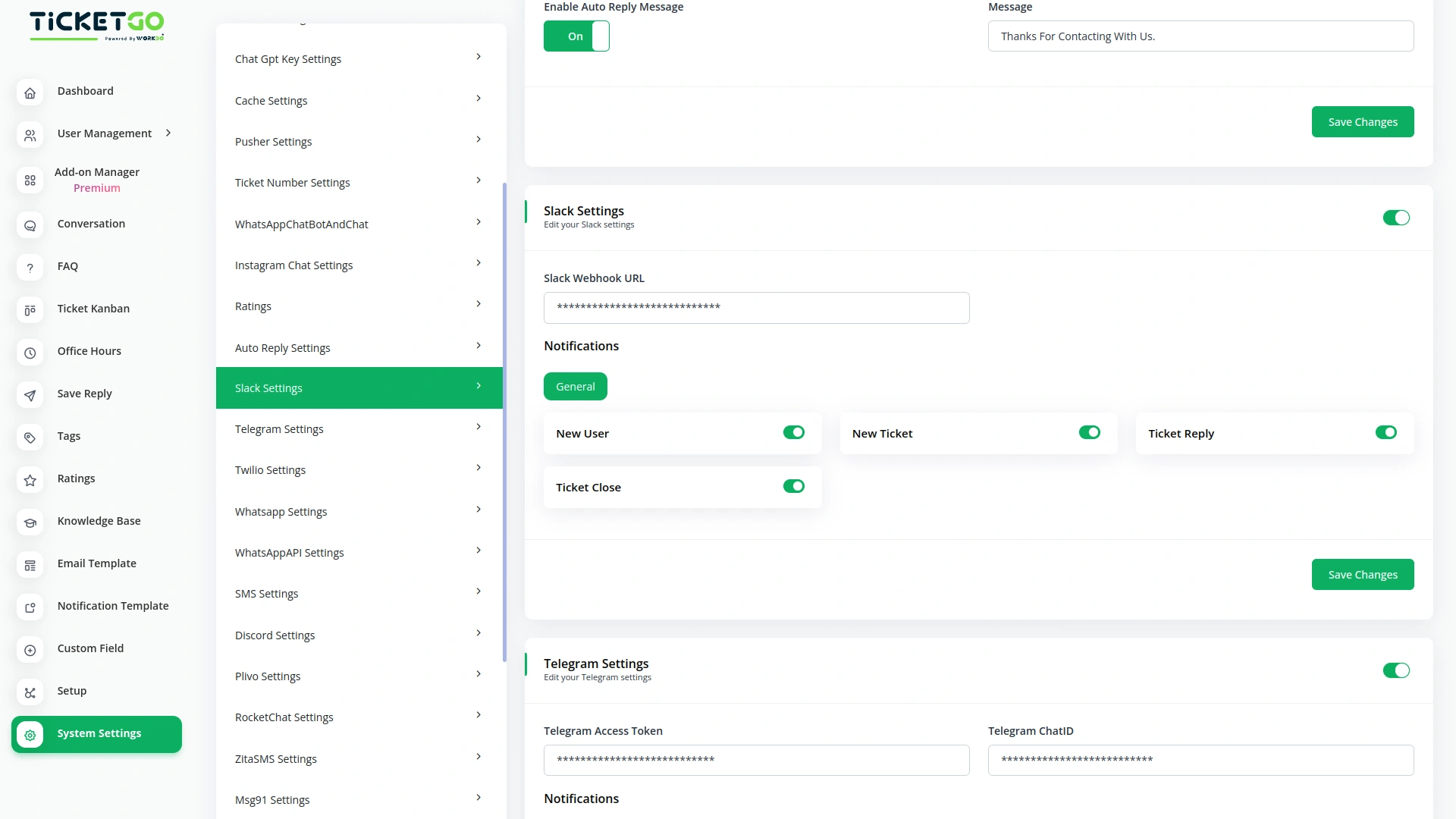
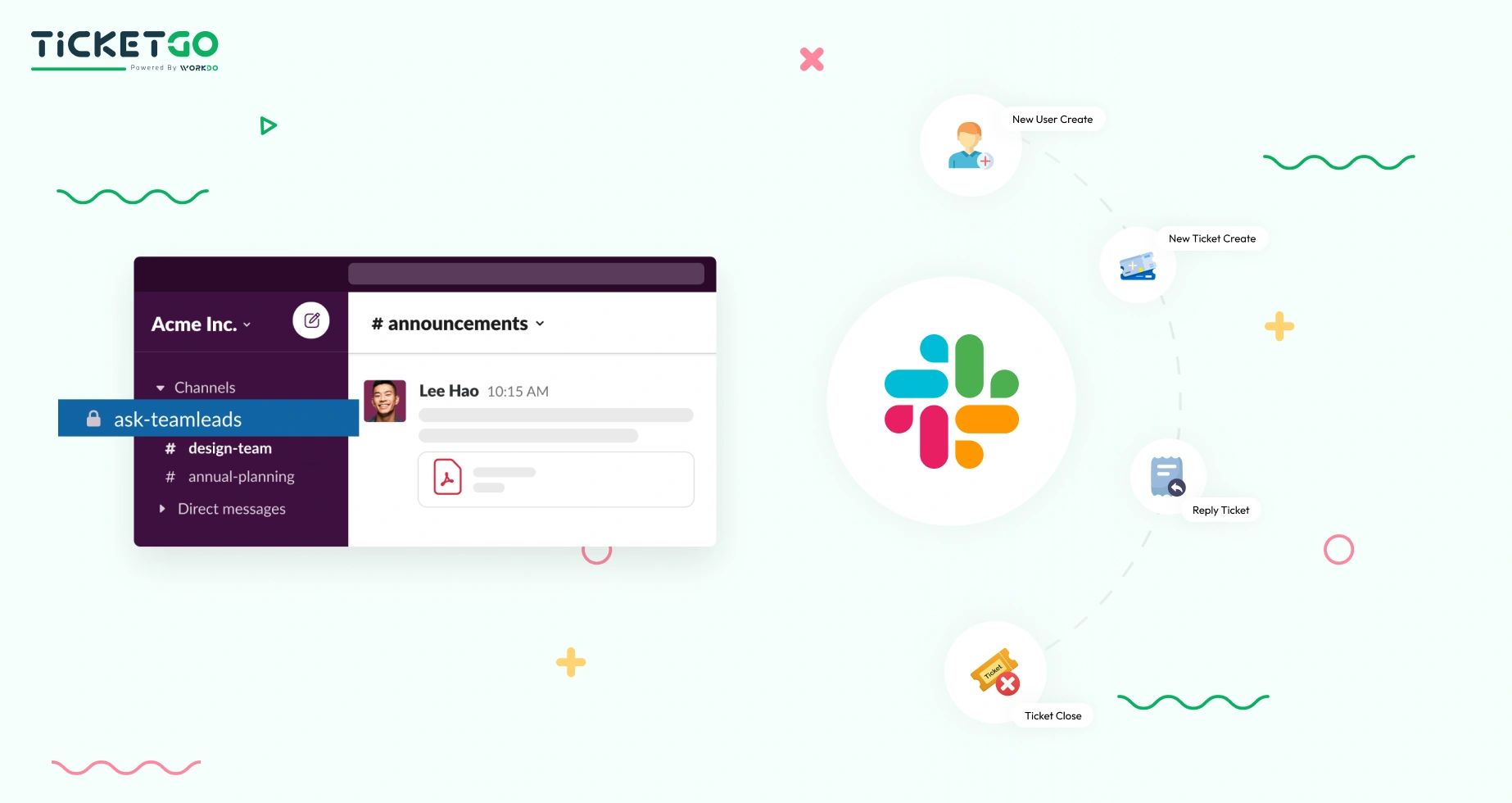
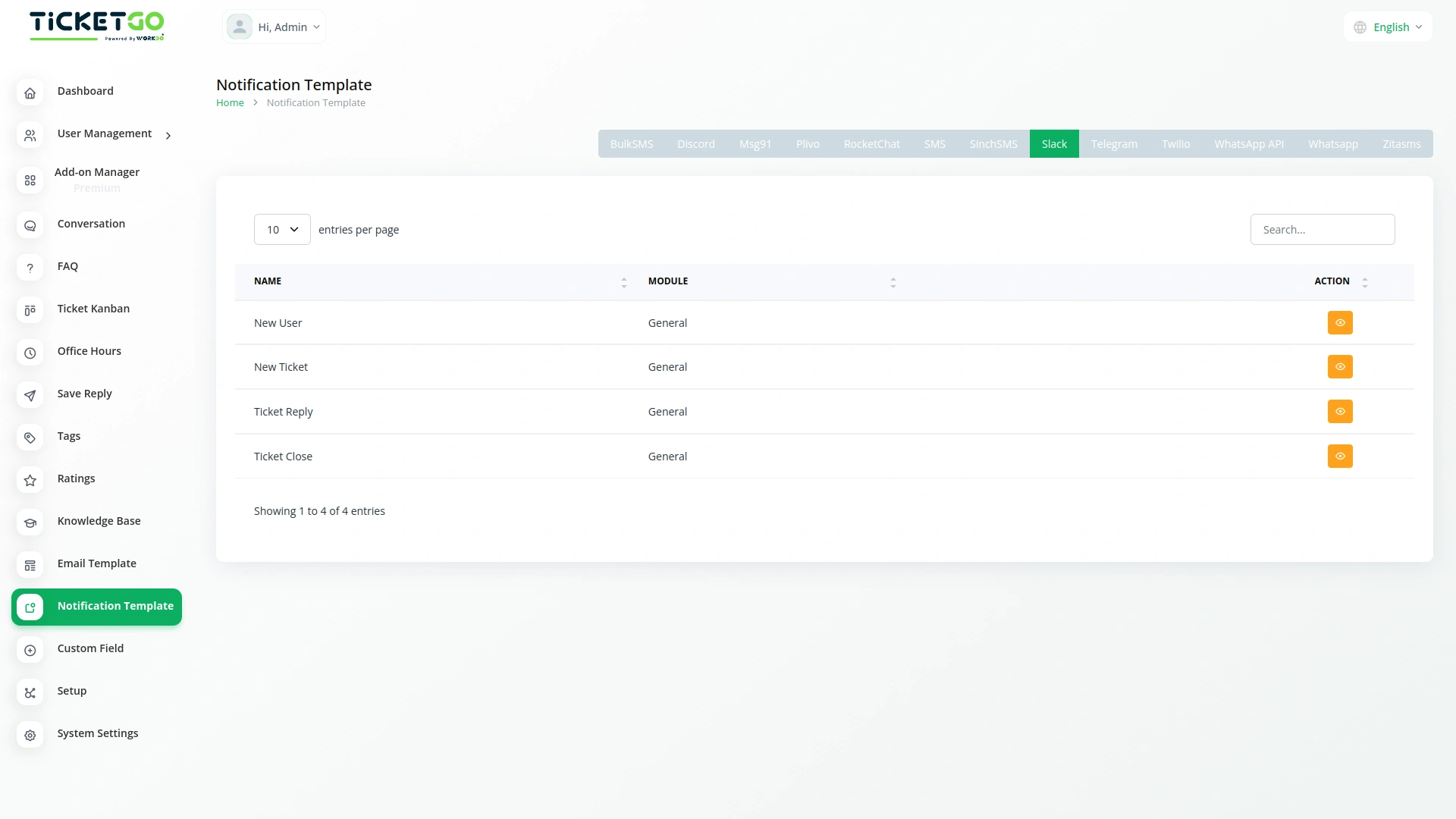
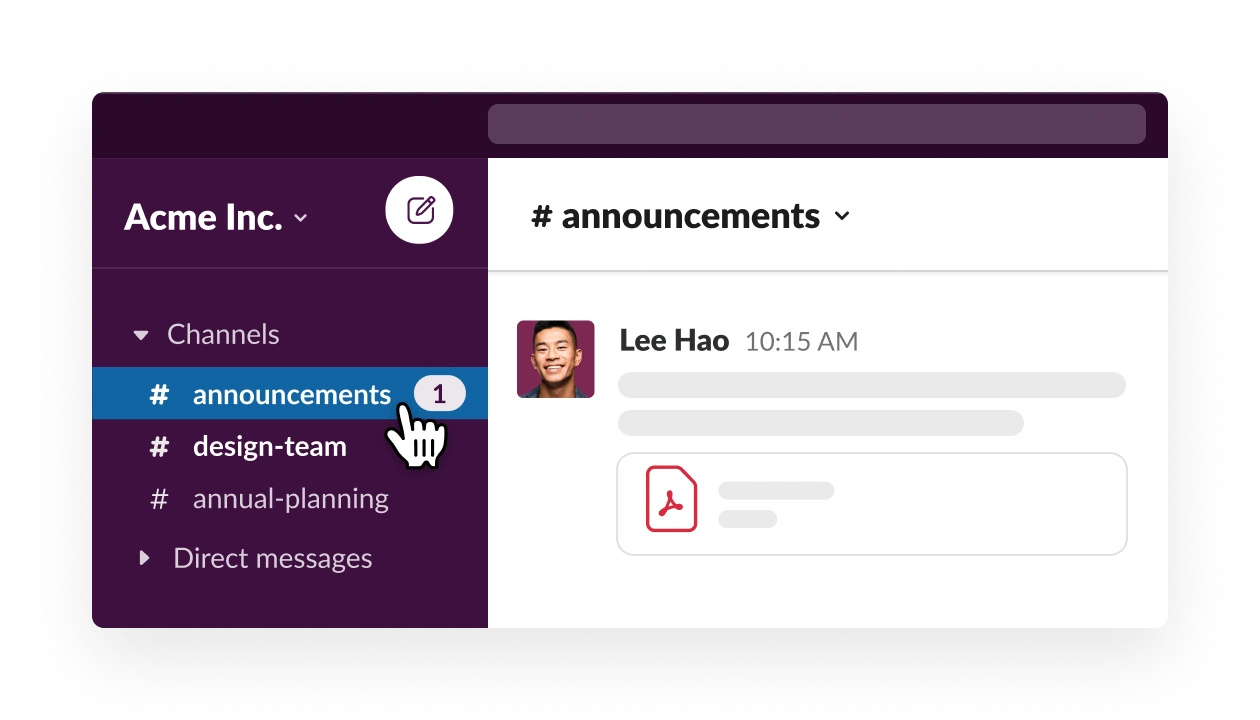
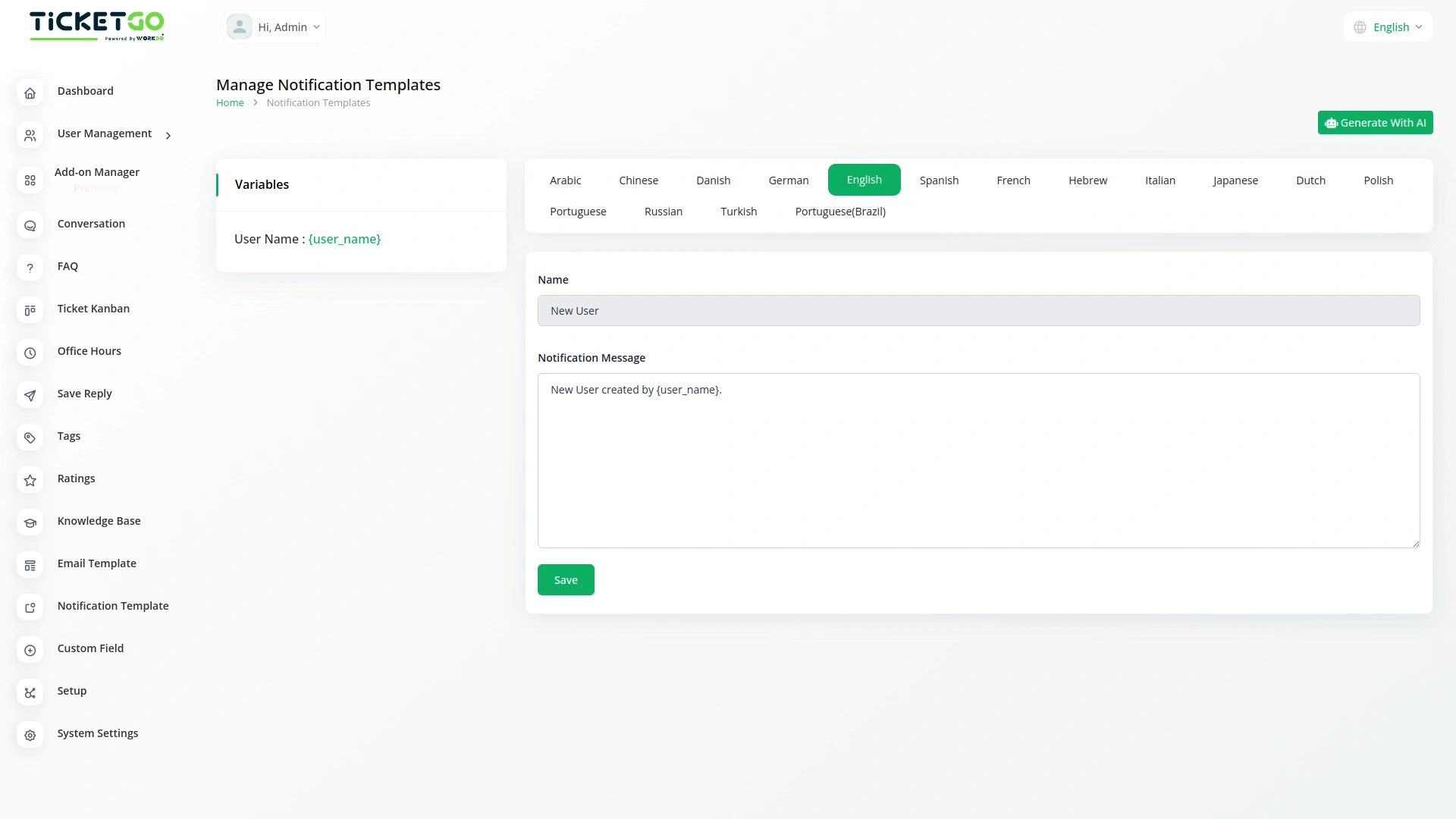
The Slack integration ensures you stay updated on all key activities within TicketGo. Receive instant alerts when a new user is created, a new ticket is generated, a ticket reply is sent, or a ticket is closed. These notifications help your team stay on top of their tasks and respond promptly, improving communication and reducing delays. By centralizing all updates within Slack, your team can collaborate more effectively and resolve tickets faster.
Key Features of Slack Integration
With the Slack Add-On for TicketGo, your team can benefit from several key features that enhance productivity and collaboration. Get real-time notifications on new, updated, or assigned tickets, ensuring your team is always in the loop. With automated ticket assignment alerts, you can quickly act on new responsibilities, while customizable channel notifications allow you to tailor alerts for specific teams. Track ticket progress effortlessly with status updates sent directly to Slack, and use Slack’s built-in messaging tools to collaborate without leaving the platform.
Screenshots from our system
To explore the functionality and usage of these Add-Ons, refer to the accompanying screenshots for step-by-step instructions on how to maximize their features.

Discover More Add-Ons
Unlock even more functionality with additional Add-Ons, providing enhanced networking and customization options for your TicketGo Add-Ons experience.

SMS
The SMS Notification Integration in TicketGo provides businesses with a reliable way to notify users about important ticket updates through SMS. This integration ensures that customers receive real-time notifications, even when they do not have access to email or other communication platforms. With the widespread use of mobile phones, SMS serves as a highly effective channel to keep customers informed about their ticket status, reducing the chances of missed updates and improving customer satisfaction.

Mailchimp
Transform the way you communicate with customers by integrating Mailchimp with TicketGo. This powerful Add-On bridges the gap between customer support and email marketing, ensuring that every ticket interaction is an opportunity to engage, inform, and build lasting relationships. From automated ticket notifications to personalized follow-ups, Mailchimp integration keeps your customers in the loop while enhancing your brand’s communication strategy.


Msg91
The MSG91 integration in TicketGo enables businesses to automate SMS notifications for various ticketing events, ensuring that all stakeholders—including customers, agents, and admins—receive timely updates. With this integration, businesses can enhance customer support efficiency, improve communication flow, and keep everyone informed in real time. By leveraging MSG91’s powerful messaging platform, TicketGo users can streamline their processes and offer superior customer service through SMS alerts, reducing response times and improving overall ticket management.
Consistent module behavior maintains smooth operational flow
The setup process was fast and simple