
Configuring RocketChat Notifications
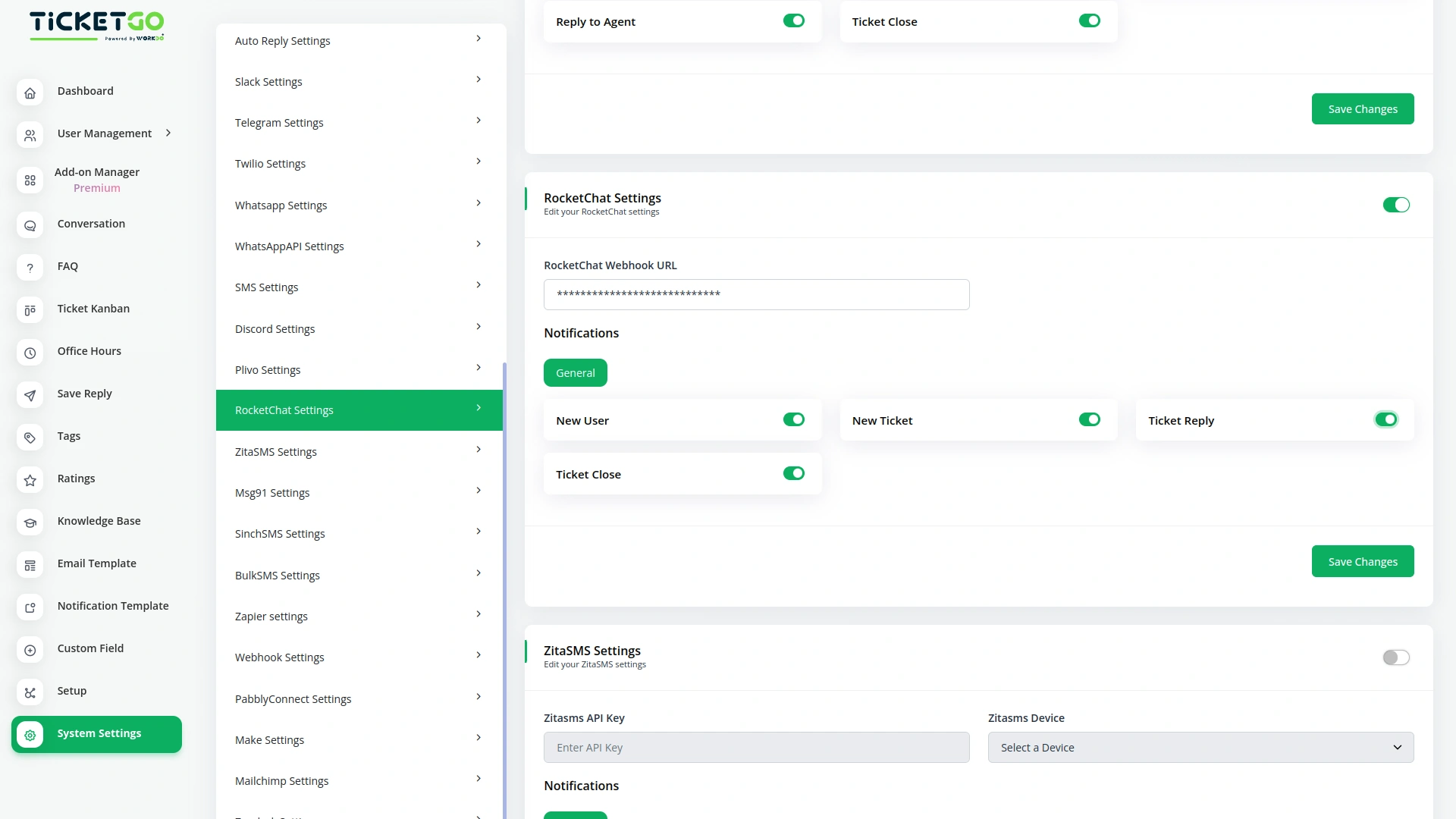
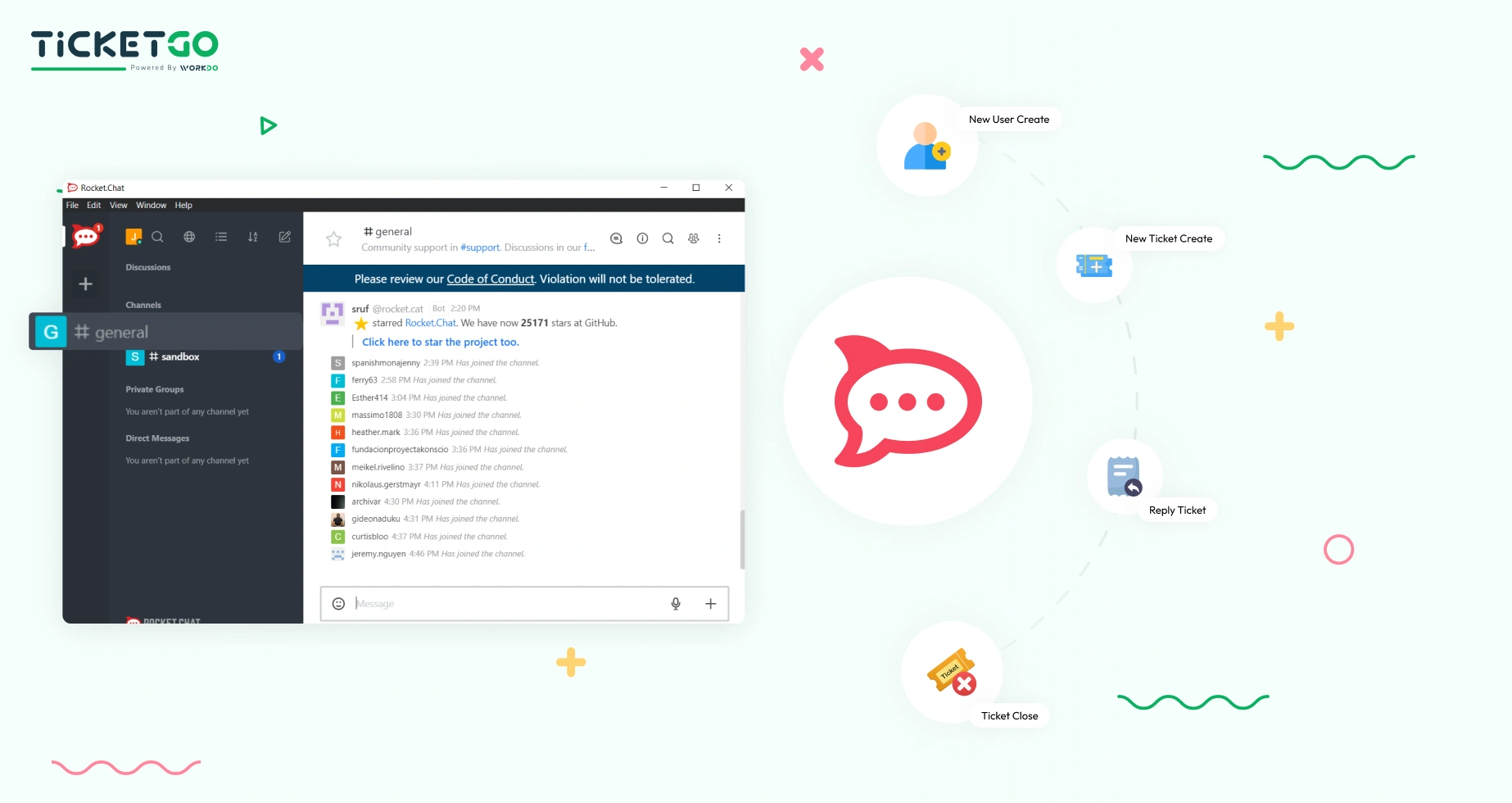
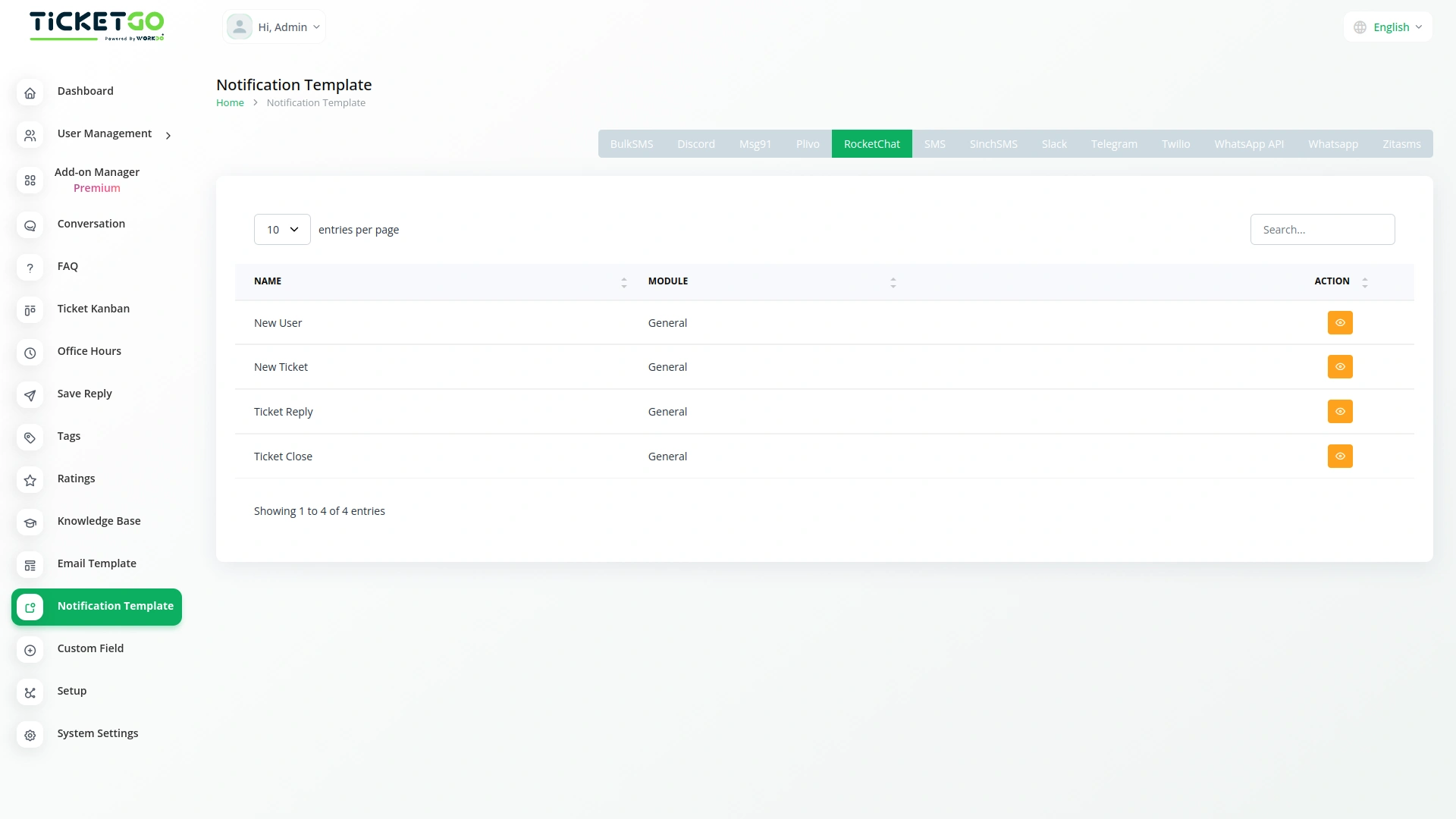
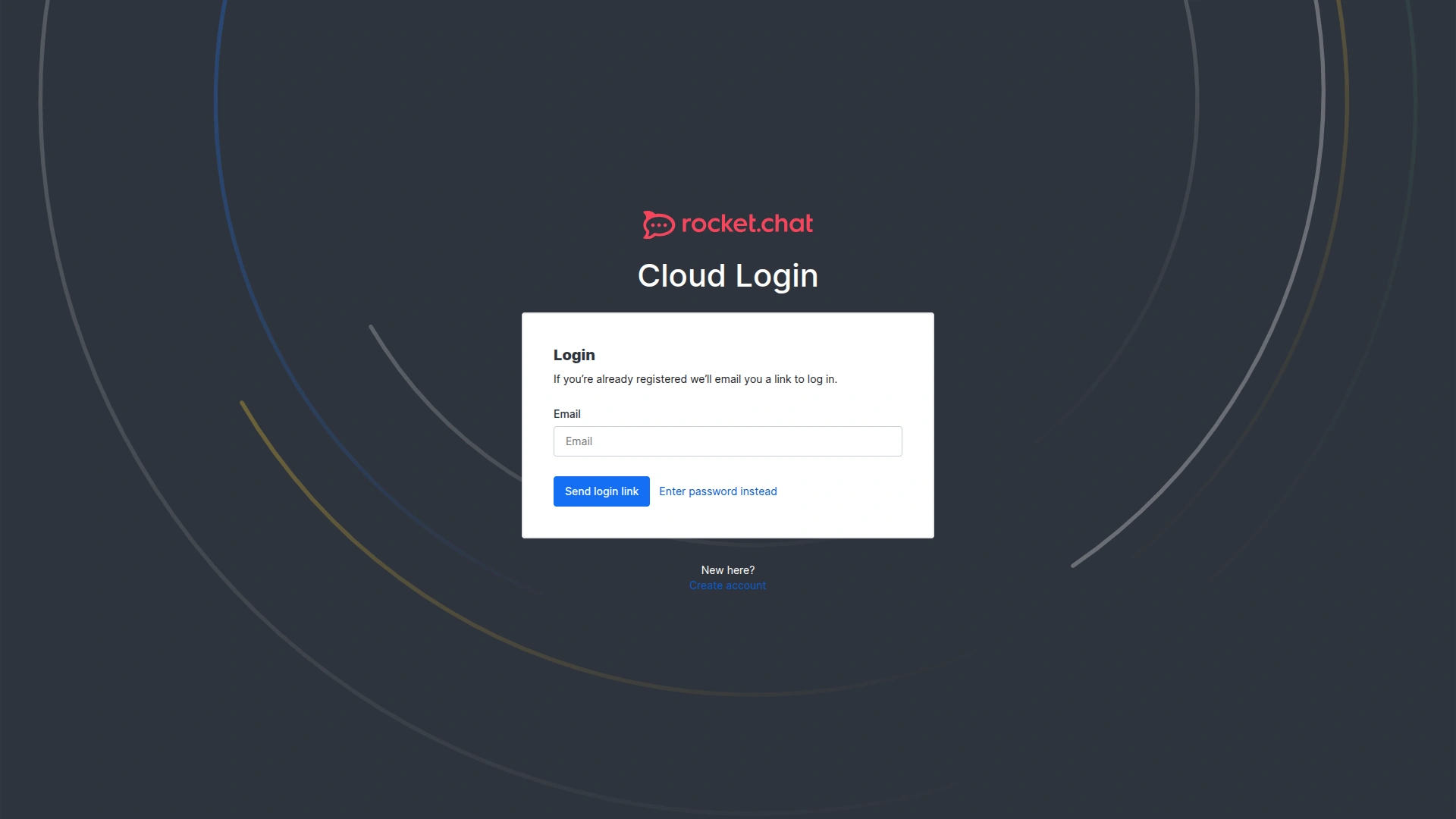
Setting up RocketChat notifications in TicketGo requires configuring the integration through API credentials and linking it to your RocketChat instance. During the setup, you will define which ticket events should trigger notifications and choose the relevant RocketChat channels where these alerts will be sent. Once everything is set up, TicketGo will automatically push notifications to RocketChat based on the configured events.
Best Practices for Managing Notifications
To ensure your team receives only the most relevant updates, we recommend configuring notifications based on team roles and ticket priorities. For instance, you could set up dedicated channels for different departments to receive ticket-related updates based on urgency. Additionally, by focusing on key notifications, you can avoid information overload and maintain clear communication within RocketChat.
Screenshots from our system
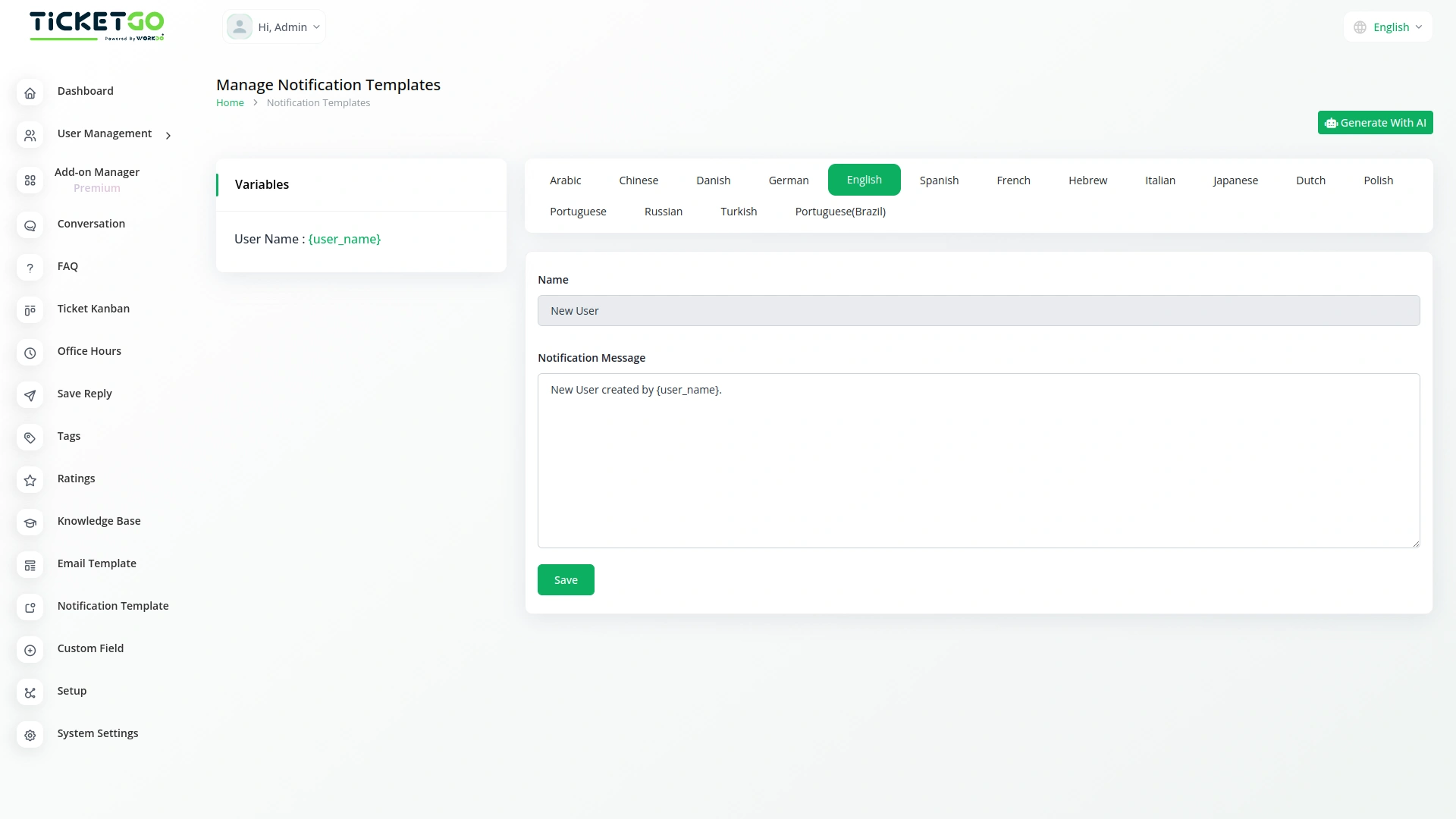
To explore the functionality and usage of these Add-Ons, refer to the accompanying screenshots for step-by-step instructions on how to maximize their features.

Discover More Add-Ons
Unlock even more functionality with additional Add-Ons, providing enhanced networking and customization options for your TicketGo Add-Ons experience.

Save Reply
Creating a saved reply is super easy. Just add a title and description, and you're done! Once saved, your reply will always be there for you to use. No need to type out the same message again—just select it and send it instantly.


ZitaSMS
ZitaSMS is a robust SMS gateway that allows businesses to send transactional and promotional messages efficiently. Integrating ZitaSMS with TicketGo enhances communication by enabling automated notifications, ticket updates, and alerts via SMS. This integration ensures that users stay informed about their tickets in real time without relying solely on email or in-app notifications.

Whatsapp (Twilio)
The WhatsApp Twilio Module in TicketGo enables businesses to send automated notifications to users, keeping them informed about their ticket status. Whether it’s a new ticket creation, an update, or a resolution message, users receive real-time alerts on WhatsApp. This automation reduces manual effort and ensures that customers stay updated without needing to check the platform frequently.
Documentation makes complex configurations seem effortless