
Setting Up Plivo Notifications in TicketGo
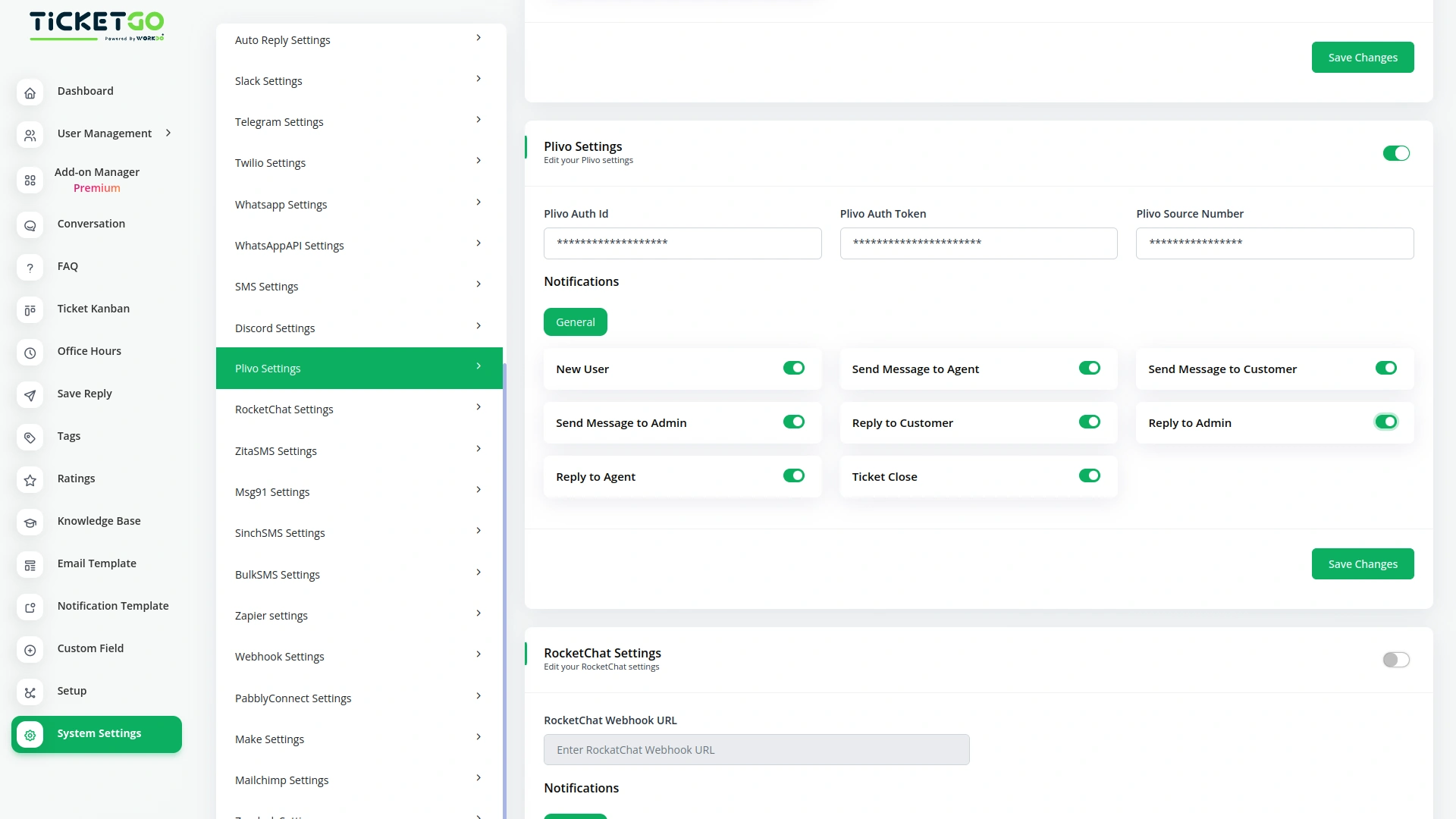
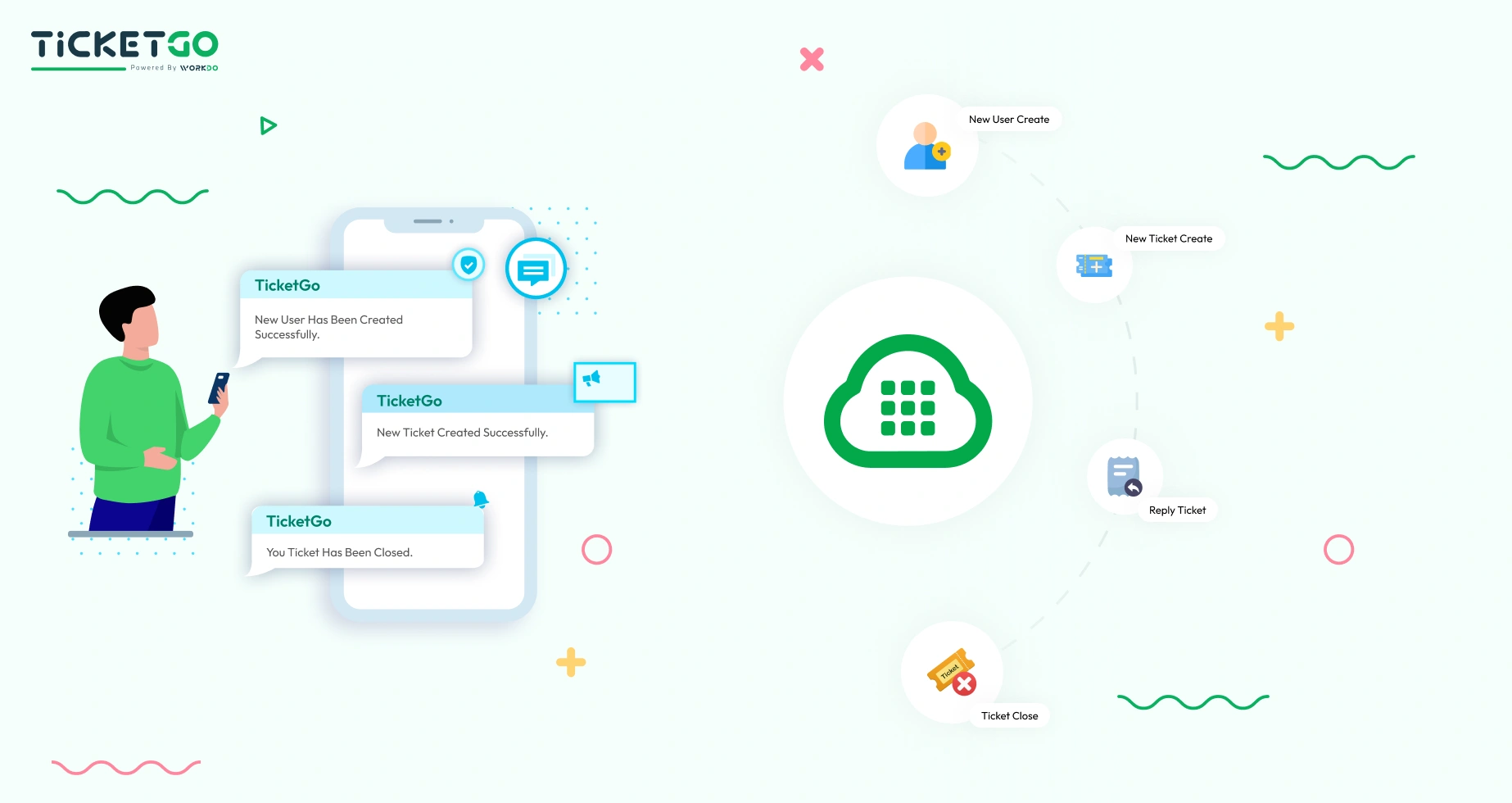
Integrating Plivo into TicketGo involves configuring the system to send SMS alerts based on ticket events. Users must input their Plivo API credentials in TicketGo and define specific triggers for SMS notifications. Once set up, TicketGo will automatically send alerts to agents, customers, and admins based on the configured events. This ensures that no important updates are missed, and the communication remains clear and effective.
Optimizing Plivo Notifications for Efficiency
For maximum effectiveness, businesses should tailor their notification settings based on user roles and ticket priorities. For example, setting separate notification groups for agents, admins, and customers ensures each party only receives the most relevant updates. Customizing which events trigger notifications—such as prioritizing urgent tickets—can further improve workflow and reduce unnecessary distractions.
Screenshots from our system
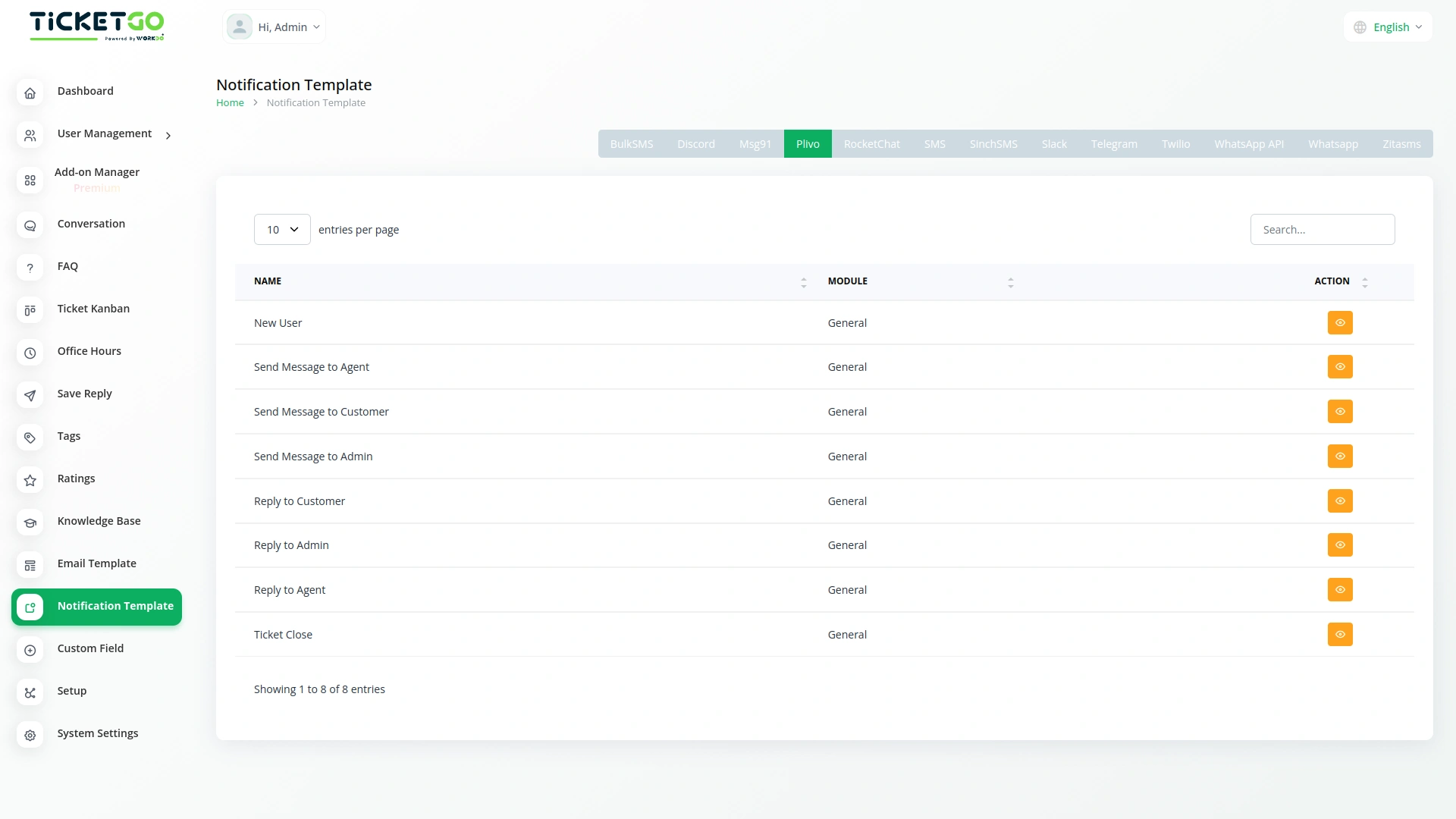
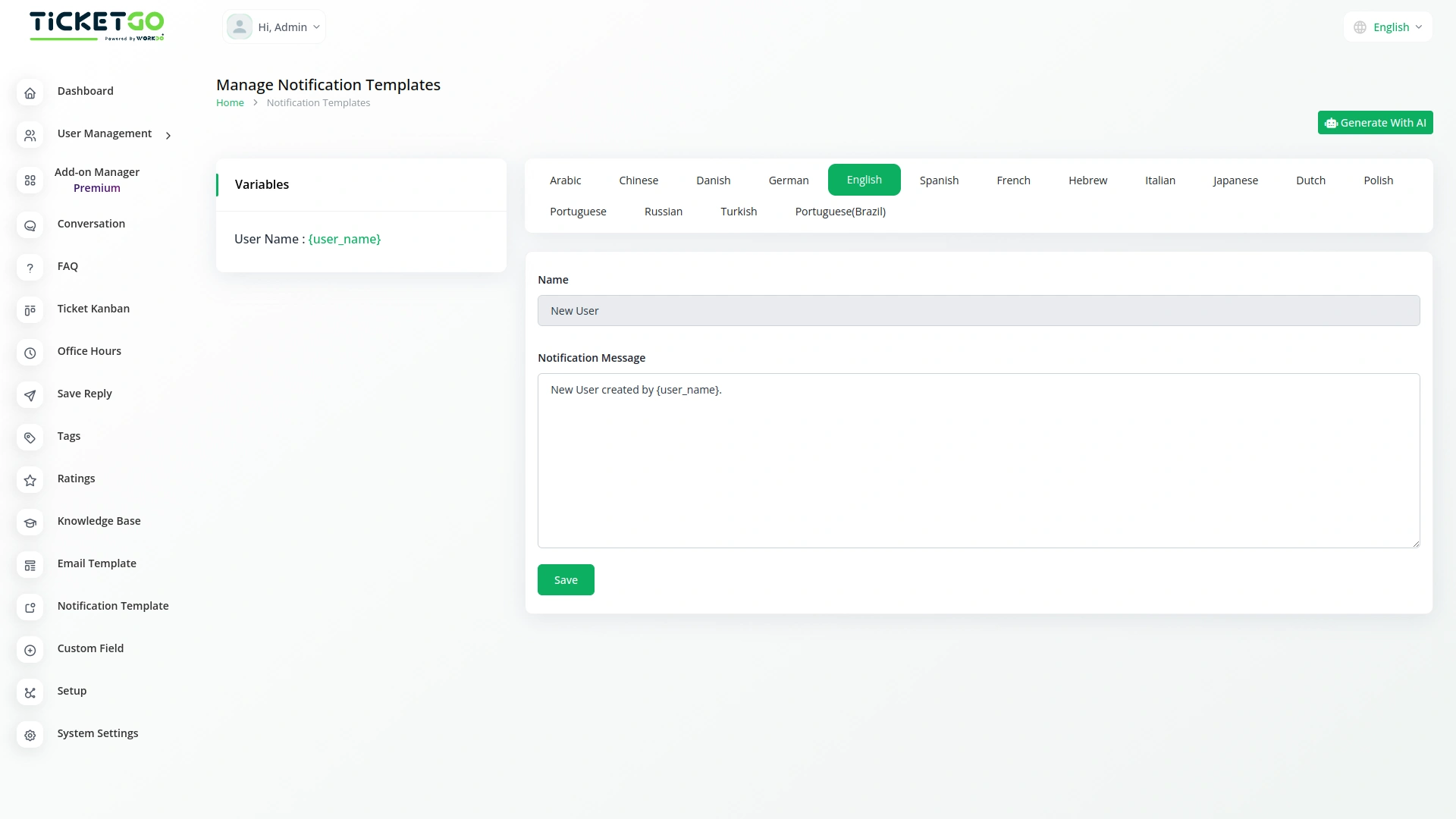
To explore the functionality and usage of these Add-Ons, refer to the accompanying screenshots for step-by-step instructions on how to maximize their features.

Discover More Add-Ons
Unlock even more functionality with additional Add-Ons, providing enhanced networking and customization options for your TicketGo Add-Ons experience.

Send & Close
The Send and Close module in TicketGo allows you to close a ticket automatically when you send a reply. This means that as soon as your response is sent, the ticket status changes to "Closed" without needing any extra steps.

Save Chat
The SaveChat module in TicketGo allows you to highlight and save important conversations as bookmarks. Instead of scrolling through endless chat histories, you can simply mark key messages and access them instantly when needed. This feature helps you keep track of crucial discussions without the risk of losing important information. Whether it's a customer request, an internal discussion, or a follow-up message, bookmarking ensures that essential chats are always within reach.

SMS
The SMS Notification Integration in TicketGo provides businesses with a reliable way to notify users about important ticket updates through SMS. This integration ensures that customers receive real-time notifications, even when they do not have access to email or other communication platforms. With the widespread use of mobile phones, SMS serves as a highly effective channel to keep customers informed about their ticket status, reducing the chances of missed updates and improving customer satisfaction.

Zapier
Zapier is a workflow automation platform that connects TicketGo with thousands of popular applications such as Slack, Trello, Google Sheets, HubSpot, and more. With just a few clicks, you can automate workflows, eliminate repetitive tasks, and enhance overall efficiency in your support operations.
The enhancements released over time keep the system fresh and increasingly powerful