

Manage Your YouTube Channel Easily
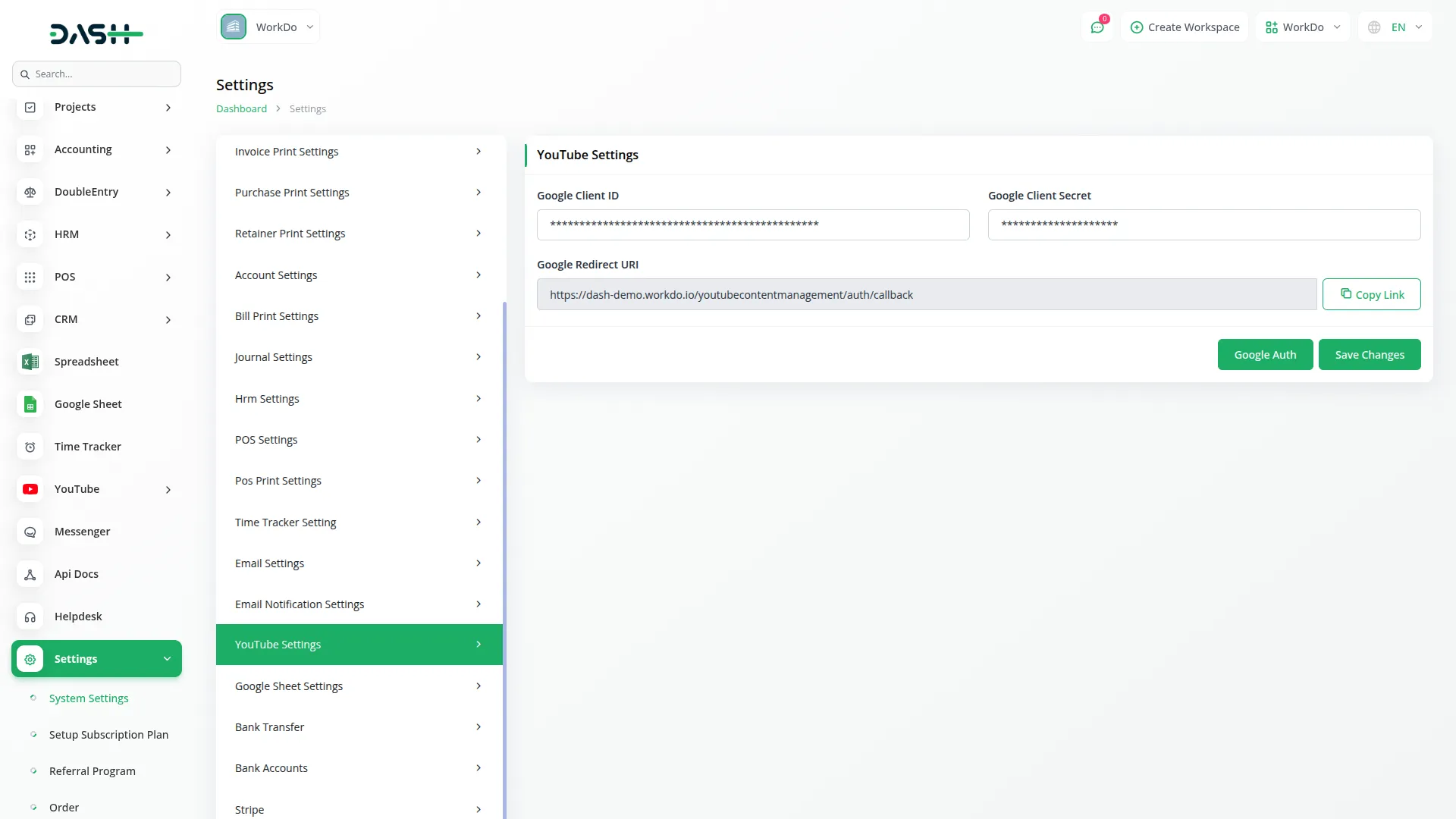
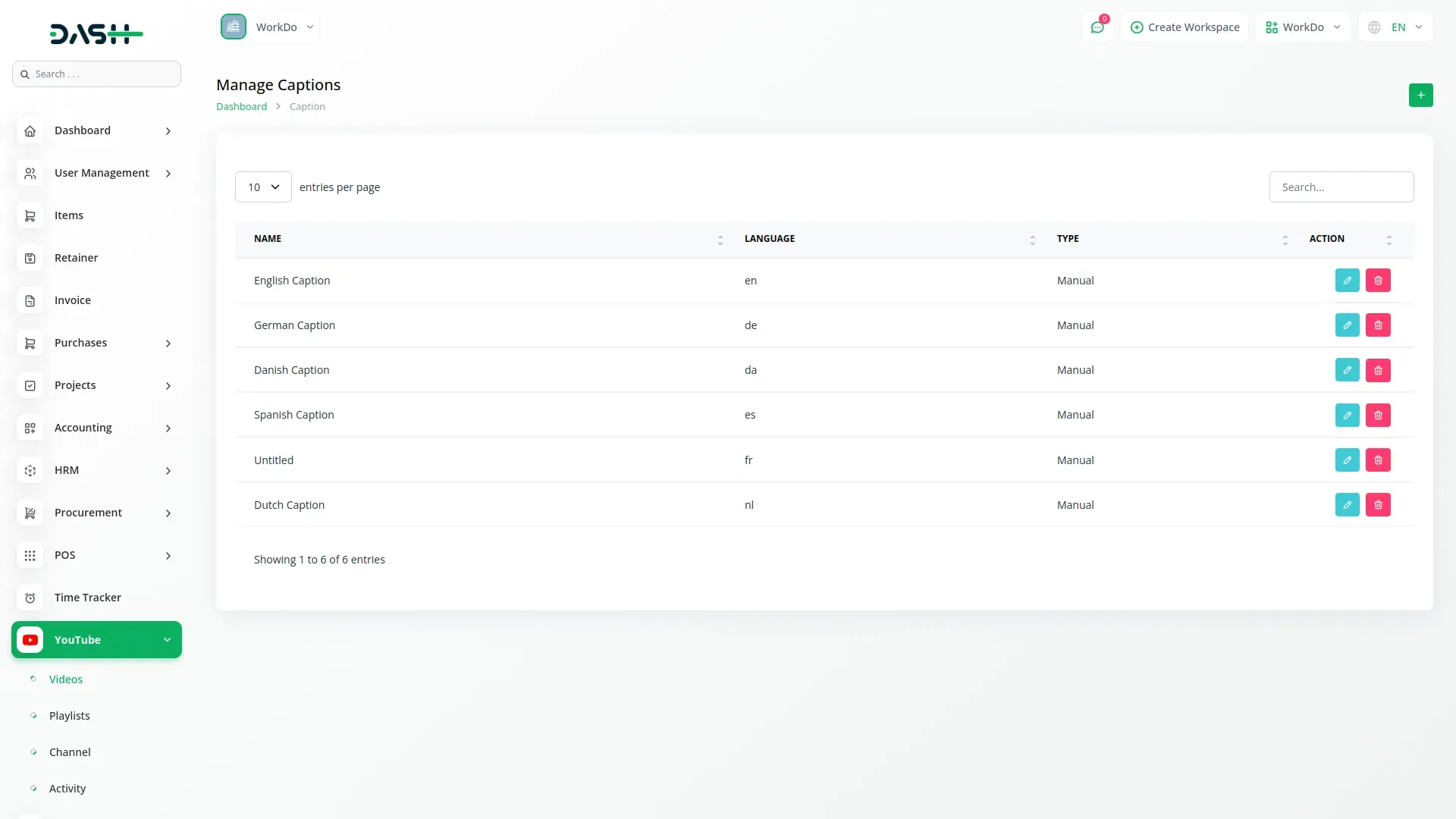
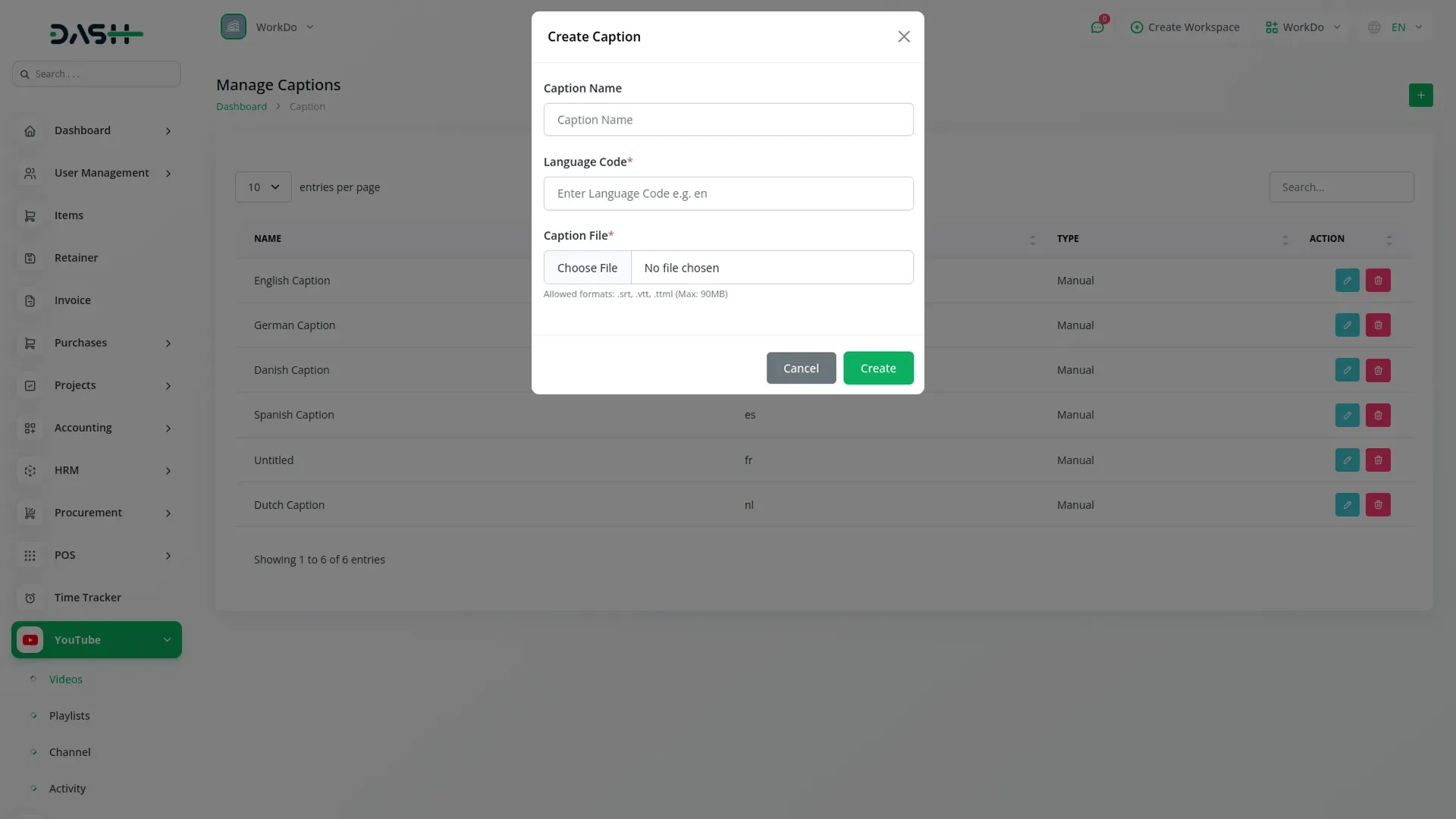
The YouTube Content Management Add-On streamlines every aspect of managing a YouTube channel from a single platform. It features secure Google API Integration to ensure real-time synchronization with your channel. Users can handle video uploads, including batch operations, and organize content through efficient playlist creation tools. The system supports multi-language captions, allowing creators to reach broader audiences. An integrated channel analytics dashboard offers detailed insights into video performance. Additional tools include comment management, activity tracking, and thumbnail previews for smooth and organized content control.

Seamless Video Management
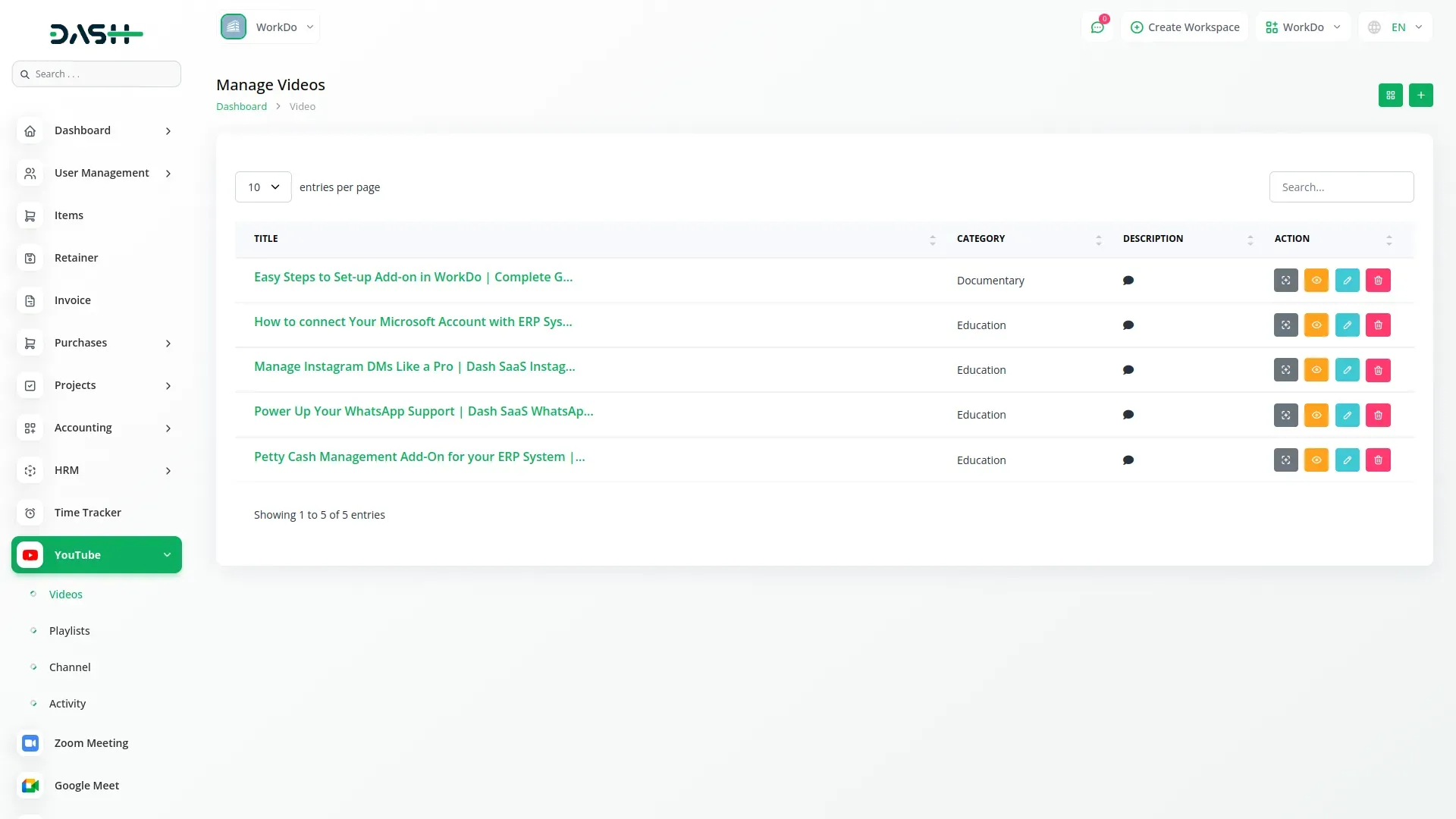
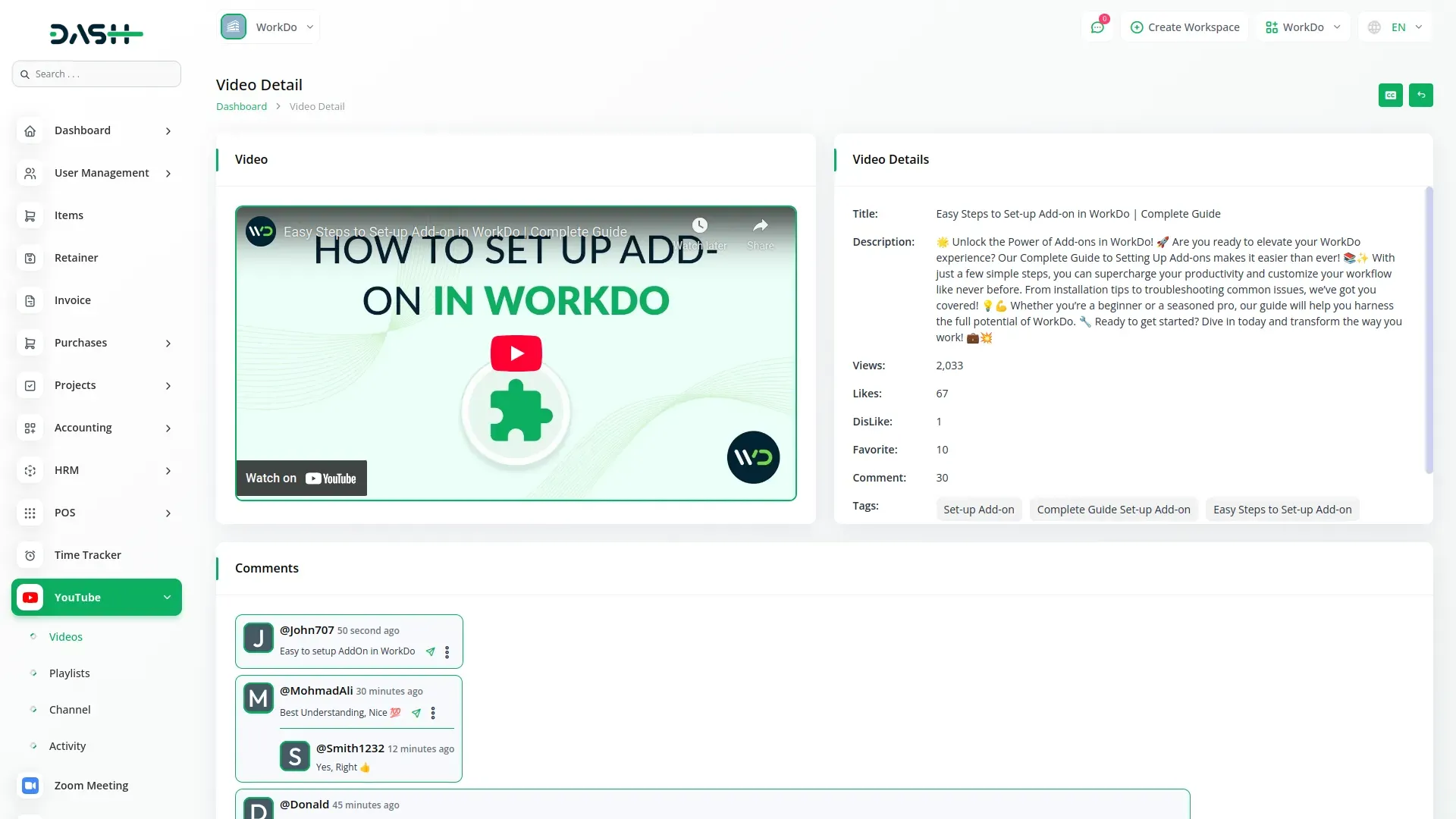
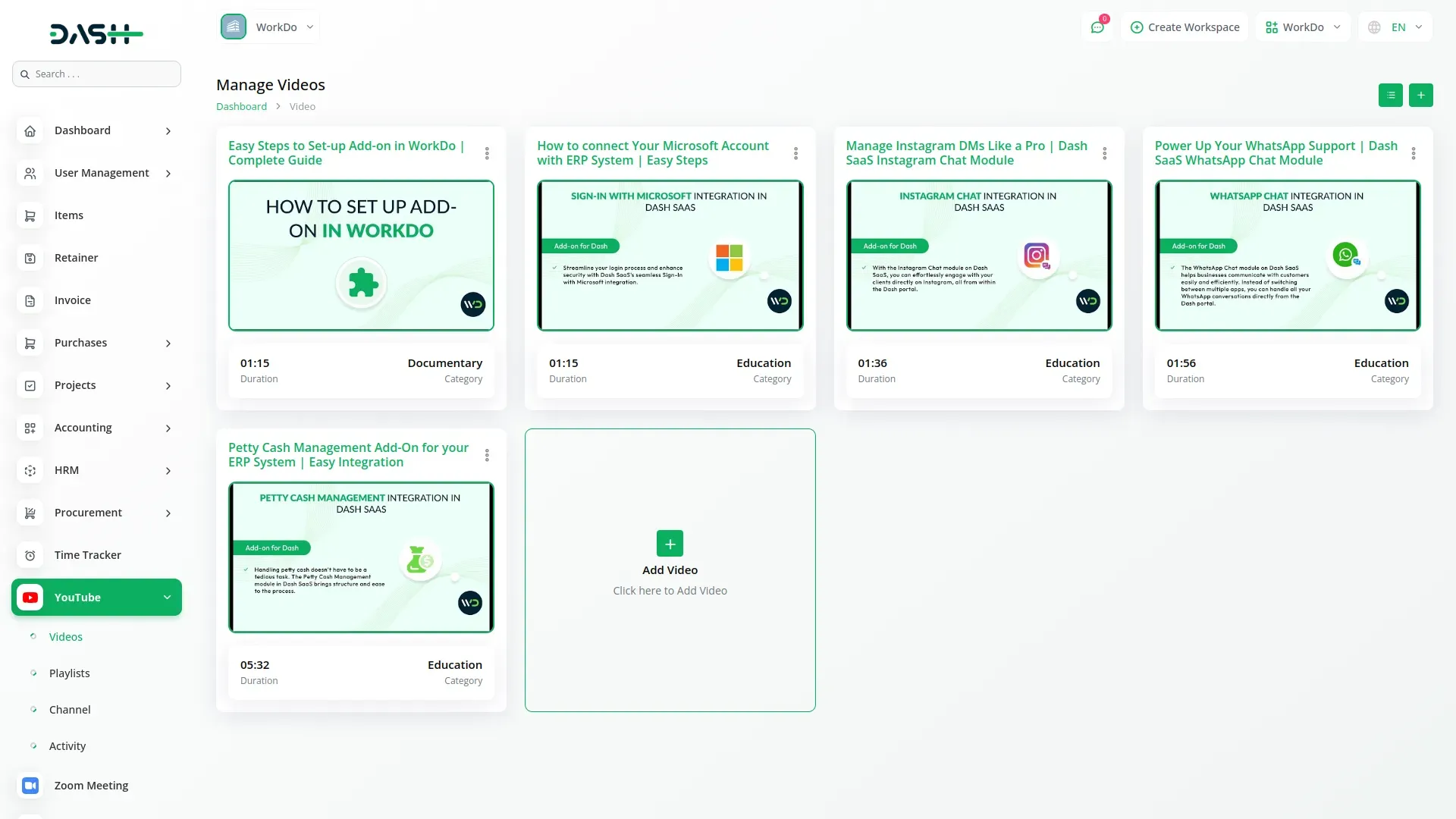
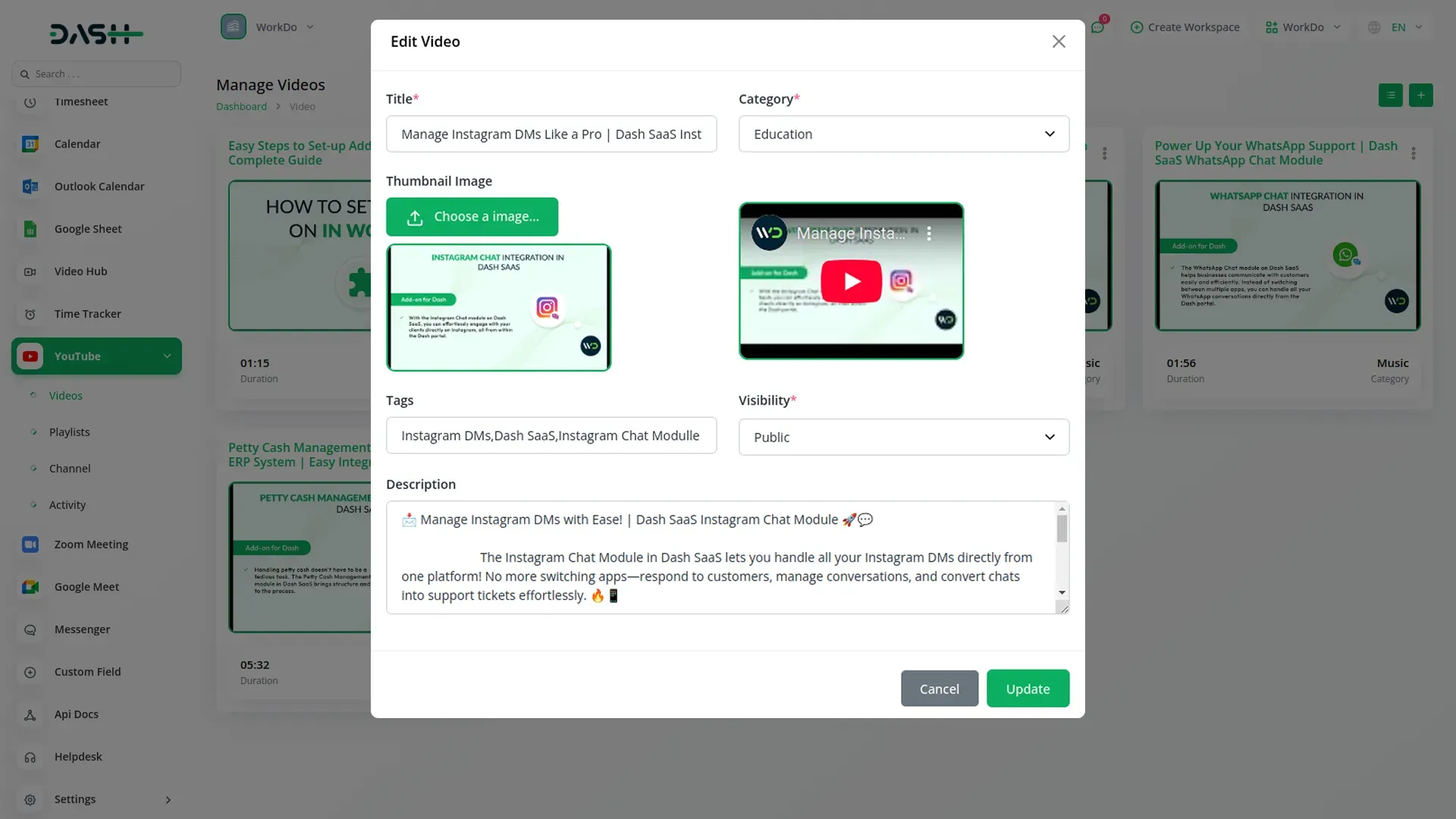
The YouTube Content Management Add-On centralizes all your video operations, allowing you to upload videos directly from your system and manage titles, descriptions, tags, and categories efficiently. It also supports thumbnail uploads to create professional previews and displays all your videos in an easy-to-navigate layout with key metrics like views and publication dates. You can quickly search, edit, delete, or open videos on YouTube, streamlining your workflow and keeping all content management in one place.
- Upload and manage videos directly from your system.
- Edit titles, descriptions, tags, and video categories easily.
- Add professional thumbnails and track video performance metrics.
- Search, edit, delete, or open videos quickly.
Comprehensive Playlist Control
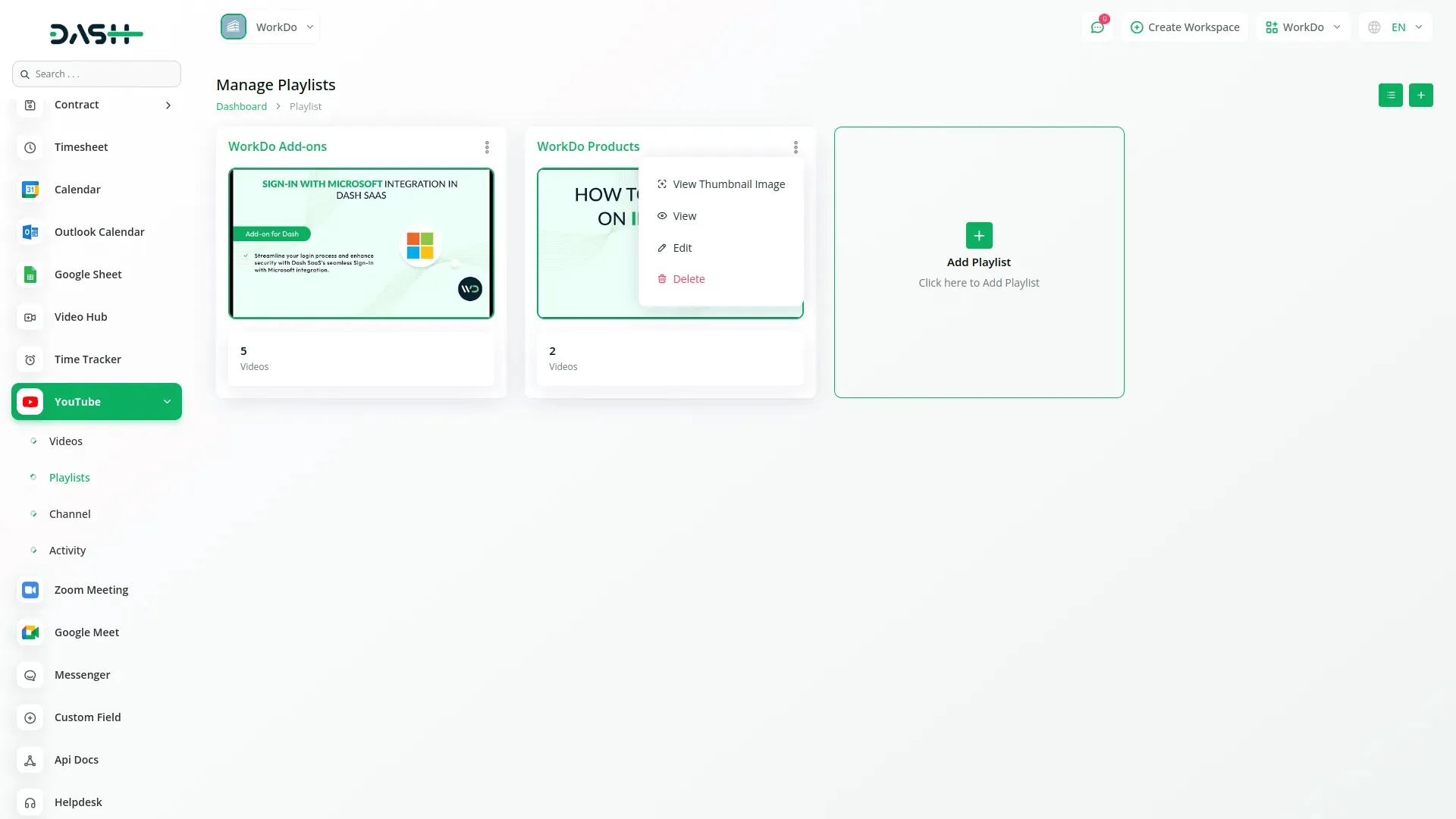
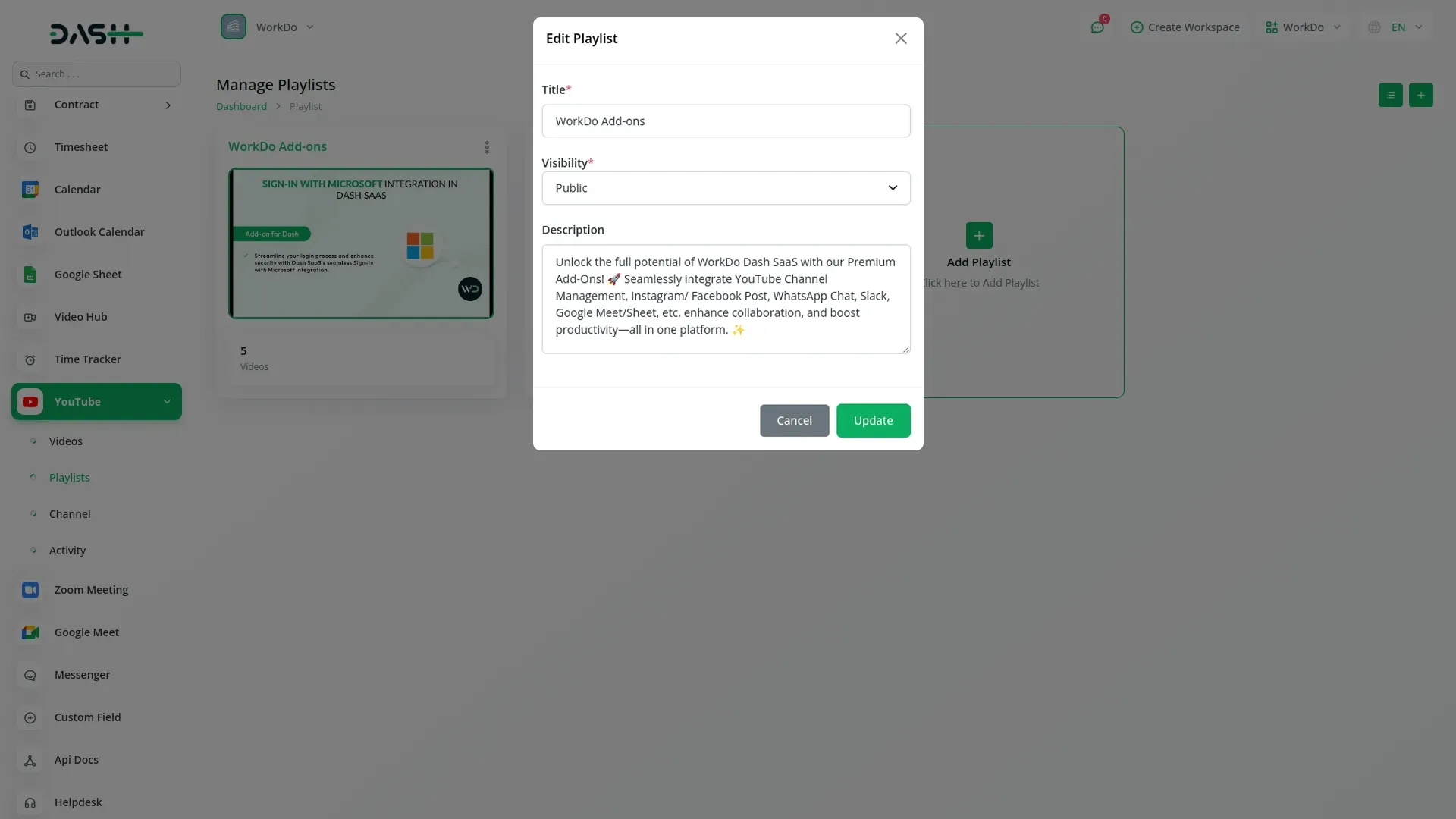
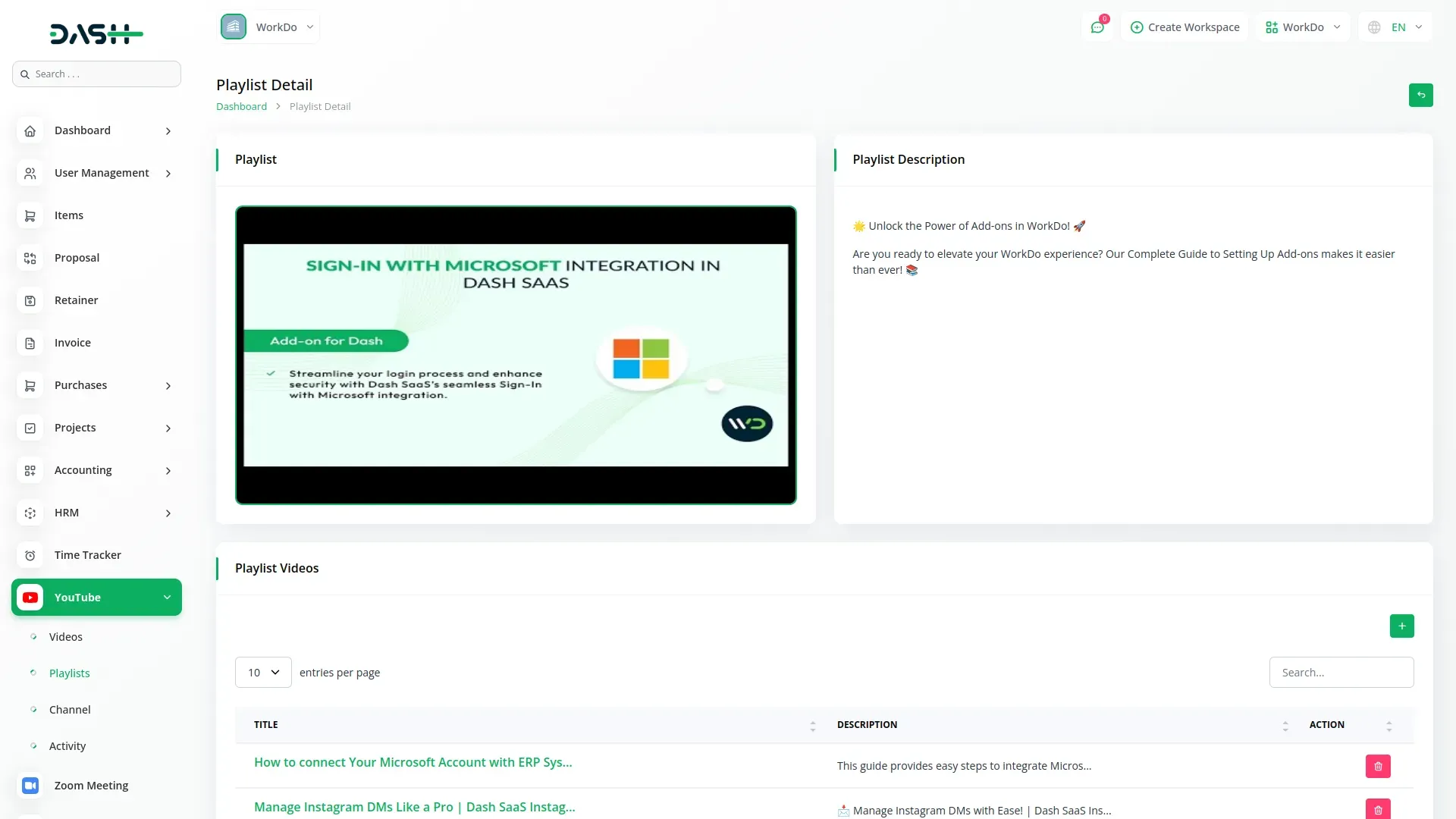
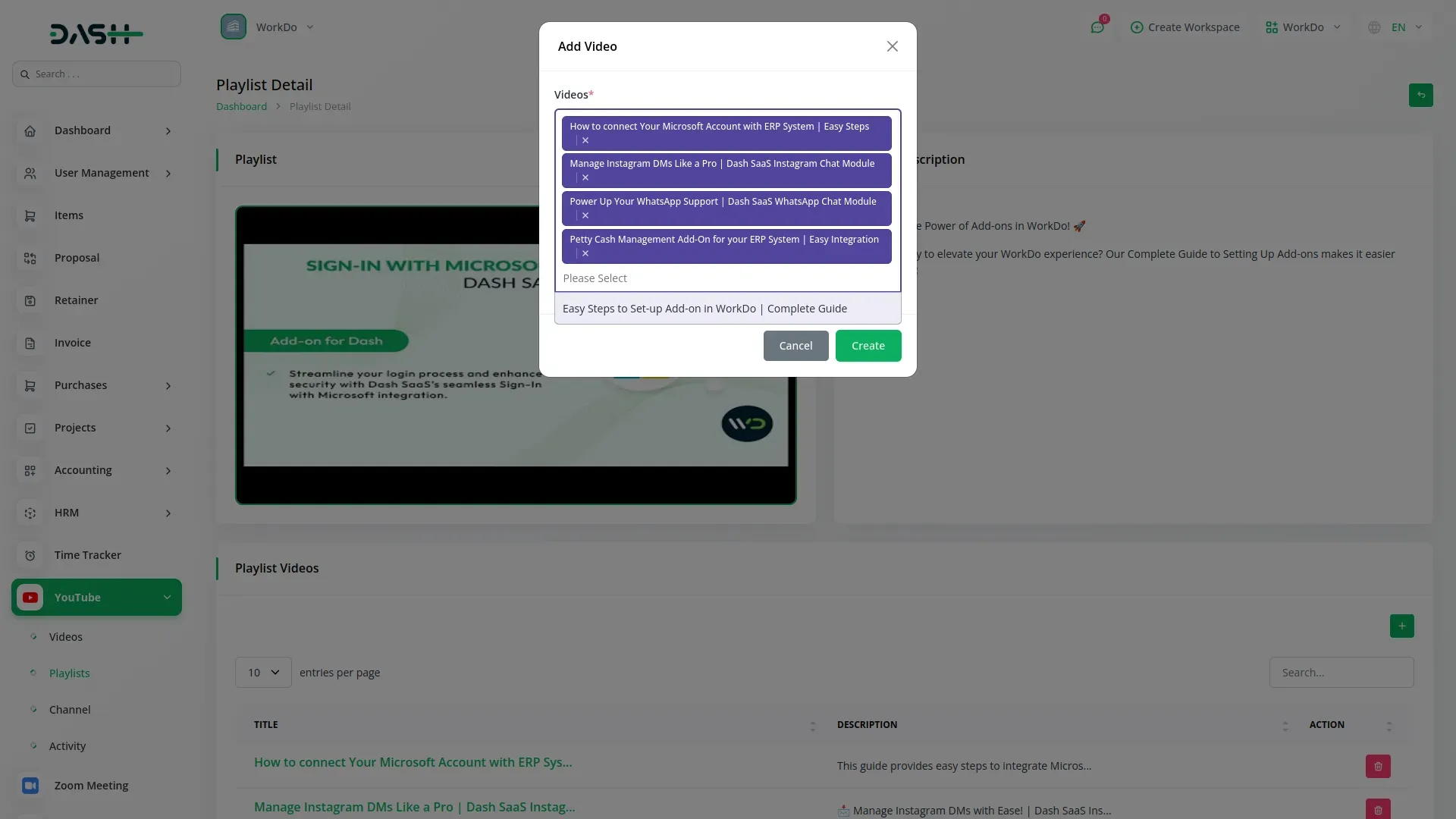
The Add-On makes playlist management effortless, letting you create playlists with titles, descriptions, and visibility settings directly from your system. All playlists are displayed clearly with thumbnails, video counts, and creation dates for easy reference. You can control visibility, edit, or remove playlists and access them on YouTube seamlessly. This functionality helps organize content, boost viewer engagement, and maintain a structured channel presence.
- Create and manage playlists directly from your system.
- Set titles, descriptions, and visibility for each playlist.
- View playlists with thumbnails, video counts, and dates.
- Edit, remove, or access playlists seamlessly on YouTube.
Real-Time Channel Insights
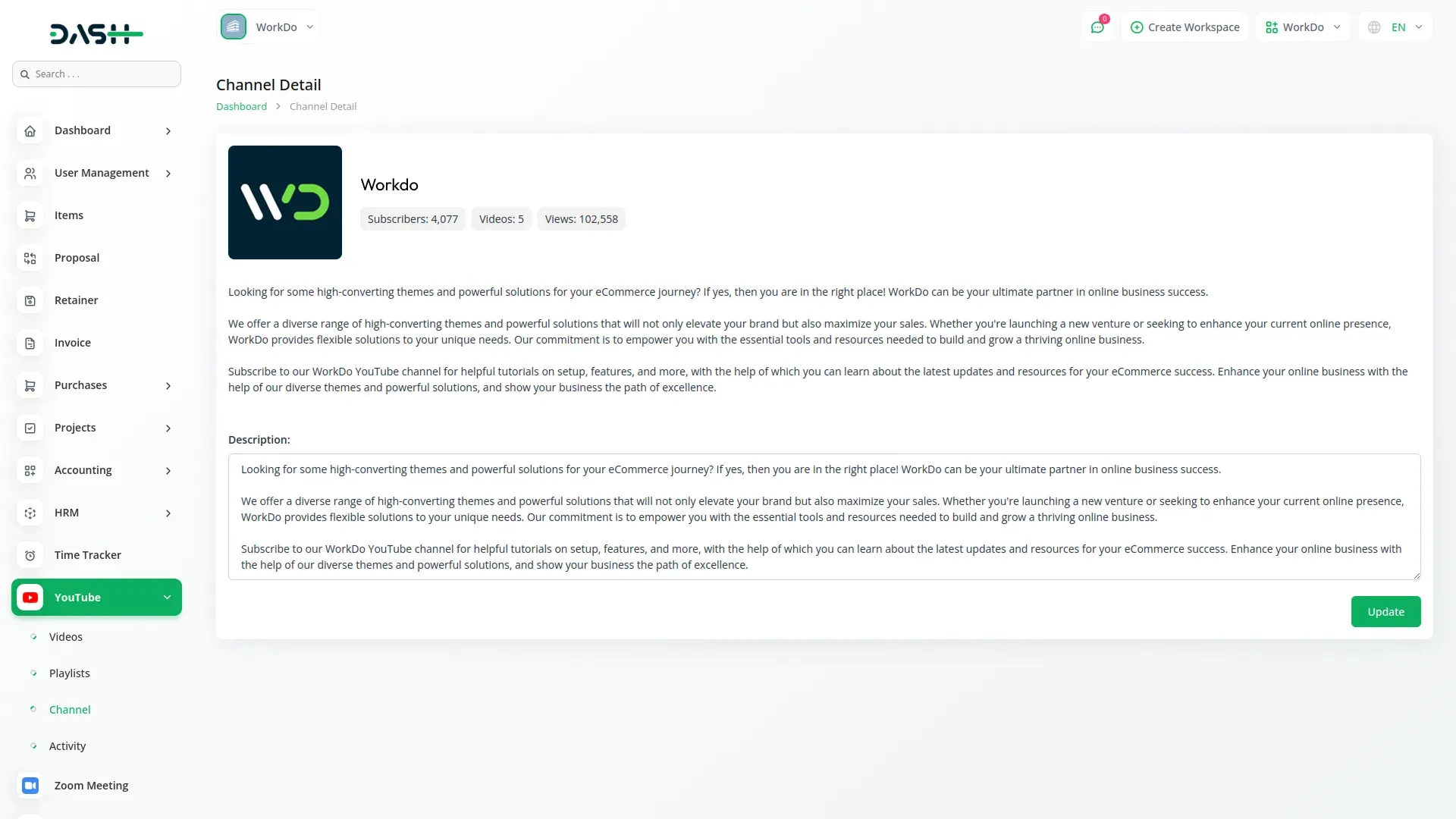
The Add-On’s integrated statistics dashboard provides key metrics like subscriber count, total videos, and cumulative views at a glance. It displays detailed channel information, including avatar, name, handle, and creation date, all in one place. You can view and edit your channel description and access your YouTube channel directly. This real-time insight helps make informed content decisions and manage your channel efficiently without switching platforms.
- View key channel metrics like subscribers and total videos.
- Access detailed channel information, including avatar and handle.
- Edit channel description to accurately represent your content.
- Quickly open your YouTube channel through direct system links.
Intelligent Activity Tracking
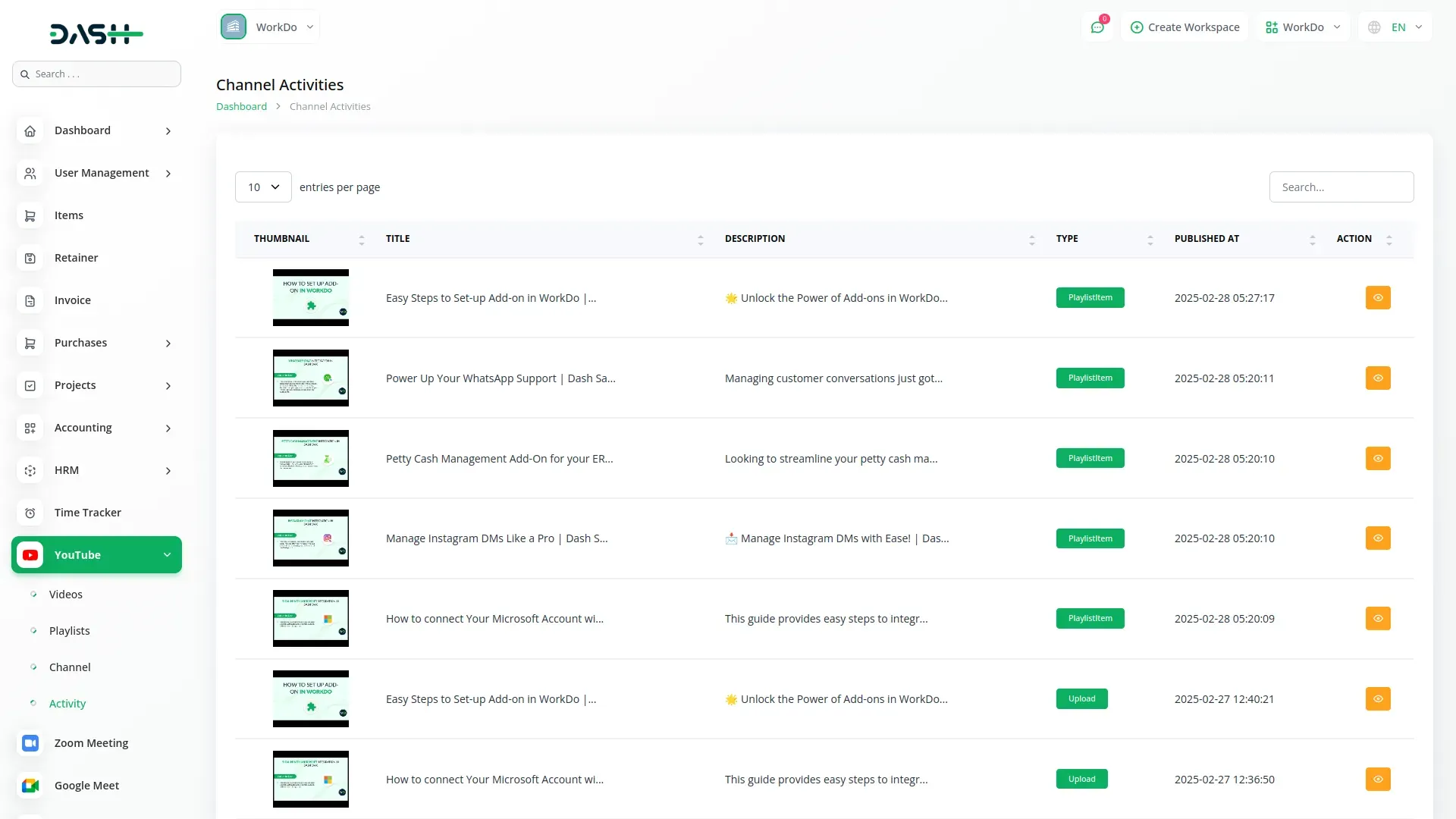
The Add-On’s activity monitoring system logs all important channel actions, including video uploads, playlist additions, and other modifications. Each entry shows thumbnails, activity types, descriptions, and timestamps for clear tracking. Activities are categorized with badges and labels, and the integrated search helps locate specific events quickly. Direct links to YouTube provide full context for each action. This system helps maintain consistency, track publishing patterns, and manage your channel effectively.
- Track all channel activities, including uploads and modifications.
- View activity details with thumbnails, descriptions, and timestamps.
- Categorize actions with badges and labels for easy reference.
- Search events and access direct YouTube links quickly.
Screenshots from our system
To explore the functionality and usage of these Add-Ons, refer to the accompanying screenshots for step-by-step instructions on how to maximize their features.
Discover More Add-Ons
Unlock even more functionality with additional Add-Ons, providing enhanced networking and customization options for your Dash SaaS experience.

senangPay
senangPay Payment Gateway Integration offers a secure environment for online transactions, ensuring the safety of both businesses and customers. Utilizing advanced encryption and fraud prevention measures, you can trust that your transactions are fully protected. This gateway supports multiple payment methods, providing customers with the convenience they expect.

Smart Dashboard Analytics
Visualize business performance with Smart Dashboard Analytics. Track key metrics, monitor trends, and gain real-time insights to make faster, data-driven decisions confidently.

Restaurant Menu
Enhance your restaurant’s digital experience with the Restaurant Menu Add-On. Customers can easily browse the menu, scan QR codes for table orders, customize their selections with toppings and sizes, and track their order status seamlessly.

Features work perfectly
Clean and elegant design
Bugs are minimal