
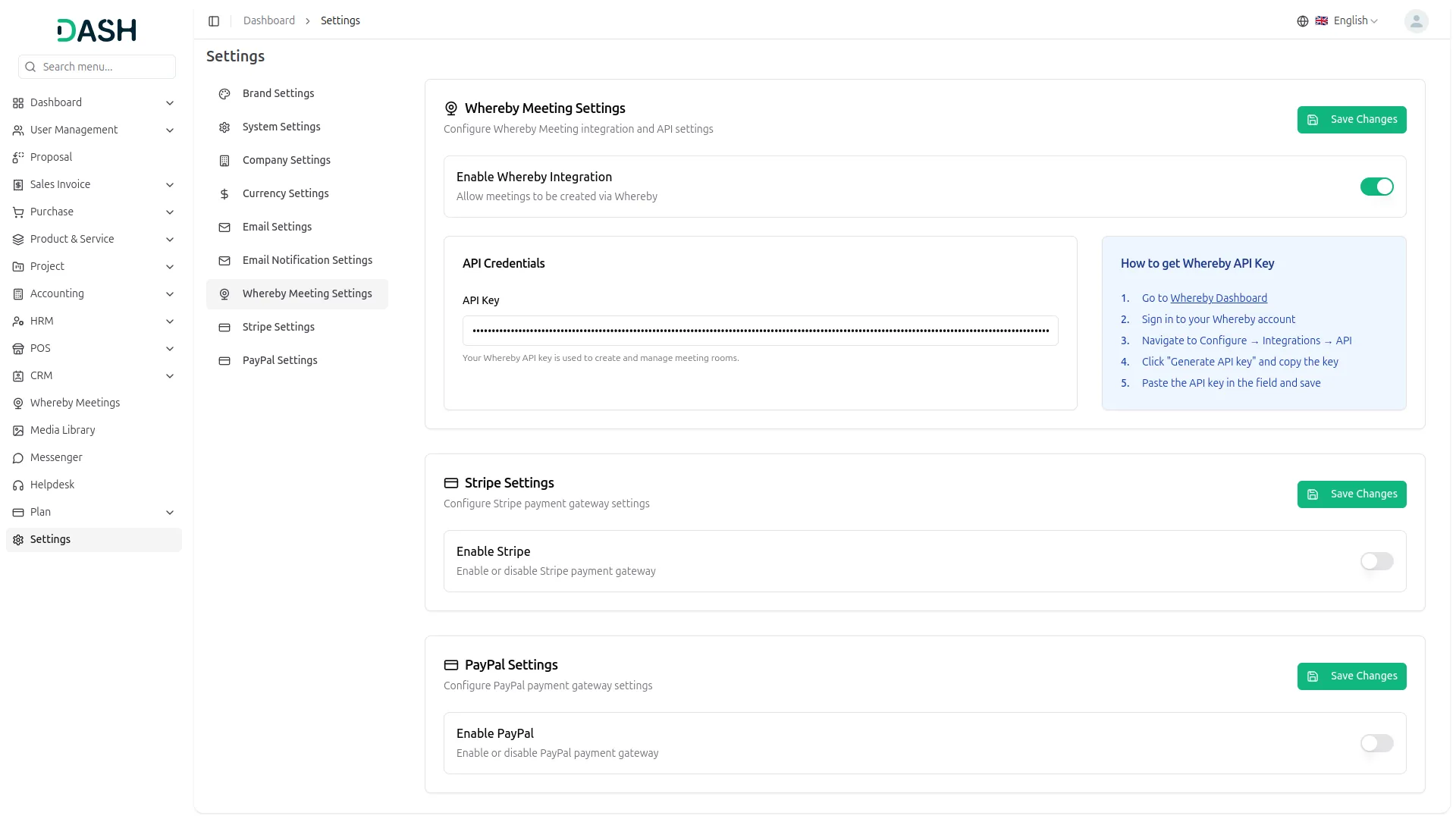
Whereby allows anyone to join meetings without prior authorization, making it perfect for open discussions, quick collaborations, and hassle-free connections. Simply share the link, and participants can join instantly—no sign-ups or approvals required.
Effortless Virtual Meetings with Whereby
The Whereby Meeting Add-On for Dash SaaS enables users to host, join, and manage virtual meetings with ease, all without leaving the platform. Whether you're conducting internal team discussions, client meetings, or collaborative brainstorming sessions, this integration ensures a smooth and professional online meeting experience. Businesses can enhance communication and efficiency with a hassle-free, user-friendly solution.
Quick & Simple Meeting Setup
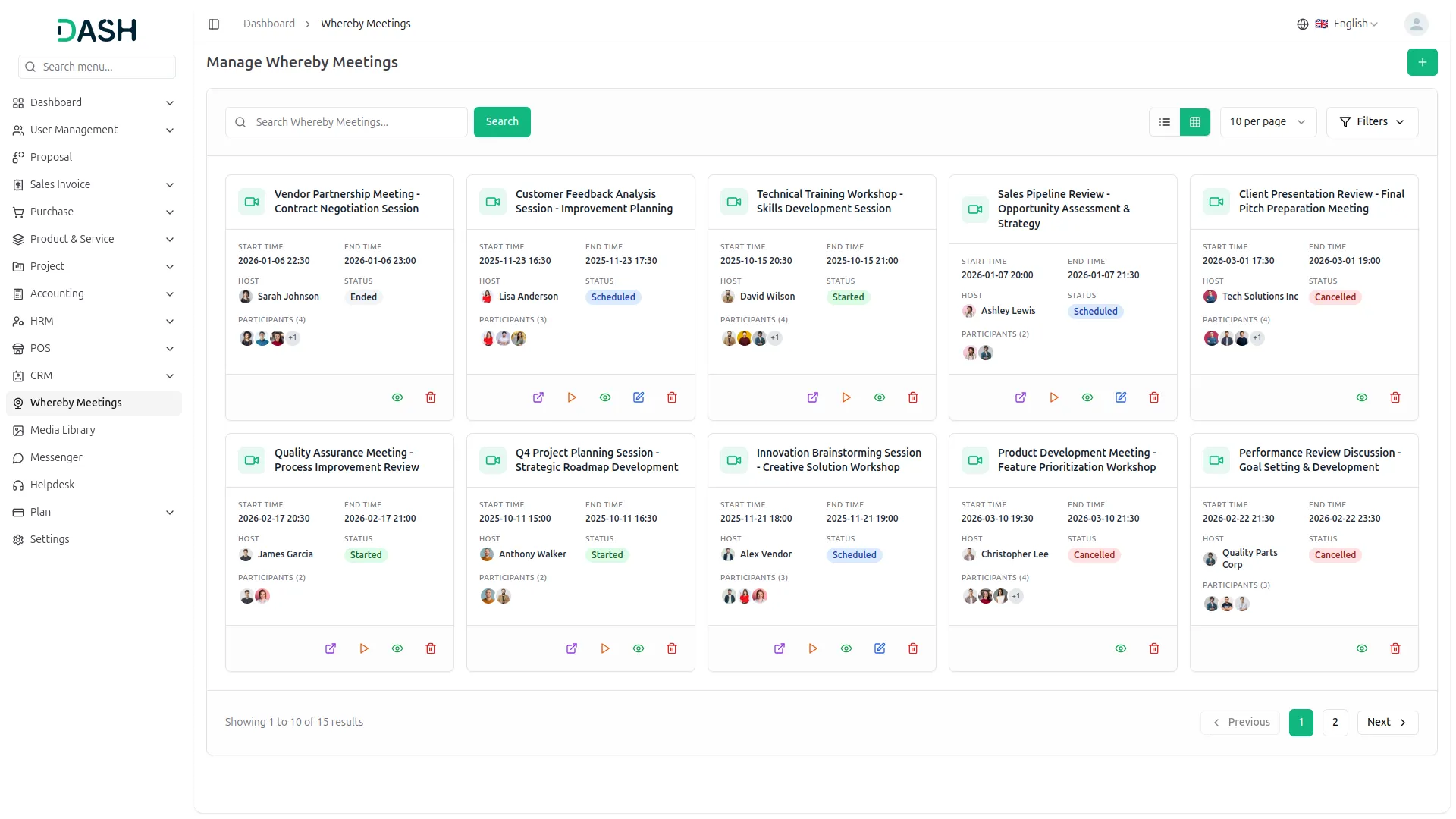
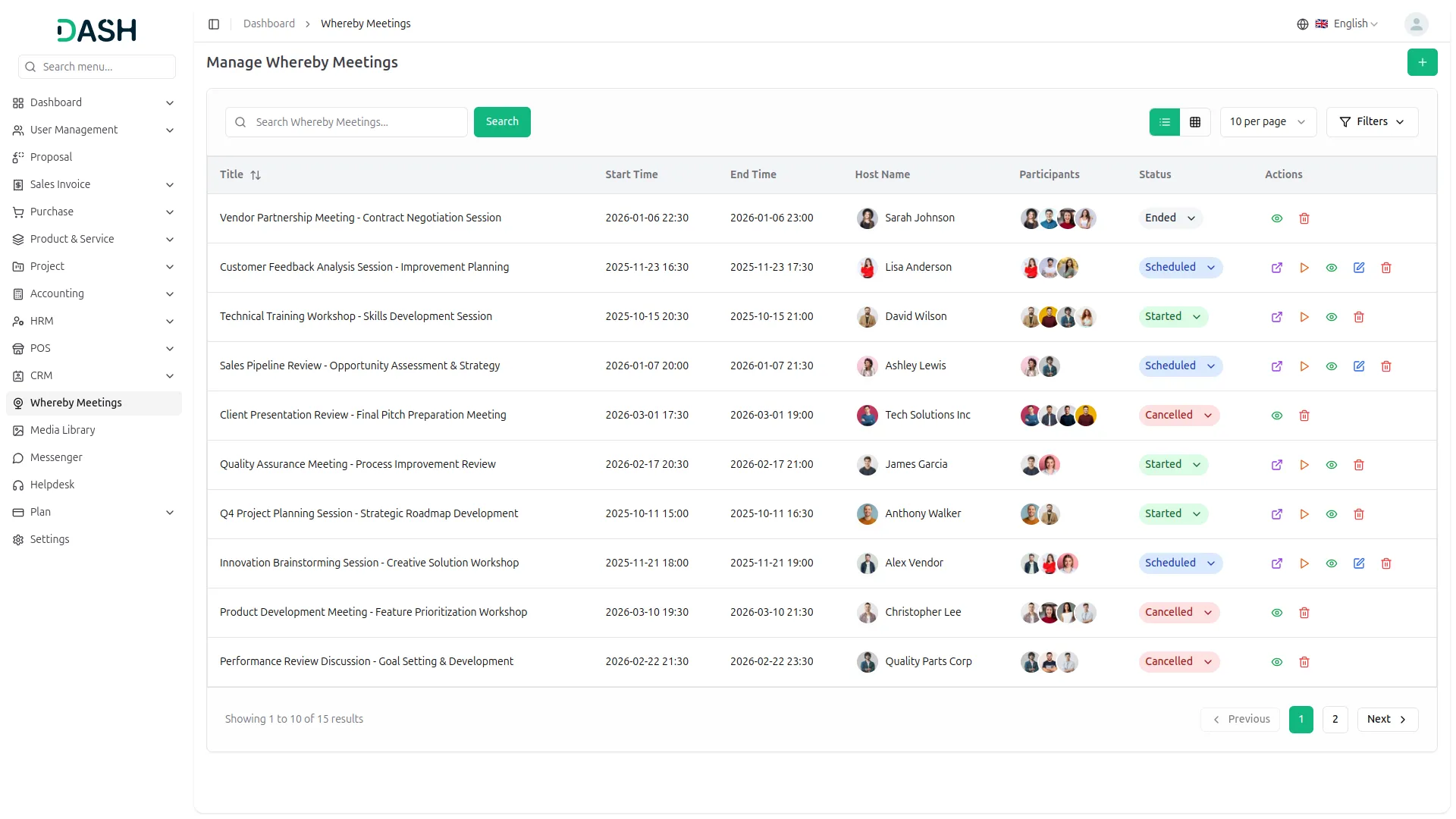
Scheduling a meeting is fast and straightforward. With just a few clicks, you can create a meeting, generate an invite link, and share it instantly with participants. The integration keeps everything well-organized, helping users plan ahead and avoid scheduling conflicts.
High-Quality Video & Collaboration Features
Whereby provides crystal-clear video and audio, ensuring seamless communication in every meeting. The Add-On includes essential interactive tools such as screen sharing, chat, and breakout rooms, making it easy to engage with attendees. Whether it's a team sync-up or a client presentation, these features deliver a collaborative and engaging meeting experience.
Open & Accessible Meetings
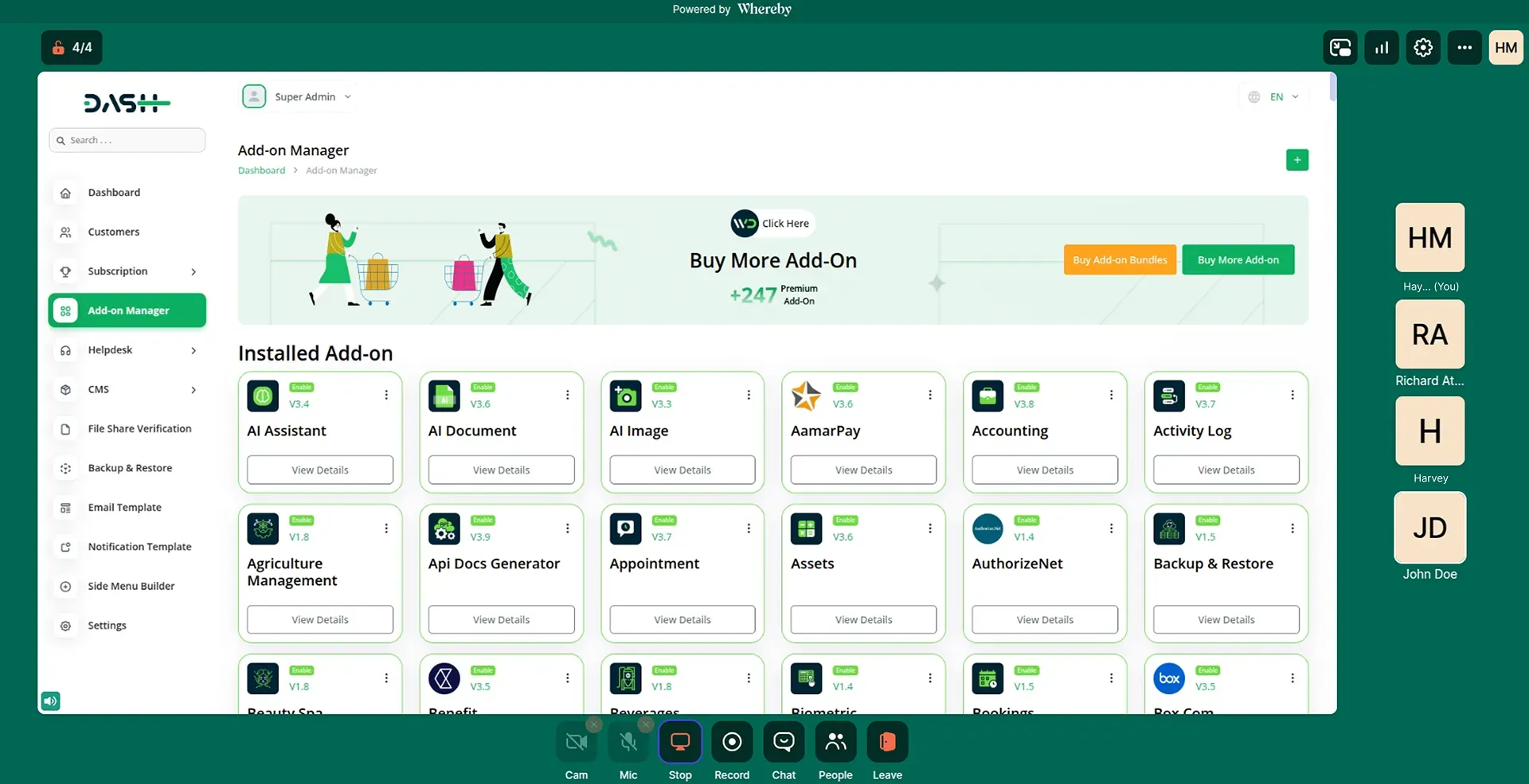
With Whereby, meetings are publicly accessible, allowing participants to join without the need for prior authorization. This makes it easy to host spontaneous discussions, quick check-ins, or open forums without any access barriers. Whether you're collaborating with a remote team or inviting external stakeholders, anyone with the meeting link can join instantly, ensuring a frictionless and efficient meeting experience.
Screenshots from our system
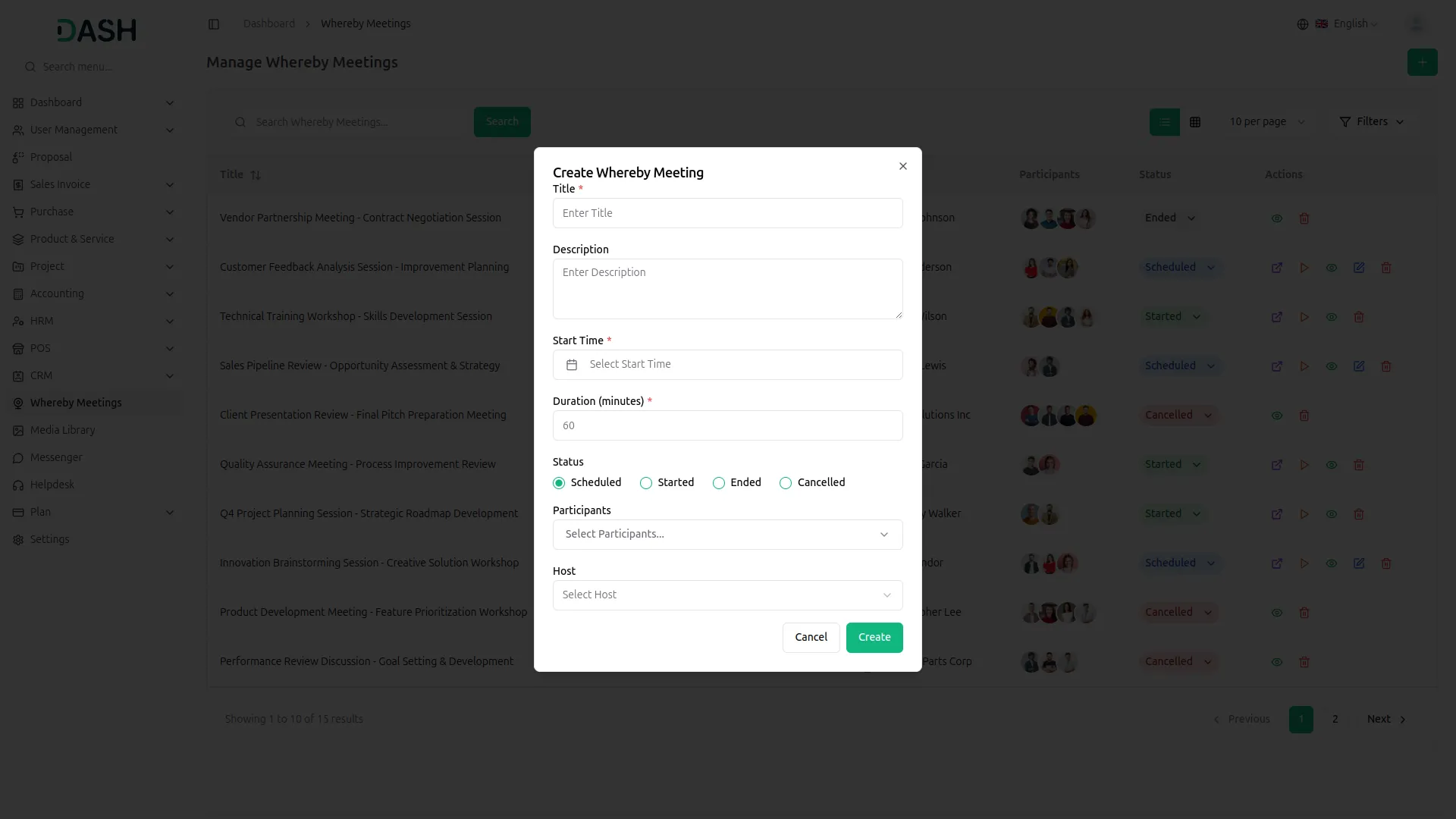
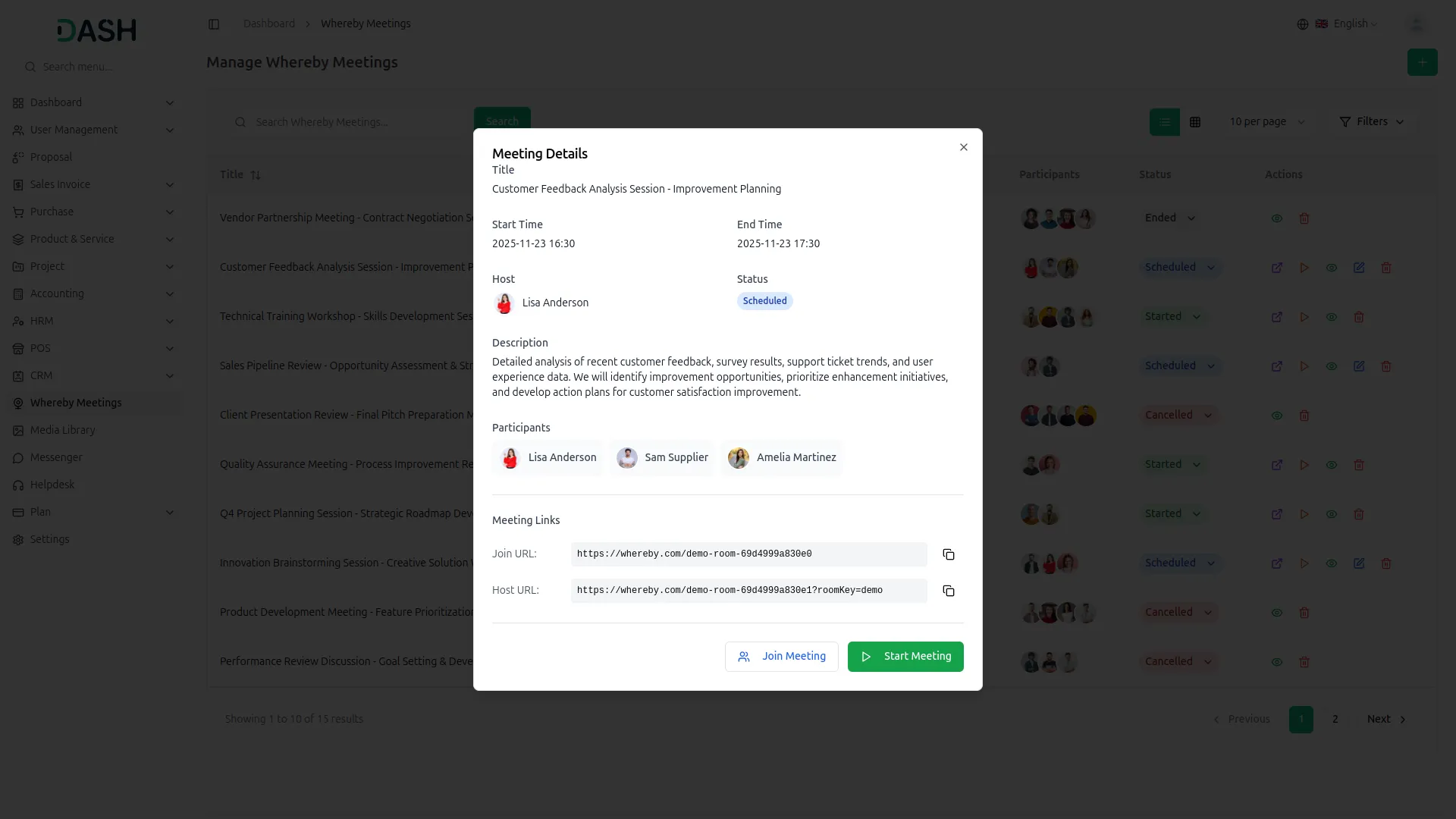
To explore the functionality and usage of these Add-Ons, refer to the accompanying screenshots for step-by-step instructions on how to maximize their features.
Discover More Add-Ons
Unlock even more functionality with additional Add-Ons, providing enhanced networking and customization options for your Dash SaaS experience.

Repair Management System
You are introducing the Repair Management Integration module in Dash SaaS, a cutting-edge solution designed to streamline your repair order processes and simplify invoicing tasks. With this module, you can access powerful tools that enhance efficiency and improve productivity in your repair operations.

Driving School
Facilitate seamless communication between students, instructors, and administrative staff with our collaborative tools. Our platform provides features for scheduling, messaging, and collaboration, ensuring clear and effective communication throughout the learning process.

Jitsi Meet
The Jitsi Meet Script provides a comprehensive video conferencing solution with flexible deployment options and centralized meeting management capabilities.

Sign-In With Microsoft
The "Sign In with Microsoft" add-on allows users to log in using their Microsoft accounts, simplifying access and improving security. Administrators can configure Microsoft credentials and control the login button. This integration streamlines user management and enhances onboarding efficiency.
Trusted by our entire organization now