
Supported Currencies: TWD, JPY, THB, USD
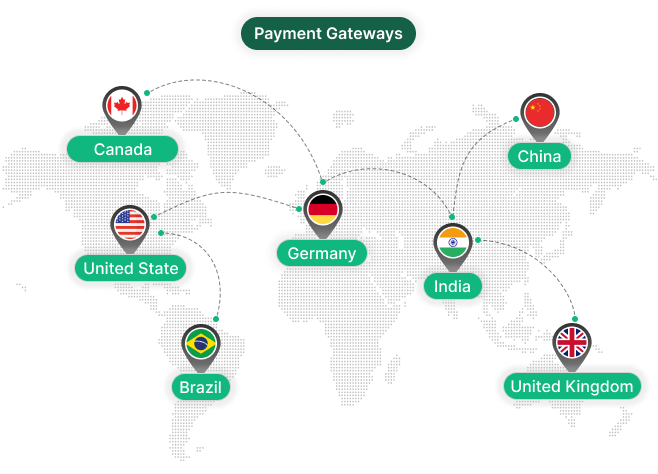
Supported Countries: Taiwan, Japan, Thailand, USA
LinePay is a widely adopted digital payment solution popular across Japan, Taiwan, and Thailand, offering businesses a fast and dependable way to collect payments online. It supports seamless transactions through the LinePay wallet, making the payment process quick and familiar for customers. With its solid security framework and easy configuration, LinePay helps businesses streamline their payment operations efficiently within their platform.
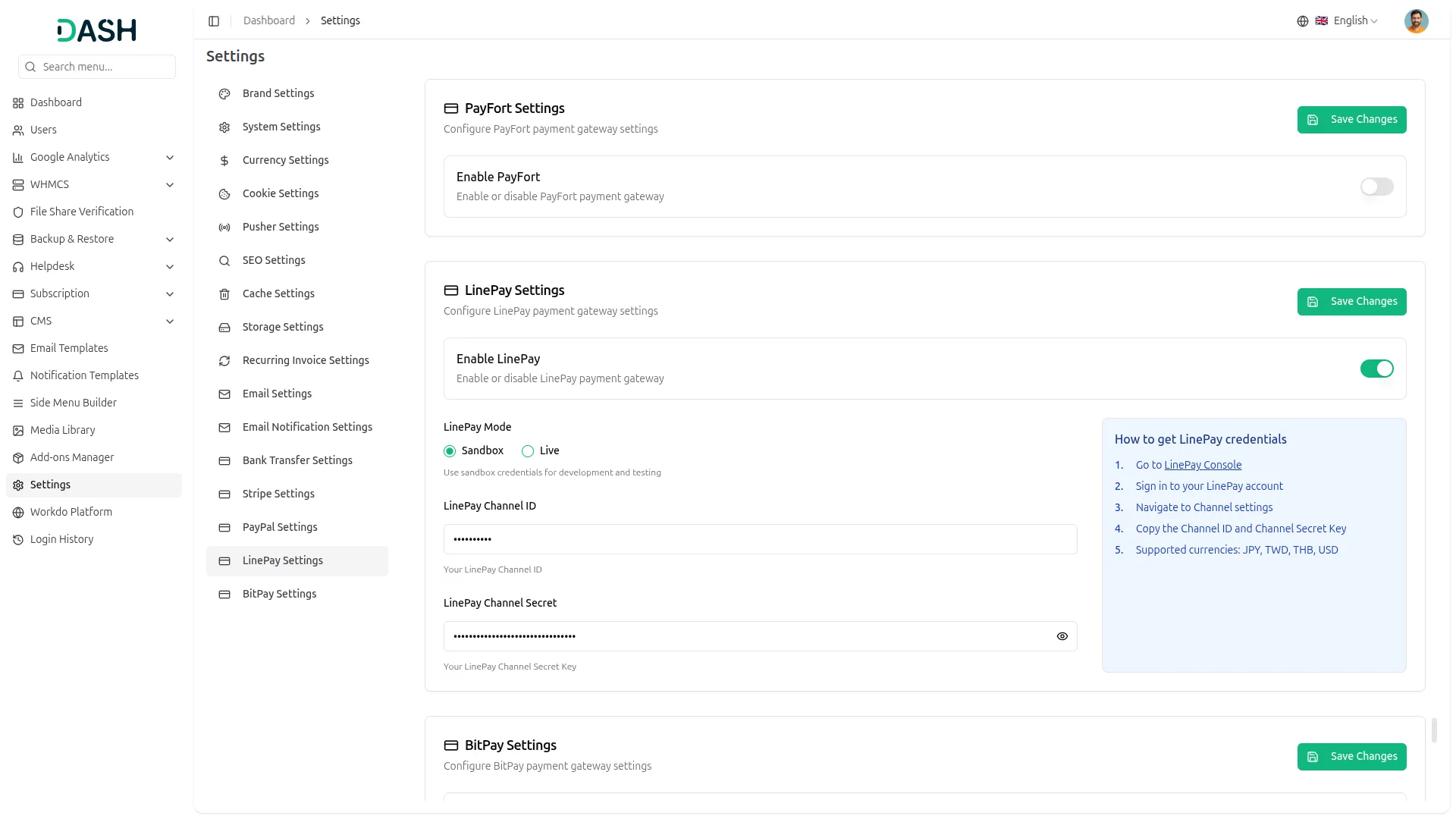
API Key Settings Page for LinePay Integration
The API Key Settings Page allows you to establish a secure connection between your platform and the LinePay payment gateway. By entering your API credentials, your system is able to process payments, manage transactions, and handle financial operations smoothly. The Superadmin and Company accounts use separate integration setups but follow a unified integration structure for consistency, with the Superadmin handling subscription-based plan payments and the Company managing customer-facing transactions and service payments.
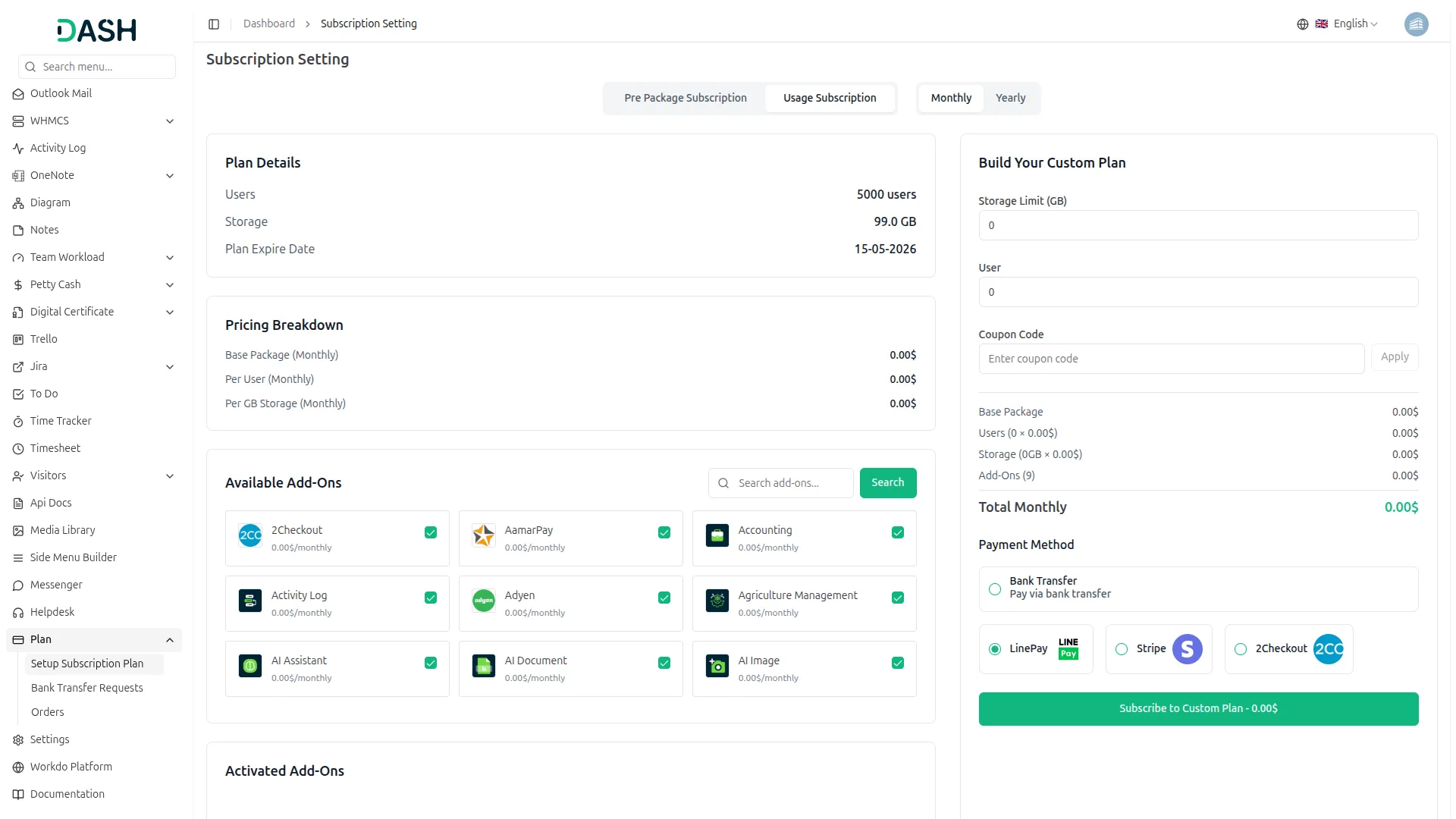
Seamless Plan Payments
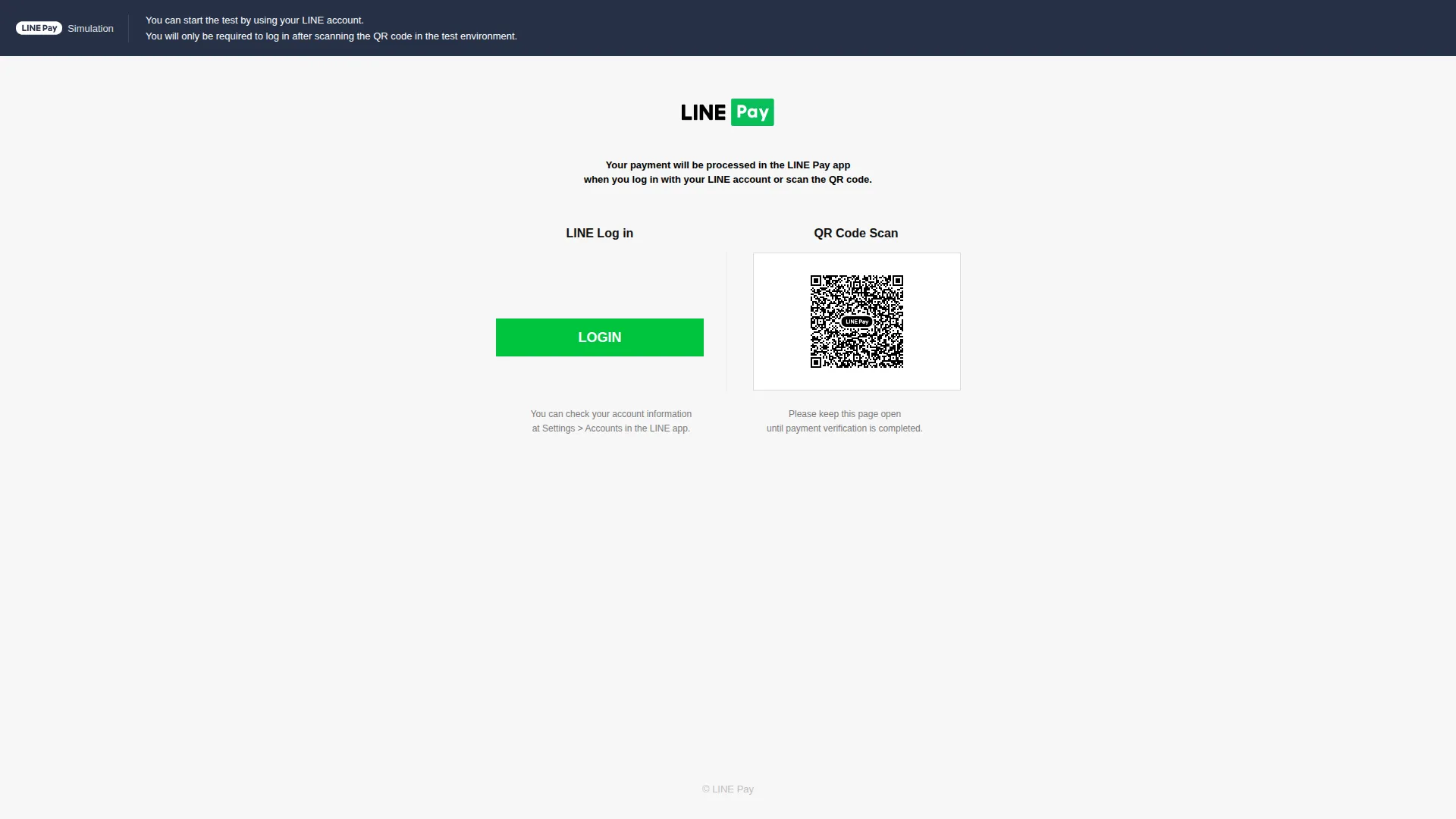
This payment method is used on the Superadmin side for managing platform plan purchases. It allows customers to complete a one-time payment to activate or upgrade their plan securely. All transactions are processed through LinePay and updated in real time for accurate record-keeping.
Payment Management
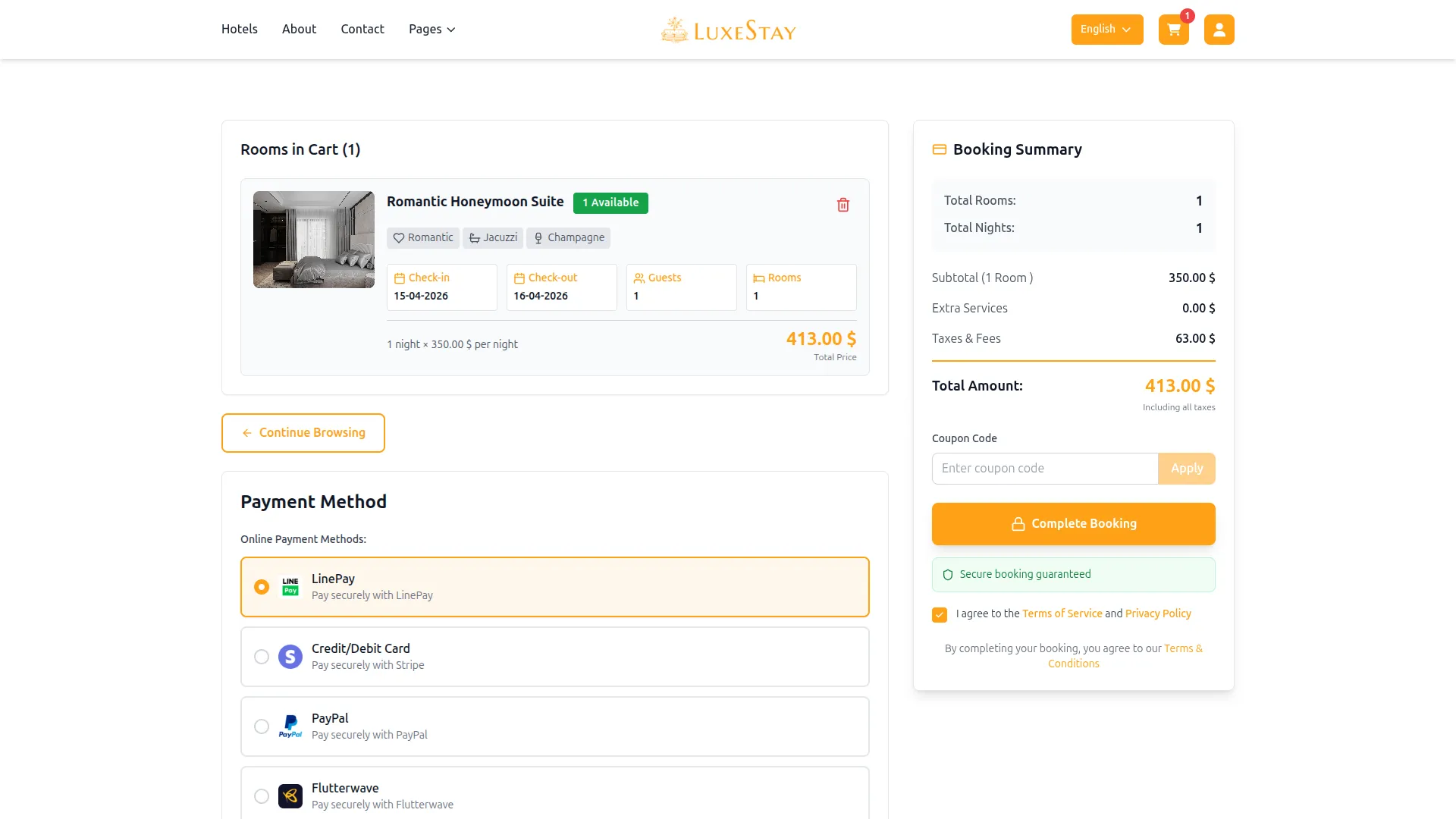
On the Company side, LinePay supports the collection of payments for various business transactions and customer billing needs. Companies can accept payments for bookings, appointments, beauty spa services, course purchases (LMS), hotel and room reservations, and other similar services. All transactions are monitored and recorded in real time, giving businesses complete visibility over their financial activity.
| Currency Name | Country |
|---|---|
| TWD | Taiwan |
| JPY | Japan |
| THB | Thailand |
| USD | USA |
Screenshots from our system
To explore the functionality and usage of these Add-Ons, refer to the accompanying screenshots for step-by-step instructions on how to maximize their features.
Discover More Add-Ons
Unlock even more functionality with additional Add-Ons, providing enhanced networking and customization options for your Dash SaaS experience.


yoga-classes
Yoga Classes is an all-in-one Yoga Classes management Add-On with advanced course creation, user management, secure payments, dynamic content tools, and a central dashboard.

UddoktaPay
Integrating the UddoktaPay payment gateway into Dash SaaS revolutionizes transaction management with a seamless and efficient payment process. UddoktaPay, renowned for its fast and secure payment system, ensures that your customers can complete transactions with ease and confidence

PEST Analysis Model
The PEST Analysis Module by Dash SaaS equips businesses with a robust framework to evaluate external factors influencing strategic decisions.
Platform feels secure and modern