
Supported Countries : BitPay supports cryptocurrency settlements in over 200 countries. BitPay supports payment processing and cryptocurrency settlement for merchants in nearly 230 countries and territories.
Supported Currencies : BTC (Bitcoin), BCH (Bitcoin Cash), DOGE (Dogecoin), ETH (Ethereum), LTC (Litecoin), SHIB (Shiba Inu), XRP (Ripple), USDC (Circle USD Coin), USDT (Tether), and USD-pegged stablecoins, including BUSD, DAI, GUSD, USDC, and USDP
Supported Fiat Currencies : AUD (Australian Dollar), EUR (Euro), GBP (Pound Sterling), MXN (Mexican Peso), NZD (New Zealand Dollar), USD (US Dollar), CAD (Canadian Dollar), ZAR (South African Rand), CHF (Swiss Franc)
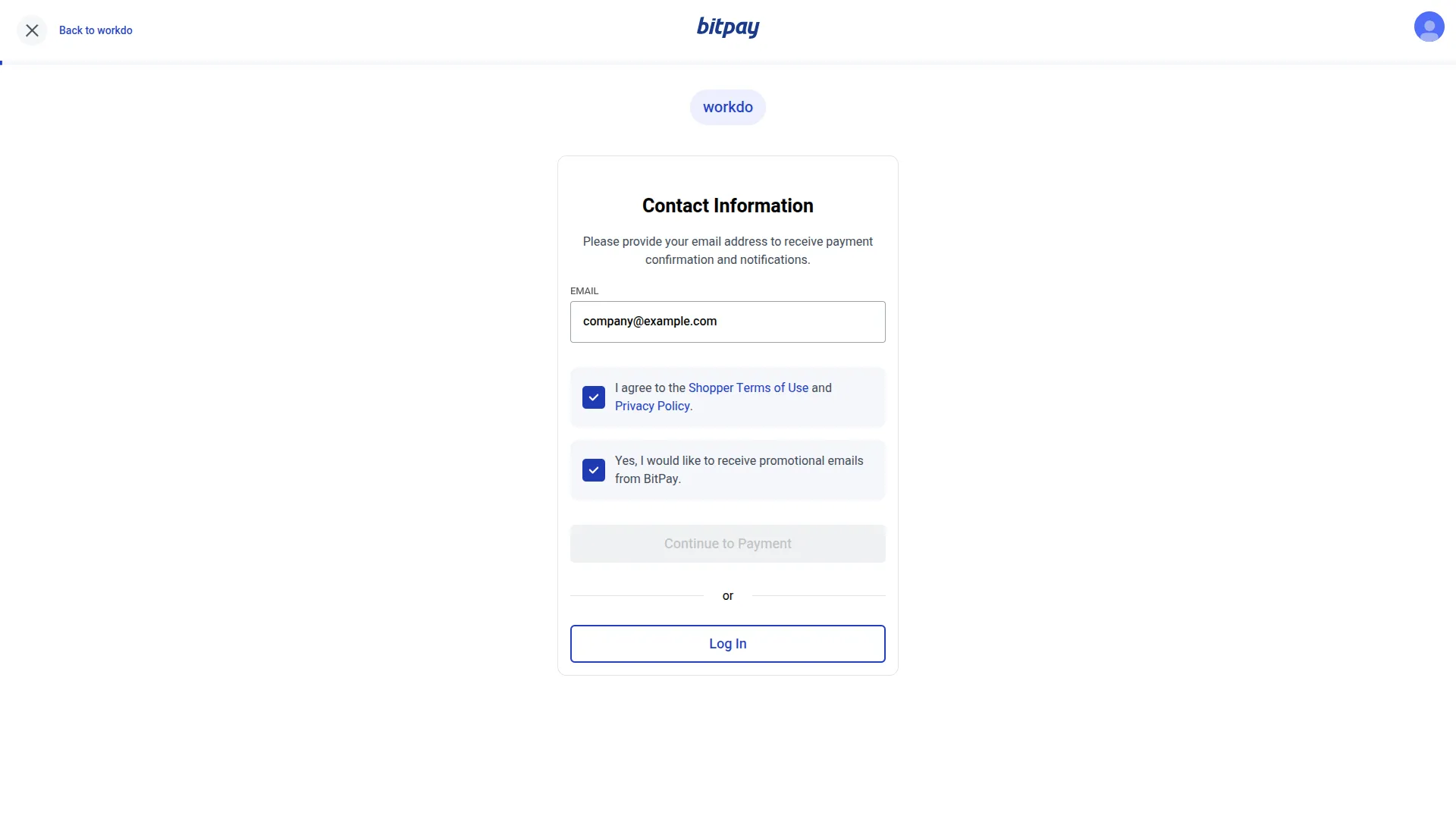
BitPay is a globally recognized cryptocurrency payment gateway that enables businesses to accept digital currency payments from customers across nearly 230 countries and territories. Supporting a wide array of cryptocurrencies, including Bitcoin, Ethereum, Dogecoin, and multiple stablecoins, alongside major fiat currencies, BitPay bridges the gap between traditional commerce and the digital asset economy. With automated transaction processing, real-time conversion rates, and strong fraud protection, BitPay offers businesses a powerful and borderless payment solution built for the modern era.
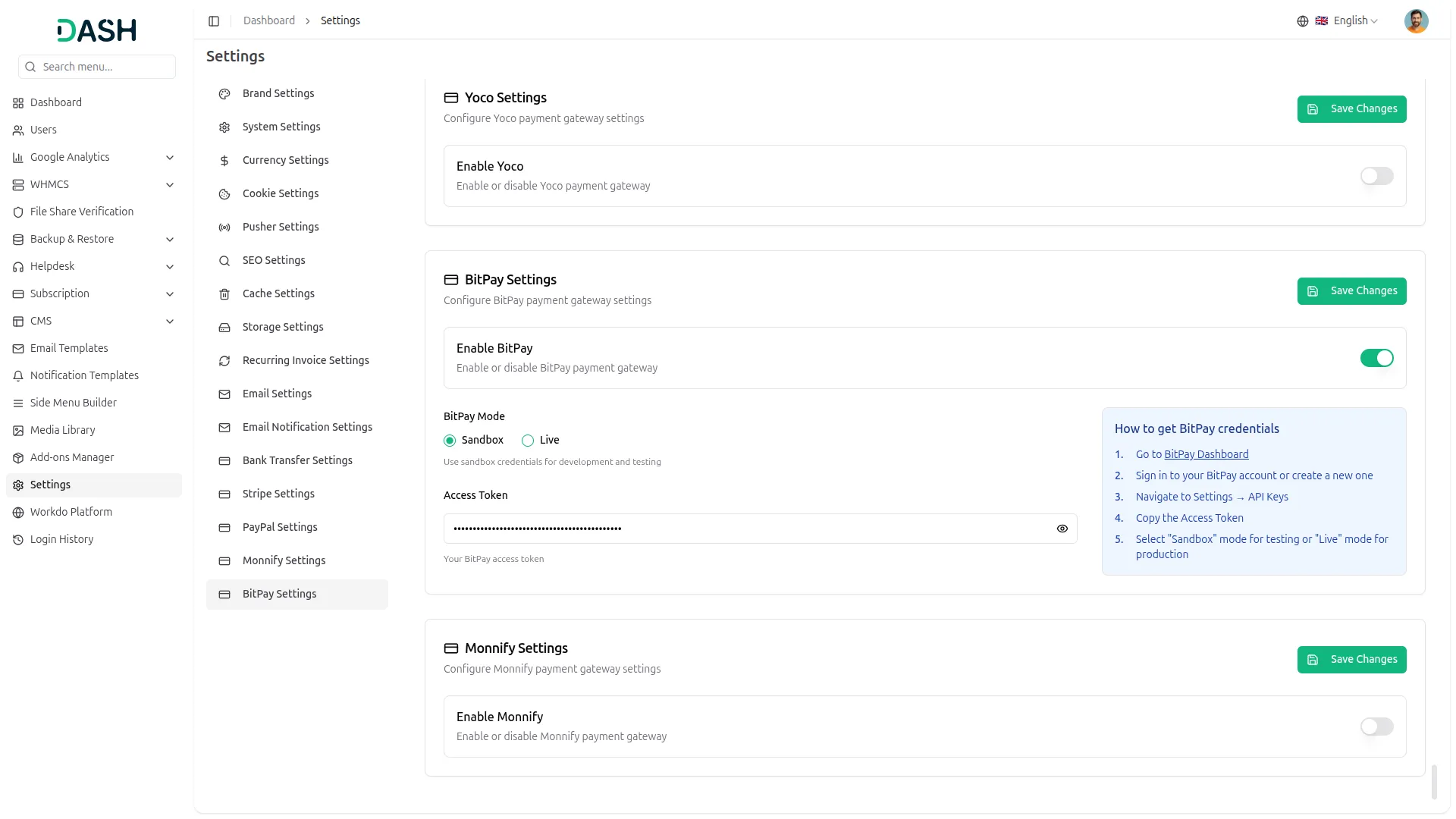
API Key Settings Page for BitPay Integration
The API Key Settings Page allows you to establish a secure and direct connection between your platform and the BitPay payment gateway. By entering your credentials here, your system gains the ability to interact with BitPay services, enabling smooth and reliable payment processing across all transaction types. The Superadmin and Company accounts use separate integration setups but follow a unified integration structure for consistency, with the Superadmin handling subscription-based plan payments and the Company managing customer-facing transactions and service payments.
Seamless Plan Payments
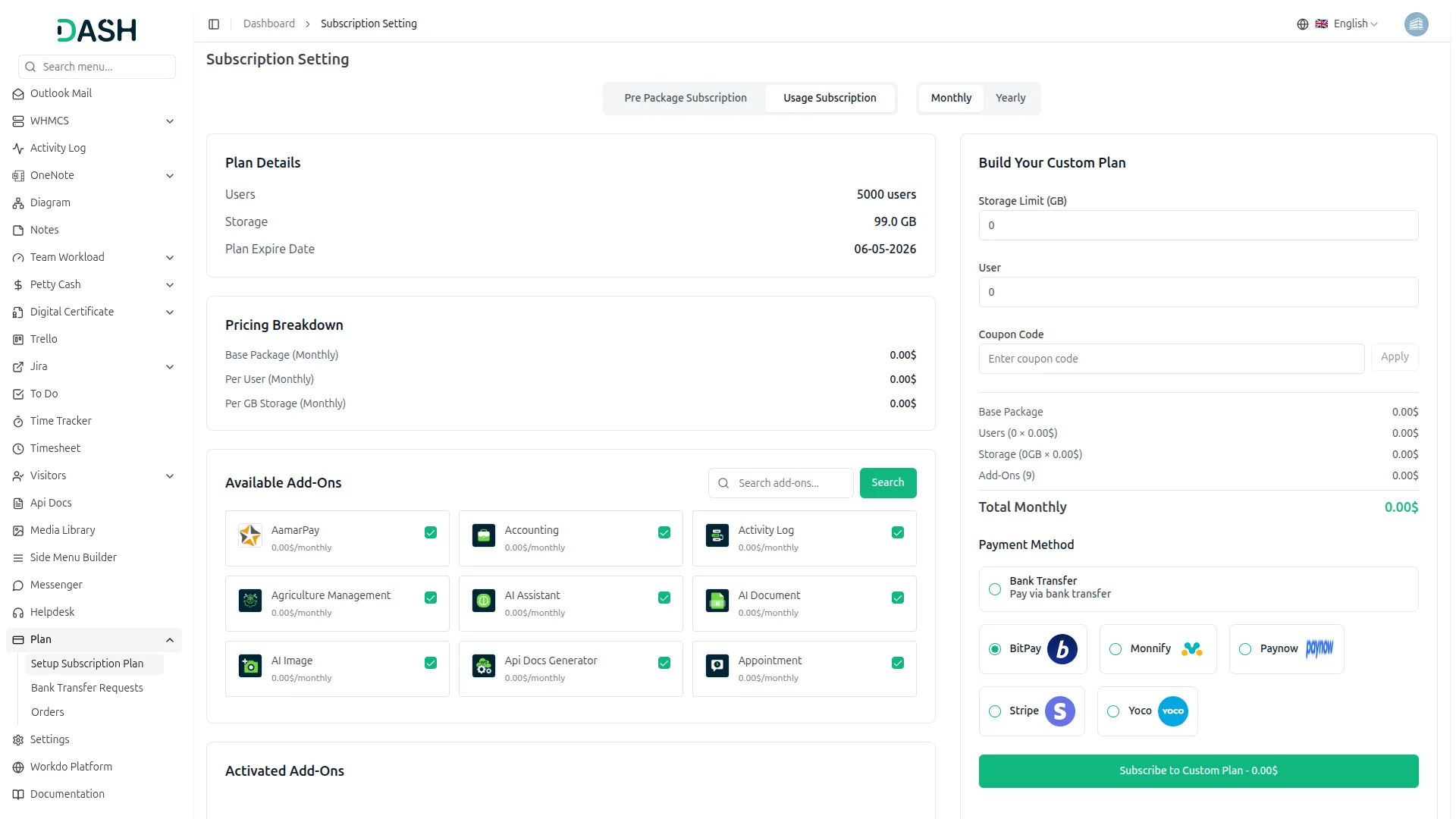
This payment method operates on the Superadmin side, allowing customers to purchase platform plans through a secure and straightforward cryptocurrency payment. All transactions are processed instantly through BitPay with real-time conversion rates applied, ensuring complete accuracy and full transparency at every stage.
Payment Management
This payment method is used on the Company side to handle payments across a variety of business services and customer transactions, including bookings, appointments, beauty spa services, course purchases (LMS), hotel and room reservations, and other similar services. Companies can confidently accept cryptocurrency payments from customers worldwide through BitPay, with every transaction processed securely and tracked in real time for complete financial visibility.
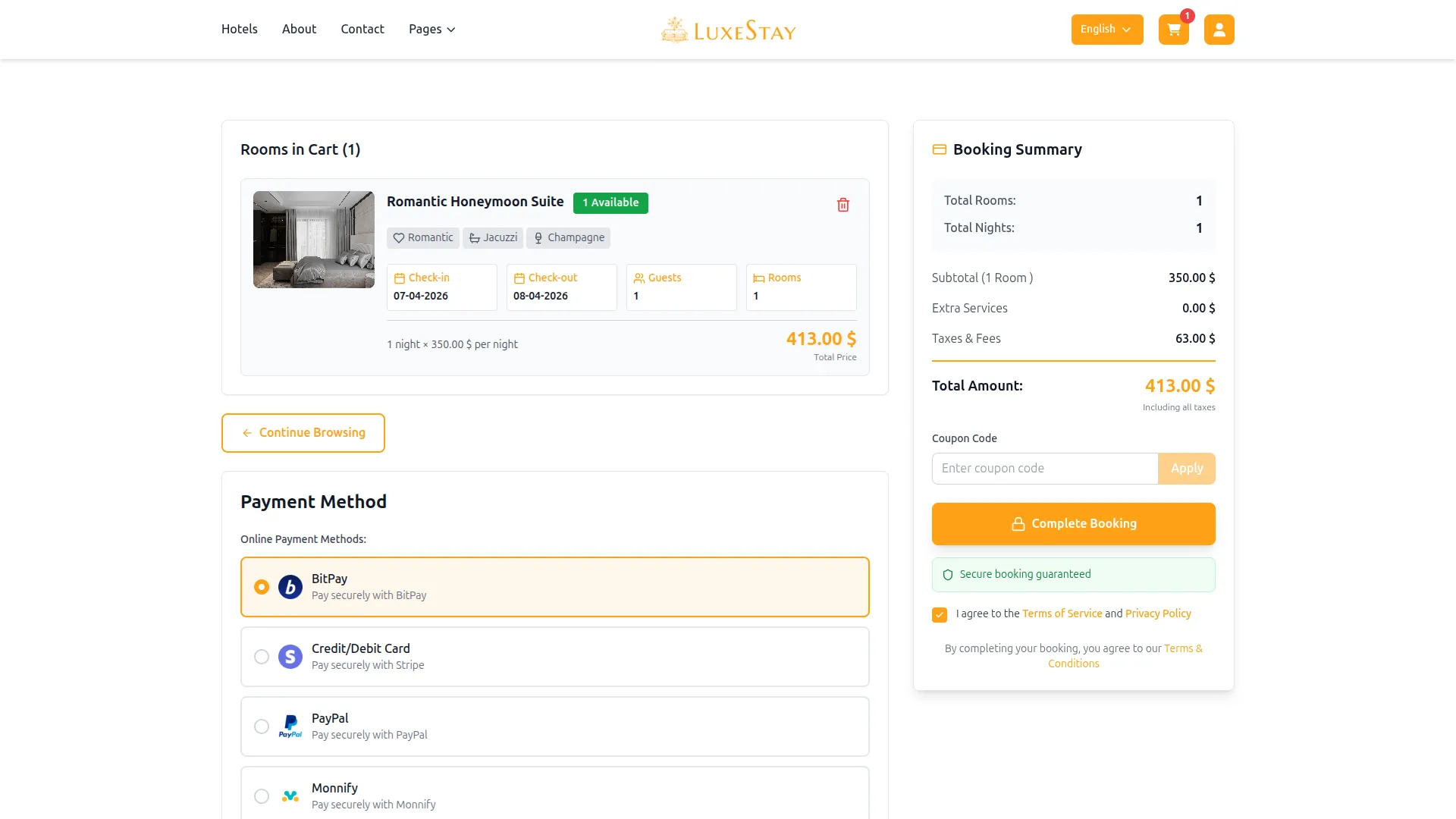
Screenshots from our system
To explore the functionality and usage of these Add-Ons, refer to the accompanying screenshots for step-by-step instructions on how to maximize their features.
Discover More Add-Ons
Unlock even more functionality with additional Add-Ons, providing enhanced networking and customization options for your Dash SaaS experience.


Business Model
Building a successful business requires a clear and well-defined strategy. Dash SaaS's Business Model module empowers you to do just that. This powerful tool provides a comprehensive framework to map out your value proposition, target customers, revenue streams, and cost structure.

AI Document
AI Document harnesses the power of OpenAI AI technology to generate unique content, images, and code while ensuring it is free from plagiarism.

fire-safety
This powerful solution ensures regulatory compliance while maximizing operational efficiency through automated certificate generation, violation tracking, and real-time analytics.
Simple setup with clear guidance