
API Credential Setup for Easy Access
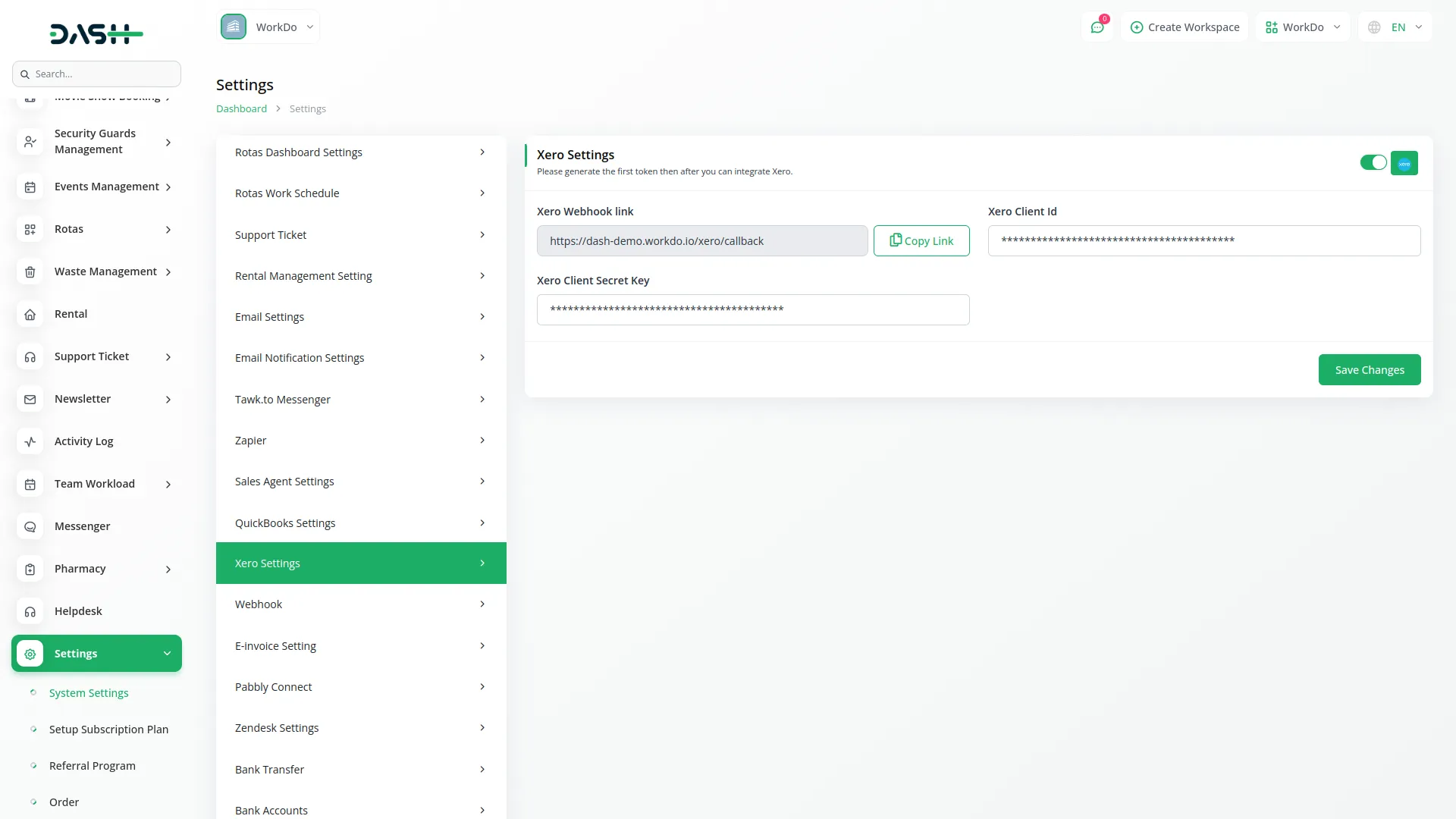
To unlock the full potential of this integration, you simply need to enter your Xero API credentials into your system’s settings. This essential step establishes a secure, reliable bridge between the two platforms, allowing data to flow freely and automatically. Once configured, this link empowers you to start syncing vital information—like invoices, bills, and accounts—immediately. It’s a quick, one-time setup that opens the door to continuous, error-free updates and a significantly easier way to manage your business finances.
Comprehensive Invoice and Bill Management
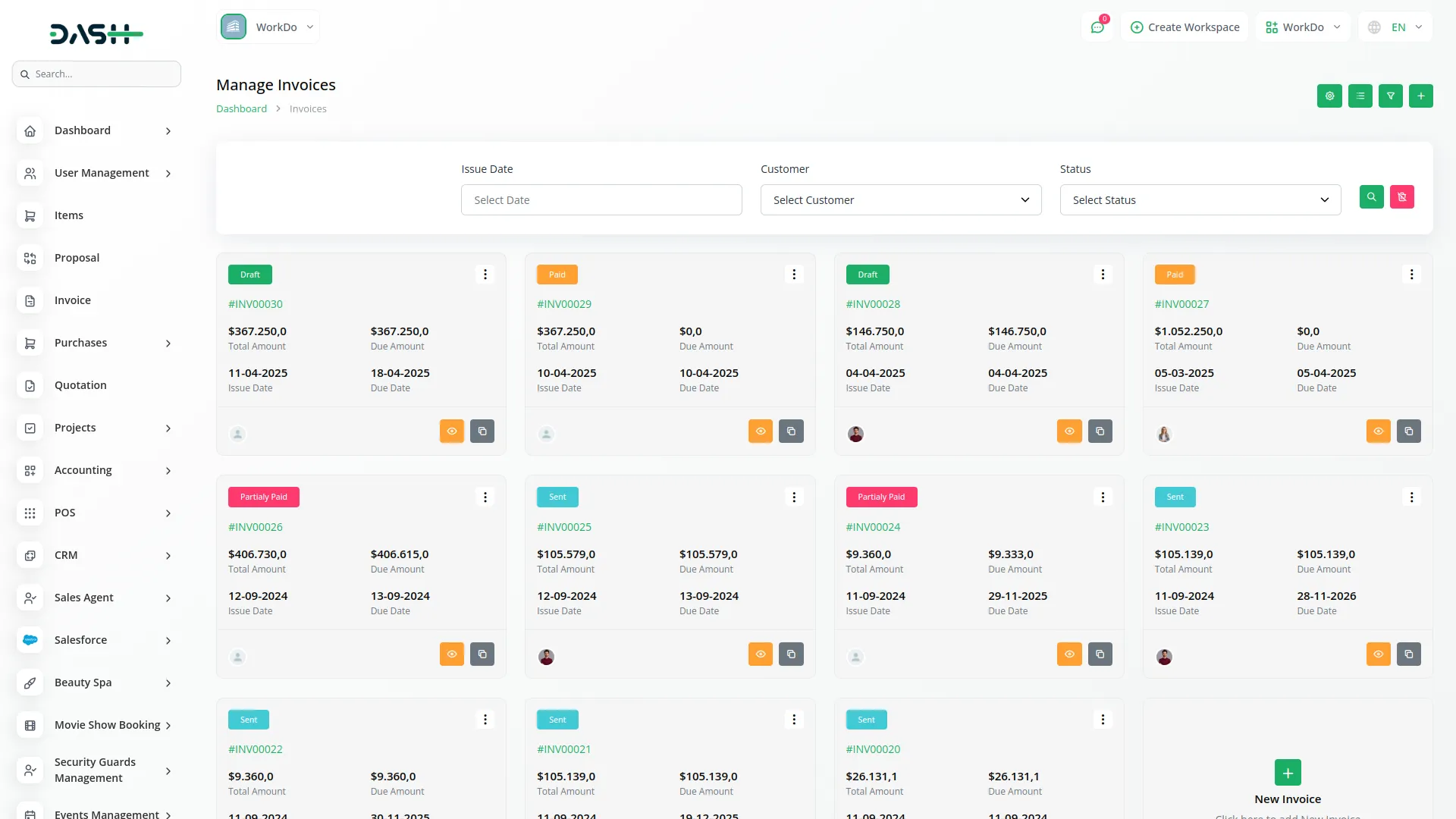
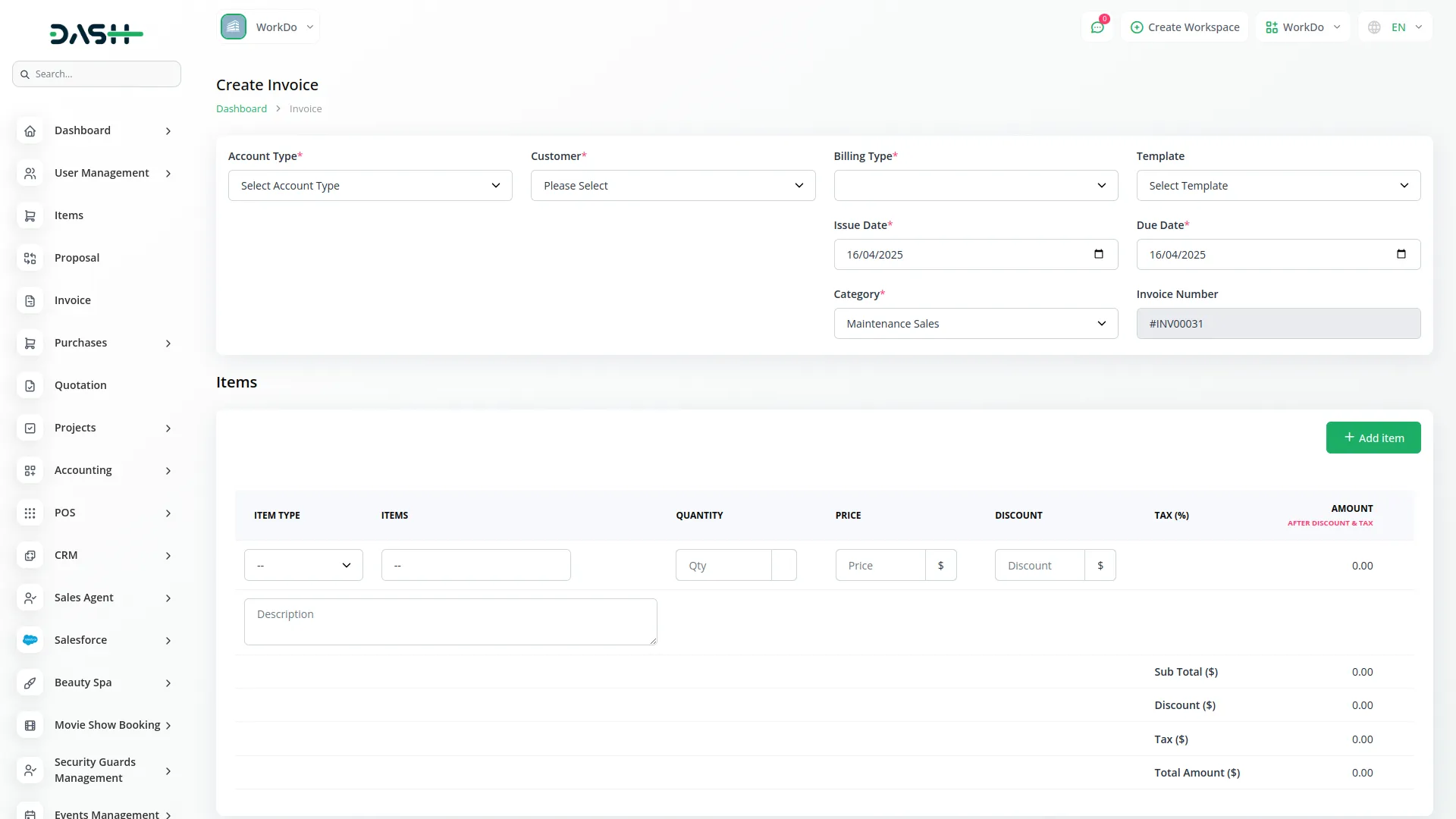
Streamline your receivables and payables with powerful syncing capabilities. You can effortless sync both Sales Invoices and Purchase Invoices (Bills) directly to Xero with just a few clicks. This ensures that your billing system is always perfectly aligned with your accounting software, capturing every transaction accurately. By automating this process, you save valuable time, reduce administrative overhead, and ensure your financial reports in Xero always reflect the most current business activity.
Effortless Credit and Debit Note Syncing
Managing refunds, returns, and adjustments has never been easier. The integration now fully supports the syncing of Credit Notes and Debit Notes, ensuring that every financial adjustment is recorded with precision. Whether you are issuing a credit to a customer or recording a debit note for a vendor, the system updates both platforms instantly. This keeps your financial records pristine and ensures that your customer and vendor balances are always accurate without any manual intervention.
Automated Payment and Account Synchronization
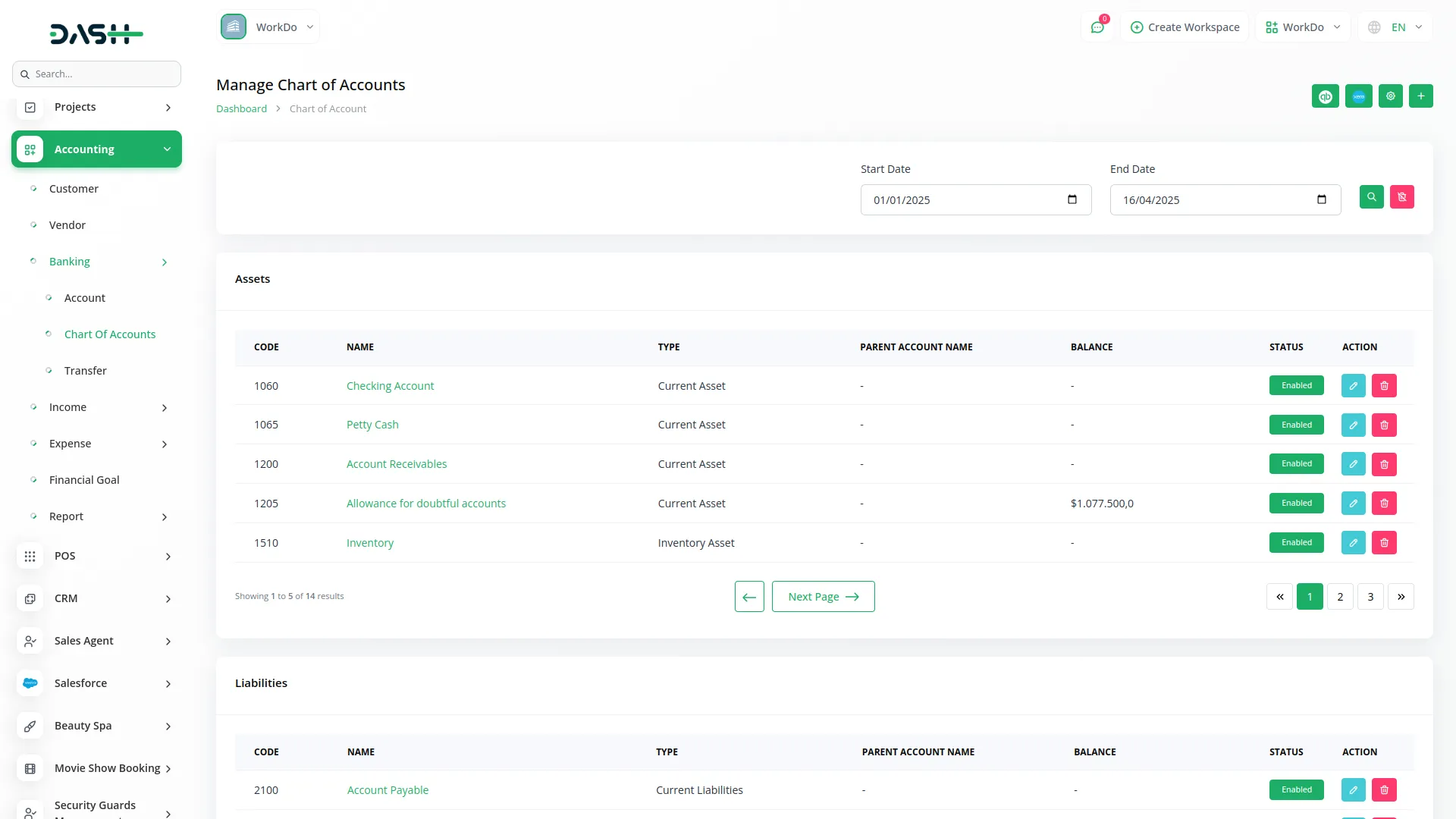
Gain complete visibility into your cash flow with automated payment syncing. Customer Payments and Vendor Payments are automatically synced to Xero, keeping your balances up-to-date in real-time. Additionally, the integration allows you to synchronize your Chart of Accounts, ensuring that every transaction is mapped to the correct ledger automatically. This level of automation not only simplifies reconciliation but also guarantees that your financial data is ready for reporting and tax purposes at a moment's notice.
Screenshots from our system
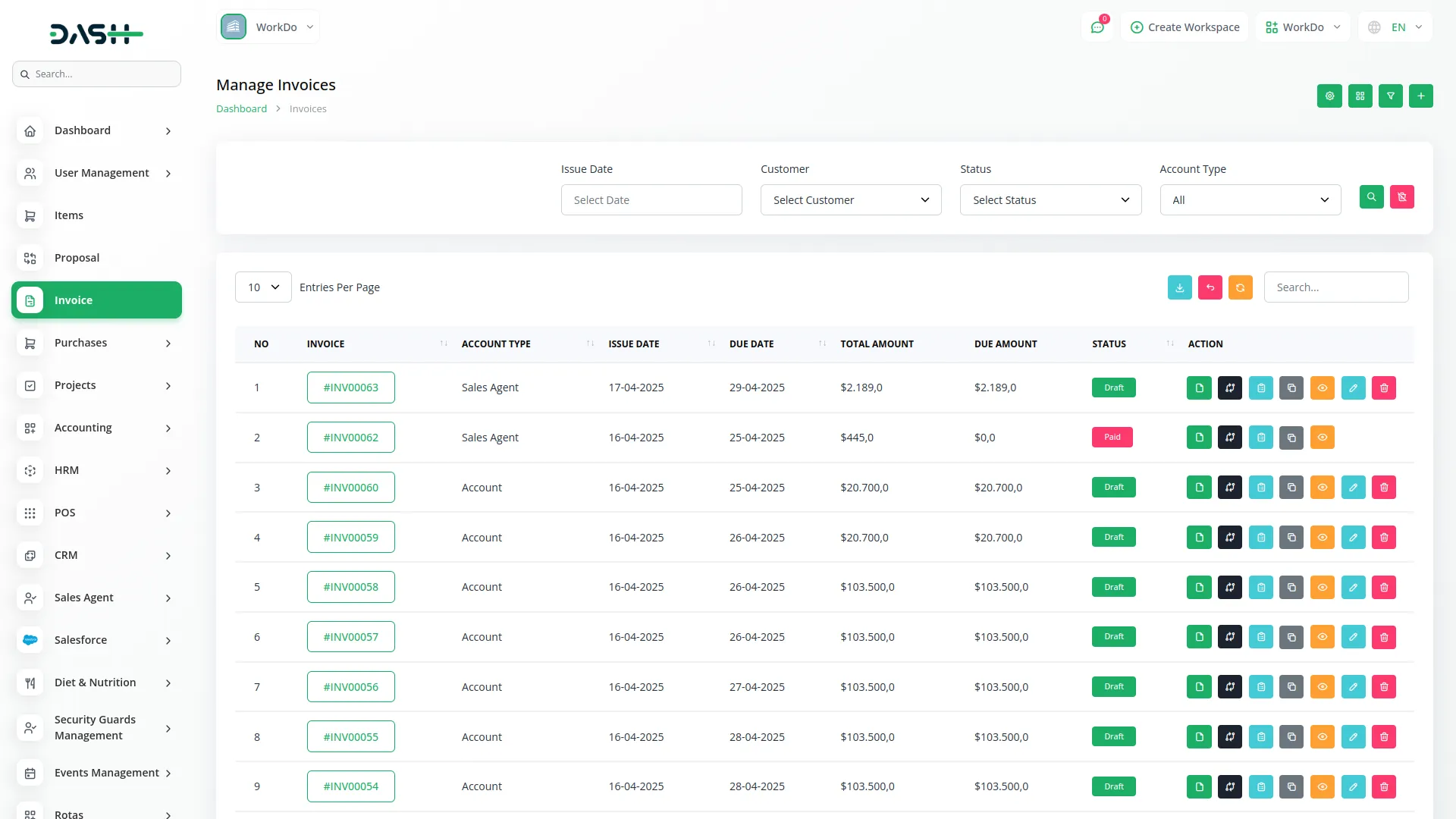
To explore the functionality and usage of these Add-Ons, refer to the accompanying screenshots for step-by-step instructions on how to maximize their features.
Discover More Add-Ons
Unlock even more functionality with additional Add-Ons, providing enhanced networking and customization options for your Dash SaaS experience.


Telesign SMS
Send important updates and alerts through SMS with Telesign, ensuring your team and customers are always in the loop, even when they are not connected to the system.

Laundry Management
The Laundry Management Module stands as a cornerstone in our organizational framework, embodying a commitment to efficiency and service excellence.

Design is innovative
Code is well documented
Code is efficient and robust
Features are helpful and unique