
The Sendinblue Add-On streamlines email management by integrating directly with Brevo, allowing teams to monitor every message in real time and automatically track outcomes such as delivery, bounce, or spam. It provides structured, reusable templates for recurring communications, ensuring consistent branding and saving time on repetitive tasks. Additionally, the Add-On simplifies contact management, enabling teams to organize, segment, and target audiences efficiently across multiple channels.
Effortless Email Management with Sendinblue Integration
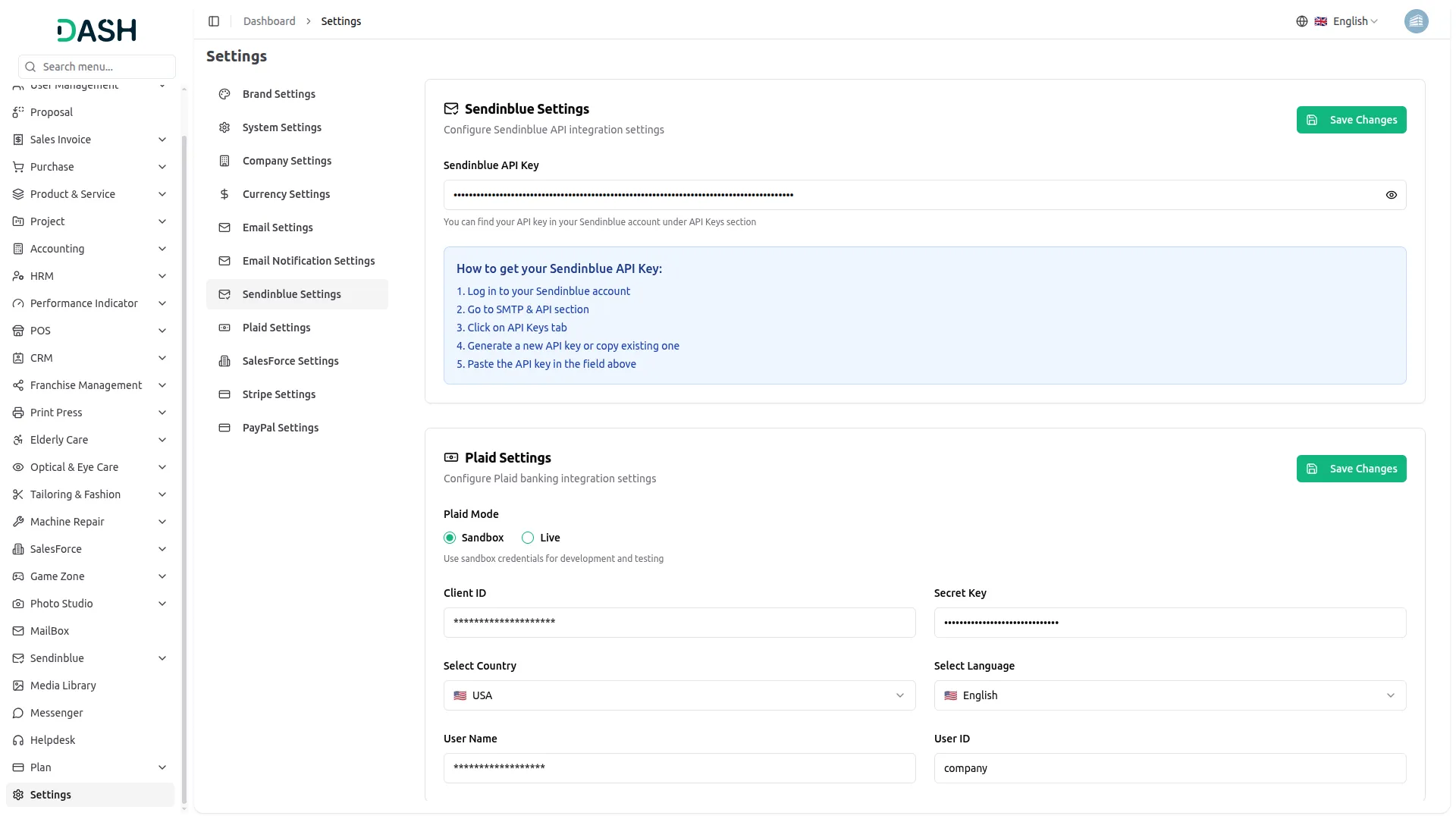
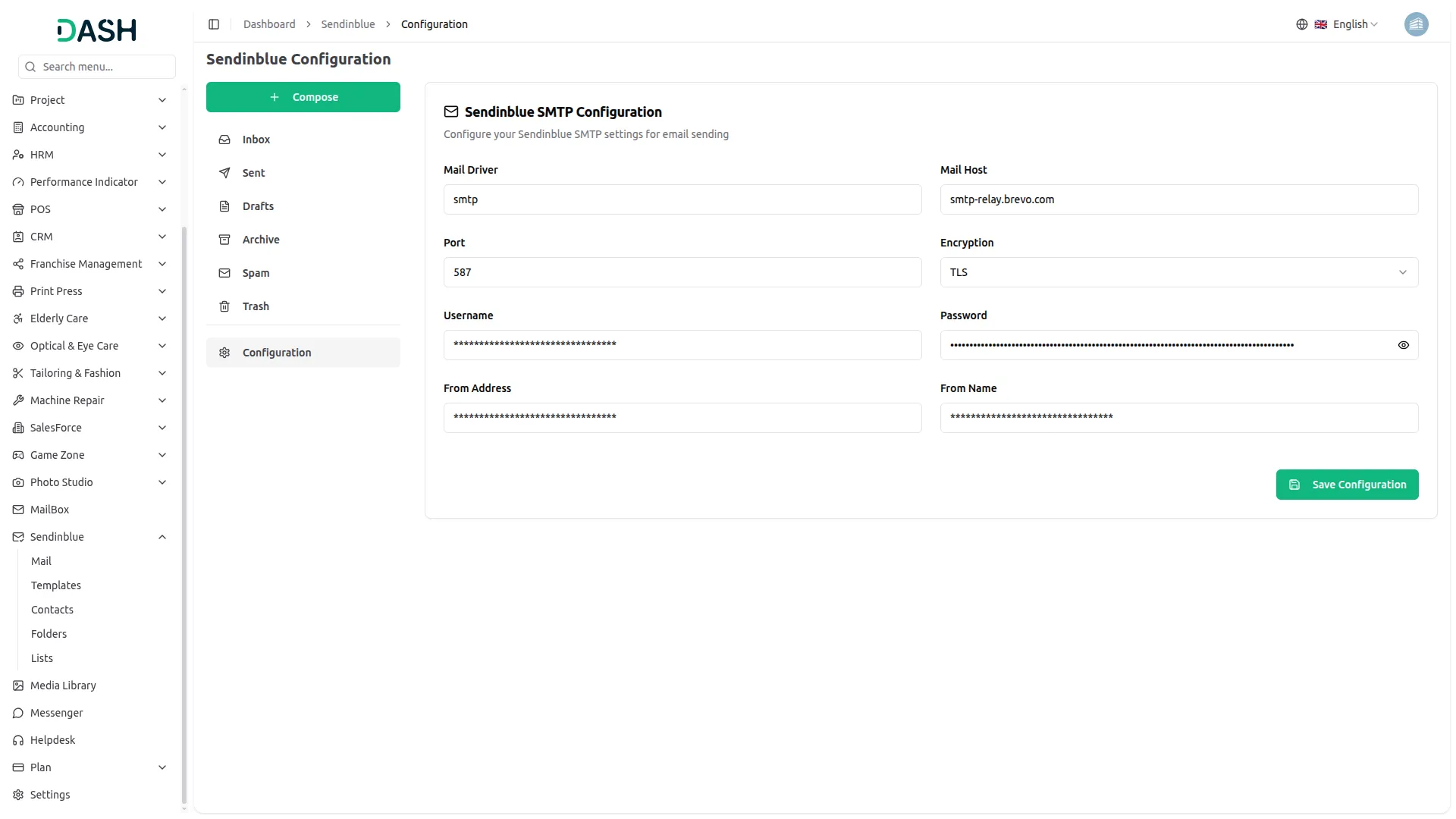
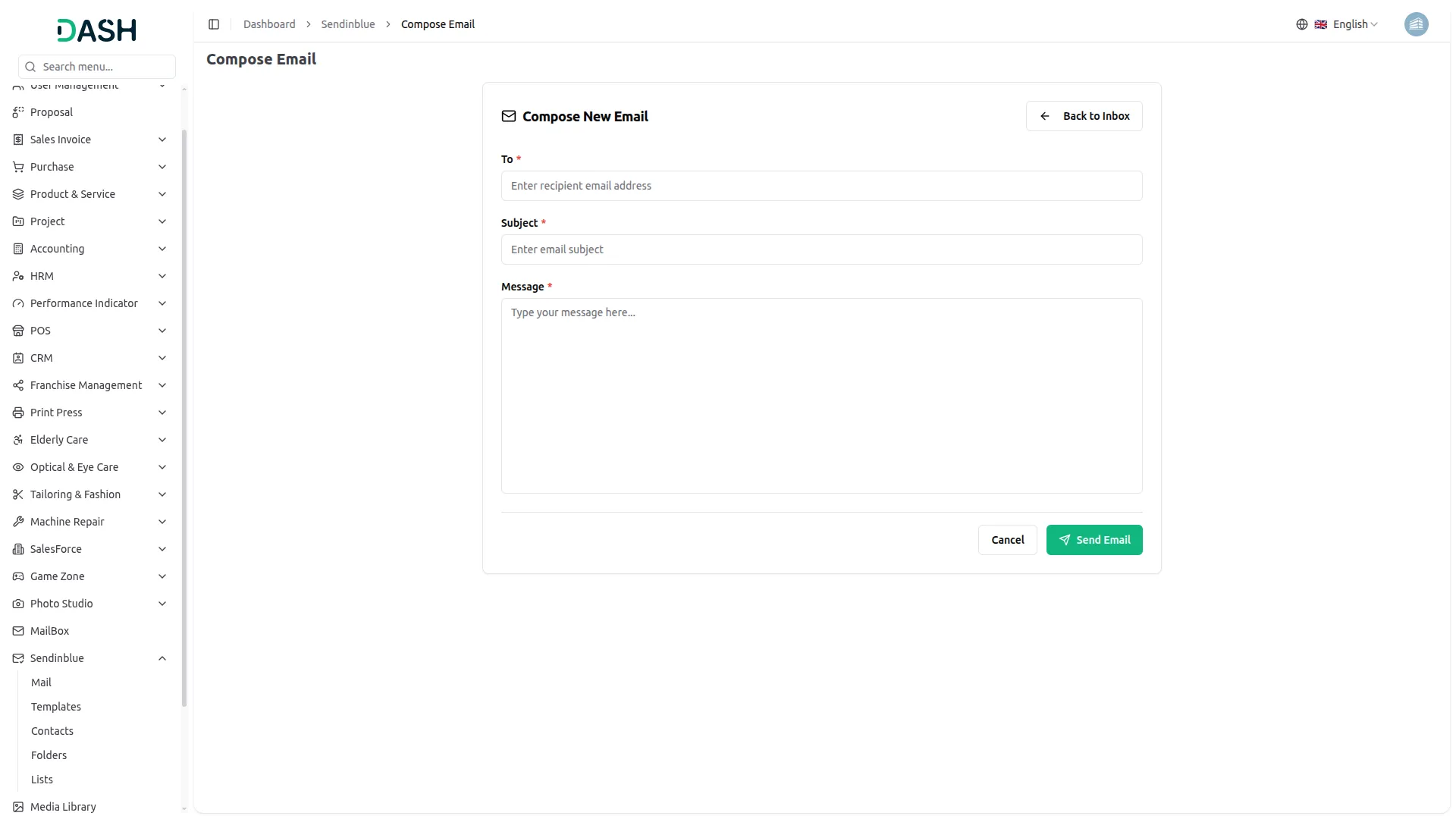
The Sendinblue integration enables businesses to manage their email communication efficiently within Dash SaaS. Users can compose and send newsletters, promotional emails, and transactional messages via Brevo without switching platforms. With easy API key configuration, businesses can automate campaigns and ensure professional outreach. The platform also supports template management and organized contact handling for personalized and consistent email marketing.
Monitor Every Email with Sendinblue
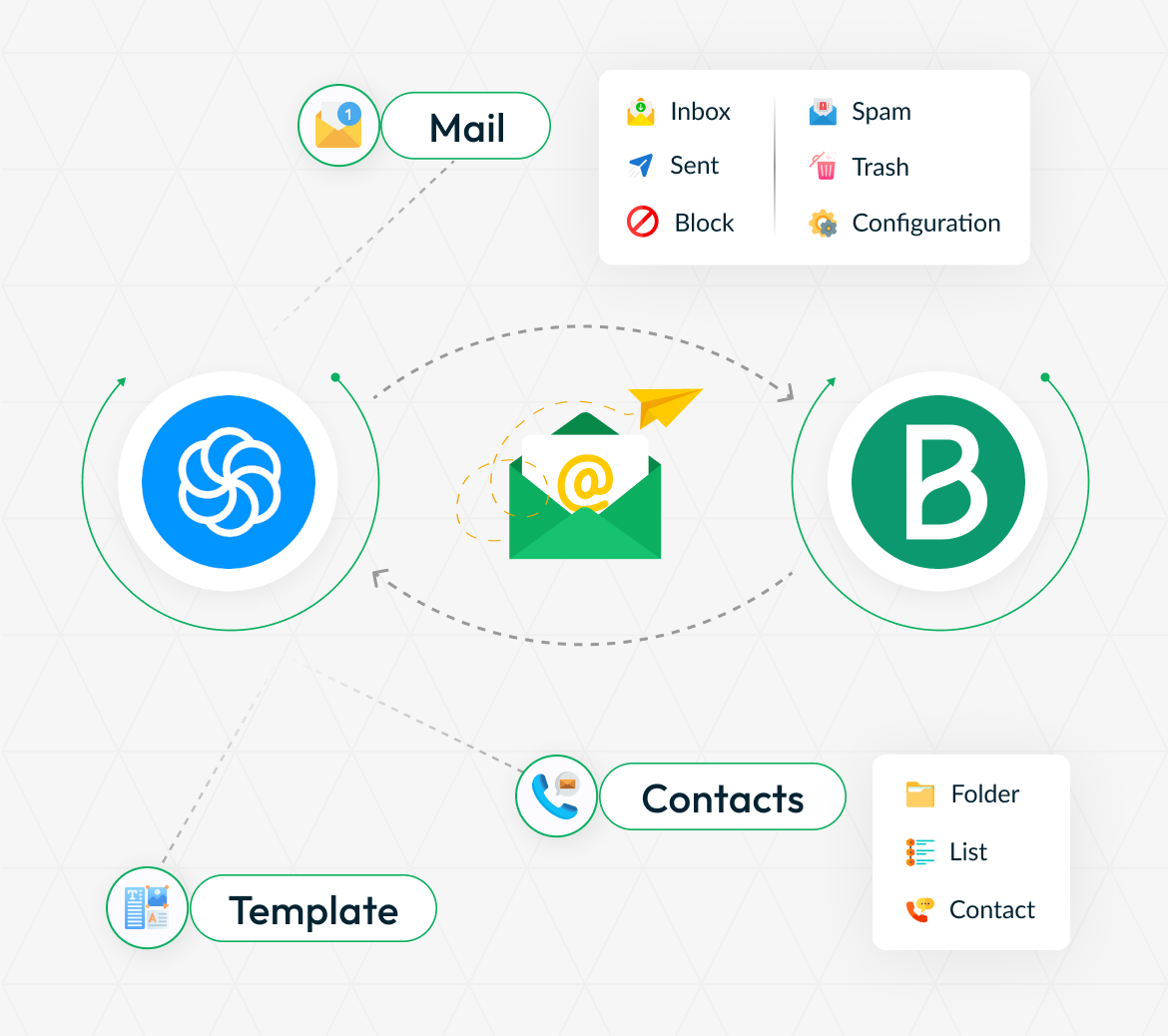
The Sendinblue Add-On connects your platform directly with Brevo, allowing your team to manage emails without switching tools. All messages are synchronized in real time, preventing missed communications or duplicate efforts. It also automatically tracks email outcomes like delivery, bounce, block, or spam. This gives your team clear visibility into every email’s status without manual checking.
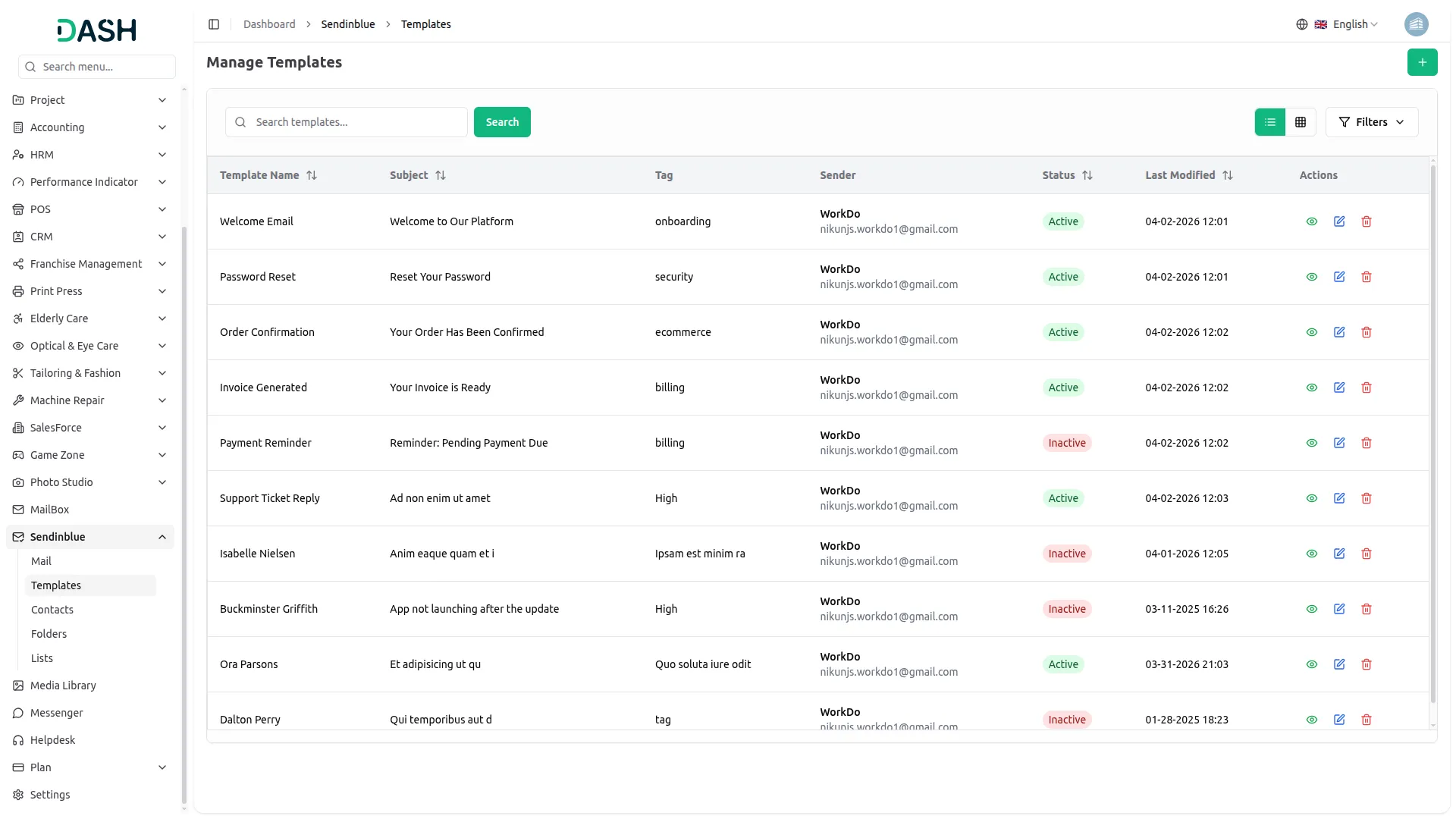
Streamlined Email Templates for Teams
The Add-On offers a structured template system for recurring emails such as updates, announcements, and follow-ups. Teams can reuse pre-built templates to maintain a consistent tone and branding across all communications. Templates can be organized with tags and sender controls, making them easy to manage and access. This saves time, reduces manual effort, and ensures professional, uniform outreach every time.
Manage Contacts with Ease
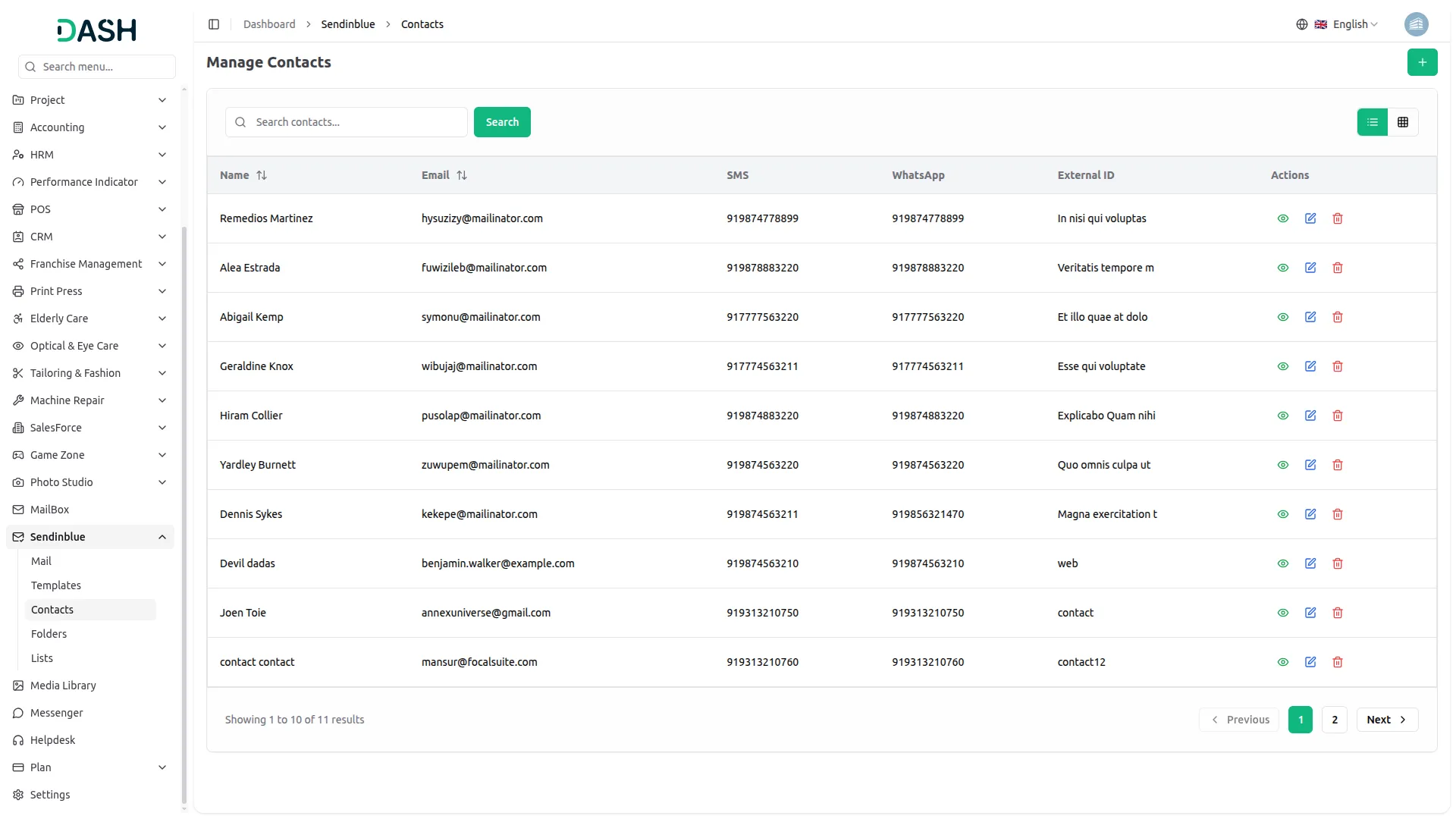
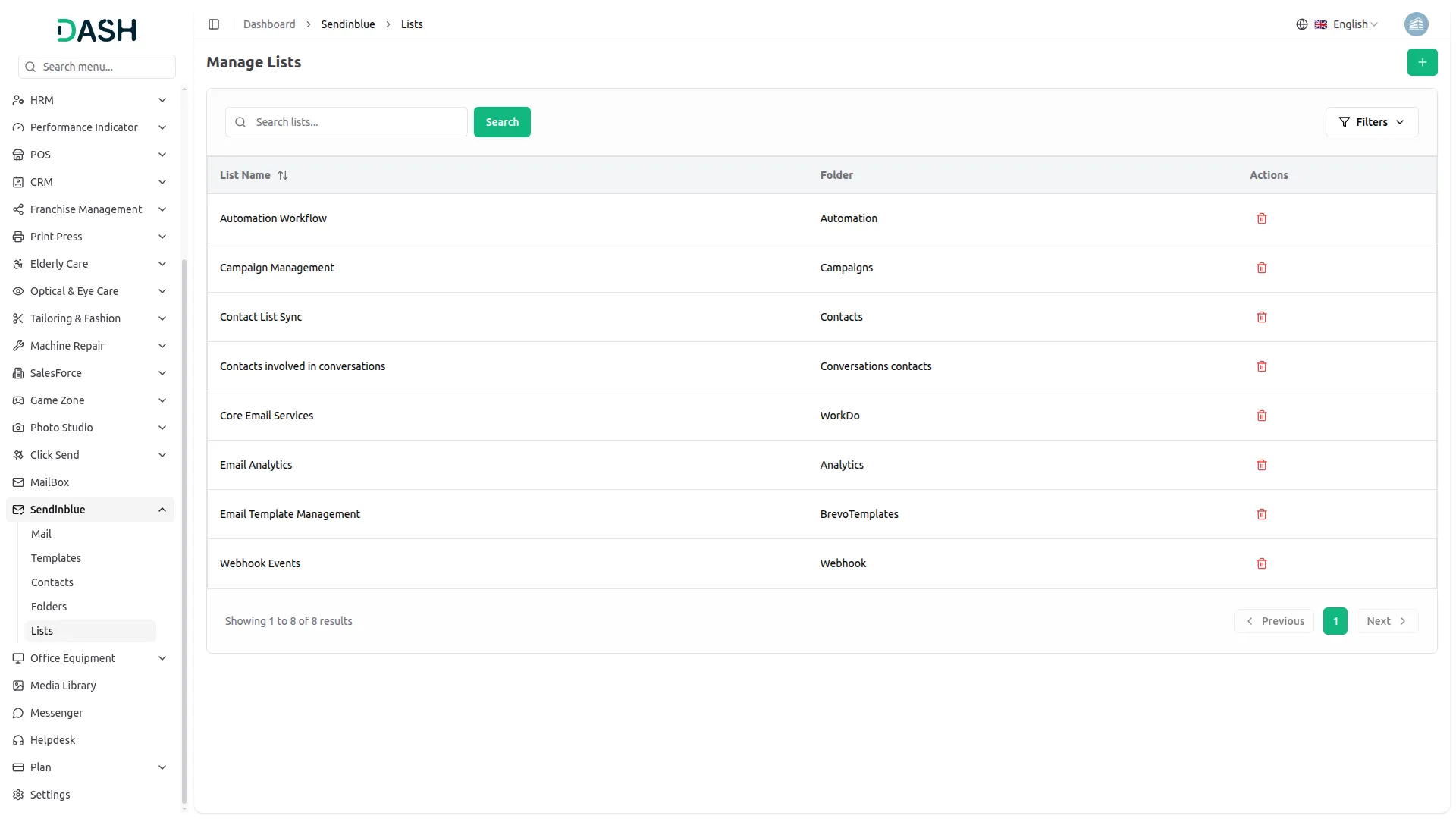
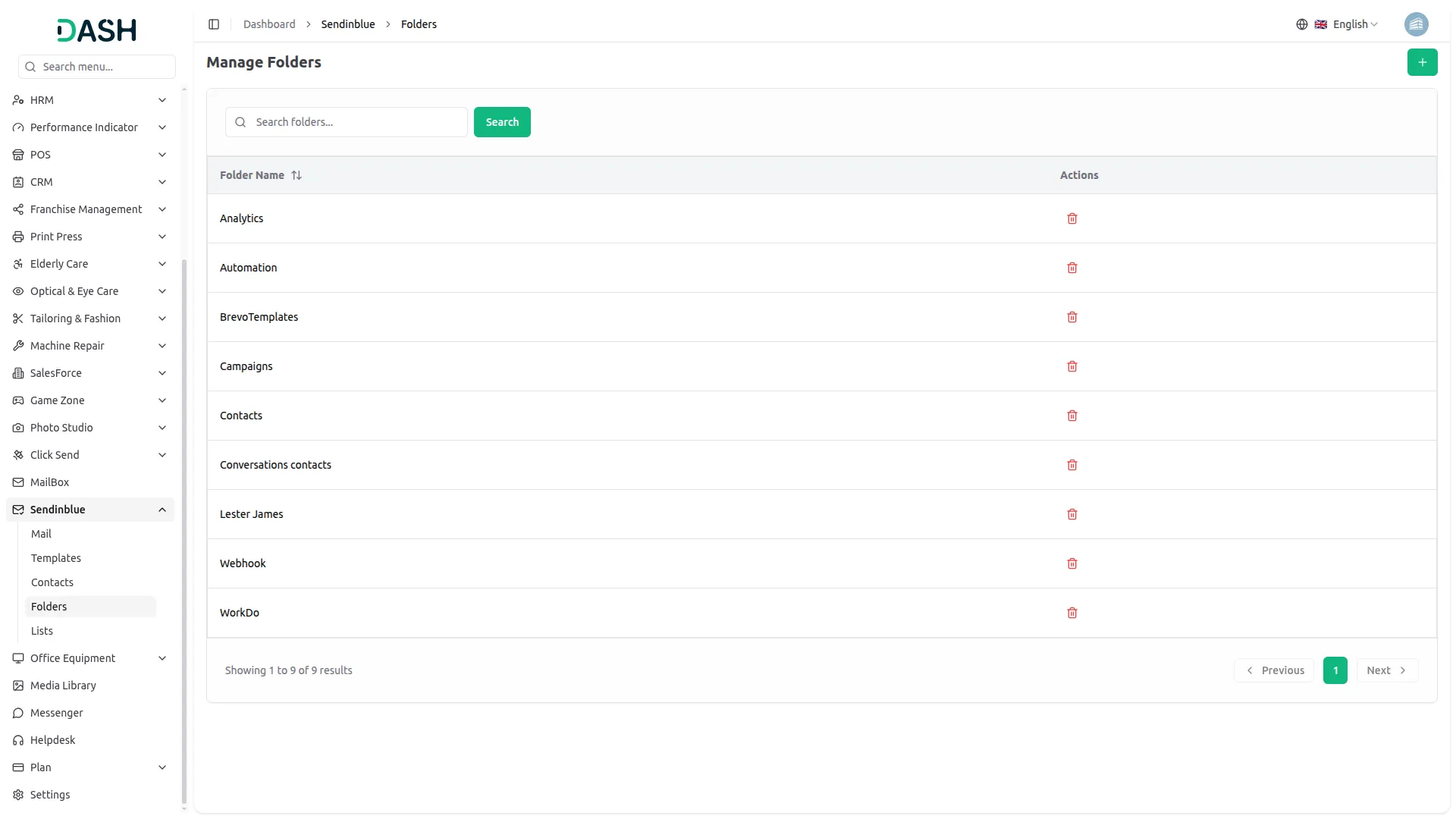
The Add-On offers a complete system to manage detailed contact profiles across multiple communication channels. Contacts can be organized into lists and folders, making navigation simple and scalable for both small and large databases. Teams can segment contacts into specific groups, ensuring messages reach the right audience every time. This structure keeps communications organized, efficient, and targeted without extra effort.
Screenshots from our system
To explore the functionality and usage of these Add-Ons, refer to the accompanying screenshots for step-by-step instructions on how to maximize their features.
Discover More Add-Ons
Unlock even more functionality with additional Add-Ons, providing enhanced networking and customization options for your Dash SaaS experience.

Google Forms
A powerful form management solution that integrates with Google services to create, customize, and manage forms efficiently.


Google Sheet
The Google Sheet Add-On section helps you connect your Google Sheet securely and manage all your sheets in one place.
Updates are frequent and useful