
The Salesforce Add-On makes connecting your Salesforce account to Dash quick, secure, and hassle-free, with easy setup and authentication. It centralizes all your accounts, contacts, leads, opportunities, tasks, and files in one organized platform, keeping your team’s data accessible and up to date. With complete visibility into sales pipelines, customer relationships, and daily operations, teams can work more efficiently, track progress, and collaborate effectively without switching between systems.
Easy Setup & Connection
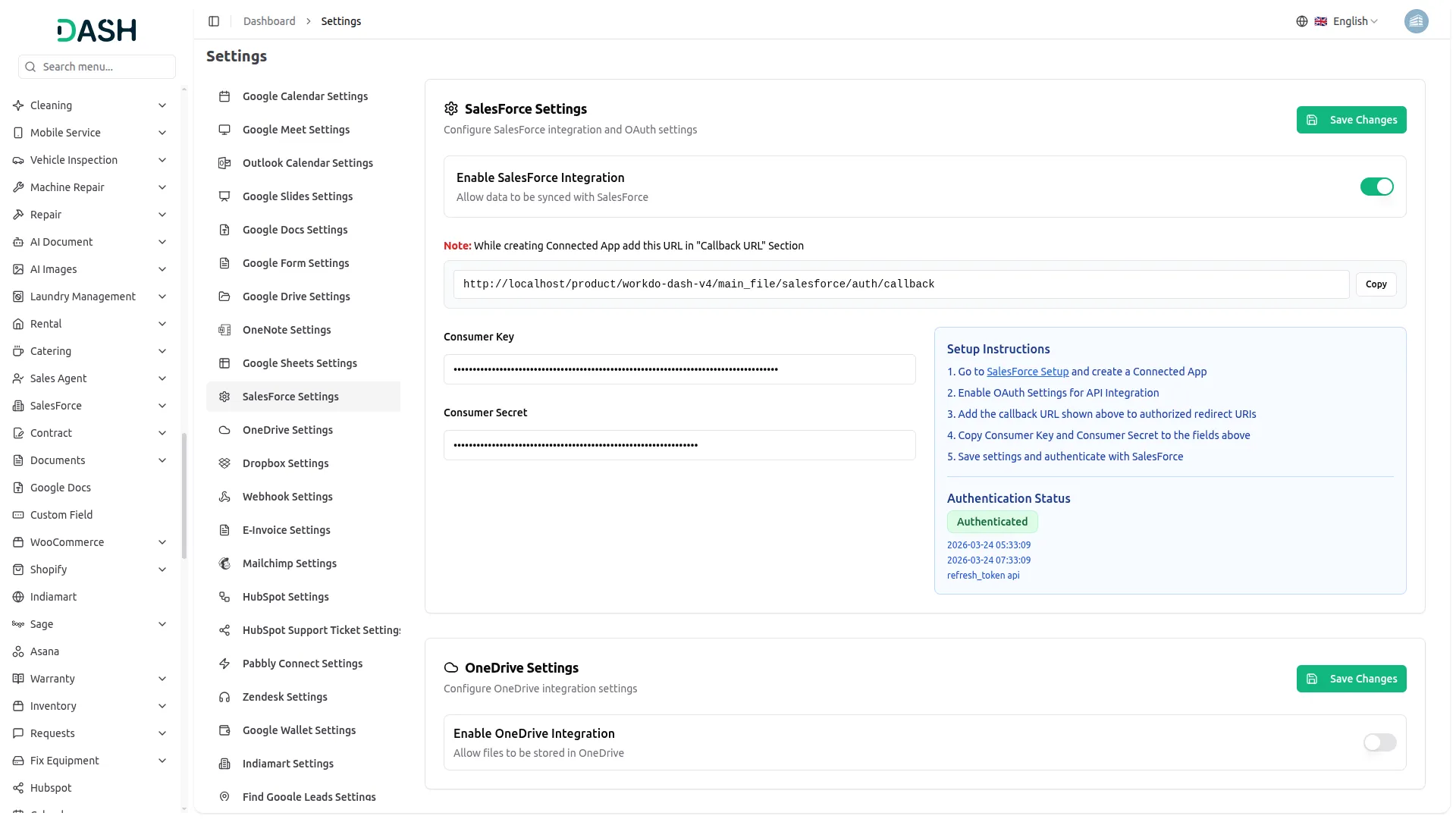
Getting started with the Salesforce Add-On is straightforward and hassle-free. Simply navigate to the settings, enable the integration, and enter your Salesforce credentials, including the Consumer Key and Consumer Secret from your Connected App. The system provides a Callback URL that you add to your Salesforce configuration to complete the connection. Once authenticated, all your Salesforce data is instantly accessible from within the Dash system without any extra steps.
Organized Accounts & Contacts
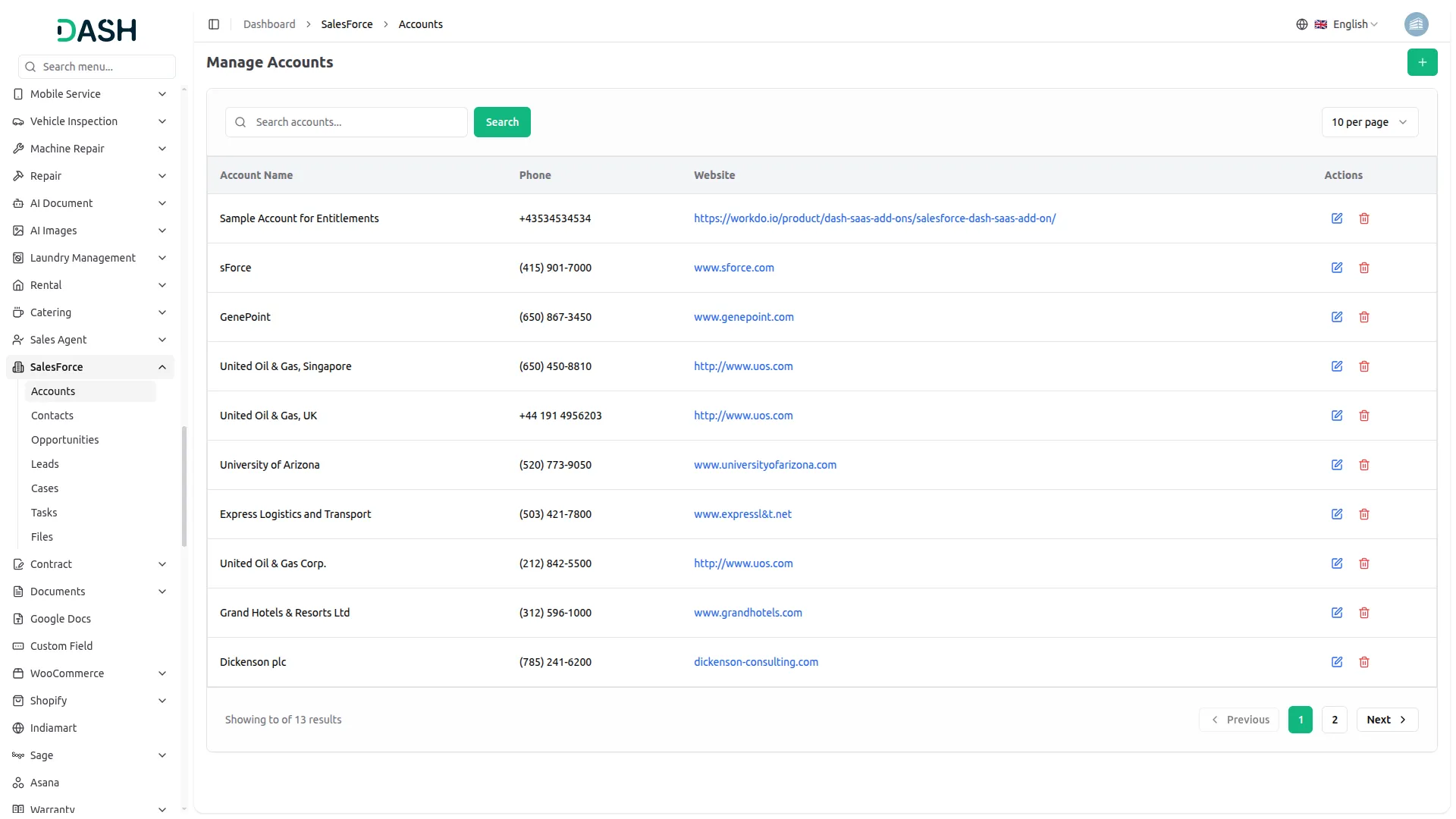
The Salesforce Add-On gives you a clear, organized view of all your accounts and contacts synced directly from Salesforce. You can add new accounts or contacts, update existing records, and remove outdated ones, all from a single, easy-to-use interface. Each record displays key information like names, phone numbers, emails, and websites at a glance. A built-in search bar helps you find any specific account or contact quickly without scrolling through long lists.
Sales Pipeline & Lead Management
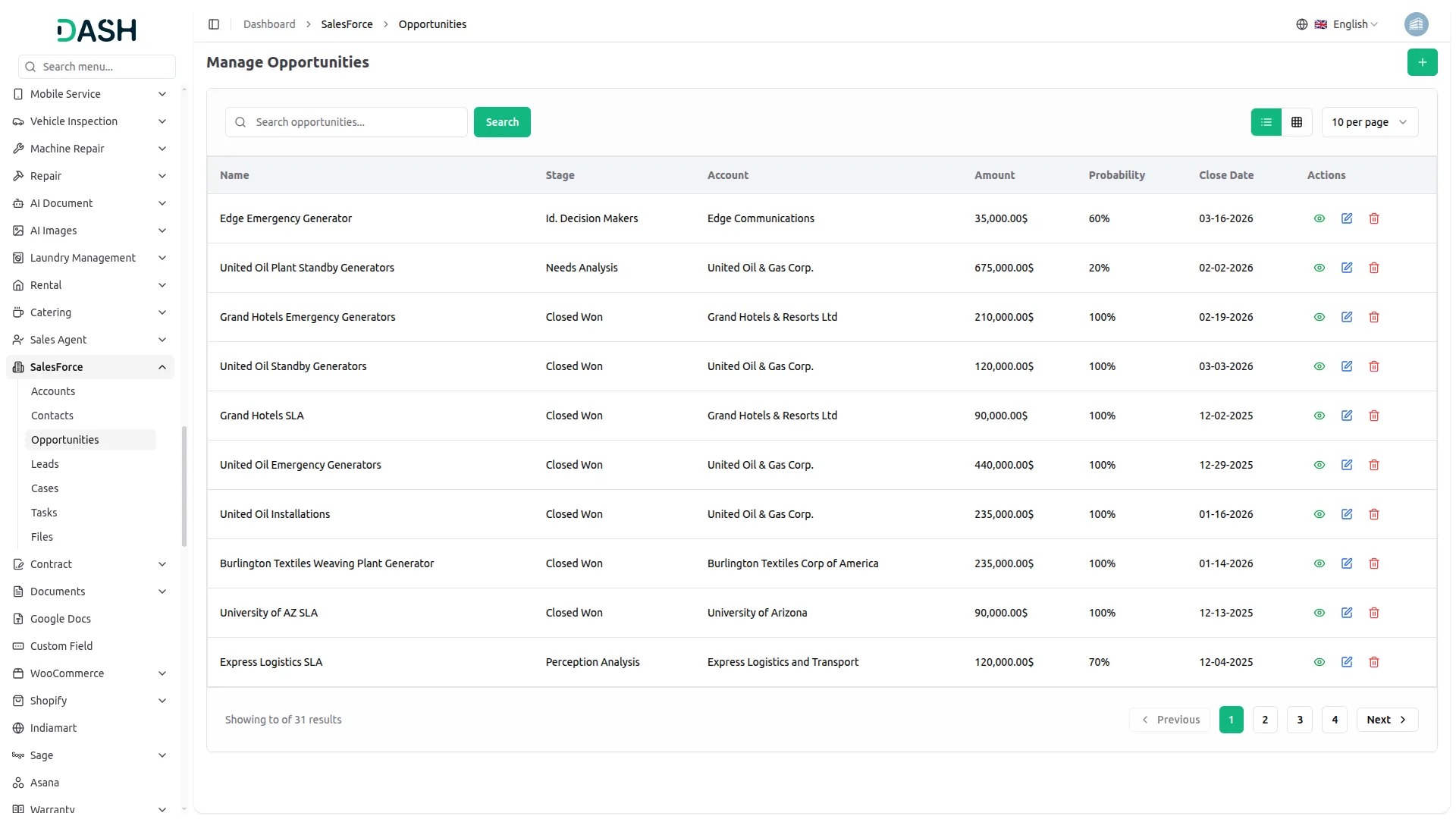
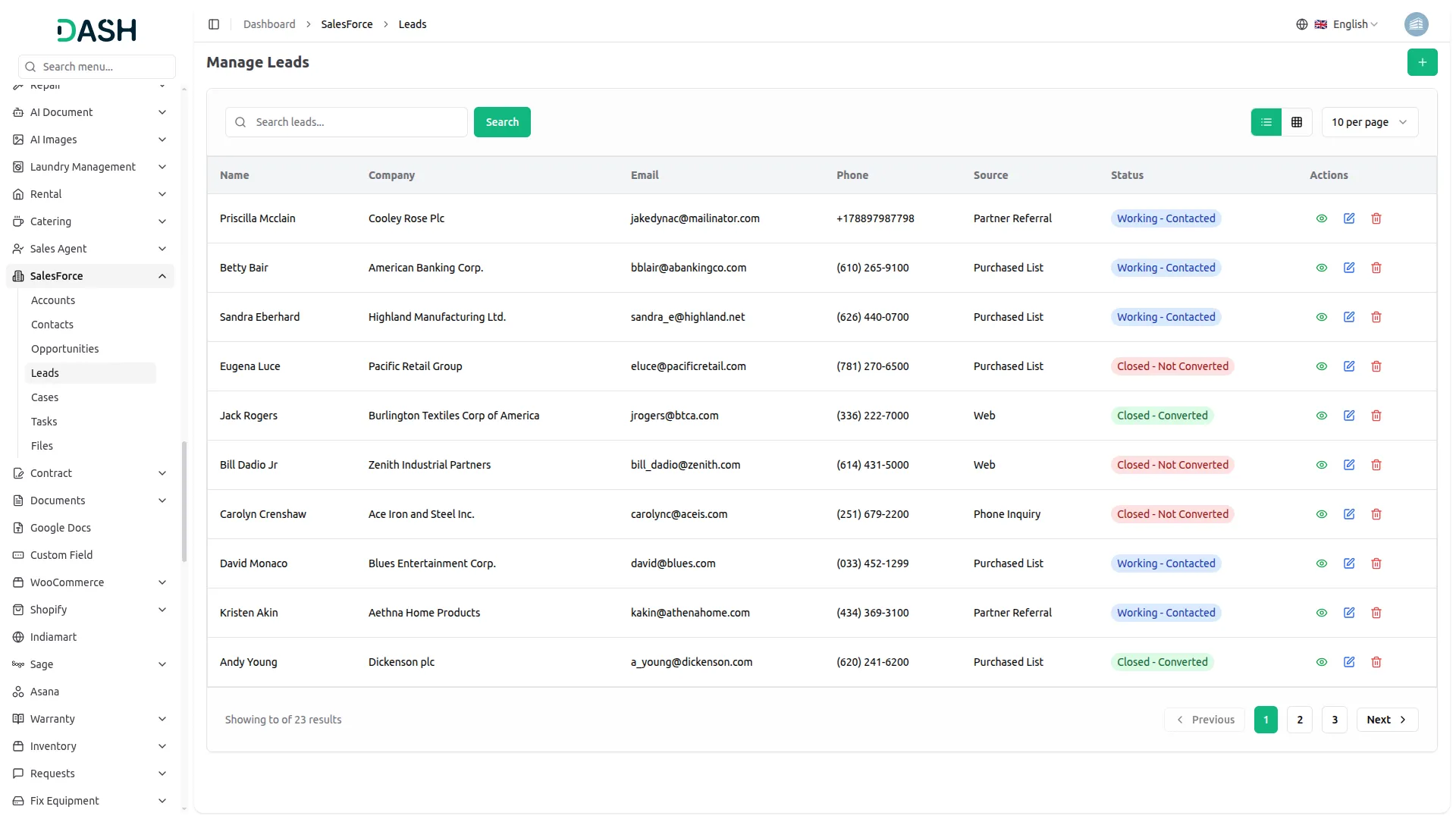
The Salesforce Add-On provides a clear view of every opportunity and lead in one place. It shows key details like deal stage, value, probability, and close date for better tracking. Leads include important context to help teams prioritize and follow up effectively. This helps sales teams focus on closing deals instead of searching for information.
Tasks & File Management
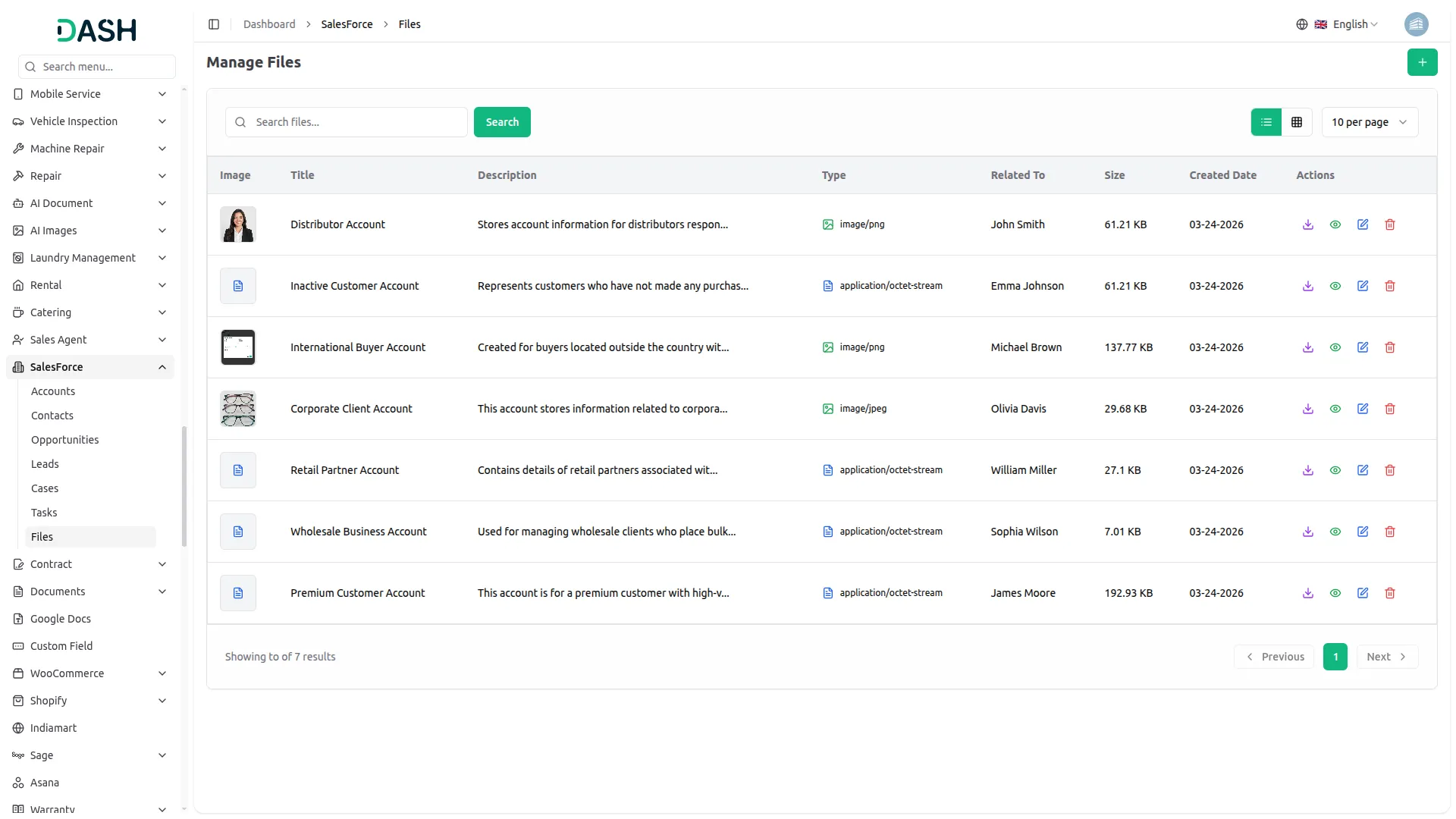
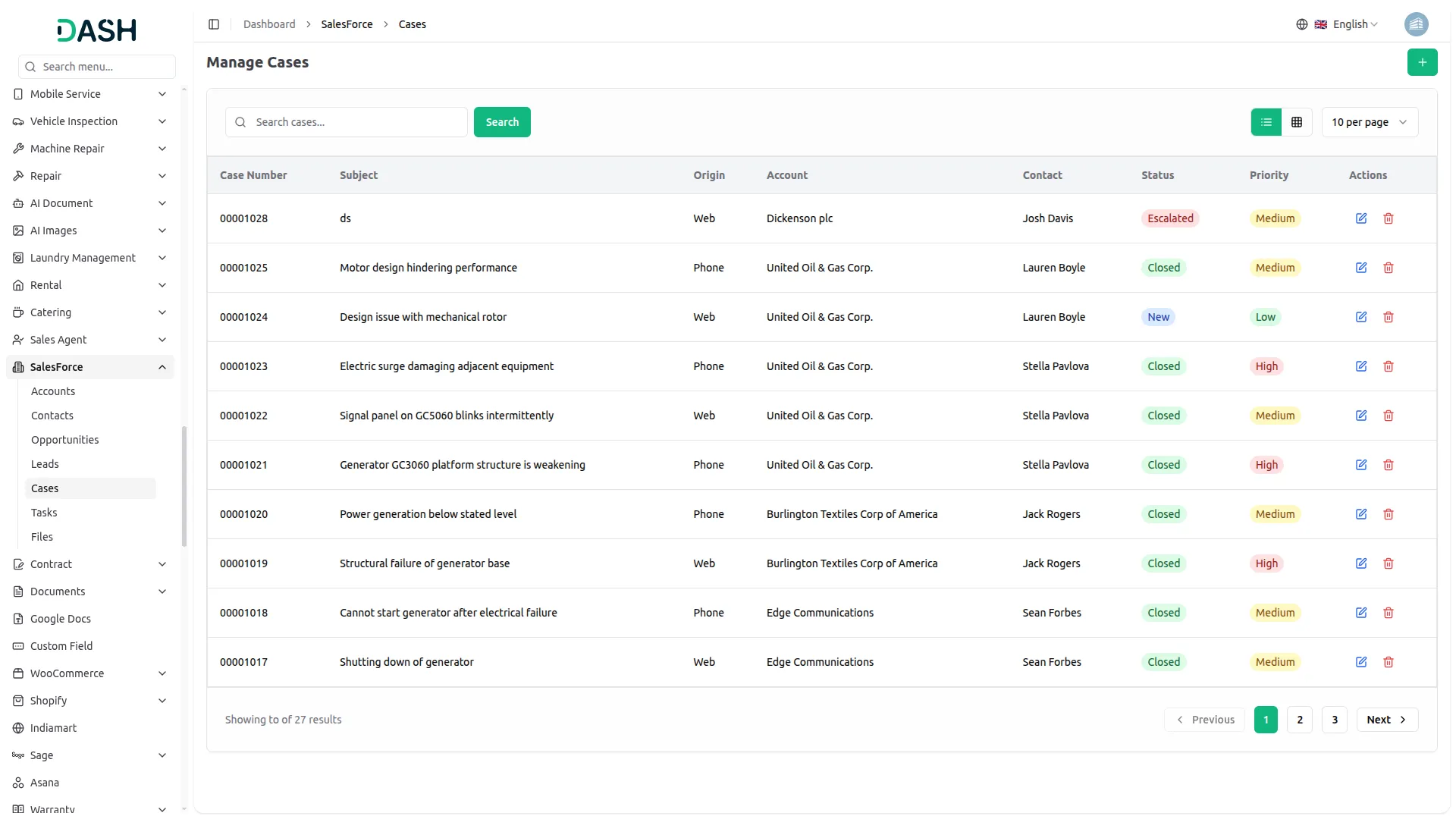
The Salesforce Add-On supports daily operations by managing cases, tasks, and files in one place. Support cases can be tracked with priorities and linked to relevant accounts or contacts. Tasks help teams stay organized with clear deadlines and responsibilities. File management ensures important documents are easily stored and accessible.
Screenshots from our system
To explore the functionality and usage of these Add-Ons, refer to the accompanying screenshots for step-by-step instructions on how to maximize their features.
Discover More Add-Ons
Unlock even more functionality with additional Add-Ons, providing enhanced networking and customization options for your Dash SaaS experience.

Sign-In With Bitbucket
Streamline your login process and bolster security with Dash SaaS seamless Bitbucket integration. Leverage your existing Bitbucket credentials to access Dash SaaS, eliminating the need for separate logins and passwords. This not only simplifies access for authorized users but also reduces the risk of unauthorized login attempts.

microsoft-to-do
This Add-On helps you manage tasks easily by connecting with Microsoft To Do using secure Azure integration.

Ozow
Introducing the Ozow Payment Gateway integration in Dash SaaS, revolutionizing your payment processing experience. With this seamless integration, you can offer your customers a fast, secure, and convenient way to make payments online, enhancing their purchasing journey and maximizing your business's revenue potential.

Design is modern and responsive
No issues with updates and compatibility
Features bring efficiency