
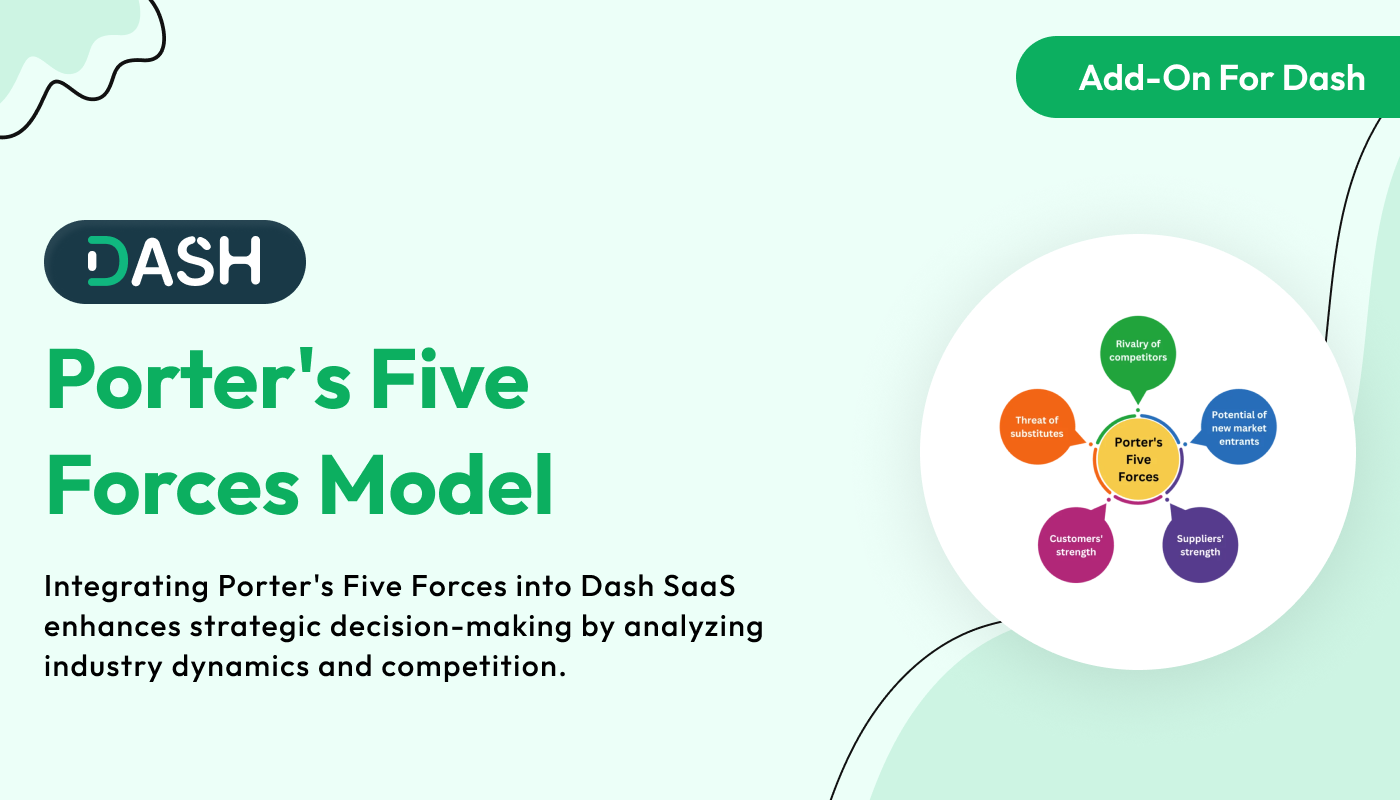
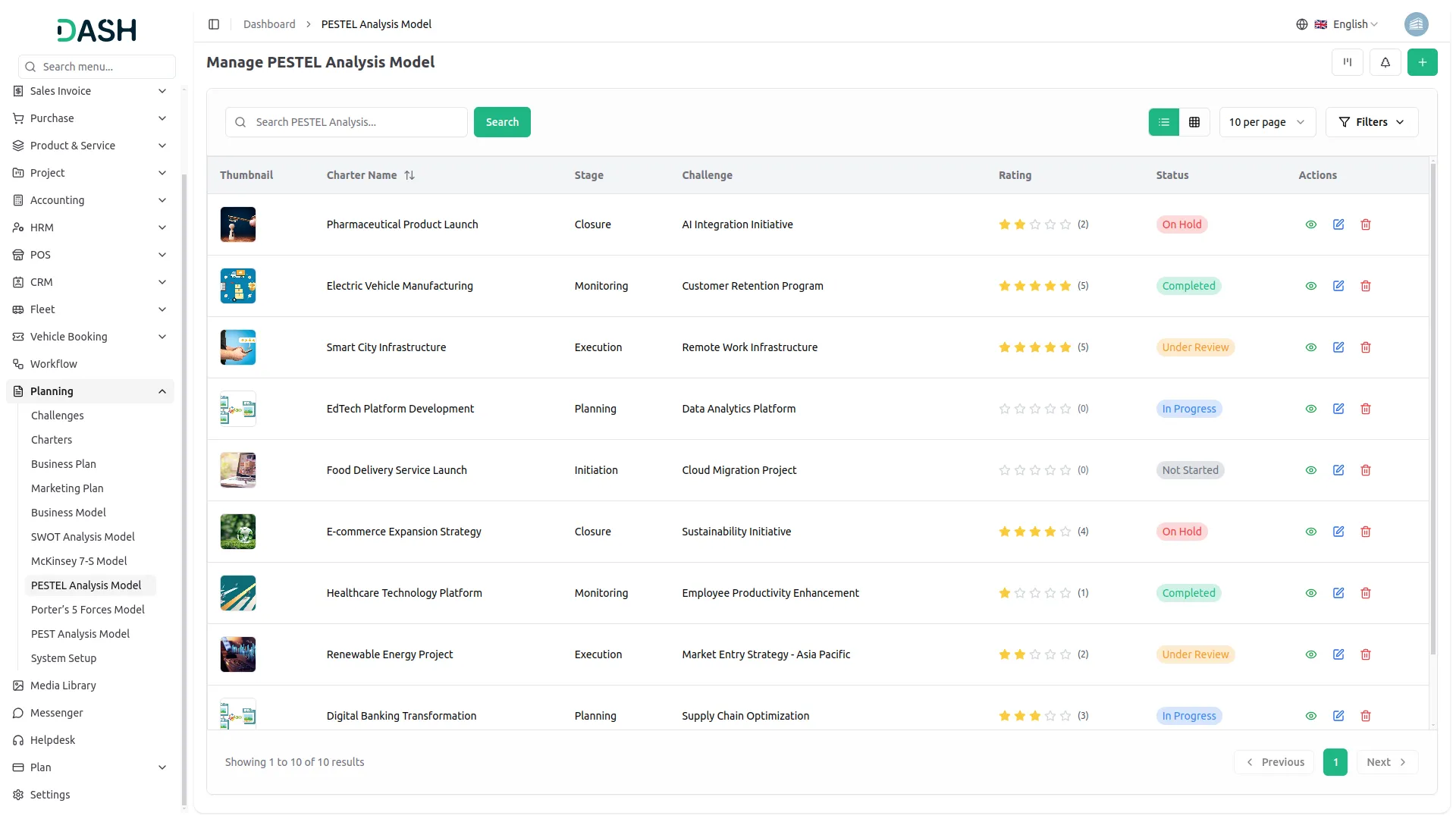
The Porter's Five Forces Add-On empowers businesses to strategically analyze their competitive environment using a structured framework. Users can create detailed models by capturing key aspects such as challenges, threats of substitution, bargaining powers, and organizational effects. With flexible views like grid, kanban, and tree organized by challenges, it enhances visualization and decision-making. Users can also attach relevant files, add reviews, and print the model for sharing or presentation purposes.
Dependency Notice: This Add-On depends on the Planning Add-On, so you must purchase and activate it first to access the Porter's Five Forces features.
Strategic Model Insights
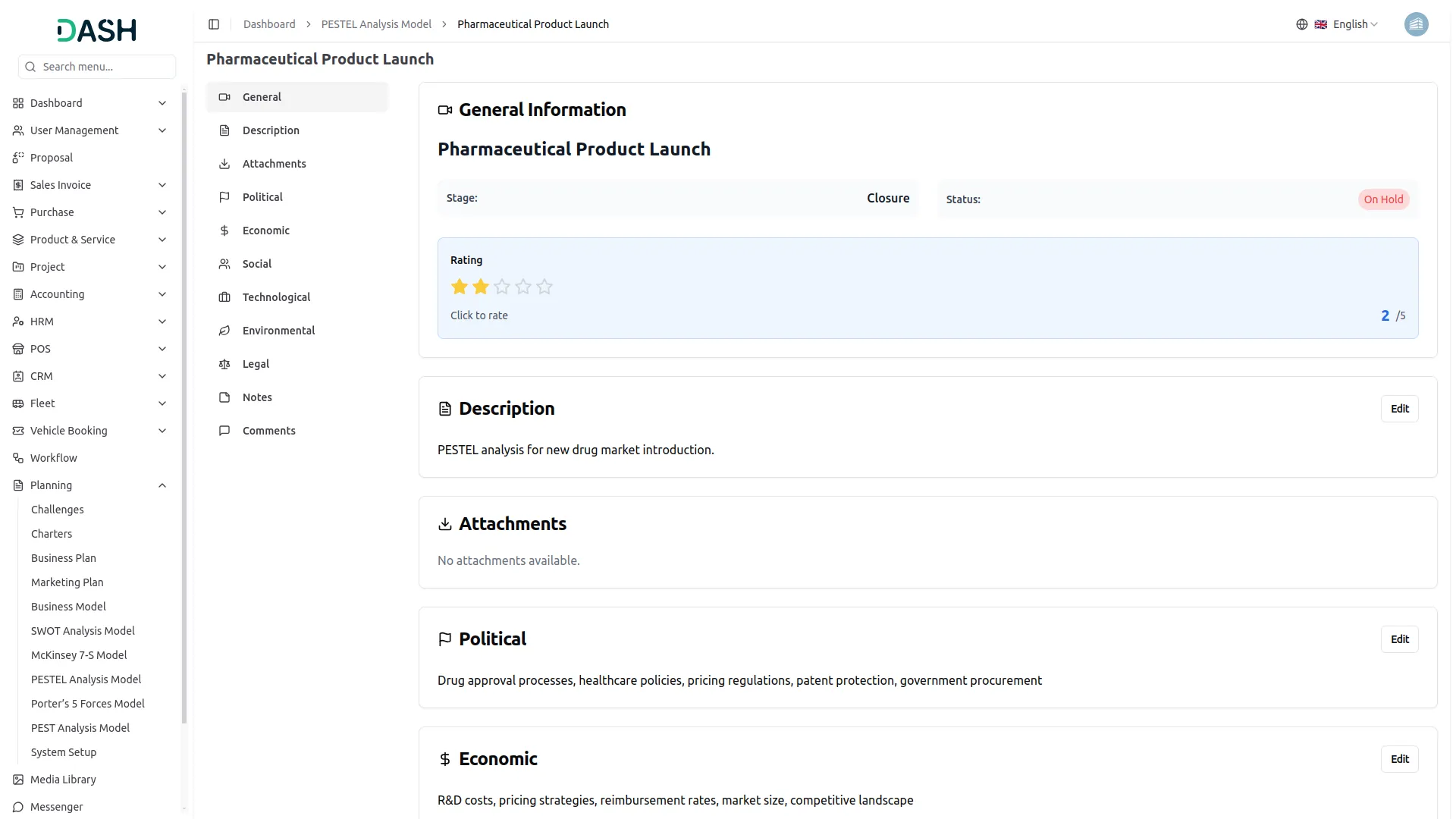
Get a comprehensive view of your Porter's Five Forces model in one place. This page displays key details like name, status, stage, rating, and all strategic inputs including supplier and buyer power, threats, and organizational effects. Attachments, notes, and comments enhance collaboration, while the rating can be updated directly for real-time insights.
Competitive Intelligence Grid
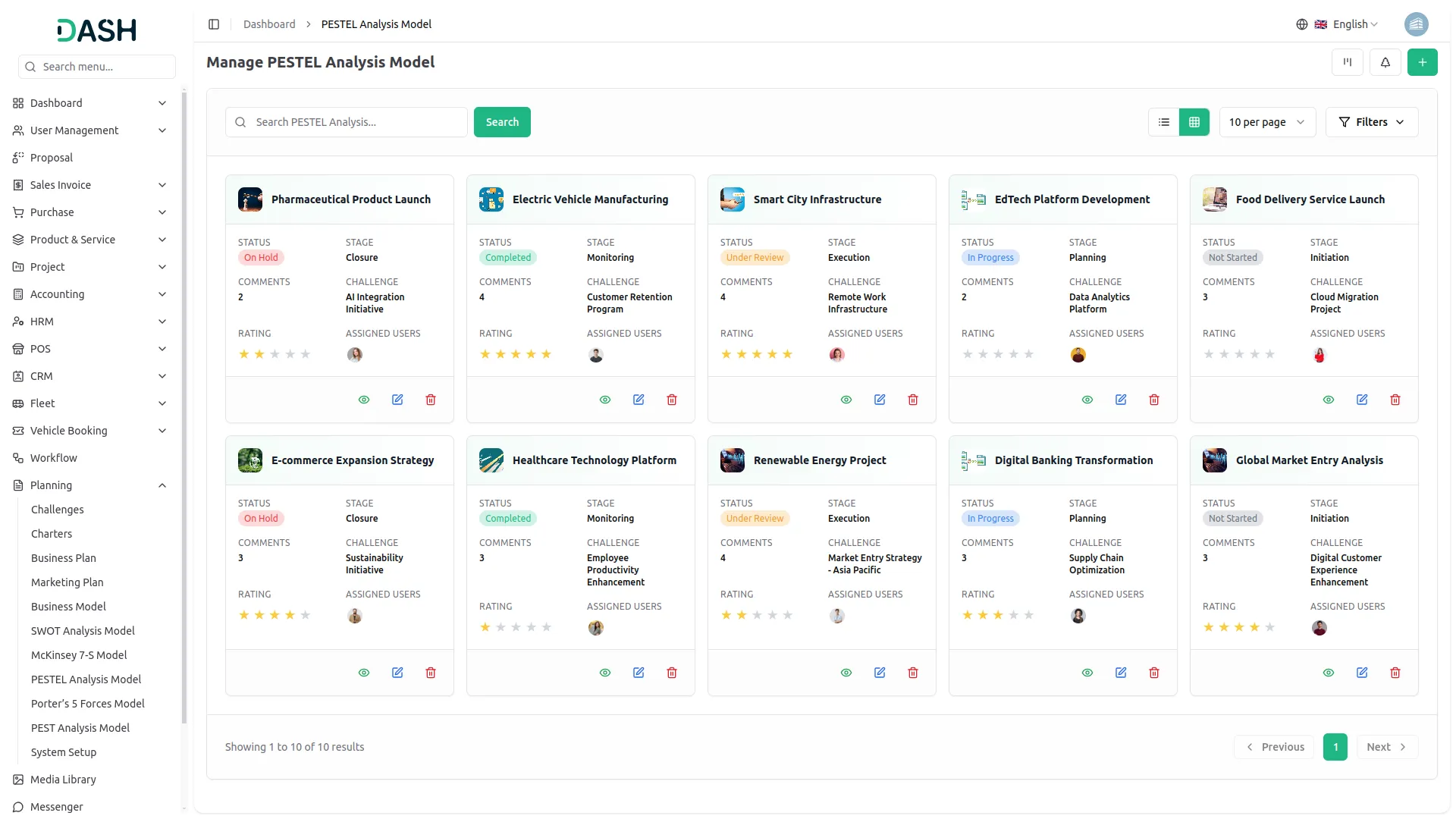
View all your Porter's Five Forces models in a structured grid layout for quick analysis and management. This section displays key details such as total comments, attachments, challenge end time with timer, and assigned users for each model. Users can easily print, edit, or delete models, making it a centralized hub for strategic planning and execution.
Kanban Strategy View
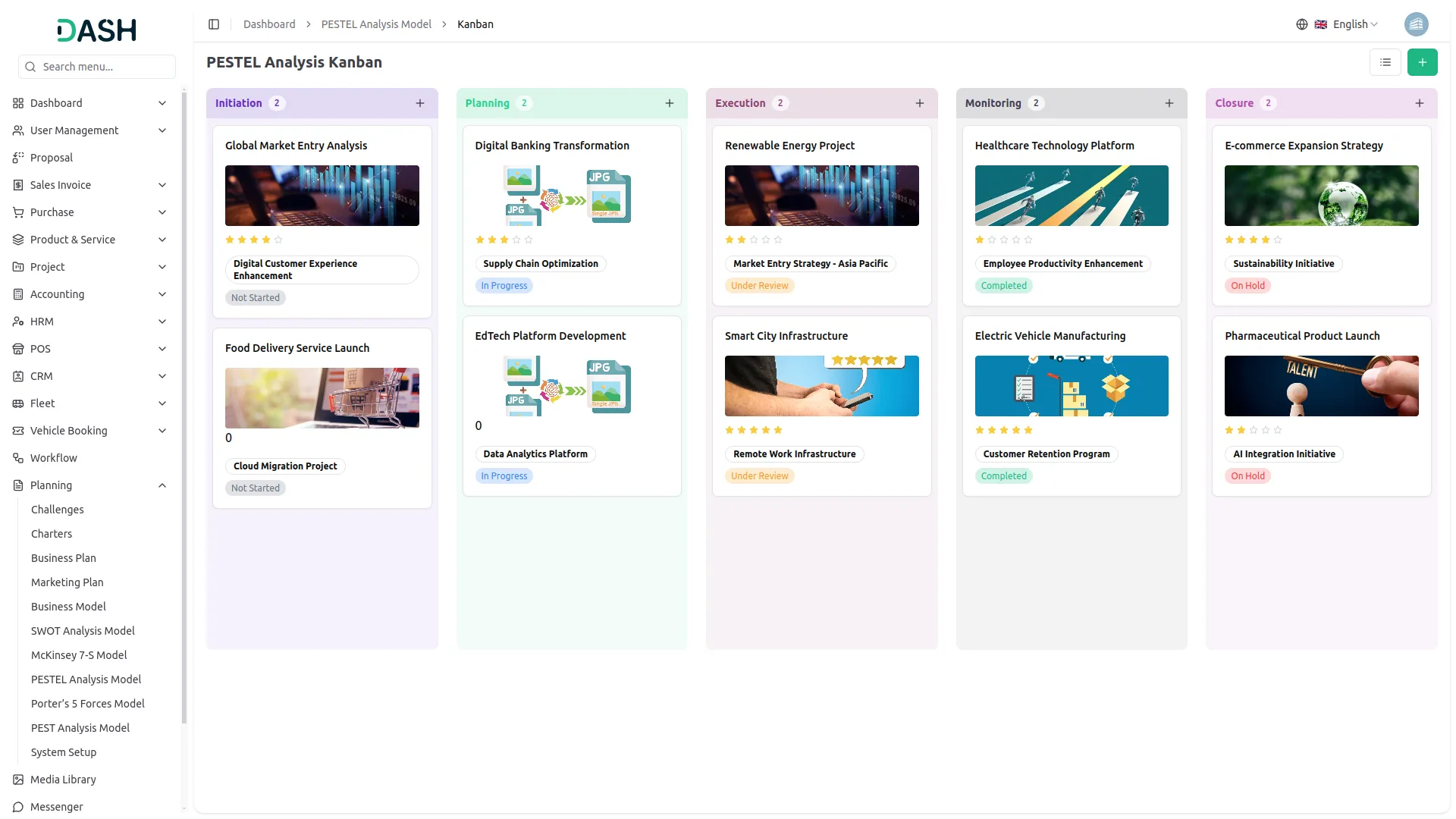
Visualize your Porter's Five Forces models in a dynamic Kanban board, organized by stages. Effortlessly drag and drop models between stages, track their progress, and manage strategic actions in real time. View total models per stage and take quick actions like edit, print, or update with ease.
Challenge-Based Tree View
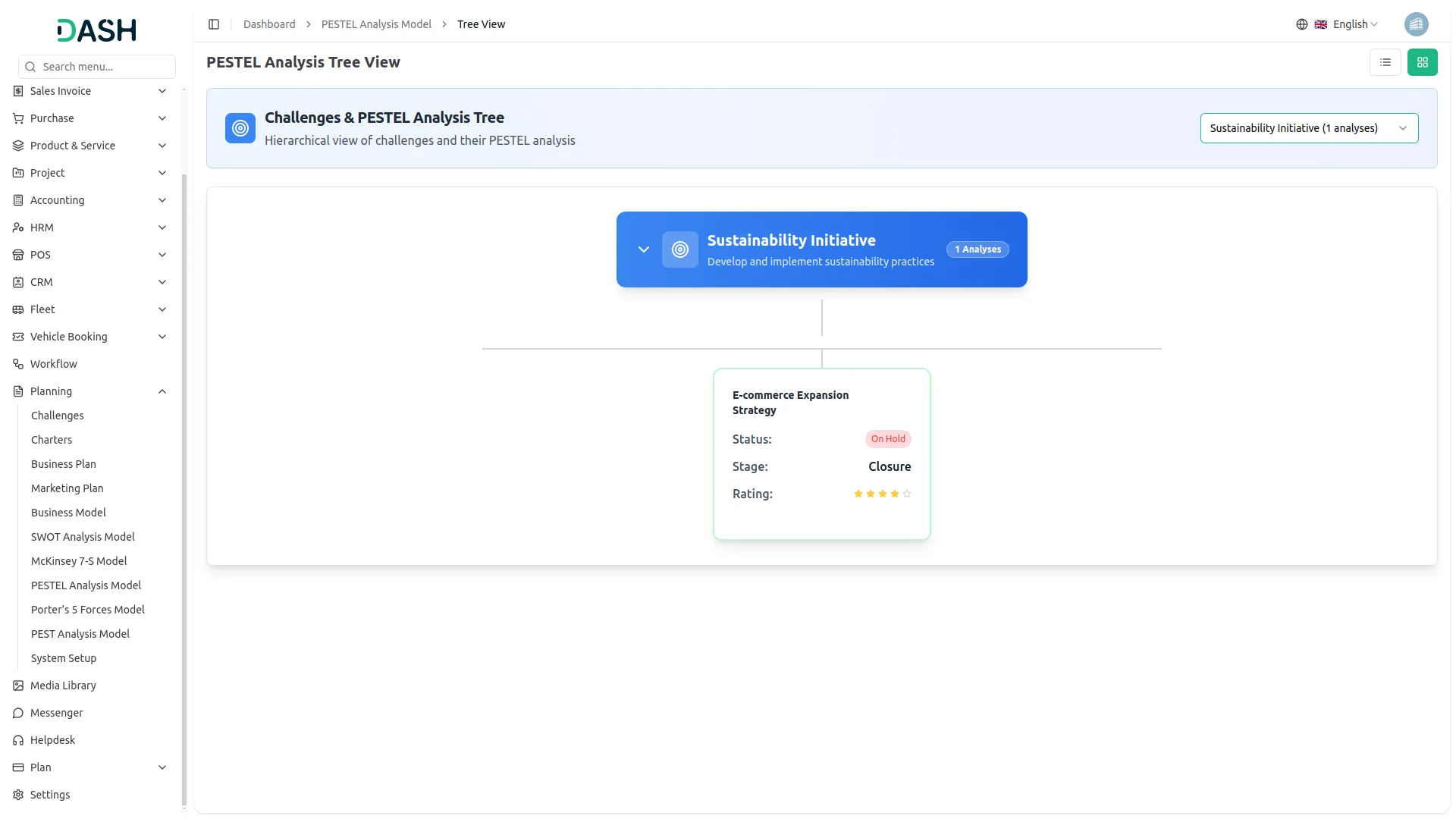
Explore your Porter's Five Forces models in a clear, tree-structured view filtered by business challenges. Select a challenge from the dropdown to visualize related models in an organized, hierarchical layout. This helps you uncover deeper insights and align strategic responses effectively.
Screenshots from our system
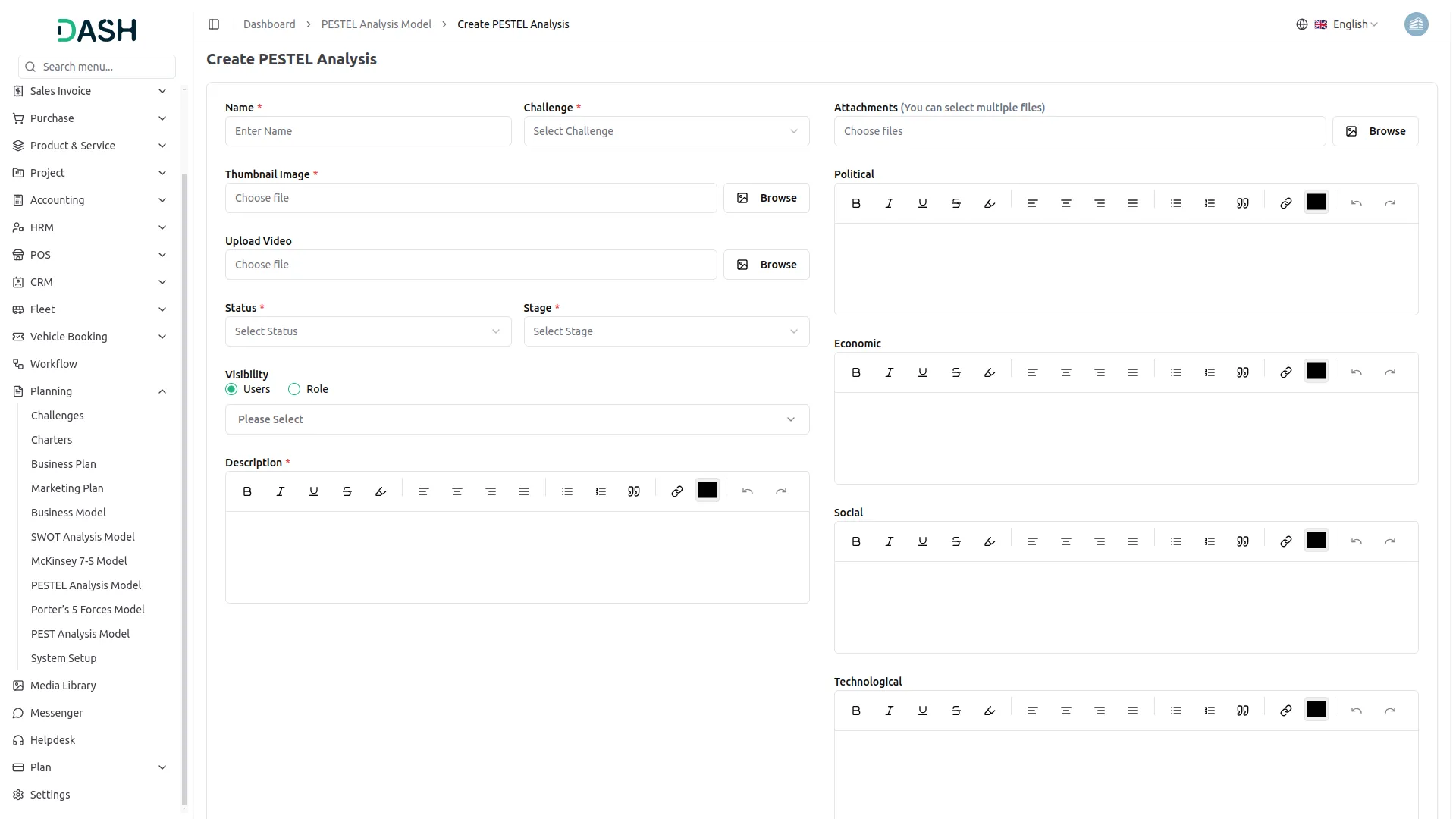
To explore the functionality and usage of these Add-Ons, refer to the accompanying screenshots for step-by-step instructions on how to maximize their features.
Discover More Add-Ons
Unlock even more functionality with additional Add-Ons, providing enhanced networking and customization options for your Dash SaaS experience.

Whatsender
Send instant updates and notifications via WhatsApp using Whatsender, keeping your team and customers informed with fast and reliable messaging, even when they’re not logged into the system.


Diet & Nutrition Consultant
Maintaining a well-balanced diet is essential for a healthy lifestyle, and managing diet plans for multiple clients requires an efficient system. The Diet & Nutrition Management Add-on in Dash SaaS provides a complete solution for nutritionists, dietitians, and wellness professionals to handle everything from diet planning to client consultations.

yoga-classes
Yoga Classes is an all-in-one Yoga Classes management Add-On with advanced course creation, user management, secure payments, dynamic content tools, and a central dashboard.
Great technical support
Unterstützungsteam reagiert extrem schnell
Features match our exact needs