
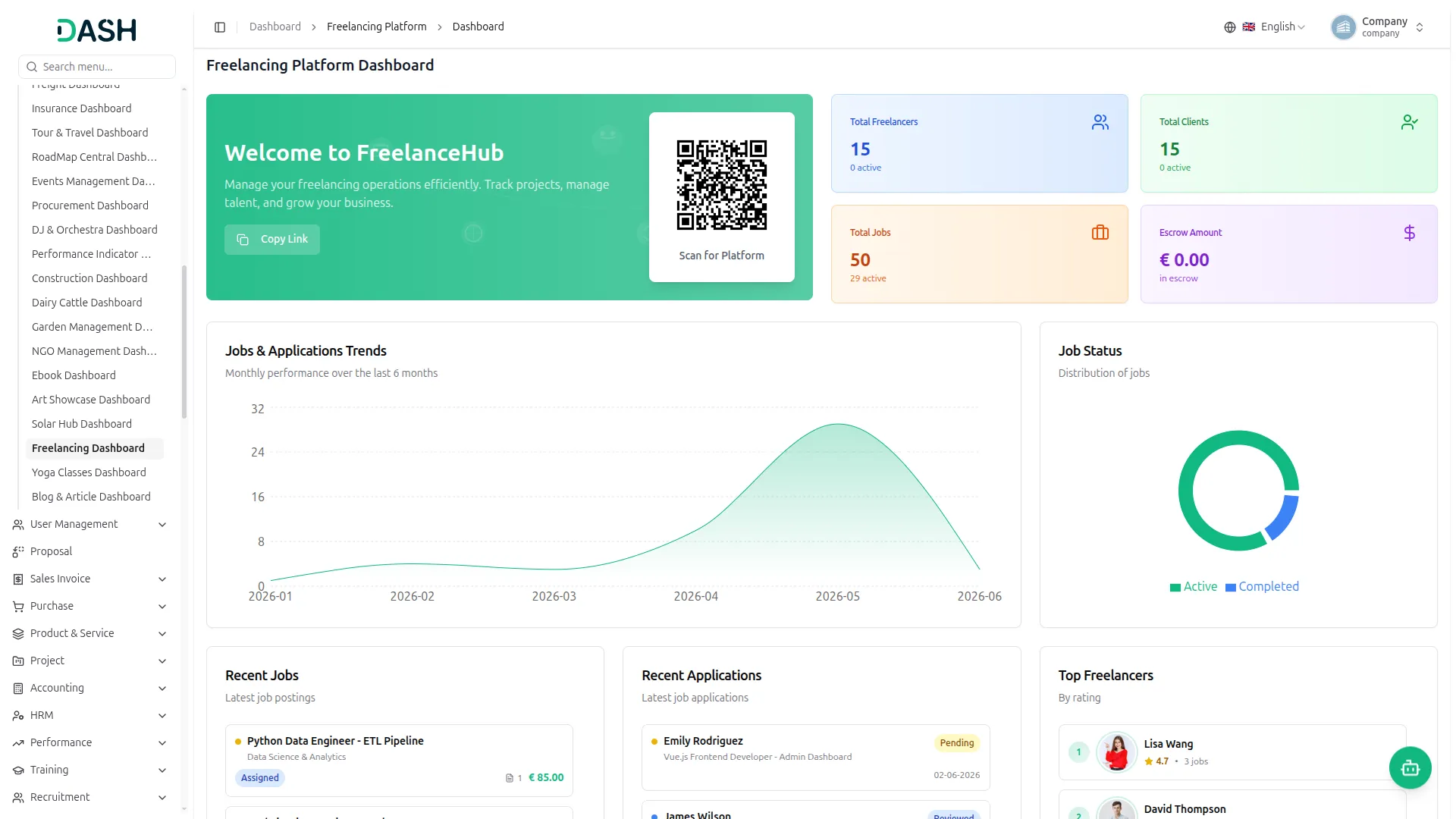
The Freelancing Platform Add-On lets you run your own marketplace where clients post jobs and freelancers apply to get hired. With secure escrow payments, profile verification, reviews, and a ready-made website, you have everything you need to connect talent with work and manage it all from one place.
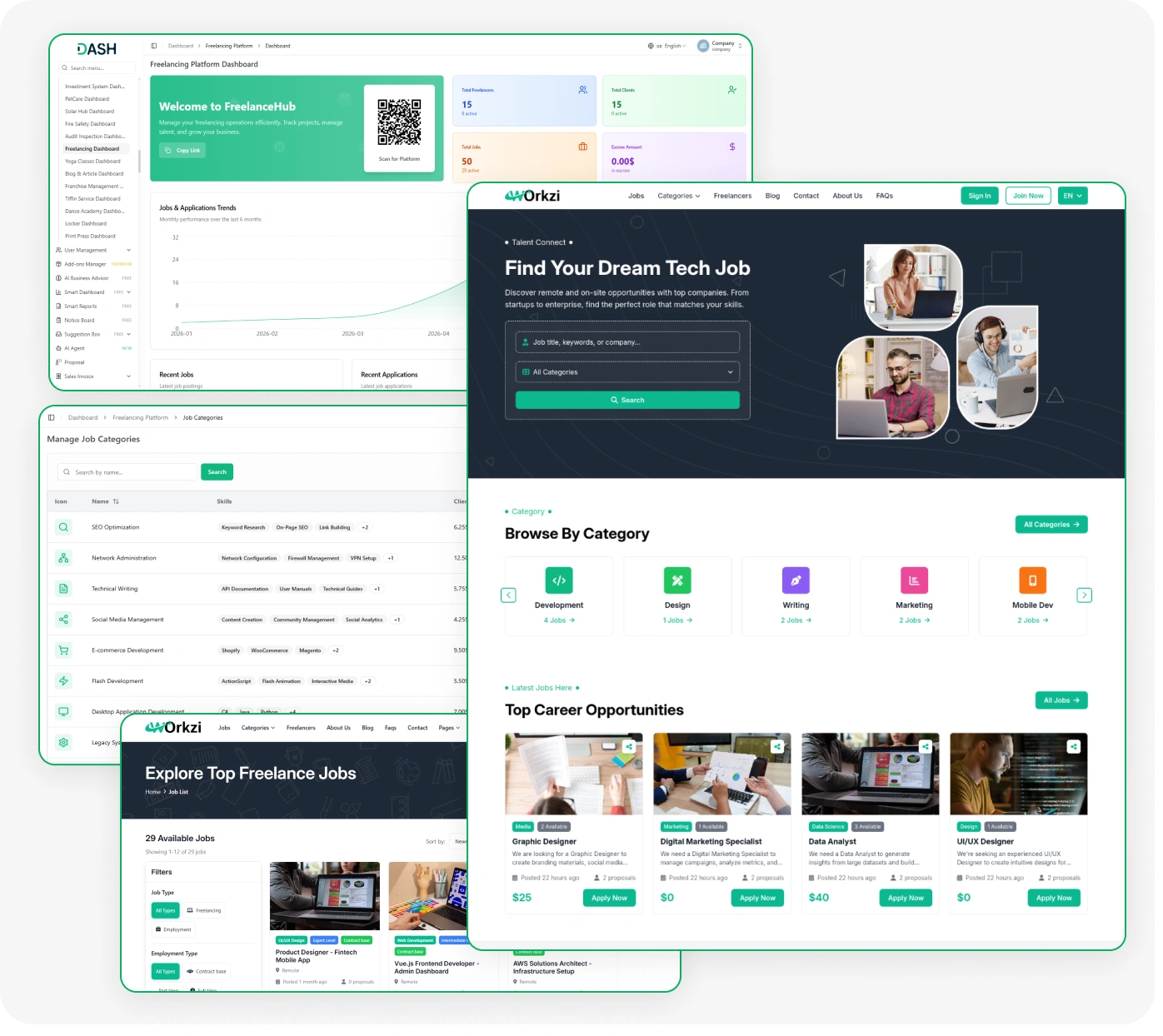
Powerful Freelance Platform with Job Management Tools
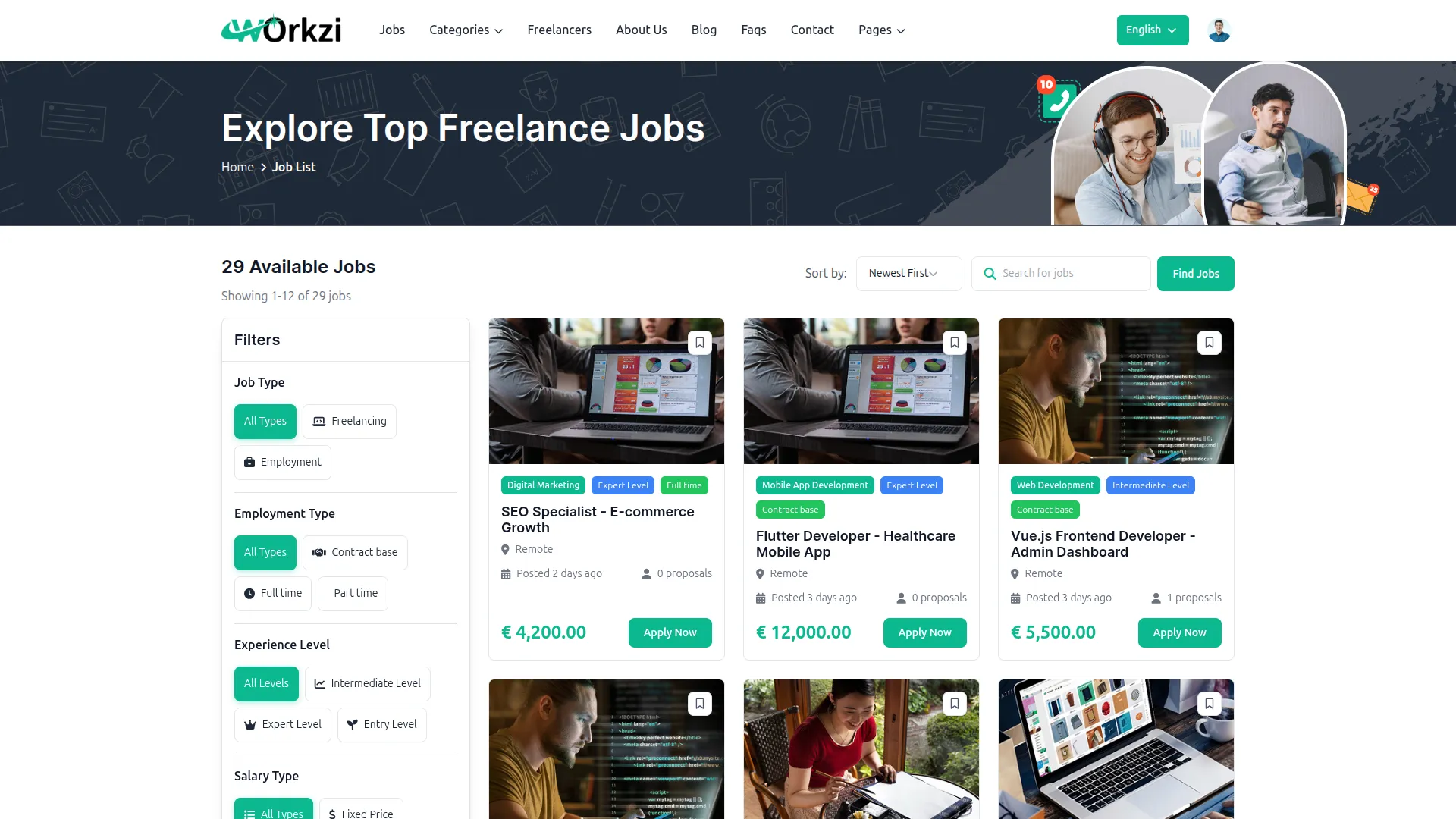
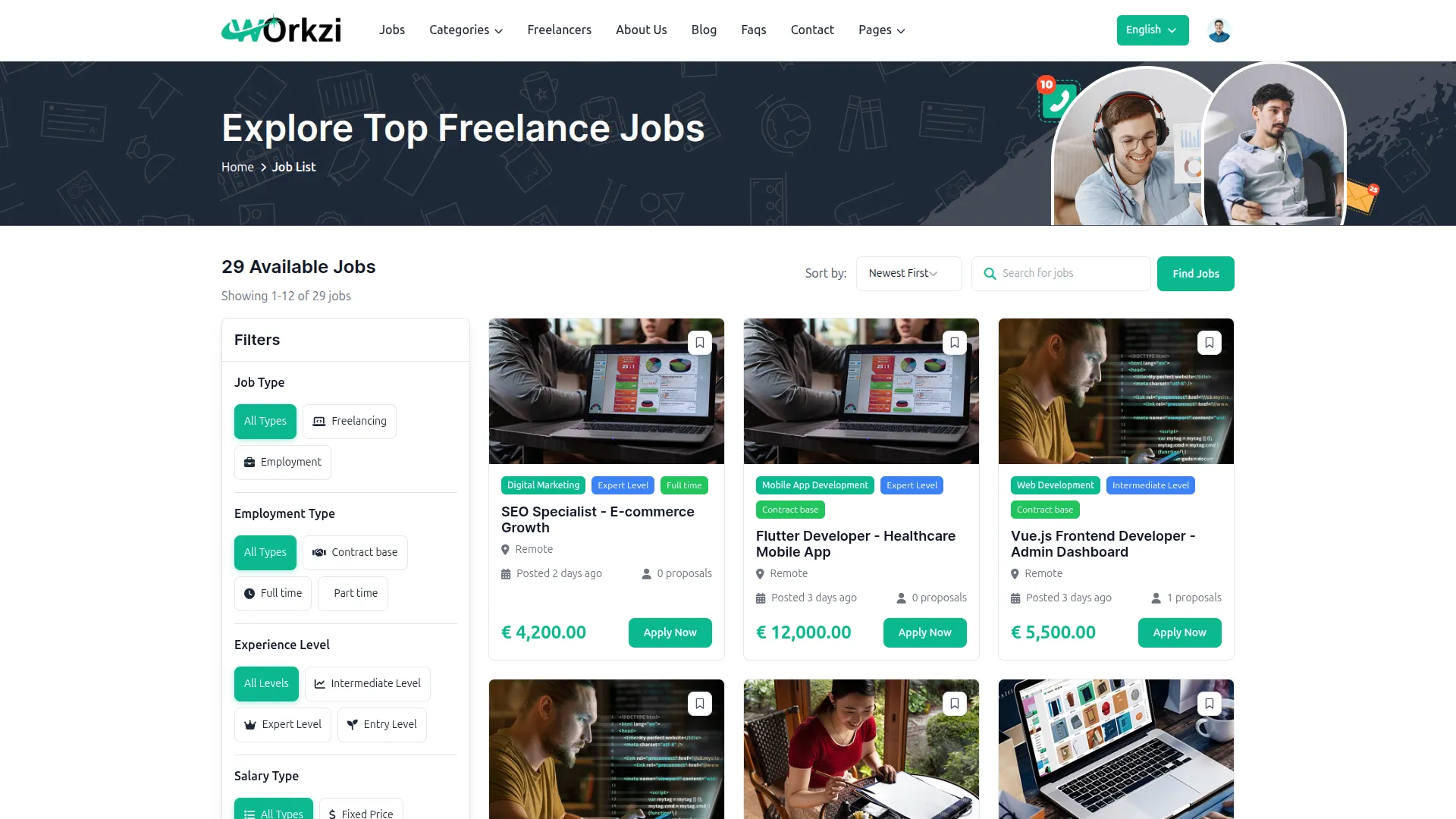
- Job Posting & Applications
- Job Demand Skills
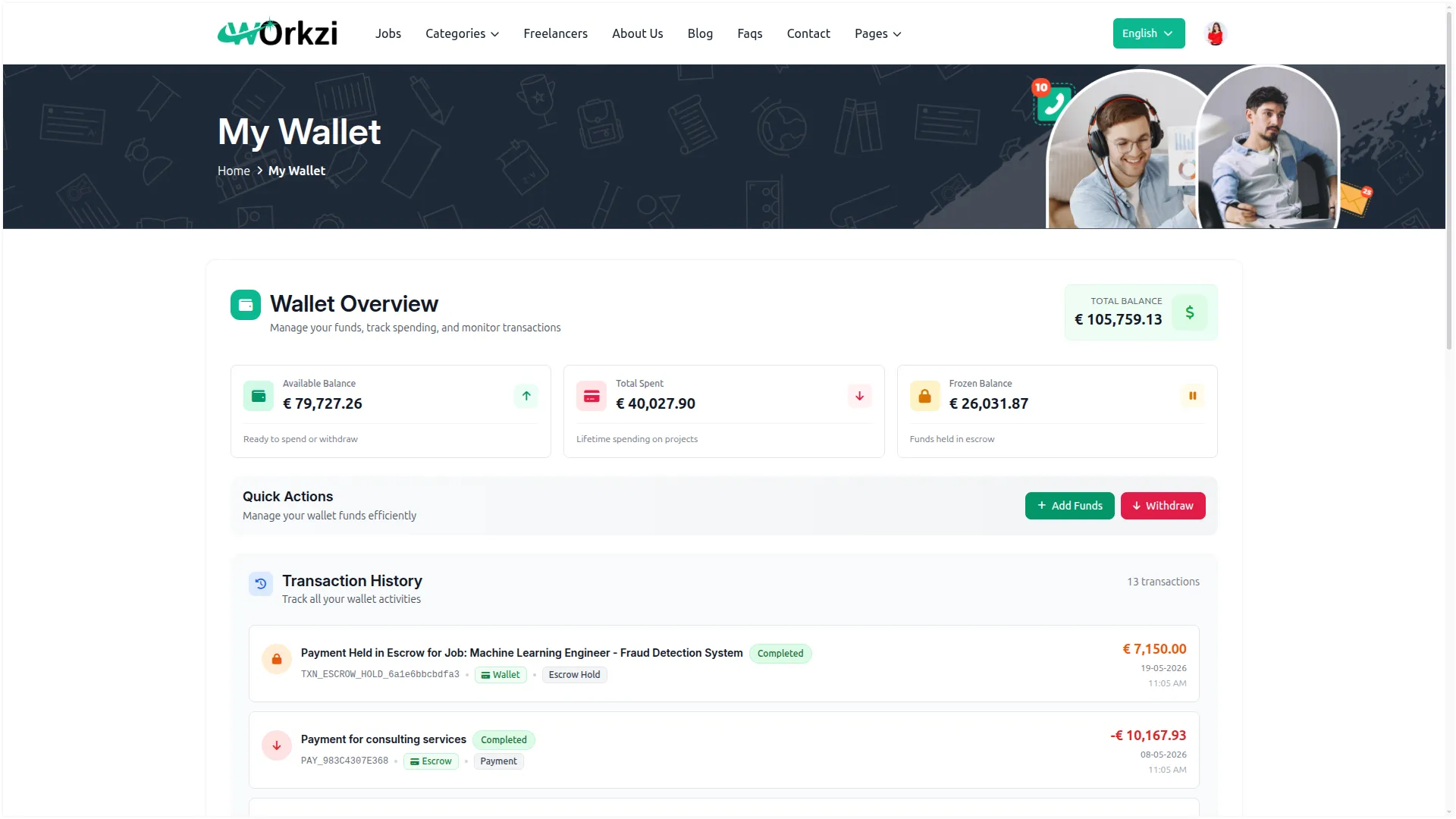
- Secure Escrow Payments
- Client & Freelancer Wallets
- Withdrawal Approval Control
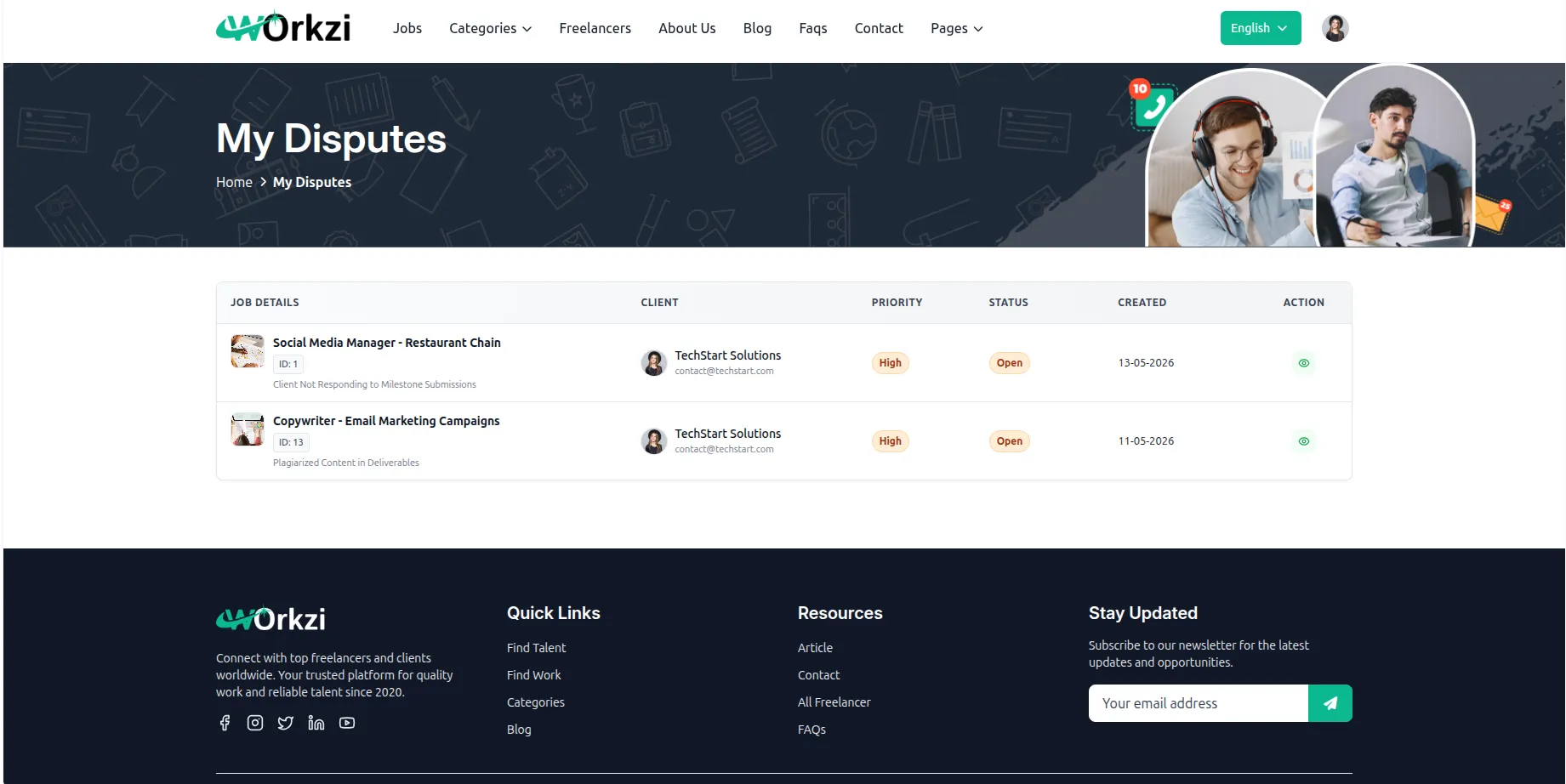
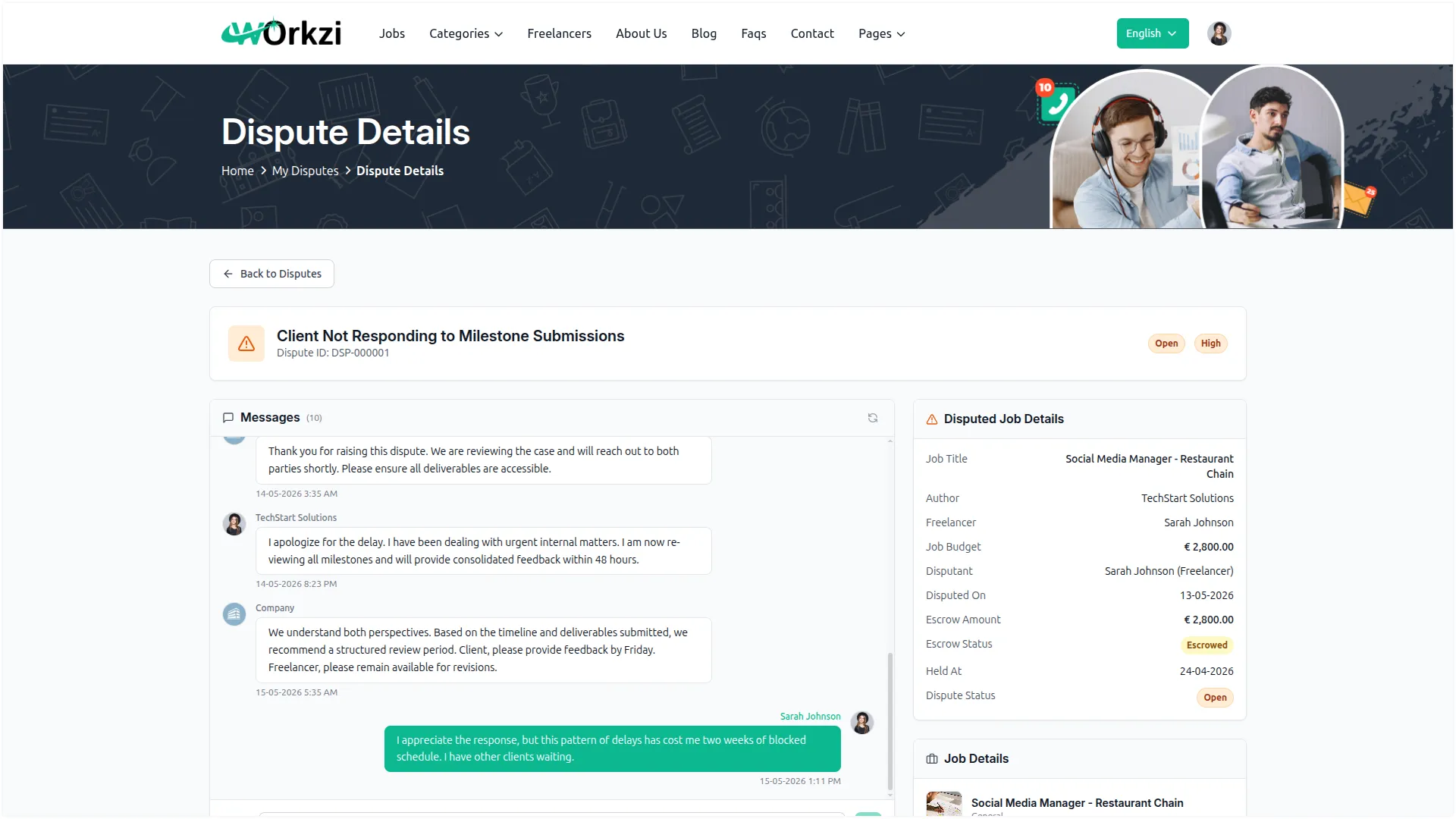
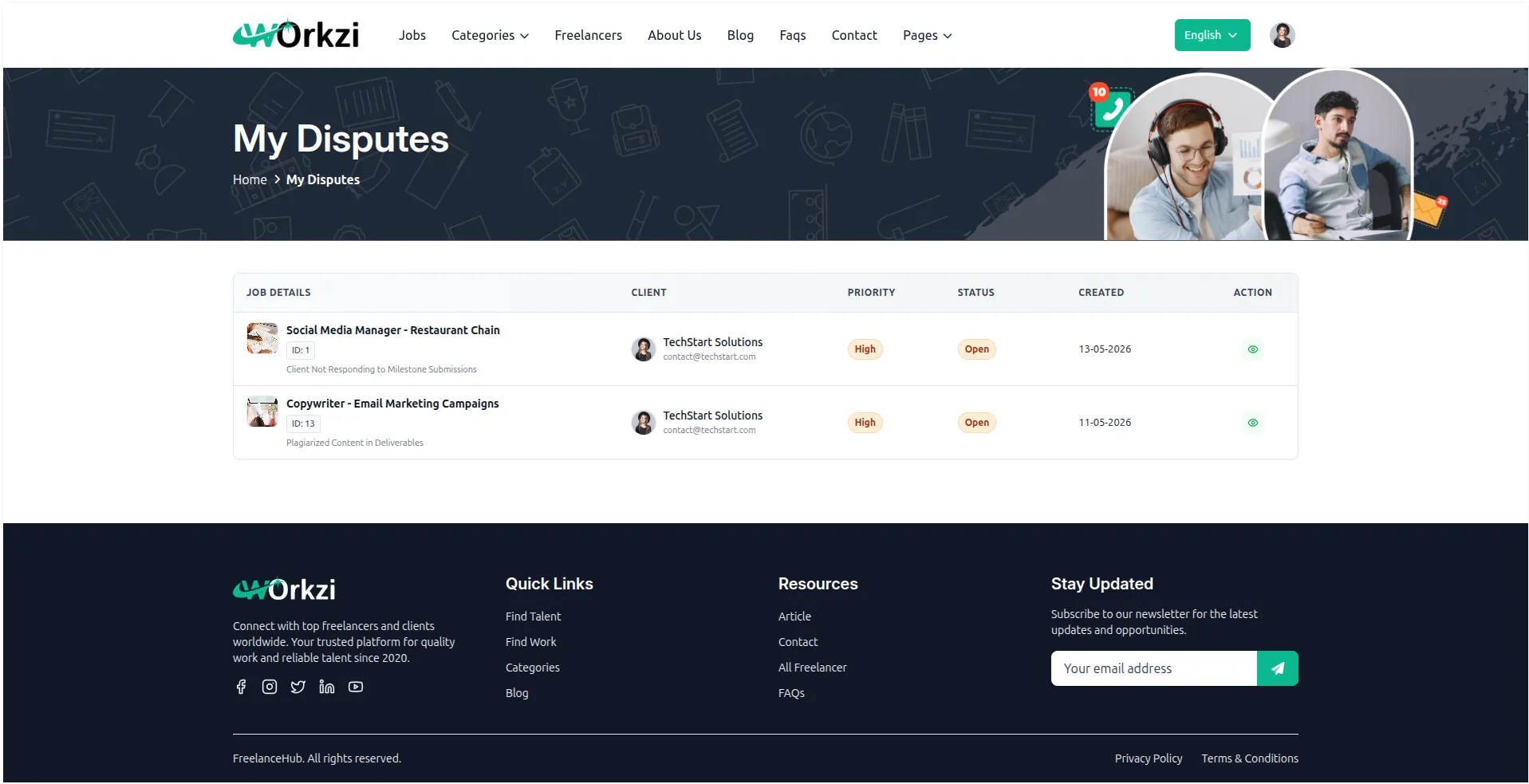
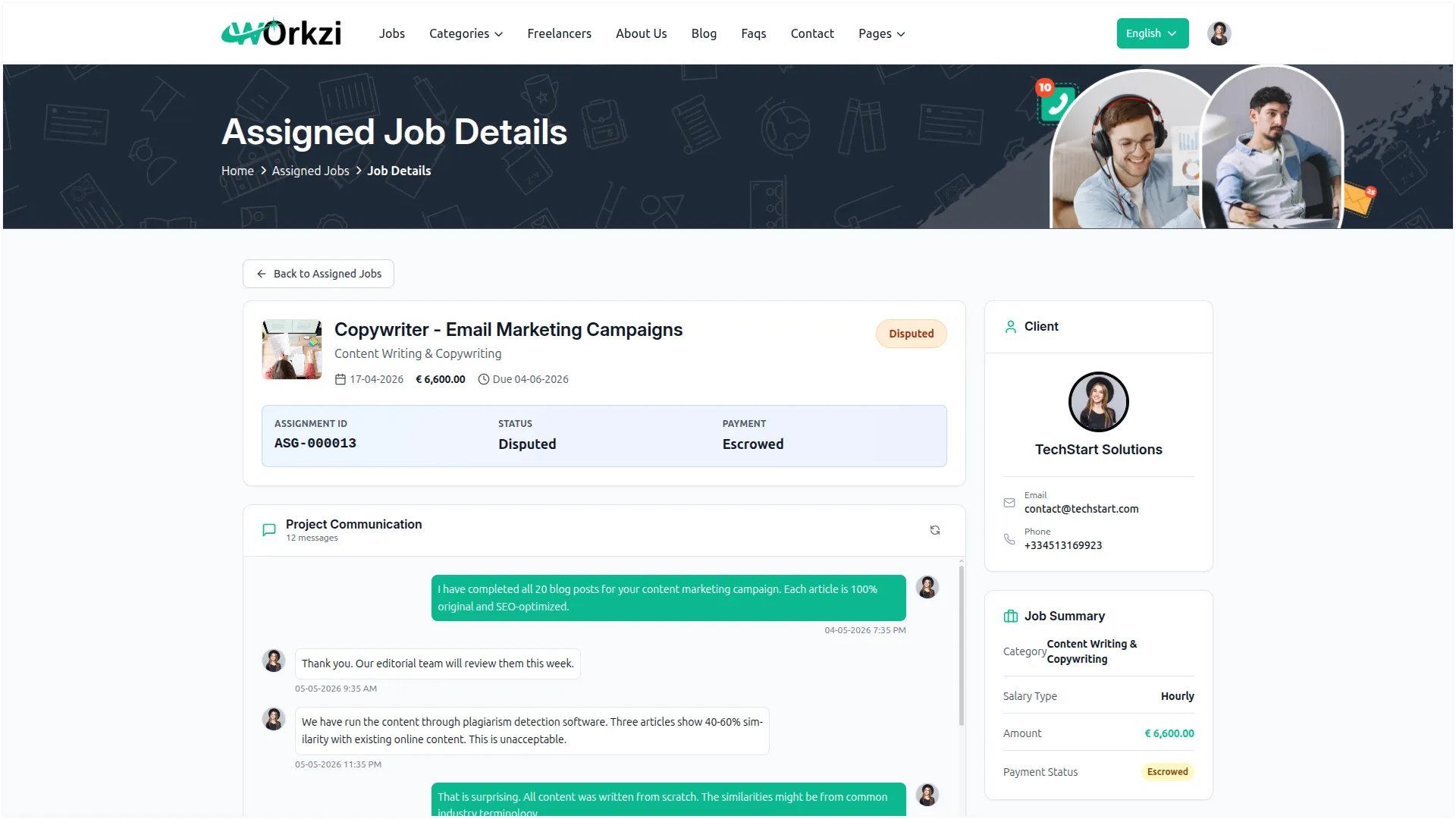
- Built-In Dispute Resolution
- Profile Verification System
- Ratings & Reviews
- Job Lifecycle Management
- Category-Based Platform Fees
- Customizable Website Builder
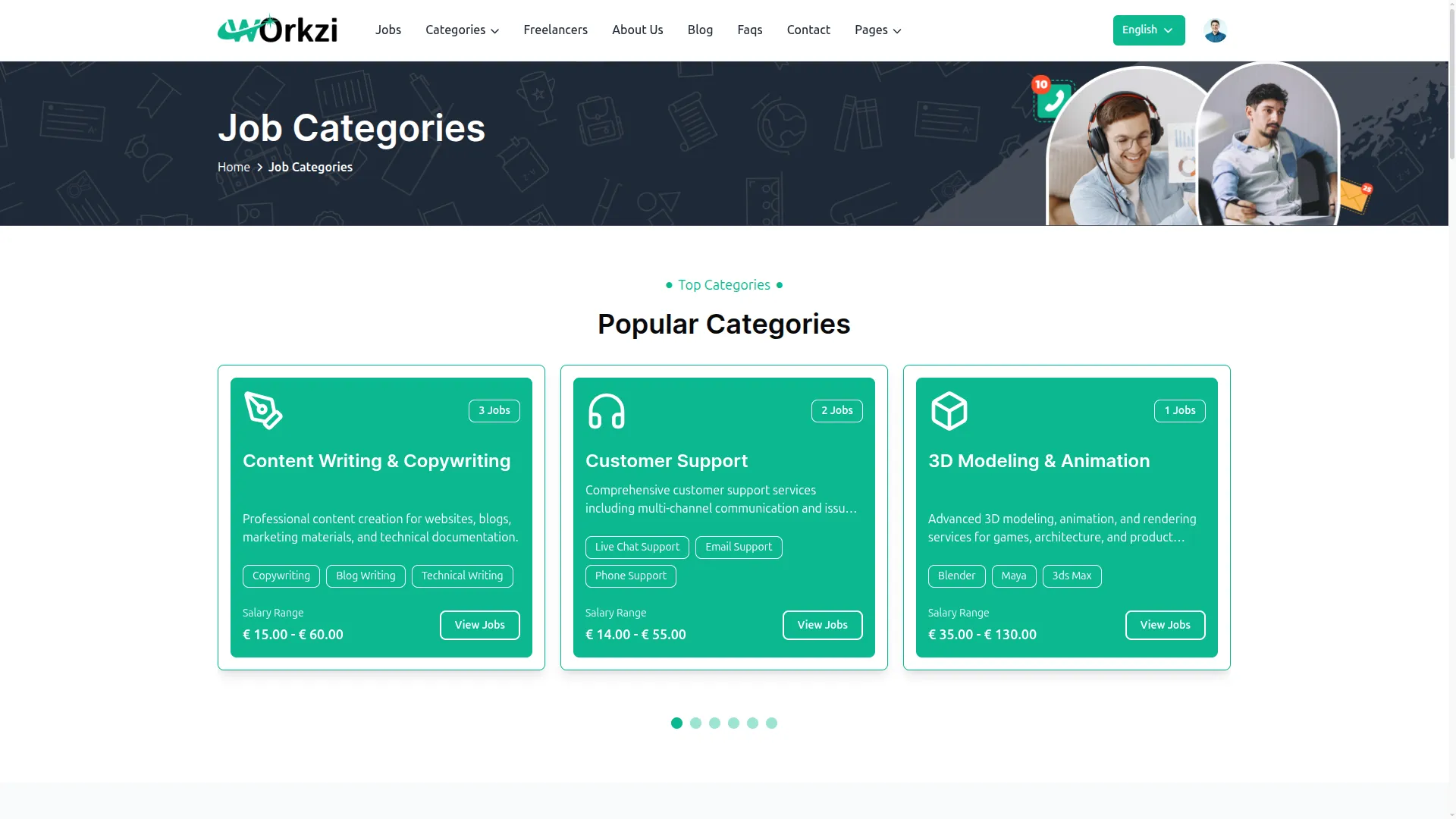
Job Categories & Sub-Categories
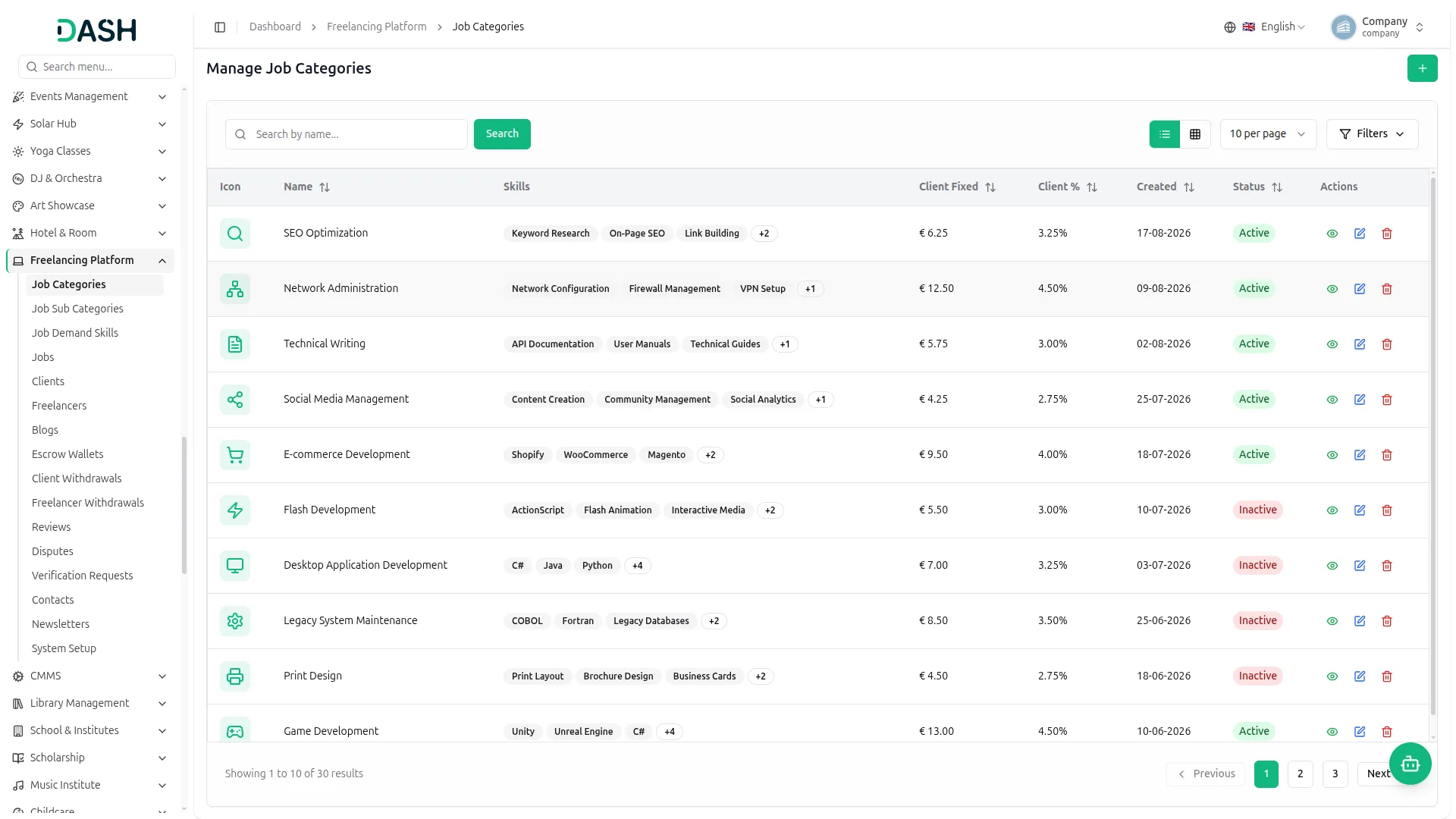
Organizing jobs on your platform is quick and simple. You put work into categories and sub-categories, add the right skills, and show buyers the pay they can expect. The best part is how you earn, each category lets you charge clients and freelancers a fixed fee, a percentage, or both. So every time a job is posted or finished, your platform makes money on its own.
- Earn revenue from every job listing posted
- Charge clients and freelancers on your terms
- Keep all jobs organized and easy to find
- Display clear salary ranges for every position

Your Blog. Your Traffic.
Your platform comes with its own blog built right in. You can write posts with a title, image, tags, and SEO details so people find them on Google. You choose which posts go live and which ones to highlight. This brings in free visitors, helps people trust your brand, and saves you from paying for any extra blog tool.
- Get free website traffic directly from Google
- Create SEO-ready posts without extra tools
- Build trust and strengthen brand recognition
- Feature your top posts prominently at the top
Wallets, Escrow & Withdrawals Made Simple
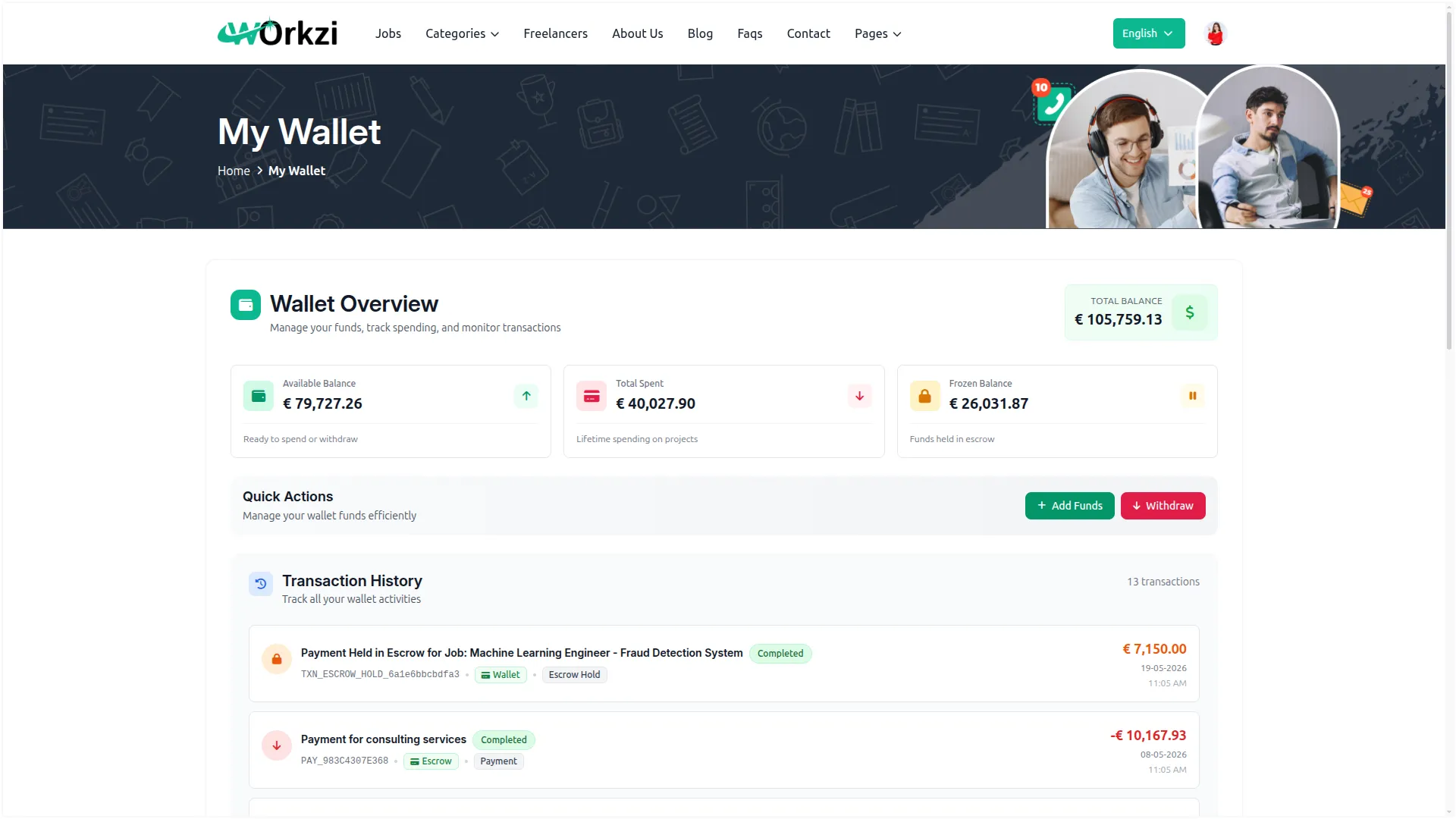
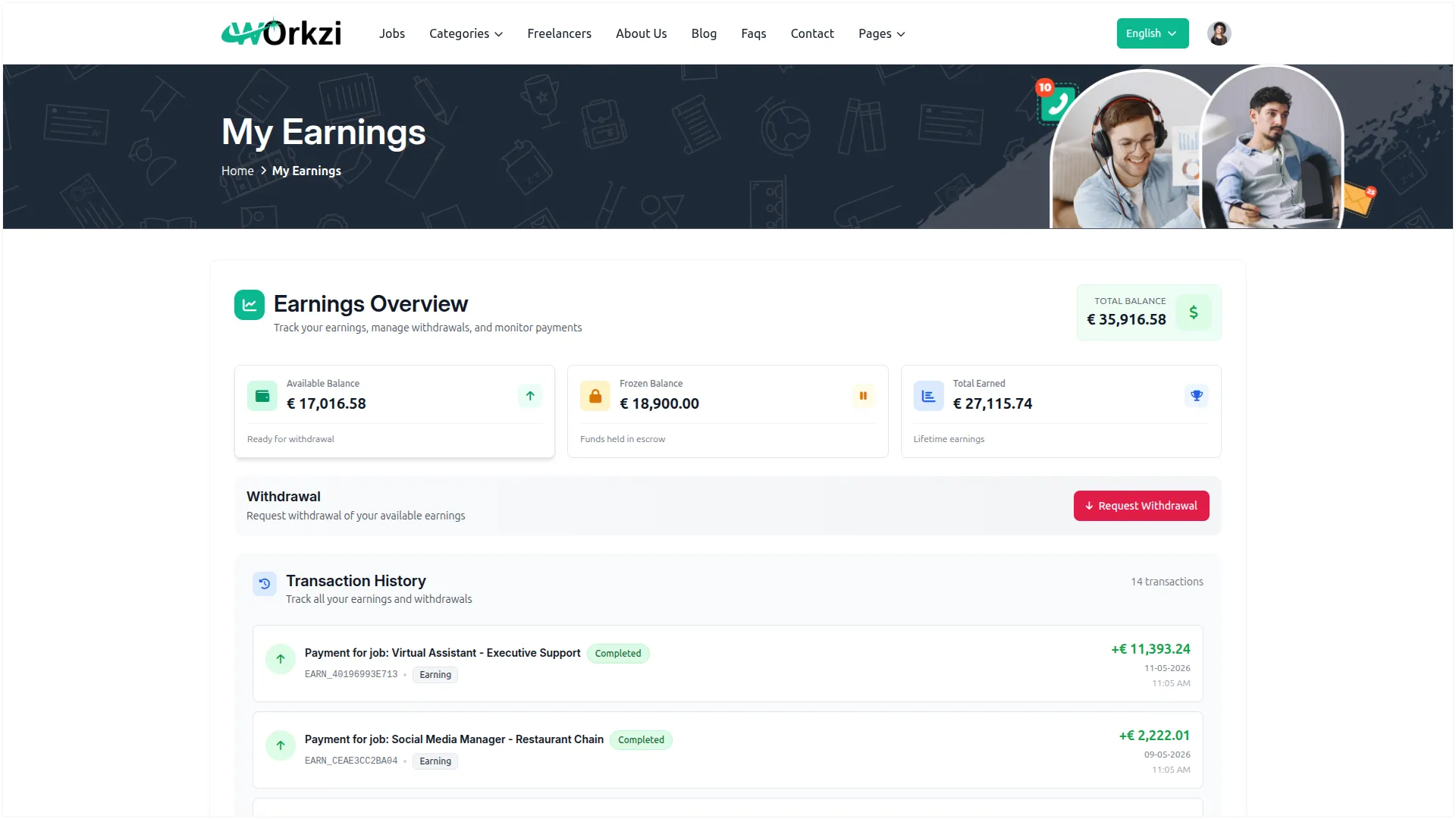
Money is the most important part of your platform, and you stay in full control. Every client and freelancer gets their own wallet, where clients add funds and freelancers collect their earnings. Job payments are held safely in escrow until the work is done. When users ask to withdraw their money, the request comes to you first, so nothing goes out without your okay, and any rejected amount goes right back to their wallet.
- Give each user their own simple wallet
- Keep every payment safe in escrow
- Approve or reject all withdrawals yourself
- Track every deposit, hold, and payout
Manage Jobs with Complete Visibility
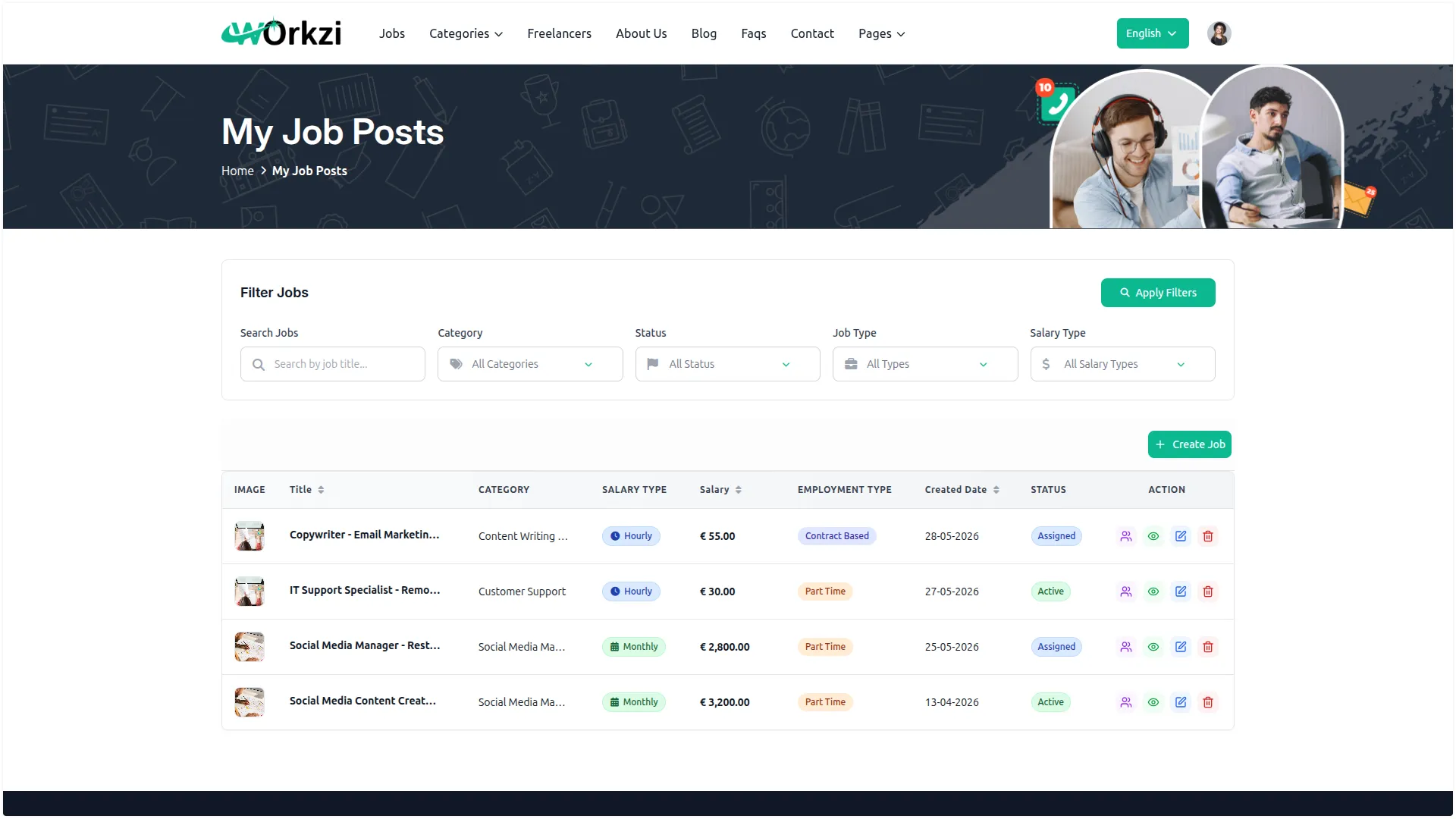
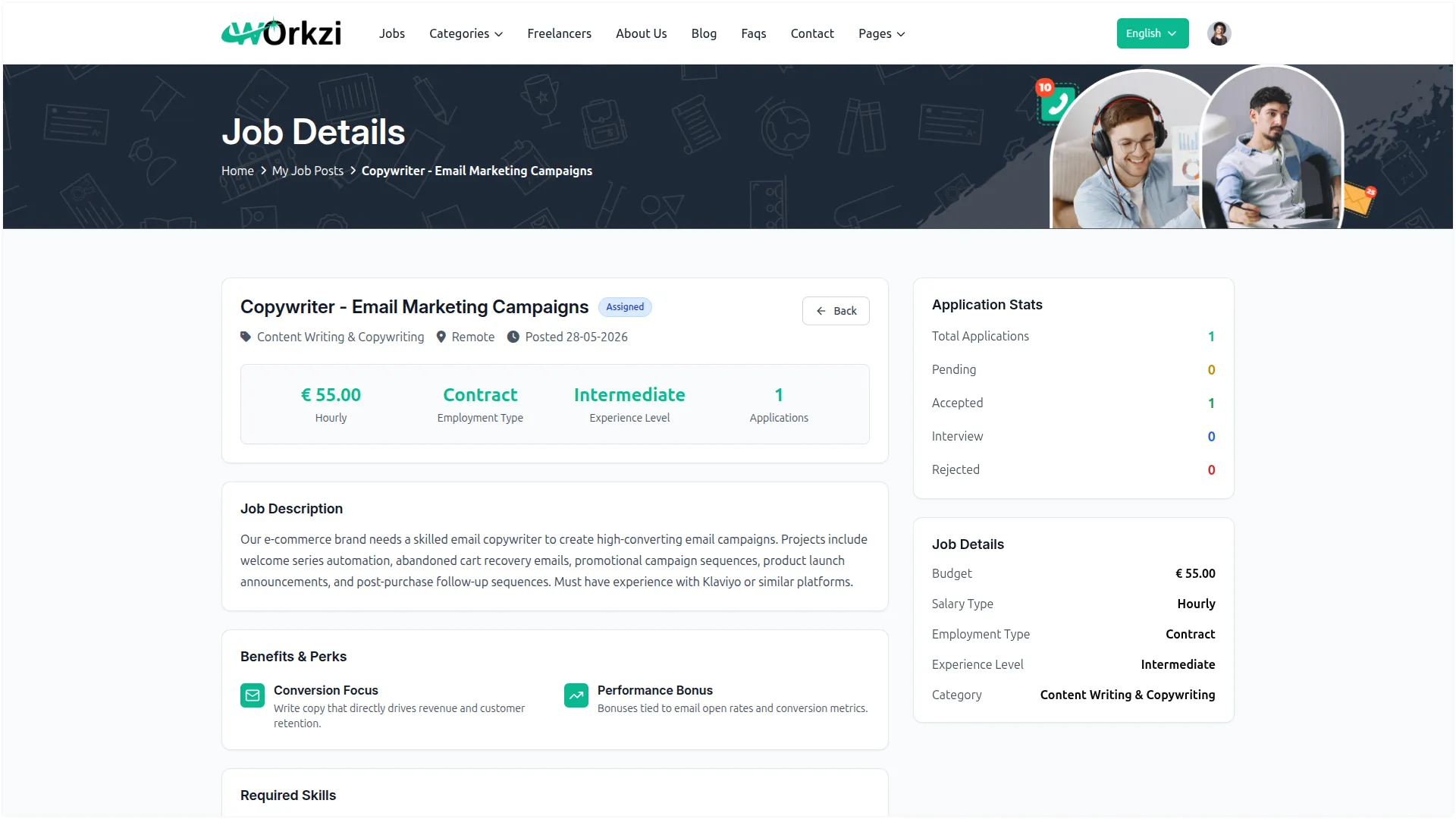
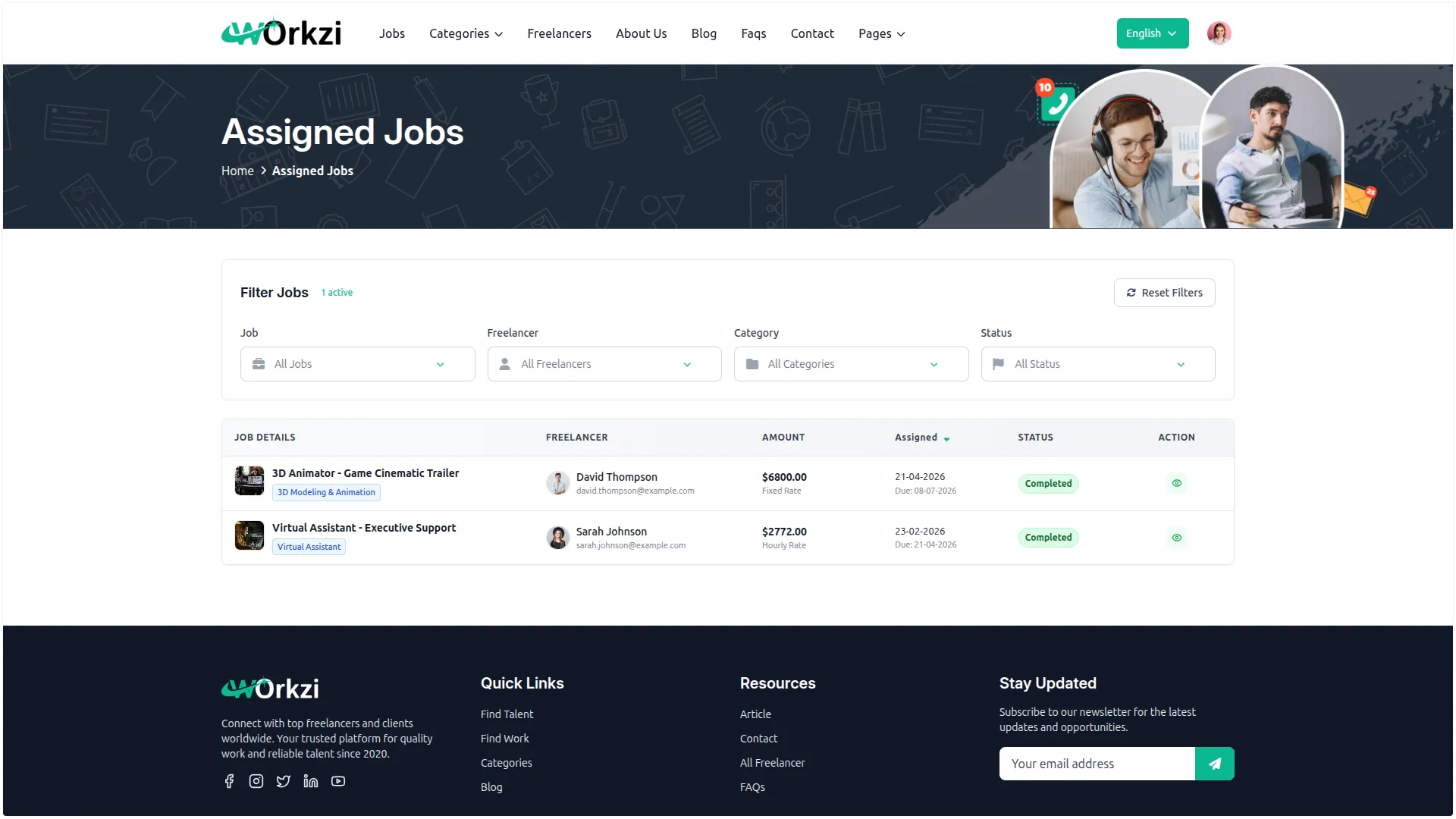
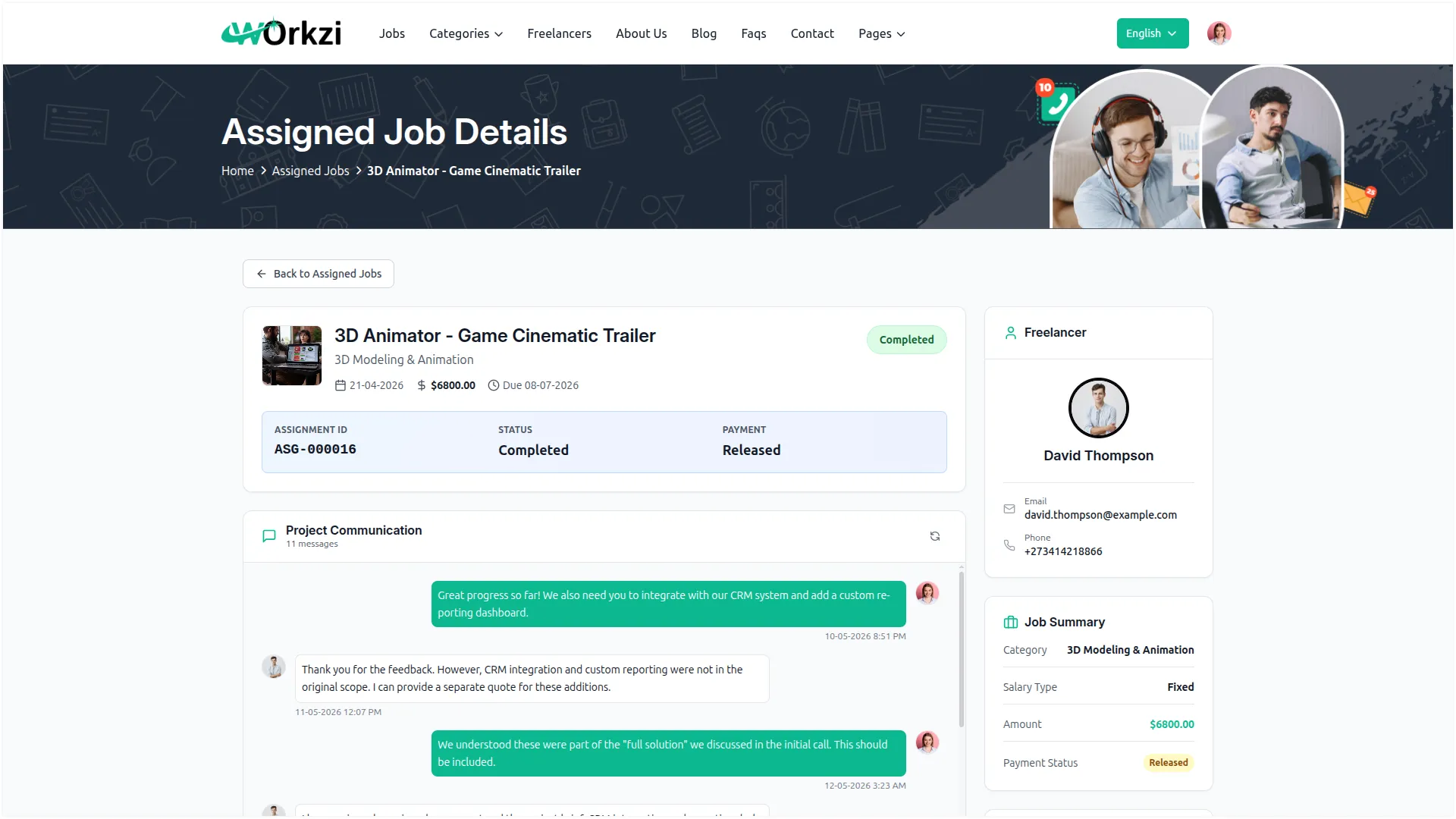
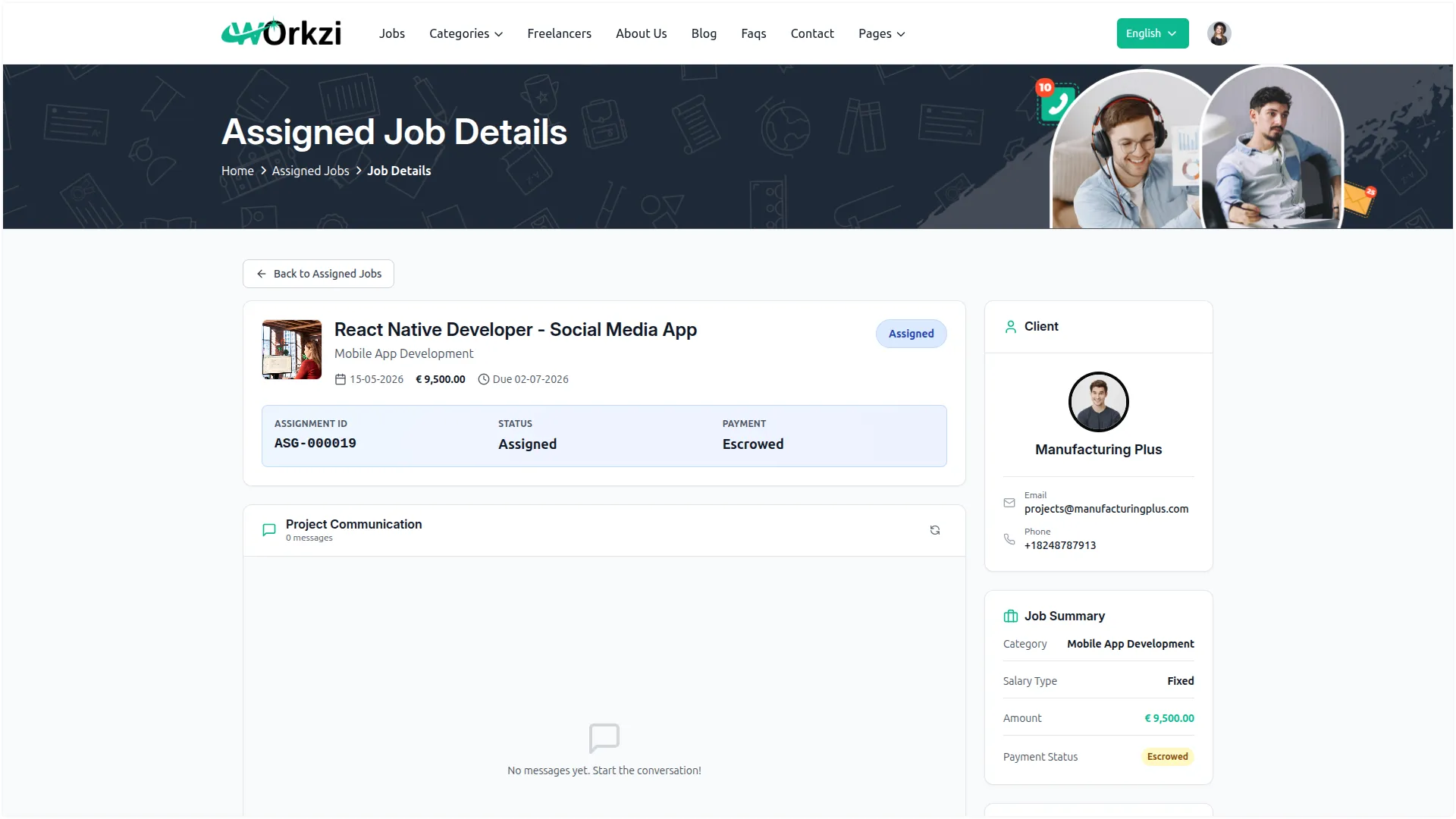
Every job posted on your platform sits in one place for you to manage. You can see each job's title, category, salary, employment type, and current status at a glance. You move each job through its stages – active, assigned, in progress, completed, and more- and that status decides how it appears to users. You can also open any job to see all the freelancers who applied and where each application stands.
- Browse all jobs published on your platform
- Access applicant details directly from each job
- Manage job progress through each hiring stage
- Customize job visibility and display settings
Manage Clients & Freelancers
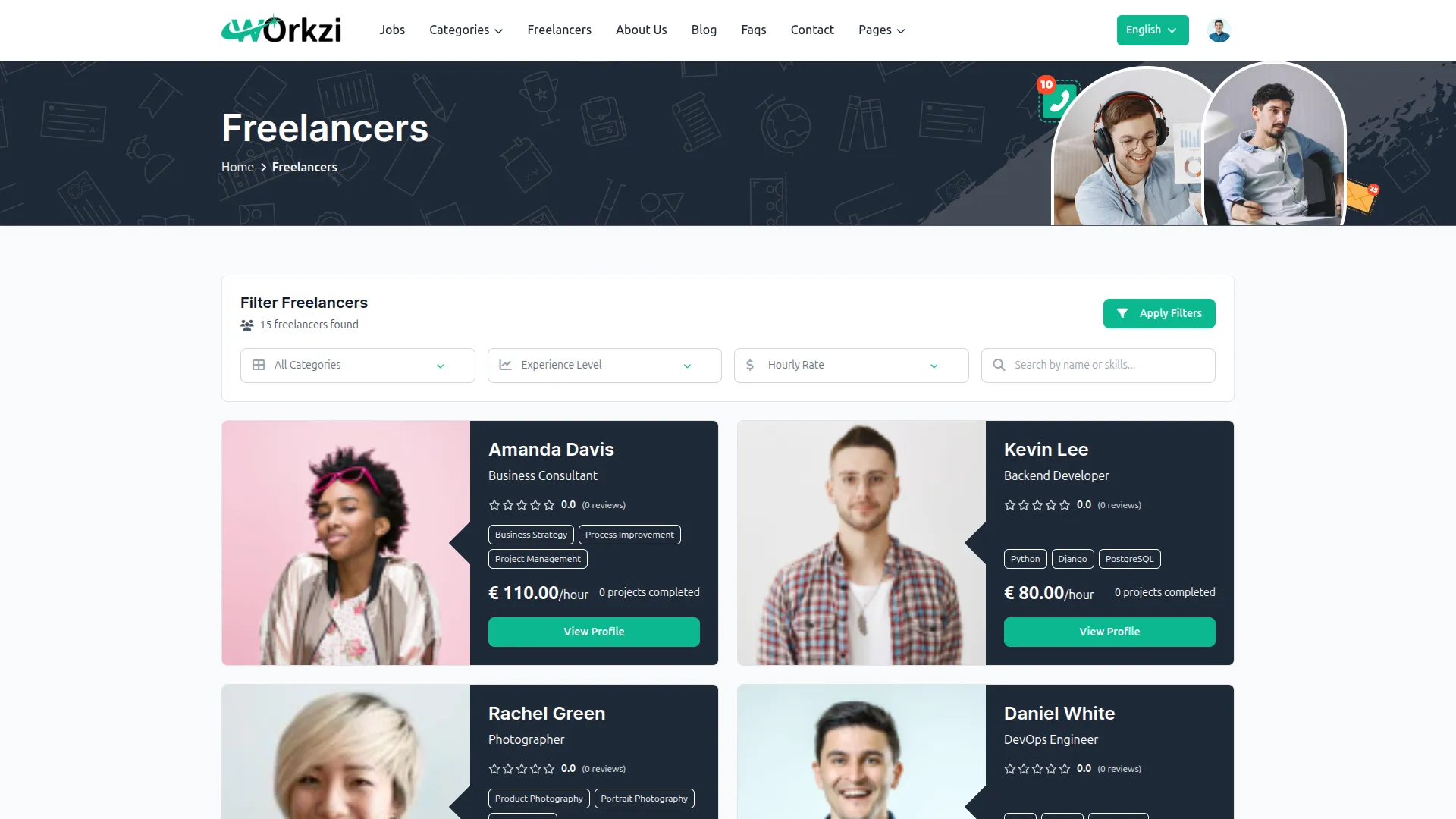
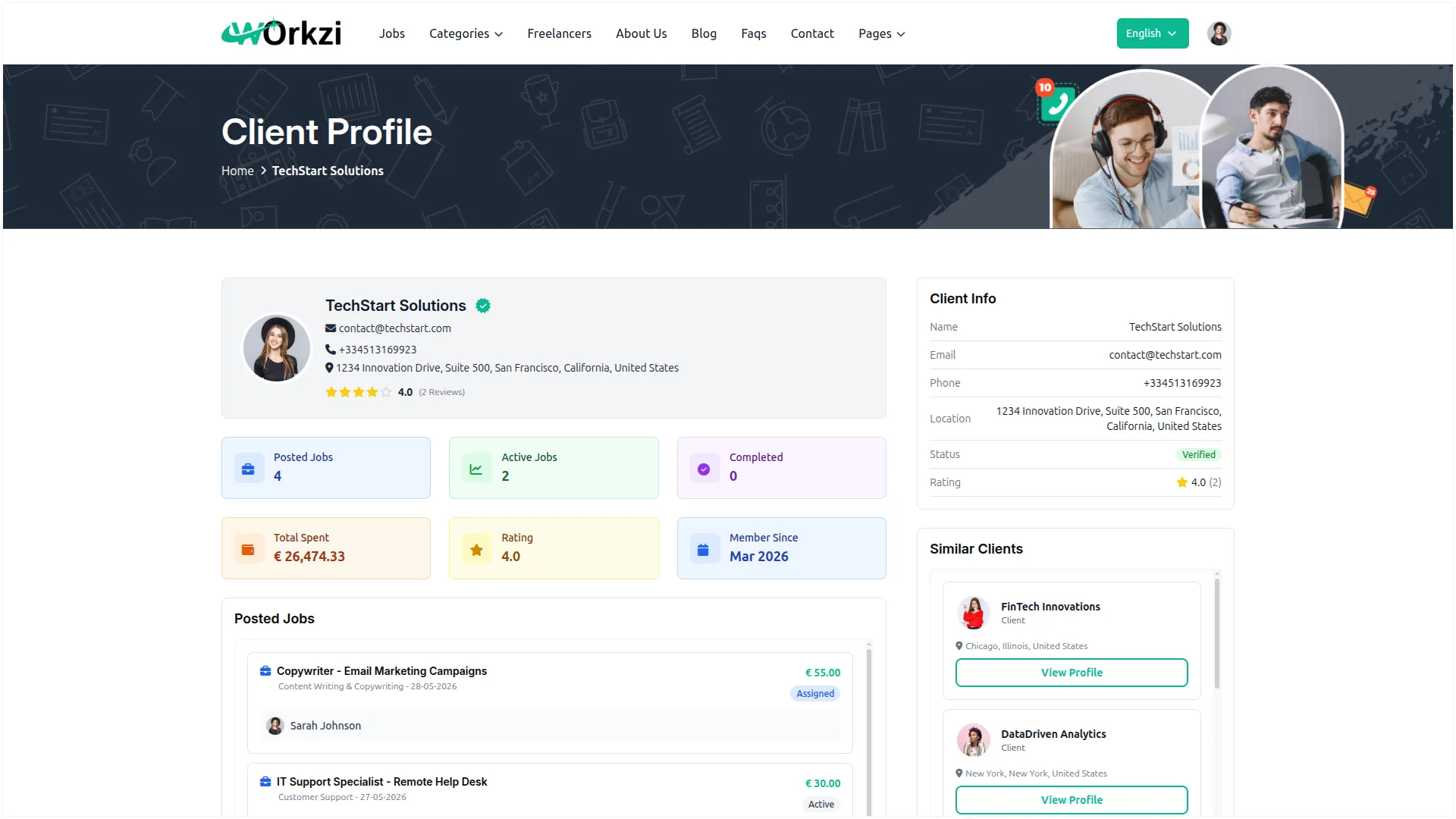
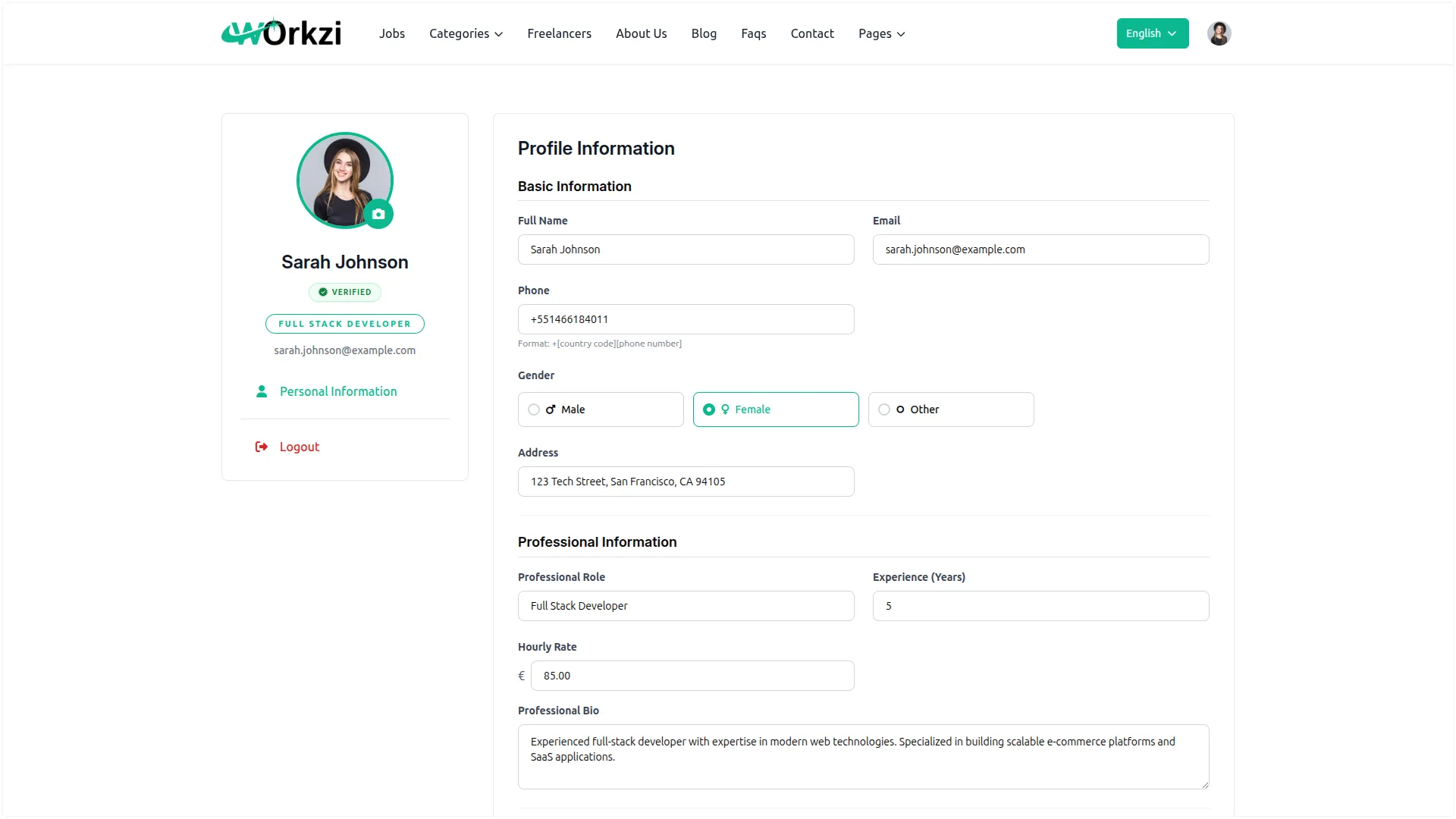
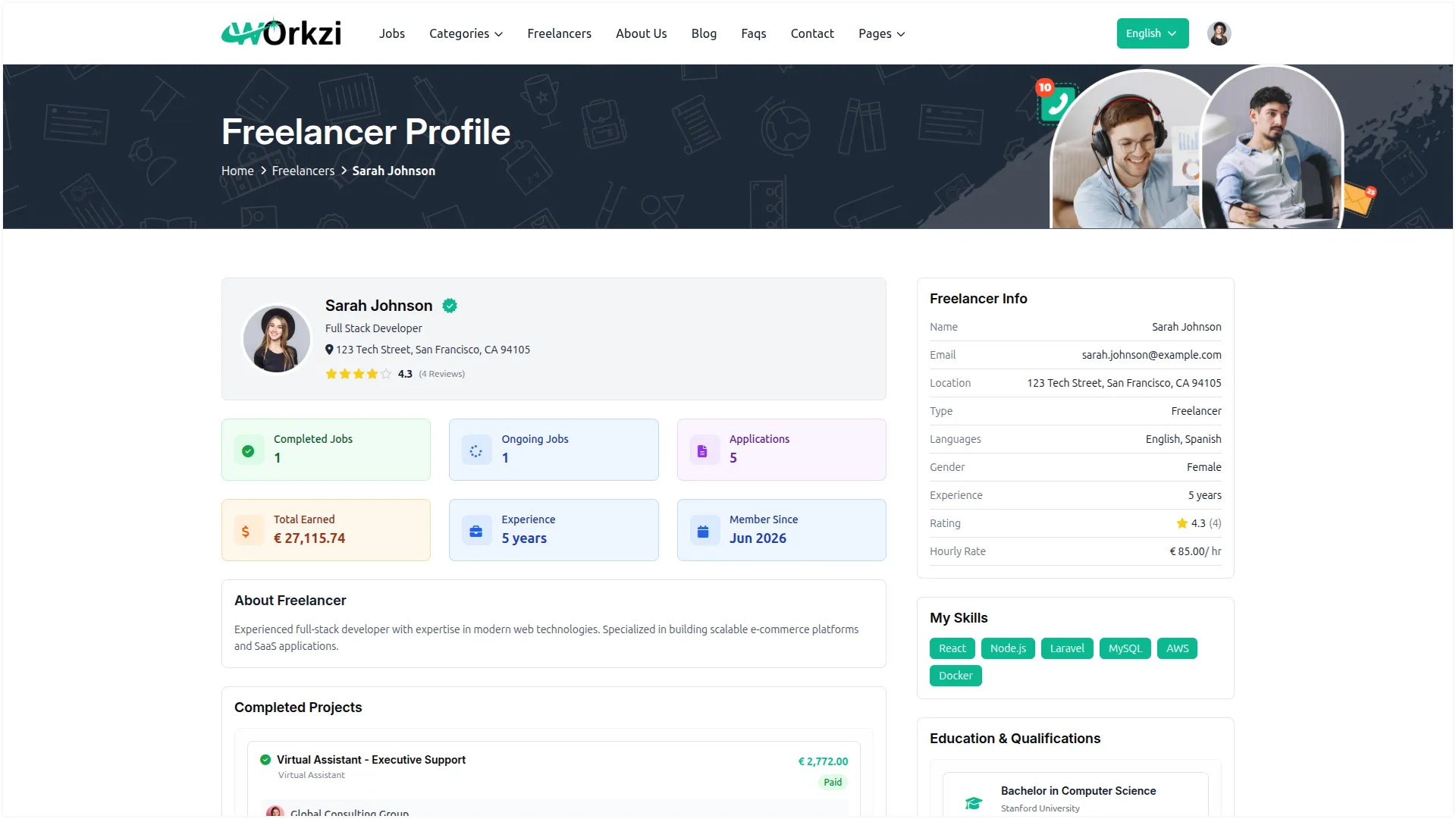
You get a separate, complete view of both your clients and freelancers, making it easy to track activity and performance on each side. For clients, you can review spending, posted jobs, assigned work, wallet activity, and received reviews. For freelancers, you can see their role, experience, skills, earnings, applications, completed projects, and ratings. Trusted users can be verified with a badge, while accounts that violate rules can be suspended to maintain platform safety.
- See full client details, spending, and jobs
- See freelancer skills, earnings, and ratings
- Verify clients and freelancers with a badge
- Suspend any account that causes trouble
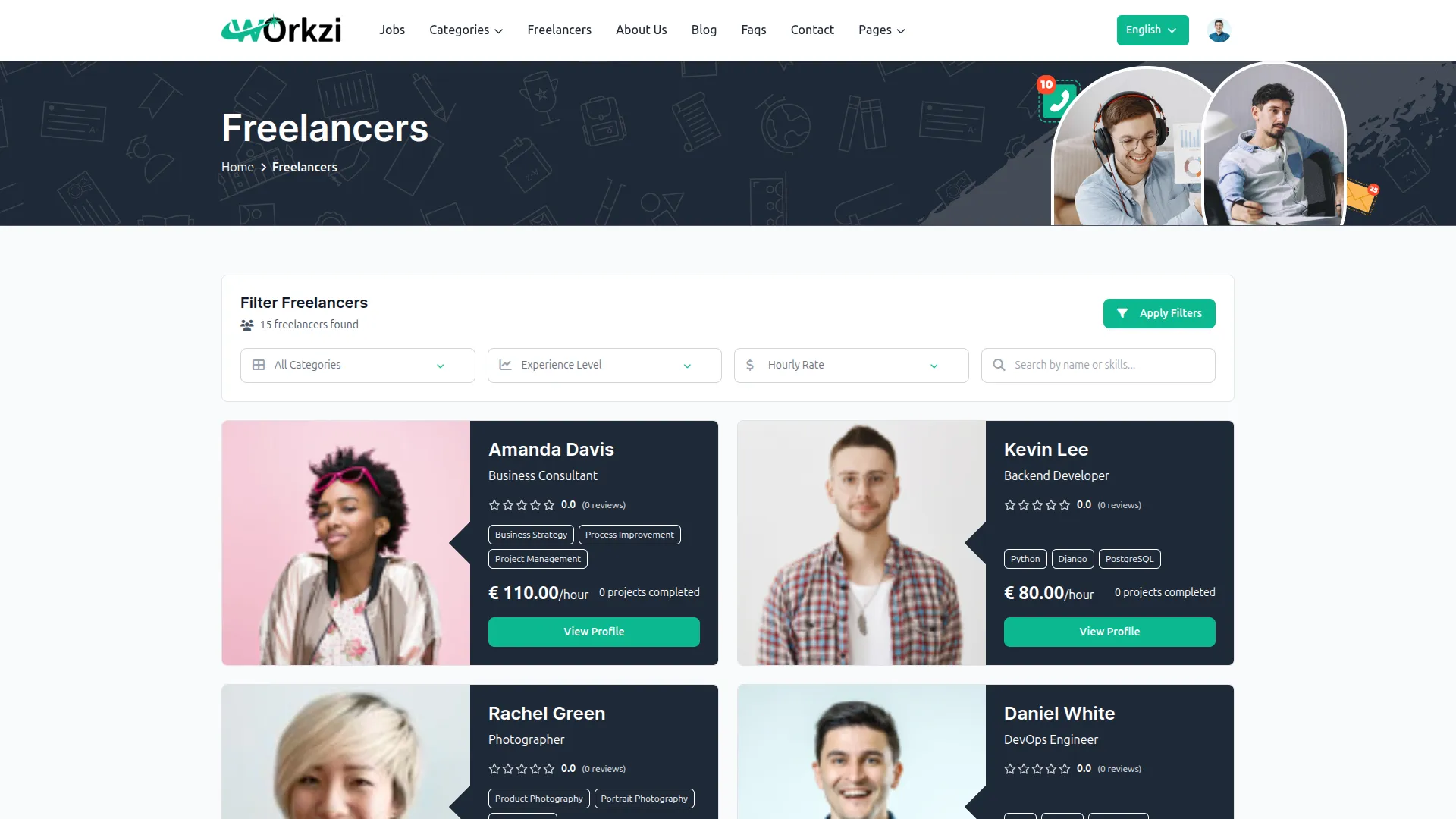
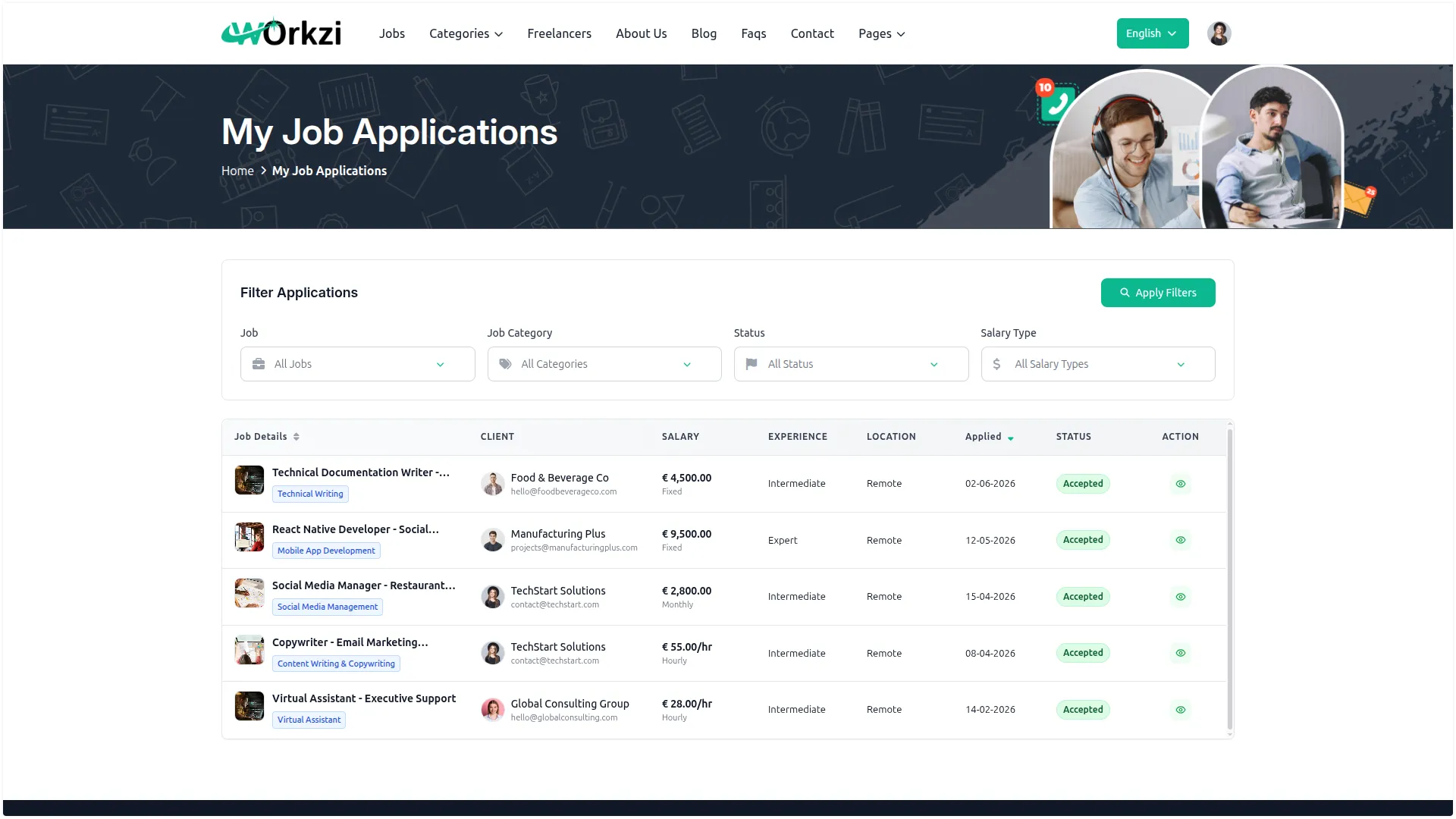
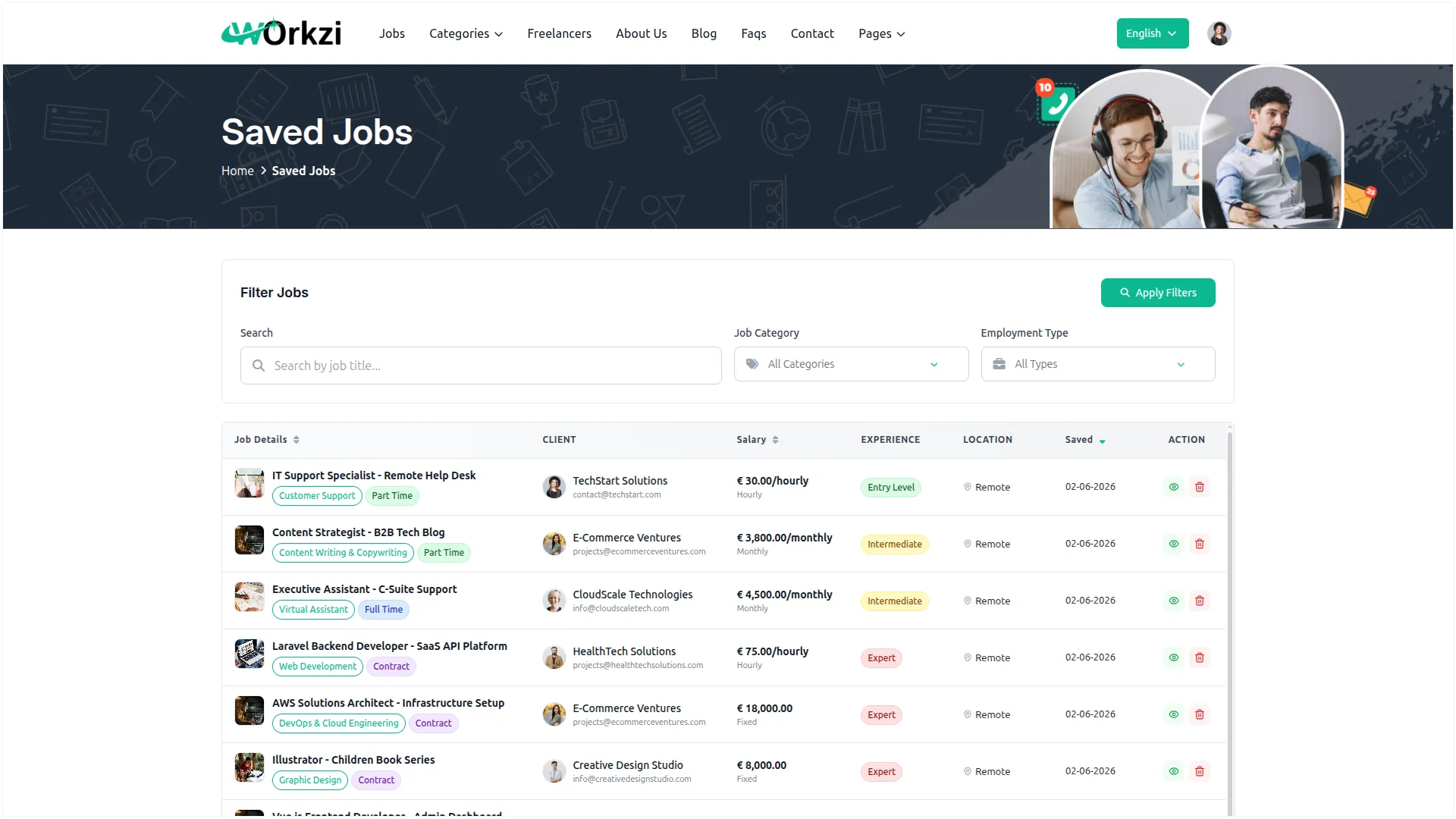
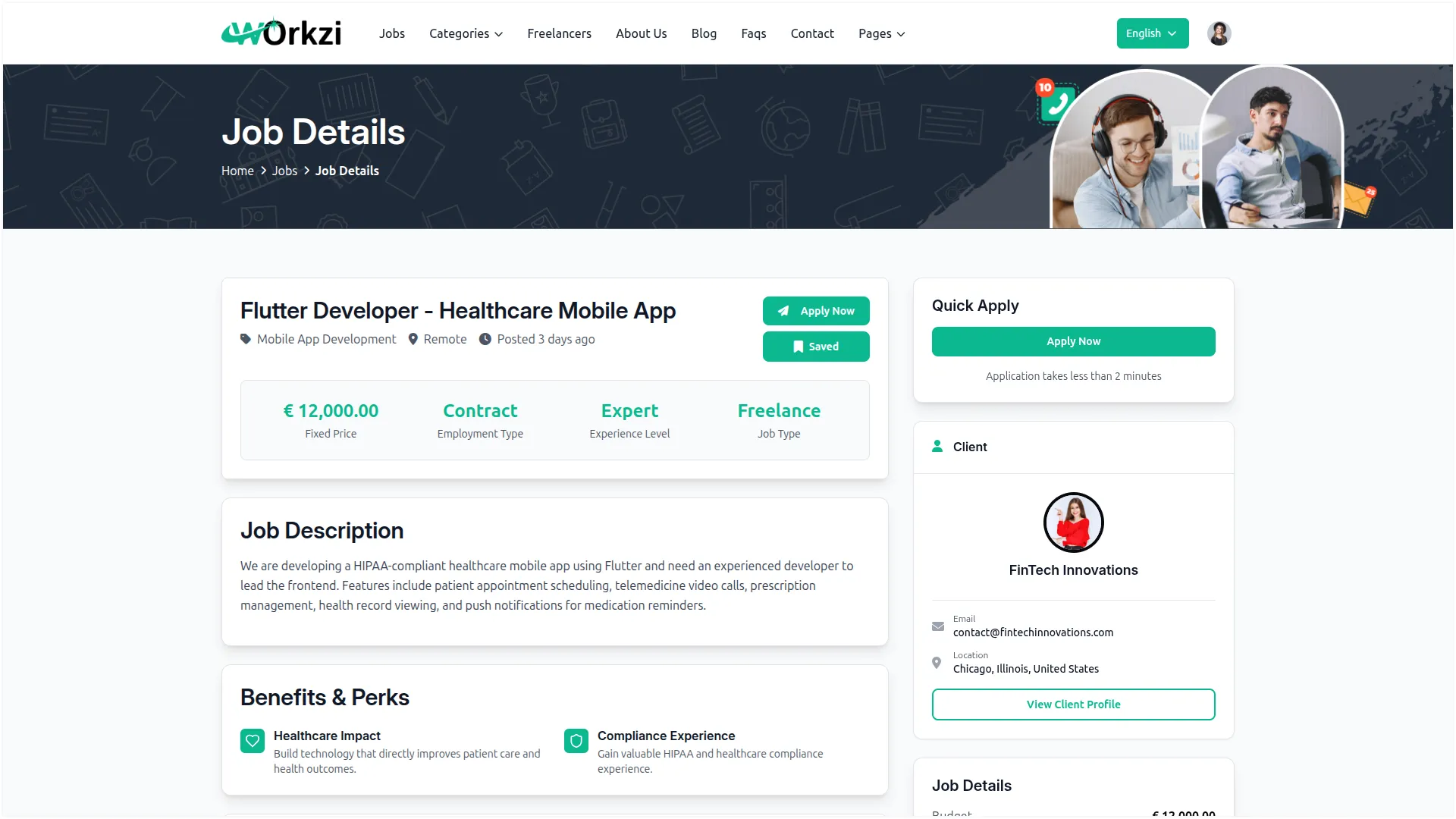
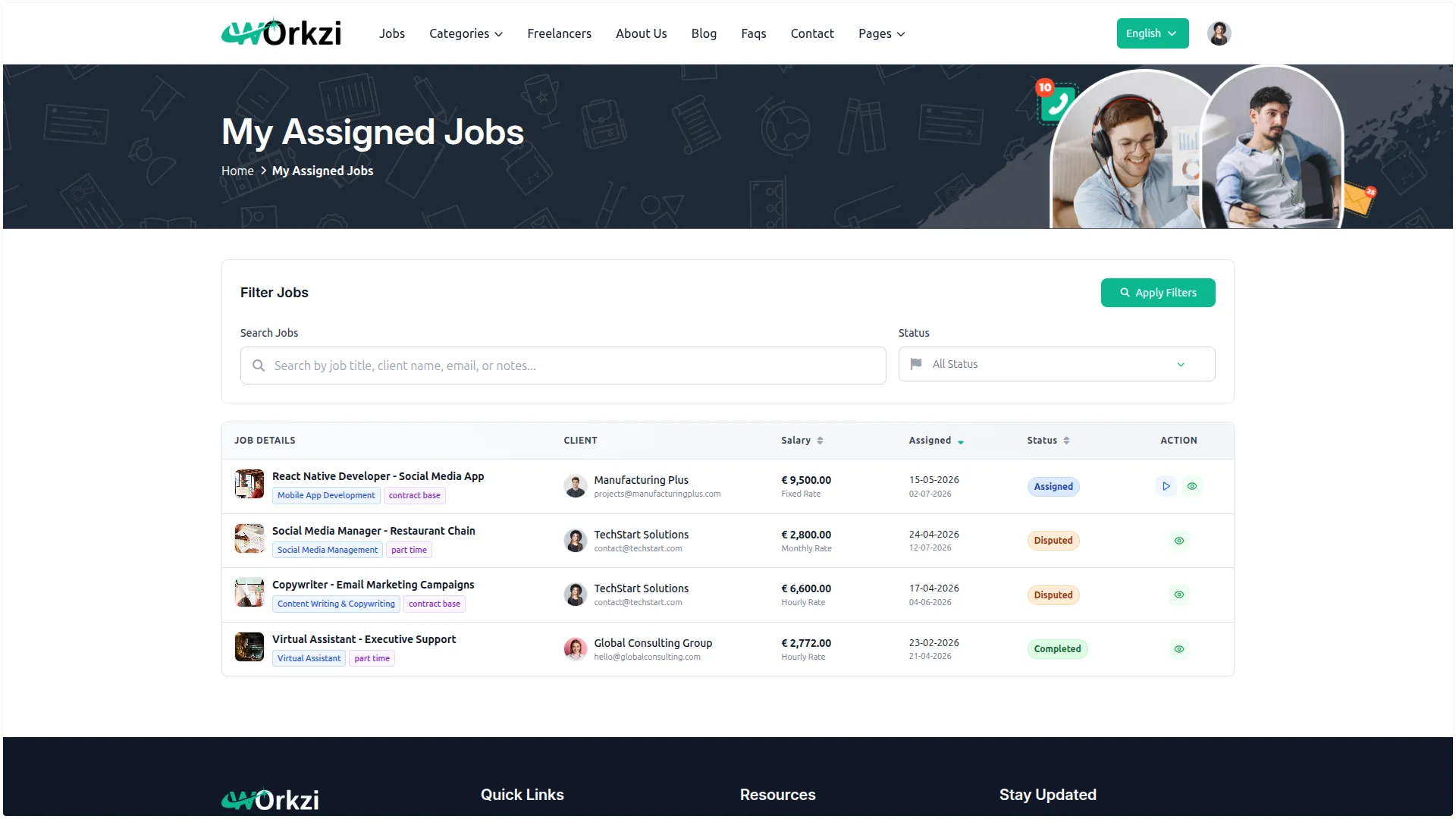
Screenshots from our system
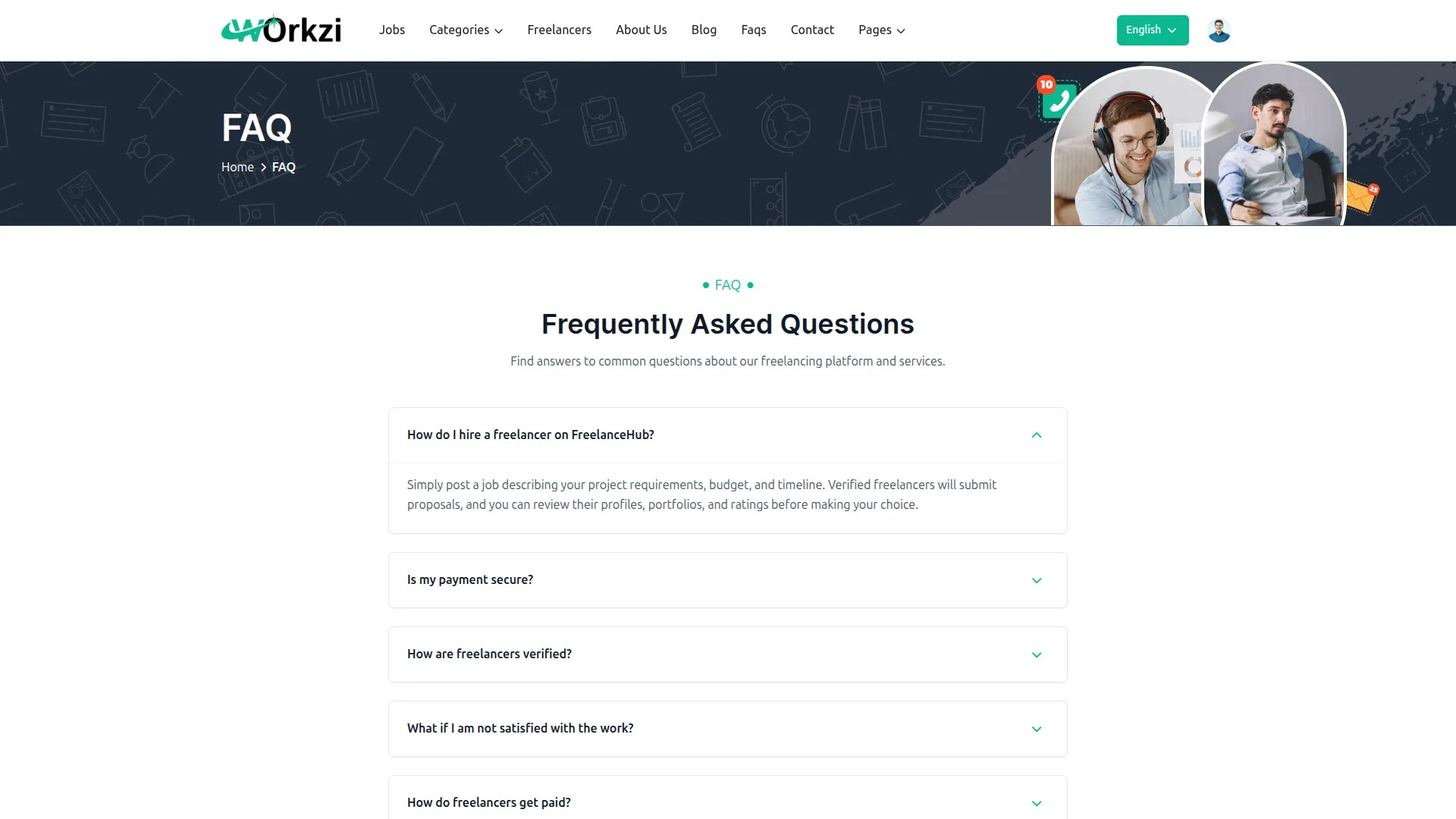
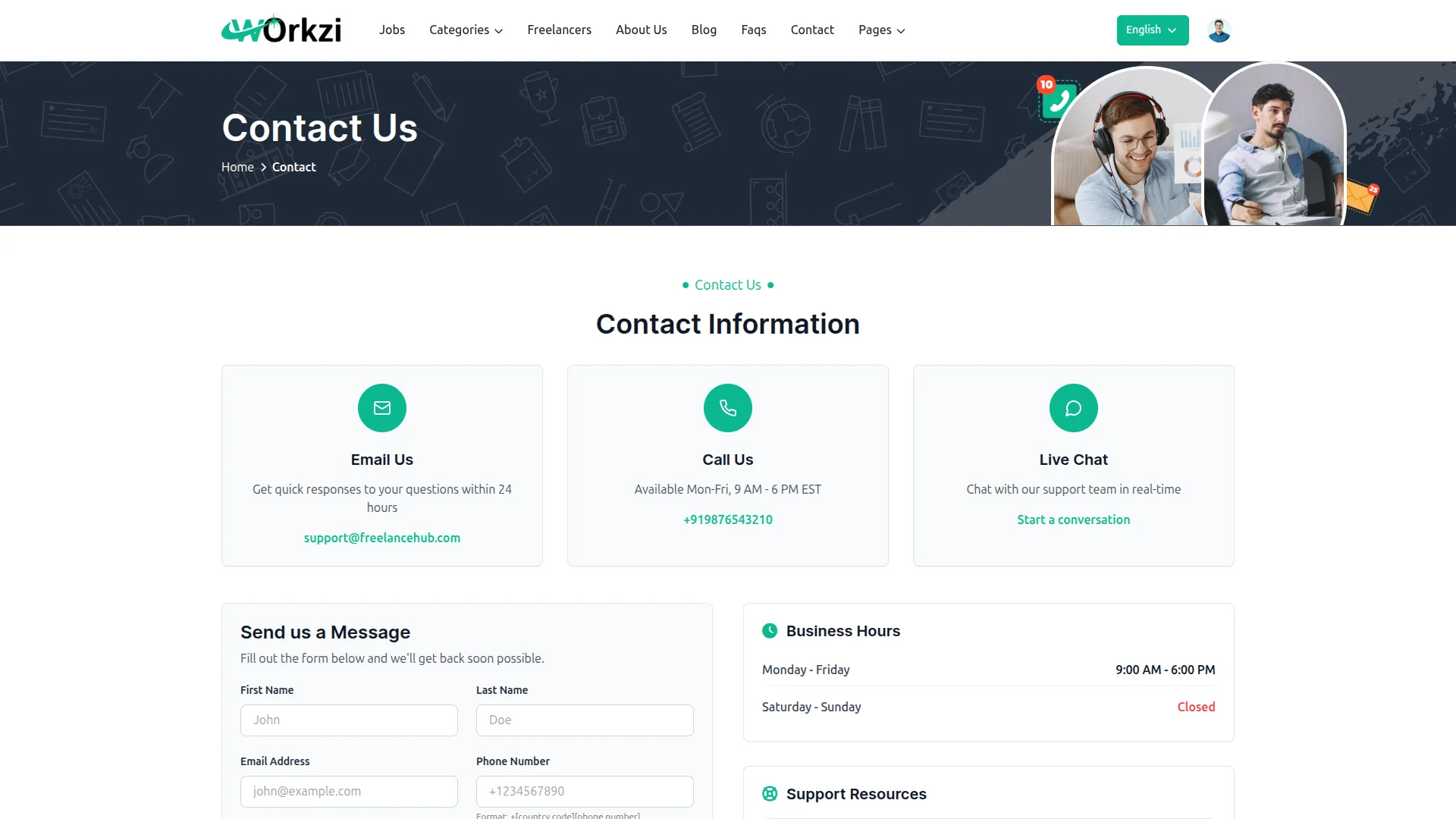
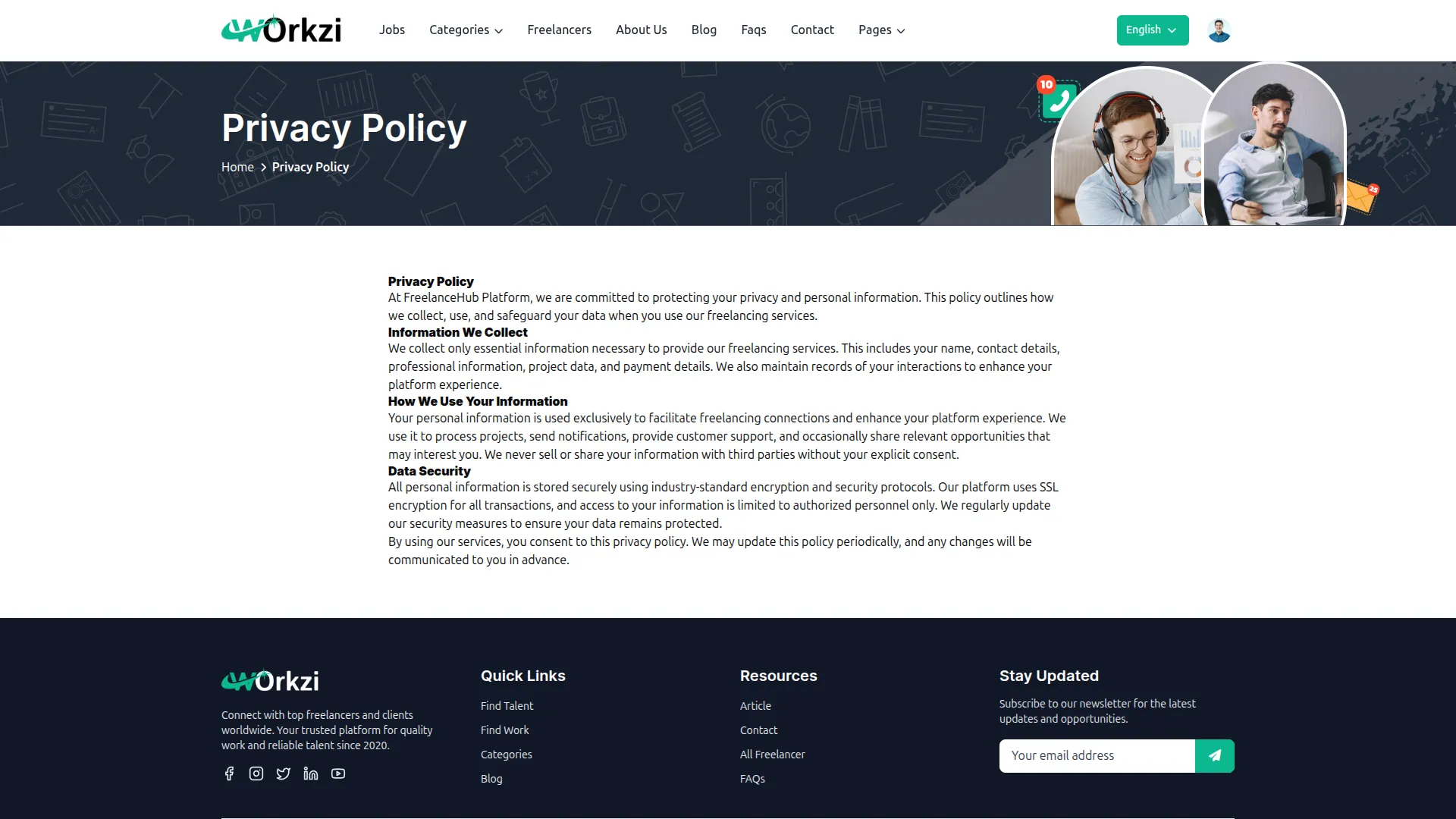
To explore the functionality and usage of these Add-Ons, refer to the accompanying screenshots for step-by-step instructions on how to maximize their features.



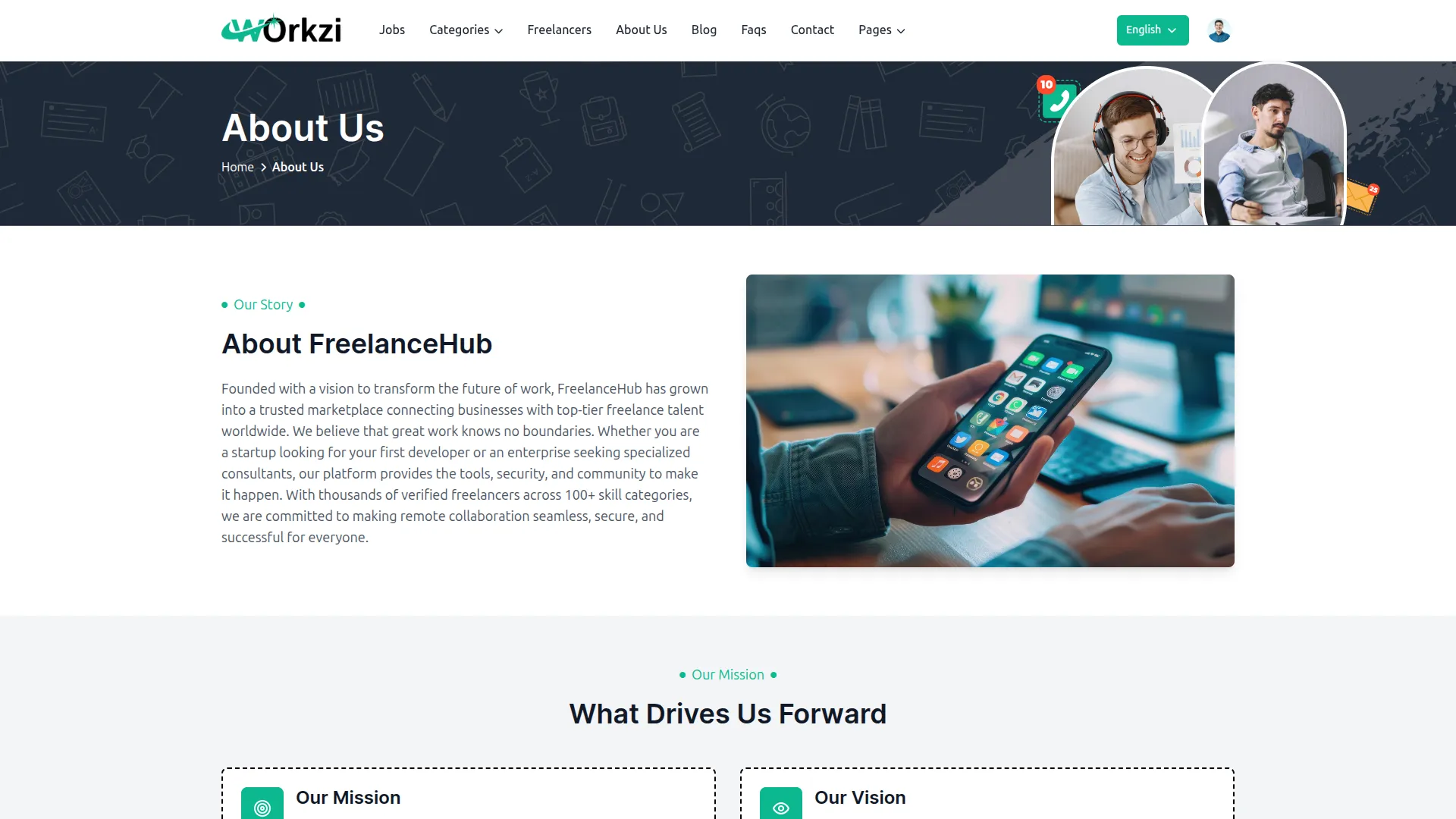

Discover More Add-Ons
Unlock even more functionality with additional Add-Ons, providing enhanced networking and customization options for your Dash SaaS experience.

Rocket Chat
Dash SaaS now includes Rocket Chat, giving teams a direct way to connect and collaborate. Instead of switching between different apps, users can send messages, share files, and manage conversations all within Dash SaaS. This helps businesses improve communication and stay organized.

Freelancing Platform
This comprehensive freelance marketplace platform connects clients and freelancers through secure job management, featuring organized categorization, escrow-protected payments, real-time communication, and detailed user profiles.

Beverages Production System
Optimize your beverage production process by efficiently managing collection centers. Dash SaaS allows you to oversee and coordinate the collection of raw materials from various sources, ensuring a seamless supply chain.

Comprehensive feature controls improve process automation
The speed and efficiency gained from using these tools have been truly impressive
The improvements in accuracy and efficiency have greatly benefited our internal processes