
Configure WhatsApp(Twilio) Notifications
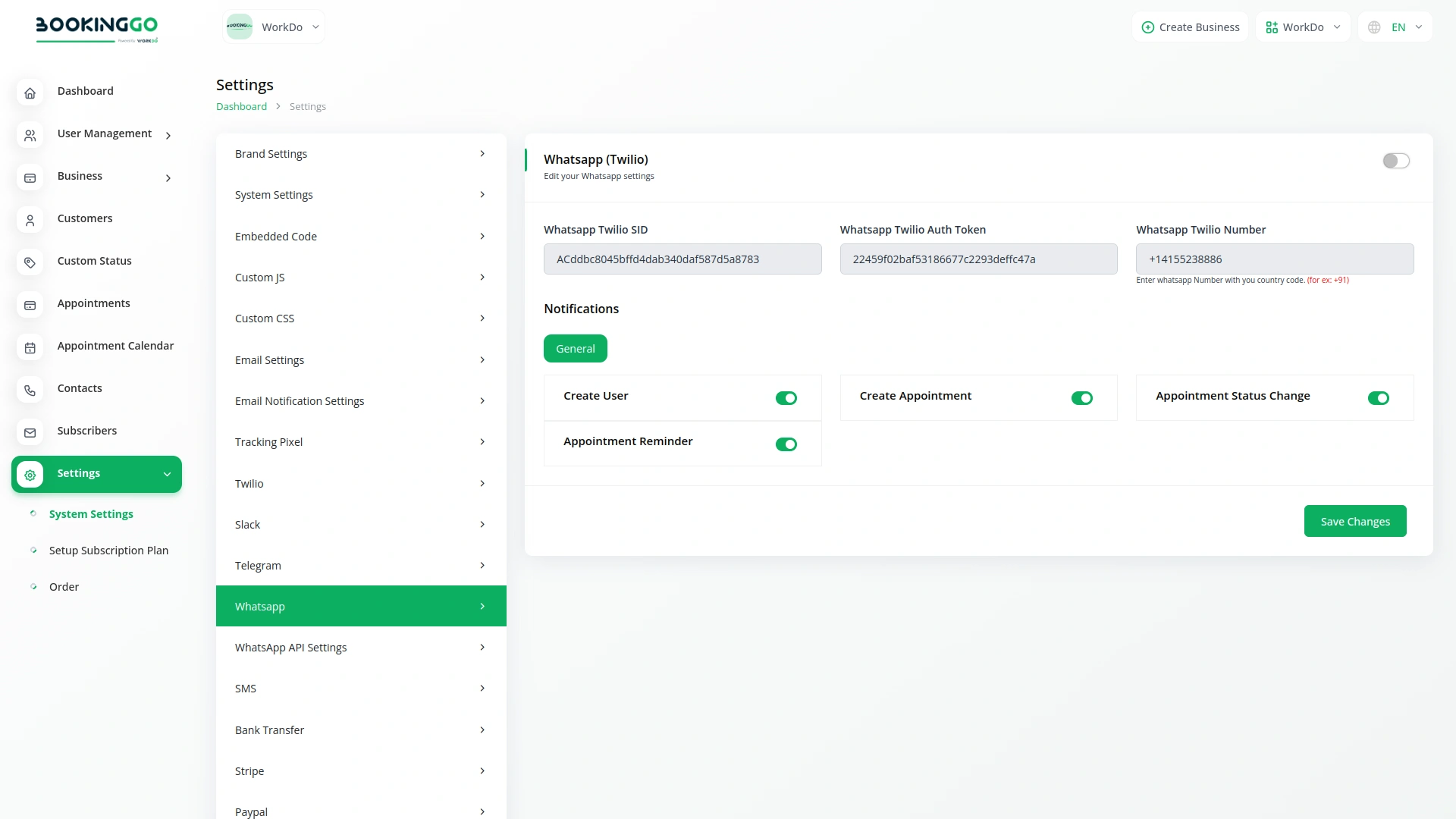
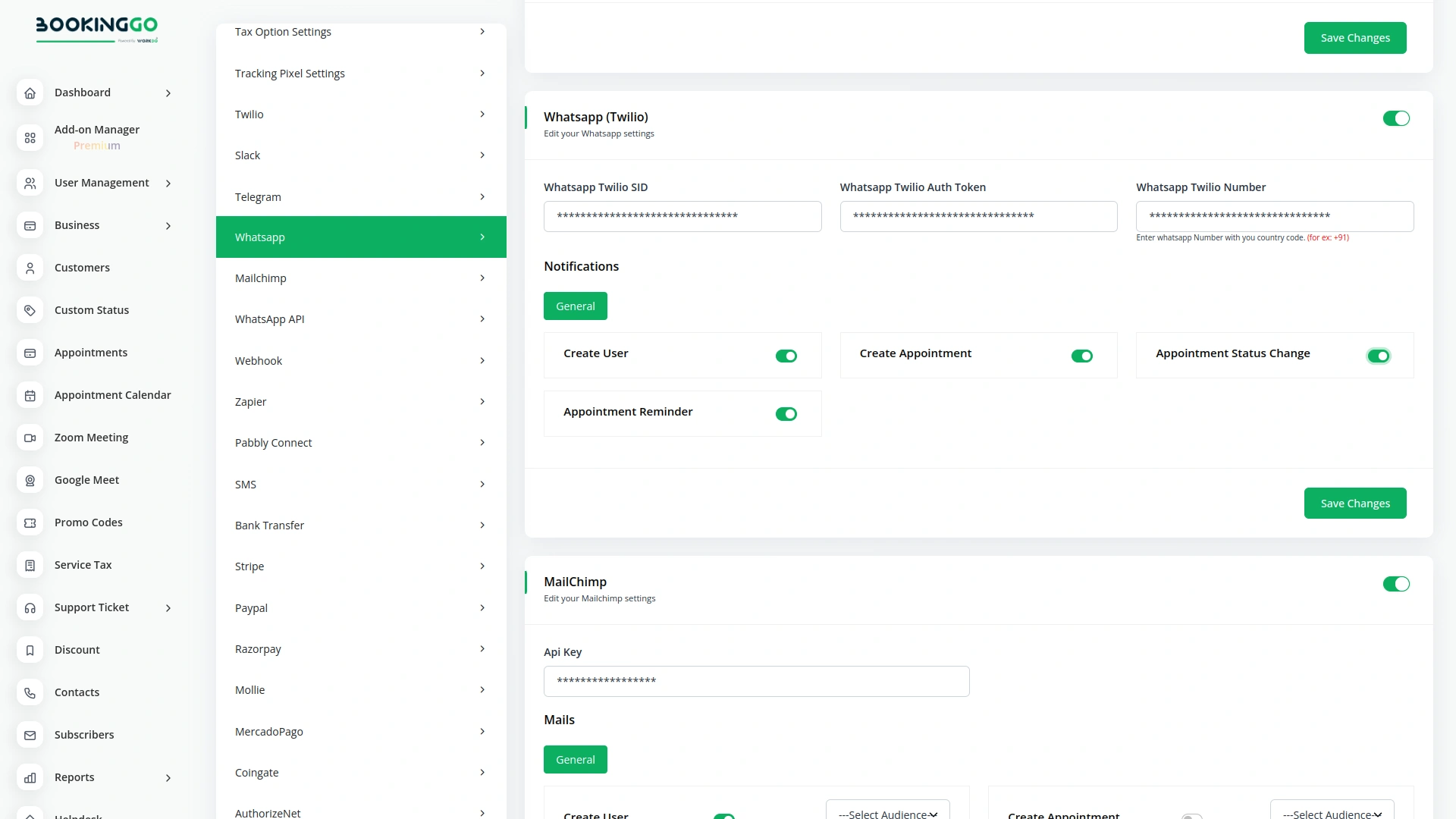
Create a Twilio account at https://www.twilio.com/. Get Account SID and Auth Token from Twilio Console. Apply via Twilio for WhatsApp Business API access. Follow the process, and get approval from WhatsApp. Register a WhatsApp Business number on Twilio. Navigate to your product setting page. Once done, your WhatsApp Twilio notifications are ready for effective user communication.
WhatsApp Twilio Notifications
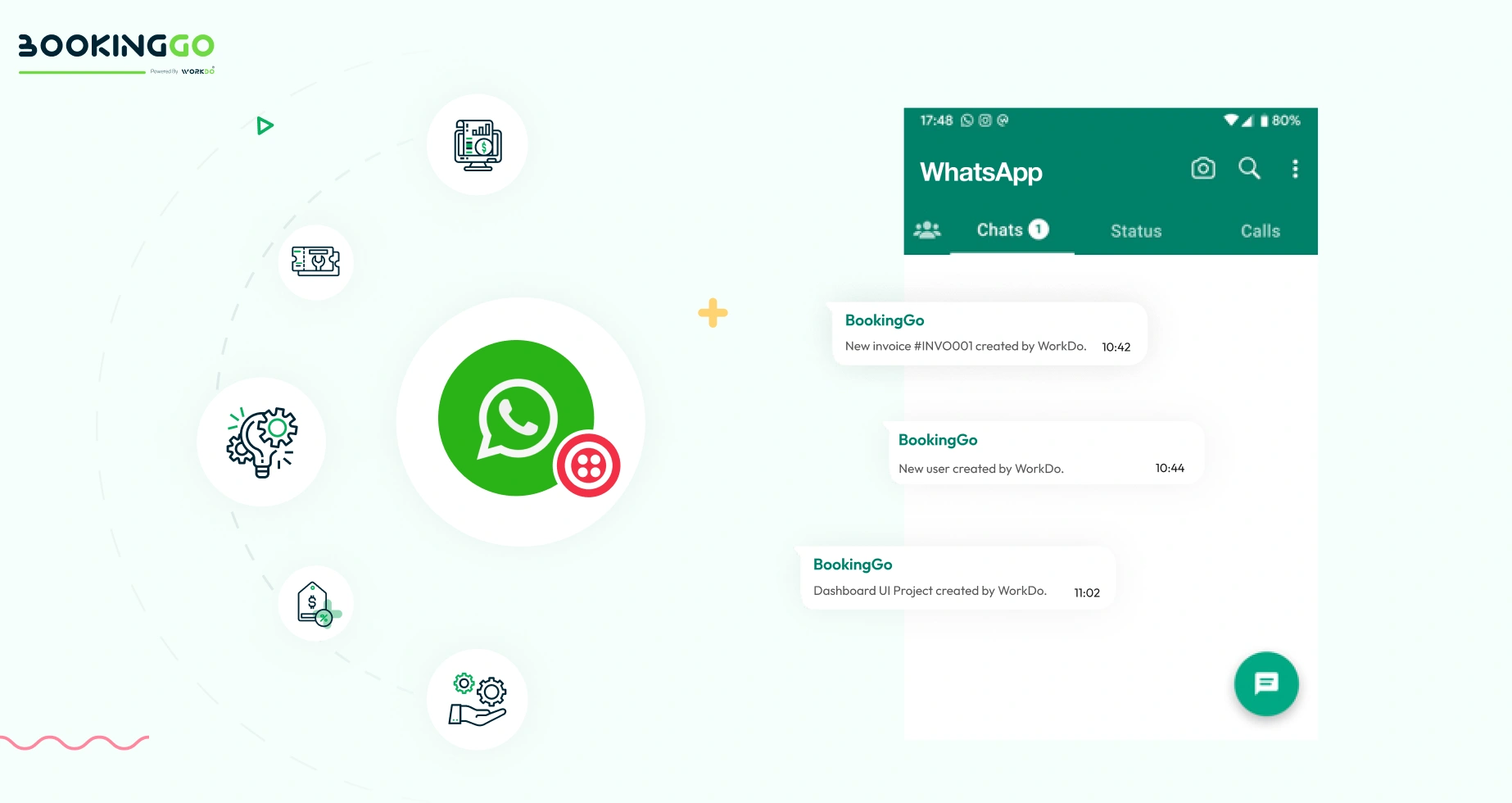
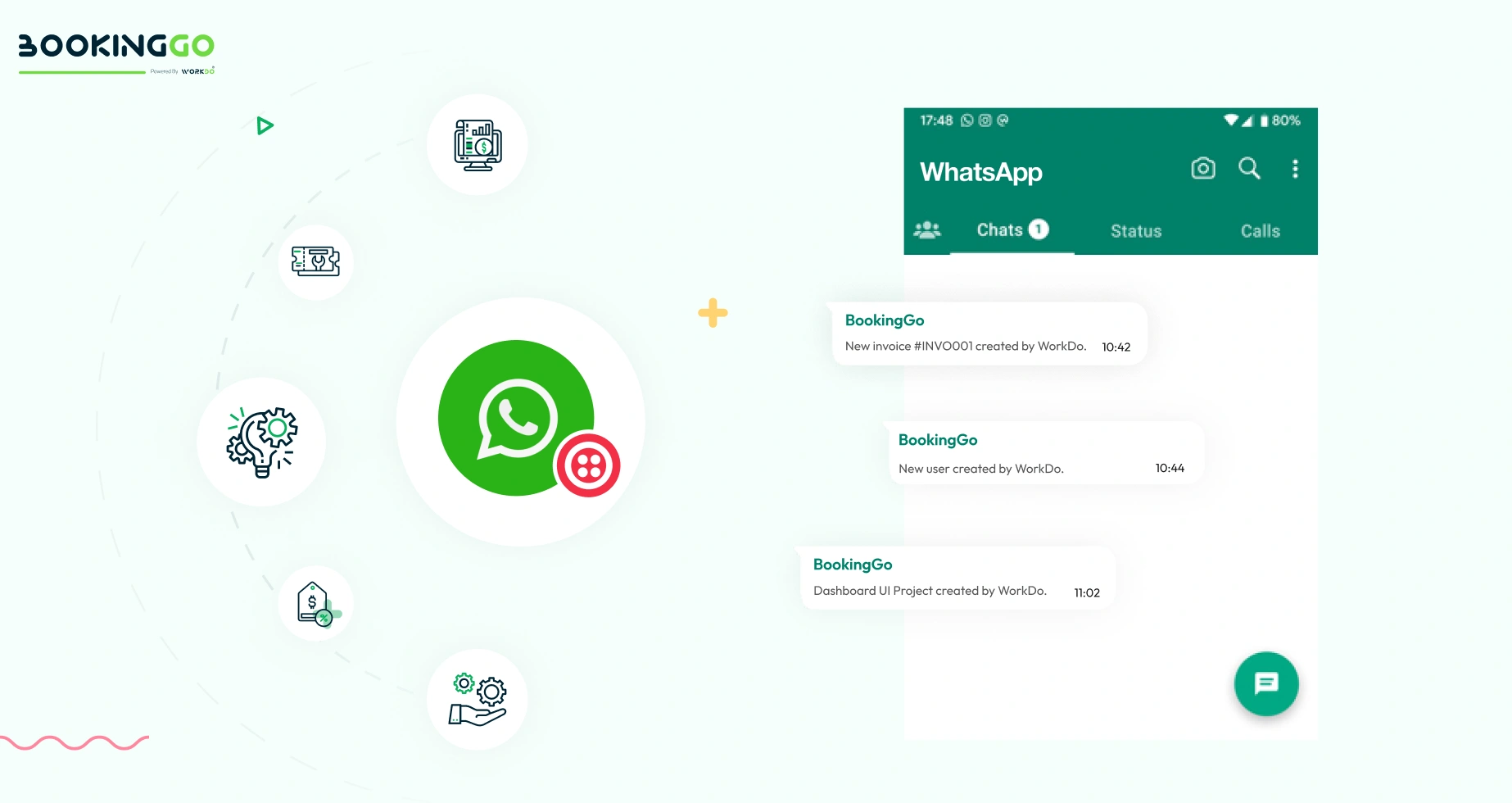
Certainly, once you have completed all the settings on the setup page, you can seamlessly work on any module within your product. Whenever specific actions are taken, such as creating a new user, generating an invoice, or initiating a project, your users will automatically receive notifications through WhatsApp Twilio. This ensures timely updates and efficient communication, enhancing user engagement and overall user experience.
Screenshots from our system
To explore the functionality and usage of these Add-Ons, refer to the accompanying screenshots for step-by-step instructions on how to maximize their features.


Discover More Add-Ons
Unlock even more functionality with additional Add-Ons, providing enhanced networking and customization options for your BookingGo SaaS experience.

Api
The API Module of BookingGo SaaS offers seamless integration capabilities, allowing your business to connect with external systems effortlessly. Whether it's a third-party app, custom software, or other services, this module provides the tools to automate and synchronize your operations with ease.

Tracking Pixel
Using Telegram as an add-on involves leveraging the Telegram platform to enhance or extend the functionality of an existing service or application.


Google Authentication
In addition to your password, you'll also need a code generated by the Google Authenticator app on your phone. Google Authenticator generates 2-step Verification codes on your phone.
Excellent customer support, quality code, an excellent developer.