Bundle Sale - Save 72% on the Dash SaaS Complete Bundle Claim Now
Courier Management Software

Delivery Management Software and How Every Other Industry Delivers

Every business that delivers needs the same four things: a booking, a driver, a status and a payment.

WorkDo's courier management software covers all four, whether you need ecommerce delivery management software or a system for a shop, a kitchen or a freight office.

Each section below follows one kind of business from booking to payment, in that business's own words.

Find your business:

Online Stores

Ecommerce Delivery Management, Returns Included

Ecommerce delivery management means getting every online order to the customer, and back if it returns. WorkDo works as ecommerce delivery management software in two common setups.

Setup 1

If You Deliver for Online Stores

You are the delivery partner, and each client order becomes one booking. That makes WorkDo an ecommerce delivery management solution you can run for all your clients from one office.

  1. Book it. Your team enters the order at the counter or by phone. Senders can book online too, in three steps: sender information, delivery and branch, package details.
  2. Get a tracking ID. The booking becomes a courier record with its own tracking ID, sender, receiver and package details.
  3. Move it. Pickup and packing, transit, then a driver and vehicle on the route.
  4. Close it. The status closes and the payment is logged against the tracking ID.
  5. Take it back. If the order returns, the return sits in the same place as its payment and tracking.

Returns are a daily part of ecommerce delivery, so they belong in the same system as the delivery they reverse.
Setup 2

If You Sell Online and Deliver Yourself

You run the store and the vans. Here is how ecommerce delivery management software carries one of your own orders.

  1. Book it. Your team books each packed order as a delivery, and it gets a tracking ID.
  2. Send it. A driver and a vehicle go out on the route.
  3. Share it. You give the customer the tracking number, and they enter it in the tracking form on your website.
  4. Follow it. The tracking page shows the service booked, the current stage and the time each step was recorded.
  5. Ask. Send customers the feedback form after big deliveries. Star ratings and comments show how your delivery service is doing.
  6. Take it back. A returned order is handled in the same system, next to its tracking history and payment.

The tracking form answers "where is my order?" before anyone has to ask. The WhatsApp chat button is there for everything else.

Six details that make client work easier:

Payments. Logged against each tracking ID, so reconciling with a client starts from one list.

Agreements. Each business client's service agreement, with its start and end dates, and its courier contract are saved in the system.

Contacts. Customer contacts are stored, so you know who to call at each client.

Your brand. White label ready: clients and customers see your brand on the courier website.

Complaints. Support tickets track each client complaint by category, status and response time.

Peak season. Post driver jobs, track candidates, run interviews, send offers and onboard new hires in the same system.

In both setups the jobs are the same: book, track and get paid. That is why ecommerce delivery management software can serve your clients and your own store from one system. The features page shows each part in detail.

Shops

Retail Delivery Software for Sales Made at the Counter

The sale happens at your counter, and retail delivery software carries it from there to the customer's door. Retail courier software has one rule: enter each delivery once and follow it to the end.

Counter to doorstep, in five lines:

  1. The sale. A customer buys in store and asks for delivery.
  2. The booking. Your clerk books it at the counter, and the system assigns a tracking ID on the spot.
  3. The branch. The booking names the branch that handles the delivery.
  4. The run. A driver and a vehicle take it out.
  5. The doorstep. The customer follows each stage on your tracking page. When the delivery closes, its payment is logged against the tracking ID.

At the counter, your clerk enters four things: the sender, the receiver, the package details and the branch.

When a customer phones to ask about an order, the clerk asks for the tracking number and reads the stage from the same record.

Delivery charges and returns sit in the same place as the tracking history, so nothing has to be looked up in three places.

Retail delivery management gets harder with every branch you add. Three things keep it manageable:

  • Branches on one system. Every branch books into the same records.
  • One record per delivery. Tracking ID, sender, receiver, package details, driver, vehicle and status stay together.
  • Payments per tracking ID. What is paid and what is pending is easy to tell apart.

Selling online as well? Your online orders and your counter deliveries share the same records, so nothing is booked twice. The delivery management software page covers home delivery in full.

Restaurants

Restaurant Delivery Management Software: Once the Order Is Cooked

Take orders wherever you take them today. Food delivery management software starts once an order exists: it books the delivery, follows it and closes it.

Delivery management software for restaurants does not need to run your kitchen. It needs one record per order and six clear stages, shown here in kitchen words:

  1. Pending. The order is registered as a delivery with its own tracking ID.
  2. Approved. Your team checks the order and approves it.
  3. Ready for packing. The meal is boxed.
  4. Ready for delivery. The order waits for its driver.
  5. On the way. A driver and a vehicle are out on the route.
  6. Delivered. The delivery closes and the payment is marked received.
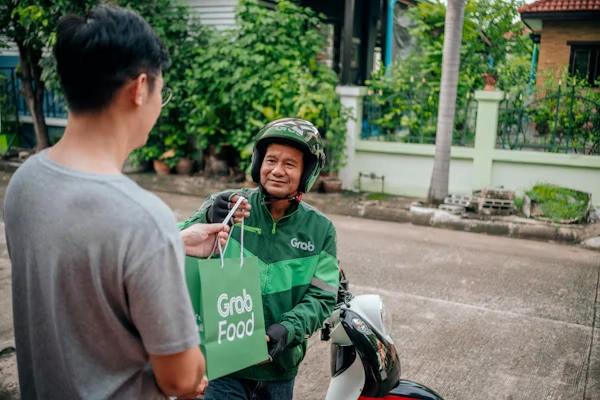
Delivery rider handing a food bag to a customer

Food delivery dispatch software comes down to one question: which driver and which vehicle? Every delivery carries both. During a rush, every order still gets its own tracking ID, so two orders to the same street never share a record.

That one record is what a restaurant delivery management system runs on. Your team and your customer read the same stage.

Around the record:

  • Customers. They follow each order on your branded tracking page, or chat with your team on WhatsApp.
  • Staff. Shift rosters and route updates go on the notice board, and biometric attendance shows late arrivals before dispatch.
  • Feedback. Ratings and comments from customers, staff and guests tell you how the service is doing.

After the shift:

  • Payments. Each one is logged against its tracking ID, so paid and pending orders are easy to tell apart.
  • Complaints. A complaint about a late order becomes a tracked support ticket.
  • Ideas. Staff can leave anonymous suggestions in the suggestion box.
Pharmacy

Pharmacy Courier Software for Home Deliveries and Medical Runs

Pharmacies and medical couriers move small parcels that people are waiting for. Each one needs a clear record from the counter to the door.

Pharmacy Deliveries to Patients at Home

Pharmacy courier software has one job at your counter: a record for every delivery that leaves. Here is what one delivery holds:

  • Booking. The pharmacy is the sender, the patient is the receiver, and the package details go on the record with a tracking ID.
  • Branch. The booking names the branch that handles it.
  • Dispatch. A driver and a vehicle are assigned.
  • Close. The status closes and the payment is logged.
  • Feedback. Send the feedback form after a delivery to collect star ratings and comments.

Around the delivery:

  • Regular patients. Their details can be kept as customer contacts, ready before the next booking.
  • Late or missed deliveries. Support tickets record the category, the status and how quickly your team responded.
  • Patient questions. Patients and caregivers can enter the tracking number on your branded page, or start a WhatsApp chat with your team.

Medical Courier Software for Clinic, Lab and Equipment Runs

Medical courier software suits teams that run between clinics, labs and homes. Medical equipment dispatch software starts the same way: one booking per run.

  • One booking per run. Sender, receiver, package details and a tracking ID. A supplier sending a device to a clinic names the clinic as the receiver.
  • Driver and vehicle. Each run is assigned both, as every other delivery is.
  • Agreements. Service agreements, with their start and end dates, and courier contracts for regular clinics and labs are saved in the system, so you know when one is due for renewal.
  • Contacts. Customer contacts are stored, so the right person at each clinic or lab is quick to reach.
  • Longer moves. Freight requests go by land, air, sea or rail.
  • Vehicles kept ready. Maintenance, insurance records, fuel entries and trip log books sit with each vehicle.

Your pharmacy's own handling procedures stay in place. The software keeps the booking, the stages and the payment in one record.

Auto Dealers

Auto Dealer Courier Software for Parts and Paperwork Runs

A dealership makes small deliveries all day: a part for a service bay, a form for a customer, a box for a body shop. Auto dealer courier software gives each one a tracking ID.

Parts to a service bay or body shop.

Booked at the counter or by phone. The record holds the receiver, the package details, the driver and the vehicle.

Paperwork between branches and customers.

Sender and receiver are on the record, with the branch that handles it. The customer can follow it on your tracking page.

Pickups from suppliers.

An agent collects, the parcel is packed, and the run is logged from pickup to delivery.

Your own vans are in the system too, each with its driver, fuel entries, maintenance and insurance records. Drivers' clock-ins and late arrivals sync from biometric devices.

Three checks for the service manager each morning:

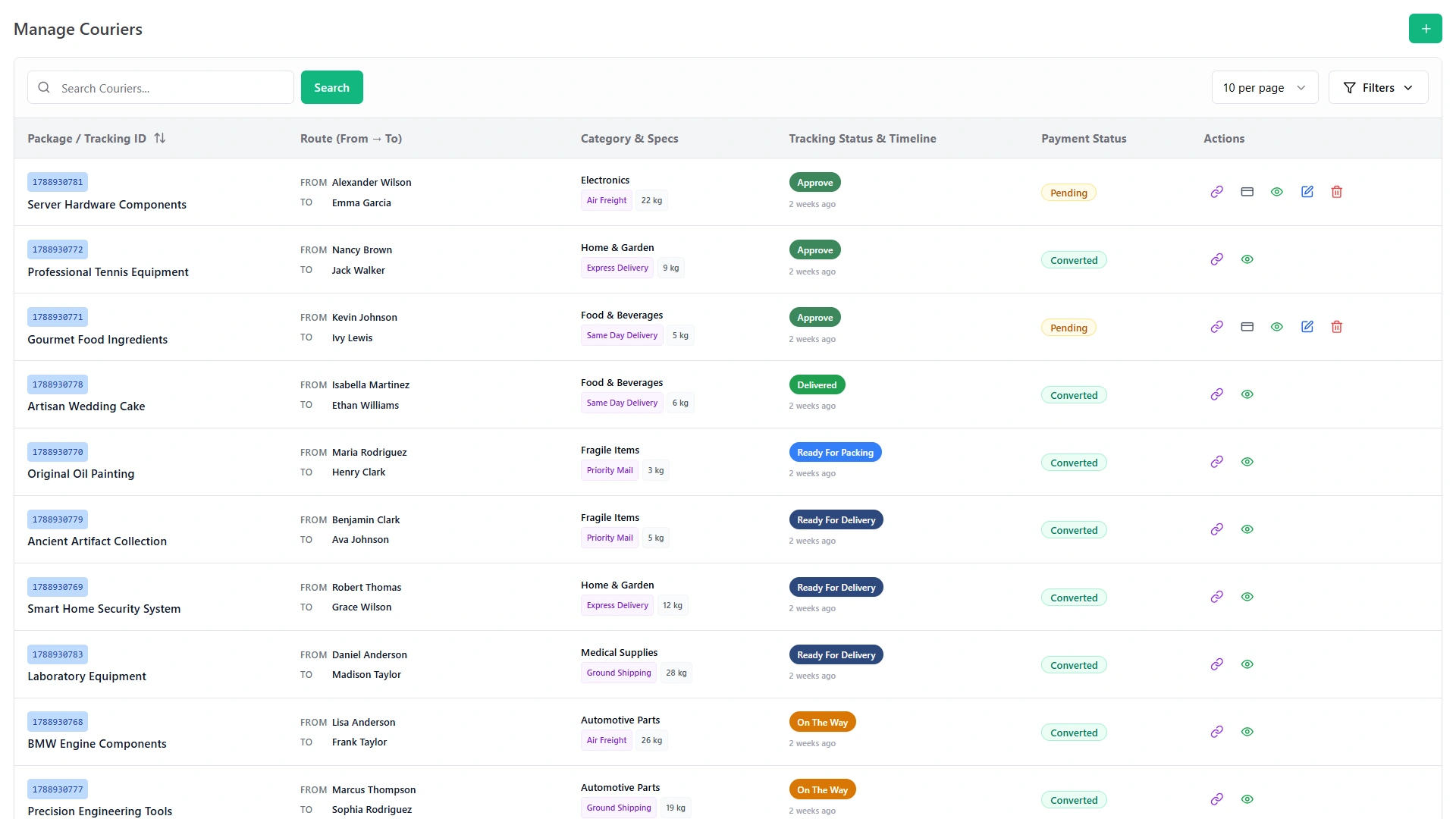
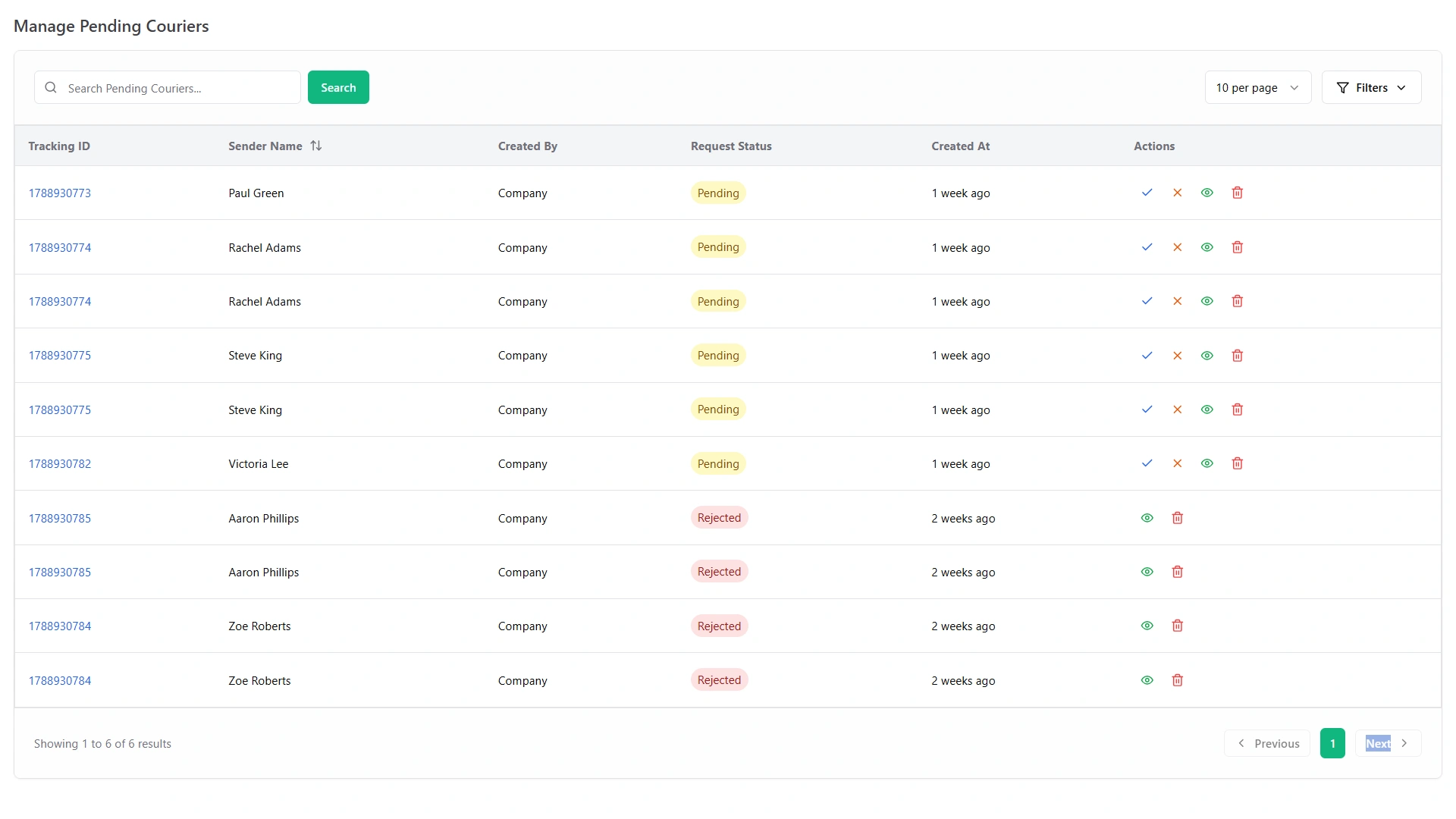
New bookings. Manage Pending Couriers is where new bookings wait.

Manage Pending Couriers screen with tracking IDs, request status and actions

If a run carries a charge, the payment is logged against its tracking ID. Smart Reports build reports on shipments, payments, expenses and revenue.

Regular suppliers and body shops can have service agreements in the system, so the terms are on hand.

Freight

Delivery Logistics Software for Parcels and Freight From One Office

Some offices book parcels in the morning and freight in the afternoon. Logistics delivery software should not need two systems for that.

Logistics delivery management software has to keep parcel work and freight work apart without splitting the team. One customer on the WorkDo site runs parcel delivery and freight from the same office.

Parcel work

  • Bookings. Counter, phone and online, each with a tracking ID.
  • People. Agents who collect and branches that take bookings.
  • Stages. Six delivery stages, each with a time on the tracking page.

Freight work

  • Customers. Freight customers stored beside your parcel customers.
  • Requests. Booking and shipping requests by land, air, sea or rail.
  • Paperwork. Containers and freight invoices.

Shared by both

  • Fleet. Vehicles, drivers, fuel entries, maintenance, insurance records and trip log books in one place.
  • Attendance. Biometric devices sync clock-ins, clock-outs, late arrivals and overtime.
  • Hiring. Driver jobs, candidates, interviews, offers and onboarding.
  • Complaints. Tracked tickets with categories, statuses and response times.
  • Announcements. Company news, route updates and shift rosters on the notice board.
  • Reports. Shipments, payments, expenses and revenue.
  • Dashboards. Live revenue, sales and business performance, with recommendations and growth forecasts from the AI Business Advisor.

Logistics delivery and management software also means the back office, and here fleet, attendance, reports and dashboards live in the same system.

Agents and contracts

  • Agents. Courier agents are managed in the system.
  • Agreements. Service agreements, with start and end dates.
  • Contracts. Courier contracts for business clients.
Small Business

Delivery Software for Small Business: Cost, Setup and Schedule

Small teams ask three things: what it costs, how long setup takes and how to schedule drivers. Here are the answers, in that order.

What it costs

  • Three drivers on entry-level per-driver plans: about $1,260 to $1,760 a year
  • The same plans over three years: about $3,800 to $5,300
  • Five drivers on the same plans: about $2,100 to $2,900 a year
  • WorkDo: $199 one time. No monthly bill and no per-driver fee.

Courier software for small business is often priced per driver, so the bill grows with the team. Delivery management software for small business should not cost more every time you hire.

WorkDo's one payment includes all 14 modules and the full source code. The per-driver figures come from published plans on annual billing, checked in September 2026.

What to set up in week one

  1. Branches, agents, service types and package categories. The places you take bookings, the agents who collect and the kinds of delivery you offer.
  2. Vehicles and drivers. One record per vehicle, with its driver, fuel entries and maintenance.
  3. A shift roster. Post it on the notice board.
  4. WhatsApp alerts. Switch on the events you want to hear about, such as new sales invoices or new feedback.
  5. Dashboards. Smart Dashboard Analytics track live revenue, sales and business performance.
  6. The first booking. Enter one real delivery and watch it move through the stages.

How to schedule it

Delivery scheduling software for small business comes down to three questions. The system answers each one.

Who is working?

The shift roster on the notice board, with route updates beside it.

Who is late?

Biometric attendance shows late arrivals before dispatch.

Which vehicle is ready?

Fleet records show vehicles that are active, in maintenance or due for service.

For assigning drivers and vehicles in depth, see the dispatch page.

More Businesses

More Businesses That Deliver, and What Each One Books

Ecommerce delivery management software is one use. The same records fit many more.

Delivery businesses

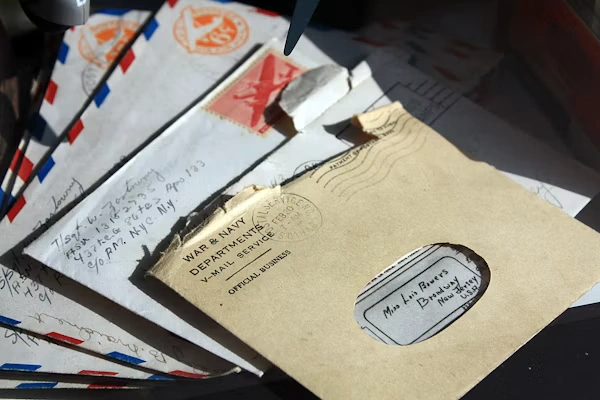
Stack of old envelopes and documents

Document and express couriers.

Envelopes and urgent parcels get a tracking ID at booking. Customers follow each stage on your tracking page.

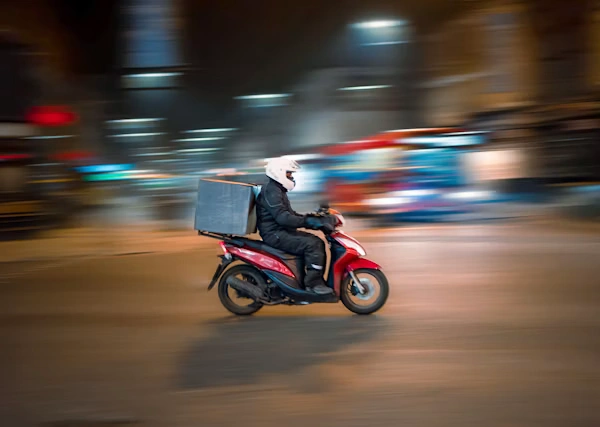
Delivery rider on a motorbike in the city at night

Local and same-day delivery.

Bookings arrive at the counter, by phone or online, and a driver and vehicle go out. Every stage carries a time, so the day's work is easy to read back.

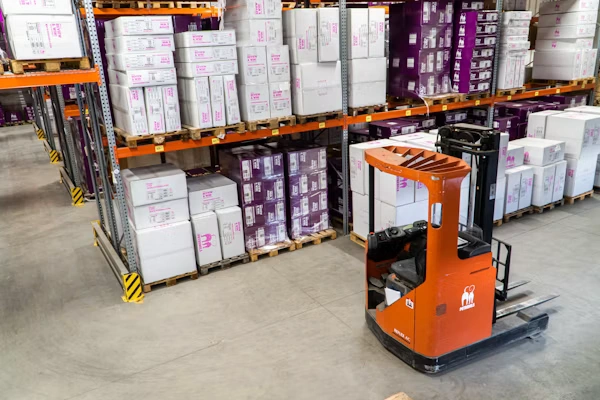
Forklift moving boxes in a distribution warehouse

Dispatch and shipment agencies.

Courier agents, branches and shipments live in one system, so the office and the agents work from the same records.

Businesses that deliver their own goods

Grocery and convenience stores.

A phoned-in order is booked as one delivery. A driver and vehicle go on the route, and the payment is logged when the delivery closes.

Florists and gift shops.

The buyer and the recipient are different people, so sender and receiver both sit on the record. The tracking number lets the buyer follow the delivery.

Furniture and appliance stores.

Large items go out by van. The record holds the package details, the driver, the vehicle and the payment.

Building-supply yards.

Job-site deliveries are booked by phone. Each vehicle keeps its fuel entries, maintenance and trip log books.

Laundry and dry cleaners.

Bags are collected from the customer and delivered back. Each trip is booked with its own tracking ID.

Print shops and sign makers.

Finished jobs go out to business customers, each with a tracking ID and a payment record.

Repair shops.

A customer's item is collected and sent back after the repair, with both trips in the system.

Wholesalers and distributors.

Business customers have service agreements and contracts saved, and freight requests cover the longer moves.

Not on the list? If you book, dispatch and get paid for deliveries, the same records apply.

Live Demo

Test Your Own Deliveries in the Live Demo

Book a sample delivery, move it through the stages and open its tracking page. Then pay $199 once and run ecommerce delivery management software, and every other kind of delivery, on one system you own.

Curious what it adds up to? See the benefits of owning the system.

  • One Payment.
  • Lifetime Access.
  • Everything Included.
Courier in a green uniform handing a parcel to a customer
Faq's

Will It Fit My Business? Quick Answers

Yes. Your team books each order, a driver and vehicle go out, and the customer follows it on your tracking page, with returns handled in the same system.
Yes. Once an order is taken, your team books it as a delivery and follows it from Pending to Delivered, and order-taking stays wherever you do it today.
Yes, for the delivery side. Each delivery gets a tracking ID, a driver and vehicle, and a payment record, while your own handling procedures stay in place.
Returns, payments and tracking sit in one place. In an ecommerce delivery management platform, that keeps a returned order next to the delivery it reverses.
One customer on the WorkDo site says setting up branches, service types and package categories took an afternoon, and counter staff learned the booking screen in a day.
Yes. Freight customers, shipping requests by land, air, sea or rail, containers and invoices are handled next to your parcel bookings.