

Manufacturing ERP: Choosing the Best ERP for Manufacturing
Manufacturing ERP unites inventory, production, and finance. Here’s how to choose the right one for your shop.

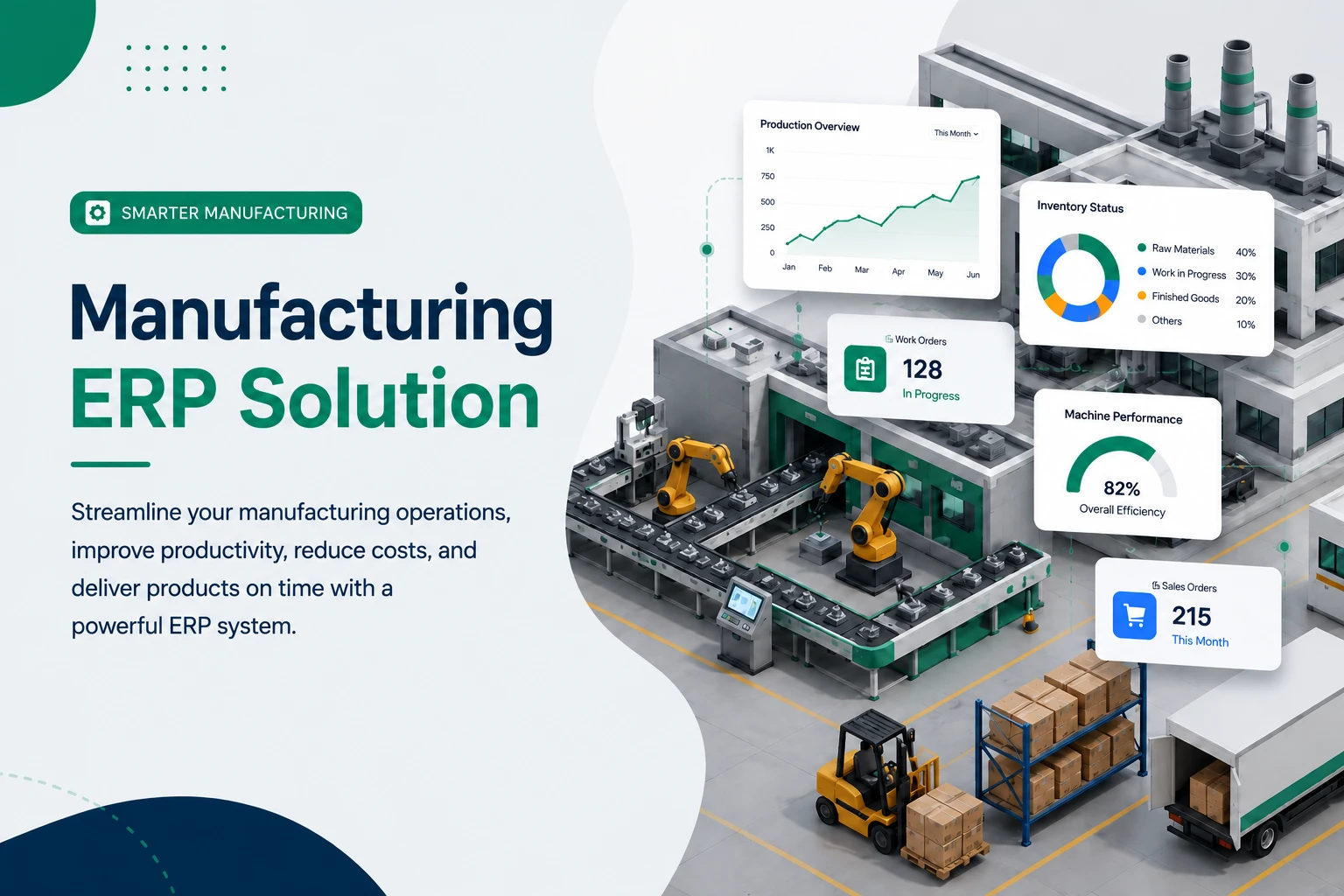
Manufacturing ERP: How to Choose the Best ERP for Manufacturing
A factory floor rarely fails because of one big thing. It fails in a thousand small leaks: a job that ran out of a component nobody logged, a costing sheet that hasn’t matched reality since last quarter, a sales rep promising a ship date the line can’t hit. A good manufacturing ERP plugs those leaks by putting inventory, production, purchasing, and finance on the same set of numbers. Get it right and the shop runs on facts instead of gut feel. Get it wrong and you’ve just bought a very expensive way to keep doing the same chaos.
This guide is written for the person actually making the decision — the owner, the ops lead, the plant manager — not for a procurement checklist. We’ll cover what a manufacturing ERP really does, how the data flows behind the scenes, which modules matter, and how to pick the best ERP for manufacturing for your size and budget. We’ll be honest about where the big-name systems shine, and where a leaner, self-hosted option earns its keep.
What Manufacturing ERP Actually Means
Strip away the brochure language and ERP in manufacturing is one idea: a single source of truth that connects what you make, what you have, what you owe, and what you earn.
Generic ERP software handles finance, customers, and HR. ERP for manufacturing adds the layer that production people care about — the bill of materials (BOM), work orders, material requirements planning (MRP), shop-floor status, and the cost roll-up that tells you whether a job actually made money.
So when someone asks what is ERP in manufacturing, the short answer is this: it’s the system that knows a finished pallet of goods is really 14 raw materials, 3 sub-assemblies, 2 hours of labor, and a margin you can defend.
If your “system” today is a spreadsheet plus three apps that don’t talk to each other, you already understand the problem an ERP system for manufacturing is meant to solve.
How a Manufacturing ERP Actually Works
Most comparison posts list features. Almost none explain the flow. Here’s the loop that every manufacturing ERP system runs on, simplified to one job:
- Sales order or forecast creates demand — say, 500 units of Product A.
- The BOM explodes that demand into raw materials and sub-assemblies. Product A = 2x Component X, 1x Component Y, 50ml of Material Z.
- MRP checks stock. You have enough X, you’re short on Y. The system flags a purchase requisition for Y and a work order for what you can build now.
- A work order hits the floor. As it’s completed, the system deducts the consumed materials and adds finished goods to inventory.
- Costing rolls up. Material + labor + overhead attach to that job, so your margin is real, not estimated.
- Finance and reporting see all of it without anyone re-keying a number.
That closed loop — demand → BOM → materials → production → costing → finance — is the entire point. Every feature in manufacturing ERP software is just a refinement of one of those steps.
A real-world example. A small beverage maker we’ll call Riverside used to track recipes in one spreadsheet, raw-material stock in another, and packaging in a third. When a batch ran, nobody updated stock until month-end, so they routinely over-ordered syrup and ran short on bottles. After moving to a production module with a proper BOM, every completed batch automatically drew down ingredients and pushed finished units into inventory. The “where did our raw materials go?” meetings stopped. That’s the difference an ERP system in manufacturing makes — not magic, just one honest ledger.
The Core Modules: ERP Modules for Manufacturing Industry
You don’t need every module on day one. But a complete erp manufacturing software stack usually covers these:
- Inventory & Warehouse — real-time stock, locations, reorder points. The foundation; everything else leans on accurate counts.
- Bill of Materials (BOM) — the recipe. Defines exactly what goes into each product and in what quantity.
- Production planning / MRP — turns demand into work orders and purchase needs.
- Shop-floor & work-order tracking — status of each job, what’s in progress (WIP), what’s done.
- Procurement / Purchase — requisitions, POs, supplier records, lead times.
- Quality control — checks, batch tracking, and (for regulated goods) compliance records.
- Accounting & costing — landed cost, job costing, margins, and the financial close.
- Sales & CRM — orders, quotes, and customers, tied to what the floor can actually deliver.
- HRM & payroll — staffing the line, shifts, and labor cost feeding into job cost.
- Maintenance / CMMS — keeping machines running so the schedule survives contact with reality.
A capable erp software for manufacturing industry lets you switch these on as you grow, rather than forcing the whole suite up front.
Discrete vs. Process Manufacturing ERP
Not all factories are the same, and the right manufacturing erp solution depends on which kind you run.
- Discrete manufacturing builds countable, assembled items — furniture, electronics, machinery. The BOM is a parts list, and traceability follows serial numbers.
- Process manufacturing makes things by recipe and formula — food, beverages, chemicals, cosmetics. Here a process manufacturing erp tracks ingredients by weight or volume, manages batches, handles yield variance, and often needs lot traceability for recalls.
If you blend and pour, you need process manufacturing erp software with formula and batch logic. If you cut and assemble, you need strong BOM and serial tracking. Buying the wrong flavor is one of the most common — and expensive — mistakes in ERP implementation in manufacturing industry.
How to Choose the Best ERP for Manufacturing
This is the question behind the question. People search “manufacturing erp,” but what they usually mean is “which one do I actually buy?” Here’s a sane way to decide on the best erp for manufacturing for your situation.
1. Start with your real workflow, not a feature list
Map how an order moves from quote to shipment today. Where does information get re-typed? Where do you guess? Those friction points are your true requirements. A flashy module you’ll never configure is worth nothing.
2. Match the system to your size
- Enterprise (500+ users, multi-plant): SAP, Oracle, and large erp systems for manufacturing offer depth — but with six-figure budgets and long rollouts.
- Mid-market: NetSuite, Microsoft Dynamics 365, Acumatica, and SYSPRO sit here, balancing capability with cost.
- Small business / startups / agencies: This is where a modular, affordable erp for manufacturing company setup wins — you pay for what you use and grow into the rest.
3. Decide on deployment
Cloud erp for manufacturing means lower upfront cost and automatic updates, but recurring fees and your data on someone else’s servers. Self-hosted (on your own server or VPS) means you own the code and the data, pay once or host cheaply, and control your own roadmap. On-premise gives maximum control with maximum IT burden. There’s no universally “best” answer — only the one that fits your IT comfort and compliance needs.
4. Build vs. buy vs. assemble
You can custom-build (slow, risky), buy a heavyweight suite (powerful, pricey), or assemble a platform from modules and Add-Ons. For most growing manufacturers, assembling a flexible manufacturing management software core and bolting on industry-specific pieces is the pragmatic middle path.
5. Check the honest total cost
Licenses are the sticker price. The real bill includes implementation, data migration, training, customization, and support. A cheap license attached to a brutal rollout is not cheap. Ask vendors about support response times and update policies before you commit.
Enterprise Giants vs. Affordable, Modular Platforms
Let’s be straight about trade-offs — that’s what trustworthiness looks like.
The heavyweight suites (SAP, Oracle, NetSuite, Dynamics, SYSPRO):
- Pros: deep MRP, multi-plant, advanced scheduling, mature compliance, huge partner networks.
- Cons: high cost, long implementations, and far more system than a 20-person shop will ever use.
Affordable, modular, open-source-style platforms (WorkDo Dash SaaS):
- Pros: low entry cost, faster to stand up, you only enable what you need, and you often own the source.
- Cons: you assemble capability rather than getting an out-of-the-box mega-MRP, and very complex multi-plant scheduling may need customization.
The takeaway: the best erp software for manufacturing company the size of yours is the one you’ll fully use, not the one with the longest feature list.
Where WorkDo’s Dash SaaS Fits as a Manufacturing ERP
WorkDo’ Dash SaaS is an open-source, self-hosted ERP Software built around a modular core and 300+ Add-Ons. Instead of one bloated suite, you turn on the pieces your factory needs and leave the rest off. For small and growing manufacturers, agencies building client systems, and operators who want to own their software, that model is a genuinely different option in the erp for manufacturing industry conversation.
Here’s how it maps to the manufacturing loop:
- Inventory, Purchase, Accounting, and CRM ship in the core — the financial and stock backbone of any erp in manufacturing.
- Industrial Solutions Add-Ons (90+) cover industry-specific workflows. The Beverages Production System, for example, runs a full process manufacturing flow — raw-material tracking, Bill of Materials for recipe consistency, production scheduling, packaging, quality checks, and waste tracking.
- Maintenance is handled by Add-Ons like Fix Equipment and CMMS, so machine upkeep lives in the same system as production.
- Workflow Automation and Inventory Add-Ons wire the steps together so completing a job updates stock and triggers the next action.
- It’s white-label, fully customizable, one-time payment ($49 regular license), with full source code and lifetime updates — so you’re not renting your own operations software.
An honest limitation: Dash SaaS is not a heavyweight, multi-plant MRP engine like SAP or SYSPRO, and deep discrete-manufacturing scheduling may require Add-Ons or custom development. If you run dozens of plants with complex constraint-based scheduling, look enterprise. But if you’re a startup, SME, or agency that wants an affordable, ownable, customizable manufacturing erp software you can shape to your exact process, this is a strong fit — and you can prove it before paying, with the Erp live demo.
Implementation: What Actually Trips Manufacturers Up
Software rarely fails on its own. Rollouts fail on the human side. From experience, these are the recurring landmines in erp implementation in manufacturing:
- Dirty BOMs. If your bills of materials are wrong, MRP gives you confident nonsense. Clean them before go-live, not after.
- Inventory that doesn’t match the shelf. Do a real physical count at launch. Garbage in, garbage out — forever.
- Skipping training. Operators who don’t trust the system will quietly keep their own spreadsheet, and now you have two sources of truth.
- Boiling the ocean. Don’t switch on every module at once. Start with inventory and production, stabilize, then expand.
- No process owner. Someone internal has to own the system. Vendors configure; they don’t run your floor.
The teams that succeed treat ERP as an operations project with software in it — not a software project the ops team tolerates.
Manufacturing ERP: Pros and Cons at a Glance
Pros
- One source of truth across stock, production, and finance
- Accurate job costing and real margins
- Fewer stockouts and less over-ordering
- Faster, traceable production with less manual re-keying
Cons
- Implementation takes real time and clean data
- Heavyweight systems are expensive and complex
- Wrong-fit software (discrete vs. process) causes lasting pain
- Requires internal ownership and training to stick
The Bottom Line
The best erp for manufacturing isn’t the system with the most features — it’s the one your team will actually use end to end, sized to your operation and your budget. Map your real workflow, match discrete or process to the right tool, start with the core, and grow on purpose.
If you want a flexible, ownable, manufacturing erp you can shape to your exact process — without an enterprise price tag or a year-long rollout — explore WorkDo Dash SaaS. Spin up the live demo, switch on the Industrial Solutions Add-Ons your factory needs, and see how a single, honest source of truth changes the way your floor runs.
 Frequently Asked Questions (FAQs)
We're Here to Help - Let's Talk
Have questions about our solutions, customization services, or business tools? Our team is here to help you. let's talk.