

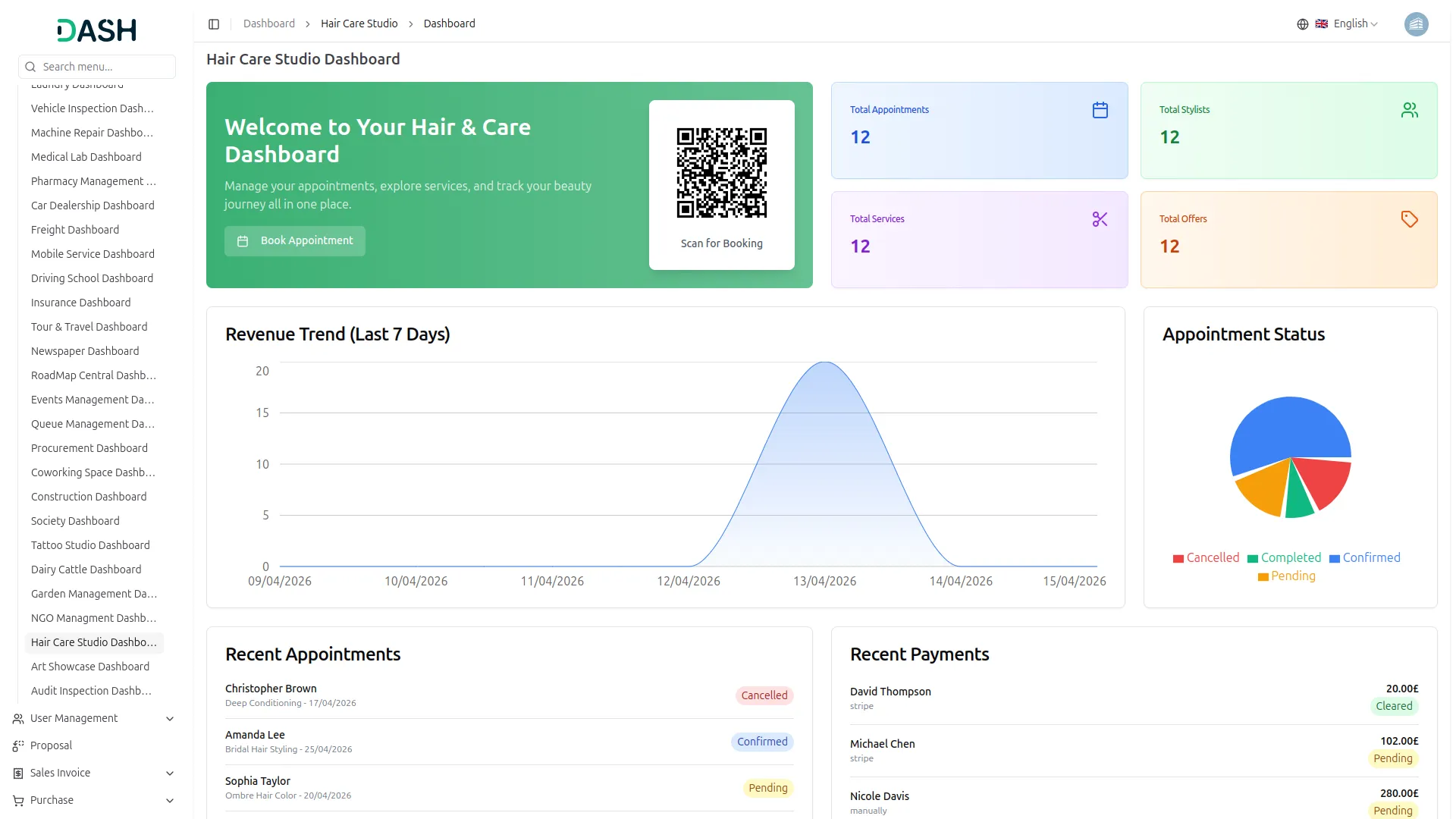
Hair Care Studio Management is an all-in-one digital Add-On designed to streamline salon operations, from online bookings to staff and service management. It offers a real-time dashboard, smart scheduling, and automated payment tracking for smooth daily workflows. With an integrated website builder and content tools, it also helps salons build a strong online presence and enhance customer engagement.
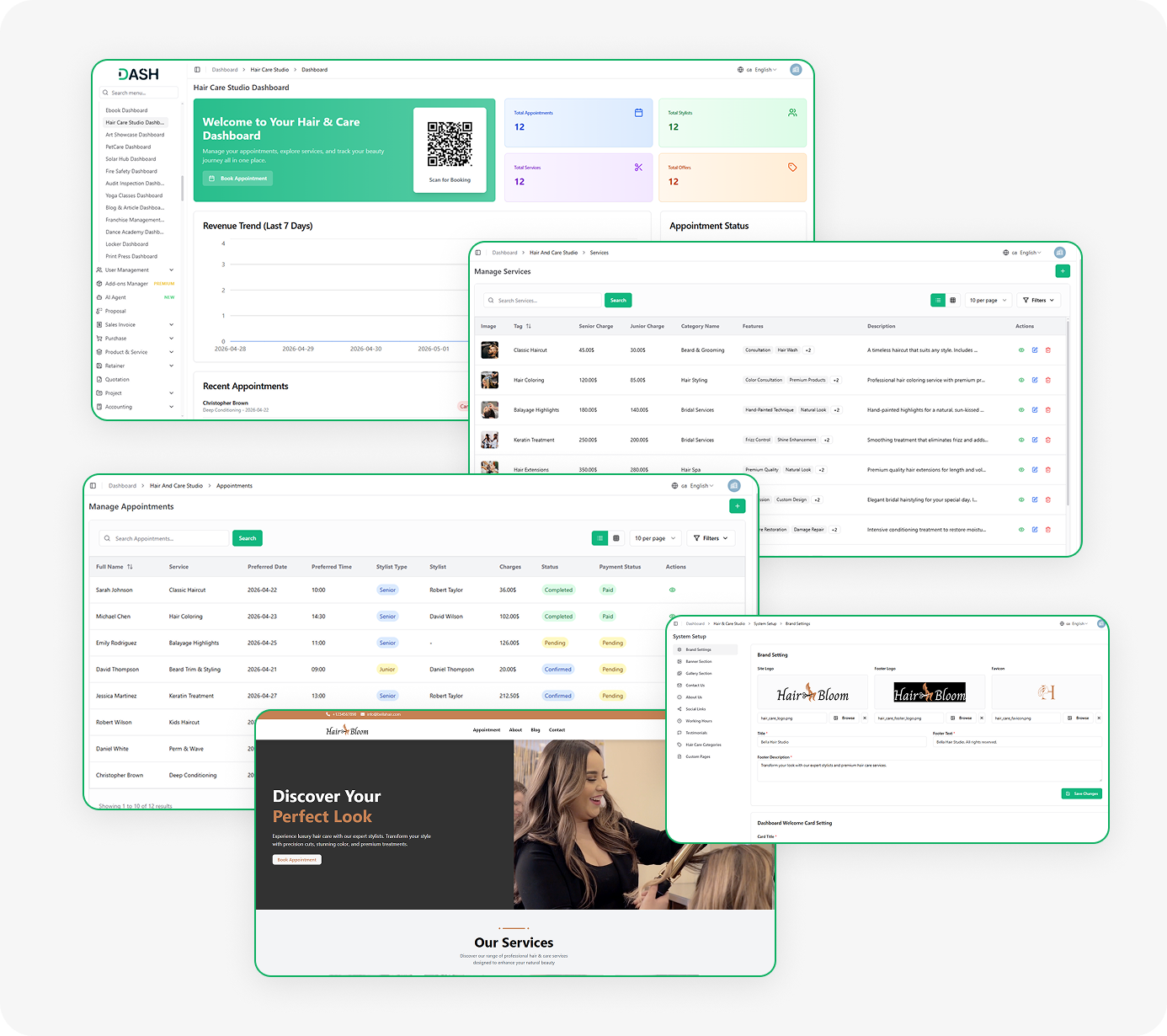
Powerful Features for Smart Salon Management
- Real-Time Dashboard
- Online Appointment Booking
- Stylist Management
- Service & Pricing Control
- Seasonal Offers & Discounts
- Payment Tracking
- Blog & Content Publishing
- Gallery Showcase
- Working Hours Management
- Contact Inquiry Tracking
Website Control Made Simple
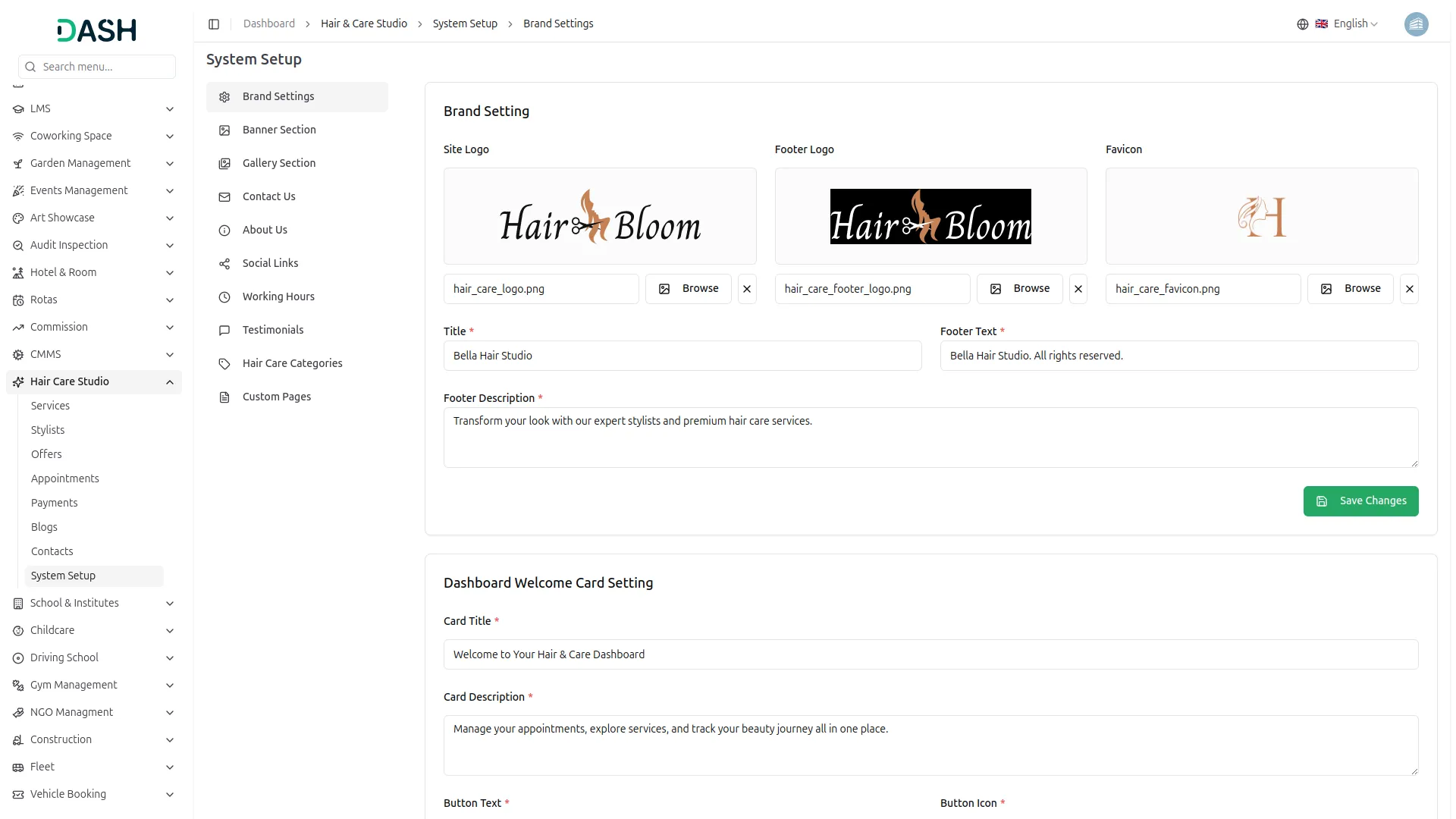
The System Setup serves as the central hub for configuring your entire online presence. It allows you to manage your studio’s branding, contact details, working hours, and location, ensuring everything is consistently reflected on your website. You can also shape your brand story, showcase testimonials, and link social media for better engagement. Additionally, it helps organize content with structured categories, making your website easy to navigate and user-friendly.
- Control all branding elements from central settings
- Set weekly hours including holidays for display
- Create custom pages with unique URL slugs
- Define categories for services and blog organization
Effortless Service Management
This section handles your studio’s daily operations and service management in one place. You can create services with tiered pricing for junior and senior stylists, along with detailed descriptions, highlights, and images displayed on your website. It also enables you to run time-limited promotions with flexible discounts based on stylist levels. Additionally, bookings, appointments, and payments are seamlessly managed through a structured workflow, ensuring smooth and organized operations.
- Define services with tiered pricing, tags, descriptions, images
- Create limited offers with discounts on selected services
- Manage appointments from booking to assignment and payment
- Track transactions with status, methods, and real-time updates
Smart Website Builder for Salons
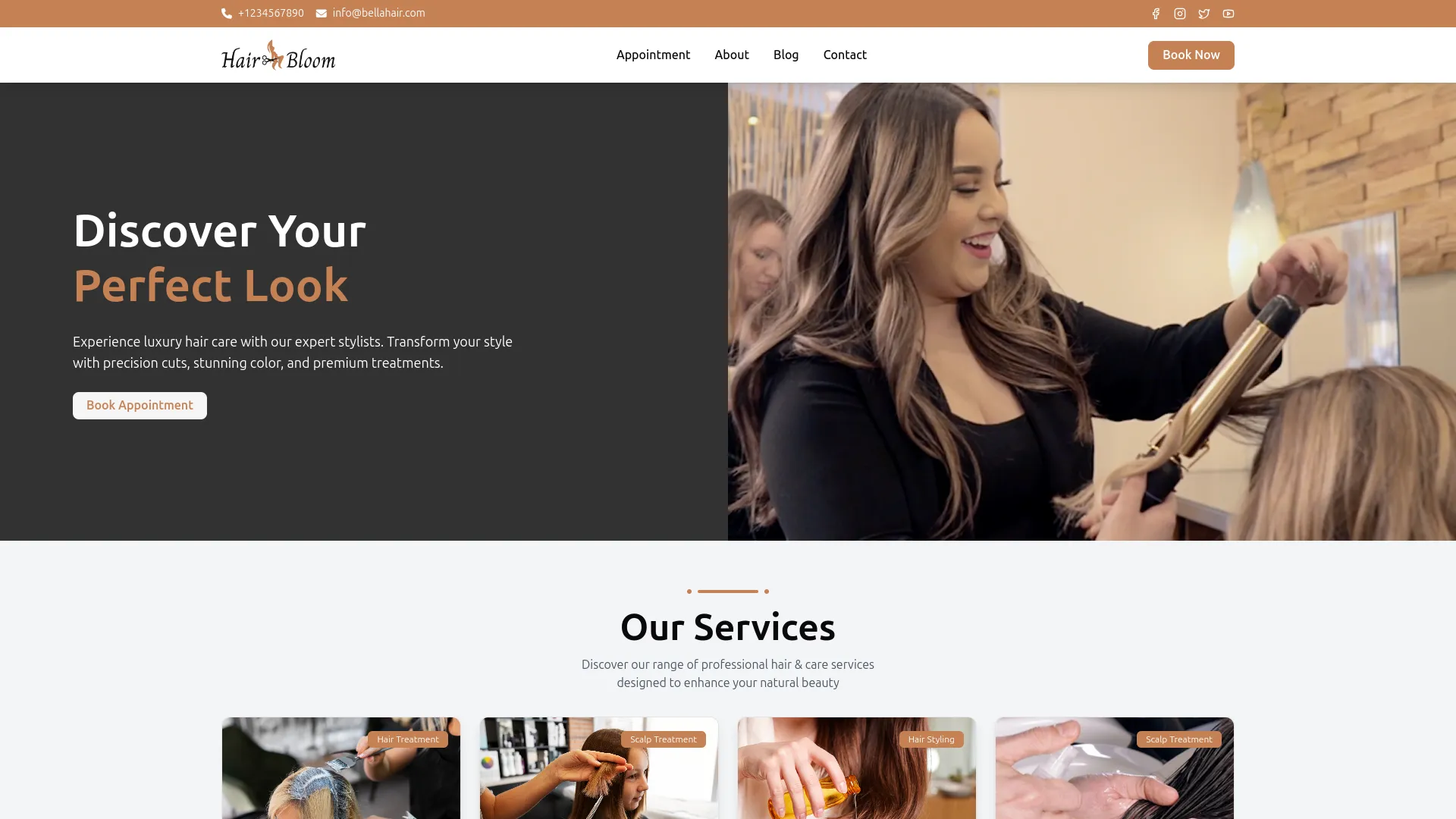
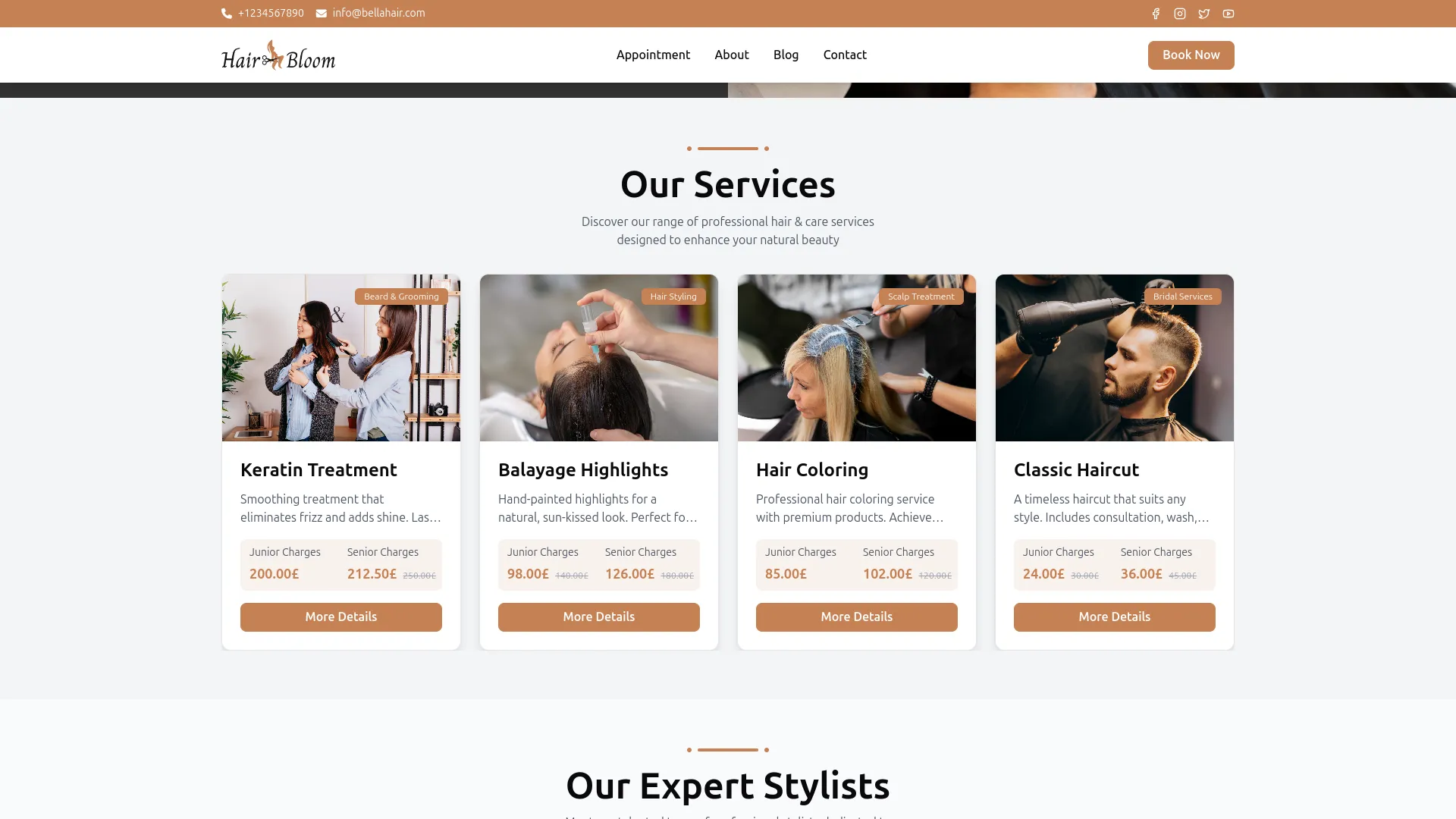
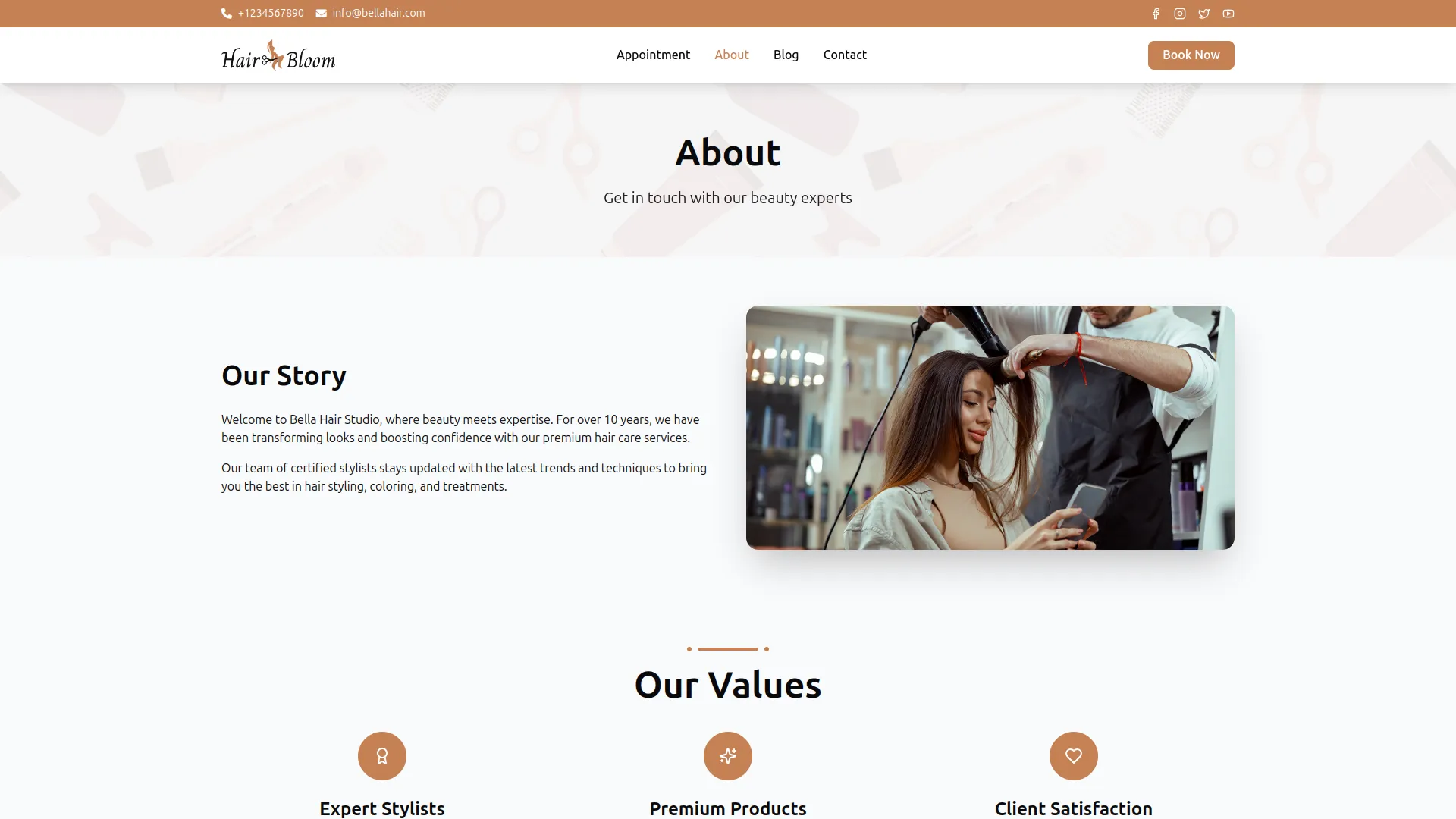
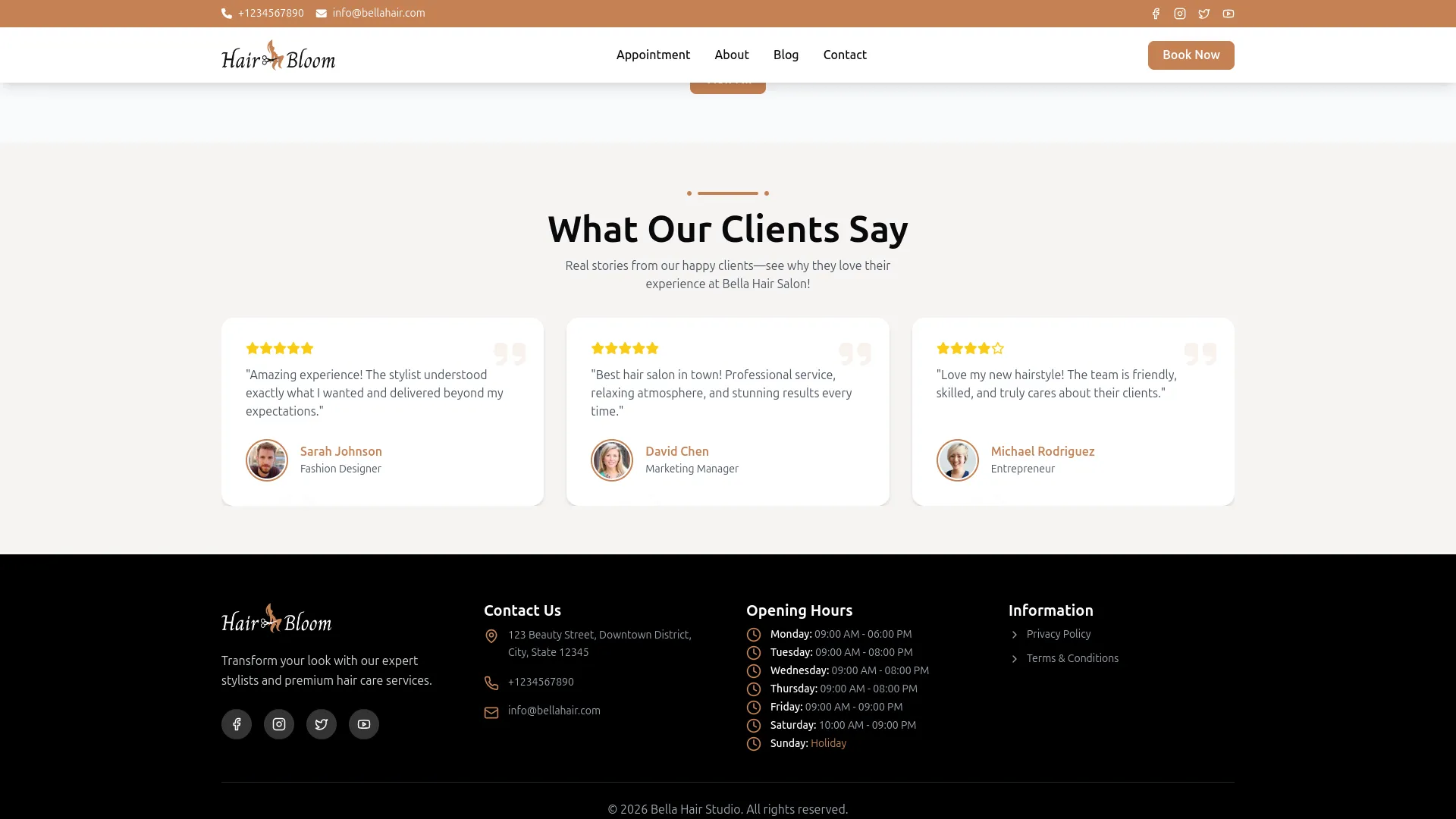
The Add-On creates a professional, content-rich salon website without any custom development. It features a dynamic homepage with services, offers, gallery, testimonials, and blog previews, all managed from your backend. Dedicated pages for your studio story, blog, and contact details are also included. Everything stays updated automatically based on your admin settings.
- Homepage showcasing services, offers, gallery, testimonials clearly
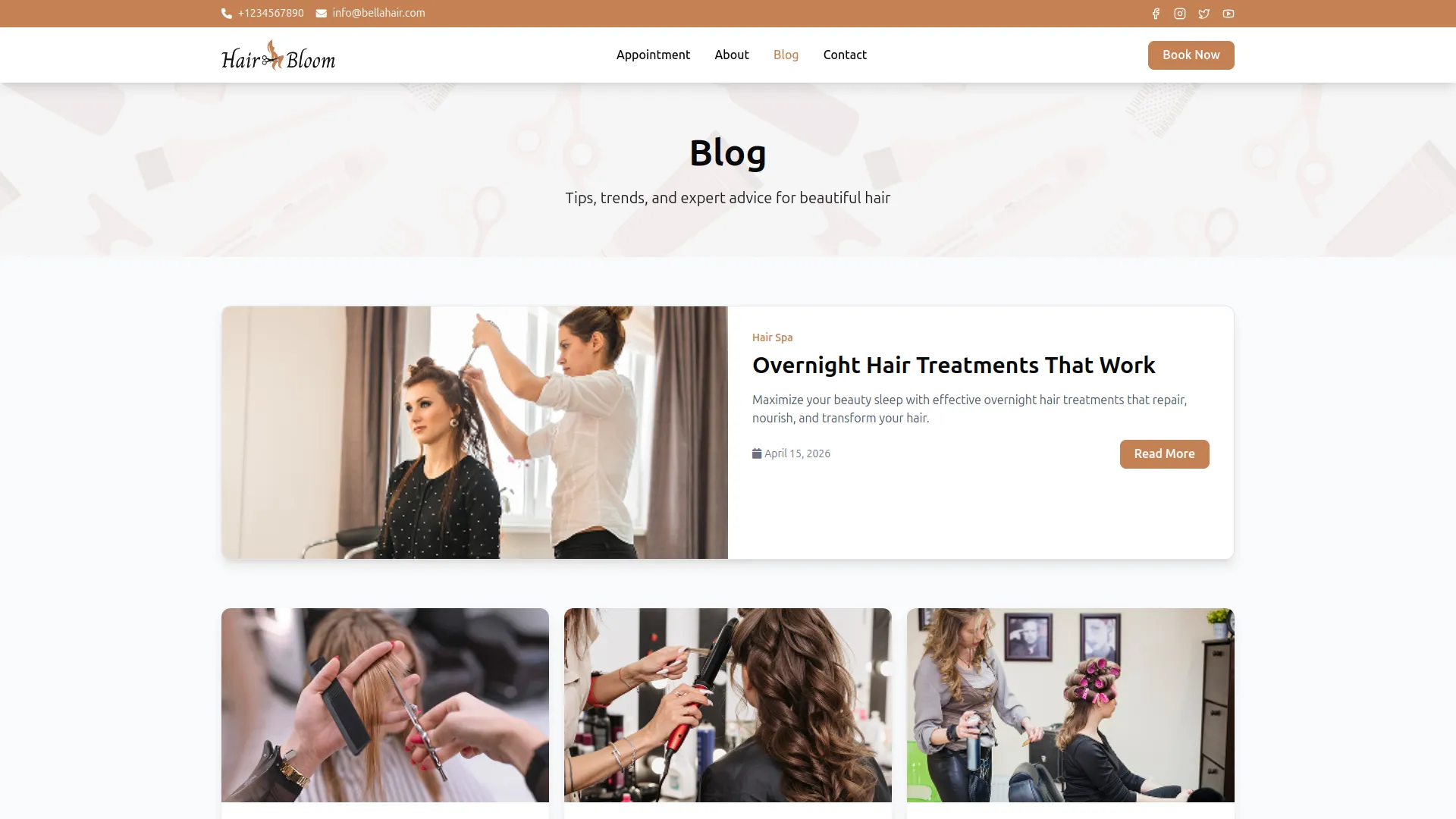
- Dedicated pages covering about, blog, contact, information
- Contact page displaying address, phone, email, map
- Blog posts categorized with detailed content and tips
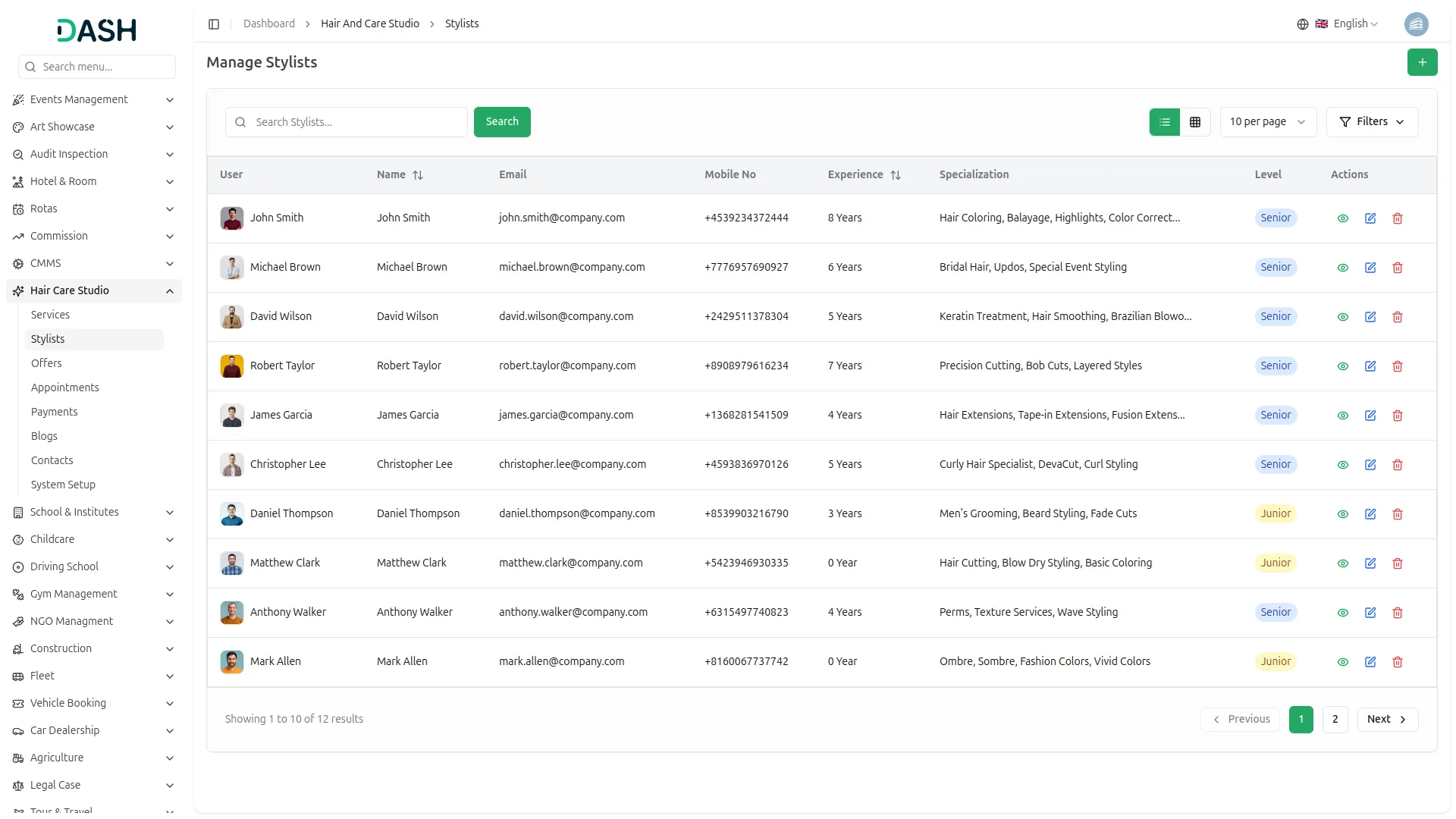
Smart Stylist Profiles
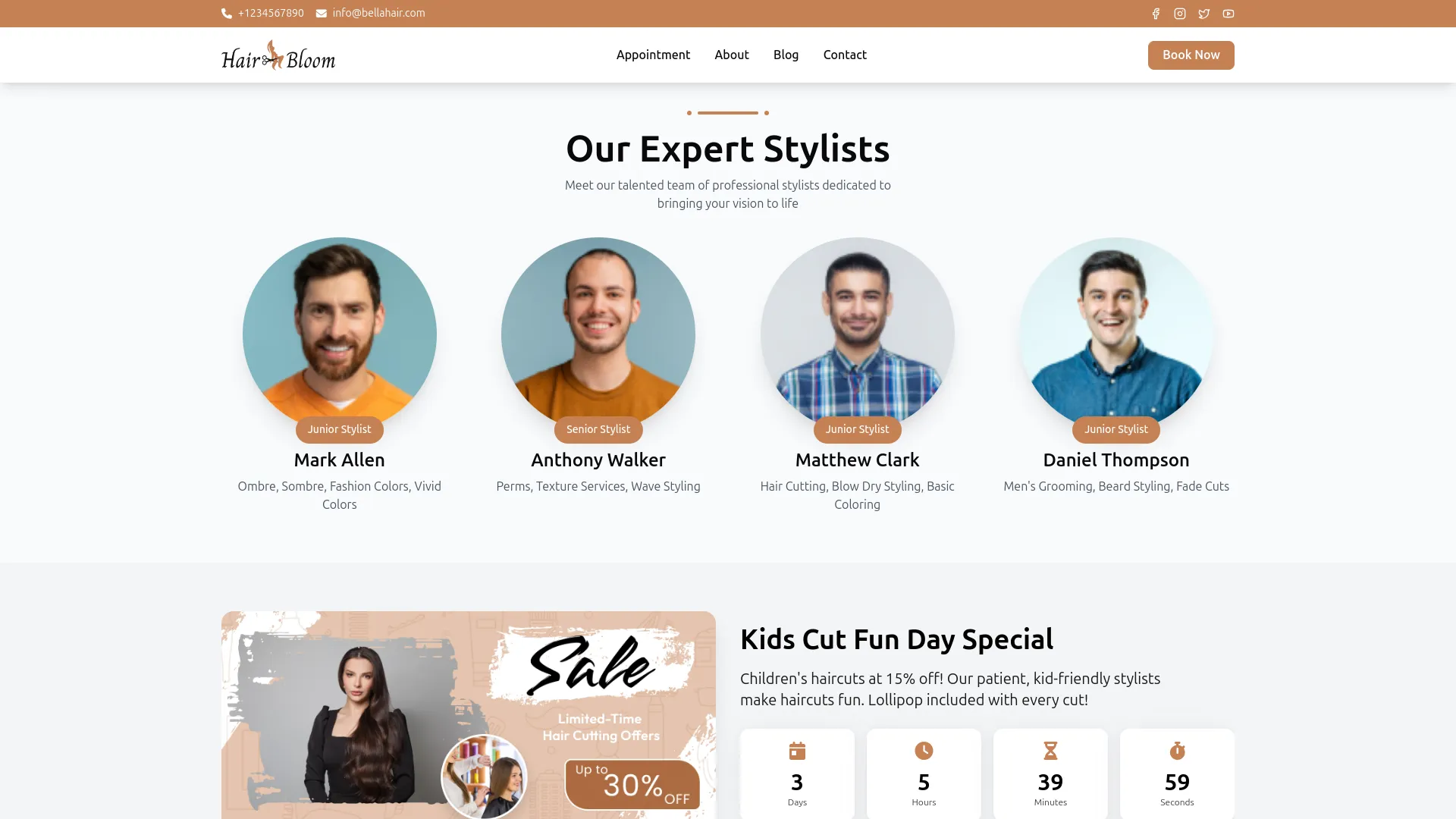
Your team presentation directly influences a visitor’s booking decision. Stylist profiles are showcased on the homepage and About page with photos, names, and specializations. During booking, clients choose a stylist level, which updates pricing and applies any relevant offers automatically. This ensures clear, transparent information that helps clients book with confidence.
- Stylist profiles shown with photos, names, specializations
- Clients choose stylist level, pricing updates accordingly
- Offers adjust pricing for junior, senior, or both
- Team presentation builds trust, helps clients choose stylist
Seamless Booking & Instant Payments
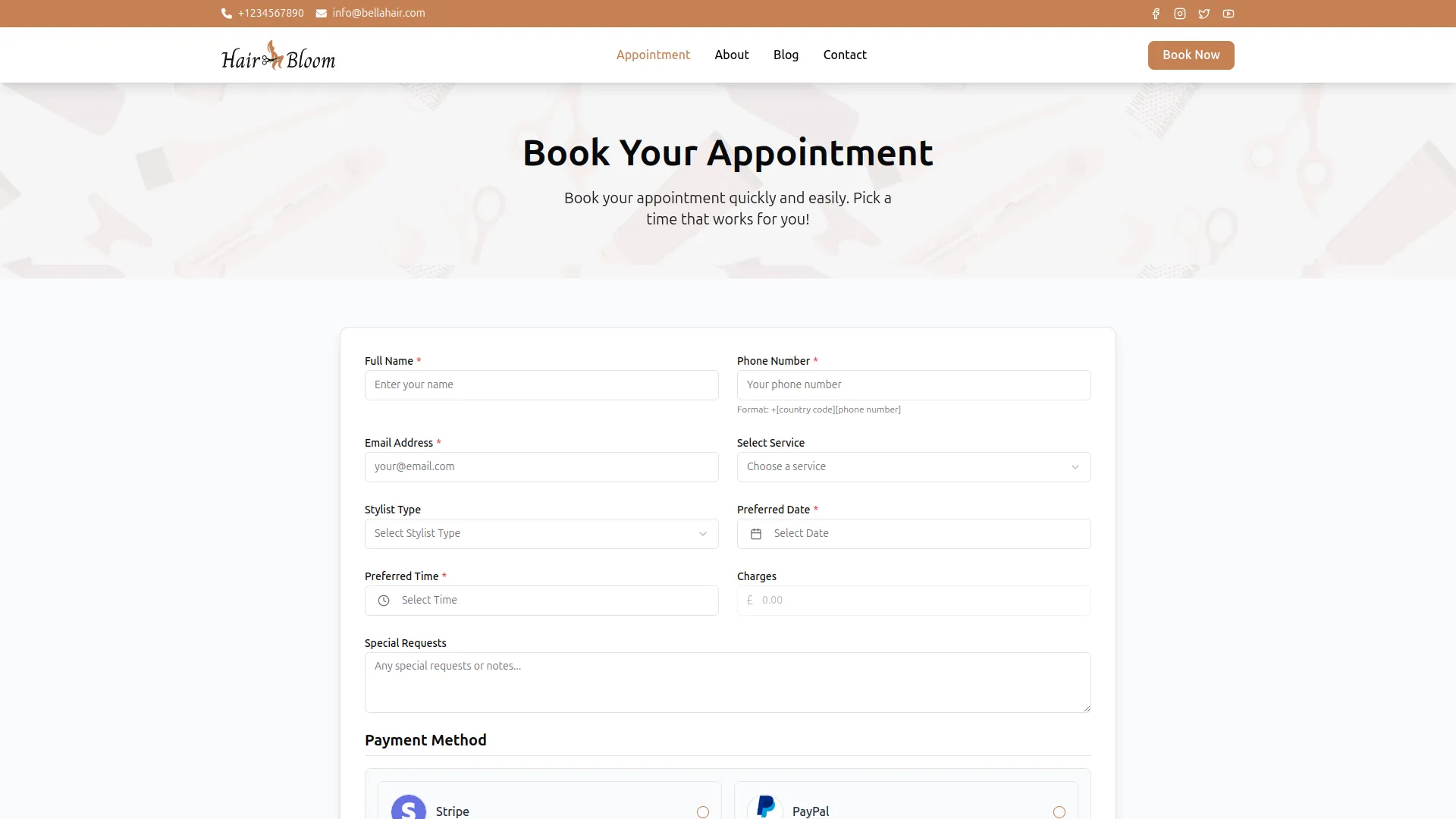
The booking flow is designed for a seamless experience from selection to confirmation. Clients choose their service, stylist level, date, time, and any special requests, all in one form. Payments are processed instantly via Stripe or PayPal within the same step. Once submitted, the booking is automatically saved in the backend and payment is tracked in real time, ensuring a fully automated, hassle-free system.
- Clients complete booking form with service, stylist, time
- Payments processed via Stripe or PayPal during booking
- Appointments recorded automatically upon booking confirmation
- Appointment details are securely captured upon submission.
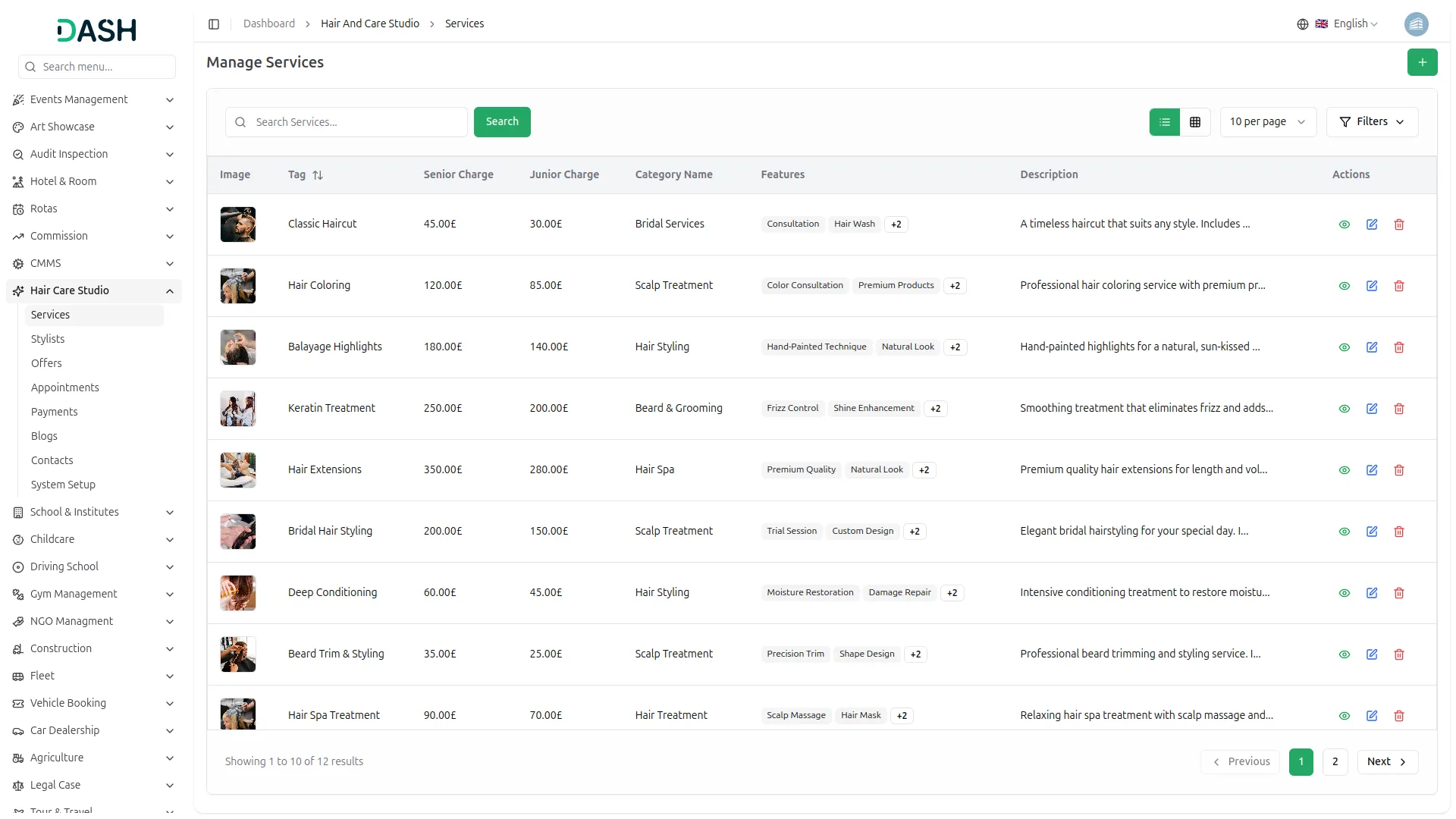
Screenshots from our system
To explore the functionality and usage of these Add-Ons, refer to the accompanying screenshots for step-by-step instructions on how to maximize their features.
Discover More Add-Ons
Unlock even more functionality with additional Add-Ons, providing enhanced networking and customization options for your Dash SaaS experience.

Library Management
The Library Management system offers complete functionality to handle day-to-day operations in any size of library. It allows the administrator to manage everything from book categories, authors, and publishers to issuing books and I-cards to users.

Movie Show Booking System
Welcome to Dash SaaS Movie Show Booking Management Integration, your comprehensive solution for streamlined movie theater operations.


WhatsApp API
Workdo-Dash seamlessly integrates the WhatsApp API. This integration allows users to send WhatsApp messages triggered by specific events within the application. In the settings section, users have the ability to customise and manage event notifications by toggling them on or off as per their preferences.
Efficient processing speed enhances productivity across teams
The system’s scalability makes it adaptable to growing needs