
Sinch SMS lets you send instant updates directly to users’ phones, ensuring they stay informed even when offline. It integrates with various Add-Ons to automatically notify users about important events like tasks, reminders, or changes. With simple setup and customizable alerts, it delivers fast, reliable communication without extra effort.
Stay Connected with Simple SMS Messaging
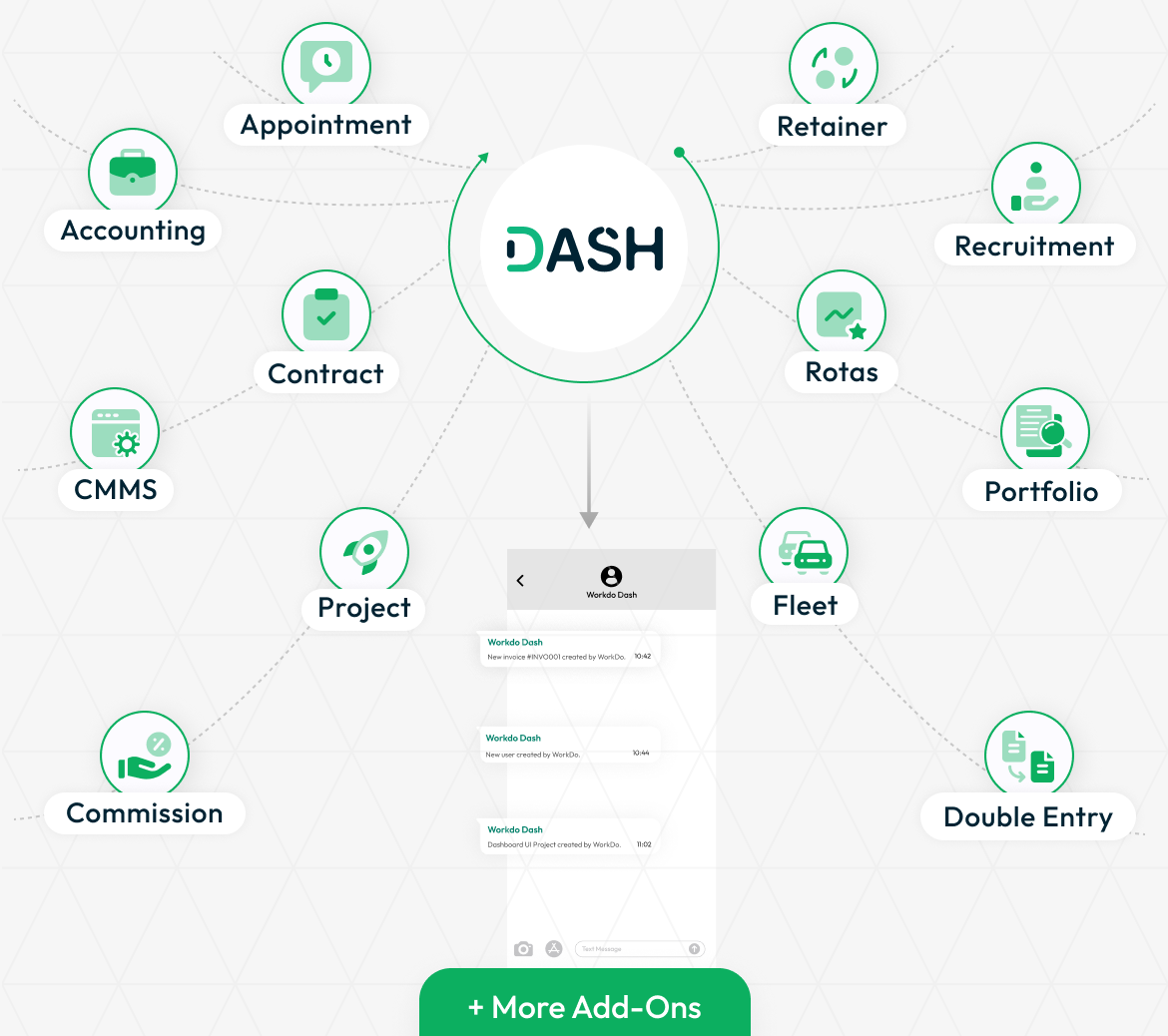
Sinch SMS makes it easy to send updates to your team or customers directly through text messages. It works with many Add-Ons like HRM, contracts, CMMS, projects, and more. These Add-Ons help you manage your work, and now they can also send messages when something important happens. With Sinch, you don’t need your users to be online all the time. When a new task is added, a project changes, or a reminder needs to go out, the message is delivered straight to their phone. This keeps everyone informed, even if they’re not using the system at that moment.
- General
- Accounting
- HRM
- CRM
- Project
- Appointment
- CMMS
- Contract
- Sales
- More +
Easy to Set Up and Use
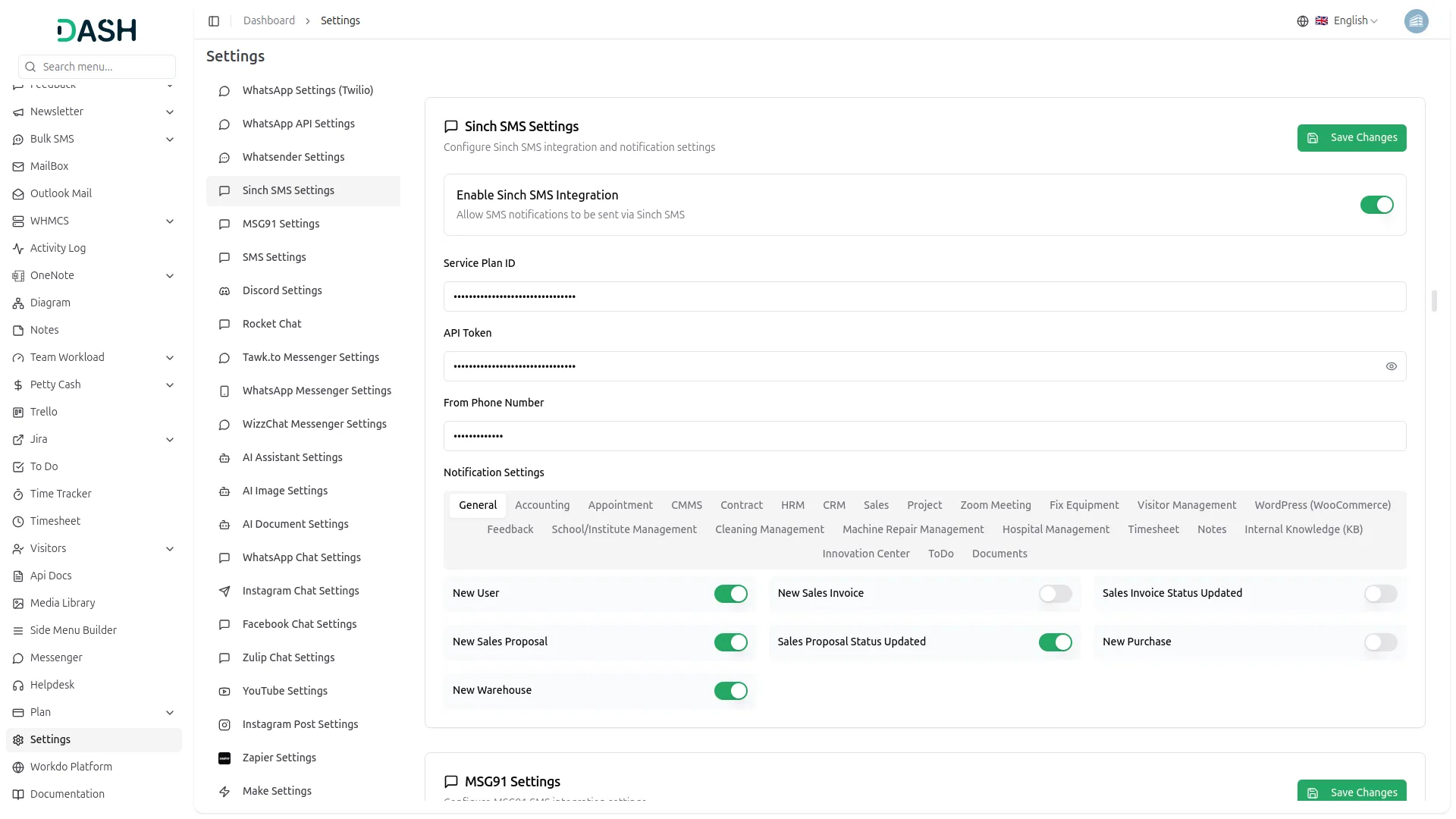
Setting up Sinch SMS is simple. Just enter your Sinch details in the settings. After that, you can choose which messages should be sent as SMS. For example, you can send messages when a task is assigned or when a deadline is near. You decide what’s important and when the message should be sent. This way, your users only get useful updates, and they are not bothered by unnecessary messages. Sinch helps you send alerts fast, without any extra steps.
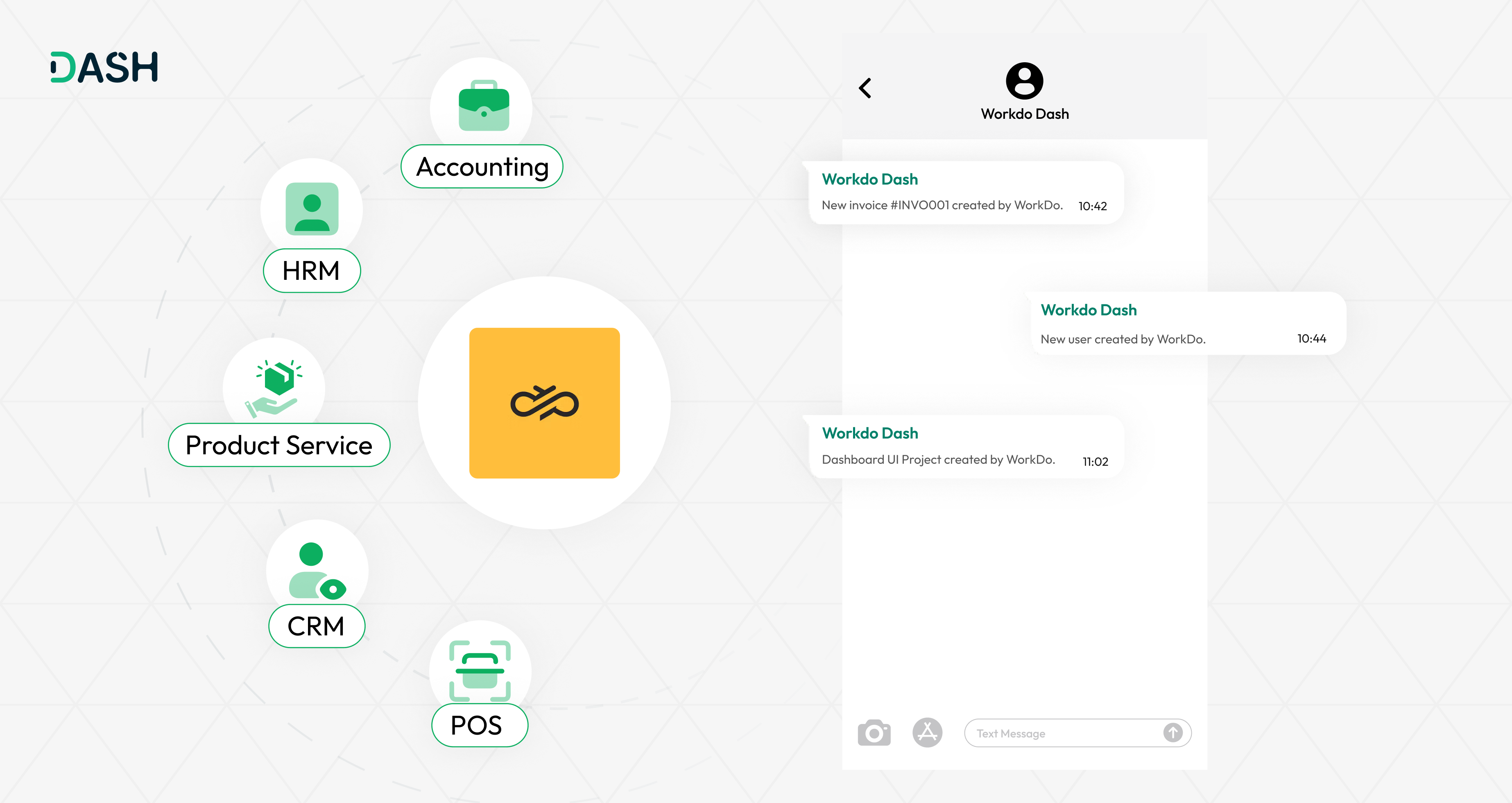
What Makes Sinch SMS Helpful
The Sinch SMS Add-On helps you send important messages without needing an app or internet. Updates about tasks, changes in projects, or booking confirmations can all be sent by SMS. You can also choose which Add-Ons will send messages and to whom. This makes sure that only the right people get the message. Because Sinch is a trusted messaging platform, your messages are delivered fast and safely. It helps your team stay informed and take action quickly, no matter where they are.
Screenshots from our system
To explore the functionality and usage of these Add-Ons, refer to the accompanying screenshots for step-by-step instructions on how to maximize their features.
Discover More Add-Ons
Unlock even more functionality with additional Add-Ons, providing enhanced networking and customization options for your Dash SaaS experience.

Square
Square is a leading payment gateway and financial technology company based in San Francisco, USA. It offers a wide range of payment processing solutions, enabling businesses to accept payments effortlessly through various channels, including in-person transactions, online payments, and mobile platforms.

consultancy
The Consultancy Management Add-On offers a complete solution to manage clients, services, documents, inquiries, payments, and reports in one place.


Tailoring & Fashion Design
The Tailor & Fashion Design Add-on streamlines operations for tailoring businesses, boutiques, and designers. It offers a structured system to manage measurements, fabric inventory, tailor assignments, and custom orders.
Very satisfied with overall experience