workdo sale image

Get 50% off all Add-Ons today! Need more? Check Bulk Discounts!

get 50% off
Spa Management Software

Spa Booking Software & Scheduling Features

Manage bookings, staff, rooms, and reminders - all built into one connected booking system.

Built For Spas

Spa Booking Software Built Around How Spas Actually Work

Booking is the first moment a client interacts with your spa - and the point where the most operational complexity hides. A single appointment touches your calendar, a specific room or treatment bed, the right therapist's schedule, and a reminder that keeps that client from no-showing. Generic scheduling tools handle the calendar. Spa booking software handles all of it together.

WorkDo's spa booking software is built around that full picture - not just a calendar, but a complete system for the appointment: who's doing it, where it's happening, what's required to hold the slot, and what happens before and after.

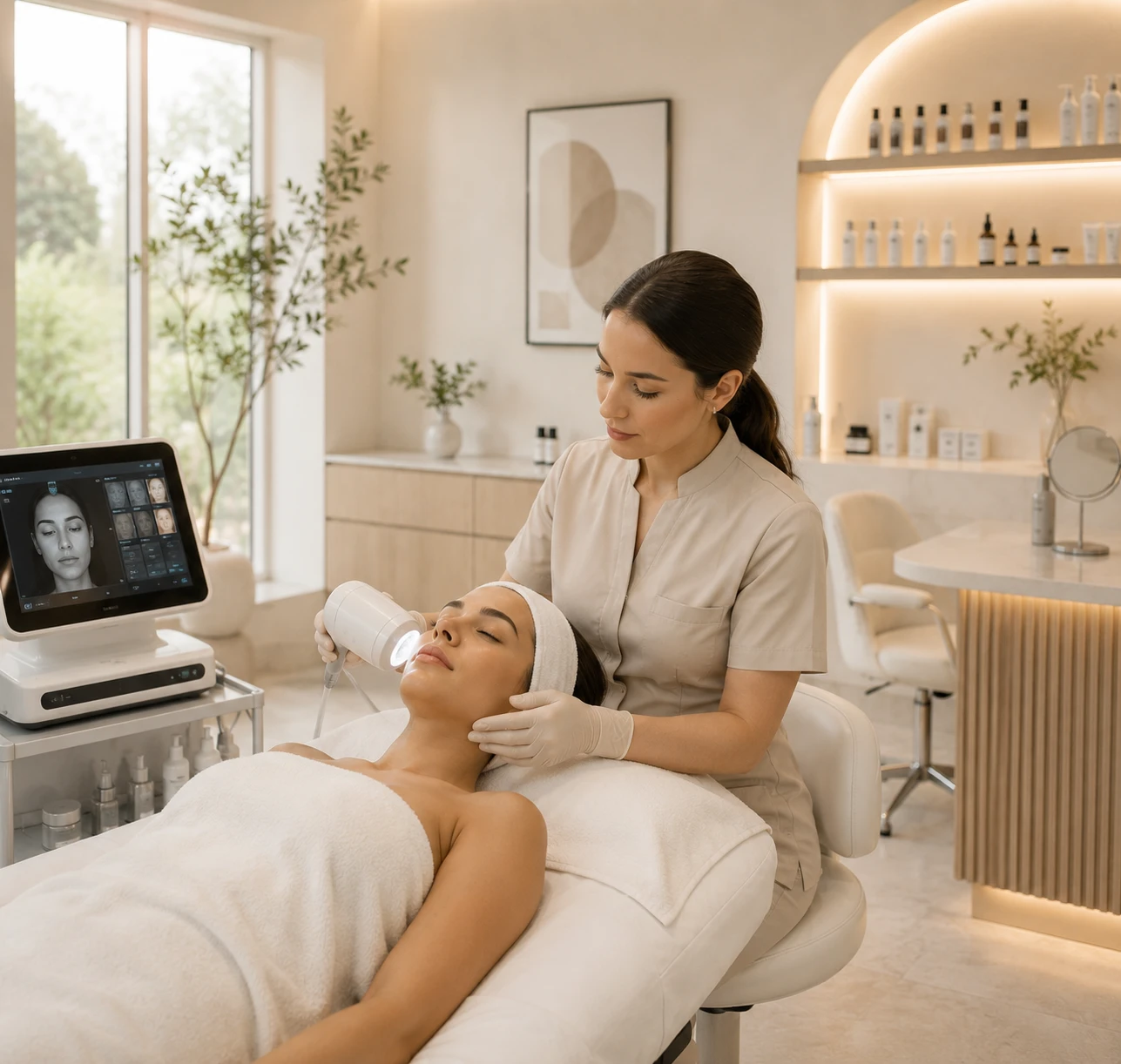
Spa therapist giving a facial treatment in a treatment room
One appointment touches
  • Your calendar
  • A room or treatment bed
  • The right therapist's schedule
  • A reminder for the client
Online Booking

Online Booking Clients Can Actually Use

Clients book appointments online, see real-time availability, and get instant confirmation - no phone tag, no back-and-forth. Online-booked appointments also show up at a meaningfully higher rate than phone bookings, since clients pick times that actually work for them instead of the first slot a receptionist offers.

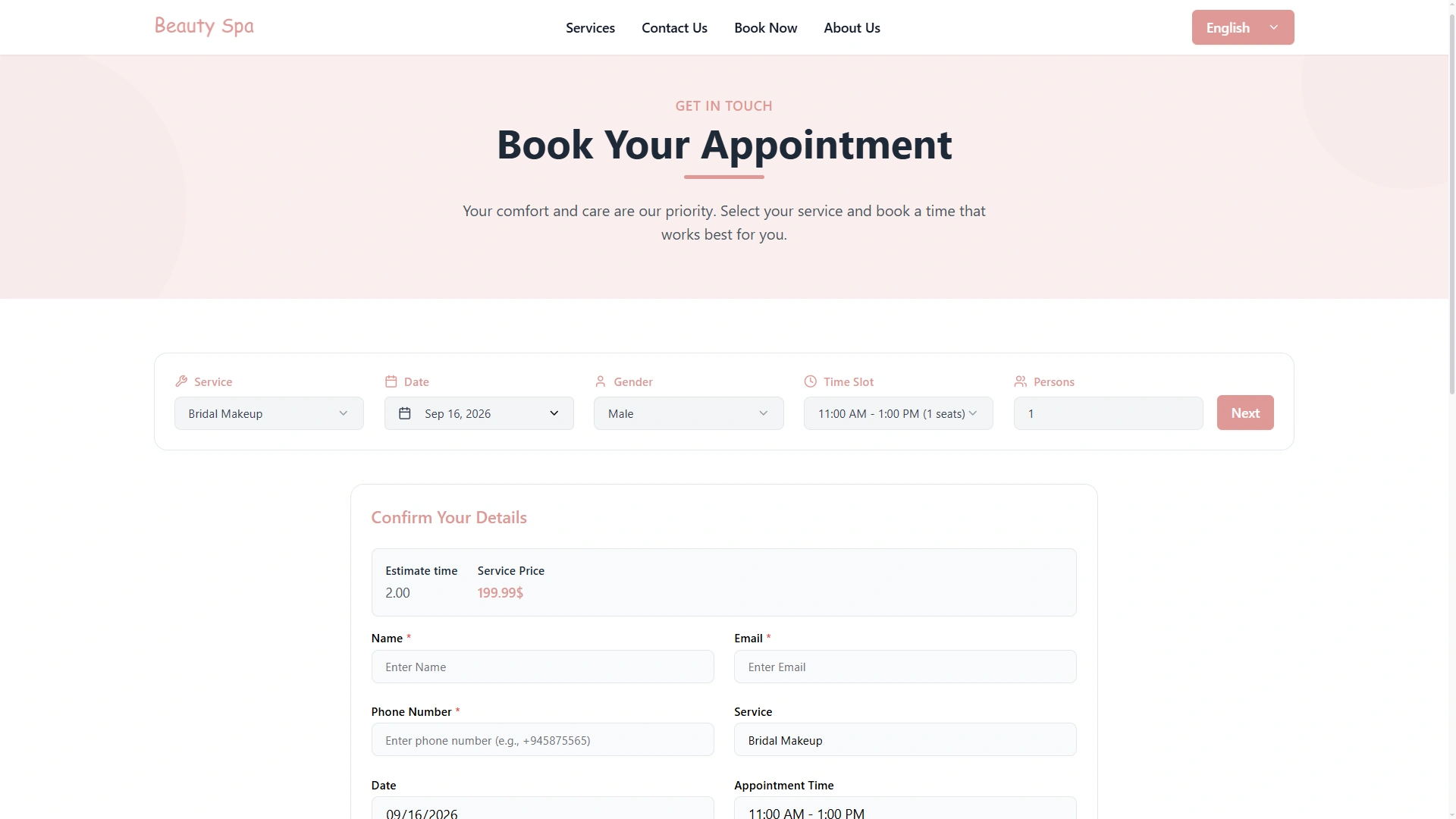
Spa website page where clients book an appointment online

Self-Service Reschedule & Cancellation

Clients can reschedule or cancel their own appointments online instead of calling the front desk. This does double duty: it removes a routine phone call from your staff's day, and it opens the slot back up immediately instead of it sitting invisible until someone notices the client isn't coming.
Deposits & Prepayment at Booking

For higher-value or high-demand appointments, WorkDo can collect a deposit or full prepayment at the time of booking. Requiring a deposit is one of the most effective no-show deterrents available - industry research puts the reduction at around 45%, on top of whatever reminders already provide.

Spa Scheduling

Scheduling That Accounts for Real Spa Logistics

Most booking tools stop at "who's free at this time." Spa scheduling needs to go further.

Buffer Time Between Appointments

Every treatment needs cleanup and prep time before the next client walks in. WorkDo's calendar automatically blocks buffer time between appointments, so your schedule reflects how long a service actually takes - not just the treatment itself.

Room & Equipment Assignment

Bookings aren't only assigned to a therapist - they're assigned to a specific room or piece of equipment too. That prevents the classic double-booking problem: two clients scheduled for the same treatment room at the same time, even though different therapists are technically free.

Staff Availability & Assignment

Appointments are matched to therapists who are actually available and qualified for that service, so no one gets double-booked and every therapist's schedule stays visible in one place.

Recurring Appointments

Clients who book the same service on a regular cycle - every four weeks for a facial, every two for a massage - can be set up with recurring appointments instead of re-booking manually every time. That's less admin work for your front desk and less friction for the client staying on schedule.

Waitlist for Fully Booked Slots

When a preferred time is full, clients can join a waitlist instead of giving up and booking elsewhere. If a cancellation opens the slot back up, the next person in line can be notified automatically - turning a lost booking into a filled one.

Group Bookings & Multiple Services

Bookings aren't limited to one client, one service. Group appointments (a bridal party, friends booking together) and multi-service bookings (a client adding a scalp treatment to a haircut) are handled within the same booking flow, without needing separate, disconnected reservations.

Multi-Location Calendar

Spas operating more than one location can manage every branch's calendar from the same system, instead of running separate booking setups per location that don't talk to each other.

Reports & Analytics

Track Spa Performance With Reports & Analytics

Booking appointments and completing daily tasks generate business information. The next challenge is turning that information into something management can understand.

WorkDo provides several capabilities designed around business visibility and insights.

Smart Reports

Smart Reports helps organize business information into structured reports, making operational data easier to review.

Reports can provide management with a clearer way to understand different areas of business activity instead of relying only on individual records.

Smart Dashboard Analytics

Smart Dashboard Analytics provides a centralized view of business information.

Bringing important information into a dashboard can make it easier for spa owners and managers to maintain visibility across operations and identify areas that deserve attention.

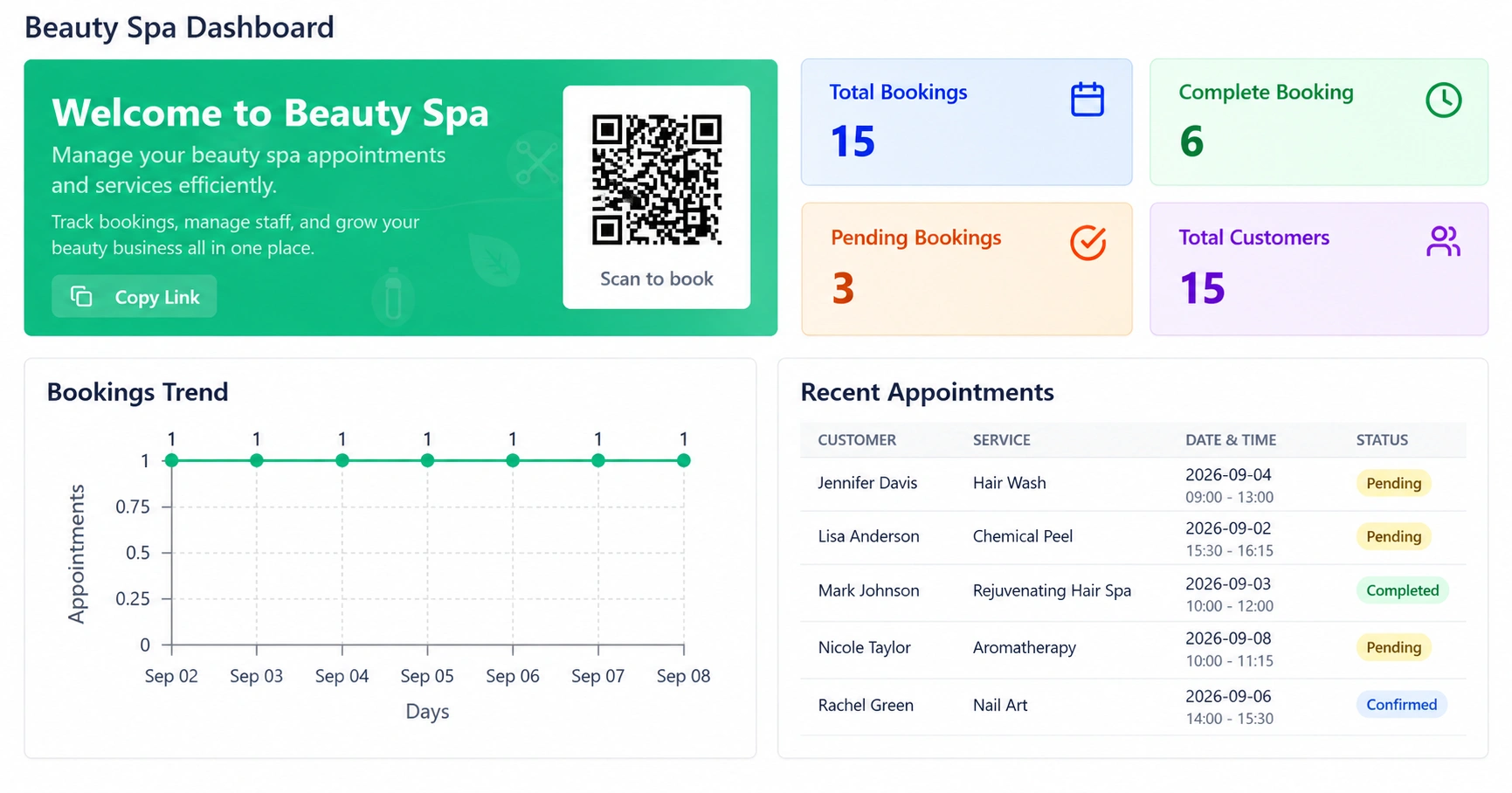
Beauty Spa dashboard with bookings, customers and a bookings trend chart

AI Business Advisor

WorkDo's AI Business Advisor adds AI-powered assistance to the business management environment.

Together, Smart Reports, Smart Dashboard Analytics, and AI Business Advisor provide different ways to move from business information toward clearer operational insights.

Automated Reminders

Automated Reminders That Cut No-Shows

Missed appointments are one of the most common revenue leaks in the spa industry - average no-show rates for salons and spas run around 25%, and a Cochrane Systematic Review found automated reminders can cut that by up to 50%.

WorkDo sends automated SMS and email reminders and booking confirmations, so clients don't forget an appointment they booked two weeks ago - without your front desk making a single reminder call.

~25% Average no-show rate for salons and spas
Up to 50% Fewer no-shows with automated reminders, as found by a Cochrane Systematic Review
SMS reminders Email reminders Booking confirmations
One Connected Platform

Booking Connects to the Rest of Your Spa

A booking is the start of a relationship, not the end of one. Once an appointment is confirmed, WorkDo keeps it connected to everything downstream:

Client records

Every booking is tied to that client's history, not a standalone calendar entry.

Checkout & payment

Completed appointments flow straight into billing, without re-entering the service or client.

Staff schedules

A booked appointment shows up on the assigned therapist's schedule automatically.

Product usage

Services that use retail or treatment stock connect the booking to inventory, not a separate manual log.

Booking Journey

The Booking Journey, Start to Finish

  1. Step 1 Discover
  2. Step 2 Book Online
  3. Step 3 Get Reminded
  4. Step 4 Show Up
  5. Step 5 Complete Service
  6. Step 6 Pay
  7. Step 7 Leave Feedback

An online presence brings the client in. Online booking gets the appointment on the calendar. Automated reminders keep it there. Buffer time and room assignment keep the day running on schedule. Checkout and payment close the loop - and feedback tells you how it went.

Problems Solved

Problems This Solves

Manual back-and-forth booking calls

Clients book, reschedule, and cancel themselves, any time.

Double-booked rooms or staff

Resource and staff assignment prevents scheduling conflicts before they happen.

Missed appointments

Reminders and deposits address the two leading causes of no-shows.

Lost bookings from full schedules

Waitlists recover cancellations instead of losing them to competitors.

Repeat clients falling through the cracks

Recurring appointments keep regulars on schedule without manual re-booking.

Booking info disconnected from client history

Every appointment is tied to the client's full record, not a standalone entry.

Buyer's Checklist

What to Look For in Spa Booking Software

Not every "booking software" actually handles spa-specific logistics. Before comparing options, check whether the system supports:

  • Buffer time, not just back-to-back appointment slots
  • Room/equipment assignment, not only staff assignment
  • Deposits or prepayment, not just free bookings anyone can skip
  • Waitlists, so cancellations don't go to waste
  • Recurring bookings, for clients on a regular schedule
  • Multi-location support, if you operate more than one site

A tool that only manages a calendar will eventually force you into a second system for the rest. One built for spas from the start won't.

Comparison

Spa Booking Software vs. Basic Scheduling Tools

A basic scheduling tool and broader spa business software can solve different levels of operational complexity.

Basic Scheduling Tools Broader Spa Business Software
Primarily focused on schedules Supports scheduling alongside wider operations
Basic appointment organization Customer and operational management capabilities
Limited customer management CRM and customer communication tools
Separate financial tools may be required POS, accounting, invoicing, and sales tools
Inventory handled elsewhere Inventory and warehouse management capabilities
Limited employee administration HRM, timesheet, training, and performance tools
Basic operational visibility Smart reports, dashboards, and business insights

A simple schedule software solution may be enough when scheduling is the only challenge.

However, businesses that also need CRM, HR, inventory, accounting, sales, communication, reporting, and administration may benefit from evaluating a broader business-management system.

Who It's For

Built for Every Type of Spa Business

Small independent spa treatment room

Small & Independent Spas

Booking and scheduling that works without a dedicated front-desk system - one calendar for the whole business.

Book More, Miss Less

Booking is where your spa either loses time to phone calls and no-shows, or runs on a system built to prevent both. WorkDo's spa booking software handles the calendar, the room, the reminder, and everything the appointment connects to - in one platform you own outright.

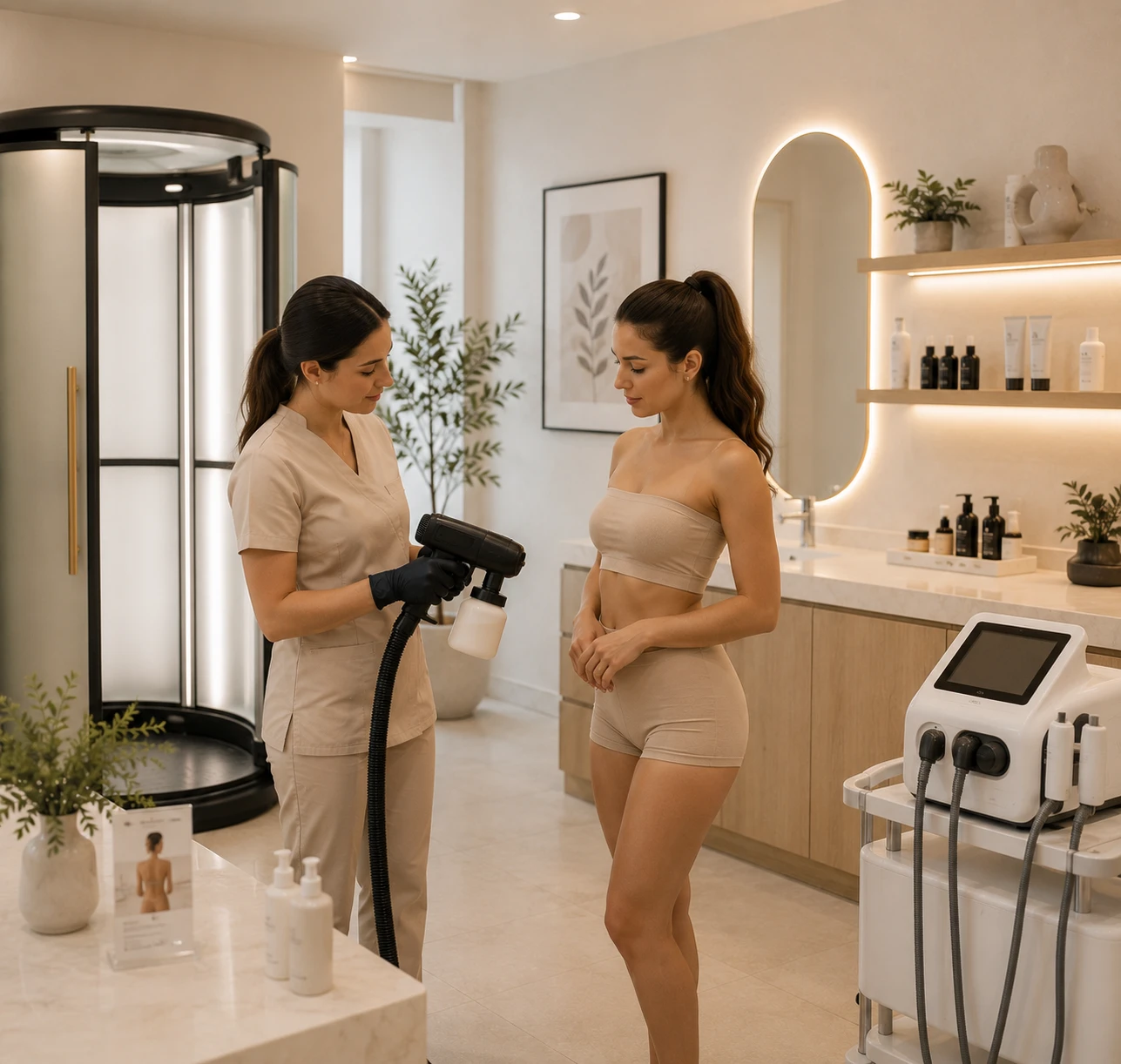
Spa towels, oils and care products ready for the next client
Faq's

Frequently Asked Questions About Spa Software Features

Spa booking software is a system for managing spa appointments - online booking, calendar scheduling, staff and room assignment, deposits, and automated reminders - in one connected platform instead of a paper book or phone-only system.
The key features of spa management software include online booking, appointment scheduling, customer management (CRM), staff management, billing and invoicing, inventory tracking, membership management, marketing tools, reports and analytics, and payment processing.
The best spa software is one that fits your business size, workflow, team, and operational needs. Compare solutions based on essential features, ease of use, reporting, scalability, support, and how effectively they help manage your spa.
Yes. Deposits or full prepayment can be collected at the time of booking, which also helps reduce no-shows.
Spa management software provides automated appointment booking, calendar management, reminders, waitlist management, and online booking options, helping reduce scheduling conflicts and missed appointments.
Yes, most spa management systems offer online booking features that allow customers to schedule services anytime through a website, booking portal, or mobile-friendly interface.