

Send instant updates and notifications via WhatsApp using Whatsender, keeping your team and customers informed with fast and reliable messaging, even when they’re not logged into the system.
Stay Connected with WhatsApp Alerts
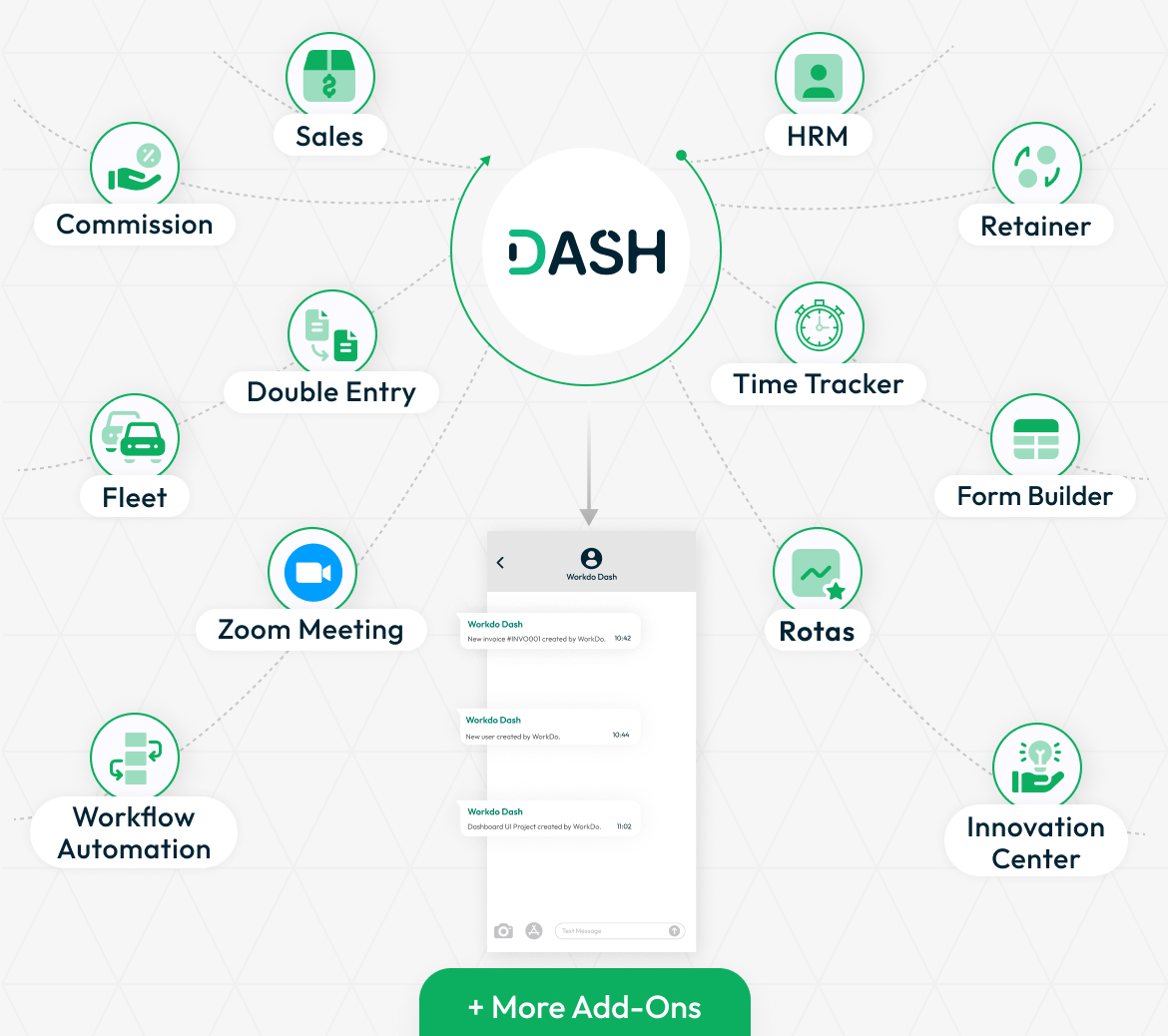
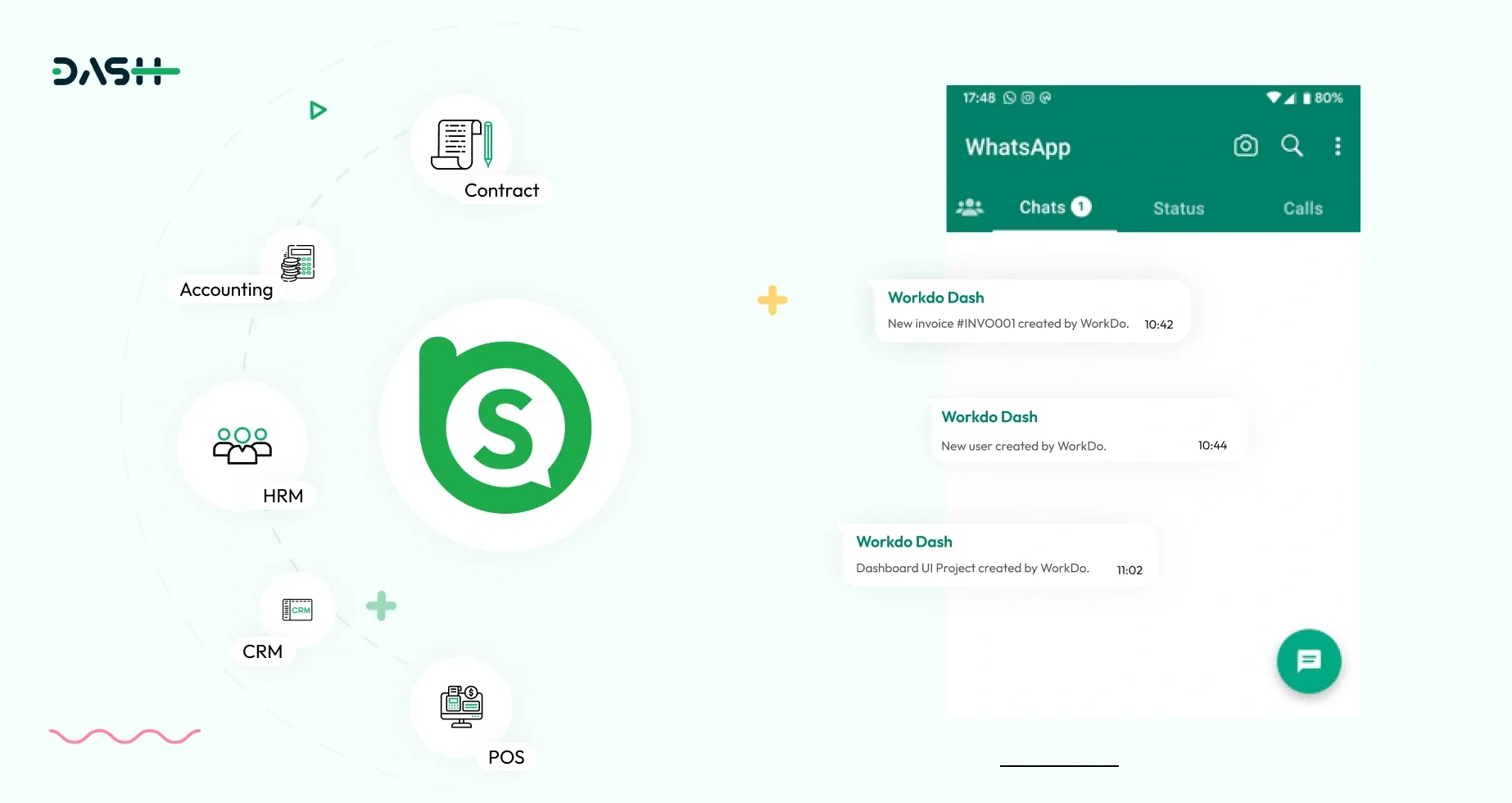
Whatsender lets you send important updates directly to mobile phones through WhatsApp. It integrates easily with various Add-Ons like HRM, contracts, CMMS, fleet management, and projects. Whether it’s a new task assignment, a reminder, or an urgent update, Whatsender ensures that messages are delivered quickly and directly to the recipients. This means your team or clients are always in the loop, even if they are not actively using the system. WhatsApp is a trusted platform for quick communication, and Whatsender leverages that for better engagement.
- Account
- Lead
- HRM
- Taskly
- Appointment
- CMMS
- Contract
- Recruitment
- Sales
- More +
Quick Setup and Instant Messaging
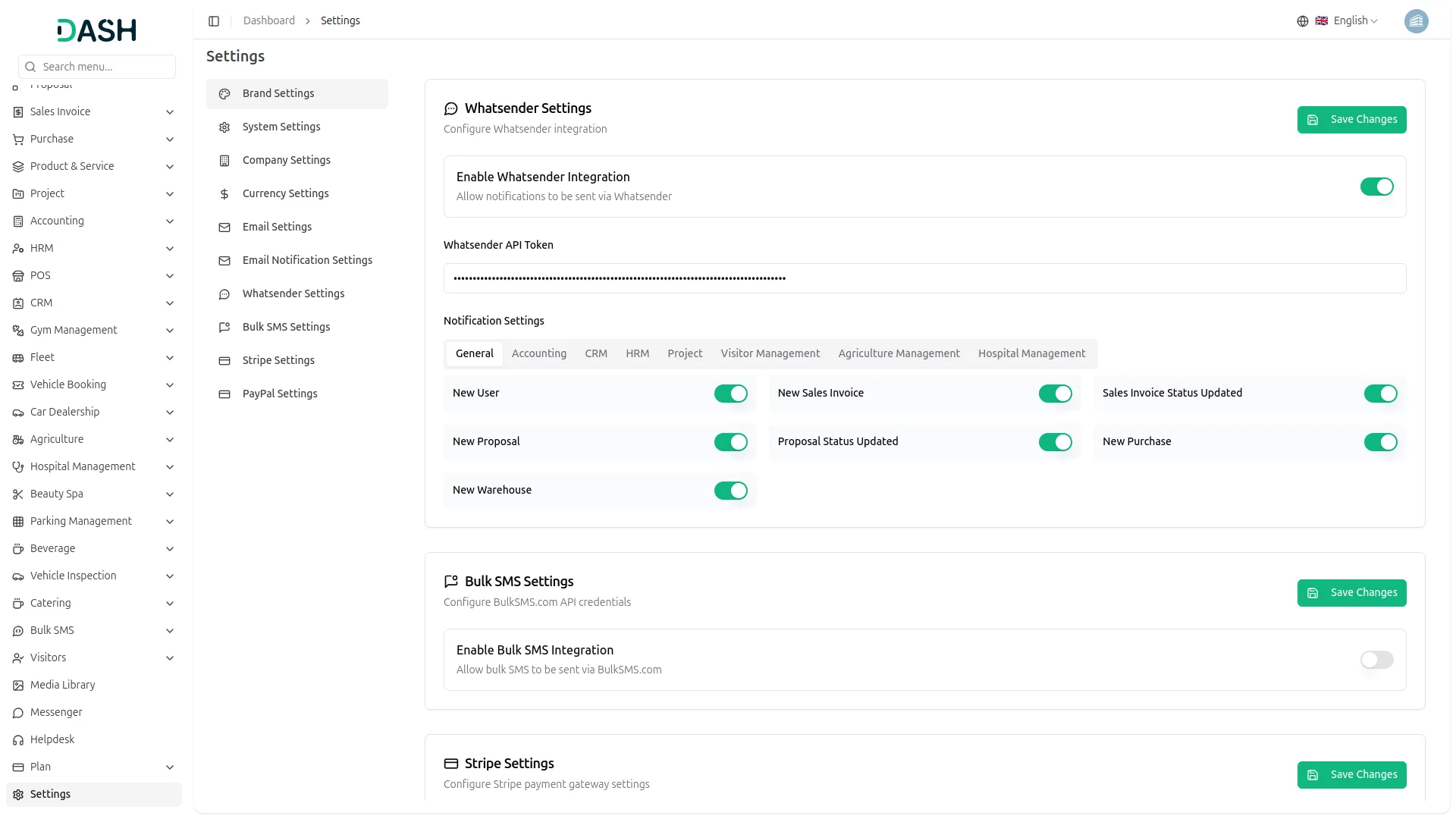
Setting up Whatsender is straightforward. All you need to do is enter your Whatsender API details in the settings, and you’re ready to start sending messages. After that, you can decide which types of updates should be sent through WhatsApp, such as task updates, project notifications, or reminders. You can also personalize the message content to match the urgency of the updates, giving you full control over what gets sent and when.
Key Features of Whatsender Integration
The Whatsender Add-On helps you communicate in real-time by sending updates through WhatsApp. Whether it’s a system notification, a task update, or a customer service alert, Whatsender ensures that messages reach the right people at the right time. You can choose which Add-Ons trigger WhatsApp alerts, making it easy to send relevant updates to the appropriate recipients. This keeps communication efficient, helps improve response times, and ensures important information doesn’t get missed.
Screenshots from our system
To explore the functionality and usage of these Add-Ons, refer to the accompanying screenshots for step-by-step instructions on how to maximize their features.
Discover More Add-Ons
Unlock even more functionality with additional Add-Ons, providing enhanced networking and customization options for your Dash SaaS experience.

Events Management
Our Events Management Script is a complete solution for creating, organizing, and promoting events online. It offers an interactive dashboard for real-time insights, customizable branding, and flexible category management.


Pabbly Connect
Pabbly Connect is a versatile automation platform seamlessly integrating 1000+ apps, from Google Sheets to Shopify. With its user-friendly interface, creating automated workflows becomes effortless.

Medical Lab Management
Integrating Medical Lab Management into Dash SaaS marks a significant advancement in healthcare technology, offering a comprehensive solution to streamline various aspects of medical laboratory operations.
Seamless module synchronization ensures accurate data flow
Thank you for the consistent updates