
Trello Integration in Dash SaaS
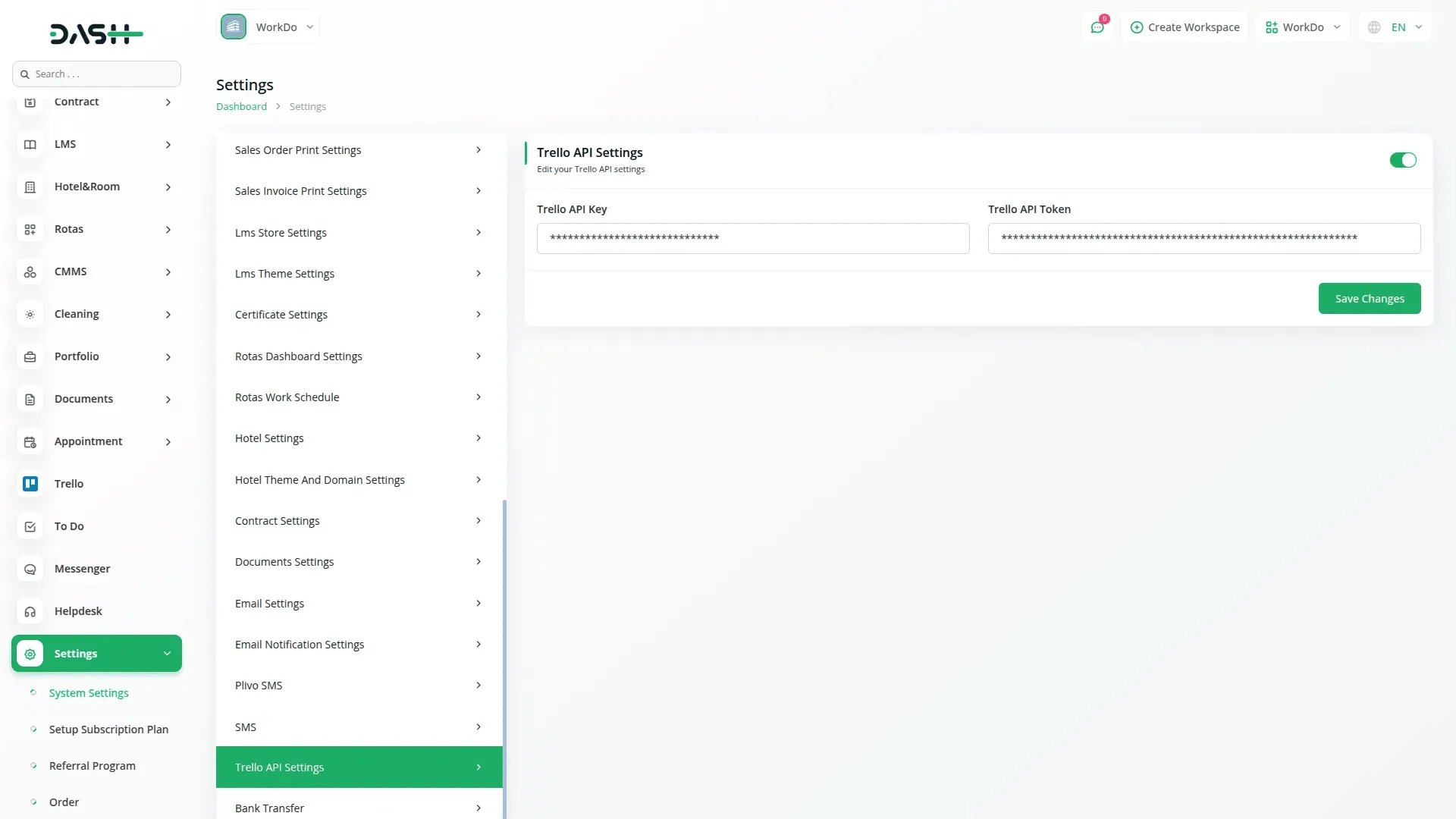
To integrate Trello, start by adding your Trello API credentials. Navigate to the settings and locate the Trello API Settings section. Here, you will need to enter your Trello API key and authentication token, which can be obtained from your Trello developer account. Once you’ve entered these details, save the settings to establish a connection, allowing seamless data synchronization with Trello.
Managing Boards, Lists, and Labels
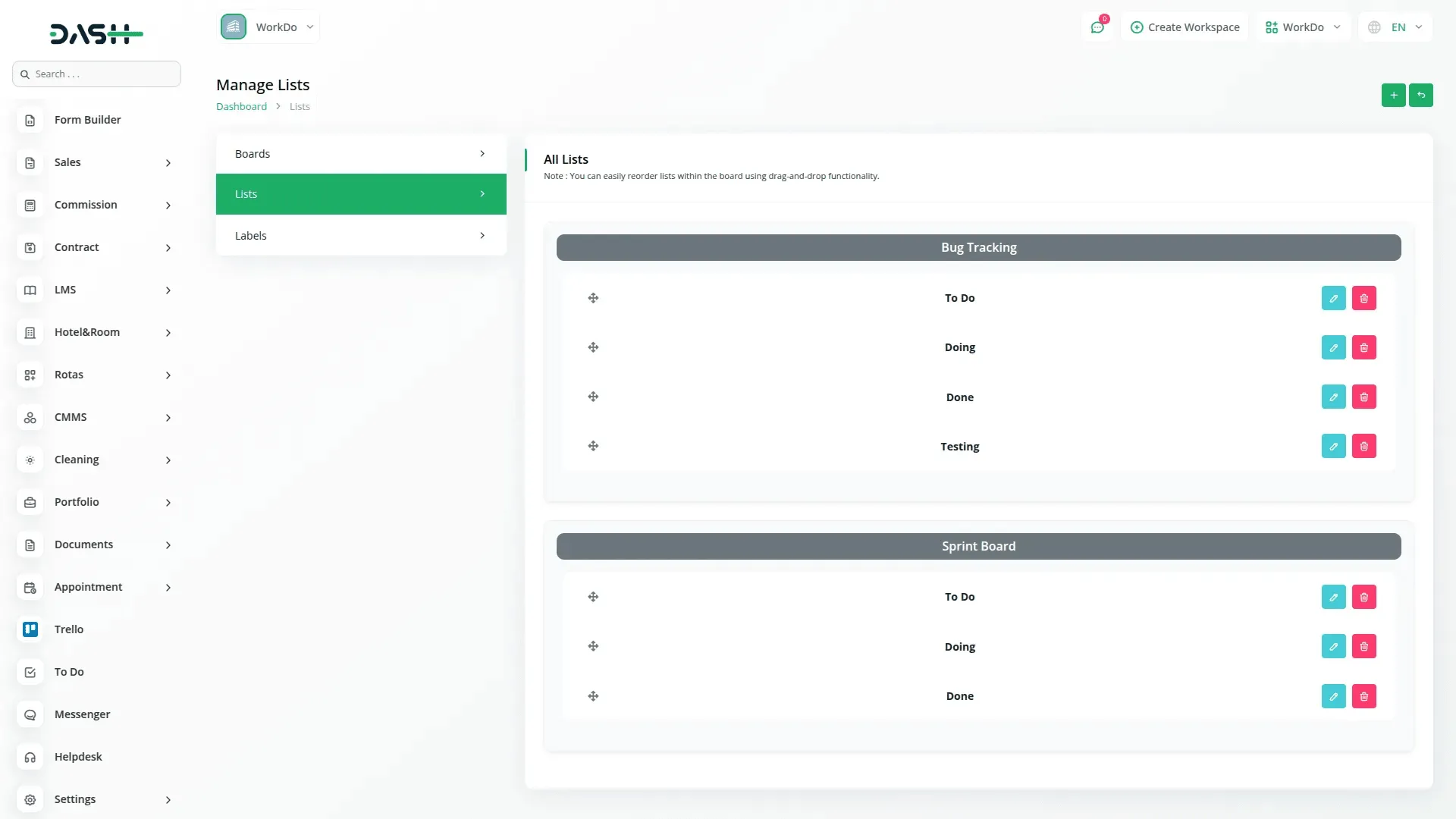
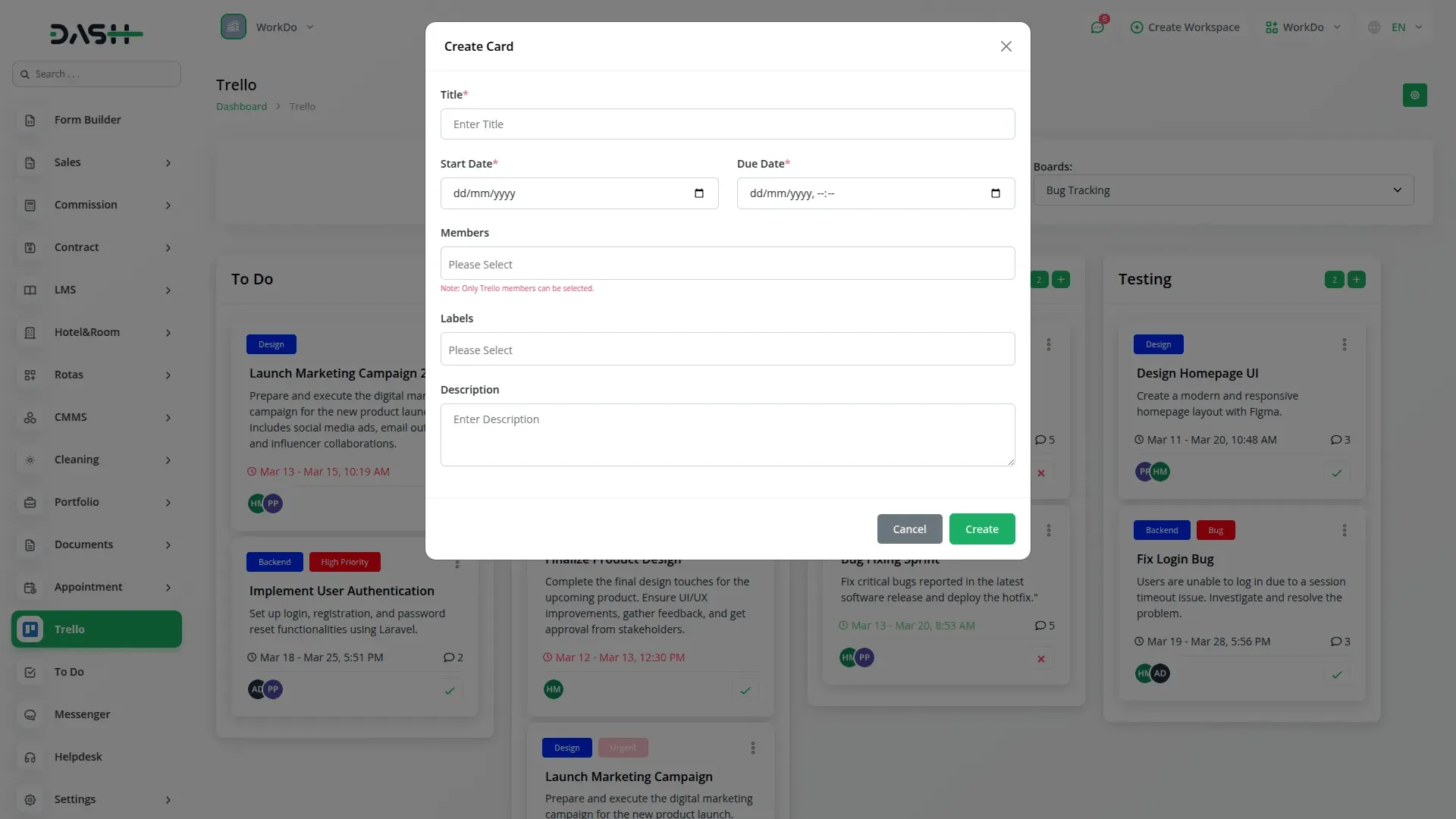
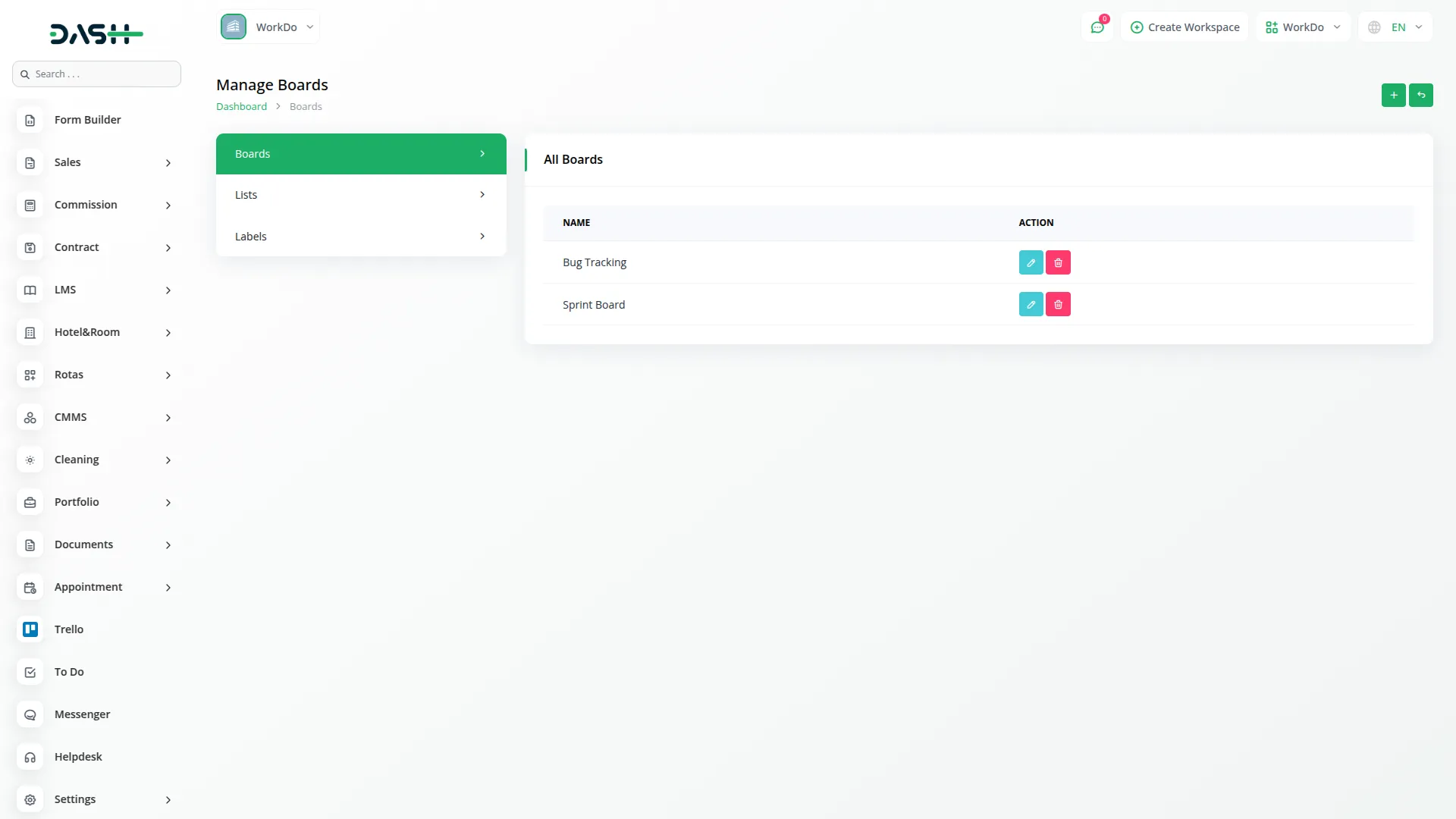
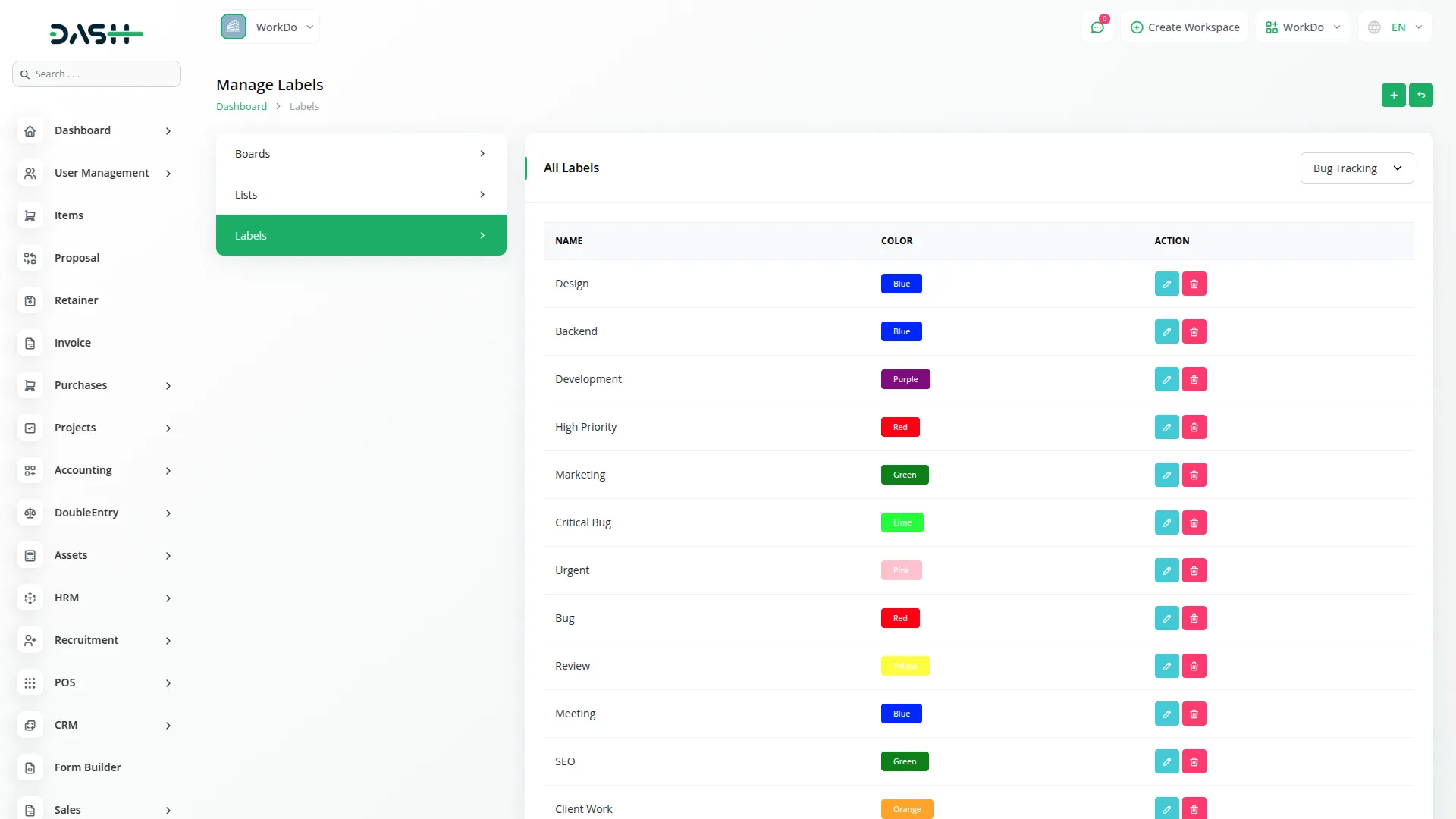
Once the integration is set up, you can manage Trello boards, lists, and labels directly within Dash SaaS. Create new boards to organize your projects, add lists to categorize tasks, and assign labels to prioritize work. Any updates made within Dash SaaS will be reflected in Trello in real time, ensuring consistency across both platforms. This feature helps teams stay organized and track progress effortlessly.
Viewing Cards in Kanban Format
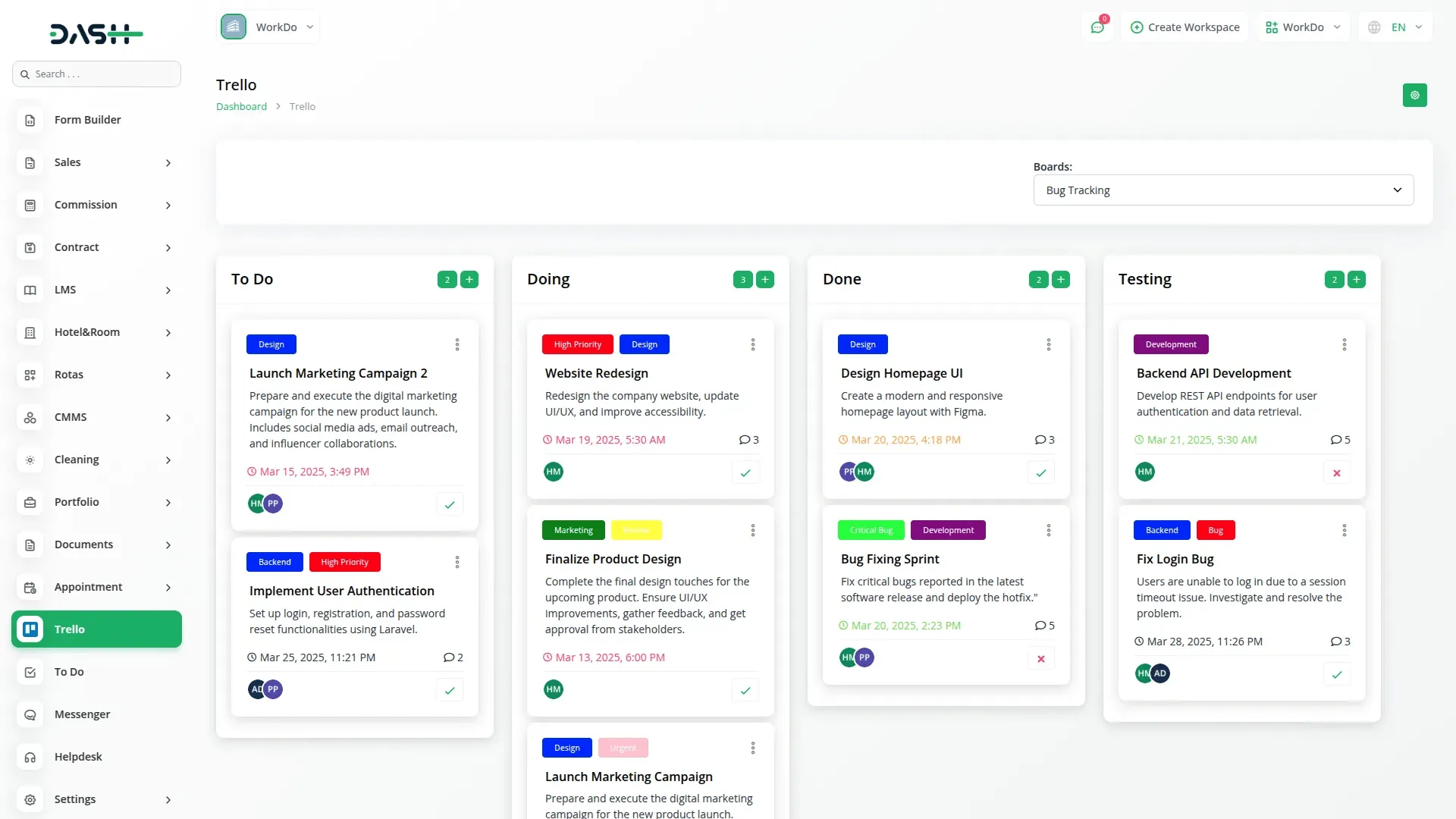
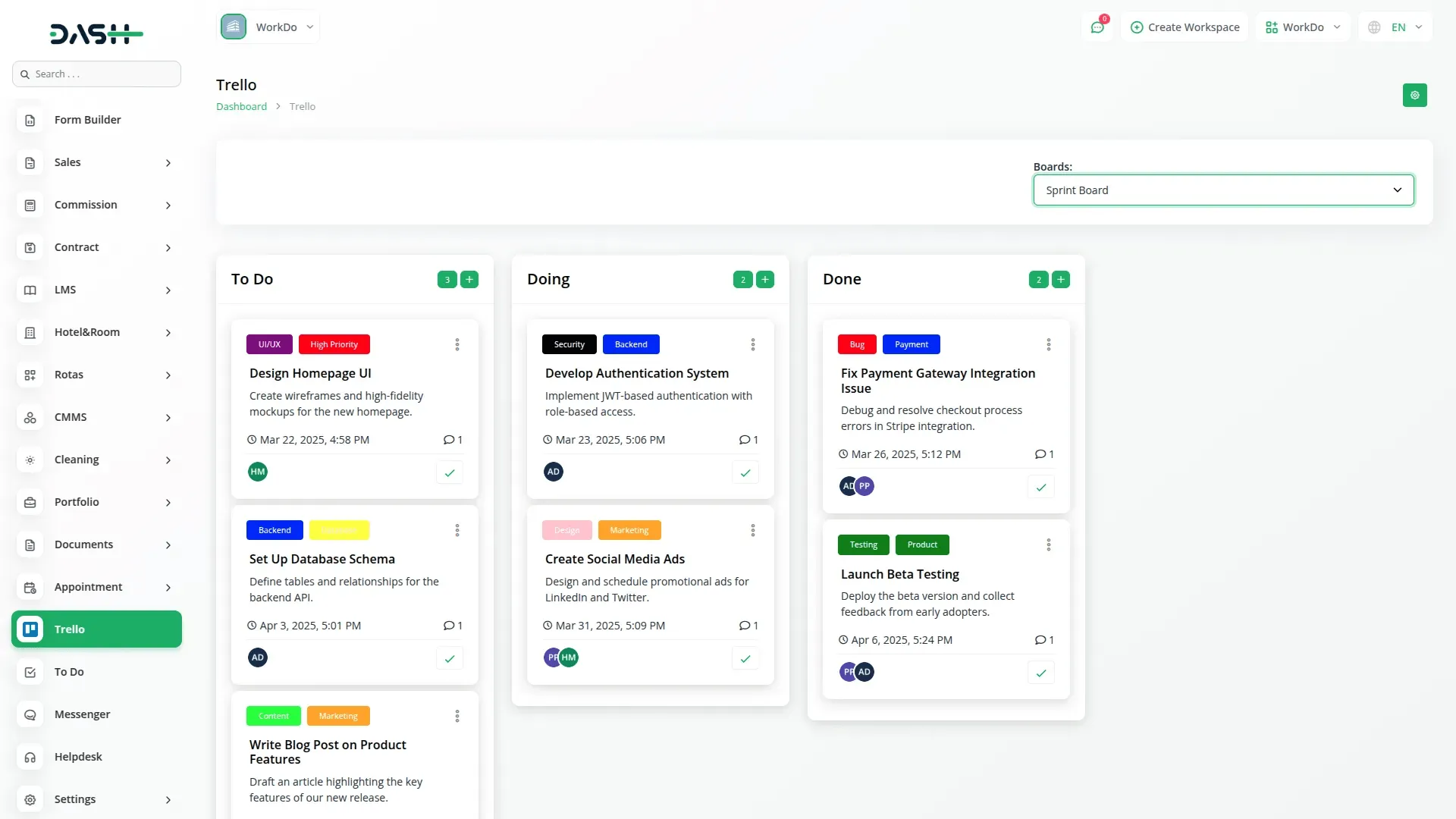
With Trello integration, you can access all your cards in a structured kanban view within Dash SaaS. This layout offers a clear visual representation of tasks, making it easier to track workflows and manage assignments efficiently. The intuitive board display allows users to monitor project status at a glance, improving task visibility and overall productivity.
Editing, Deleting, and Viewing Cards
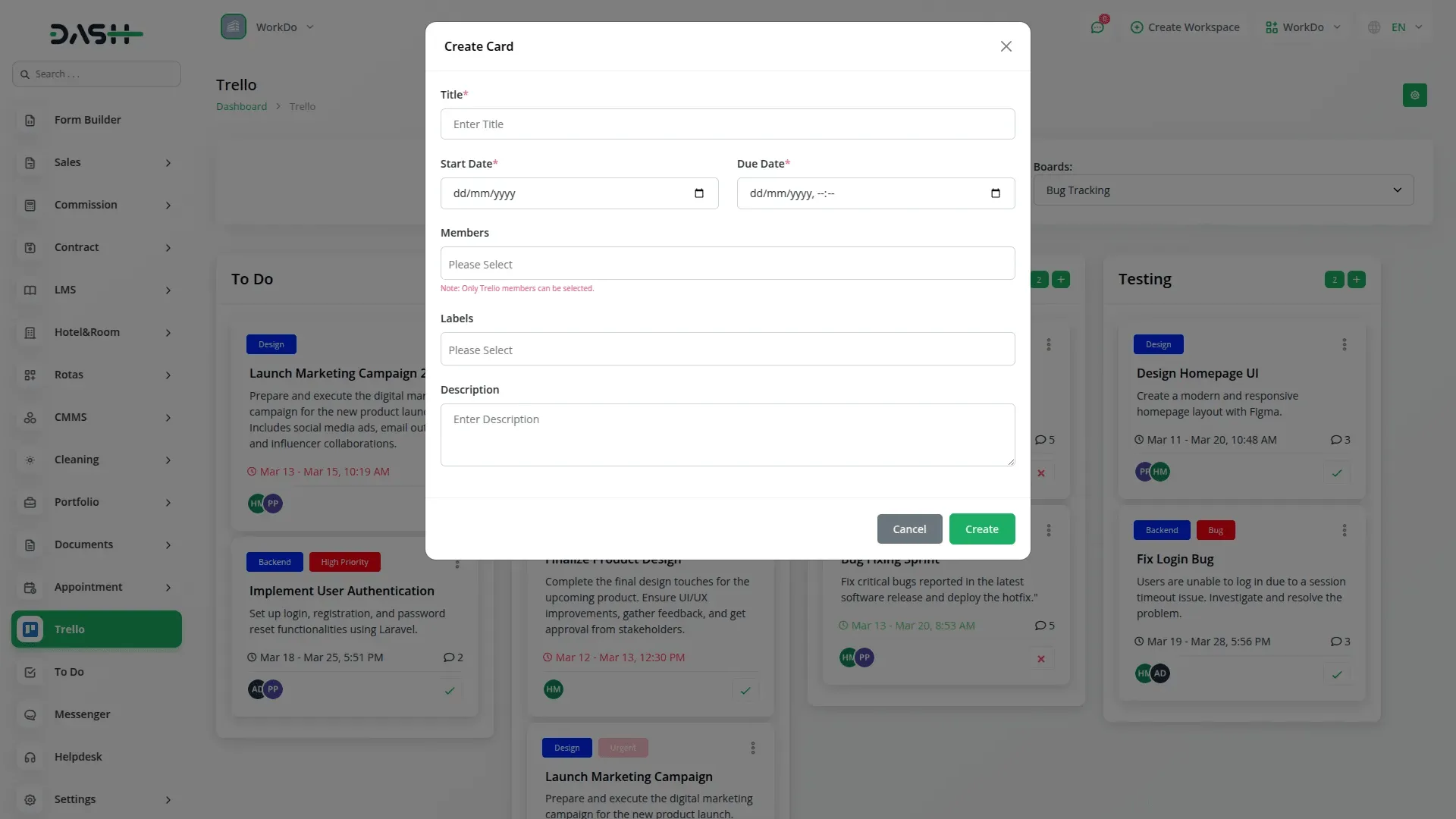
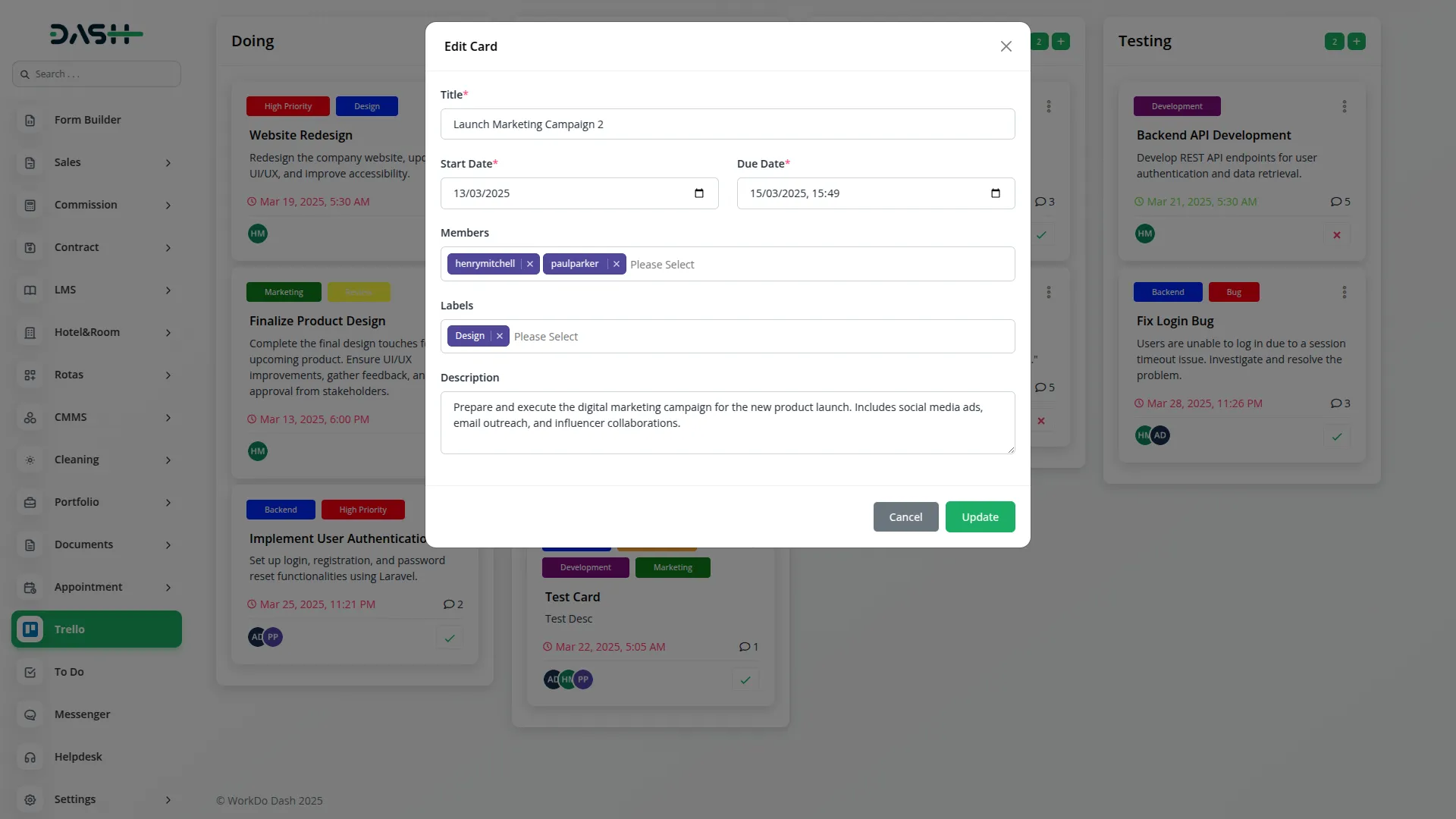
Dash SaaS provides full control over your Trello cards, allowing you to edit, delete, and view them whenever needed. Update task details, modify due dates, or reassign responsibilities directly from Dash SaaS without switching between platforms. Deleting outdated or completed cards is just as easy, keeping your workspace clutter-free and organized.
Enhancing Workflow Efficiency
By integrating Trello with Dash SaaS, you can streamline project management and enhance team coordination. The ability to access and modify Trello data within Dash SaaS eliminates the need for manual updates, reducing errors and saving time. Whether you're tracking daily tasks or managing large-scale projects, this integration ensures a smooth and structured workflow.
Screenshots from our system
To explore the functionality and usage of these Add-Ons, refer to the accompanying screenshots for step-by-step instructions on how to maximize their features.
Discover More Add-Ons
Unlock even more functionality with additional Add-Ons, providing enhanced networking and customization options for your Dash SaaS experience.

PESTEL Analysis Model
The PEST Analysis Module by Dash SaaS equips businesses with a robust framework to evaluate external factors influencing strategic decisions.

influencer-marketing
The Influencer Marketing Platform is a comprehensive two-sided marketplace that connects brands with influencers through streamlined campaign management.


NMI
Integrating the Network Merchant payment gateway into Dash SaaS provides a streamlined, secure, and efficient transaction processing solution. This powerful integration ensures that businesses can handle payments smoothly, reducing the complexities associated with financial transactions.
Modern interface consistency enhances visual appeal
Feels like a trusted digital partner