


The "Sign In with Microsoft" Add-On enables users to log in using their Microsoft accounts, offering a quick and secure authentication method. Administrators can configure Microsoft credentials and choose whether to display the Microsoft login button. This Add-On helps reduce password fatigue, speeds up user onboarding, and is especially useful for organizations already using Microsoft services.
Microsoft Login Settings for Super Admin
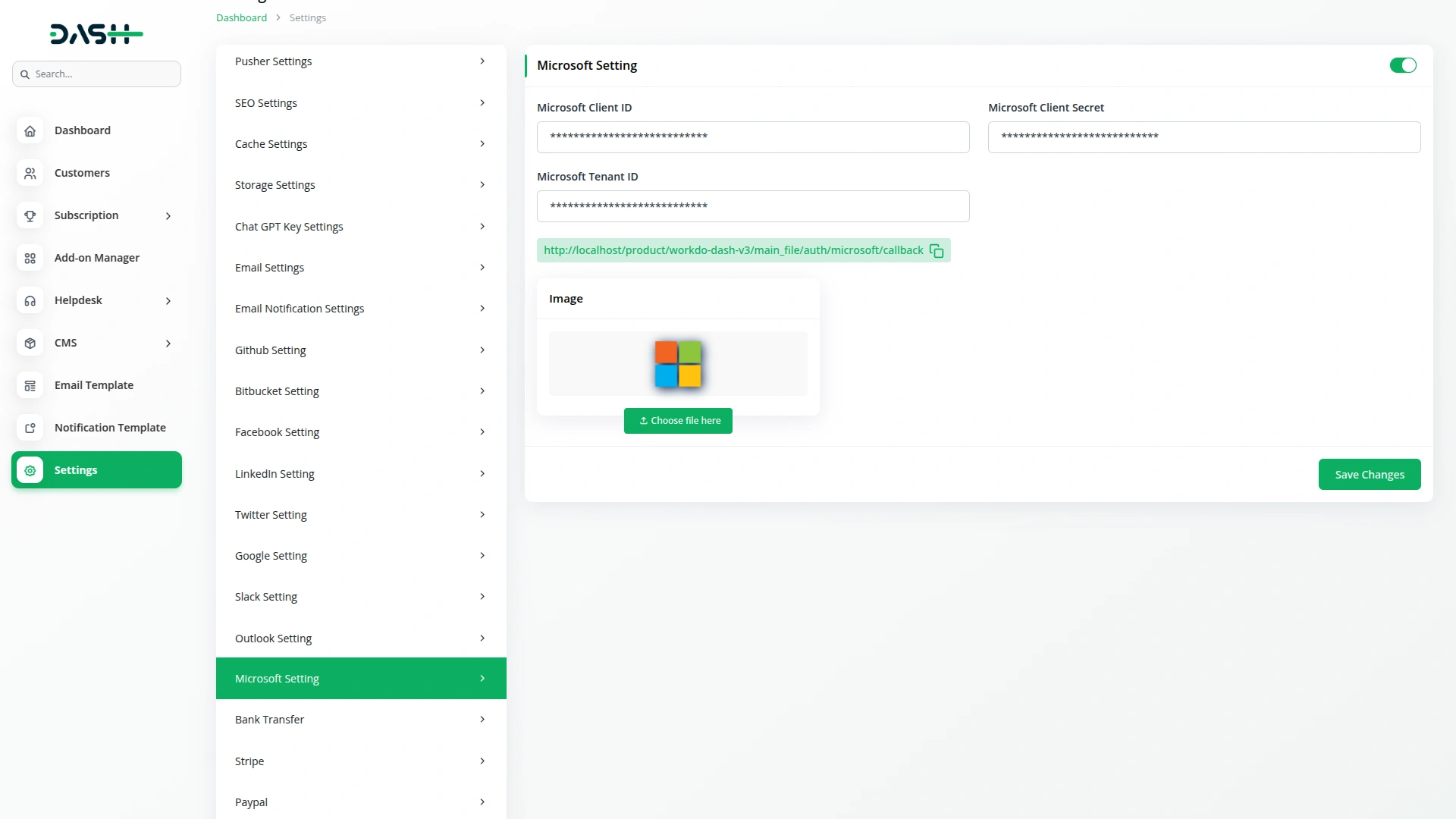
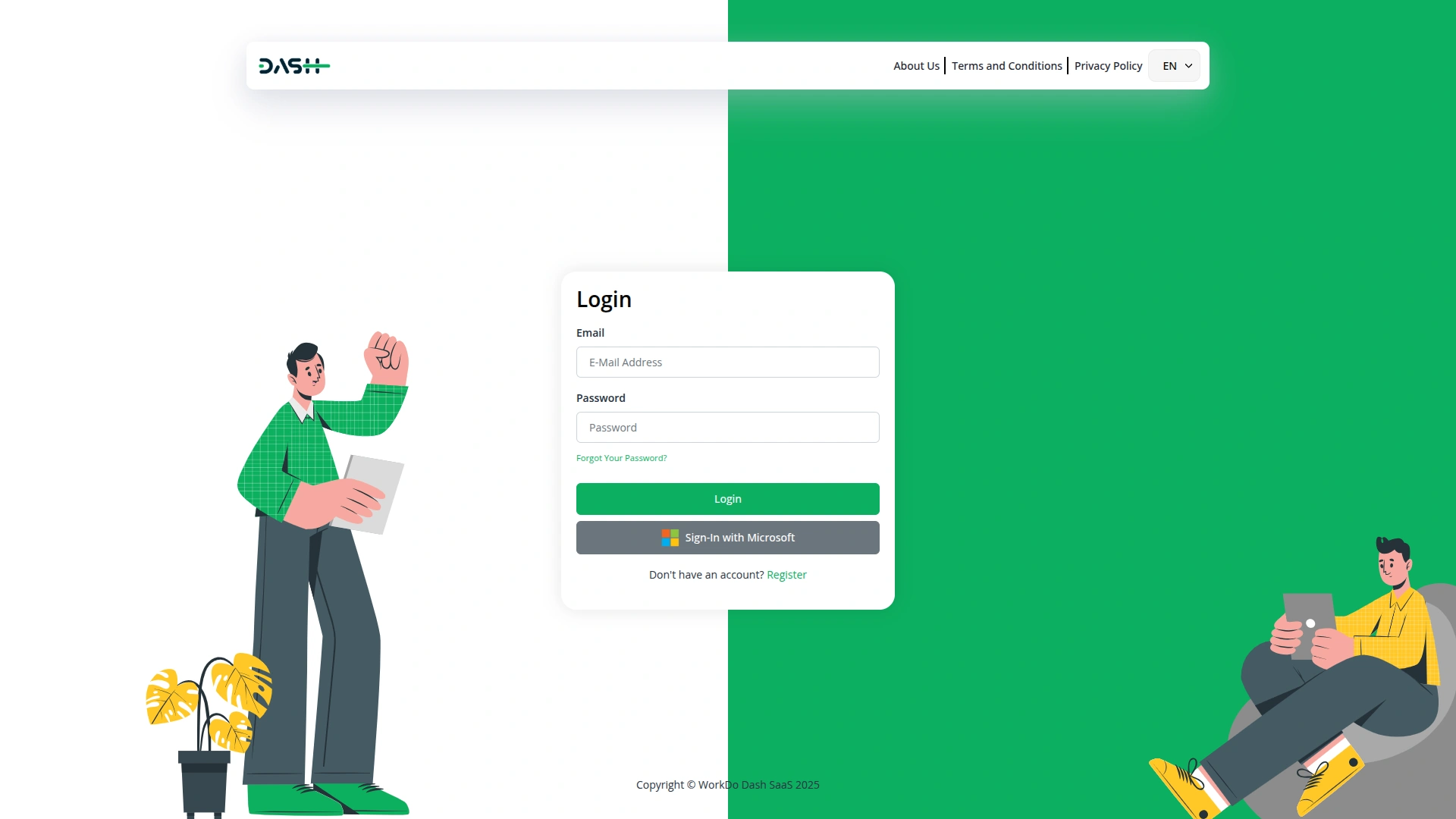
Super Admins can configure Microsoft login integration with ease. In the Microsoft Login settings section, enter the Microsoft Client ID, Client Secret, Tenant ID and upload a logo. Additionally, a toggle option is available to enable or disable on the super admin side. The Microsoft login button on the login and register pages gives you full control over its visibility and user access.
Microsoft Integration
Microsoft Integration enables users to log in with their Microsoft accounts after configuring the Client ID, Secret, and Tenant ID in Super Admin settings. It supports secure single sign-on (SSO), offering a seamless, password-free login experience. This simplifies access and enhances security. Organizations also benefit from consistent identity management across Microsoft-connected tools.
Screenshots from our system
To explore the functionality and usage of these Add-Ons, refer to the accompanying screenshots for step-by-step instructions on how to maximize their features.

Discover More Add-Ons
Unlock even more functionality with additional Add-Ons, providing enhanced networking and customization options for your Dash SaaS experience.

NMI
Integrating the Network Merchant payment gateway into Dash SaaS provides a streamlined, secure, and efficient transaction processing solution. This powerful integration ensures that businesses can handle payments smoothly, reducing the complexities associated with financial transactions.

DJ And Orchestra Management
Introducing the all-new Queue Management Integration in Dash SaaS, designed to revolutionize the way you handle customer flow and streamline your operations

Quiz Management
Quiz Management is a system for creating, organizing, and evaluating quizzes efficiently. It allows administrators to manage questions, participants, and results while tracking performance seamlessly.

Flexibility makes this addon universal
Documentation for all modules
Customization is effortless