

The Solar Hub provides a comprehensive, all-in-one platform to manage every aspect of your solar business, from orders and inventory to payments and maintenance. Its intuitive dashboard and smart tracking tools give you real-time visibility and control, keeping operations smooth and efficient. With customizable workflows and detailed reporting, you can optimize performance and stay ahead in every project.
Powerful Tools to Run Your Solar Business
- Real-Time Business Dashboard
- Smart Inventory Tracking
- Flexible Product Catalog
- Seamless Payment Monitoring
- Maintenance Management
- Inspection Workflow Control
- Customizable System Setup
- Multi-Status Order Tracking
Your Business at a Glance
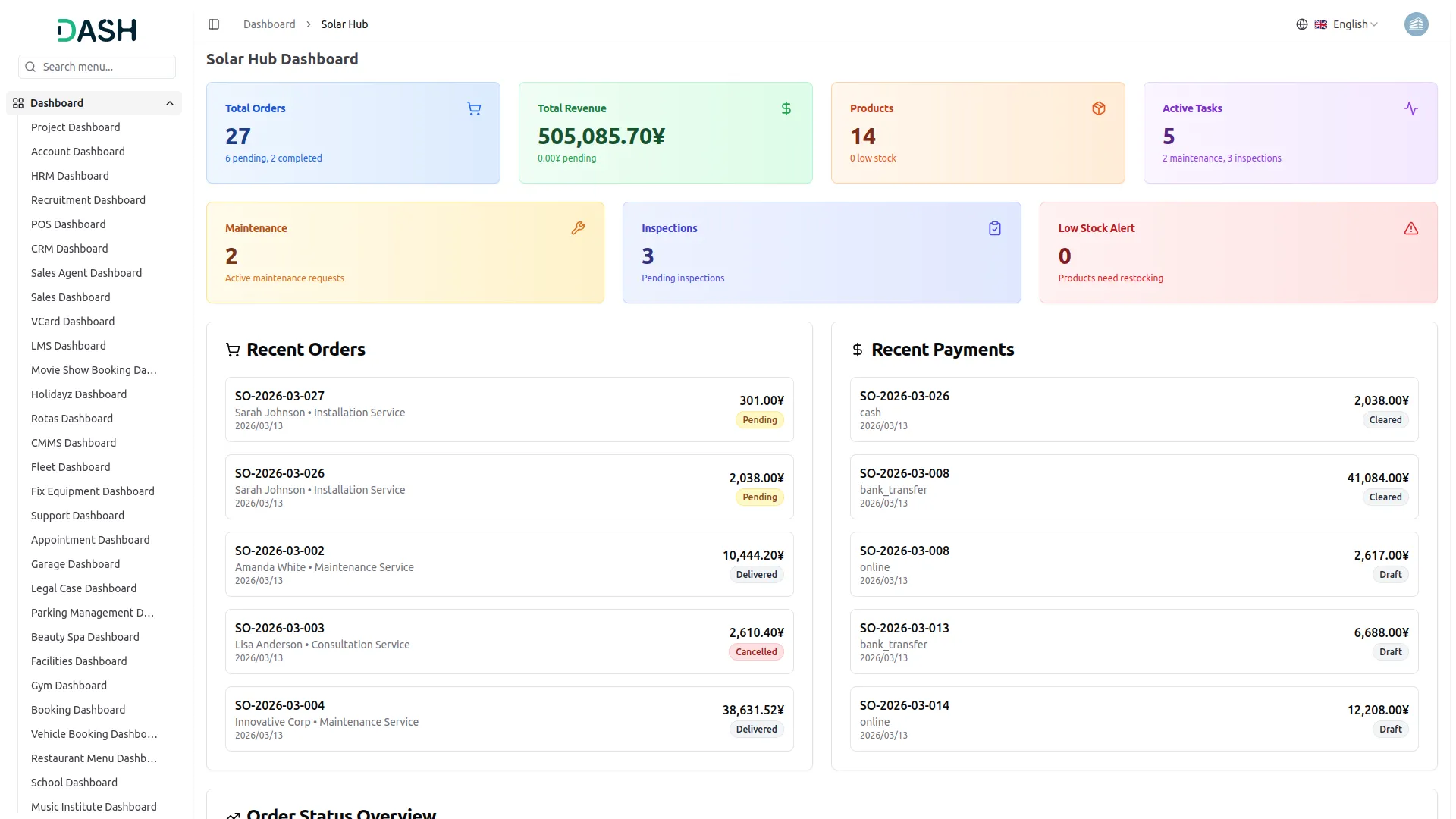
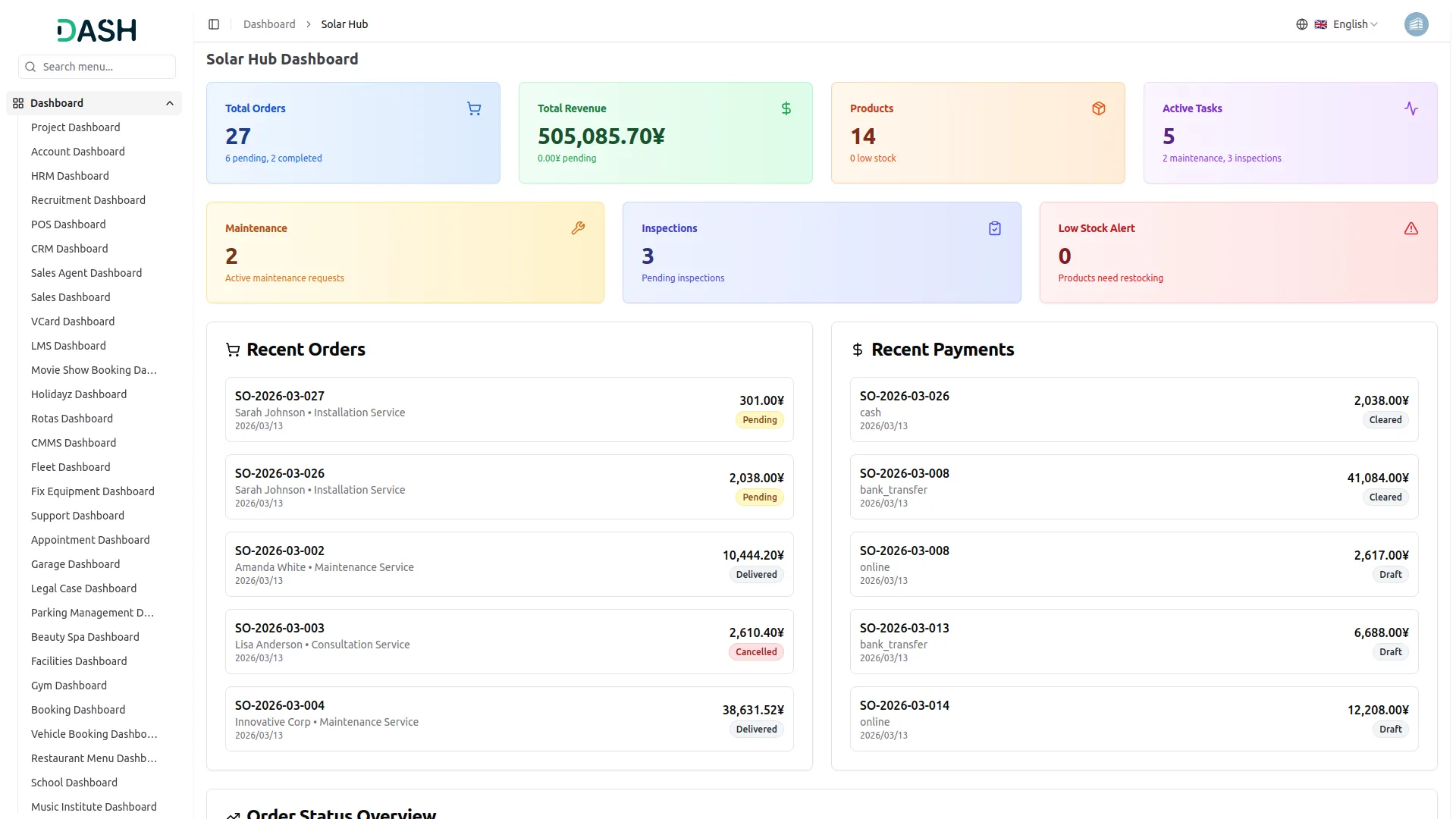
The Solar Hub Dashboard provides a live, consolidated view of your entire solar business. You can track order volumes, monitor payments, and stay updated on low-stock alerts from a single screen. Summary cards, status breakdowns, and recent activity panels keep all information organized and accessible. This unified view ensures your team stays informed and maintains full operational awareness.
- View total orders, revenue, active tasks, and stock alerts in one place
- Monitor recent orders with customer name, service type, and current status
- Track incoming payments and flag any pending transactions instantly
- Get a visual breakdown of orders across every status stage
Product & Inventory Management
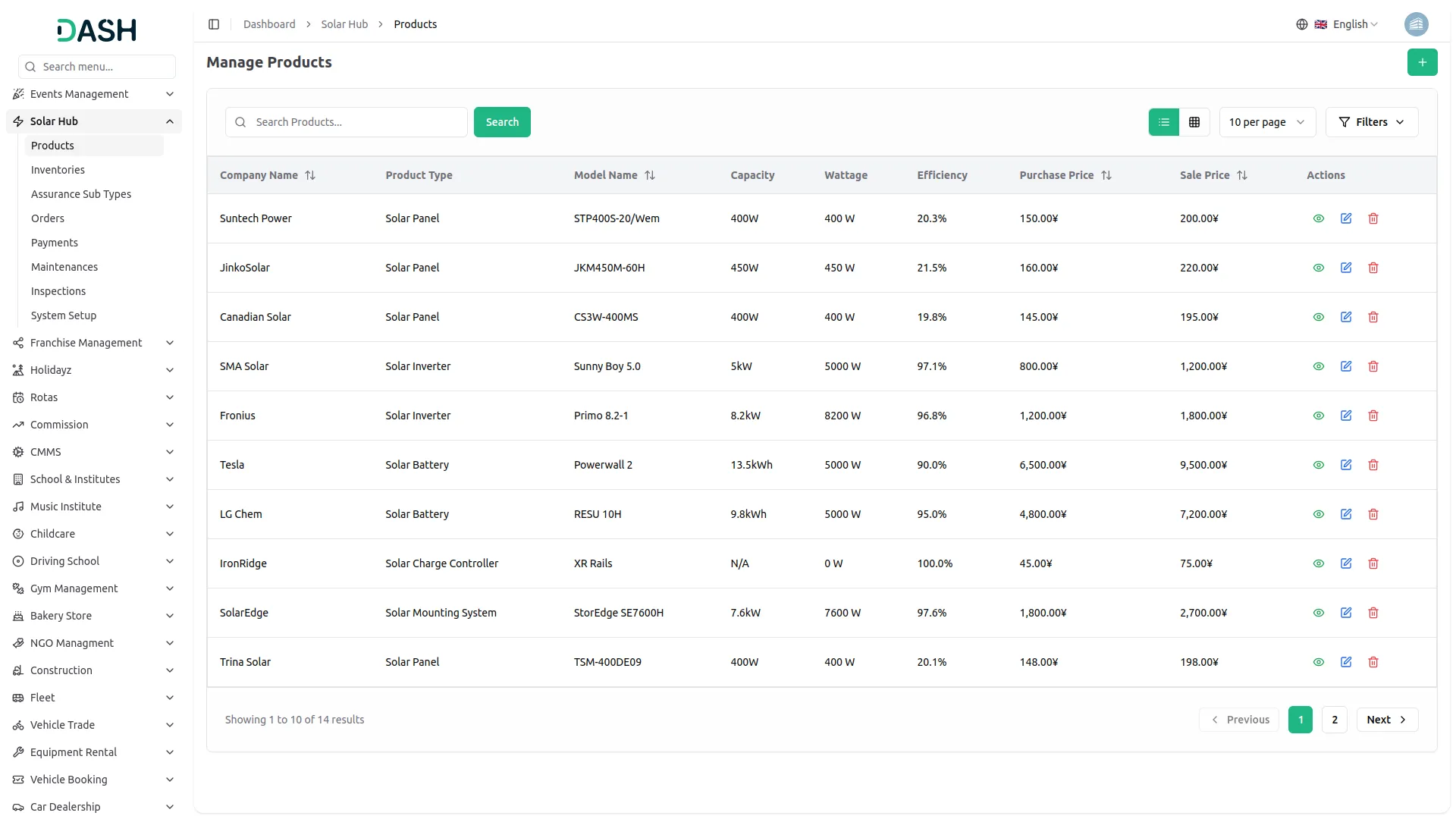
Running a solar business requires efficient equipment management. The Solar Hub stores every product with specifications, pricing, and warranty details, organized by type for easy access. Real-time inventory tracking shows available and reserved stock, with minimum thresholds set for restocking. Automated alerts and reorder notifications keep your team updated and projects running smoothly.
- Track detailed product specifications: capacity, wattage, efficiency.
- Monitor inventory levels automatically in real time continuously.
- Receive alerts for low stock and reorder automatically.
- Manage purchase and sale prices efficiently for each item.
Effortless Order Management
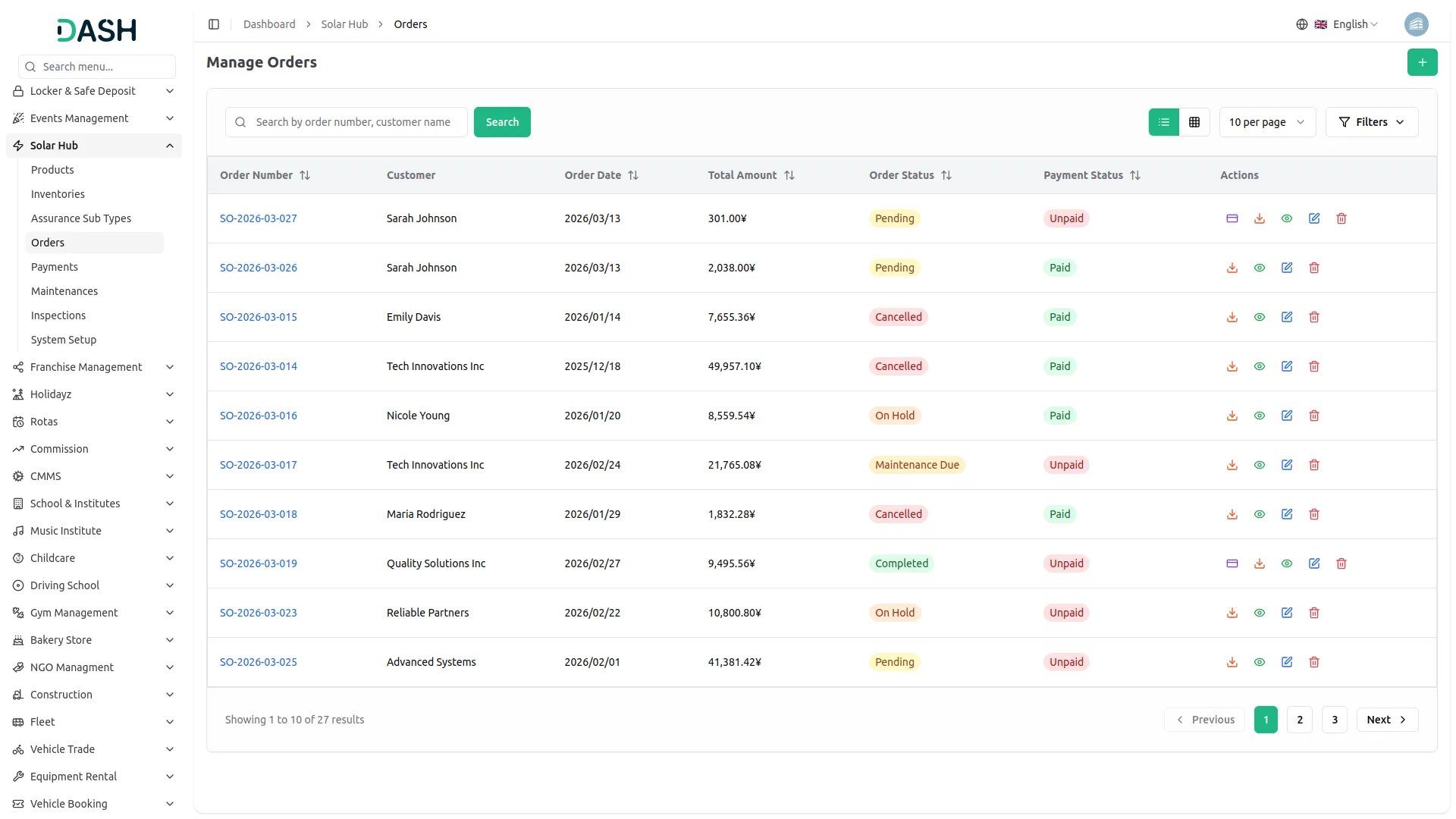
Managing solar orders is simple and streamlined with the Solar Hub. You can create detailed installation orders by selecting the customer, service type, property type, and installation dates. Orders can be assigned directly to the right technician, keeping all stakeholders connected from the start. Each order moves through clear stages: approval, assignment, and completion, so your team always knows its status.
- Handle end-to-end order processing workflow efficiently and accurately.
- Assign customers and technicians to orders seamlessly every time.
- Track multi-stage order status from start through completion consistently.
- Schedule and manage installations effectively for all assigned projects.
Maintenance & Inspections
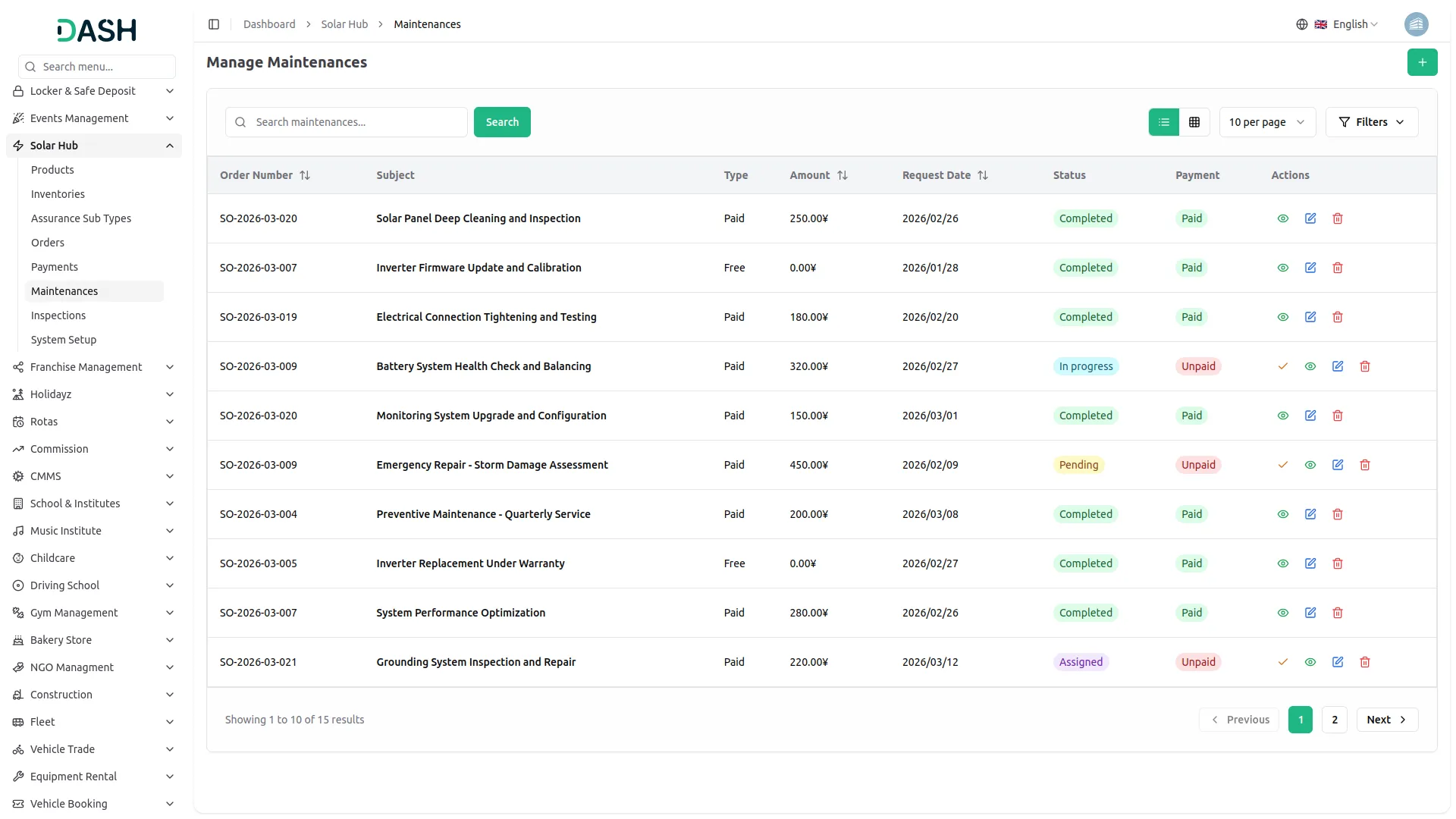
After an order is delivered, the work doesn't stop. The Solar Hub lets you log and manage maintenance requests tied directly to existing orders, track their progress, and record payment status. Similarly, inspections, whether routine, initial, complaint-based, or final, can be created, assigned, and monitored from start to finish, keeping your after-sales service organized and accountable.
- Create maintenance records including type, amount, user, status.
- Mark maintenance payments as cleared instantly with single action.
- Schedule and track inspections across four different types consistently.
- Monitor inspection progress using Pending, In Progress, Completed statuses.
Payments & Assurance Tracking
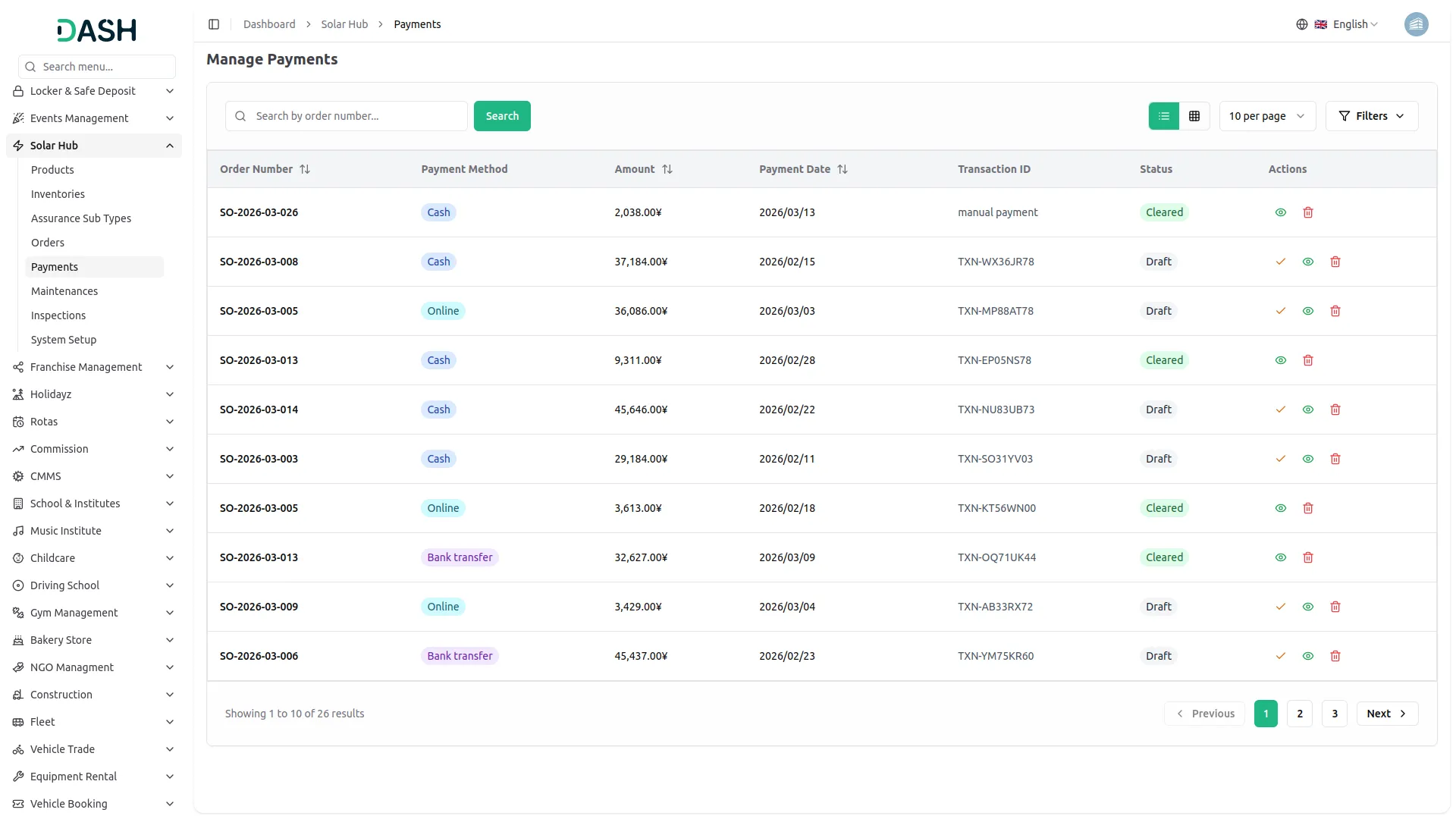
The Solar Hub makes it easy to stay on top of your financial records and assurance commitments. Every payment tied to an order is logged with method, amount, date, and transaction details, and can be moved from Draft to Cleared when confirmed. Assurance sub-types with custom pricing and tax calculations give you full control over the coverage packages you offer to customers.
- View all payment records with method, amount, and current status
- Upgrade payment status from Draft to Cleared in one click
- Create assurance sub-types with automatic tax and total cost calculations
- Filter payments and assurance records by type, status, or search term
Screenshots from our system
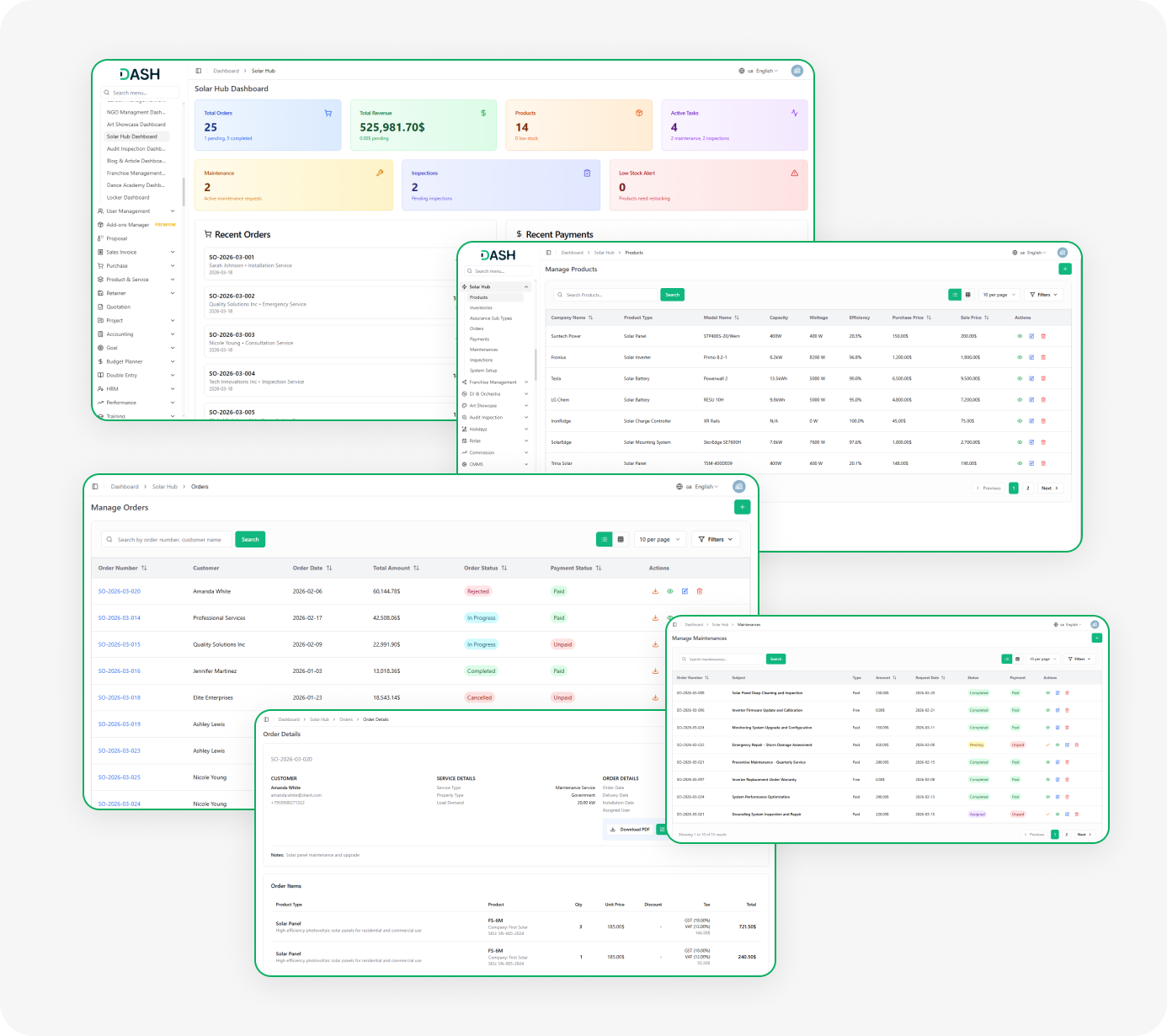
To explore the functionality and usage of these Add-Ons, refer to the accompanying screenshots for step-by-step instructions on how to maximize their features.
Discover More Add-Ons
Unlock even more functionality with additional Add-Ons, providing enhanced networking and customization options for your Dash SaaS experience.

Catering Management
Manage your catering business with ease using our all-in-one Catering Management System. From event bookings and menu customization to venue logistics and invoicing, everything is streamlined in one place.


Side Menu Builder
Side menu builder are often used to provide a tailored and user-friendly experience by allowing users to access specific content or perform actions with a single click. Design a user-friendly form where users can input their Side Menu Builder details, such as the destination URL, link alias, and any additional parameters.

Fast installation process reduces setup complexity for teams
Clean and responsive interface enhances usability experience