
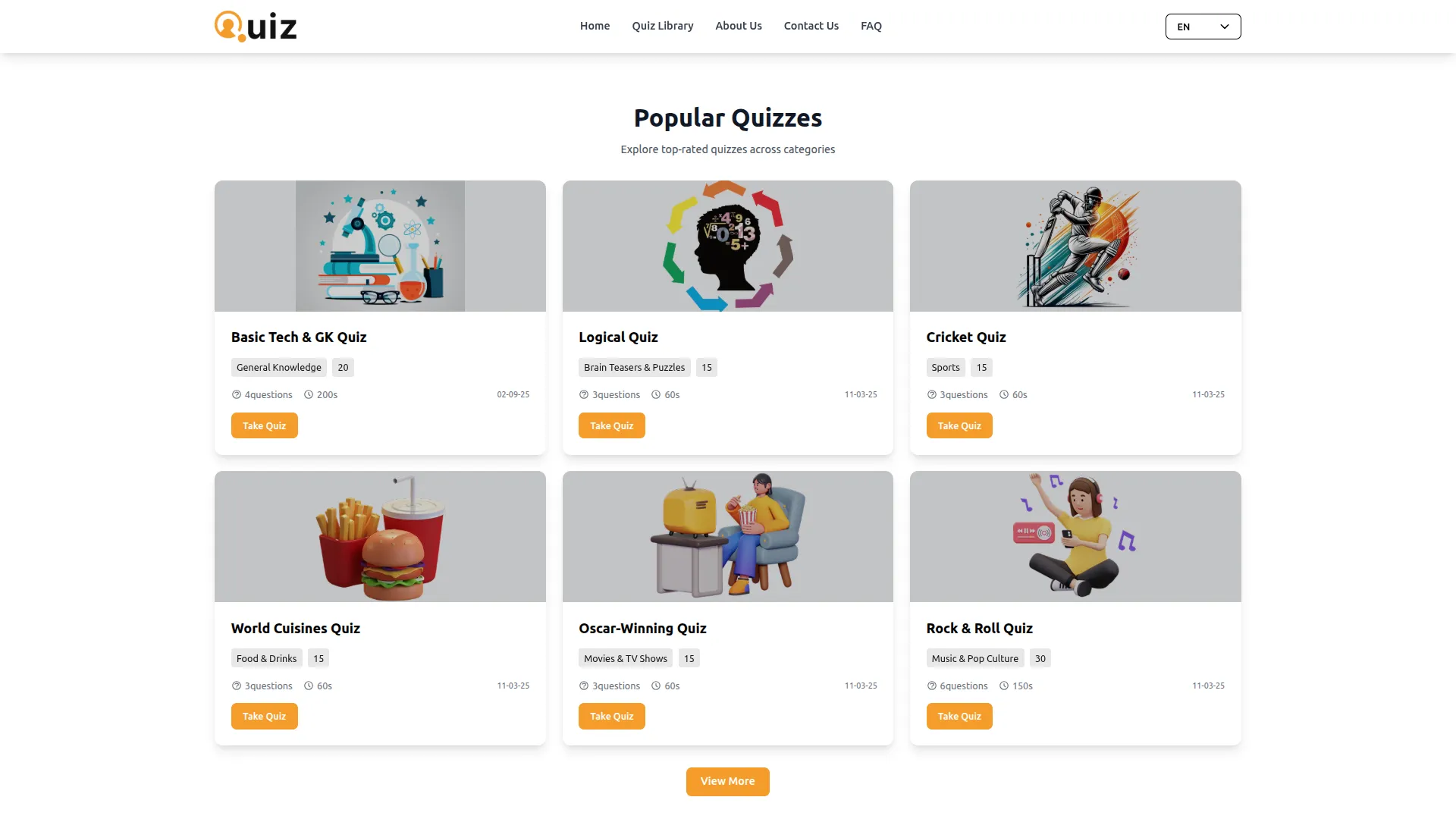
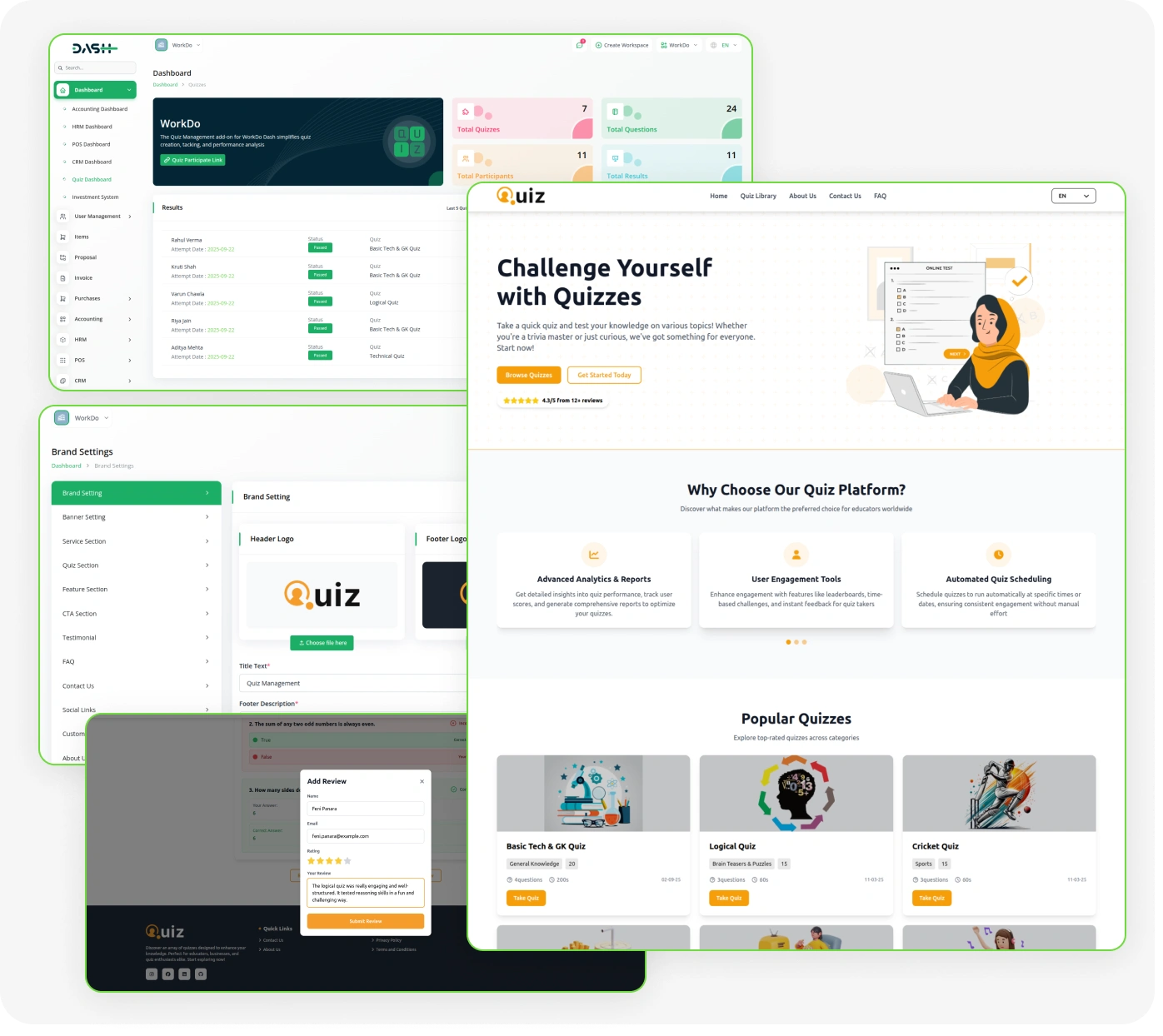
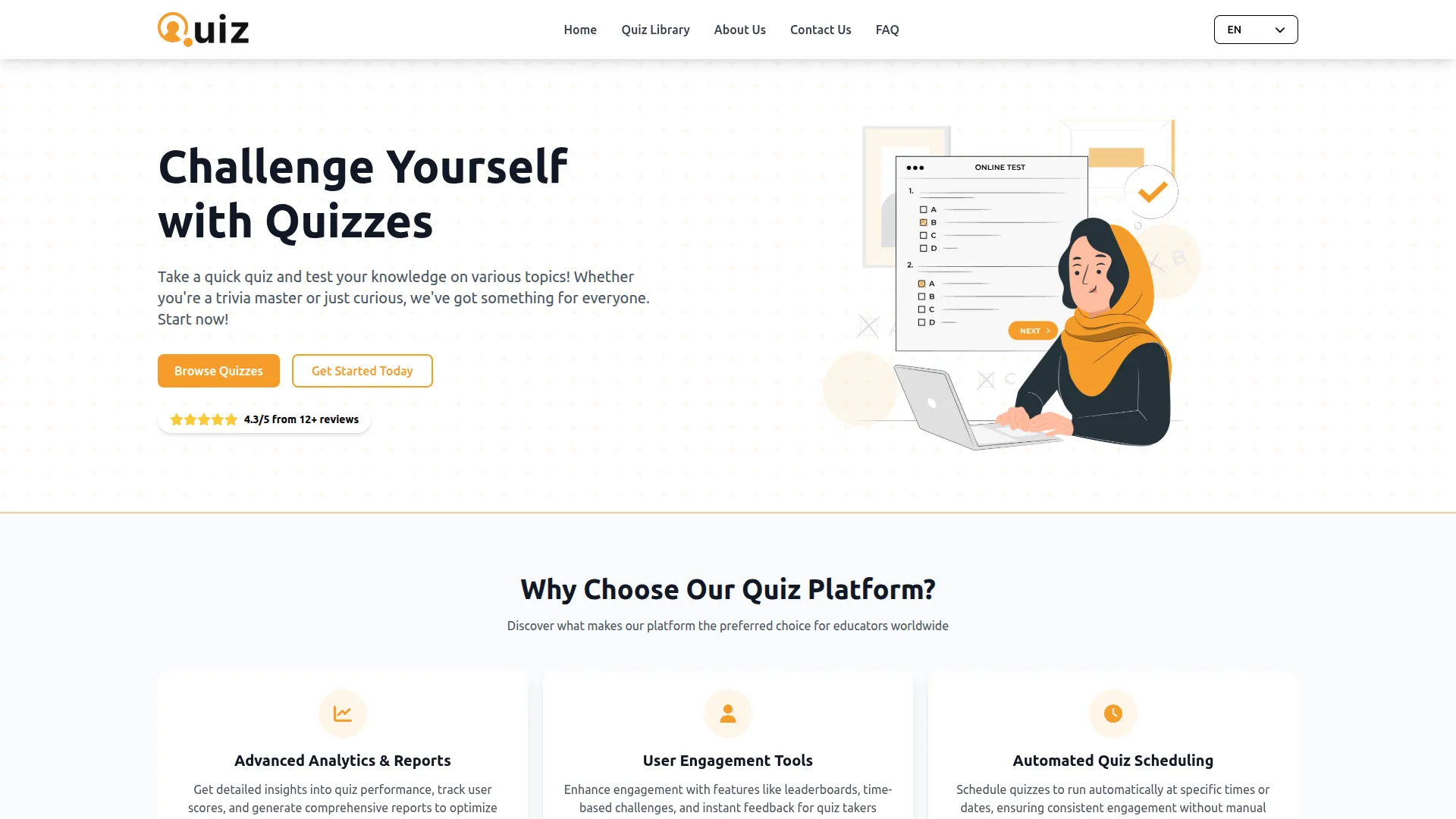
The quiz Add-On offers a fully customizable platform where administrators can manage content, quizzes, and participant interactions without coding. It includes a reusable question library, an interactive quiz builder, and real-time performance tracking. Participants can self-register, track their progress, submit reviews, and engage with quizzes, while admins have complete control over results, feedback, and portal content.
Interactive Quiz Builder with Full Control:
- Interactive Quiz Builder
- Multiple Question Types
- Timed Quiz Sessions
- Category-Based Organization
- Participant Self-Registration
- Real-Time Performance Tracking
- Review & Feedback Collection
- Full Content Control
Complete Portal Customization
The system setup gives administrators full control over the portal’s design and content without any coding. It allows easy management of brand assets, homepage sections, and key elements like banners, features, and testimonials. Administrators can also update pages such as About, Contact, FAQs, and social links from one place. Additionally, newsletter tracking helps monitor audience growth while keeping the portal aligned with the brand.
- Full control over homepage, about, and FAQ content.
- Manage brand assets, footer, and social links.
- Support for custom pages like Privacy Policy.
- Track and manage newsletter subscriber list backend.
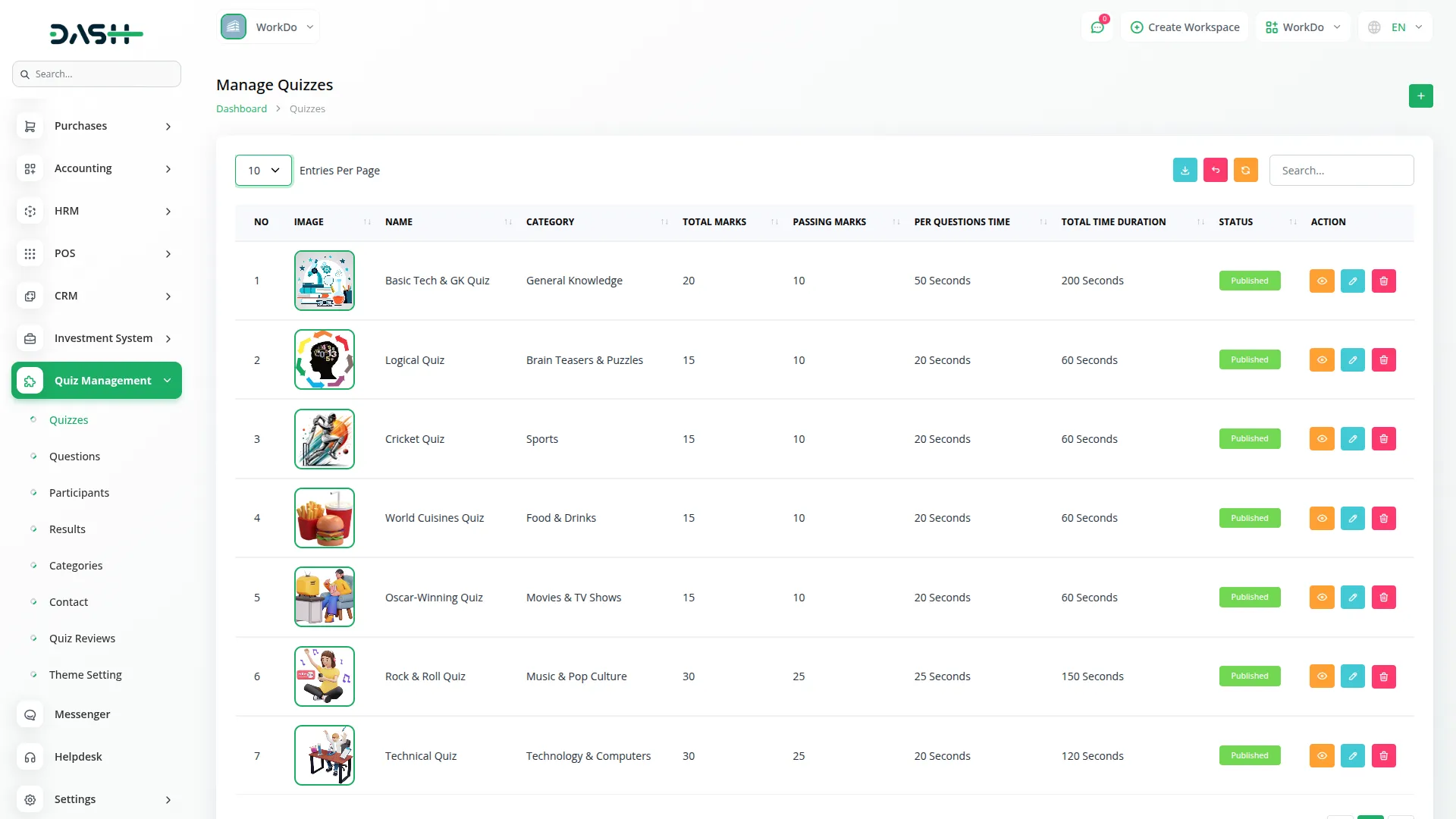
Quiz & Question Management
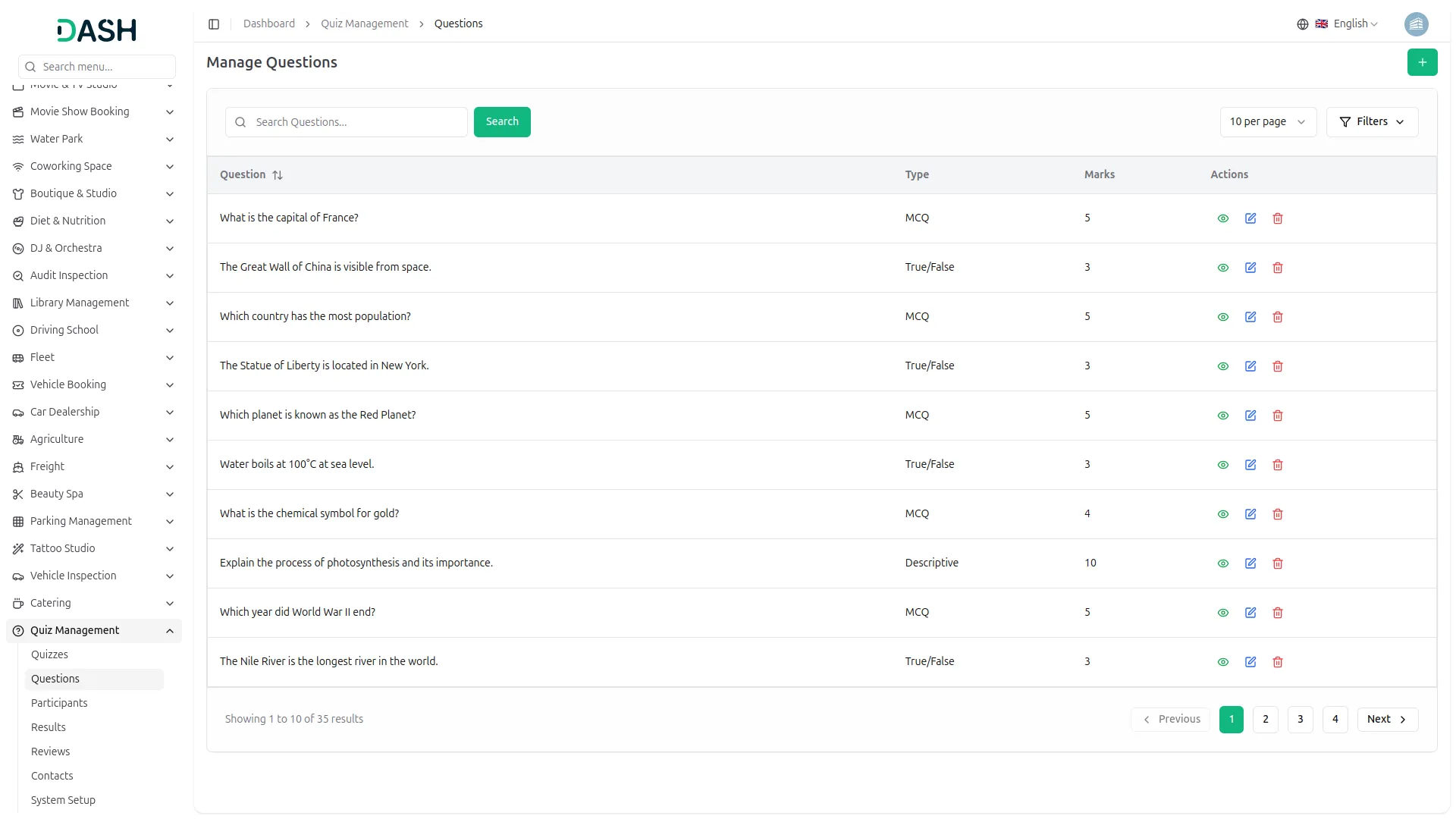
The quiz and question management system acts as the core of the platform, organizing all questions in a reusable library. It supports multiple formats such as choice-based, statement-based, and open-ended questions. Quizzes are created by selecting questions, assigning categories, time limits, and passing criteria. The system automatically calculates total marks and duration, while allowing quizzes to be saved as drafts or published when ready.
- Reusable question library supports multiple question formats.
- Mark values assigned per question reflect quiz totals.
- Configure time limits and passing marks for quizzes.
- Draft and publish controls manage quiz visibility portal.
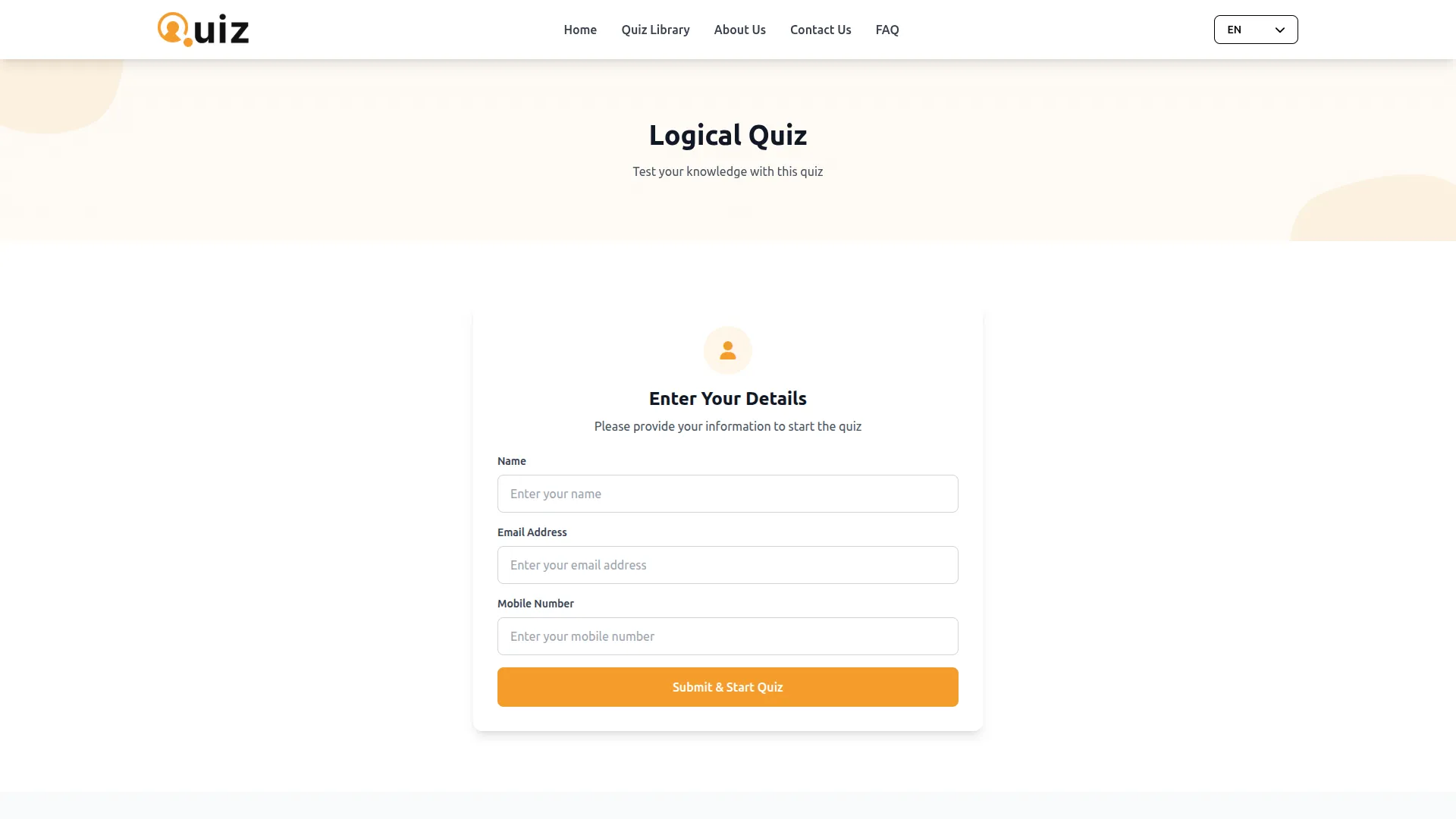
Participant Registration Management
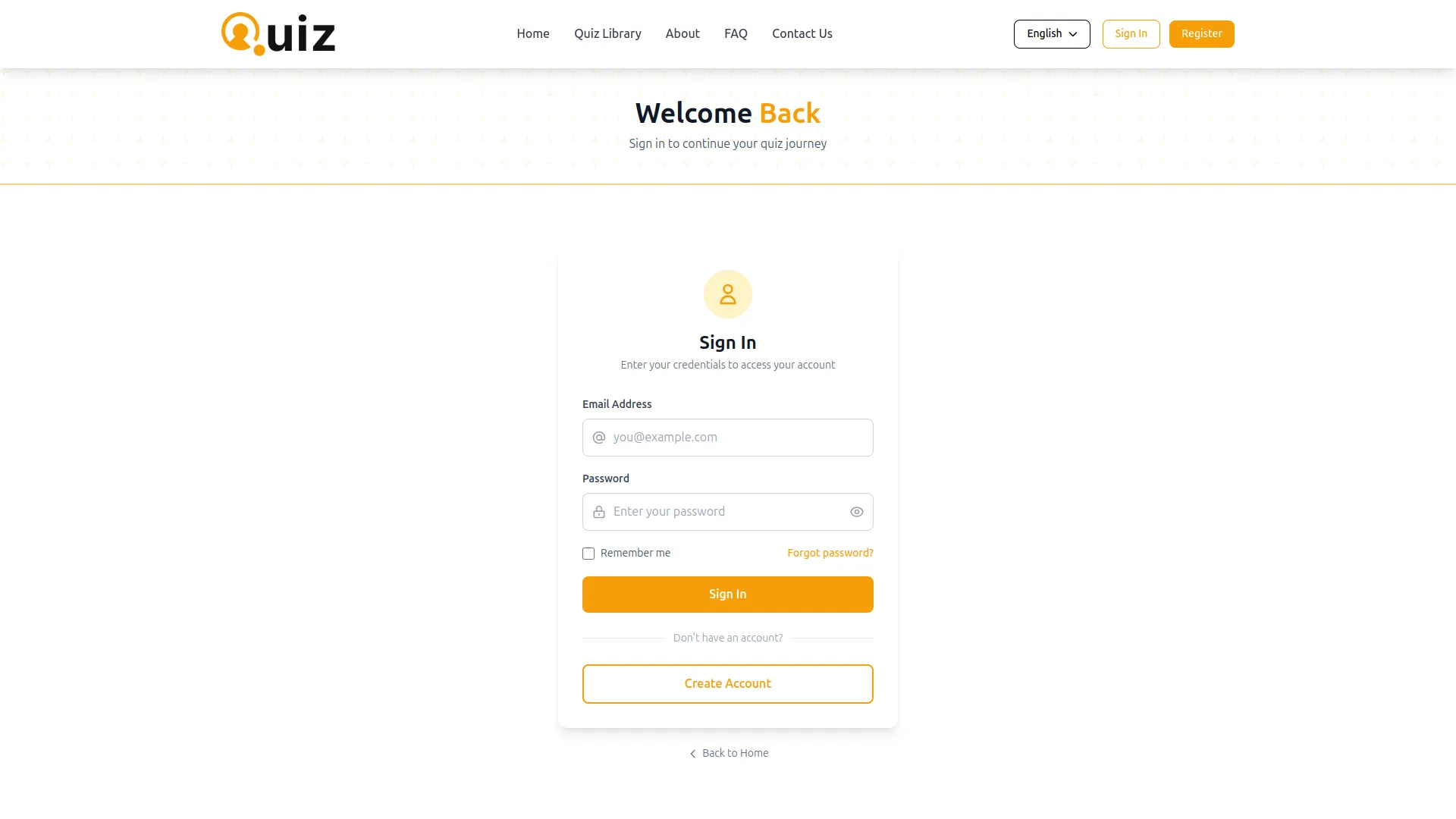
Visitors can easily register on the quiz portal and access the complete quiz library. Each user gets a personal profile that tracks their attempts, scores, and overall performance. This helps participants monitor their progress and understand their strengths and weaknesses. The self-managed registration and detailed profiles encourage continuous engagement and learning.
- Self-registration allows personal account access to quizzes.
- Personal profile shows full attempt history and performance.
- Pass rate, attempts, and scores available per participant.
- Participant data synced automatically to backend, no admin.
Question & Participant Control
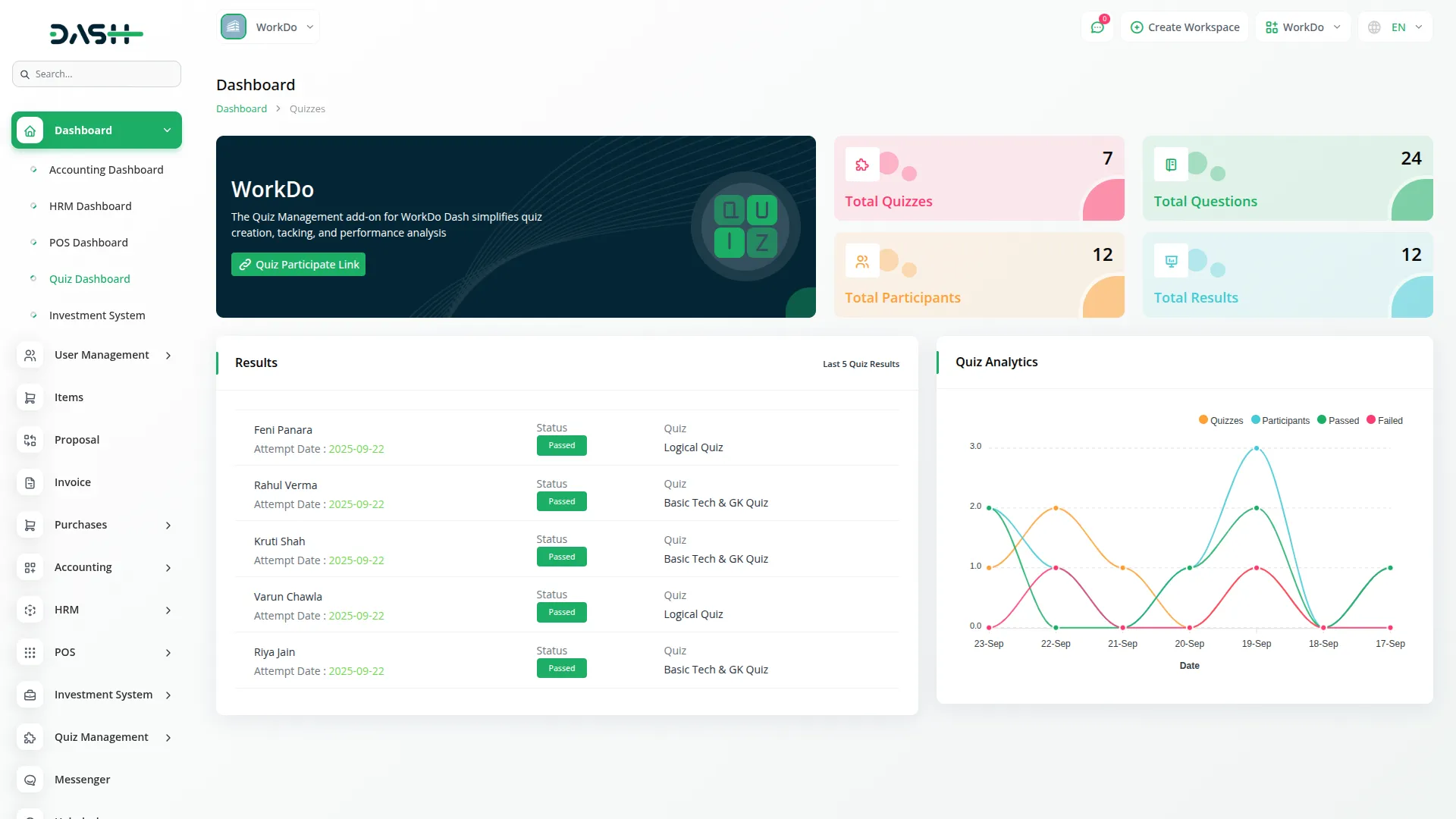
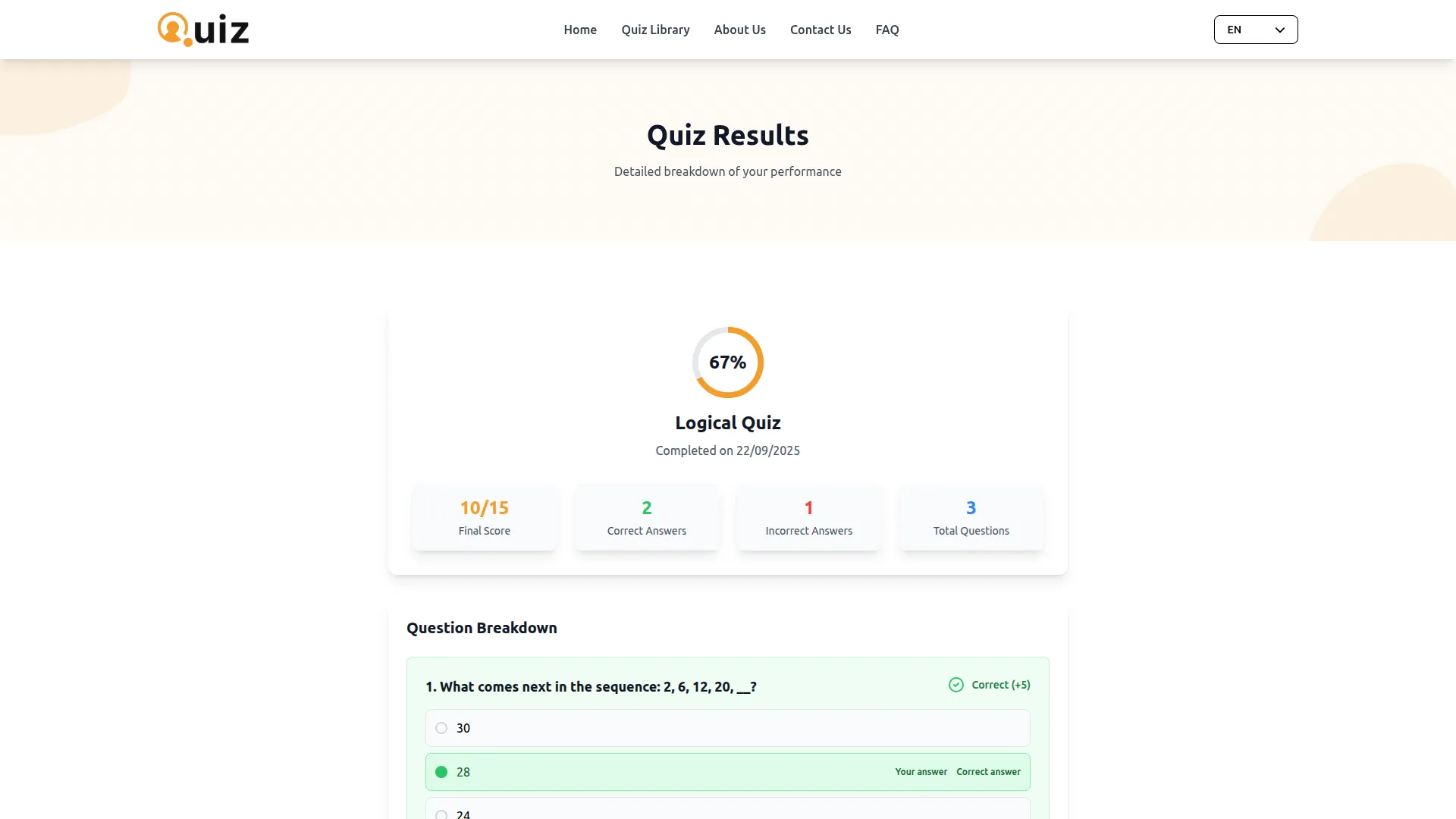
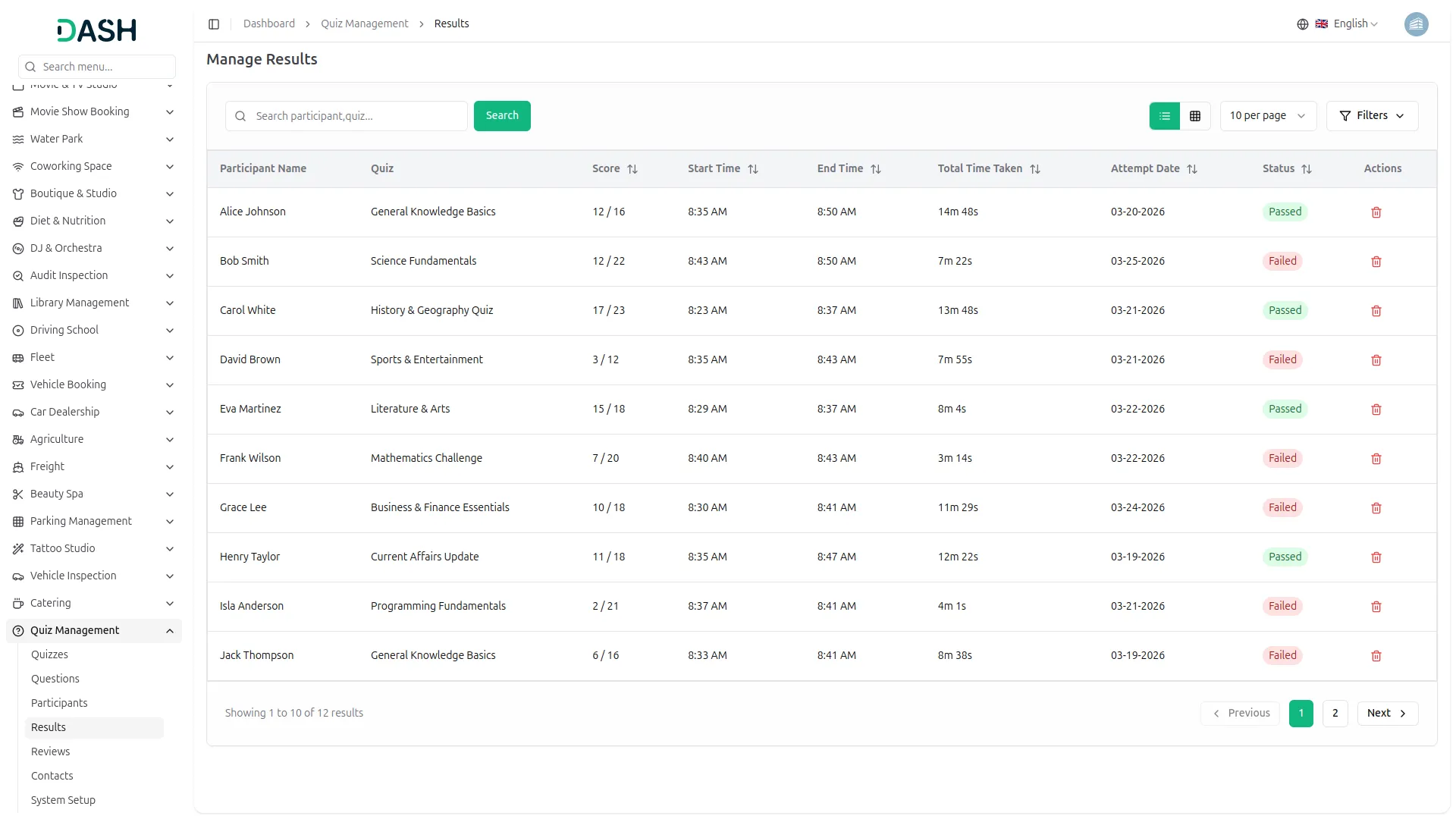
Each time a participant completes a quiz, the result is instantly recorded and shown in their profile. It includes details like scores, time taken, and pass or fail status based on set criteria. This provides users with a clear and immediate understanding of their performance. Administrators can also access a detailed results log to track and analyze overall quiz activity.
- Instant results recorded after every quiz attempt.
- Pass/fail status assigned based on passing marks.
- Participants can view full score history profile.
- Admin results log supports filtering by quiz, status.
Review & Contact Collection
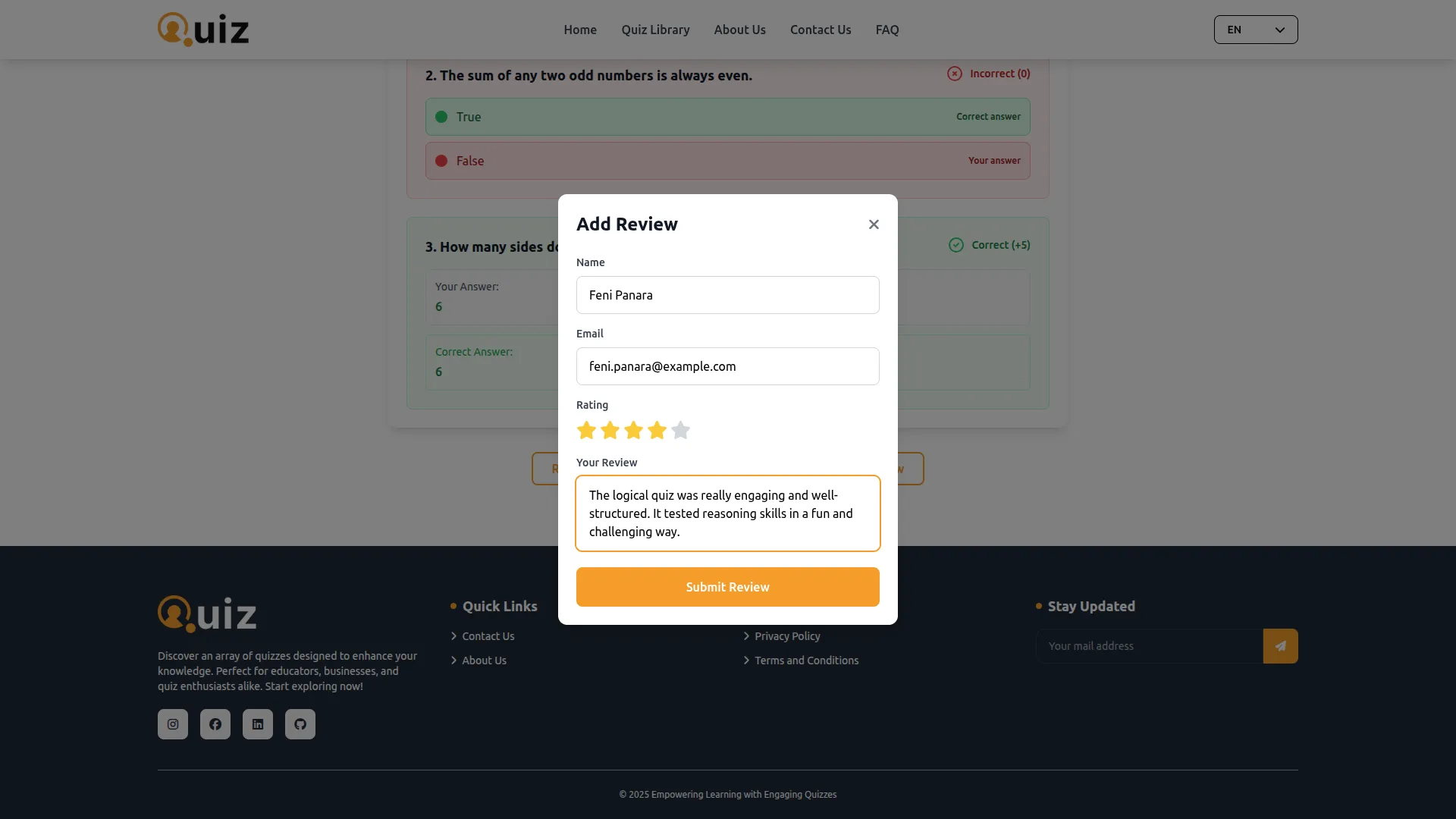
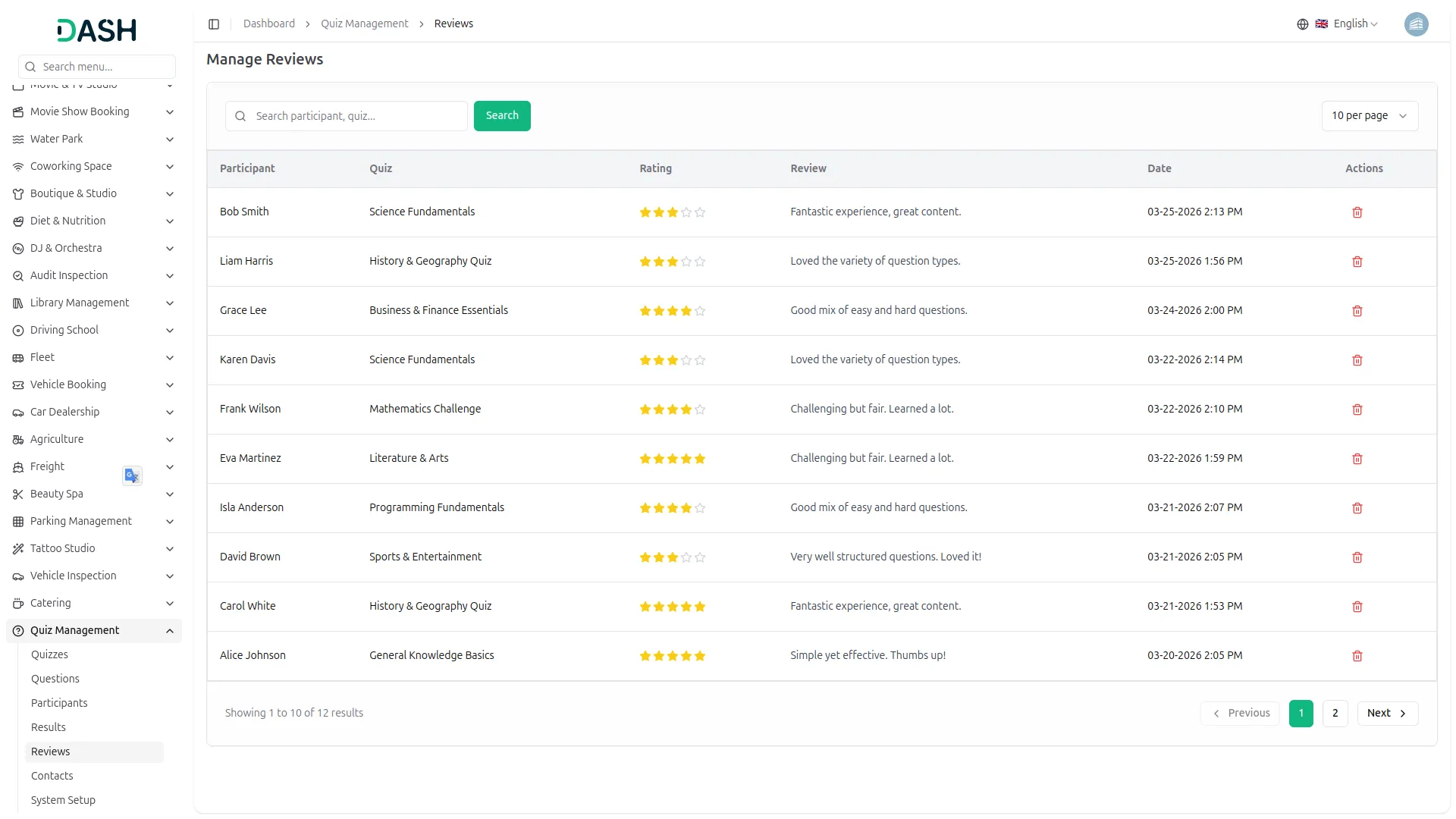
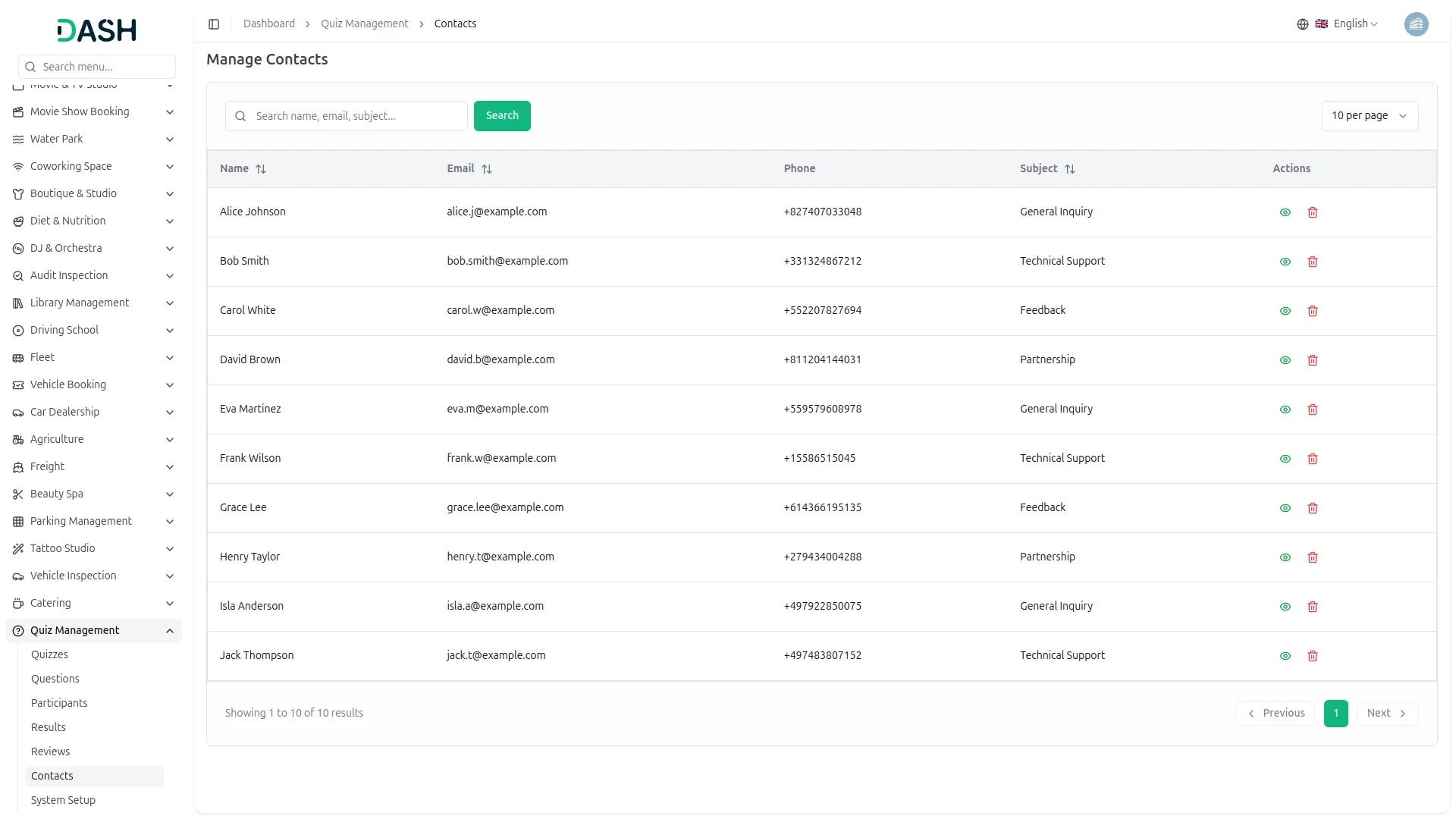
After completing a quiz, participants can submit ratings and comments about their experience. These reviews are stored in the backend and displayed as testimonials to build trust with new visitors. The system also captures all inquiries from the contact form along with user details. This ensures feedback and communication are organized and easily accessible for administrators.
- Post-quiz reviews collected with star ratings, comments.
- Approved reviews displayed automatically in testimonial section.
- Contact form submissions recorded with sender details.
- Admin manages all reviews and inquiries from backend.
Screenshots from our system
To explore the functionality and usage of these Add-Ons, refer to the accompanying screenshots for step-by-step instructions on how to maximize their features.
Discover More Add-Ons
Unlock even more functionality with additional Add-Ons, providing enhanced networking and customization options for your Dash SaaS experience.


Mobile Service Management
Dash SaaS presents the integration of Mobile Service Management, a solution designed to revolutionize customer service operations.


Budget Planner
In today's fast-paced world, managing finances can often feel like navigating a labyrinth. However, with the Dash SaaS Budget Planner, financial clarity and control are within reach.
Features are innovative
Bugs fixed super fast